


If you’ve ever tried to pair your desktop, laptop, or game console with a TV or screen, you’ve definitely heard of HDMI. Over the past 20 years, HDMI has established a foothold in the field of widely used display interfaces. However, DisplayPort continues to see a tug of war with HDMI in the form of competitors, and many high-performance or computer enthusiasts choose the former over HDMI. Since both interfaces allow you to connect an external screen to your computer, it can be difficult to choose between them if you’re not familiar with them, but there are many differences between the two. This time, we’ll compare DisplayPort vs. HDMI to help you pick the best option for all your needs.

When connecting to a screen, which one should I choose, DisplayPort or HDMI?
Introduction to DisplayPort and HDMI
Launch time
DisplayPort’s history dates back to 2006, when the first version of the interface received VESA approval. It went through four major revisions over the next decade (six if you count 1.1a and 1.2a as separate versions), and by 2019, DisplayPort 2.0 began to gain popularity. On January 8, 2024, VESA launched DisplayPort 2.1a, the latest version of the display connection that increases data throughput to 54GB/s over a 2-meter cable.
HDMI, meanwhile, was released in late 2002, so it’s a lot older than DisplayPort. Like its competitors, HDMI has gone through multiple revisions over the next decade, with version 2.0 first introduced in 2013, and as of now, the current version of HDMI is 2.1b, a minor update published on August 10, 2023.
Physical properties and types
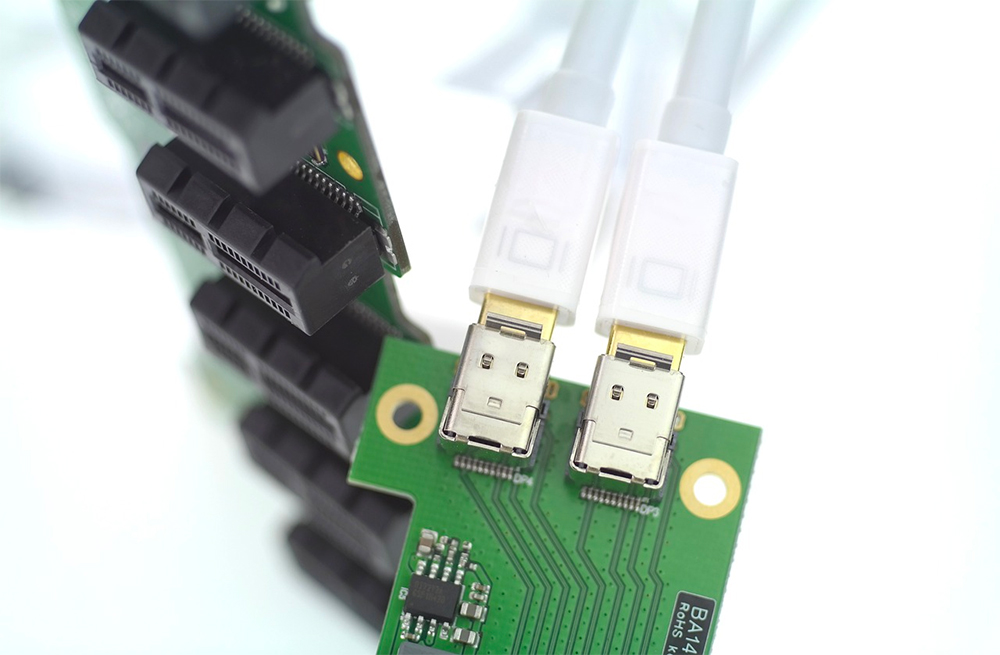
One of the biggest differences between DisplayPort and HDMI is the number of pins on the port. DisplayPort comes in two shapes, the standard version used by most GPUs and the mini version introduced by Apple in 2008. The regular rectangular DisplayPort port is still in use today, while the Mini DisplayPort was mainly used by Mac laptops before being replaced by USB Type C. Although the two DisplayPorts are different in size, they both have the same 20Pin.
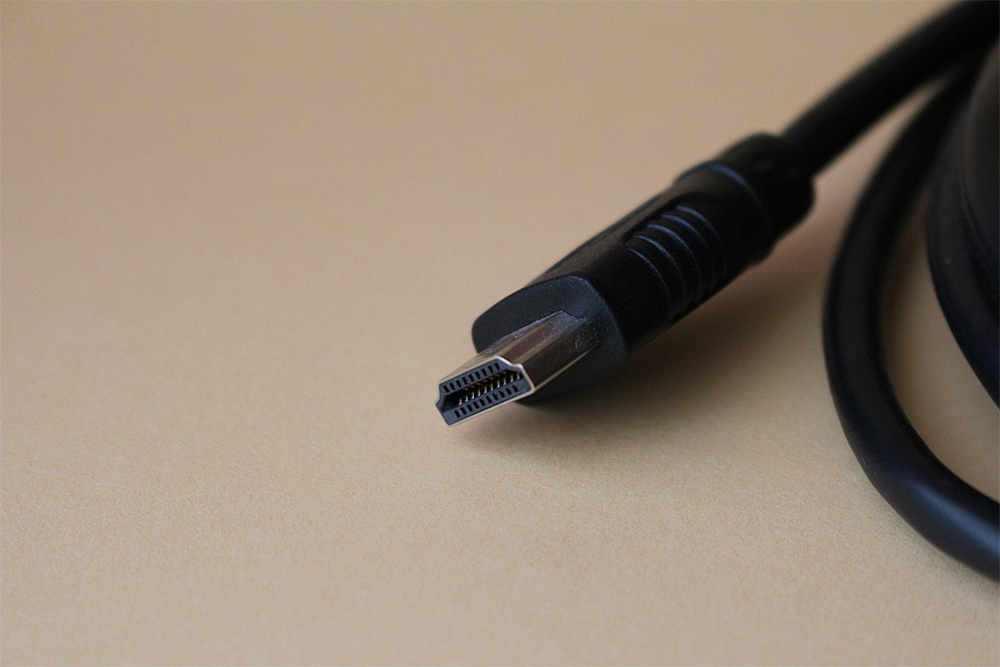
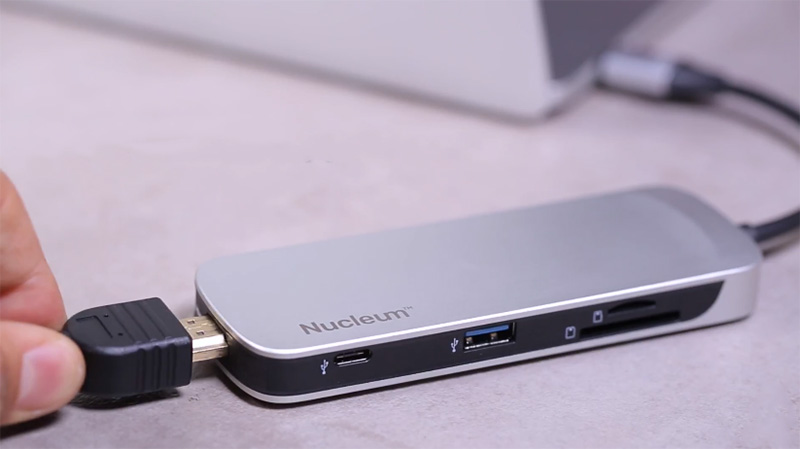
There are five types of HDMI, and not all ports have the same pinout. HDMI Type A port is the most common variant and has a 19Pin structure. By comparison, Type B or Extended HDMI has 29 pins, which thankfully you’ll rarely see on a monitor or GPU. There are also Mini HDMI (Type C) and Micro HDMI (Type D) ports, which compress the 19-Pin design of the standard HDMI socket into a smaller size. The Mini HDMI port is used on tablets, laptops, and portable monitors, while the smaller Micro HDMI connection is suitable for tiny devices like the Raspberry Pi. Finally, some models support an HDMI Type-E connector, which has a locking tab to prevent accidental removal of the cable.
The standard DisplayPort connector has a locking mechanism that requires you to press down on the latch to detach the cable from the monitor/GPU. On the other hand, with the exception of E-type connectors, most HDMI interfaces do not have latch structures or locking mechanisms.
DisplayPort vs. HDMI Comparison
Maximum resolution, frequency and bandwidth – DisplayPort wins
When comparing the new versions of the two interfaces, DisplayPort 2.1 beats HDMI 2.1 in terms of sheer performance. DisplayPort 2.1 has a maximum bandwidth of 80GBps thanks to proper Ultra-High Bit Rate (UHBR) 20 transfer mode, while its competitors top out at 48GBps. In terms of resolution, the latest version of DisplayPort supports up to 16K at 60Hz, compared to HDMI 2.1 which can only go to 8K 60Hz. When comparing the maximum refresh rates of 1080p, the gap is even wider, and while HDMI 2.1 supports 240Hz, DisplayPort 2.1 can hit 900Hz.
Compatibility – HDMI Wins
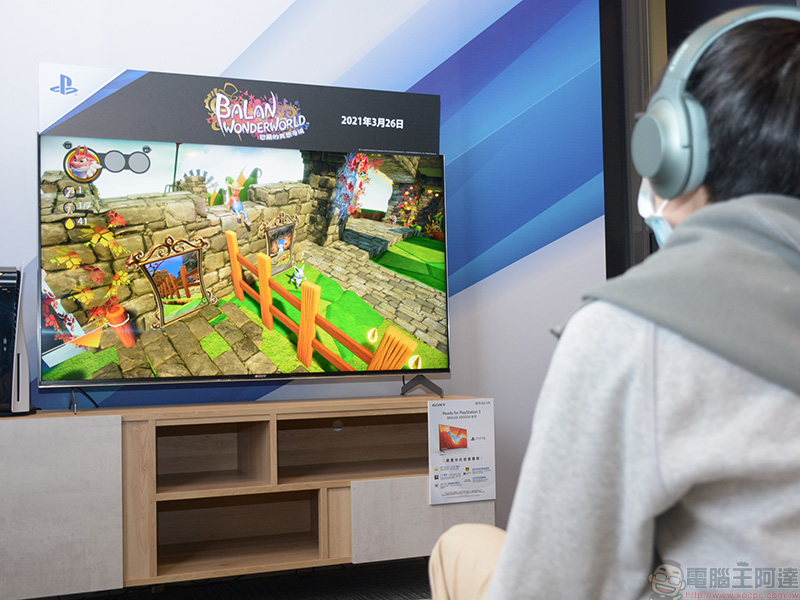
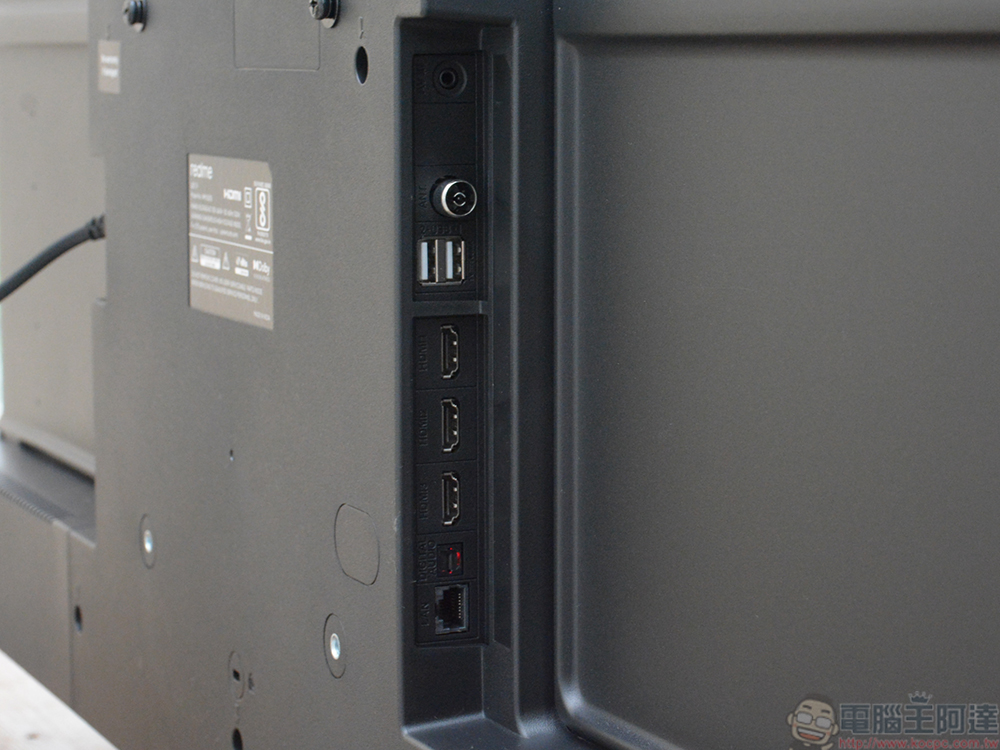
HDMI is considered the industry standard for display interfaces in consumer devices, and most TVs and monitors have more HDMI ports than DisplayPort. Even newer consoles like the PlayStation 5 and Xbox Series X/S don’t come with DisplayPort, instead relying on HDMI to carry the signal to the display.
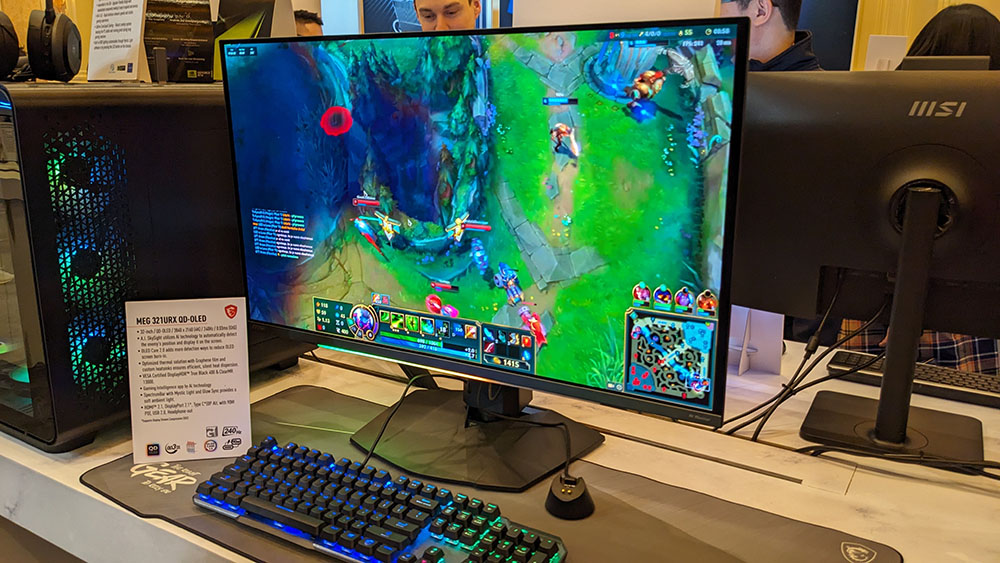
DisplayPort 2.1, on the other hand, remains extremely underutilized, with only AMD Radeon 7000 GPUs and some monitors compatible with the next-generation interface. HDMI won this round as a large number of devices abandoned DisplayPort connections in favor of HDMI ports.
Adaptive sync technology and HDR support – no matter the top or bottom
If you’re plagued by constant screen tearing and stuttering while gaming, you’ll want to consider using adaptive sync technology like Nvidia’s G-Sync and AMD’s Freesync. Monitors compatible with these technologies can dynamically modify update rates based on in-game FPS, preventing visual artifacts while minimizing performance impact.
While Freesync works well with most versions of HDMI and DisplayPort, its Nvidia version makes things confusing. For the longest time, you had to use a DisplayPort cable if you wanted to play games with G-Sync enabled. But in January 2017, HDMI 2.1 added support for Variable Refresh Rate (VRR) technology, which allows users to enable G-Sync functionality over HDMI. Likewise, HDMI used to be the only way to enjoy the superior color and contrast of HDR, however, VESA leveled the playing field in 2016 by adding HDR capabilities to DisplayPort 1.4.
ARC vs. eARC – HDMI wins
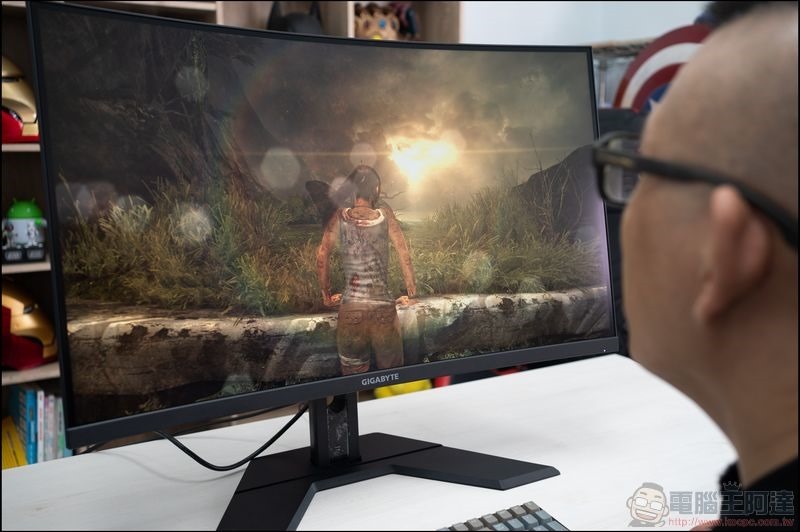
While both monitor connections can transmit audio signals to an external screen, only HDMI supports Audio Return Channel (ARC). As the name suggests, ARC is a tool that allows an HDMI interface to send sound from a monitor/TV to an audio playback device without the need to connect additional audio cables. HDMI 2.1 also supports Enhanced Audio Return Channel (eARC), an improved version of ARC that can transmit audio at faster speeds due to its higher bandwidth.
Multi-screen chaining (Daisy Chain) – Display Port wins
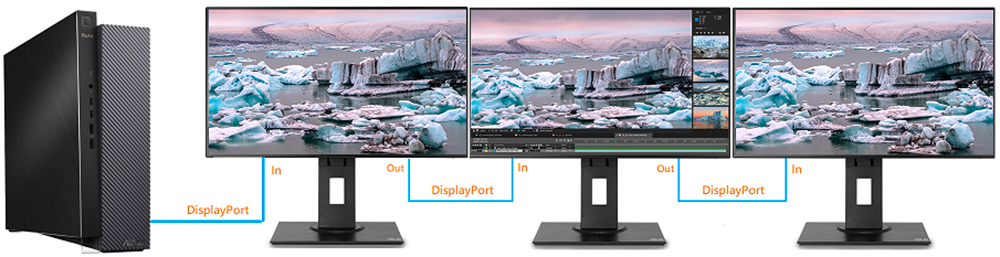
For workers who need more screen real estate, a multi-screen setup can be very helpful. But if you have to use multiple cables to pair all your monitors with your PC, you’ll quickly use up all the ports, not to mention, you’ll end up with a cluttered desk full of cables and wires. Multi-monitor cascading is a method of pairing multiple monitors with a system using a single monitor connection. Unlike HDMI, DisplayPort 1.2 and later supports Multi-Stream Transport (MST), a technology that separates image signals from the GPU to drive multiple displays simultaneously. Pairing the multiple DisplayPort connections available on modern GPUs with the higher bandwidth of the new DisplayPort 2.1 interface enables cascading all displays at high resolutions and refresh rates.
Ethernet Support – HDMI Wins
You might think that HDMI can only carry display and audio signals, but thanks to HDMI Ethernet Channel (HEC), it can even provide access to the network. First introduced in HDMI 1.4, HEC allows compatible devices to exchange data and files over the network without the need for an Ethernet cable connection. The only caveat is that you’ll be hard-pressed to find HEC-compatible devices since the technology never caught on in the consumer world, but nonetheless, HEC is a pretty neat feature unique to HDMI.
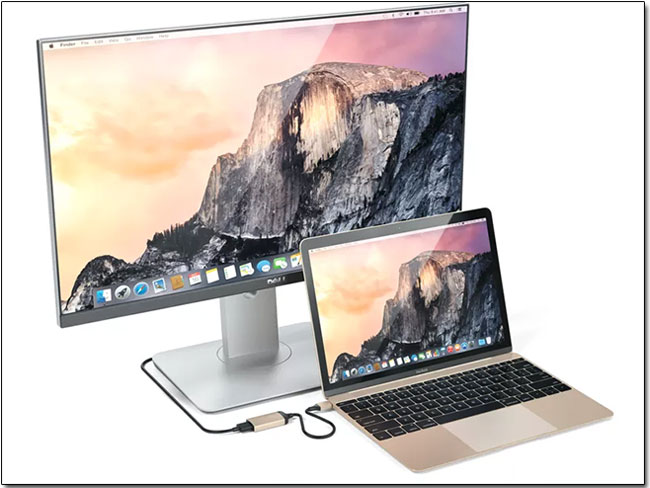
DisplayPort vs HDMI: Which is better?
The choice between DisplayPort and HDMI depends on your specific needs and, more importantly, the version of HDMI / DisplayPort your device supports. If you want to play games at stunning resolutions and smooth update rates, you should go for DisplayPort 2.1 (assuming you can find a compatible GPU and monitor).
Alternatively, if you plan to use the eARC facility to set up a home theater system with audiophile-grade speakers, you should consider HDMI 2.1. But for the average user who just wants to pair their PC with an external monitor, DisplayPort and HDMI can be used interchangeably without any noticeable difference.
Source: KOCPC Chinese