


One of the members of the 3D spatial object scanning application that can most intuitively use LiDAR and TrueDepth sensors, “3D Scanner App”, has recently providedLimited time free offer. Continue reading for free! The 3D Scanner App, which turns your iPhone into a 3D scanner, is down from USD9.99 to free reporting content.
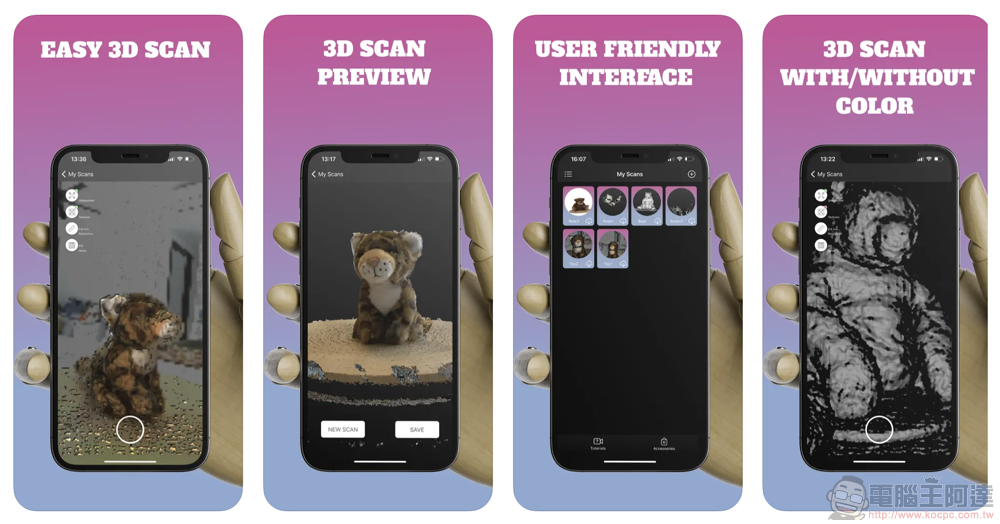
▲Image source: 3D Scan & Save
Free for a limited time! 3D Scanner App that turns your iPhone into a 3D scanner reduced from USD9.99 to free
In the Apple ecosystem, the LiDAR optical radar sensor introduced since the iPad Pro series, and the TrueDepth initially introduced for face unlocking starting from the iPhone, have basically become very common sensor specifications in subsequent iPhone and iPad Pro models.
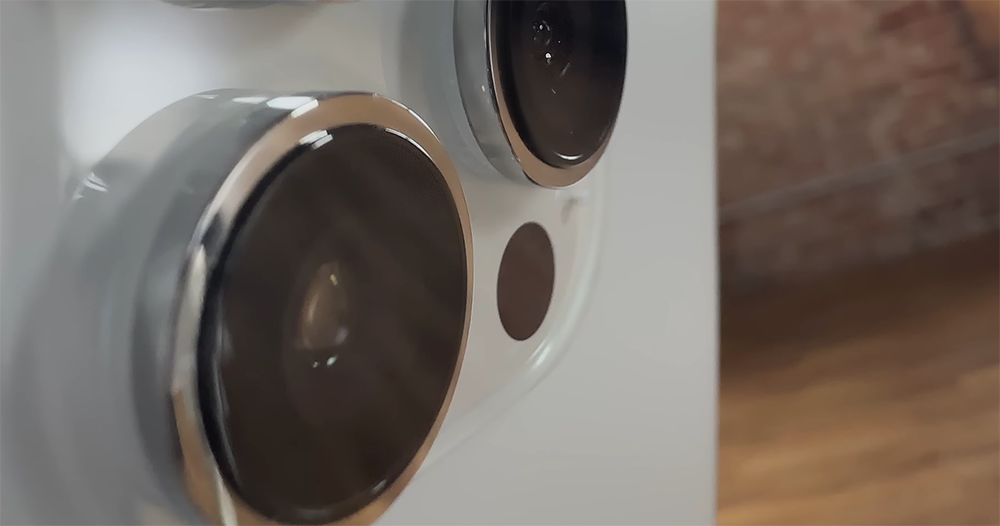
▲Image source: Apple
This specification, which is already very common on Apple mobile devices, basically supports the basic system functions of iOS/iPadOS such as biometric recognition, focus, and portrait mode detection. It has also encouraged many third-party developers to create many extended applications through this sensor, which can measure a large amount of 3D information such as distance through light points.
One of the members of the 3D spatial object scanning application that can most intuitively use LiDAR and TrueDepth sensors, “3D Scanner App”, has recently providedLimited time free offer – Hurry and catch them first! (Limited to free of charge! The 3D Scanner App that turns the iPhone into a 3D scanner has been reduced from USD9.99 to free (Updated on 2/21: The original price has been restored)
Regardless of whether you have caught this 3D Scanner App, which is reported to be originally priced at US$9.99, the Computer King Ada team still takes advantage of the limited-free promotion opportunity to grab it and try it out to see how this app works – if you really need it but missed the limited-free price, you can also refer to it to see if you have to pay for it!
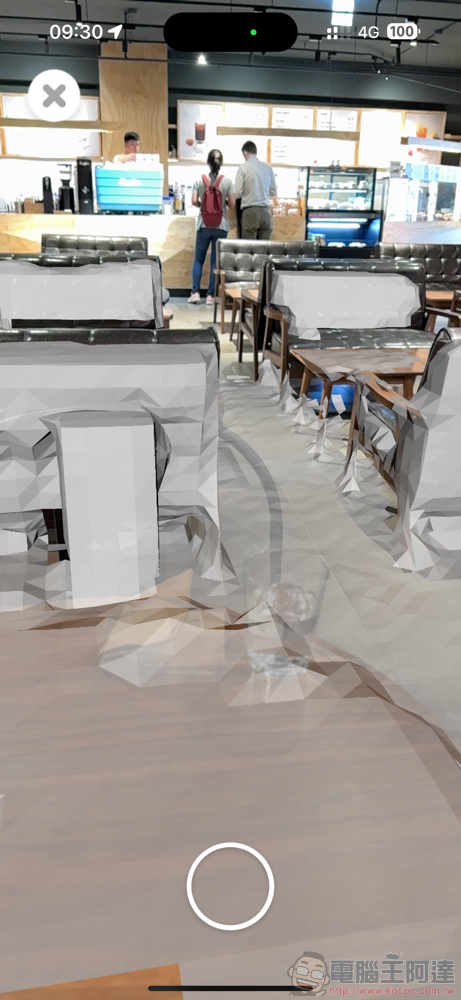
The version of the 3D Scanner App we experienced this time through the limited free opportunity is version 1.5, which supports iPhone and iPad (the minimum version requirement is 13.4), and can even be used on macOS (it seems that the main reason is that the app itself supports the iPadOS app mode. Scanning still depends on the hardware support of the device). The application capacity requirement is not high, and it only takes 41.3MB to install.
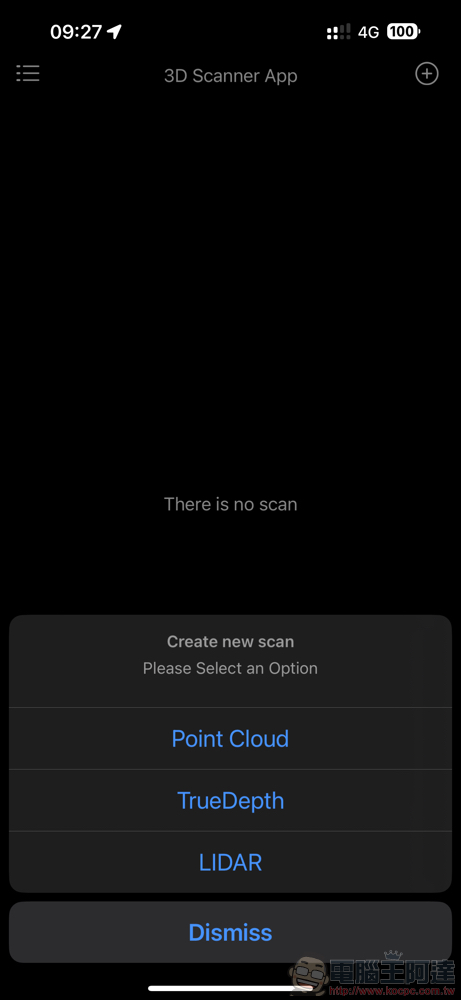
The function of the app is quite simple. Just use the “+” in the upper right corner to choose whether to use Point Cloud, LiDAR on the main lens, or TrueDepth on the selfie camera side for 3D scanning.
After selecting, you may have a moment of doubt that “this is just a video recording app.” But soon after pressing the gray round capture button at the bottom, you will gradually begin to see the scanning effect of real objects superimposed with a layer of gray 3D objects on the screen; after pressing the shutter button that turns red, you can select SAVE on the preview page to save the scan results.
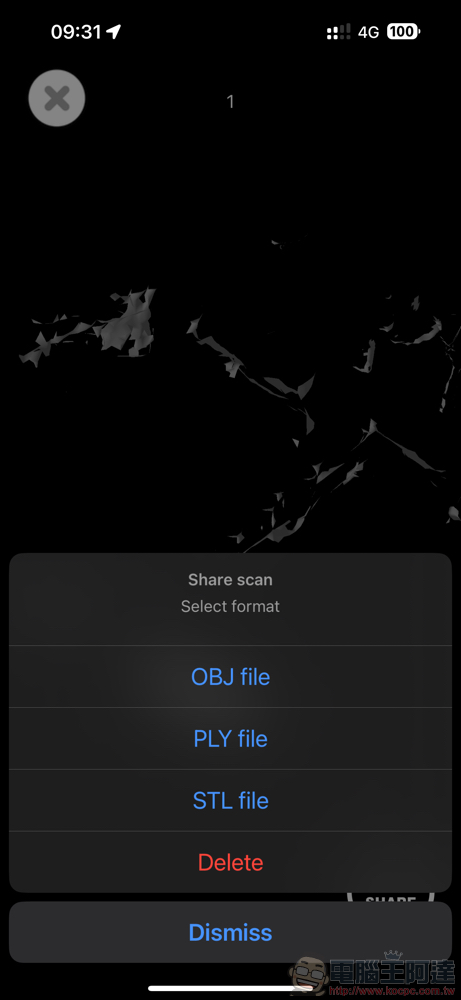
The 3D object formats supported by 3D Scanner App are officially labeled as STL, OBJ, USDZ and PLY. And you can switch to the X-Ray View of the grid-like 3D display, which can also be viewed from a bird’s-eye view. You can freely use touch to move the scanned model to view different angles and use two-finger gestures to zoom in and out of the 3D model. After saving the file, you can select the file on the homepage of the 3D Scanner App to review it again.
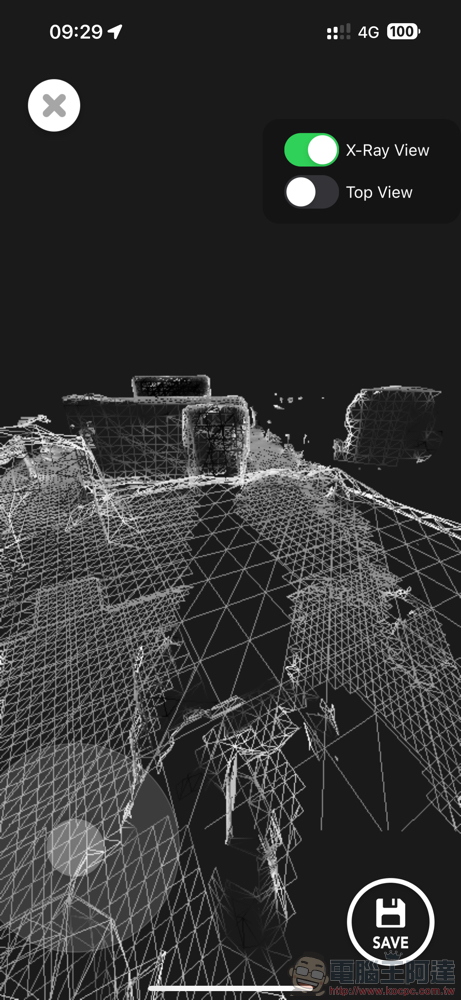
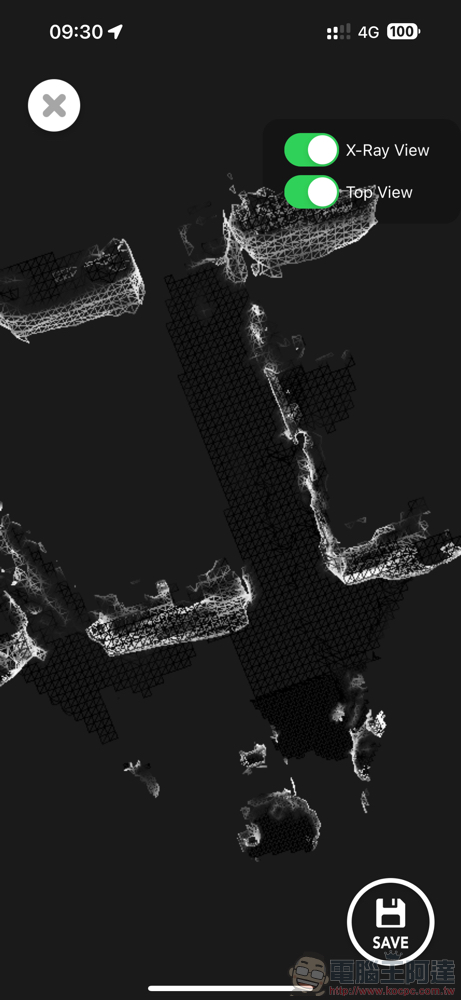
After our simple trial, on the one hand, we feel that the iPhone’s LiDAR scanning range is actually a bit wider than imagined. On the other hand, I feel that even though the initial scanning response of the 3D Scanner App is not very fast, the subsequent scanning and spatial positioning effects are quite good.
Judging from the developer’s demonstration on the App Store, this scanning application should be very suitable for quick scanning and recording of indoor spaces. Friends who have this kind of use need (it should be useful as a reference for decorating the home environment?) I recommend you to use it and give it a try!
Further reading:
Source: KOCPC Chinese