


Memory (RAM) acts as a proxy between the CPU and storage. Your CPU does not have to read everything from the main hard drive. Instead, it stores the data with the highest priority in RAM for quick access, so that the CPU spends less time looking for what it needs. The data stored on RAM is constantly switched as needed, and the amount of RAM required for certain tasks can vary significantly. This time we’re answering one of the most annoying tech questions of all time: How much RAM does your computer need?
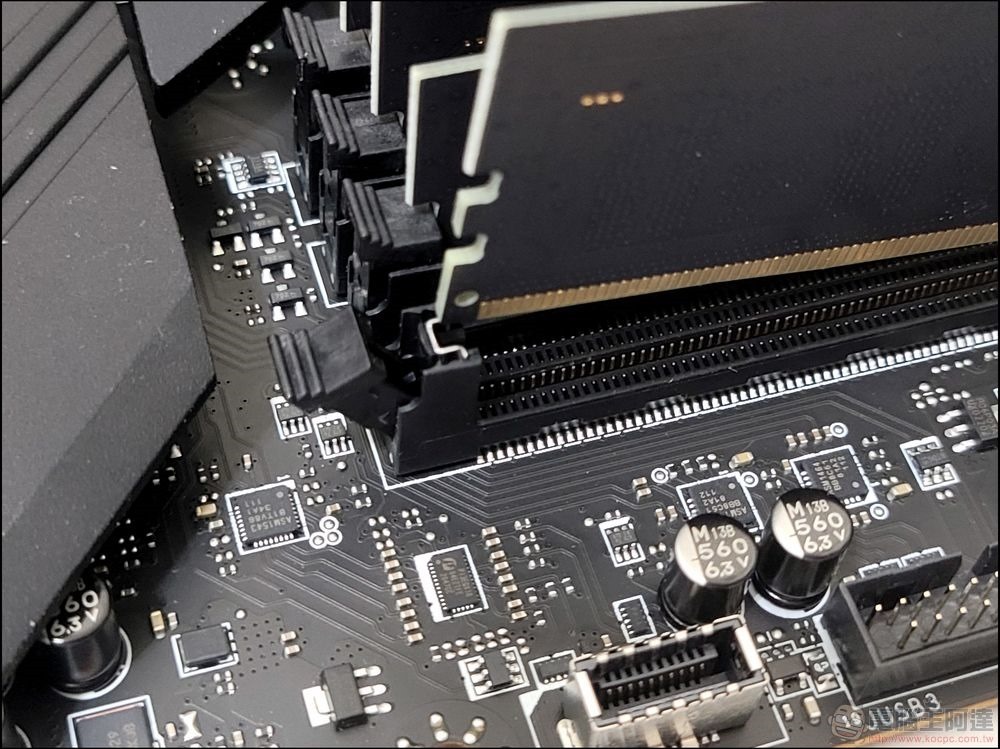
Memory upgrade, how much RAM does your computer need?
Problems caused by insufficient RAM
Since RAM serves as a temporary storage area for the CPU, a lack of sufficient RAM can cause serious performance issues. Have you ever noticed that your favorite programs freeze completely? Have you ever noticed serious slowdowns when browsing web pages with multiple tabs open? Do you find it difficult to have multiple apps open at the same time, even if some are just running in the background? You may even see low available RAM notifications in your operating system, which are signs that your computer may be running out of RAM.
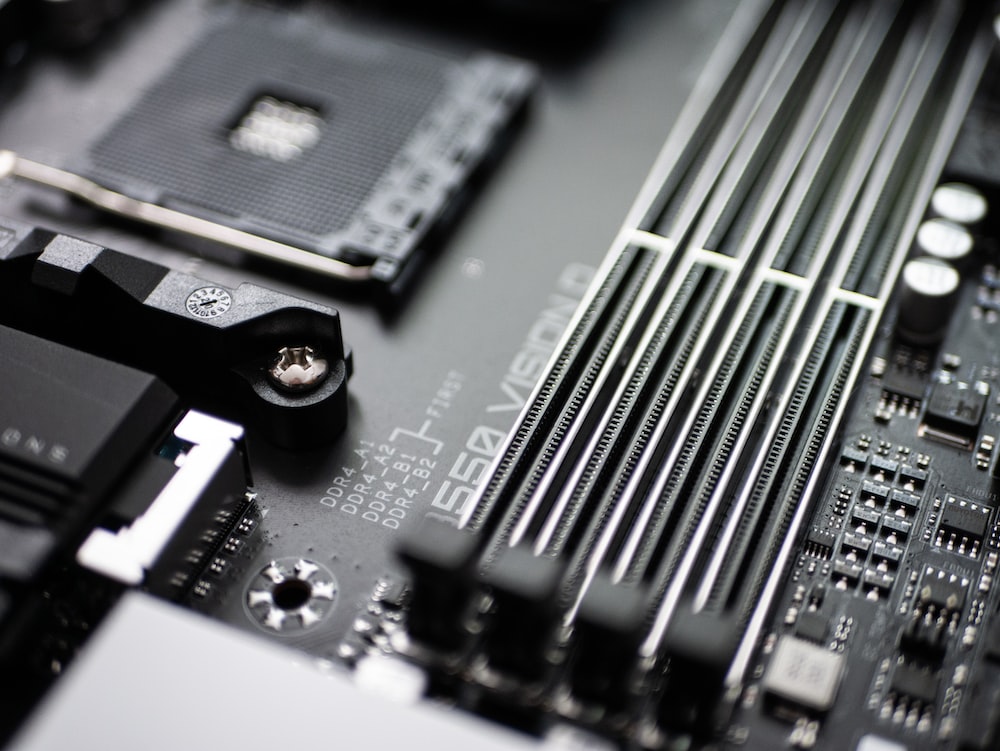
We’ve said before that upgrading RAM can help, and have talked about the benefits of RAM upgrades many times, but adding too much RAM (and in this case, a lot of RAM) may also trigger some CPU usage issues, and no matter what, you don’t want to overspend on a build or upgrade. That’s why it’s so important to find the perfect amount of RAM for your computer.
How do you check the amount of RAM currently on your computer?
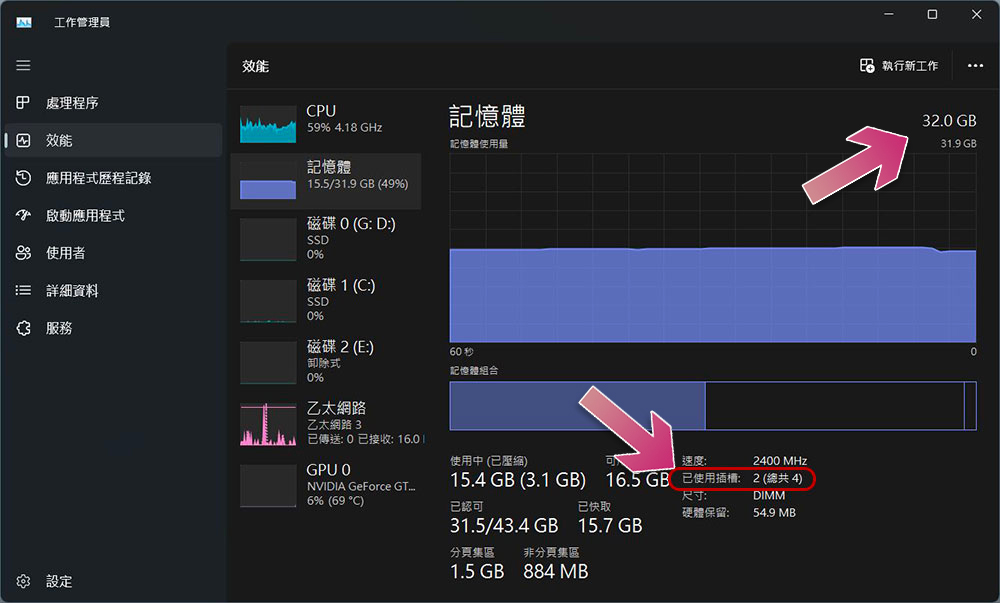
Windows
- Right-click an empty space on the taskbar and select Task Manager.
- Click the Performance tab on the left sidebar.
- You can see the current memory capacity shown above and the number of available slots shown below, and how many you have used.
macOS
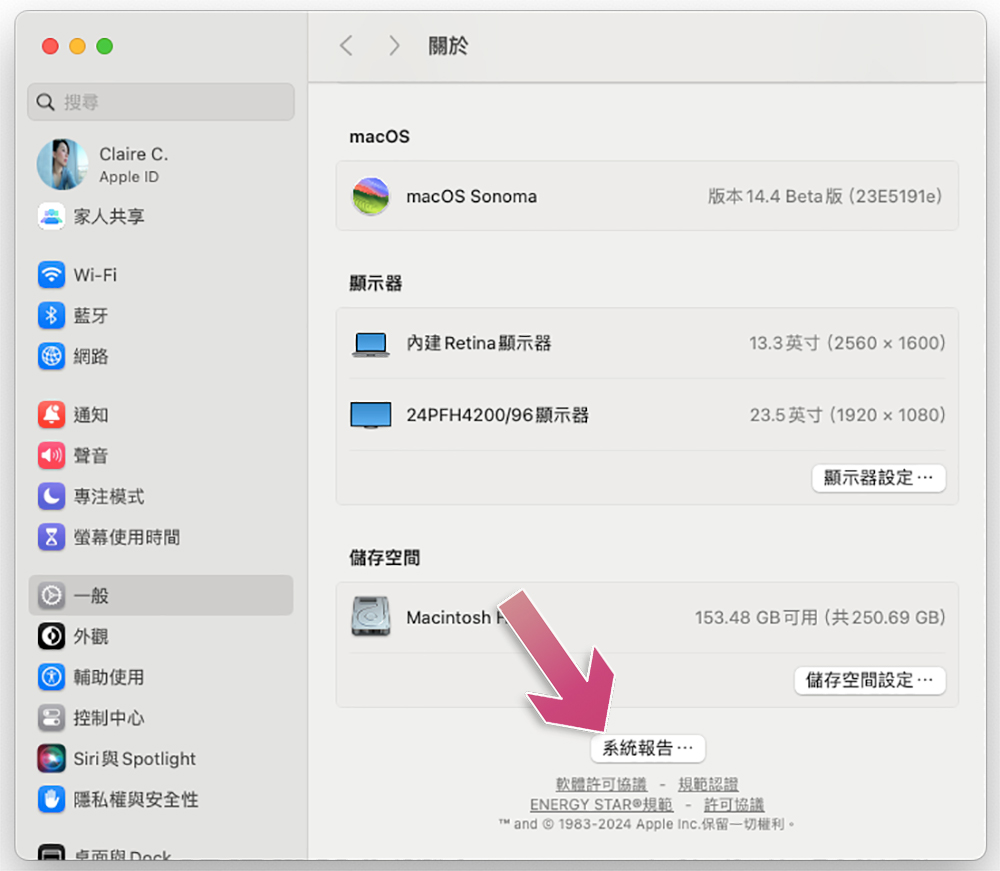
- Click the Apple icon in the upper left corner and click “About This Mac.”
- You can see the current capacity next to the memory field on the pop-up window.
- Click “More Information” to view more detailed system specifications.
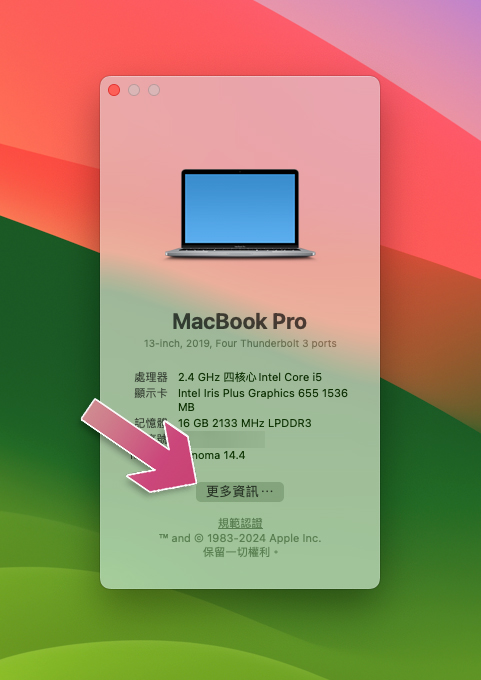
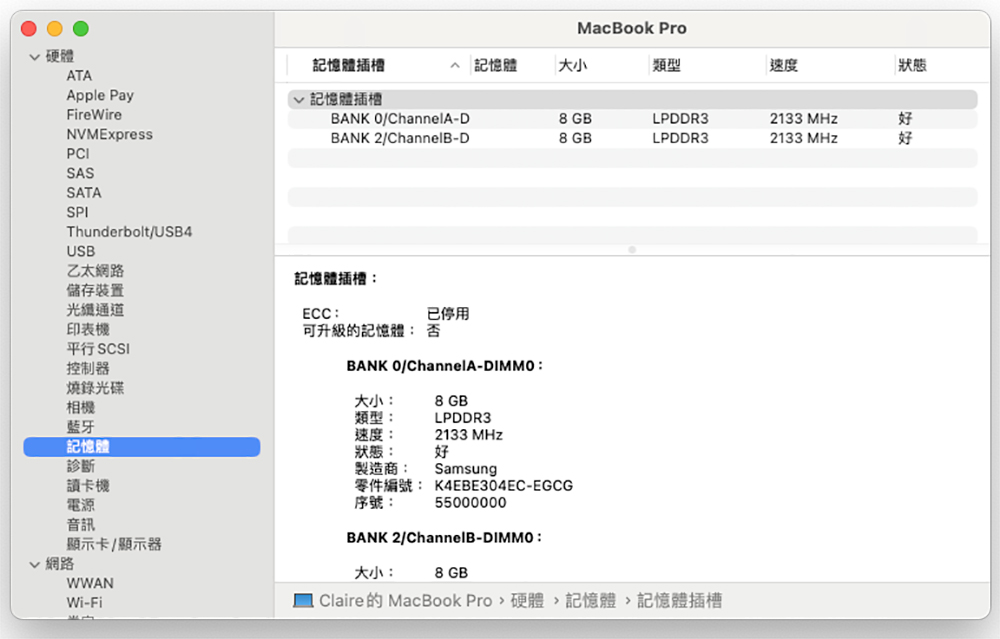
- Scroll to the bottom, click “System Report” and switch to “Memory” to view detailed capacity and type.
Who needs 8GB RAM: A low bid for 2024
While many Chromebooks and budget tablets still come with 4GB of RAM, most devices (including the better tablets) now typically come with at least 8GB of RAM. In terms of laptops and desktops, 8GB RAM is really the minimum standard in 2024. You should have at least 8GB of RAM in your computer to ensure you can do basic productivity work, streaming, and web browsing without running into performance issues. 8GB of RAM will also allow you to enjoy some featherweight gaming or handle some basic photo editing, but if you have greater ambitions in any of the above areas, you should consider a higher capacity.
Who needs 16GB RAM: Sweet spot for most people
Whether you’re using Windows or MacOS, 16GB RAM is the best choice for most users, including professionals, mid-level gamers, and people with business needs. This capability should allow for more heavy-duty multitasking, smooth gaming, and faster spreadsheet navigation. Those interested in photo editing tools, such as those from Adobe or Affinity, will also benefit from having more RAM. Where is the bottom line? If you plan to use the computer for more than just light web browsing and productivity work, then 16GB of RAM will serve your needs well.
Who needs 32GB RAM: For heavier tasks
Many users may consider adding more than 16GB of RAM to their computer, especially if they frequently need to use tools designed for professionals. 32GB of RAM will be enough to tackle anything beyond professional tools like video editing, and it’s even future-ready as memory needs increase. The author considers himself a relatively serious gamer, and my computer gets along well with 32GB of RAM. Of course, there’s room for more RAM, but when the RAM can’t be utilized properly, I don’t see the need to spend more money, and even 16GB might suit my needs.
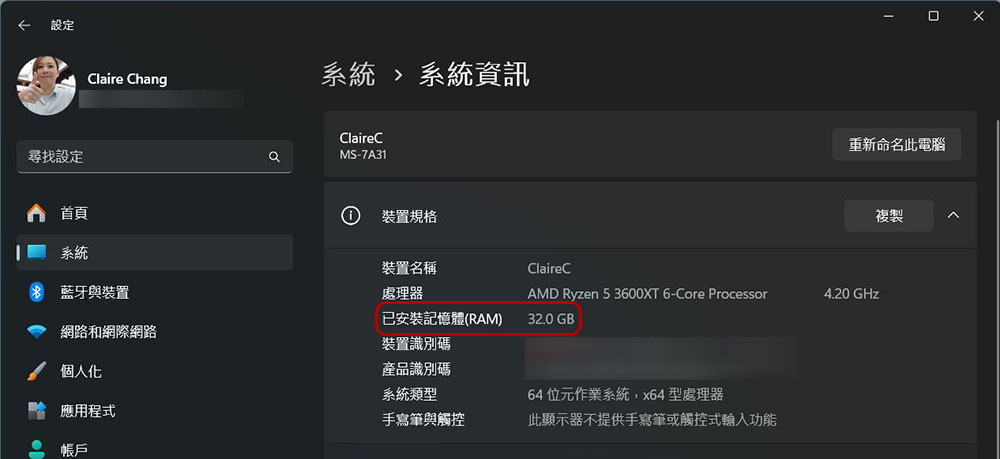
As technology advances rapidly and software requirements continue to change, especially as modern games move to newer, more demanding engines, there’s no doubt that 32GB will eventually become the low bar at some point.
Who needs more than 32GB RAM: Power users and enthusiasts
In some cases, it is necessary to increase the memory to 64GB or more. Video editors, designers, creators, developers, and other professionals who regularly work with large files will undoubtedly benefit from more than 32GB of RAM. Many of the best workstation laptops designed for power users and professionals can be configured with up to 64GB or 128GB of RAM, giving you an idea of where your current needs are headed. Gaming and PC building enthusiasts will also often install over 32GB of RAM, fully prepared for the gaming future.
Further reading:
How to check if your Windows computer can upgrade RAM? Everything you need to know is here
Source: KOCPC Chinese