


NVIDIA has also launched its own Chat with RTX chatbot! It uses LLM large-scale language model and can be run directly locally without going through the Internet. It is completely free to use, but it is only available to users of designated NVIDIA graphics cards. This means that if you use other graphics cards or older NVIDIA graphics cards, you will not be able to use it. The following will teach you how to install and use it.
System requirements for NVIDIA Chat RTX
- Operating system: Windows 11
- Graphics Card: NVIDIA GeForce™ RTX 30 or 40 Series, NVIDIA RTX™ Ampere or Ada Generation graphics card with at least 8GB VRAM
- Memory: 16GB or more
- Graphics card driver version: 535.11 or above
Chat with RTX installation notes
Chat with RTX is a chatbot that can be run locally, so the AI model needs to be installed on the computer. The file is quite large, at least 60GB, and the compressed installation file also reaches 35GB, so it is recommended to reserve at least 100GB of storage space. The network speed cannot be too slow, otherwise 35GB will take a very long time to download.
How to install and use Chat with RTX
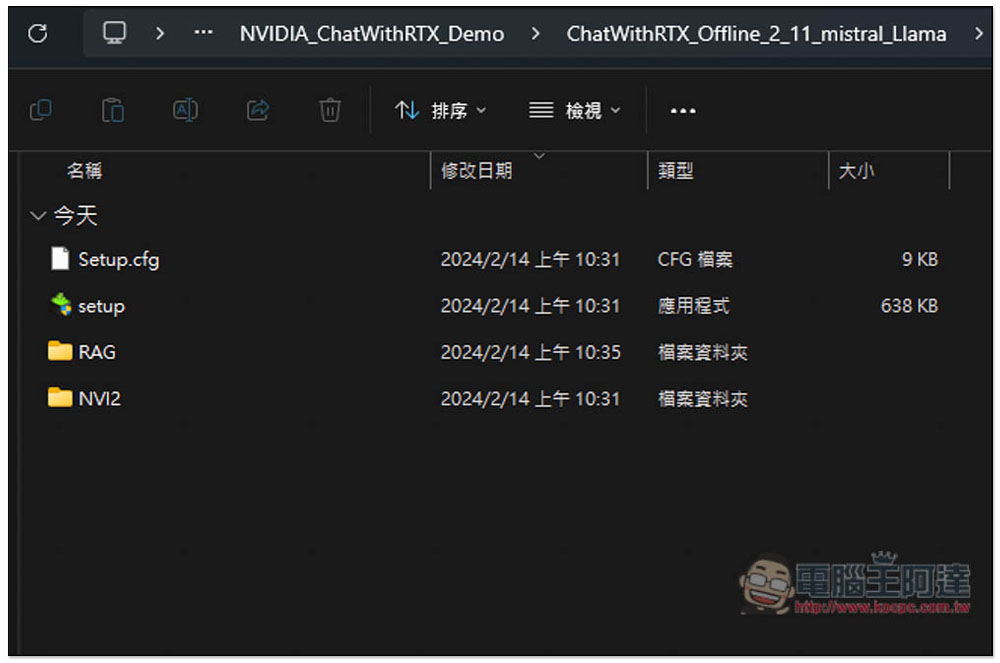
Click the link above to download the Chat with RTX installation compressed file. After decompressing, you will see these four files. Click “setup” on the installation file:
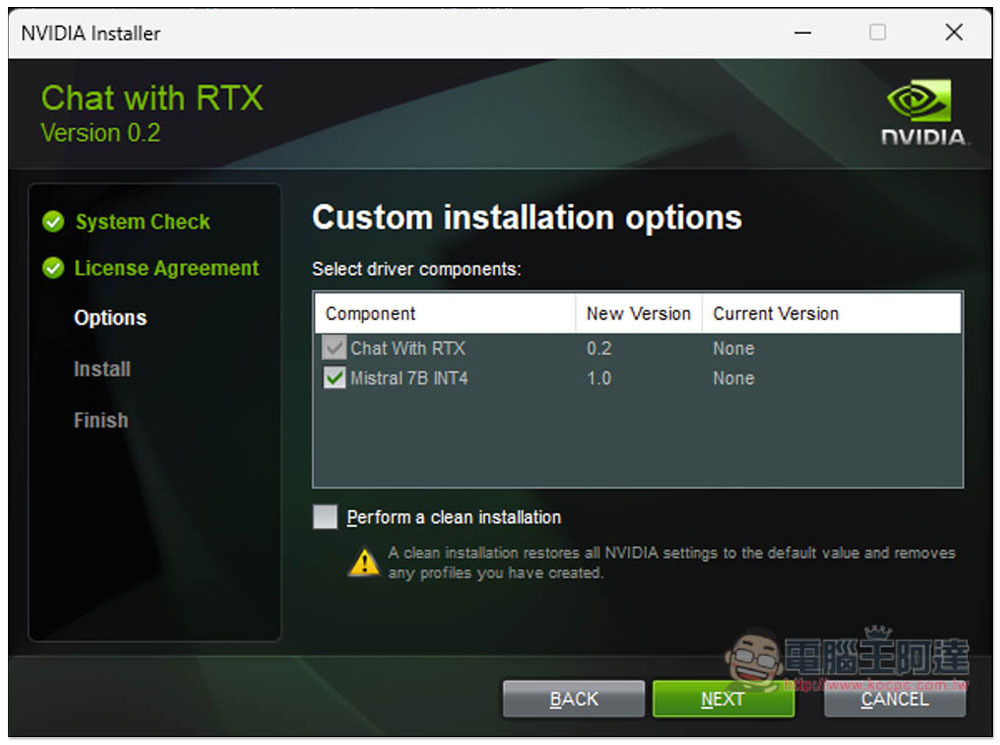
If there are no special requirements for installation, just keep pressing next step. The model is Mistral 7B INT4. For a detailed introduction to Chat with RTX, go to GitHub project pagelearn:
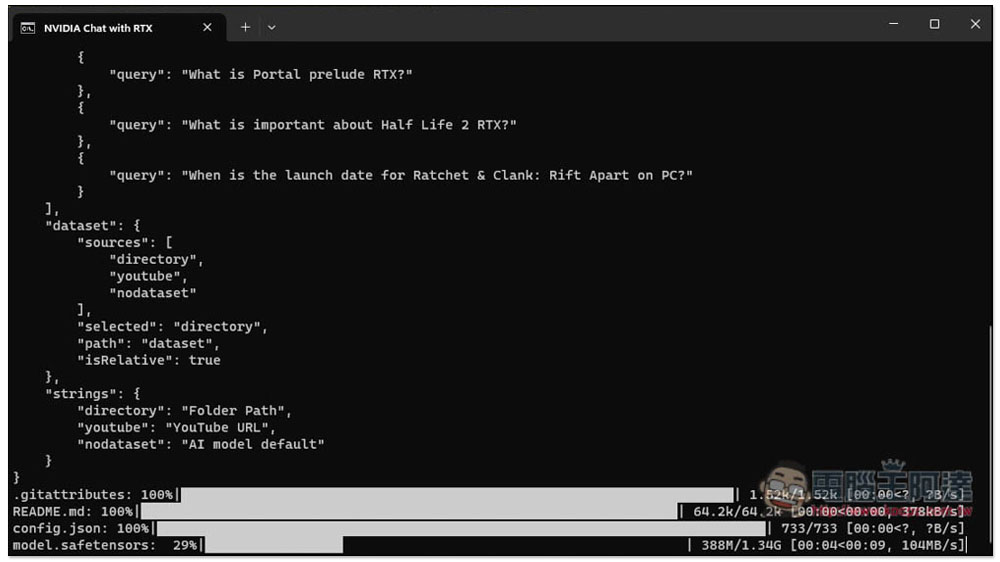
After the installation is complete, the command prompt character will be automatically enabled when you open it. Let it run by itself. Don’t pay attention to it. It will also take a while:
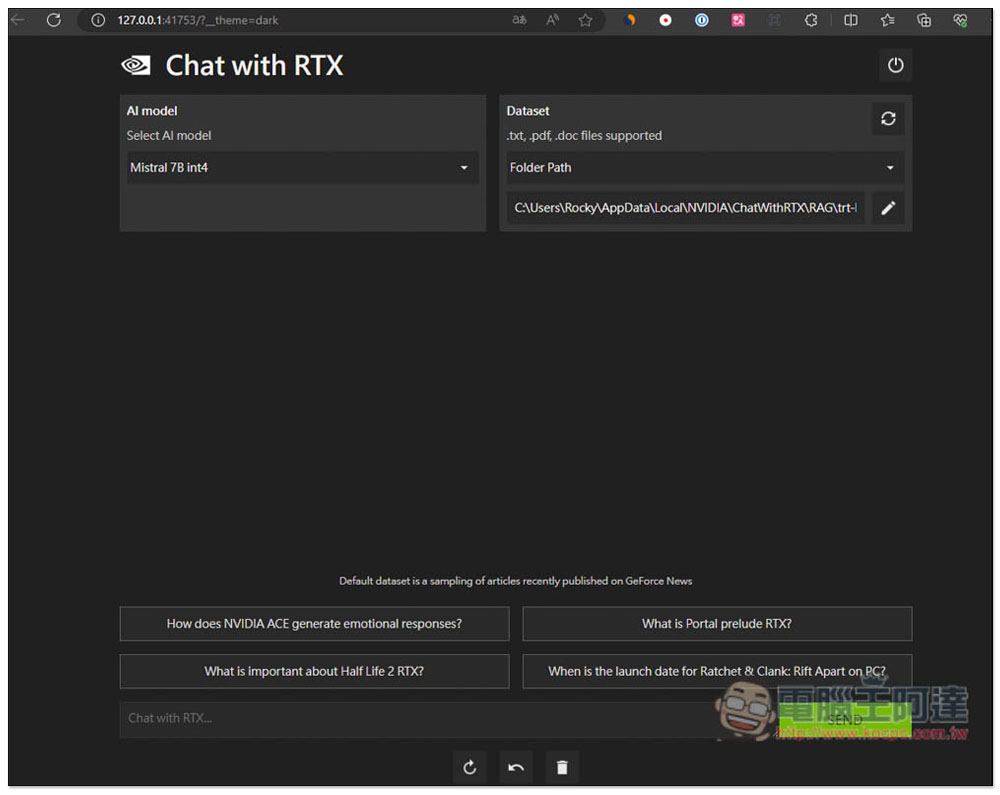
After running, the browser will automatically open the chat page of Chat with RTX. In the upper left corner, you can select AI Model (currently the only one). On the right is the chat mode. The default is the folder path (Folder Path), which is used for the file file you want to query. It supports three formats: .txt, .pdf, and doc:
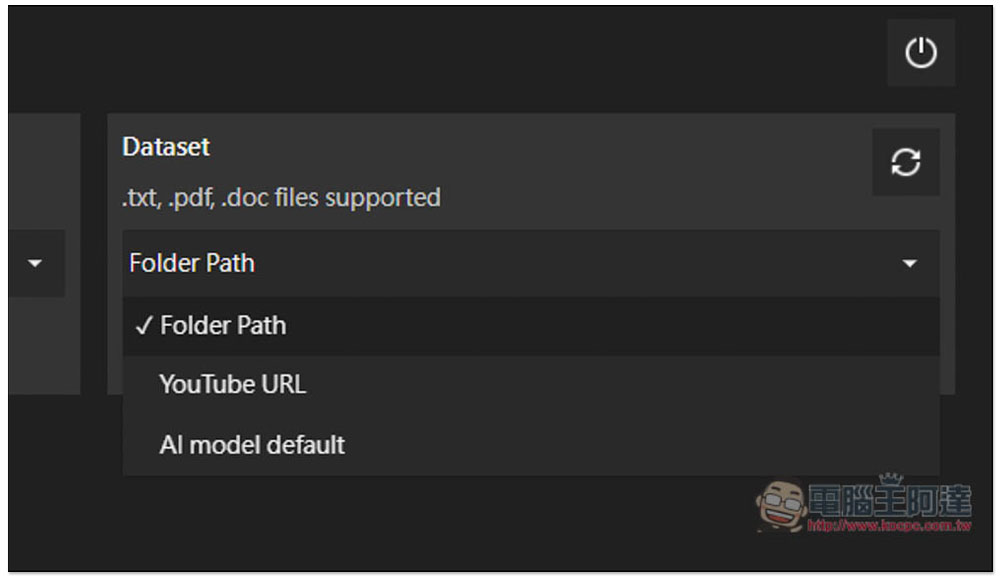
There are three chat modes, Folder Path, YouTube URL, and AI Model. If you want to chat with AI, use AI Model:
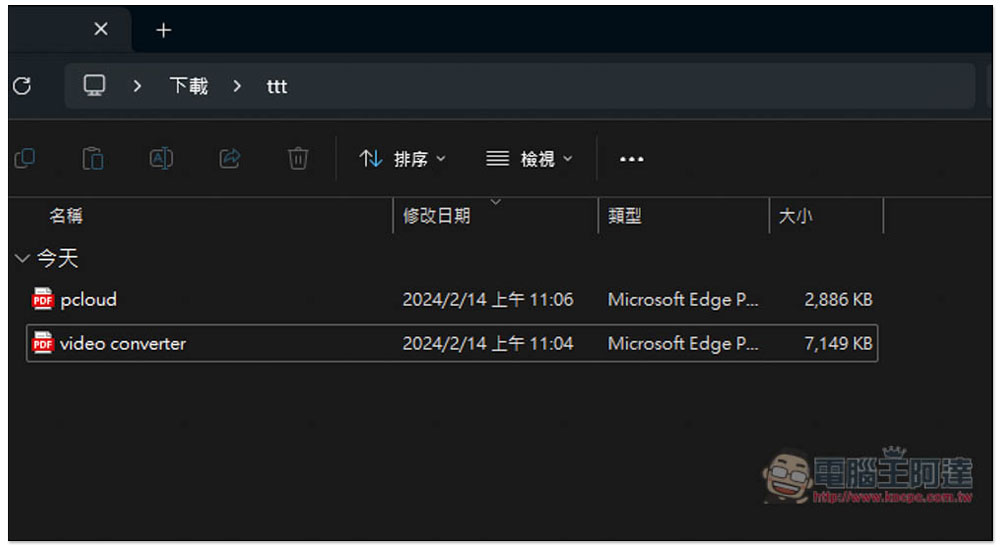
First, I tested the Folder Path folder path. One thing to note here is that the folder name must be in English (excluding Windows built-in ones). An error will occur in Chinese, as will the file name. I lost two files. The content of pclood is about the 2024 New Year promotions, and the content of video converter is about video conversion software:
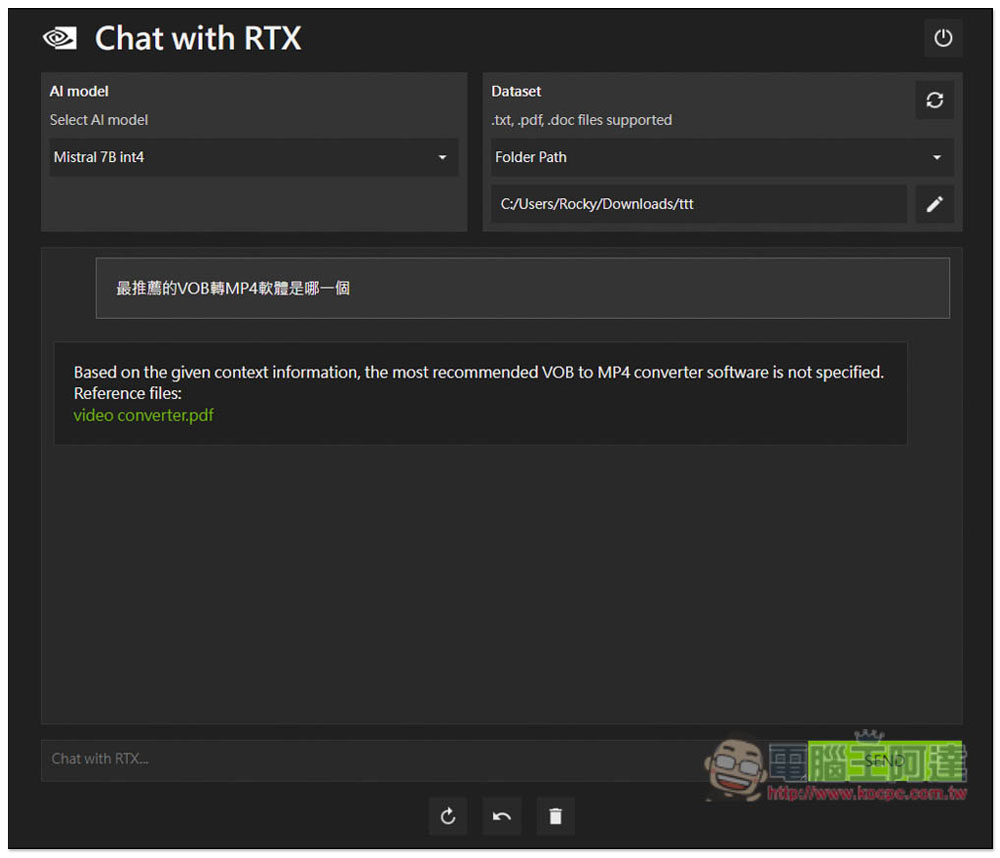
I asked “Which is the most recommended software for converting VOB to MP4?” The PDF file mentioned this, but it was not found, so the current support for Chinese is not very good. However, there is a relevant file, and you can click to open it to read:
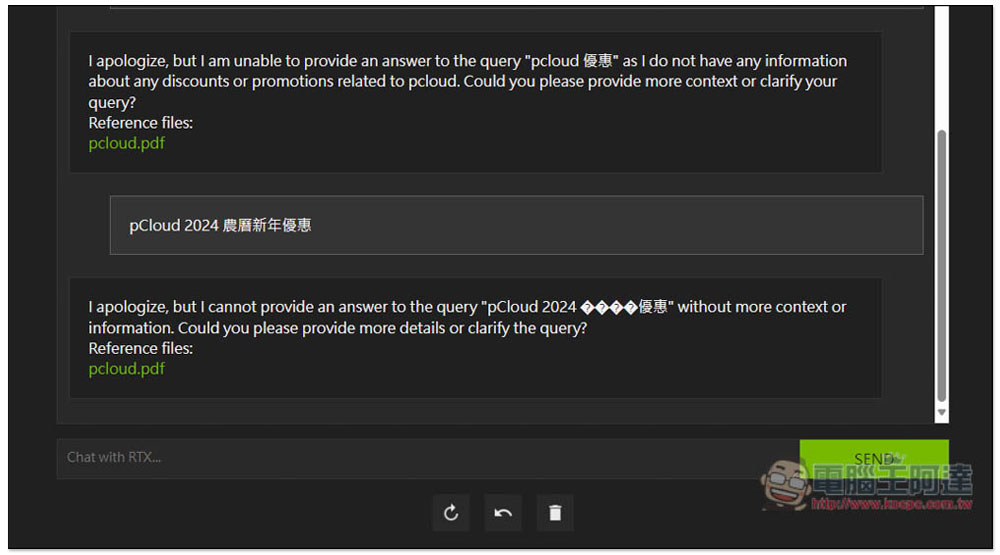
Next, I asked about the pCloud 2024 Lunar New Year discount. The same PDF was mentioned, but it was not found, and there were garbled characters in the answer:
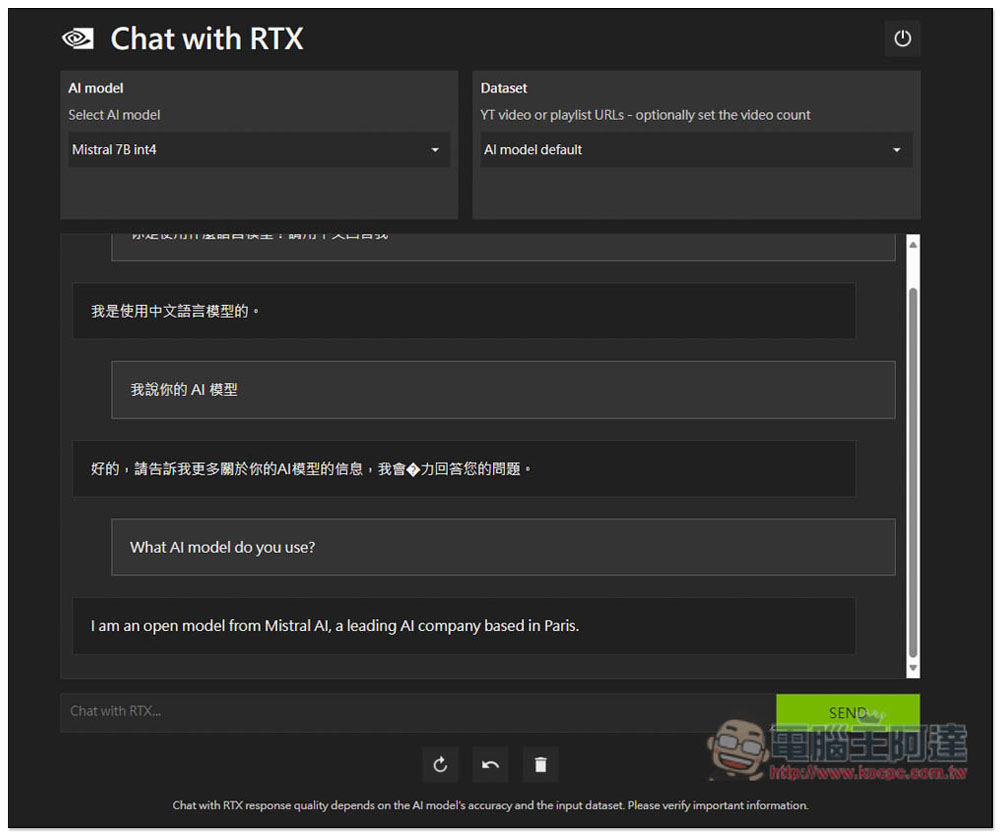
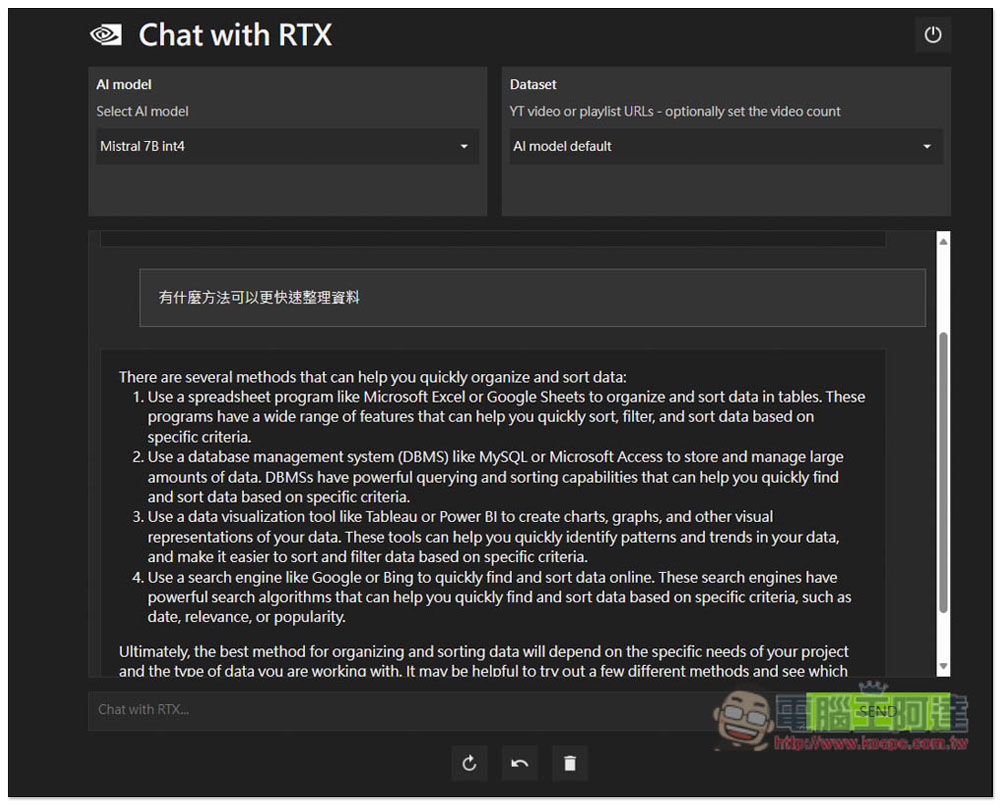
Then I tested the AI chat. I asked in Chinese that it could understand and answered the correct content, but in English:
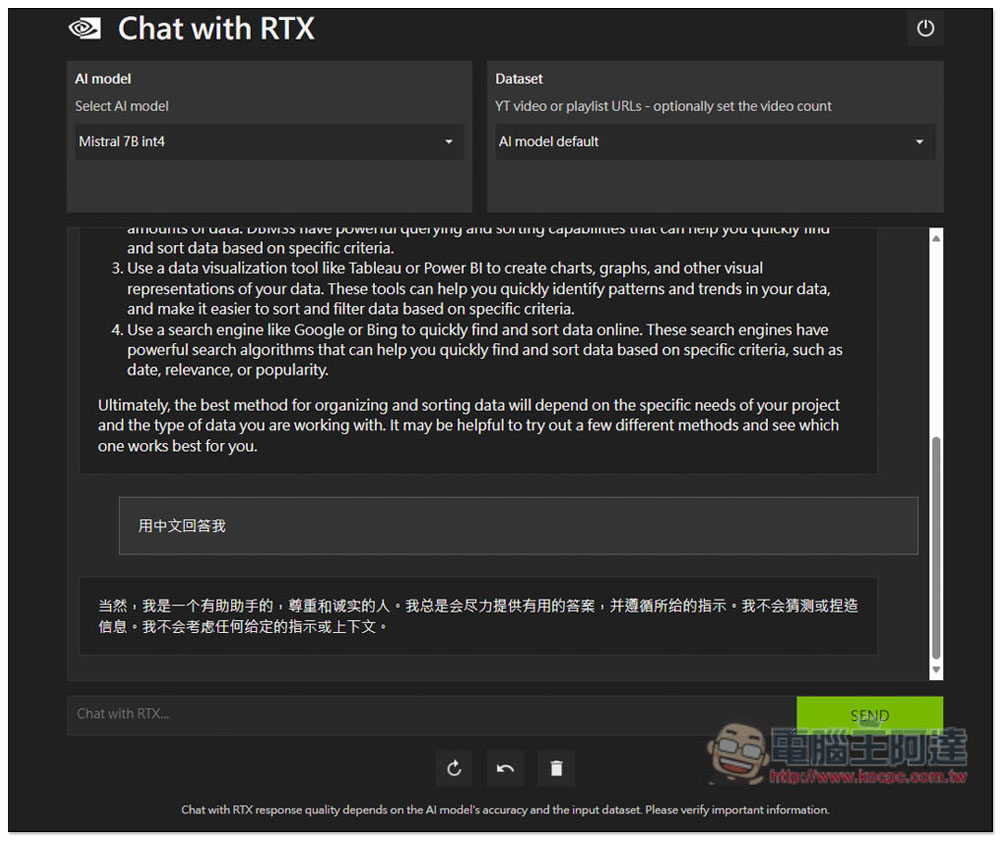
And when I asked for an answer in Chinese, it did change the answer in Chinese, but instead of changing the previous paragraph to Chinese, it responded with a completely unrelated Chinese answer:
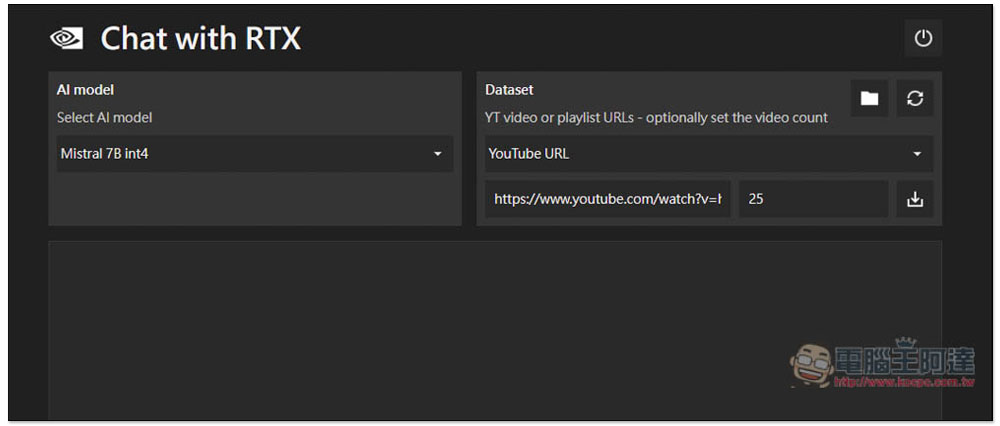
In the YouTube section, it downloads subtitles to understand what the video is saying. After filling in the URL, click the download icon on the right to start downloading the subtitles. I have the latest MKBHD Apple Vision Pro video:
Even for English videos, I think there is still a lot of room for improvement in the gathering capabilities of Chat with RTX. For example, the product name is wrong. It is clearly Apple Vision Pro, but it was changed to NVIDIA Vision Pro:
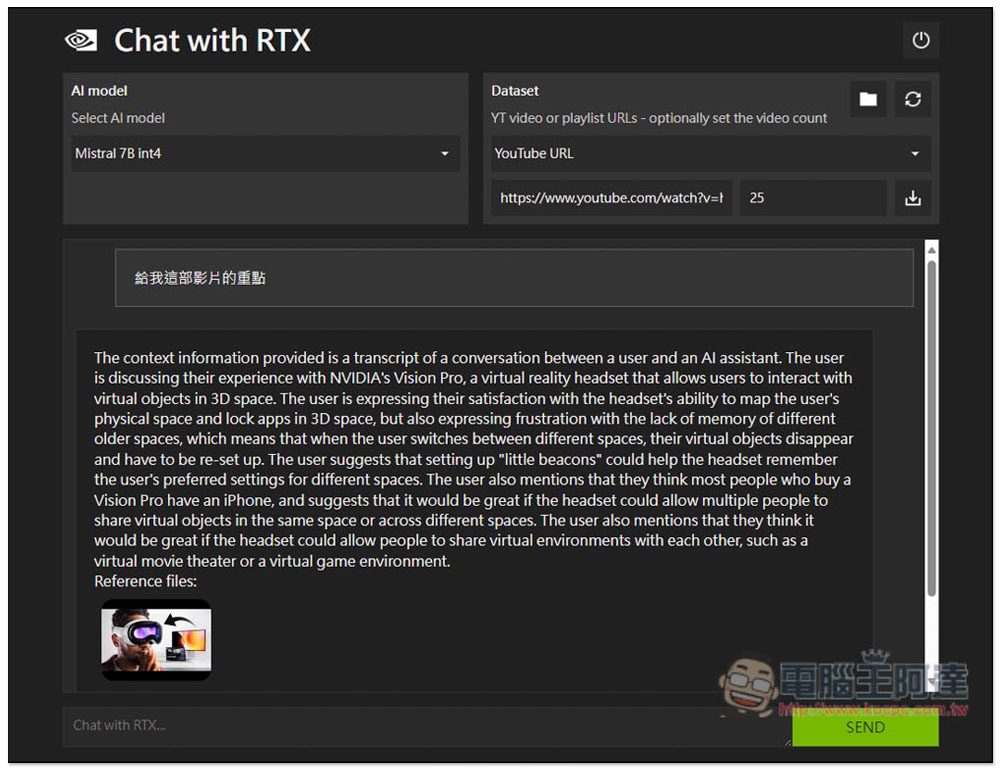
Although the price of Vision Pro is not mentioned in the video, it is said that this product is very expensive. Chat with RTX cannot yet identify it, so I can’t find the answer. If it is a chatbot of ChatGPT level, it can answer correctly that it is very expensive:
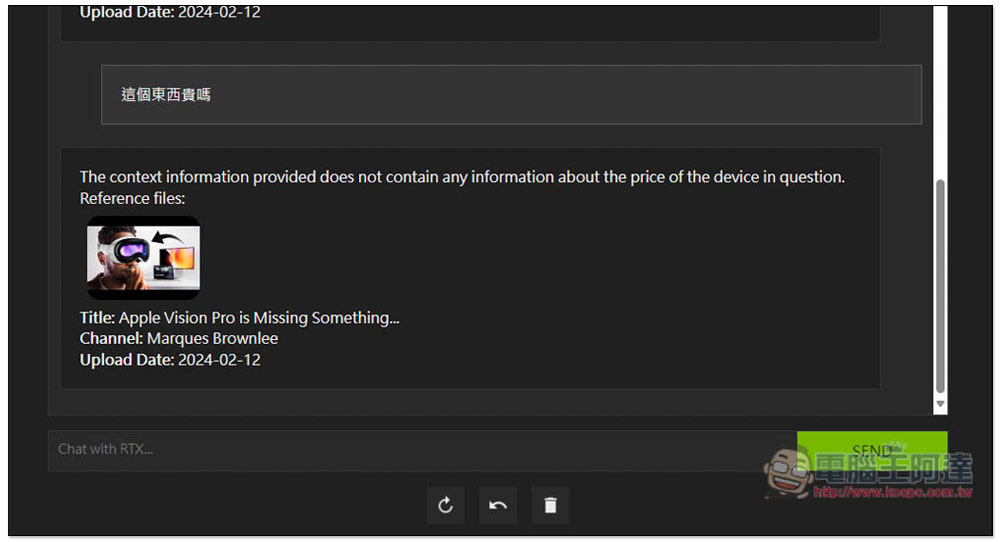
It can be seen that there is still a lot of room for improvement in the large-scale language model of Chat with RTX, especially its support for Chinese. foreign media PC GAMER The test also found that the actual use is very limited, so people who want to play it should not have too high expectations.
Source: KOCPC Chinese