


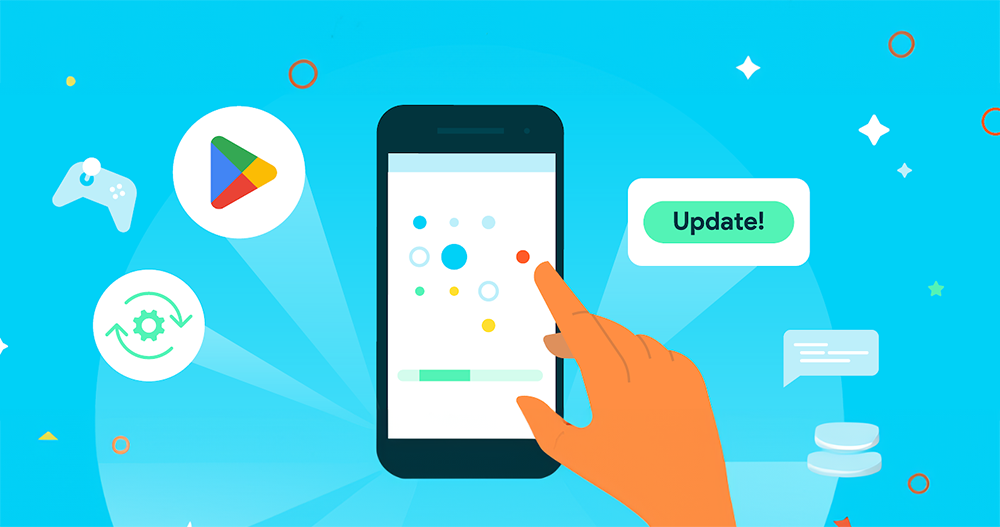
In the latest Android Google Play Developer API, Google has catered to developers’ urgency in requiring users to update and provides corresponding “reminder” notification tools. For ordinary users like you and me, this kind of change can not only quickly grasp the update information of favorite apps, but also make it easy to update immediately. On the other hand, it is also recommended that you learn a little bit about it to avoid mistaking it for the installation page of malware or advertising in the future, and instead missing out on the good intentions of the developer. Continue reading Android will use full screen to notify you that it is time to update the app in the future.
▲Image source: Google
Android will use full screen to notify you that it’s time to update your app in the future
If you, like the editor, do not regularly check the update items in the app store (actually this is considered an occupational disease), then you should be familiar with how to click on the update item menu. But I believe that for most people, finding the “way” to update all applications at once is not as easy as imagined – or do many people simply choose automatic updates?
Although generally speaking, if developers really feel that if users do not update for too long, the functions may not work properly, and there may even be information security risks, they can directly stop the functions to let users know that it is time to update the application.
However, in the latest Android Google Play Developer API, Google has catered to developers’ urgency in requiring users to update and provided corresponding “reminder” tools.
For ordinary users like you and me, this kind of change can not only quickly grasp the update information of favorite apps, but also make it easy to update immediately. On the other hand, it is also recommended that you learn a little bit about it to avoid mistaking it for the installation page of malware or advertising in the future, and instead missing out on the good intentions of the developer.
▲Image source: Google
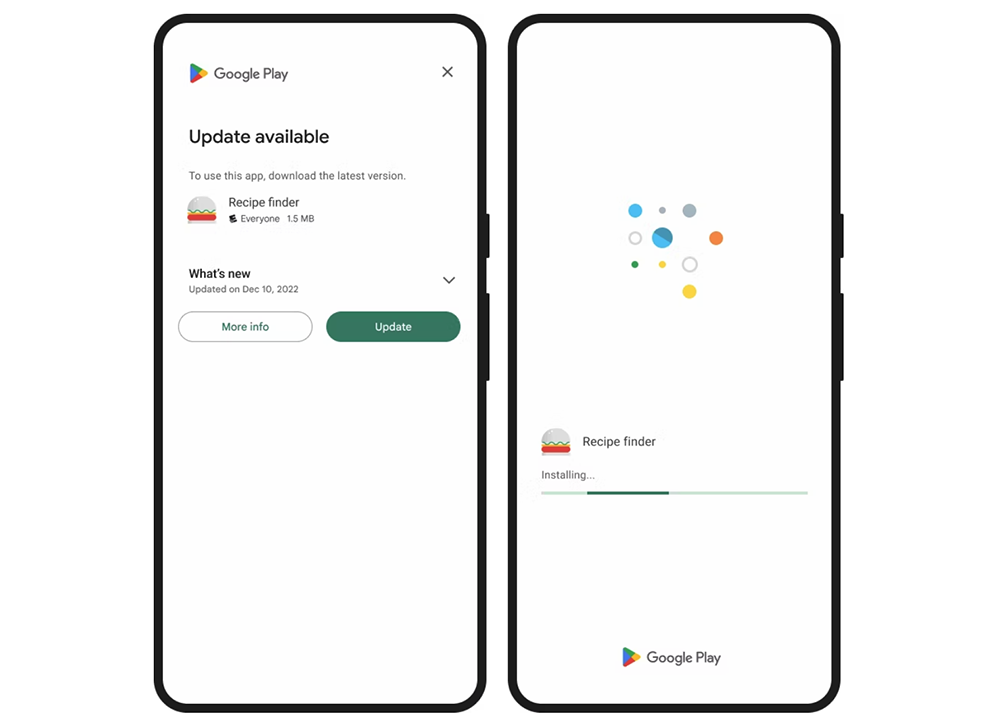
When developers use this update reminder tool, the system detects that an update project is being launched. When the user opens the app, they will receive one of two different update reminder windows – the full-screen one is as shown above, which basically makes people think they have encountered a cover advertisement (eh). But this screen is really a friendly reminder from Google Play.
Basically, you can view the updated items through the More info button; click Update to start the update process; of course, you can also choose to close the page with “
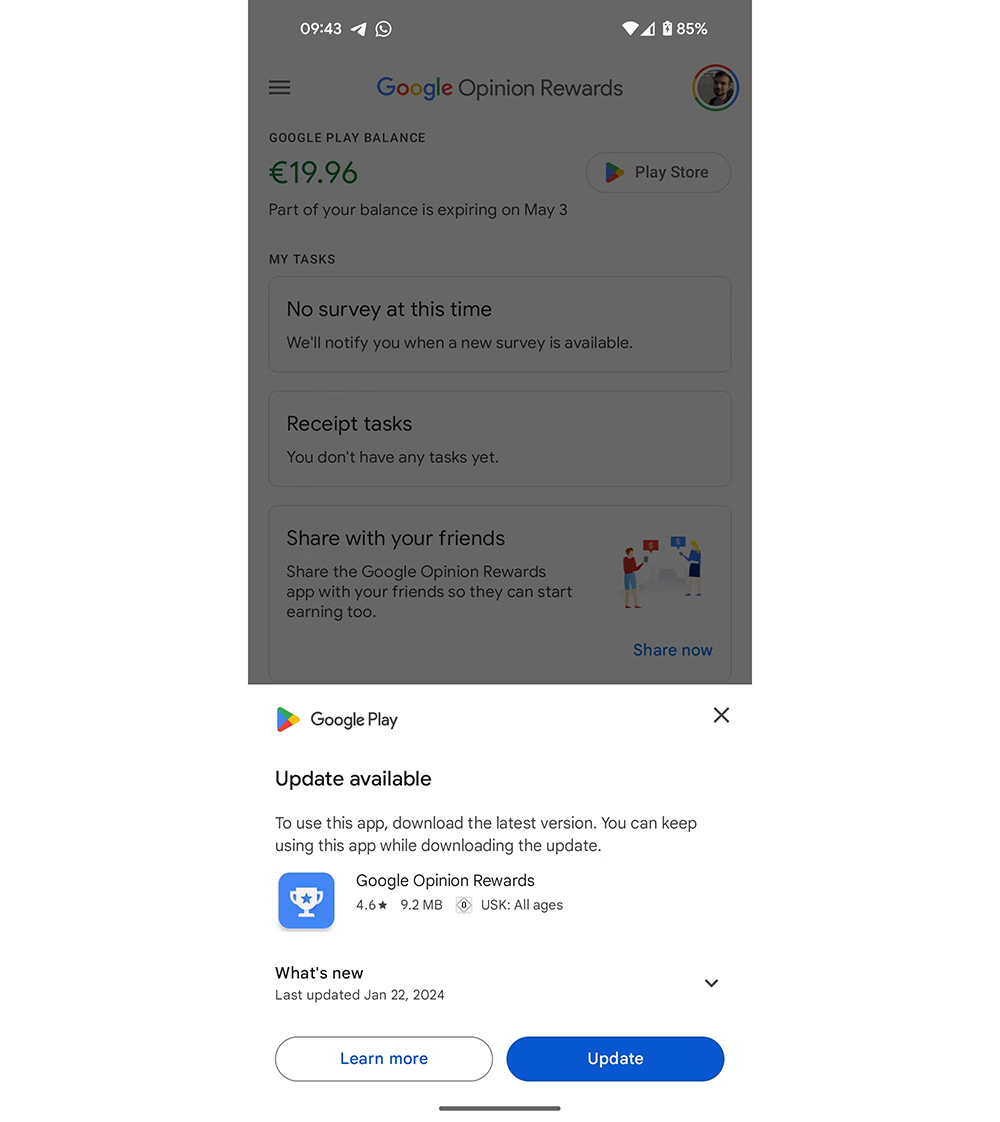
▲Image source: Android Police
Another reminder window experience is less invasive. As shown in the picture above, it is basically a reminder window with less than half of the screen – maybe because of the application of color or the fact that it does not insist on full screen, but I always feel that this feels better.
According to the official statement, this kind of experience can achieve an update rate of more than 50%, which seems to be really suitable for starting and using. However, personally, I am still a little worried that when it is fully adopted in the future, it may be imitated by malicious applications for other purposes. And if you have similar concerns, it is recommended that you directly choose to jump to the Google Play app update and installation – if you think the app is trustworthy, then it is fine.
Further reading:
Edge for Android silently launches Extensions extension function test!
Source: KOCPC Chinese