


Although there are many free cloud spaces now, the capacity provided is not large, so it is not suitable for sharing large-capacity files. This article will recommend a good one, the free online file sharing service “Sprend” from Switzerland. It has high security and can be used without registration. It can share up to 2GB at a time, whether it is a single file or multiple files (as long as it does not exceed 2GB). The files will be saved for 7 days, and will be automatically deleted if exceeded. It is very useful for occasionally needing to share files.
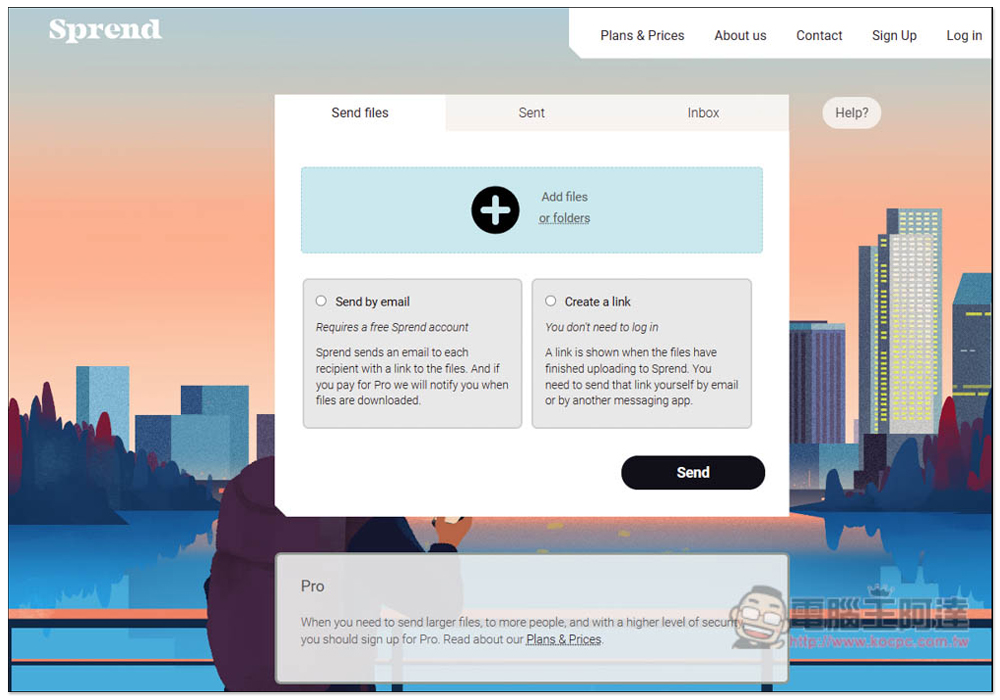
Sprend’s free online file transfer service supports a maximum of 2GB at a time and saves files for one week.
After clicking the link above to enter the Sprend website, you can drag in the file or folder you want to share, or click the + symbol to select it manually. There are two ways to share, “Send by email” and “Create a link”. Send by email requires registration to use, while Create a link does not. It depends on your needs:
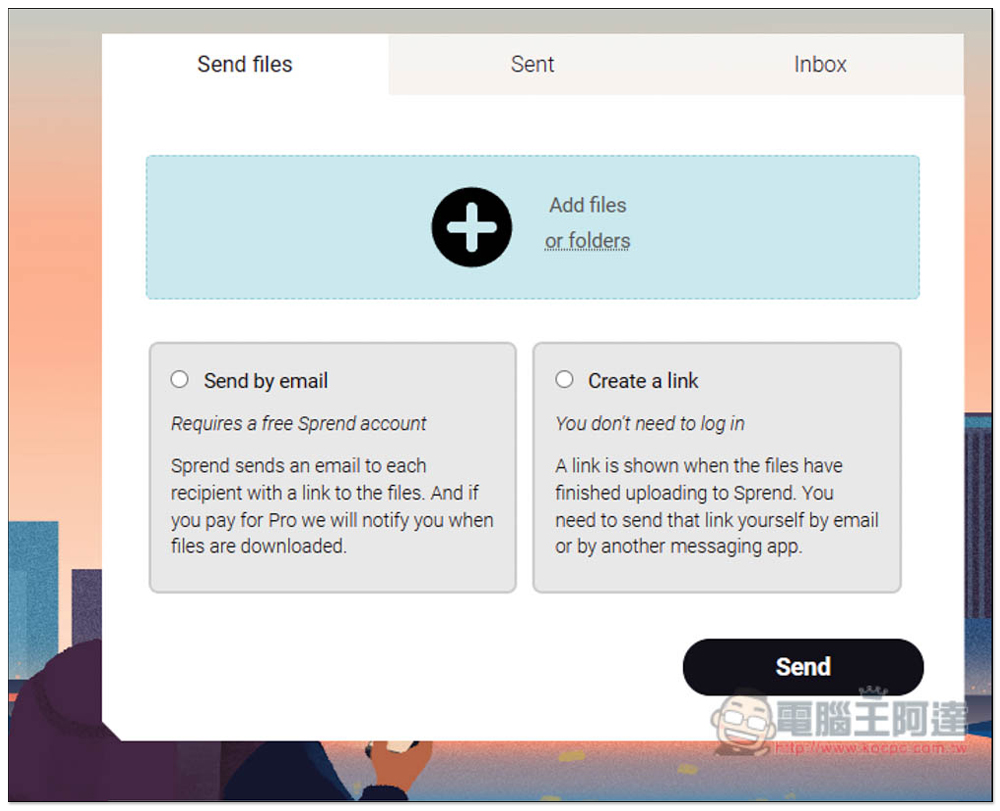
After selecting a file, it will calculate how much free credit has been used. I think this is quite good. You don’t have to calculate it yourself. If you select a file by mistake, press the X on the right to delete it. Then choose how you want to share:
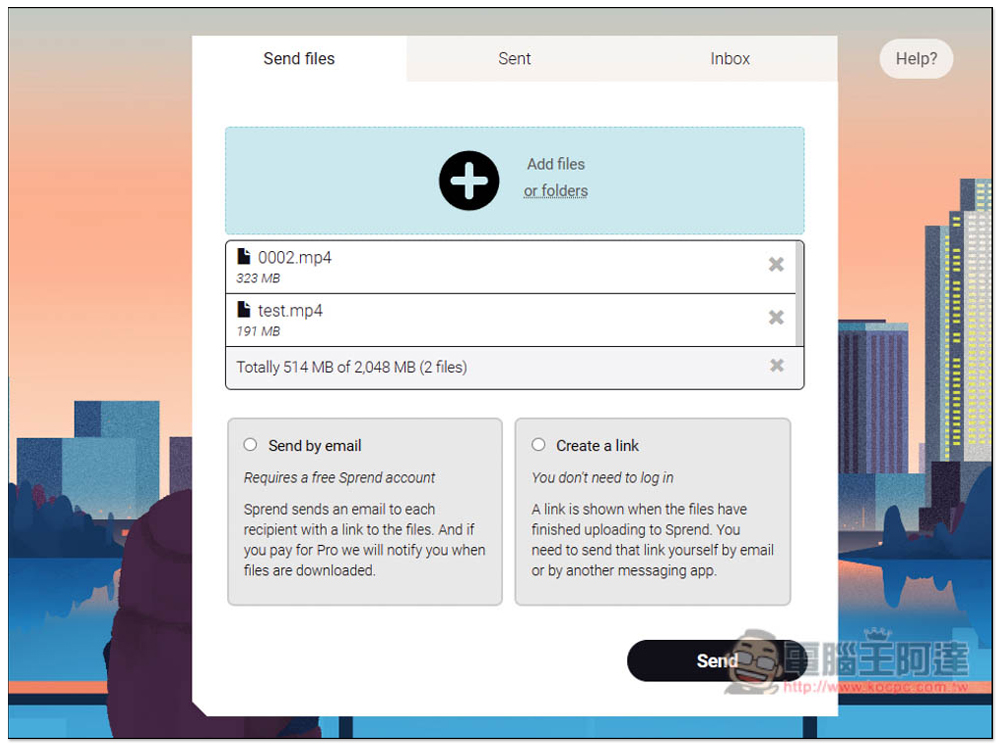
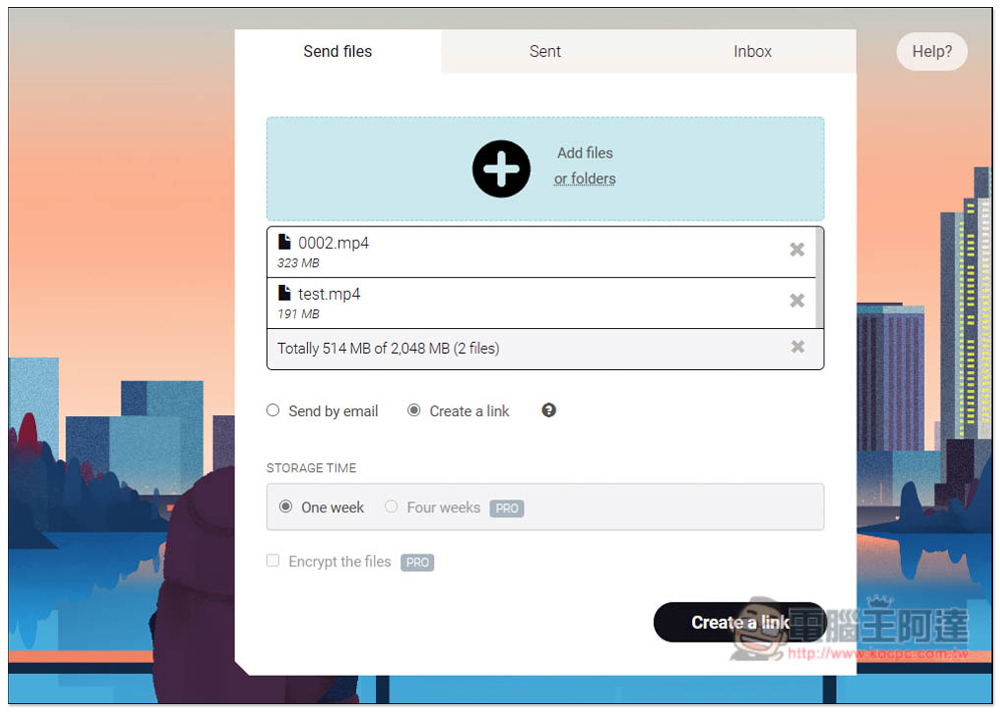
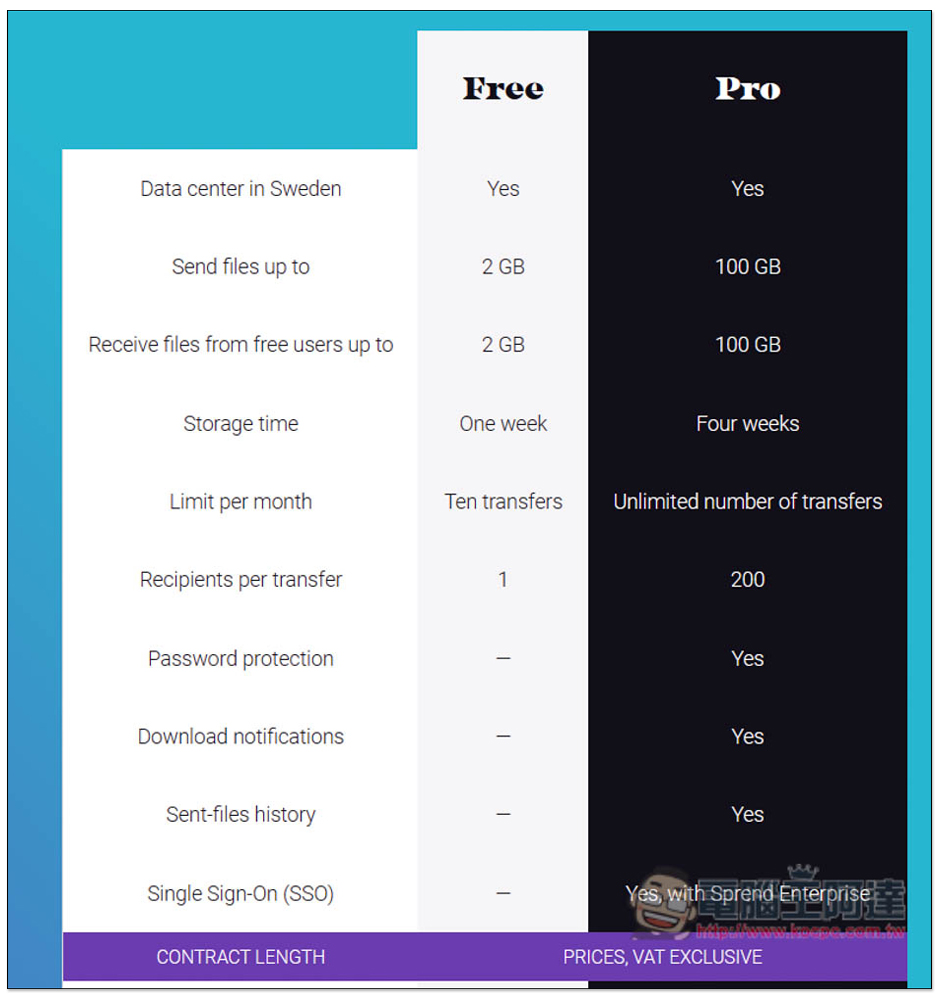
I’m taking Create a link as an example. You don’t need to register to use it. The file will be saved for one week. The four-week storage and encryption are limited features of the paid version. If there is no problem, just click Create a link:
Then the upload will start. The upload speed is a bit slow, but it is acceptable. After all, it is free:
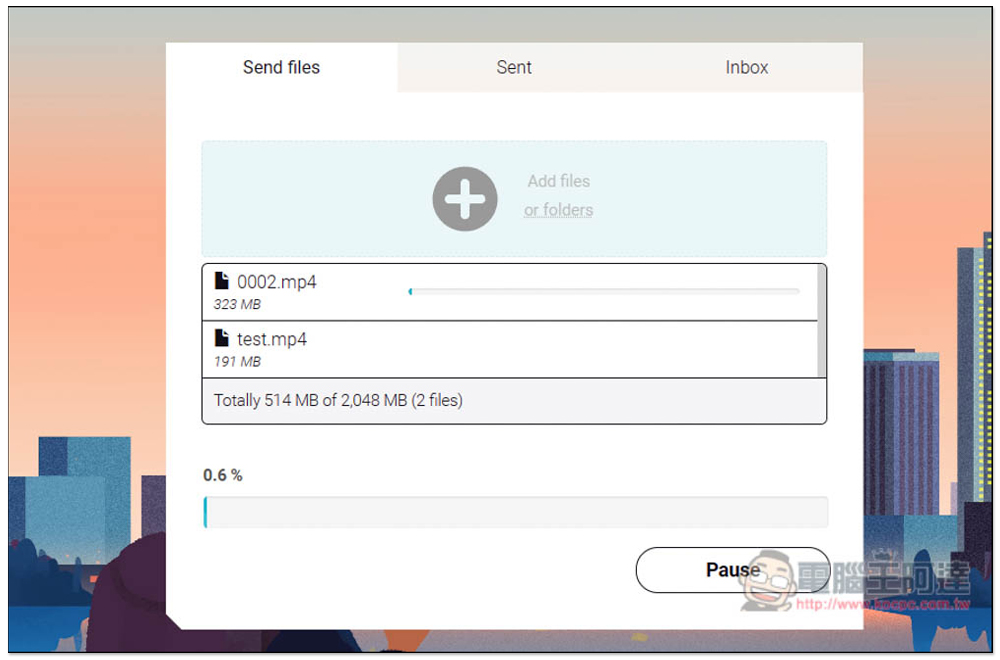
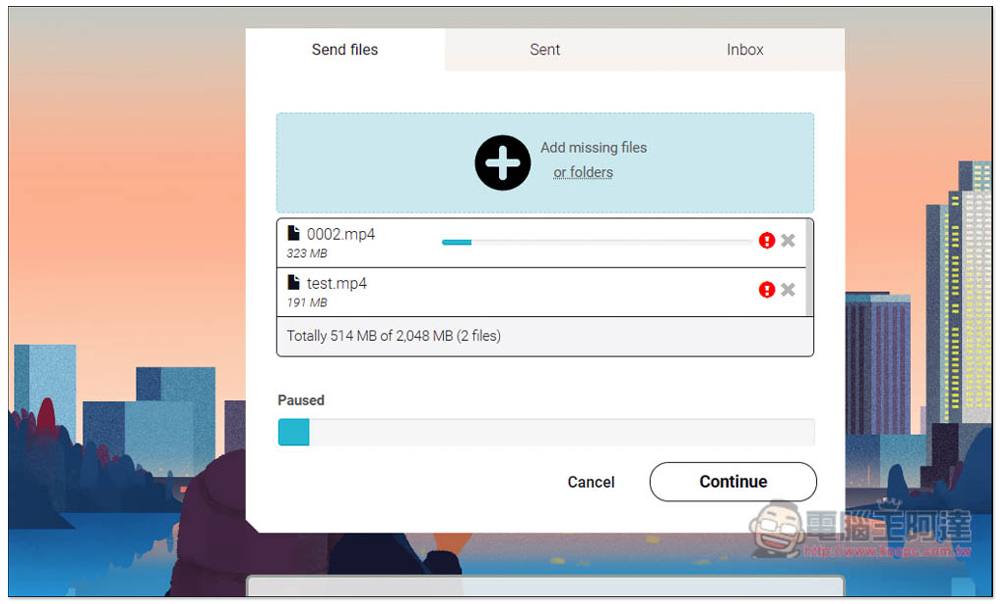
If some accident occurs during the process and the upload is accidentally interrupted, you can still continue uploading. This function is quite good and you don’t have to start over:
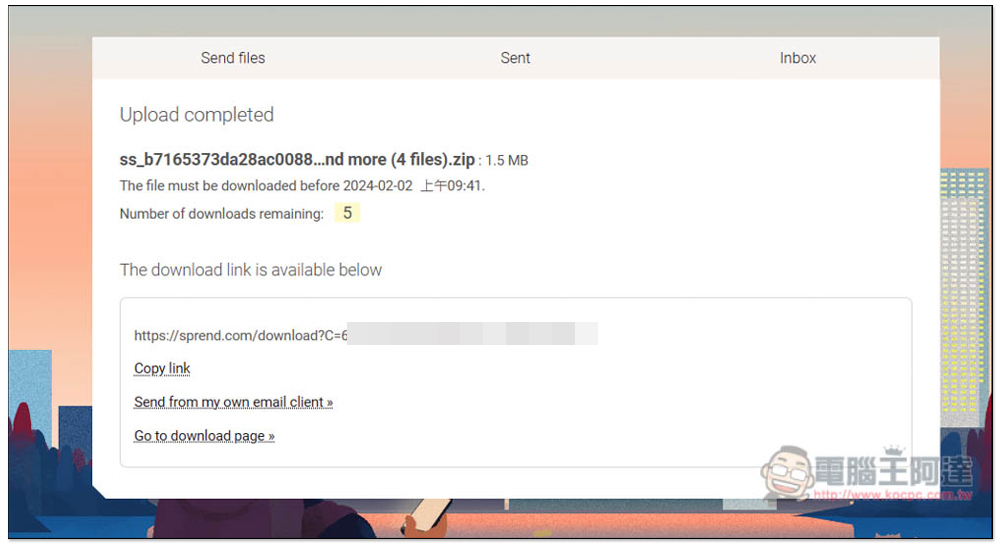
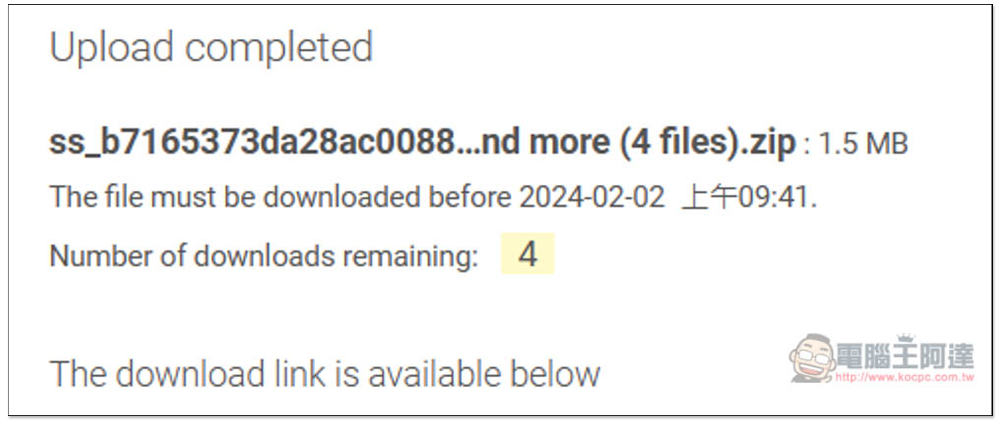
After the upload is completed, the sharing link will be displayed below. Click Copy link to copy the link. Another thing to note is that the free version only provides a maximum of 5 downloads, which means that after exceeding the limit, the link will become invalid and cannot be downloaded. You need to re-upload and share:
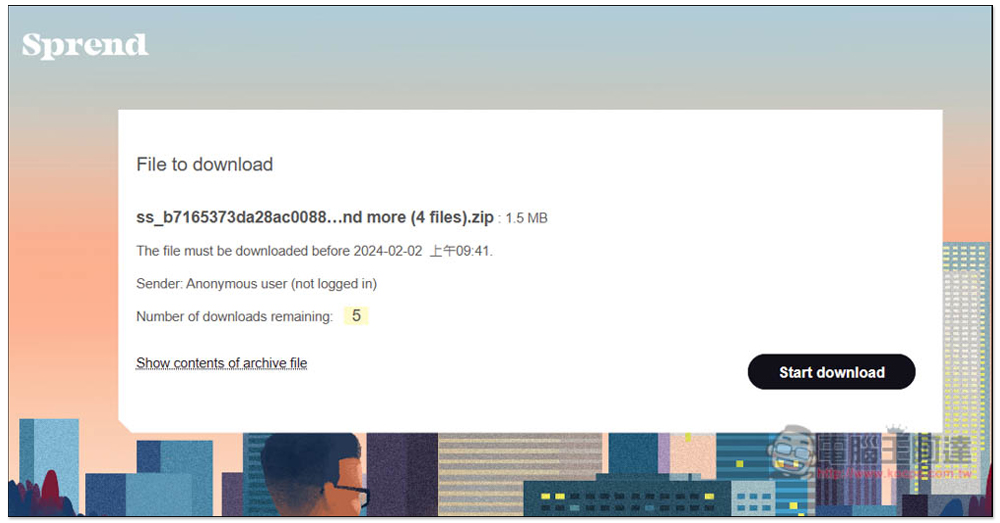
The download page the other party sees looks like this. Press Start download in the lower right corner and the download will start. The number of downloads remaining (Number of downloads remaining) will also be displayed:
Open Show contents of archive file to browse the contents and file size of the download:
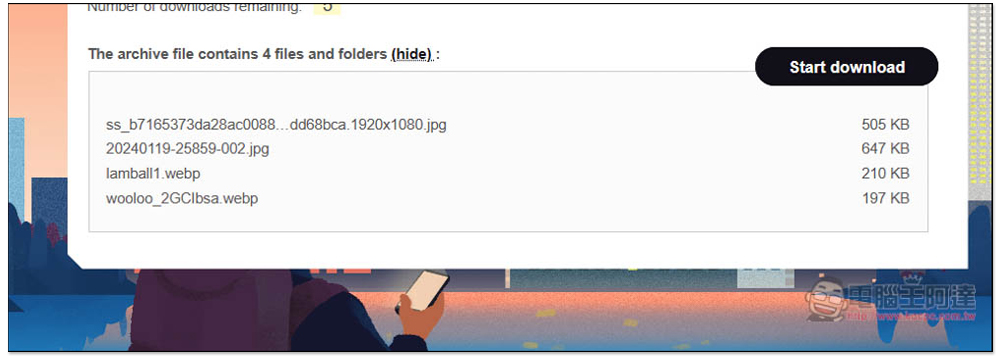
After I tested the download, the number of downloads really decreased:
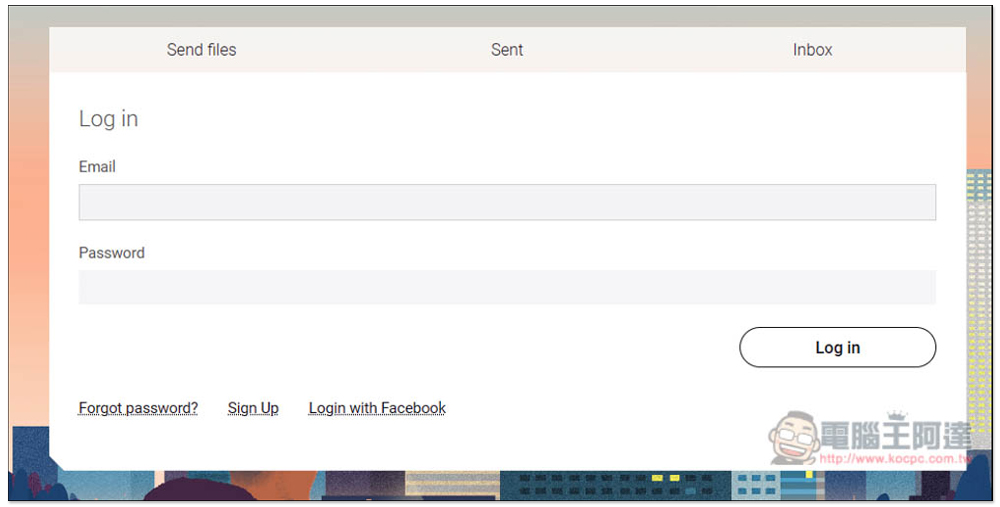
If you have a registered account, free users can only use Inbox to receive files. Sent management sharing links are exclusive to the paid version:
All uploaded files are stored in Switzerland. In addition to limiting the free version to 2GB and retaining files for one week, there are only 10 sharings per month. This part is not sure whether it follows the account, user IP or browser cookies. The former can be increased by registering multiple accounts. Adding passwords, download notifications, sending file history, SSO and other functions are exclusive to the paid version:
In addition to this one, we have also introduced some good file sharing services before, such as:new.space、transfer.zip You can also refer to it.
Source: KOCPC Chinese