


Gemini ‘s Veo 3 The video generation feature is not available to free users, so if you want to Nano Banana To turn generated images into videos, you have to use other video generation tools, which is a bit troublesome. This article will teach you a method that lets free users directly convert images generated by Nano Banana into videos via Veo 3, by using the “Whisk” platform.
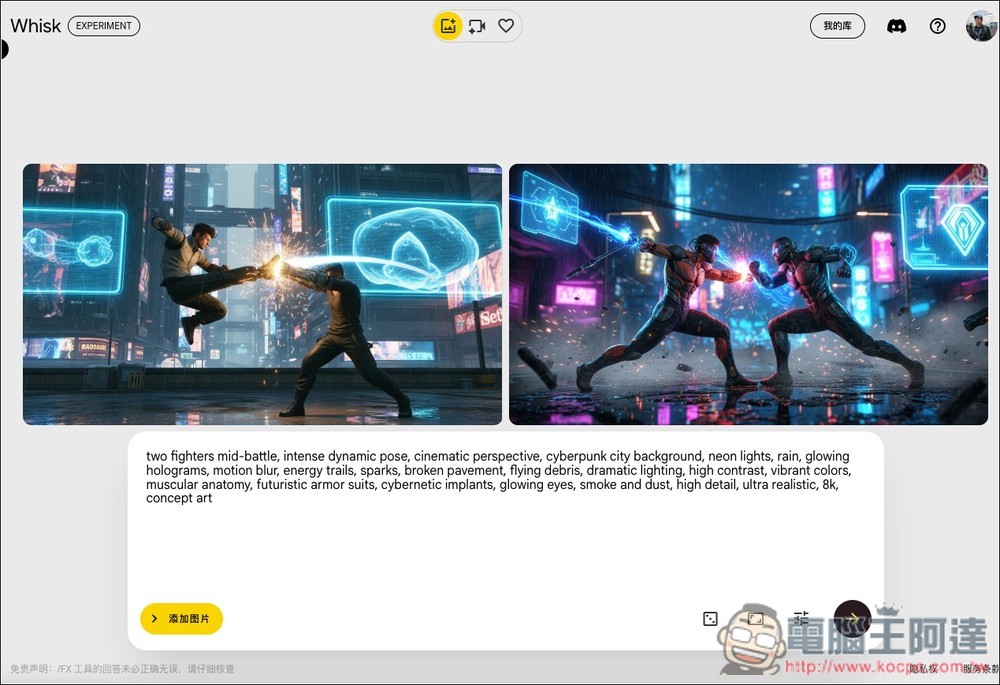
Completely free! Learn how to use Whisk with Nano Banana to generate an image, then directly convert it into a video with Veo 3.
Whisk is an experimental tool (Google Labs) that lets users easily generate the images they want. Its main feature is the ability to use images as prompt inputs, covering three parts: subject, scene, and style, and then generate new images through text prompts.
Free users can also use it. As for the image generation part, although the exact limit is uncertain, it might be similar to Gemini or counted together; 100 images per day is plenty.
However, the Veo 3 video generation quota is relatively limited. The official figure for the free version is 5 videos per month, but in my testing, it can reach 7 to 8. If you want to generate more, you can log in with other Google accounts.
AI Pro and AI Ultra paid versions use a credits deduction system, deducting 20 credits per video generated. For AI Pro, you get 1,000 credits per month, which allows you to generate 50 videos.
Whisk has a Chinese interface, so you don’t need to worry about not understanding it. After logging into your account, click “Enter Tool” on the screen:
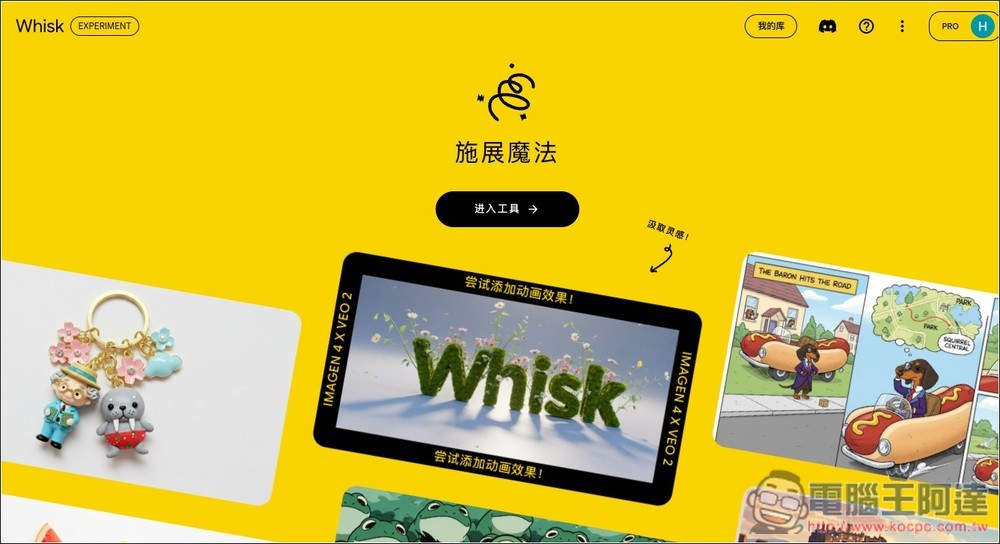
How to use Whisk’s image generation feature
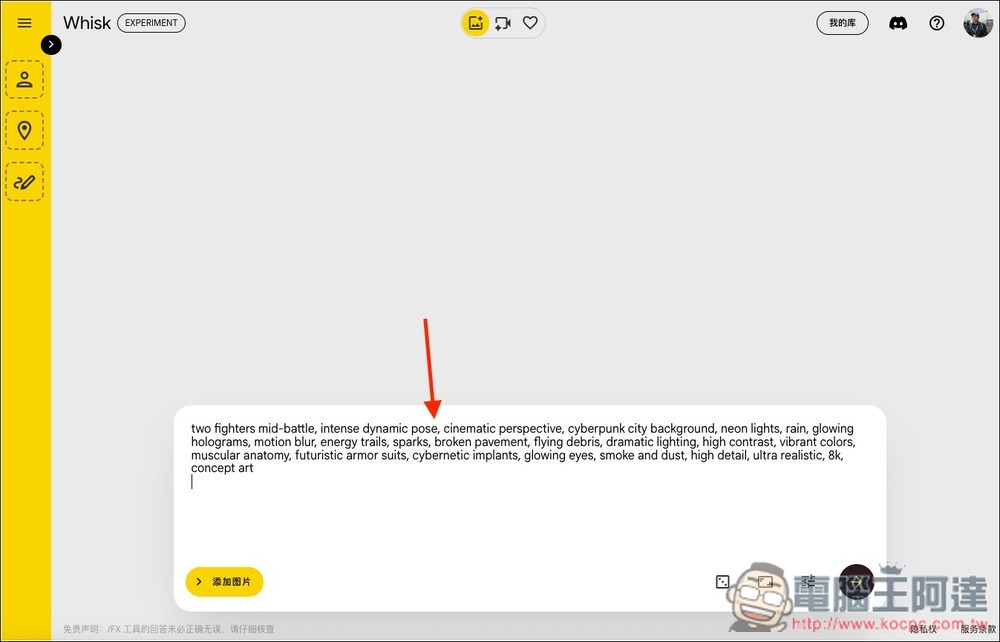
Then you’ll enter the backend. If you don’t need to upload any reference images, you can directly enter the prompt in the box below and press submit to start generating. Chinese prompts are also supported, but the level of understanding may not be as good as English. Therefore, if you want the best image results, English is still the preferred choice.
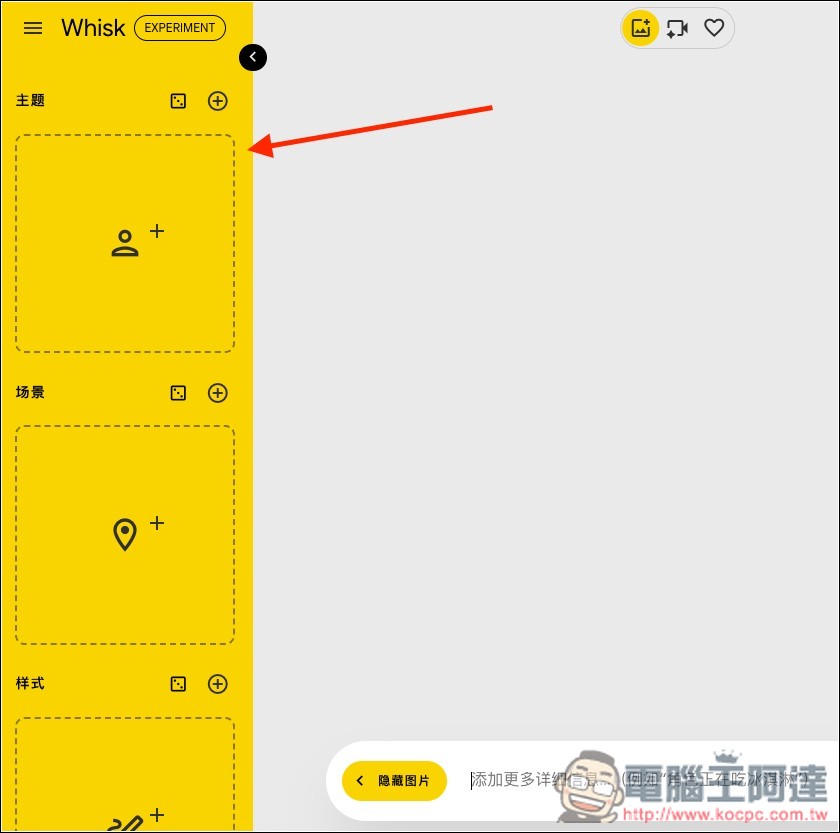
If you have reference images, expand the yellow menu on the left, and you’ll find “Theme, Scene, and Style.” Each one allows you to add multiple images. For characters, upload to Theme:
I uploaded this image of Ada:
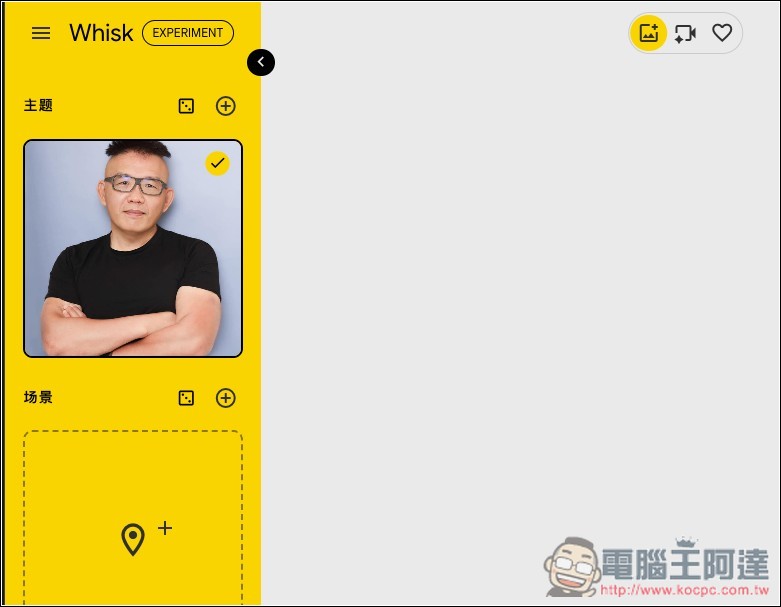
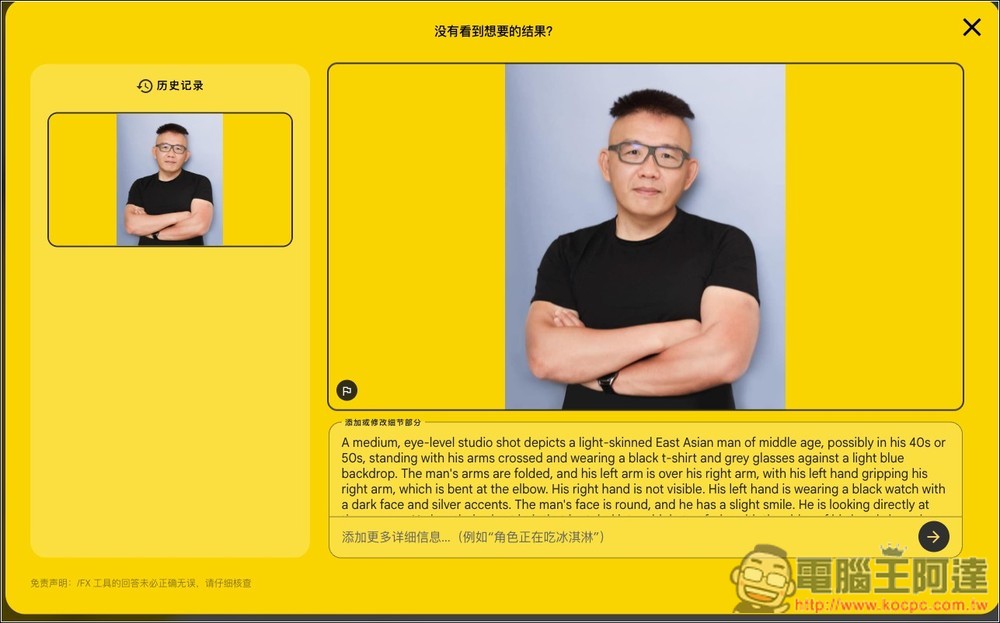
Clicking on an image lets you see the description recognized by AI, which also means that if you want to find out what prompt words can be used to generate an image, you can do that through Whisk as well:
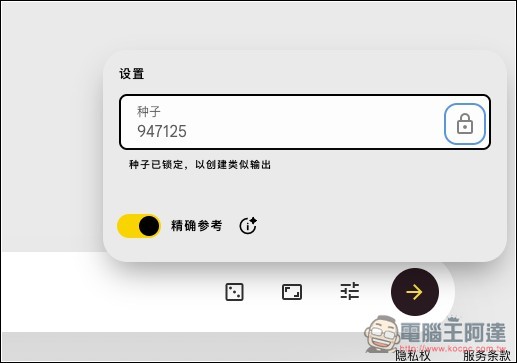
On the main screen, to the right of the input box, there are three functions. From left to right, they are ‘random prompt’, ‘image ratio’, and ‘seed settings’. If you want the character to stay consistent, remember to lock the seed:
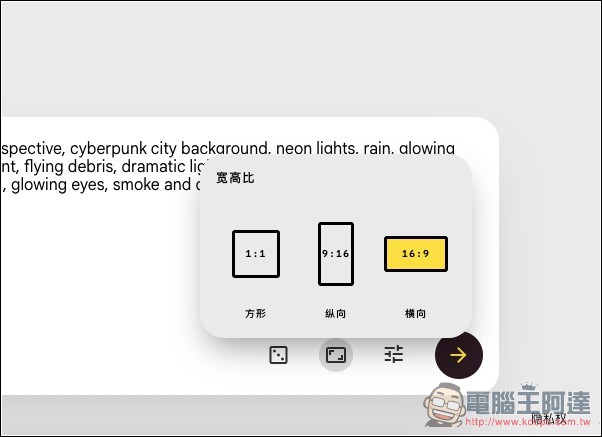
For the size section, there are three options: square, portrait, and landscape.
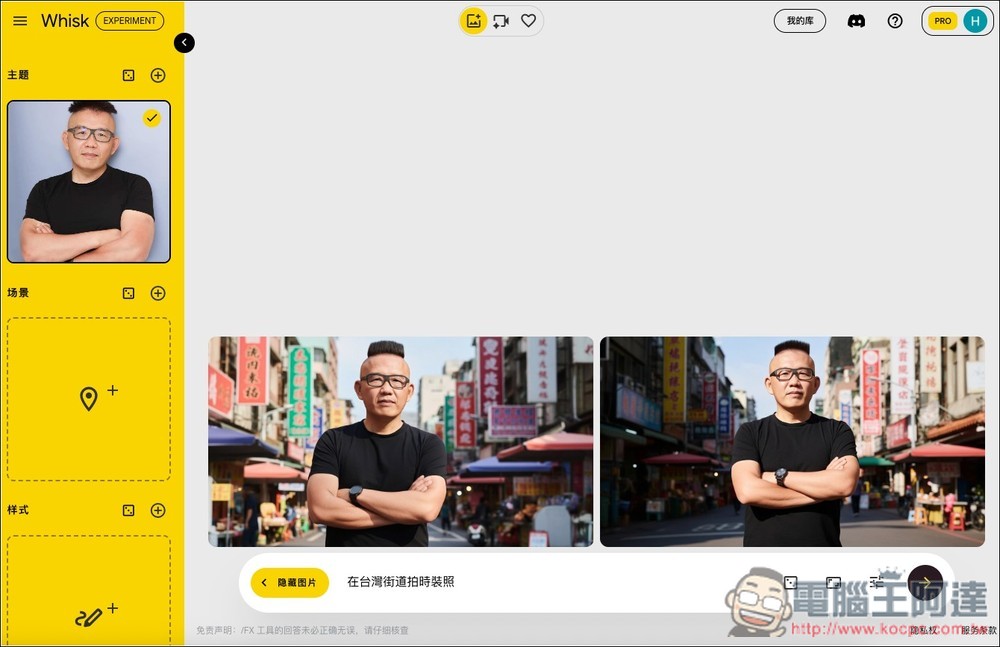
I asked AI to generate images of “street fashion photos in Taiwan,” and sure enough, the resulting images almost consistently featured the same guy appearing on Taiwan’s streets. Nano Banana is really impressive:
How can generated images be turned into videos with Veo 3?
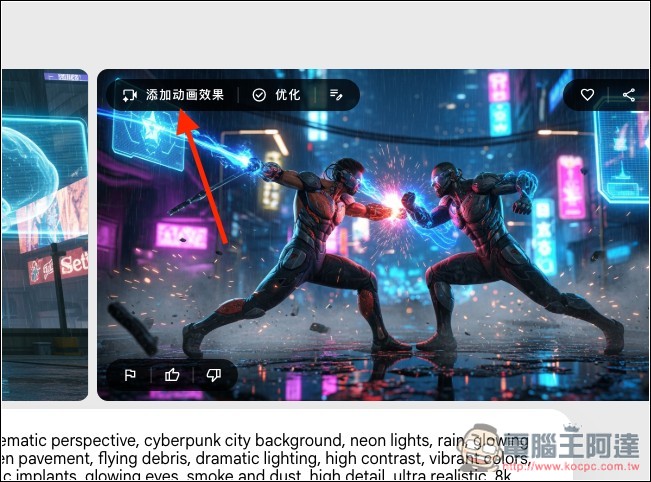
If you want to turn a generated image into a video, hover your mouse over the image and you’ll see the “Add animation effects” feature in the upper-left corner:
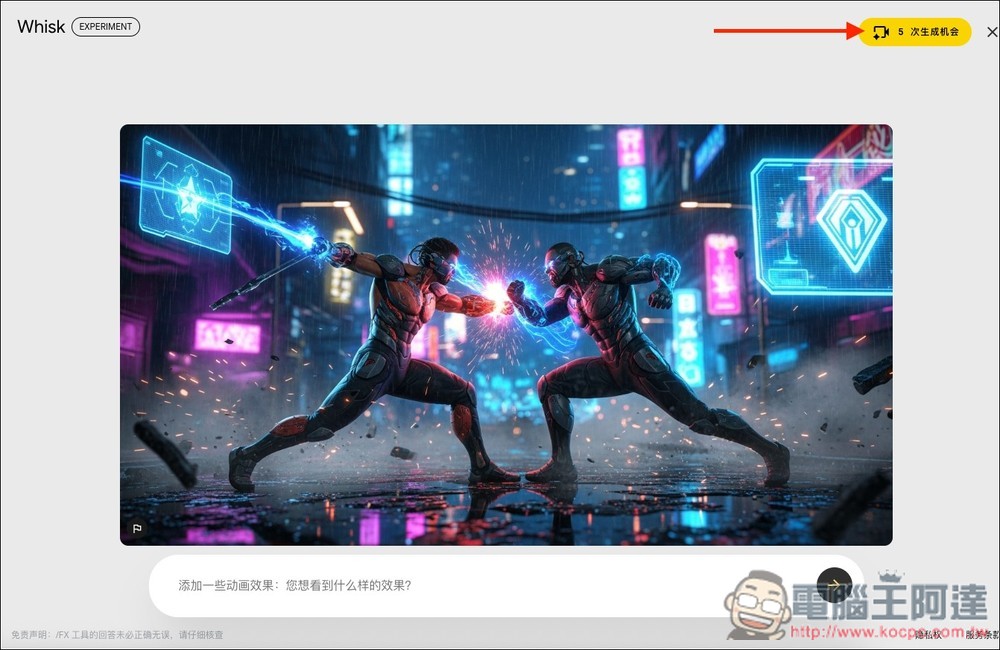
Once you’re in, type your requirements for how you want the image to animate into the box below. The top right corner shows how many generation chances you have left. Although the free version shows 5, after I tested and generated the first and second ones, the chances went back to 5 for some reason. But after that, it really does count down until it reaches 0:
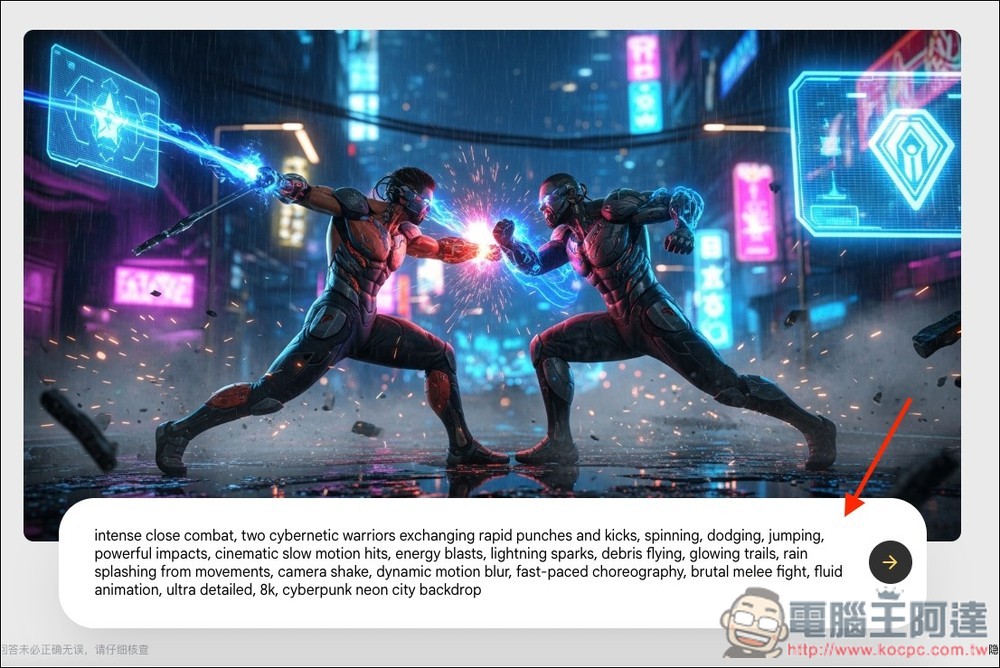
Once you’ve finished writing your description, just hit submit and the generation will begin. If you don’t have any ideas, you can also simply submit and let the AI get creative on its own:
Once the video is generated, you can play the preview:
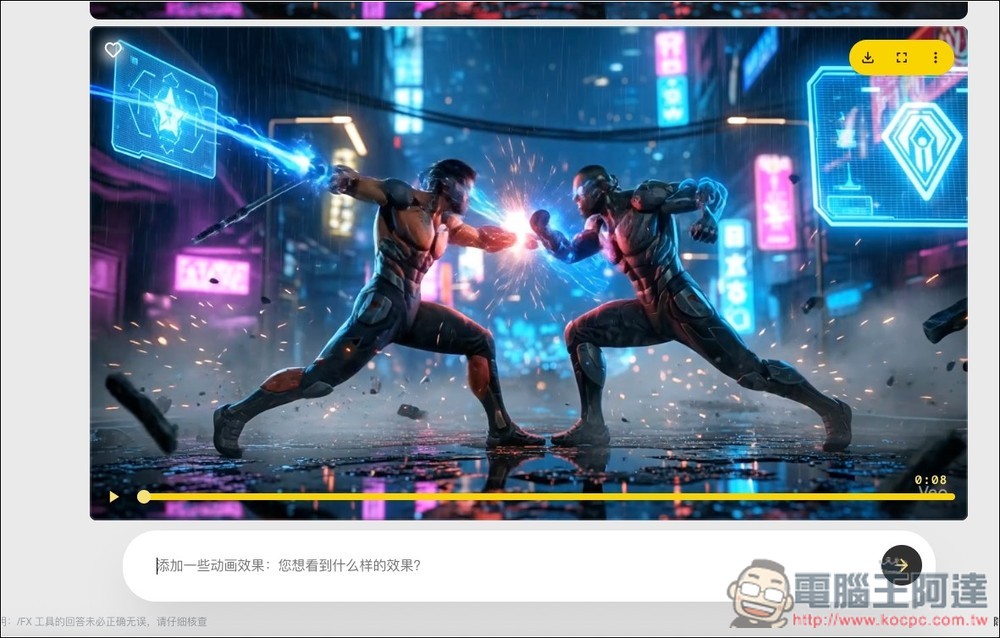
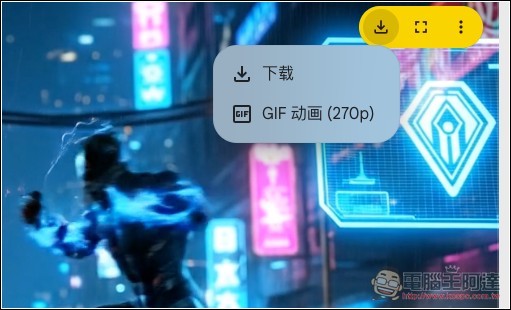
If you’re satisfied, there’s a download icon in the top right corner; click it to download the video, or download the GIF animation (270p):
This is the result of my image-to-video test:
Source: KOCPC Chinese