


Nowadays, many people use Spotify to listen to songs, and the free version of Spotify can listen to unlimited songs, which is actually very good, but for some users, they will definitely hope that if ads can be removed, the experience will be better. This article will introduce an amazing open source software “Spotube” that allows you to listen to Spotify music without ads. It also has built-in practical functions such as downloads and timers, and supports many platforms, including Windows, Mac, Android, Linux, etc.
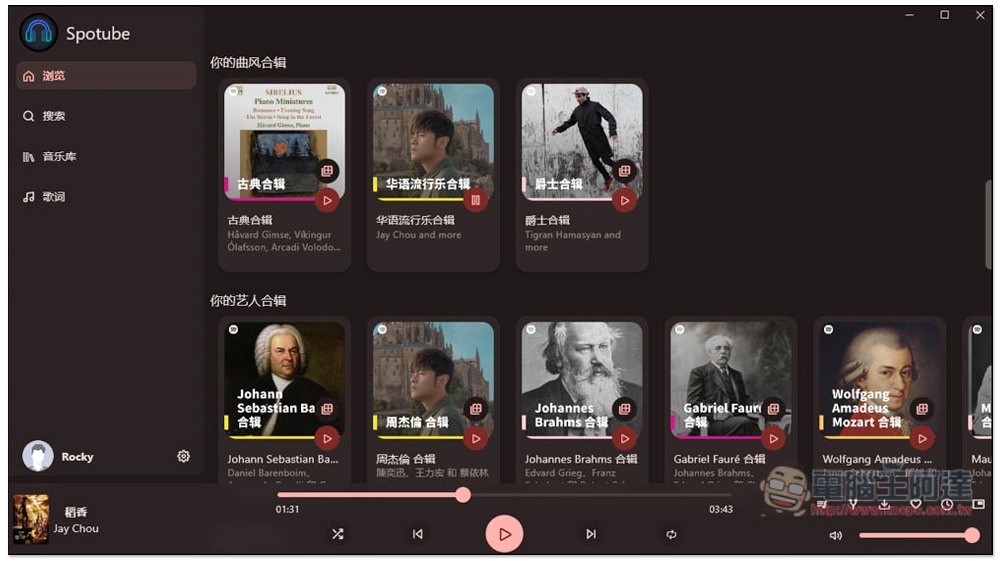
Spotube is an open source software that allows you to listen to Spotify music without ads. It is supported by Windows/Mac/Android.
Spotube is an open source software that is shared in GitHub website, and the installation files for each operating system can be downloaded directly from the official website. I will use Windows as an example below. One thing to note is that this method of logging into Spotify is rather special. Instead of entering your account and password directly, you use the browser’s cookies, which is also safer:
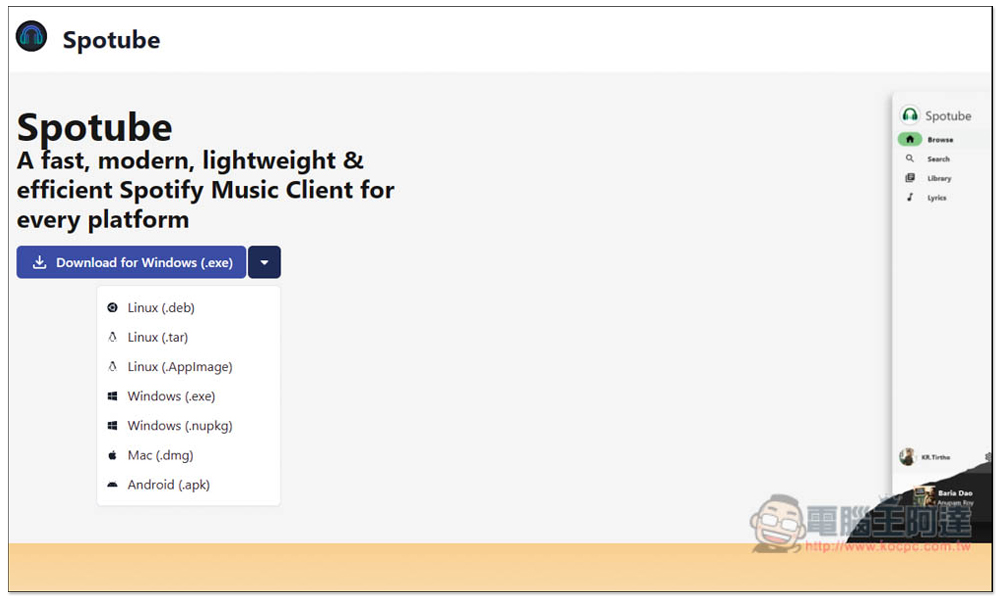
It is worth mentioning that although Spotube focuses on listening to Spotify music without advertising, its approach is actually very special. It uses the Spotify API to obtain music information, and then plays it through other music sources, including: YouTube, Piped or Jiosaavn. This means that it does not directly play Spotify music sources, but it can bring you a Spotify Premium experience.
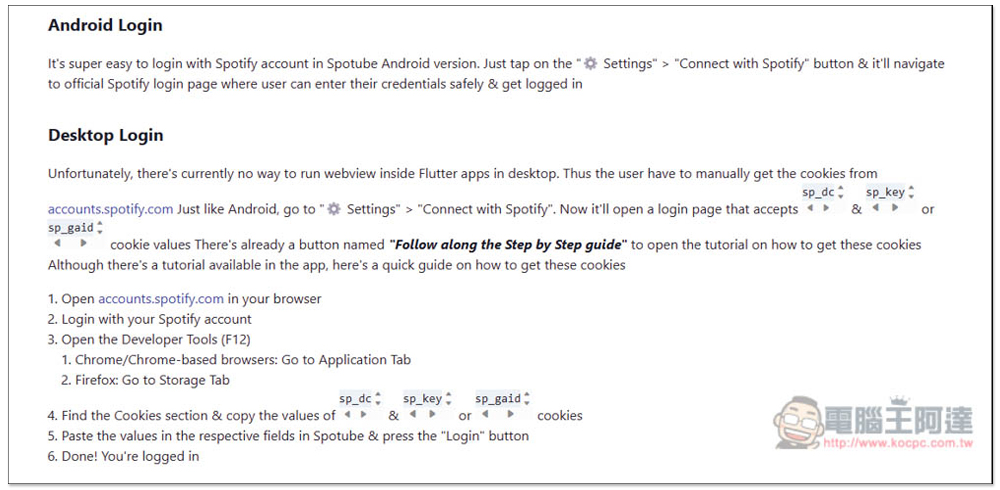
On the official websiteExplanatory article, there is a detailed introduction on how to log in to Spotube for each operating system. If you are not using Windows, remember to read it. It may seem difficult, but in practice it is very simple:
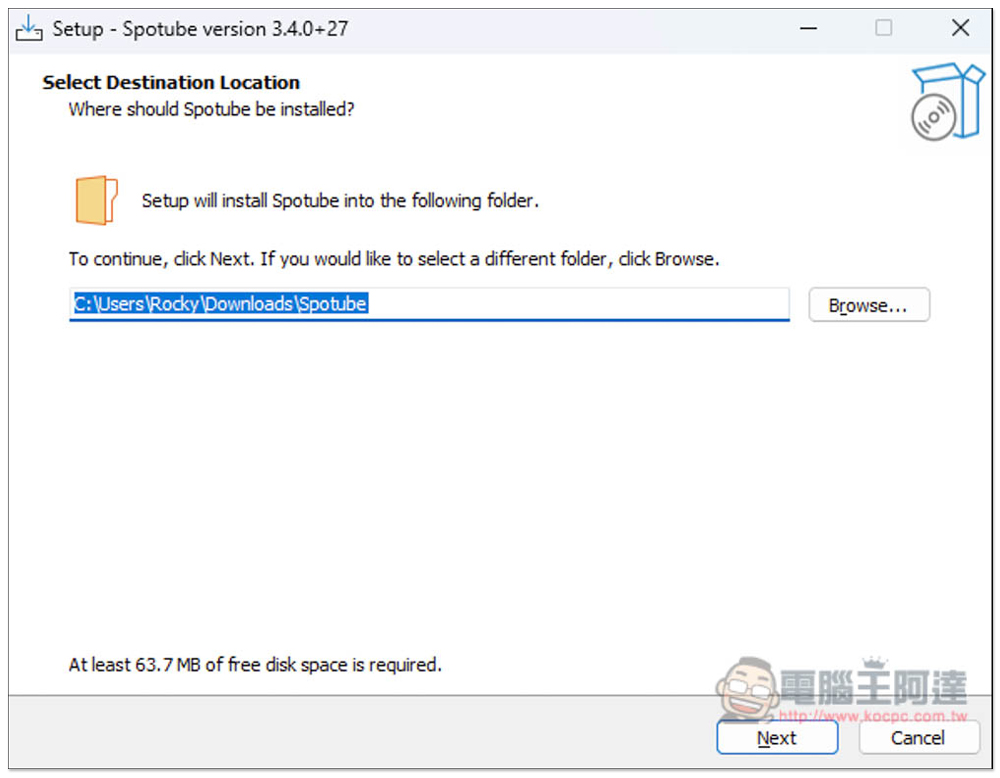
If there are no special requirements during the Windows installation process, just keep pressing Next:
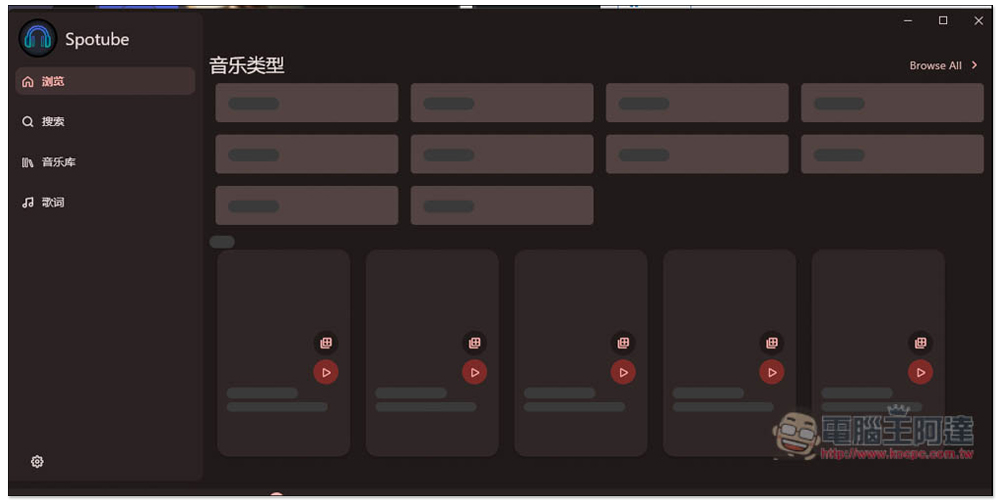
After installation, open it and you will find that no music is displayed on the browsing page. This is because you have not logged in to Spotify:
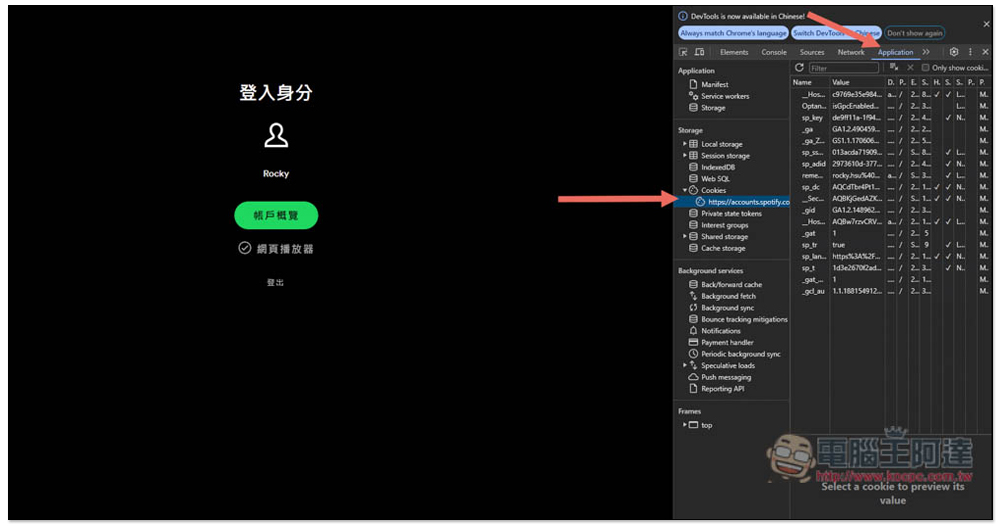
First, make sure your computer has the Chrome browser, and then use Chrome to go to Spotify account page, after logging in to your account, press F12 to open the developer tools, enter the Application menu, click Cookies in the left column, and find accounts.spotify:
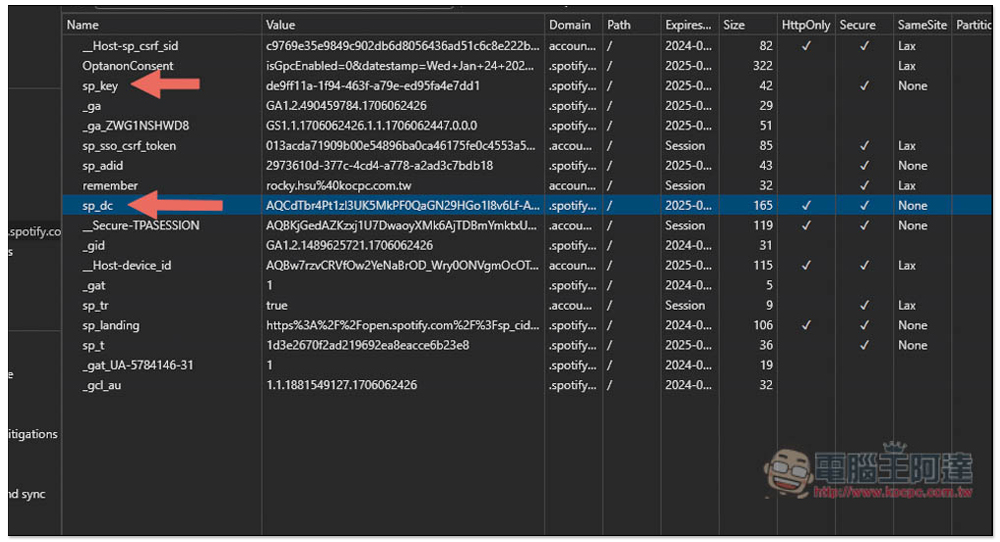
Copy the Value column of sp_key and sp_dc or sp_gaid. Click twice to select and copy them all. Mine doesn’t have sp_gaid, so I copy sp_key:
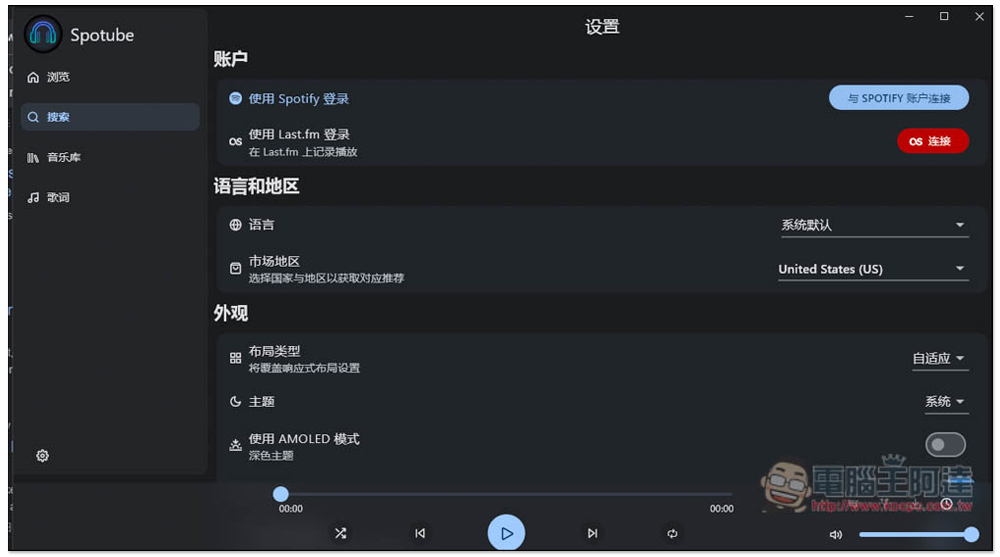
Then return to the Spotube software, click Search, and you will see “Log in with Spotify” on the right:
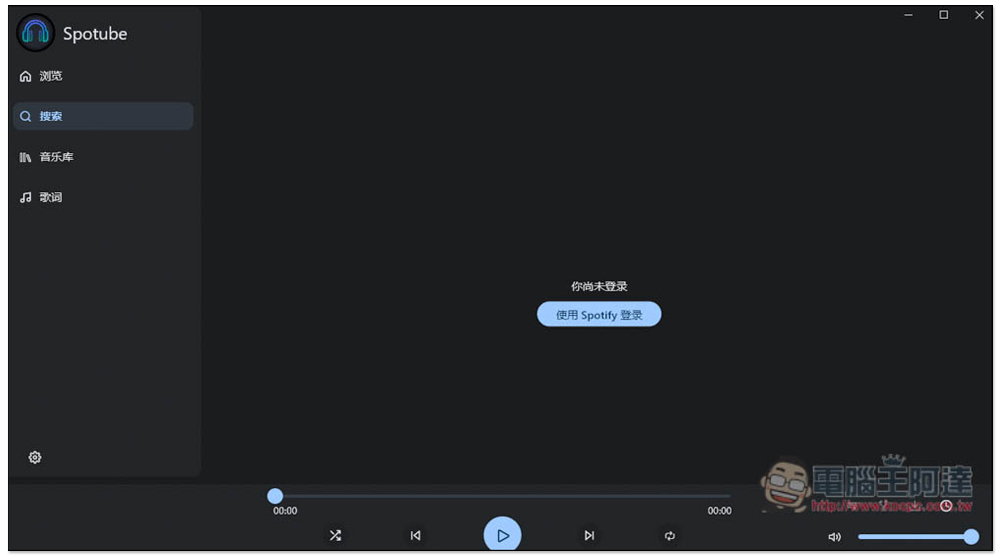
Click “Connect with Spotify Account” at the top again:
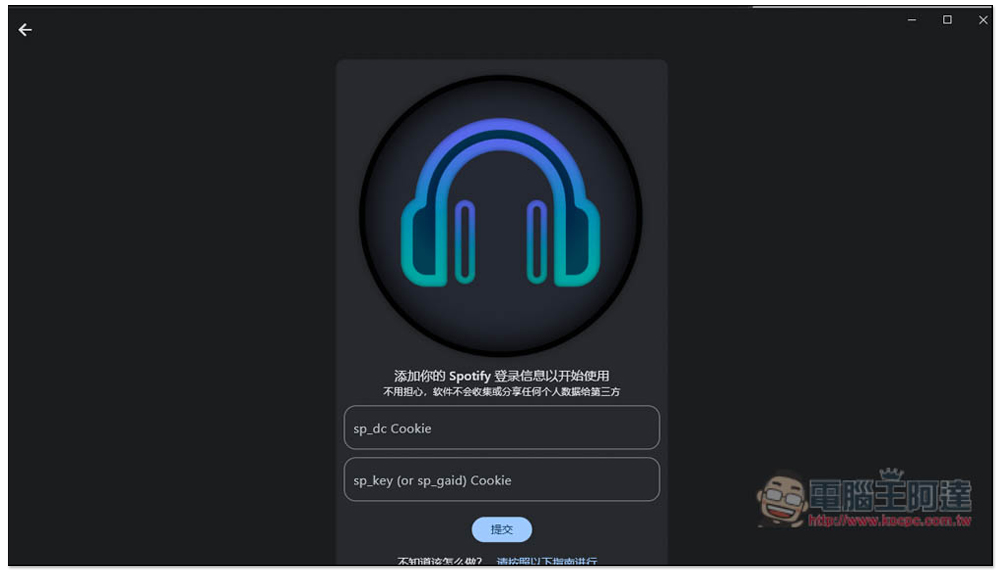
Paste the sp_dc and sp_key or sp_gaid Value values you just copied, and press Submit:
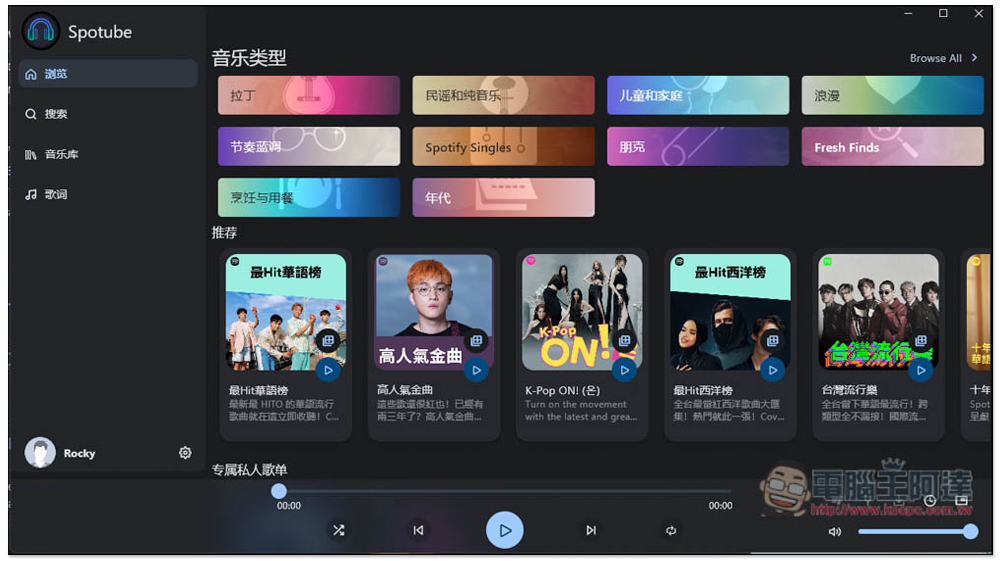
That’s it, you can start listening to your favorite music:
There are indeed no ads in the actual test:
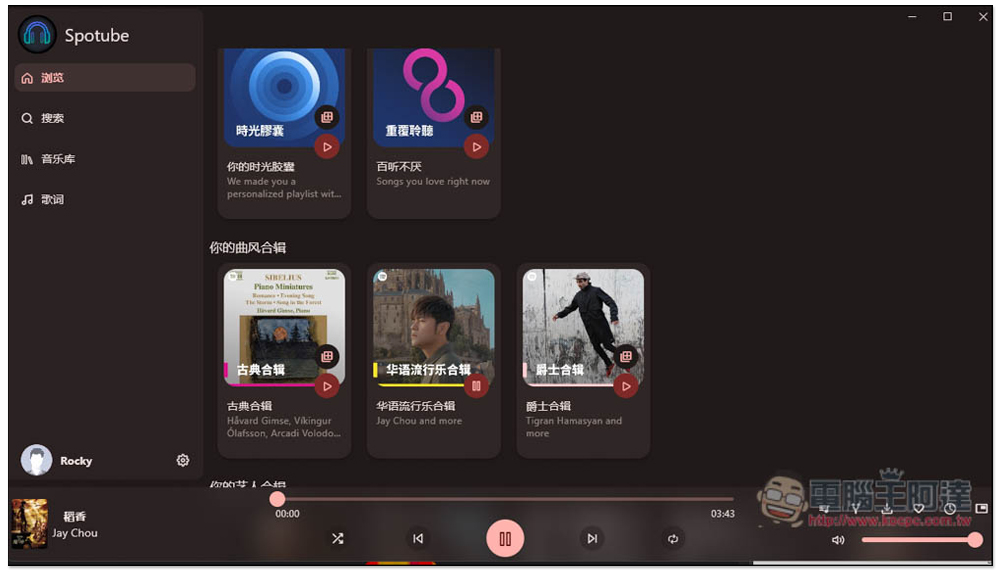
The download function is located on the lower right. There is a “Download Song” icon. Click it and it will download:

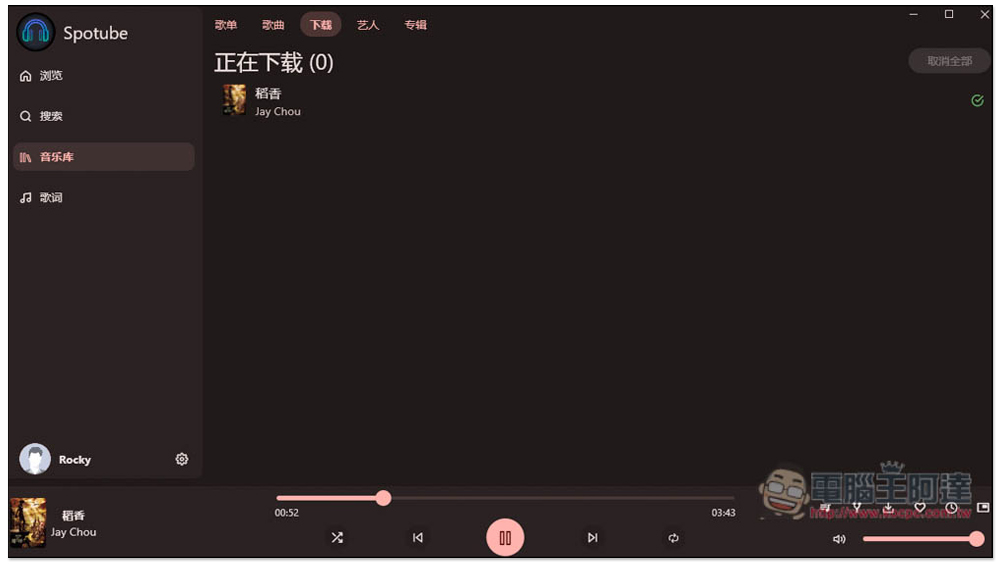
Then you can find the songs you downloaded in the download menu of the music library:
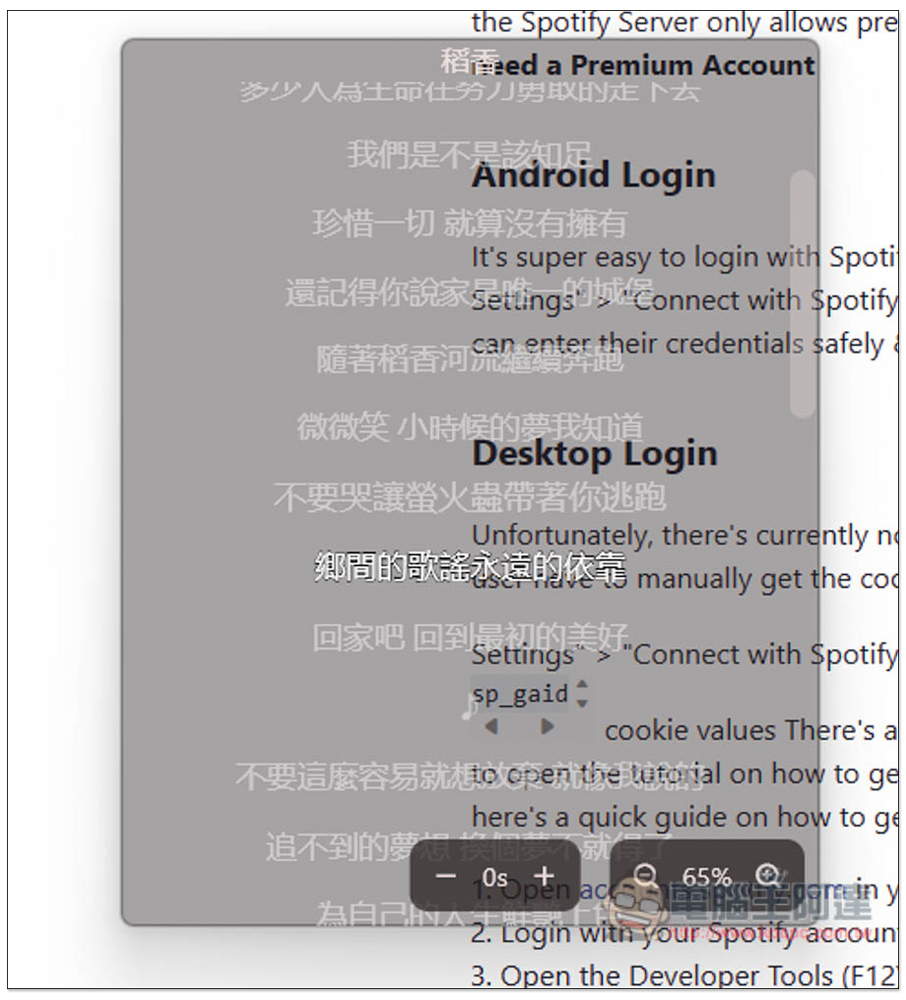
The Windows version also provides this small window playback mode:
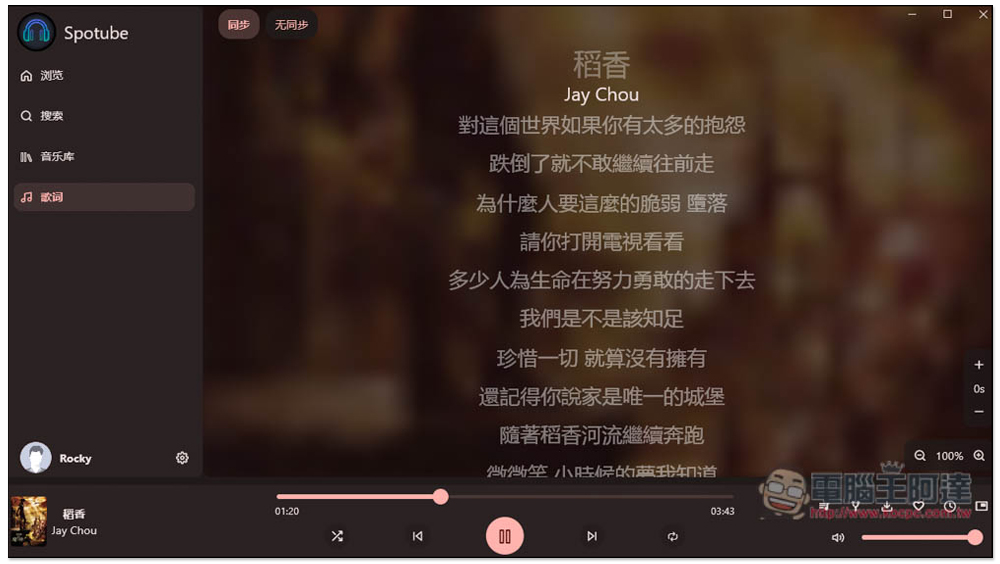
Also supports lyrics function:
The default music source is YouTube. If you want to change it to something else, you can adjust it in the settings.
Source: KOCPC Chinese