


The online world is interesting and full of information, but digital security should always be at the forefront of your mind. Ignoring Internet security may endanger your personal privacy, cause financial losses, and expose you to Internet fraud. In order to reduce these risks, we have put together 9 simple but must-know tips to help you enjoy the online world in a safe and worry-free manner.

9 tips for safe browsing so you can enter the online world with confidence
Use a safe and secure browser
A browser is your first step into the online world. Choosing a safe and reliable browser is the first step to protecting your online security. Reputable browsers such as Google Chrome, Mozilla Firefox or Microsoft Edge come with built-in security features designed to protect against malicious threats. In addition, they receive regular security updates that fix known vulnerabilities. If your current browser is unreliable or from a company you’ve never heard of, the first step in improving your online security, just to be on the safe side, must be to switch to a more reliable browser.

Avoid clicking on ads in search results
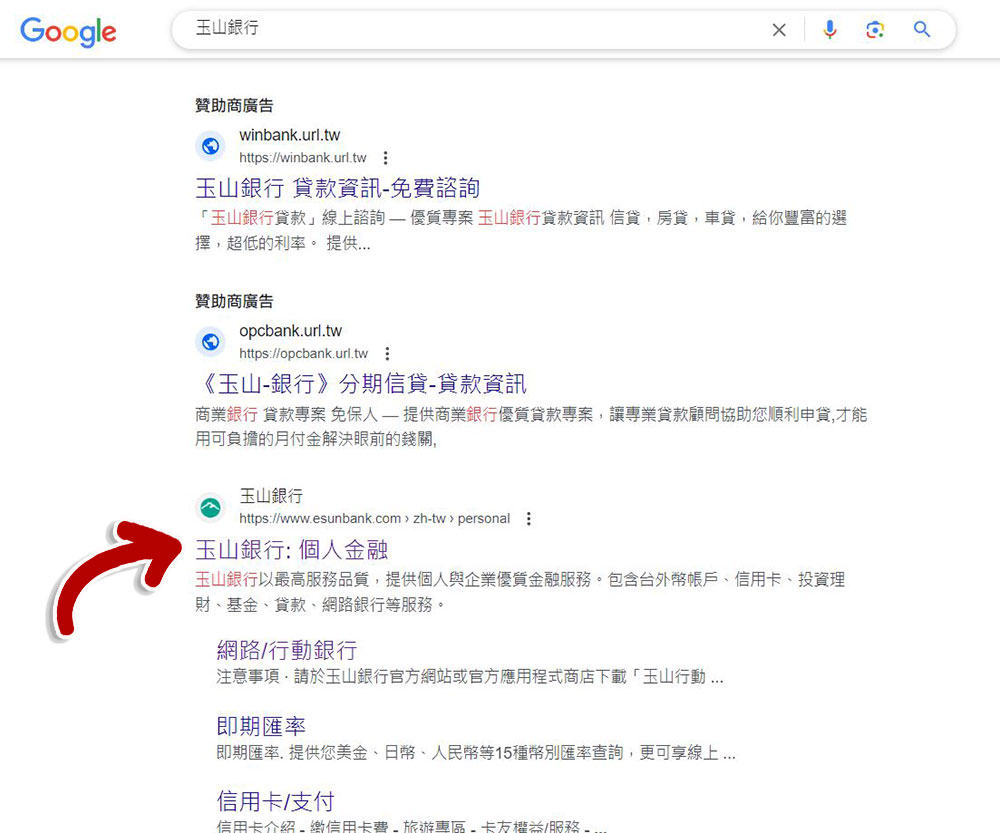
Avoid clicking on ads in search results when visiting official websites of banks, social networks, and other sensitive platforms. Scammers often serve this content by bypassing Google’s ad filtering process, fooling users into thinking it comes from the brand itself. Links embedded in these ads direct users to malicious websites that look identical to official websites and steal their personal information. If the ads are being served by scammers, entering your login details on the malicious website you’re taken to may reveal your credentials to the scammer, putting privacy and money at risk.
For example, when I searched for “Yushan Bank”, the top few items would be exclusive columns for advertising sponsors. Although they are likely to be placed by Yushan Bank itself or companies that have partnerships with the bank, it is better to err on the side of caution and always scroll through the search results and visit the official website listed below the ads to avoid laziness and click directly on the ads.
Watch out for the “Allow Notification” pop-up
When you visit a website, you may see a pop-up in your browser asking you to allow notifications. Granting this permission to suspicious websites gives scammers the opportunity to send you distressing and potentially harmful browser notifications, all controlled by the scammers running these malicious websites. Even clicking on these notifications unintentionally is risky and could result in your device being compromised. So, when you come across such pop-ups on a website, block them completely. If you have previously granted permission to such a site, be sure to remove permission from your browser settings.

Skip saving sensitive data
Don’t save critical, sensitive details such as credit card numbers, ID numbers, and important passwords in your browser. Saving this information in your browser may be convenient for you to fill it out again or log in next time, but it may pose a security risk if someone accesses it or your browser is hijacked. Using a password manager or other data management extension can be helpful, but it’s not foolproof, so consider keeping notes in a physical notebook to keep prying eyes away.
Scan link before downloading
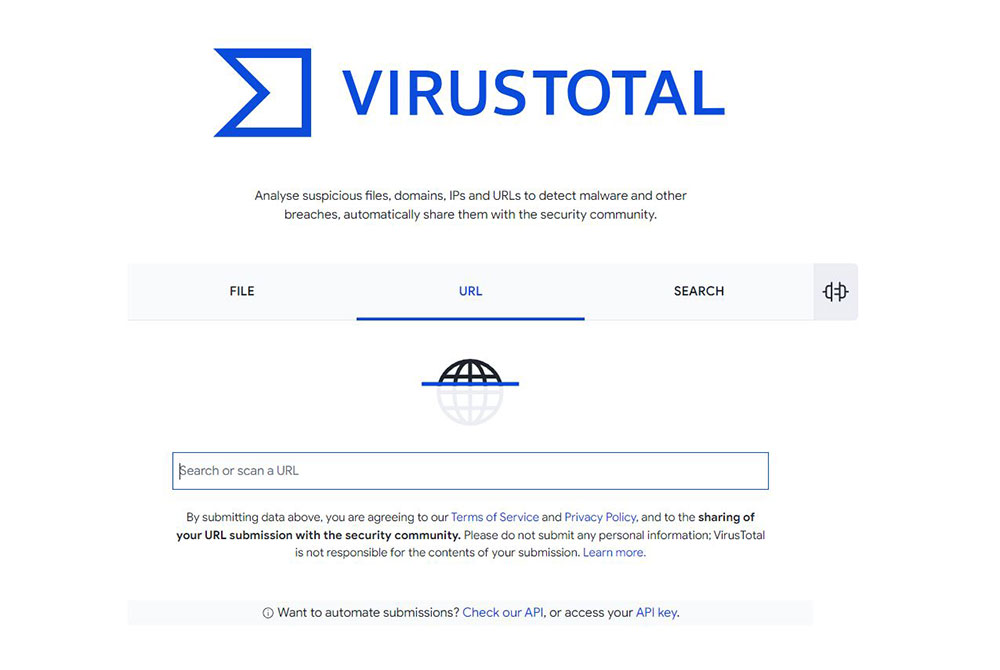
The best option when downloading files is to always use official sources to protect your device from malware associated with third-party websites. When having to download unofficial sources, use VirusTotal Scan links with other tools as an extra precaution. This tool checks links for possible viruses and can help you determine whether a download is safe.
To use VirusTotal to scan a link, please copy the download link, go to the tool’s official website, select the URL tab, then paste the link into the search box and press Enter, and the tool will scan it for you. If no red flags are found, it’s probably safe to continue downloading, but if the file is flagged as malicious, consider using another, safer source. Again, no antivirus is perfect. Even VirusTotal we mentioned above may miss some special or new malware. If you install a program and find that it behaves suspiciously, be sure to remove it even if VirusTotal says it is safe.
Expand the full URL before clicking on the short URL
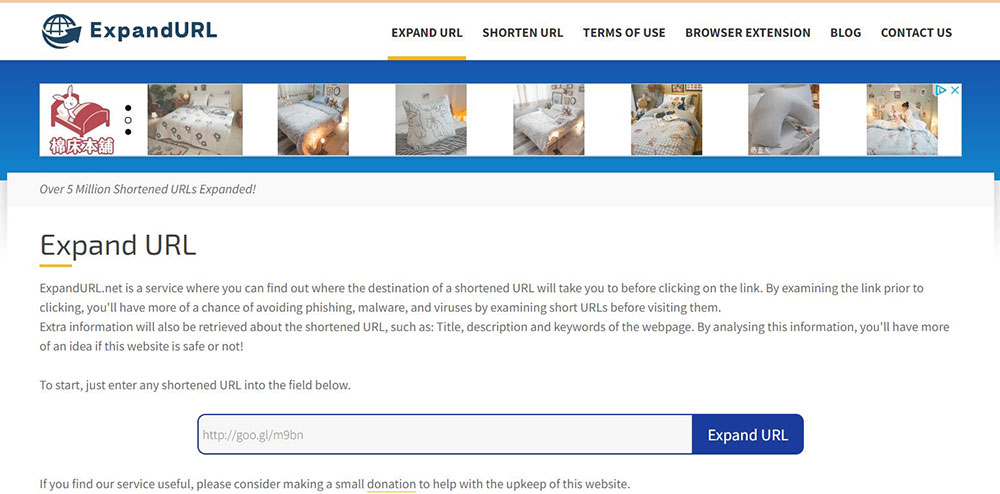
Nowadays, many short URLs are used to replace the original URLs on the Internet. Although the characters are shortened, the information about the content, source and destination of the relevant documents is hidden due to the lack of transparency. Therefore, before clicking on a shortened URL, use a link expansion tool such as ExpandURL) to display the complete URL. Once you have the full URL, you can analyze the source it points to before clicking on it.
Avoid sites that are filled with tons of ads
Be wary of websites that put too many ads on your screen. These sites often embed malicious links into their images, text, and other content, putting users at potential risk for accidental clicks. What happens after you click? Examples include browser hijacking, device hacking and exposure to malware. For these reasons, you should protect yourself from harm by immediately shutting down and highlighting sites that are full of ads.
Browsing anonymously (incognito mode) is necessary
Browsing anonymously prevents your browsing history, cookies, and other website data from being saved in the browser, which means sensitive information such as login credentials and financial details are not retained after the browsing session is over. This acts as an extra layer of protection, ensuring your personal data remains confidential and secure. You should use an anonymous browsing window in Chrome or Edge when accessing your bank account, cloud storage, or other sensitive or critical websites, especially when using a device you don’t own (such as a public computer).

Update your browser regularly
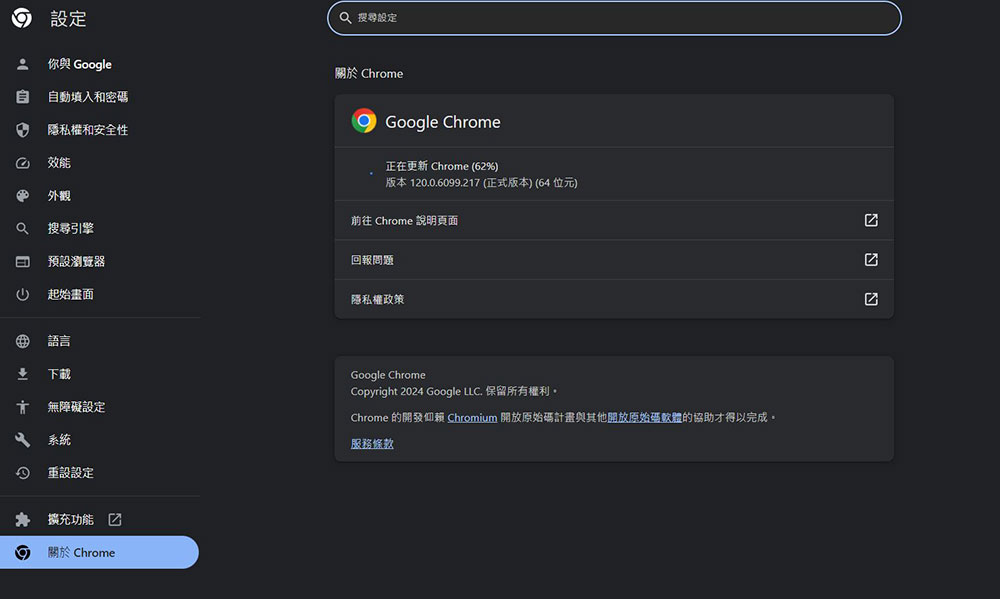
Cybercriminals often target older browser versions with known vulnerabilities. The browser regularly launches updates to plug known security vulnerabilities, prevent malicious attacks and improve users’ online browsing security. However, you will only benefit from these updates if you cooperate in installing them promptly. Therefore, be sure to update your browser version regularly. Chrome and Edge users only need to click on the three-dot menu in the upper corner and go to the “About Chrome / Microsoft Edge” page in “Help and Feedback” (or Help) to check whether it is a new version or whether there are updates to install and download.
Source: KOCPC Chinese