


Many people want to make something exclusive for themselves, their children, or their pets at home. LINE Stickers, although previously ChatGPT It can already be done, but the variation between images isn’t much, making it a bit monotonous. With the powerful Nano Banana A Taiwanese netizen has developed this free tool, One Click Sticker, letting you easily create LINE stickers of higher quality than ChatGPT. Not only do they include actions, but there’s also text support beside them, and you can even customize the types of stickers you want to generate.
2025/09/14 Supplement:The latest 3.0 version also adds a cartoon/real-person sticker mode toggle, letting you directly specify what type of stickers to generate. You can refer to the images at the end of the article.
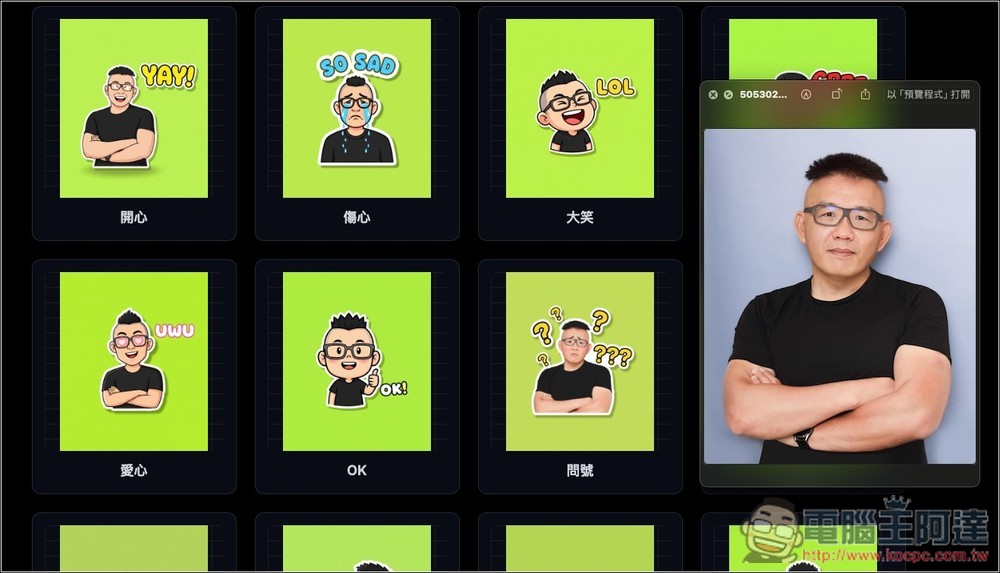
One Click Sticker: Create your own LINE stickers for free using Nano Banana.
One Click Sticker is an online sticker generator developed with Gemini Canvas, powered by Nano Banana (Gemini 2.5 Flash Image). You can use it by logging in with your Google account. The free version offers a daily generation quota of 100 images, so it’s more than enough, while the paid version goes up to over 1,000, letting you generate as much as you like.
The generated stickers also come with built-in one-click background removal and packaging features, which is very convenient.
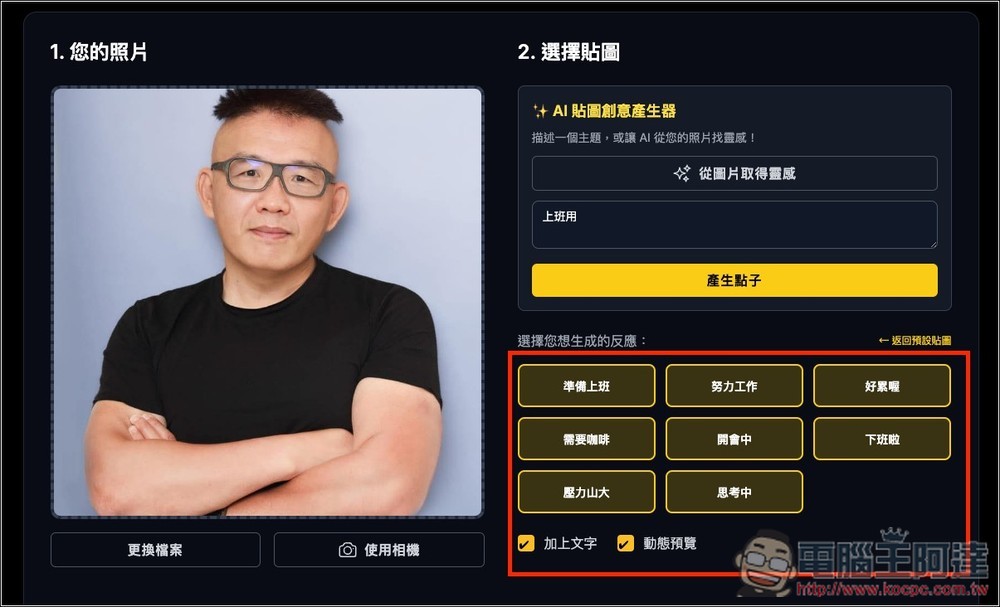
After clicking the link above to enter One Click Sticker, upload a reference image on the left; it also supports the camera capture function:
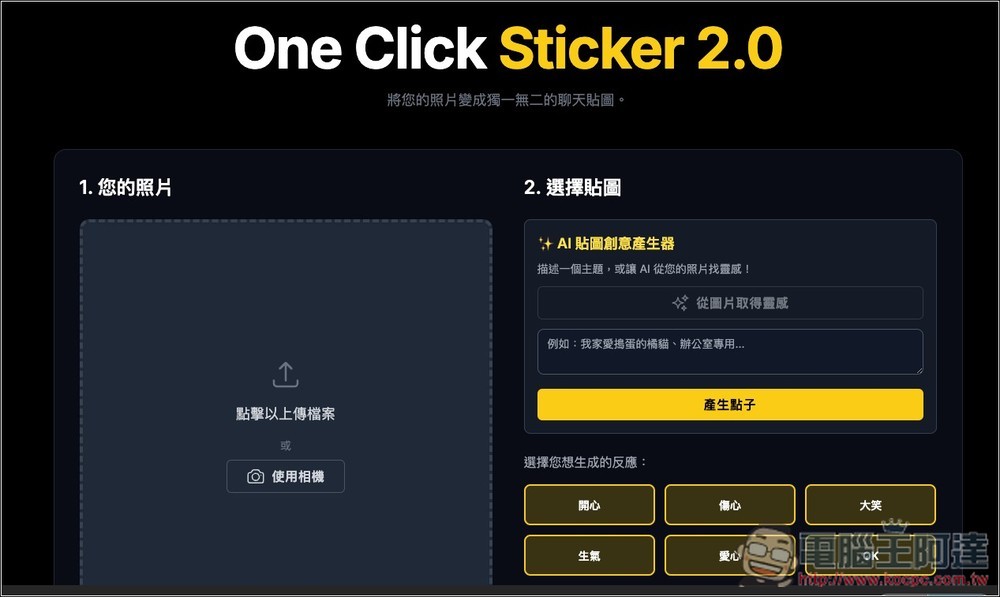
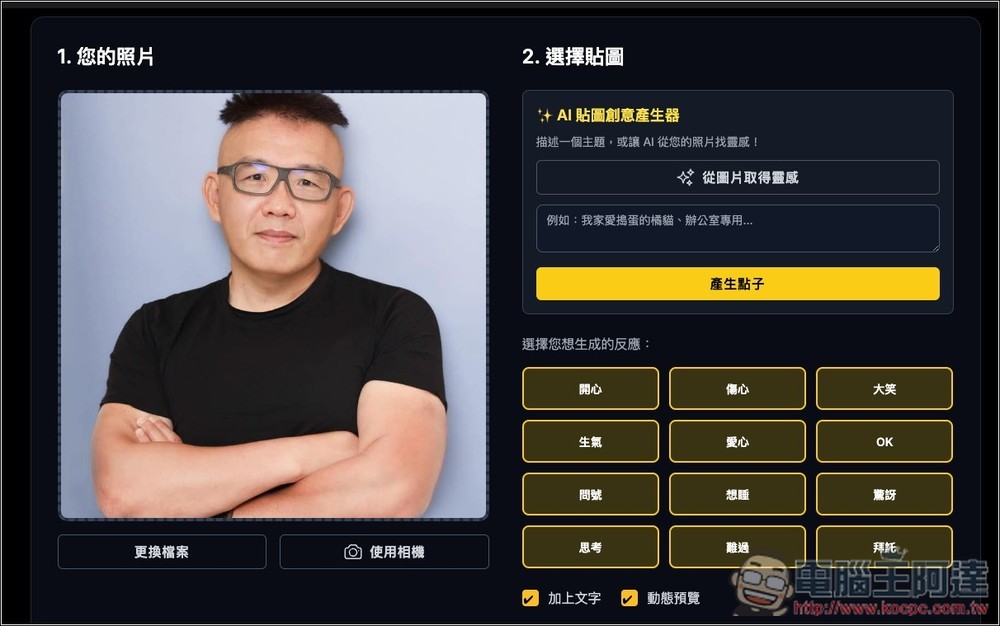
I use this photo of Ada; on the right, I choose the type of stickers to generate. There are already 12 default common reactions, including happy, sad, laughing, angry, heart, OK, etc. All defaults will be generated. If there are any you don’t want, you can click to cancel:
If the default reactions aren’t what you want, you can enter your desired sticker theme in the AI sticker idea generator above. For example, I entered “for work,” then click “Generate Ideas” below:
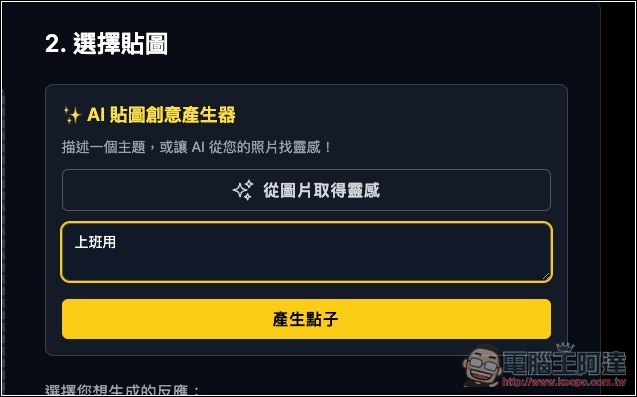
Below, multiple sticker reactions suitable for work will appear. If satisfied, press the “Generate Stickers” button, and generation will begin. Also, stickers have text added by default; if you don’t want that, remember to uncheck the box:
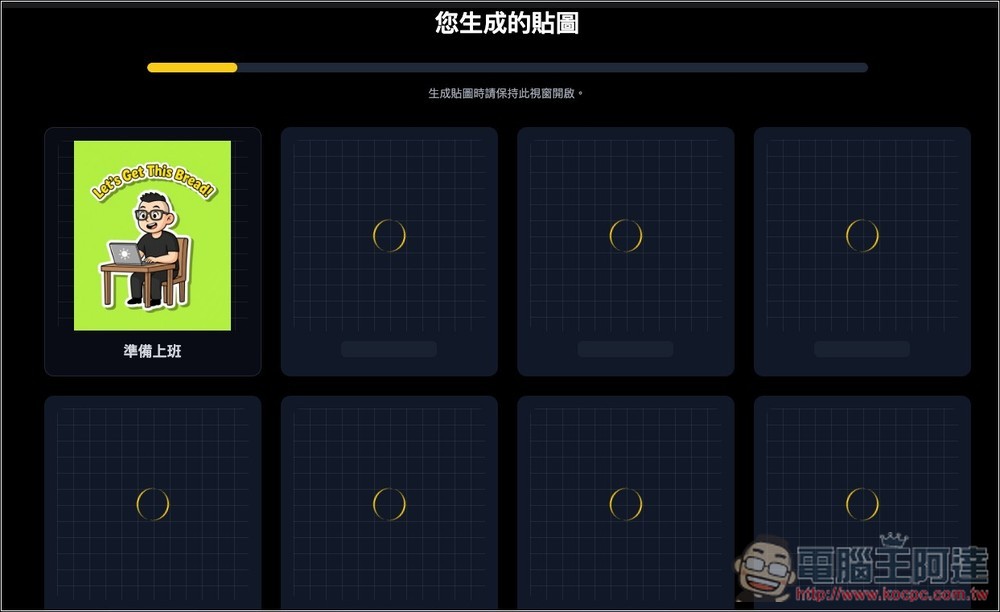
Generation will begin one by one below—please keep this window open throughout the process. The time it takes depends on the number of stickers you selected, but it should generally be done within a few dozen seconds.
And just like that, Ada’s custom work stickers were ready. Every single one is genuinely useful, with spot-on expressions and movements. Gemini’s Chinese support isn’t quite there yet, so for now it can’t generate stickers with Chinese text—English will have to do.
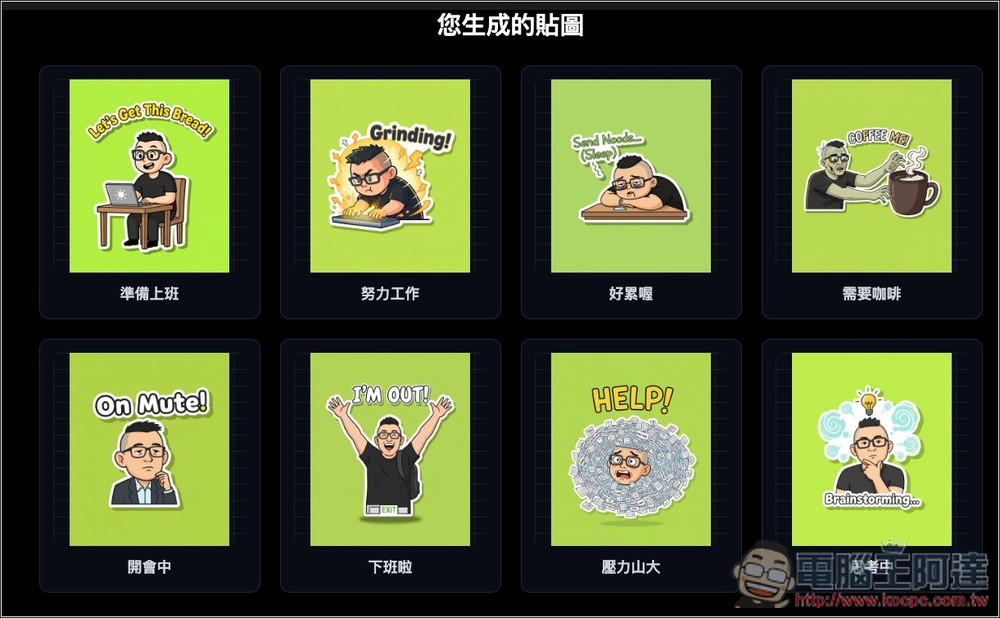
If you want to publish LINE stickers for commercial use, I’d recommend not adding any text to the sticker designs themselves. After downloading, you can add Chinese captions yourself using PS or other software, and putting together a few different situational combinations will work great.
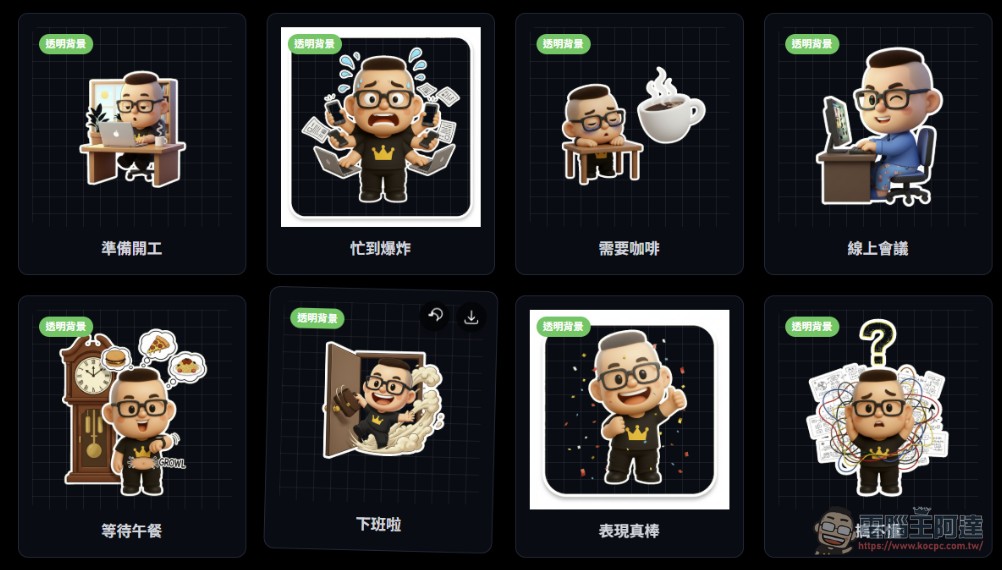
Currently every sticker has a green background. If you want a version with a transparent background, click the “One-click Background Removal” at the top, and it will immediately remove the backgrounds of all stickers. Then scroll down to find a package download button:
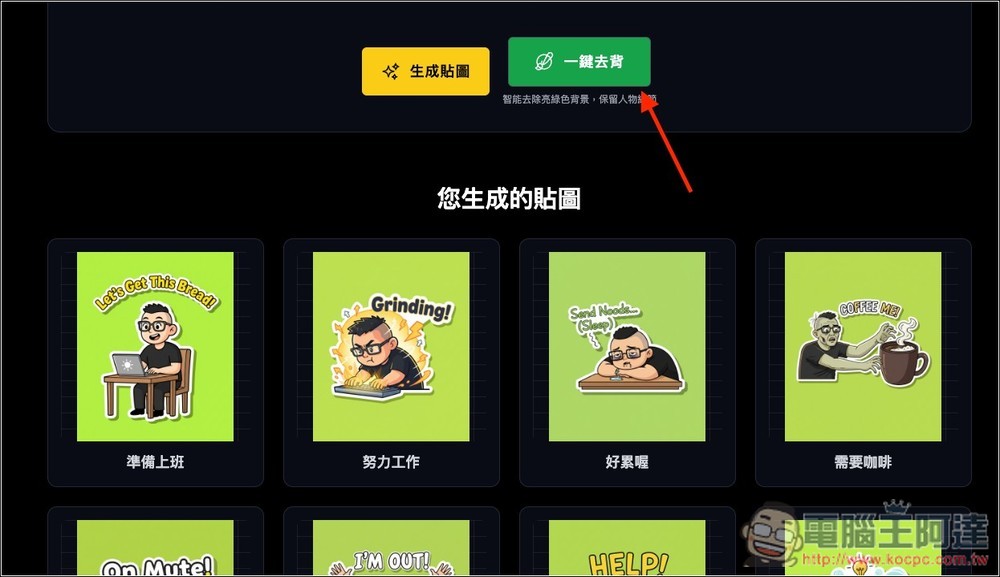
After downloading and decompressing, you’ll get all the stickers that were just generated; mine is the version with the background removed:
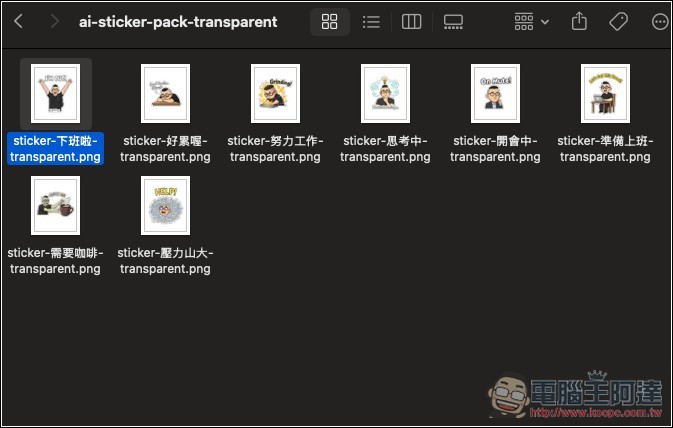
I opened it to check, and indeed there’s no background.
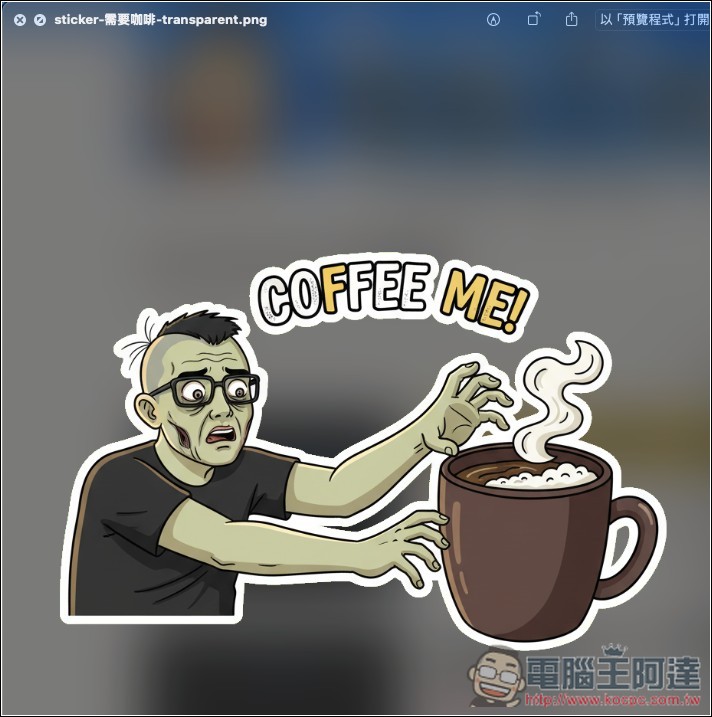
Compared to ChatGPT, the stickers Nano Banana generates are really much better in quality, and they match the reference images very closely. From now on, whenever I want stickers, I’ll just use this tool to generate them.
As for the Chinese character part, I guess it should improve in the next model version of Nano Banana, so we won’t have to wait too long.
2025/9/14 Supplement:
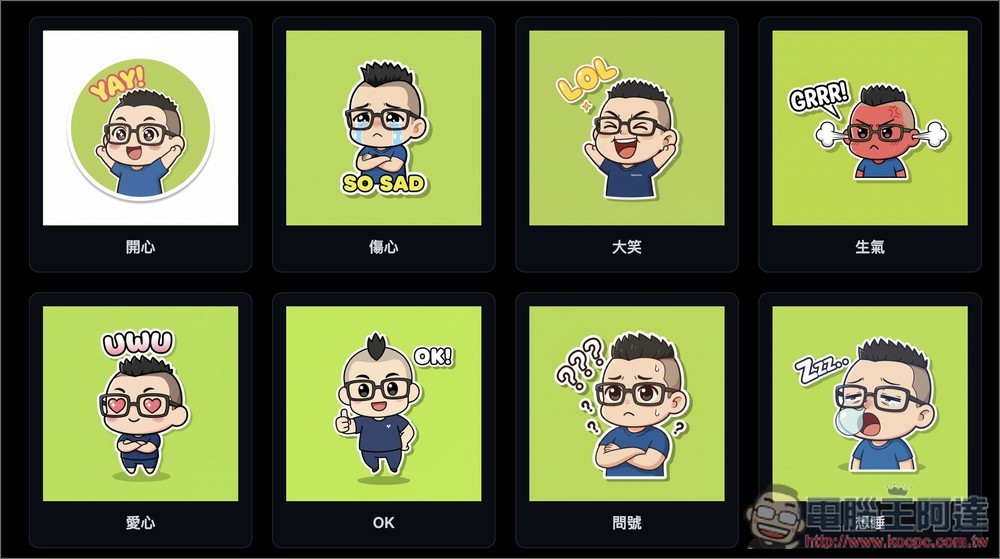
Recently, the developers released version 3.0, and below there’s an additional toggle for “Cute Anime”. When not enabled, it generates realistic images; when enabled, it becomes anime:
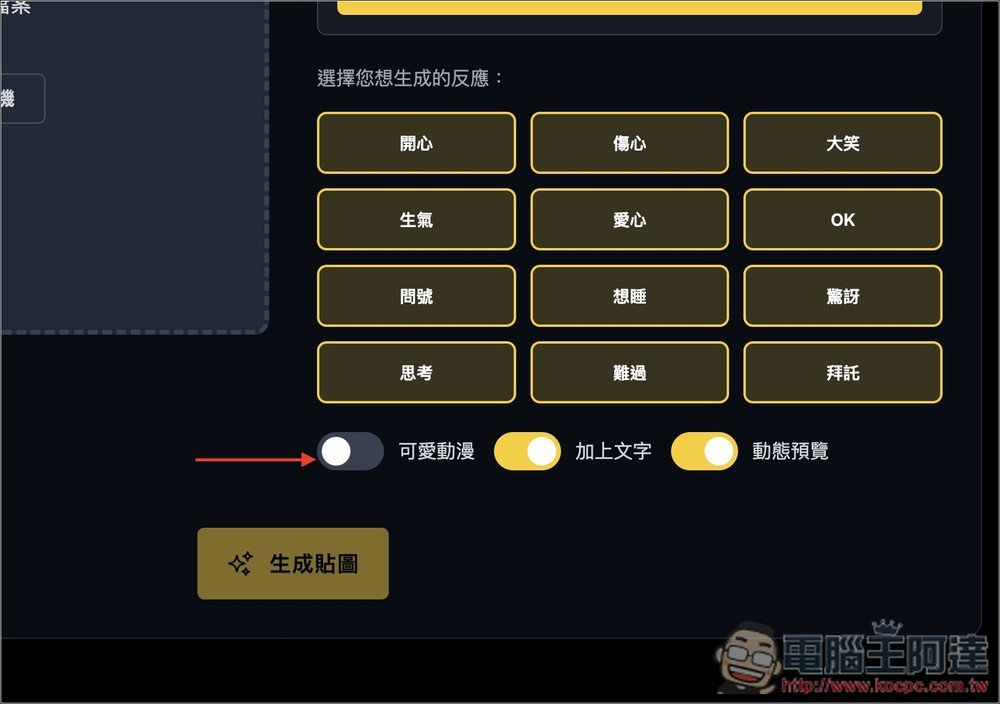
Real person stickers:
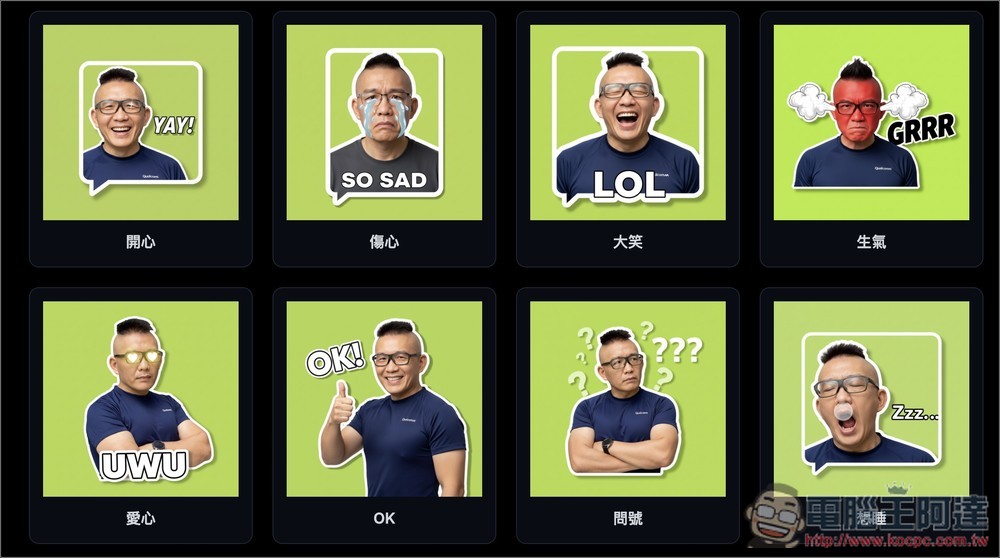
Cute anime stickers:
Source: KOCPC Chinese