


Super useful AI Learning tools NotebookLM, the features are really getting more and more powerful, continuing from last week4 Brand New Formats for Voice SummariesLater, several new learning modes were added, all quite practical, such as “Flashcards” for quick repetitive practice, “Quizzes” to check comprehension of the content, and “Study Tutor” led by a teacher.
In addition, the already popular “Report” feature has been completely revamped; besides new formats, it will also use AI analysis to suggest more suitable formats.
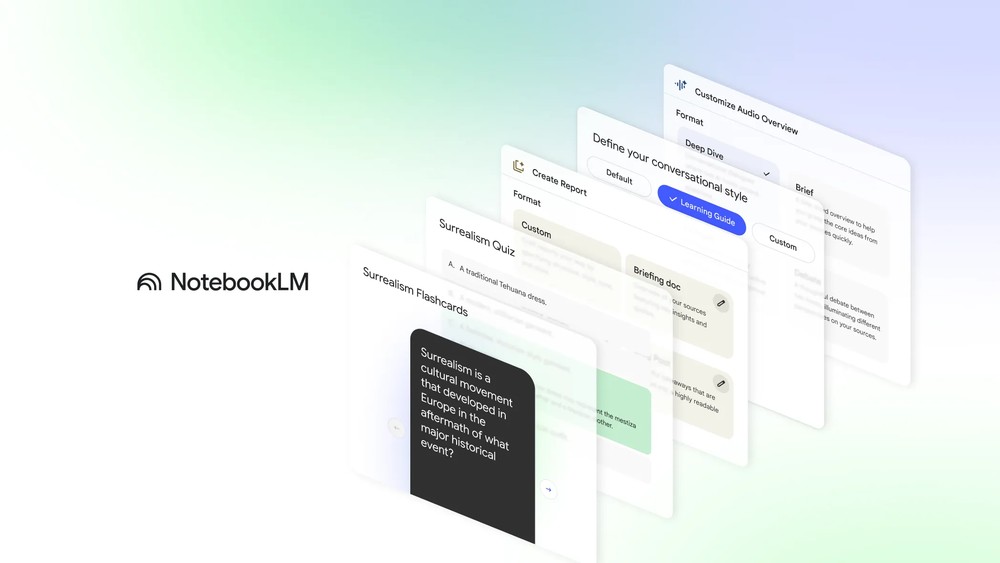
Image source: Google
NotebookLM again adds multiple learning modes: study cards, quizzes, study tutor, and more.
Earlier, Google announced in an official blog post the launch of a new NotebookLM learning mode, allowing users to enhance their content learning through more varied methods.
Google says, “Whether you’re preparing for an exam, starting a new project, or simply exploring a new interest, turning information into real knowledge has never been easy. That’s why we built NotebookLM—it’s your personal AI learning partner that helps you make connections faster and understand complex content.”
When you open a NotebookLM notebook now, you’ll see several new study modes in the Studio on the right, including study cards and quizzes. Combined with the previous audio summaries, video summaries, mind maps, and reports, there are now 6 study modes in total:
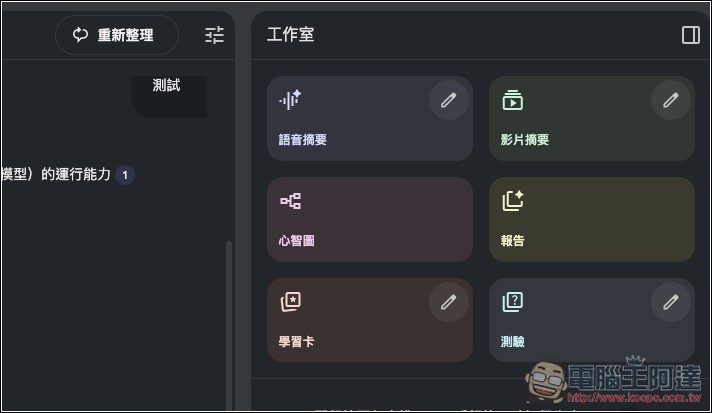
Flashcards and quiz modes are both learning methods that enhance memory. Compared to other modes, you can test your understanding through customized questions and more easily remember key vocabulary and core concepts.
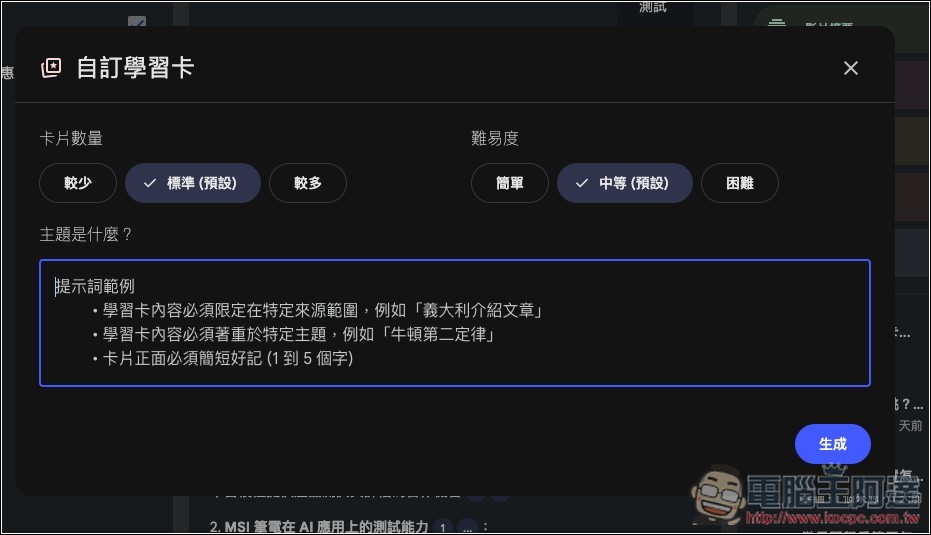
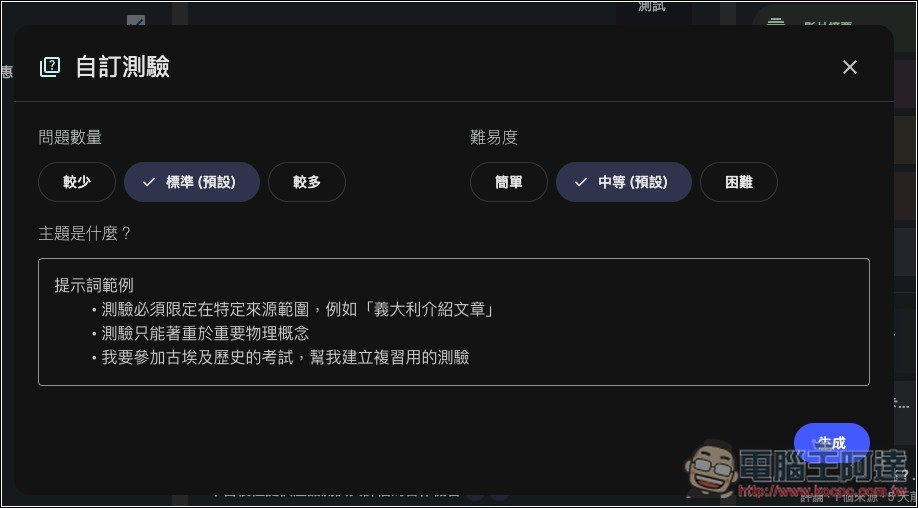
Just like other modes, you can customize the generated content. For flashcards, you can set the number of cards to generate (fewer, standard, more), the difficulty level (easy, medium, hard), and custom prompts:
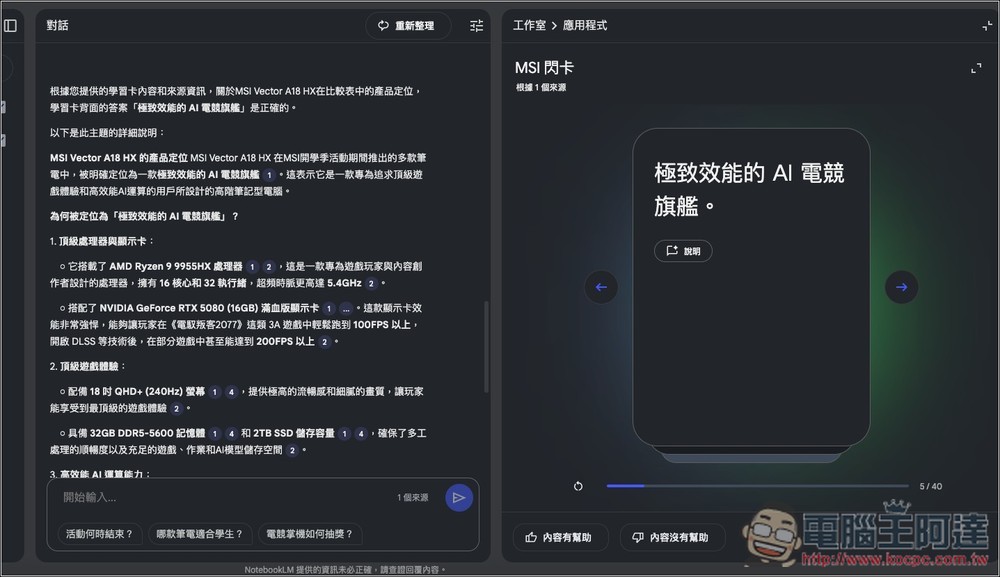
The generated learning card screen is shown below. It displays the question; click to flip it over to see the answer on the back.
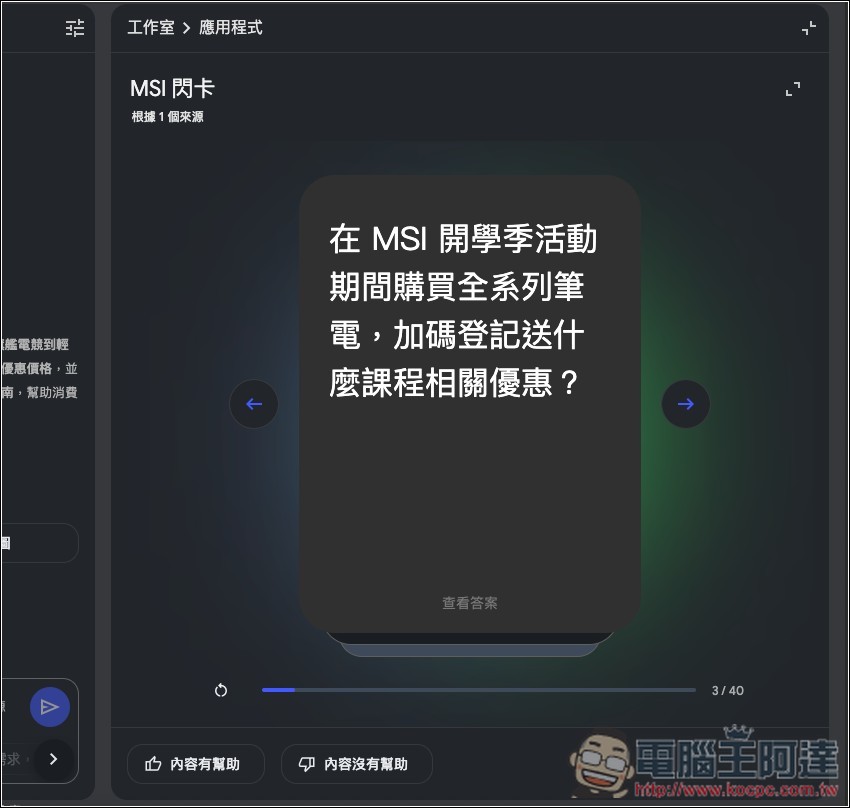
If you have doubts about the answer, there is also an explanation button provided below. Clicking the dialog box on the left will provide an explanation.
For quizzes, you can customize the number of questions (fewer, standard, more):
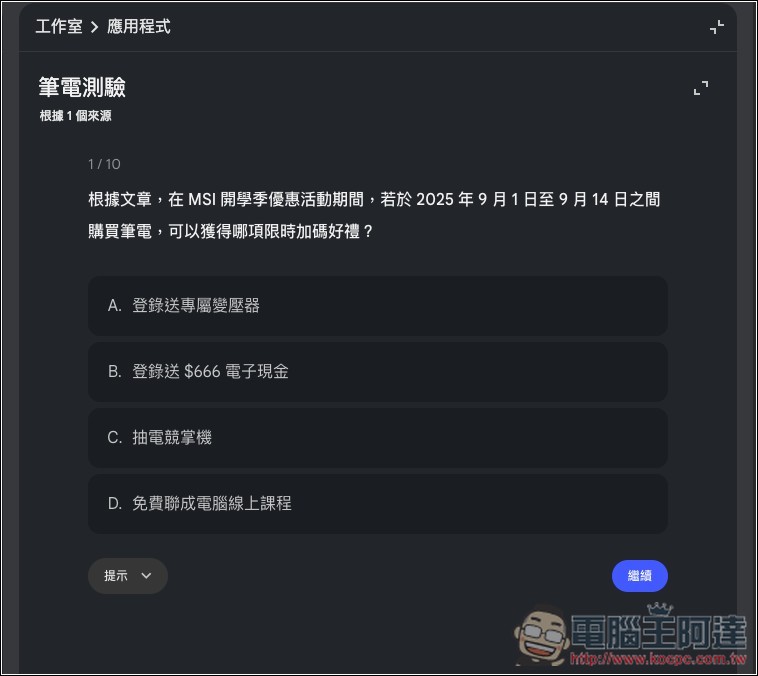
The quiz is multiple choice, with questions and four options. Both correct and incorrect answers will be explained, and a description button will appear at the bottom:
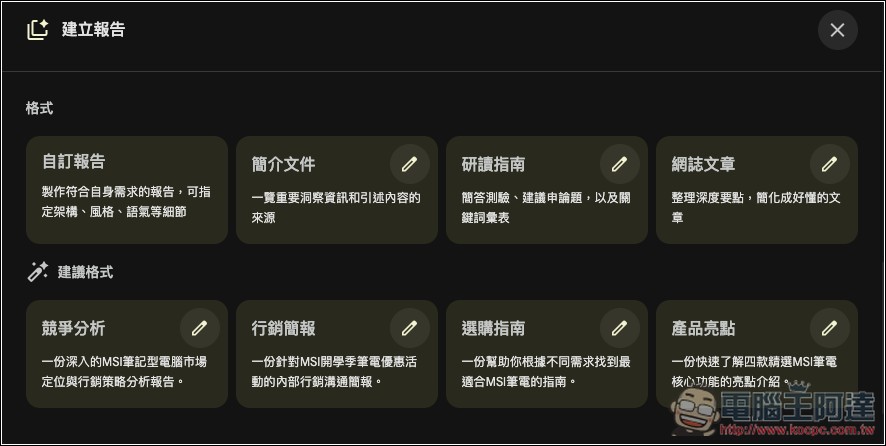
The report section has also been completely redesigned, with a new “blog article” mode added. The system also provides dynamic suggestions based on the contents of your notebook. For example, since my content is about MSI’s back-to-school promotions, the AI-suggested formats include competitive analysis, marketing presentations, buying guides, and product highlights.
In the conversation settings screen, a brand-new “Learning Guide” option will be introduced. According to Google, this mode uses guided questioning to help you break down problems step by step and adjusts its explanations based on your needs. In simple terms, it doesn’t just give you answers—it acts as a personal tutor, helping you build deeper understanding.
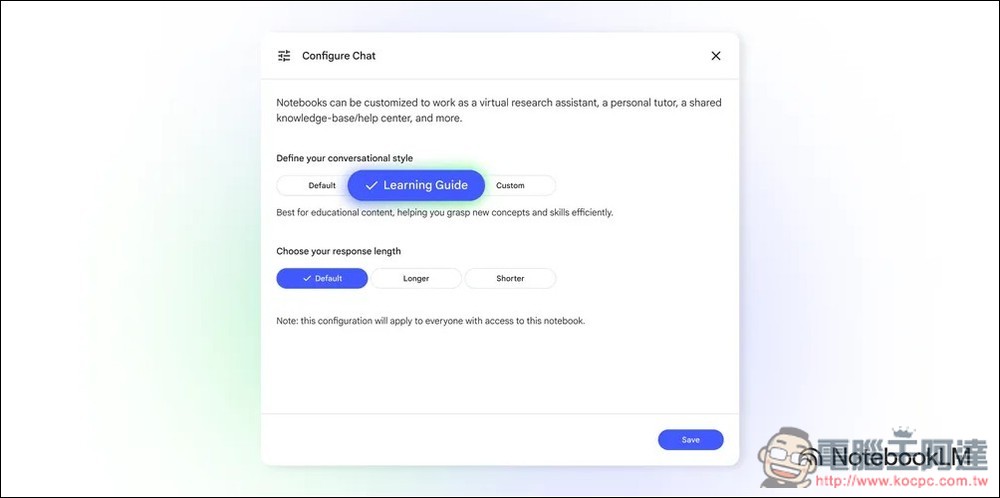
The “Learning Guide” won’t be available to all users until next week, so it’s still unclear how well it works. We can try it out then.
Source: KOCPC Chinese