


Rumors about DIY computers are as old as DIY computers themselves, and even though there is a wealth of information about PC hardware on the Internet, some people still believe them. We won’t talk about the most common misconceptions here, but some of the cooler prejudices stem from community discussions and seem to be somewhat accepted as a norm. Whether it’s because of constant retelling or the desire to build a computer in some form, community forums have inadvertently fueled confusing rumors that still exist even in 2024.
5 mysterious DIY computer rumors that have been circulating for a long time
Overclocking shortens the life of your hardware
There have always been some peculiar opinions surrounding overclocking. Today, for most people, the CPU and GPU are powerful enough out of the box that actual overclocking is not necessary, but that doesn’t change the belief that many people still believe that overclocking a CPU or GPU will kill it or significantly reduce its long-term lifespan. While overclocking involves supplying a higher voltage to your CPU or GPU than the manufacturer’s rating, it does not pose a risk to the hardware if you do it carefully. In theory, large amounts of voltage could cause the CPU to malfunction, but you’d likely experience a shutdown rather than a crash. There are now a lot of guides online on how to safely overclock your CPU and GPU, and if you follow them, it’s almost impossible to damage your hardware.
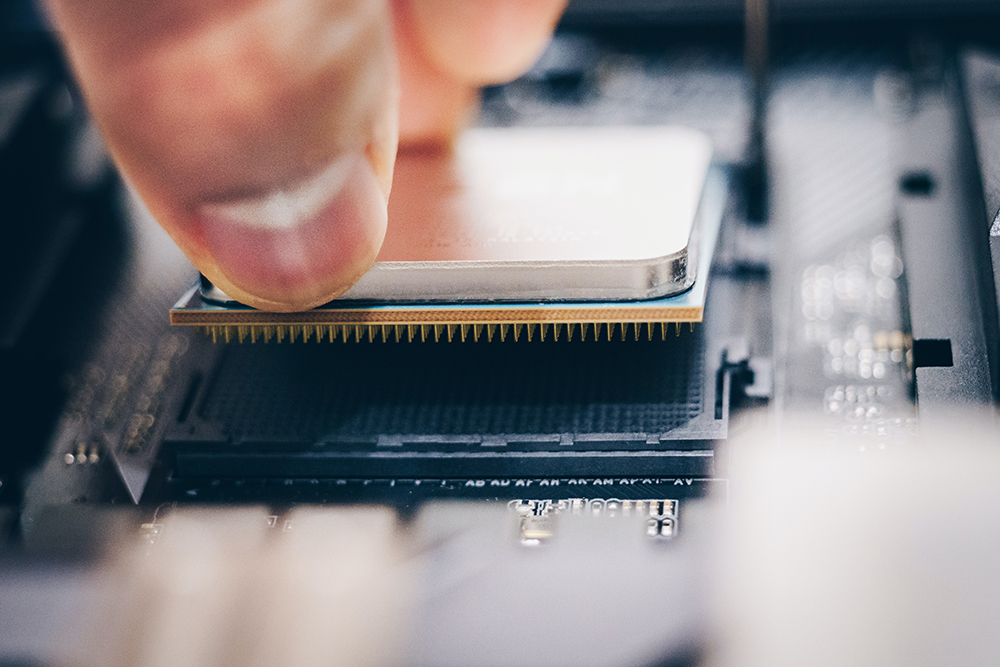
As for shortening the life of the hardware, CPUs and GPUs can basically provide 10 years of operation without any issues most of the time. Overclocking will only shorten this lifespan slightly, maybe 1 or 2 years. Considering the time and speed with which everyone replaces old hardware and the advancement of hardware technology, it is unlikely that you will use the same set of hardware for 7 or 8 years.
Liquid cooling is necessary for high-end CPUs
Aesthetic preferences and some size constraints aside, liquid cooling is not a necessity at the highest end, even with the highest-end CPUs like the Core i9 or Ryzen 9. This rumor goes back to many PC manufacturers’ permanent preference for liquid cooling and custom liquid cooling systems to keep up with high-powered CPUs and the generally high-end configurations built with them. But that doesn’t mean air cooling systems suddenly become pointless.
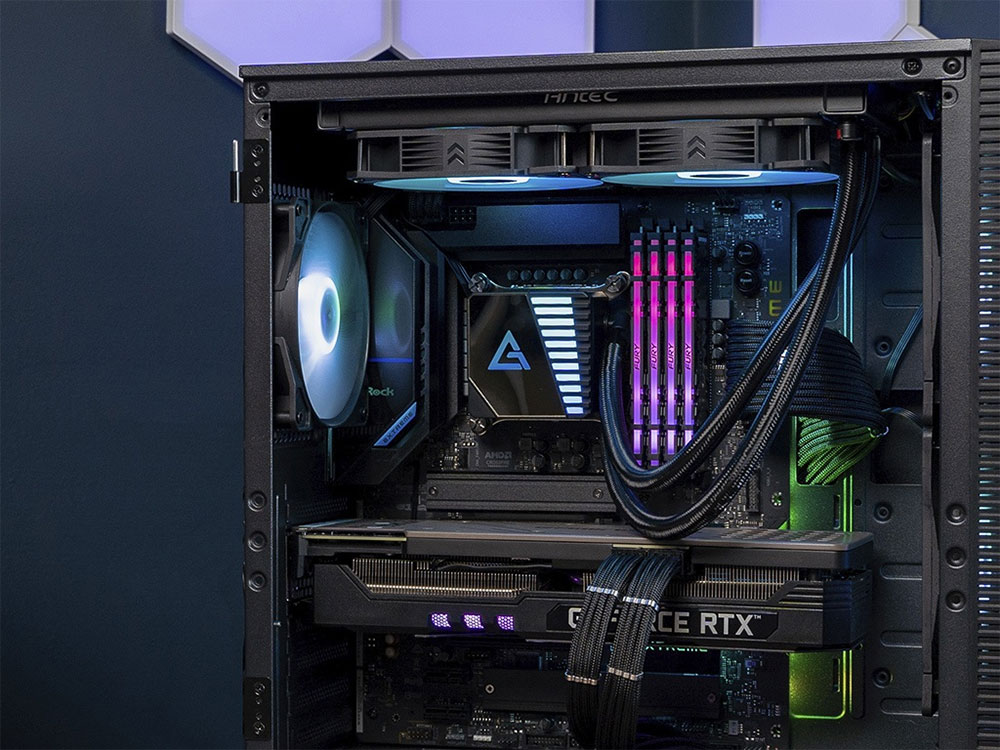
In fact, some of the best air cooling systems can cool a Ryzen 9 7950X or Core i9-13900K better than many liquid cooling systems. Thanks to premium materials, top-notch construction and decades of expertise, many manufacturers still offer incredible air-cooling systems that are as good at performance as they are at noise control. Whether it’s Noctua, DeepCool or be quiet! , you have no shortage of great air cooling options to cool your high-end CPU. So while liquid cooling has many advantages over air cooling, it’s not as necessary as one might think.
Weaker CPUs can cause bottlenecks
The word “bottlenecking” often appears in conversations about CPU and GPU matching. Some people seem to think that if you mess up your PC configuration, you’ll suffer from terrible performance bottlenecks with a slightly slower CPU. Although there is nothing wrong with this direction of thinking, there may be some problems with the understanding of bottlenecks. Indeed, if you pair the RTX 4080 with an older quad-core CPU like the Ryzen 3 3100, you’re sacrificing more of the performance the RTX 4080 can squeeze out of a more powerful CPU. But outside of this extreme case, you shouldn’t worry too much about so-called bottlenecks, and even if you use a cheaper CPU like the Ryzen 5 5600 and a powerful GPU like the RTX 4090, you won’t sacrifice too much performance.
Furthermore, your CPU isn’t the only cause of potential bottlenecks in your computer configuration. For example, a 60Hz monitor with the above configuration is more bottlenecked than a weaker CPU; running the game on an HDD instead of an SSD is also bottlenecked, and you sacrifice more load times.
High-end PCs require powerful power supplies
One of the easiest parts to overspend on is the power supply. While it’s not recommended to save money on a PSU since you’ll be relying on it for reliable hardware power, that doesn’t mean you have to go with the highest wattage you can find. Many factors determine the quality of the best power supply, such as efficiency, components used, and the necessary protection of the latest hardware.
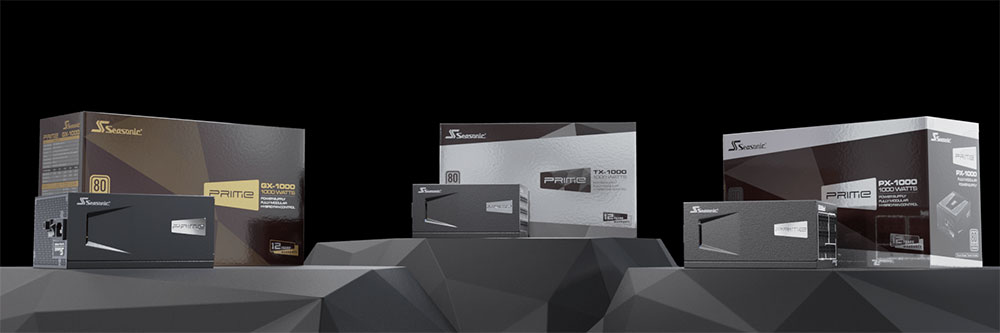
As long as the PSU you buy from a reputable manufacturer has enough wattage to meet your system needs, and maybe a little room for upgrades, that’s good enough. People usually end up spending more money on a 1200W power supply for the RTX 4080 or RTX 4070 Ti versions, and a decent 850W PSU is actually more than enough, even for some RTX 4090 graphics cards.
Building a computer is like building Lego
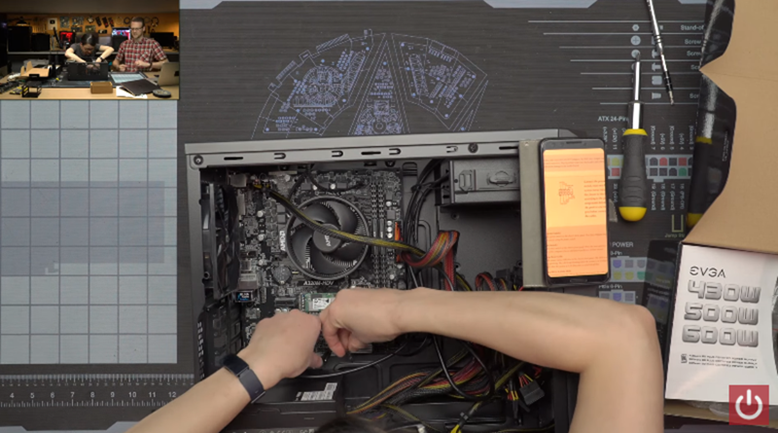
To make it easier for beginners and non-technical users to assemble computers, the assembly process is increasingly simplified. Of course, it doesn’t take years of expertise to assemble your first creation, but calling it “Lego for adults” is going too far. If you haven’t built a PC yet, you might be led to believe that you only need to install about eight components inside the case, but doing so for the first time can be nerve-wracking.
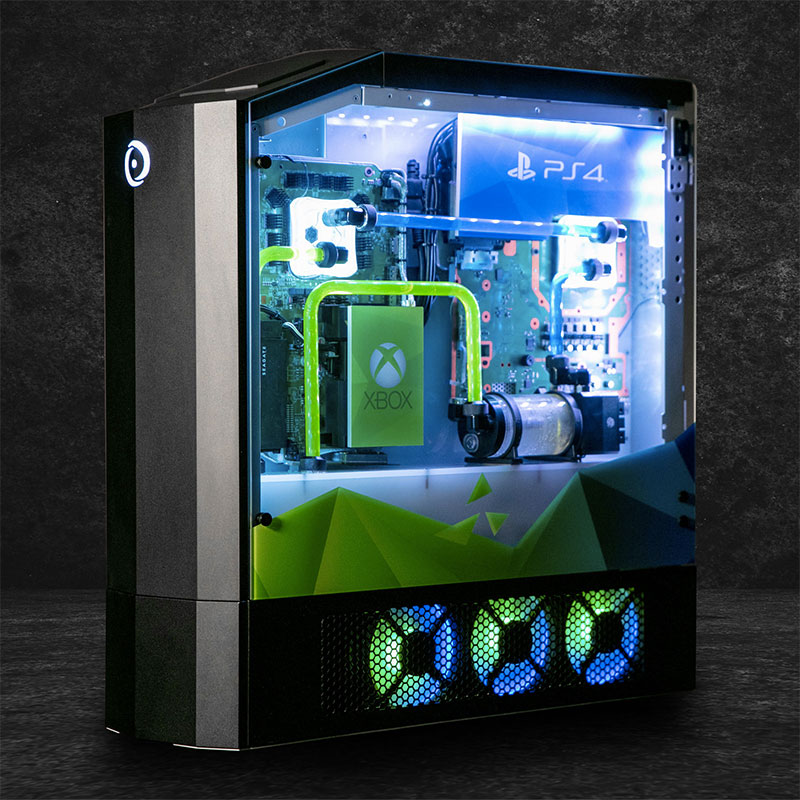
Even if you’ve done your homework and are reasonably confident about installing the components, it’s not a quick process by any standards. The first assembly can take anywhere from 2 to 4 hours, depending on the complexity of the components used, and if everything goes well then you won’t need to go in and fix things. If care is taken, the chance of damaging a component is slim, but it does happen. In addition, perfecting cable management and hiding cables requires you to have at least a few assembly experiences before you can have a better understanding of it. Many other aspects of PC assembly can only be understood after you do it yourself, but this is the interesting part. As long as you’re patient and willing to learn the basics, it can be a satisfying endeavor and very rewarding.
The never-ending DIY computer rumors
As long as there are newer technologies, upgraded components, and new members of the community, DIY computer rumors may never completely disappear, and new rumors may even pop up from time to time. But with so many real, trustworthy, and free sources of information out there, you can always safely avoid the most questionable rumors about PC building. Building a computer is a lot of fun in itself, and if you’re just getting started, some of the annoying things that go into building a PC may be enlightening and fun.
Source: KOCPC Chinese