


No more need to open the app. You can quickly view and even reorganize real-time bus information by simply using the newly added widget on the iPhone/iPad desktop. Continue reading the content of the tutorial report on how to use the “Desktop Waiting for Bus App” to check bus and Ubike updates directly with desktop gadgets without opening the app.
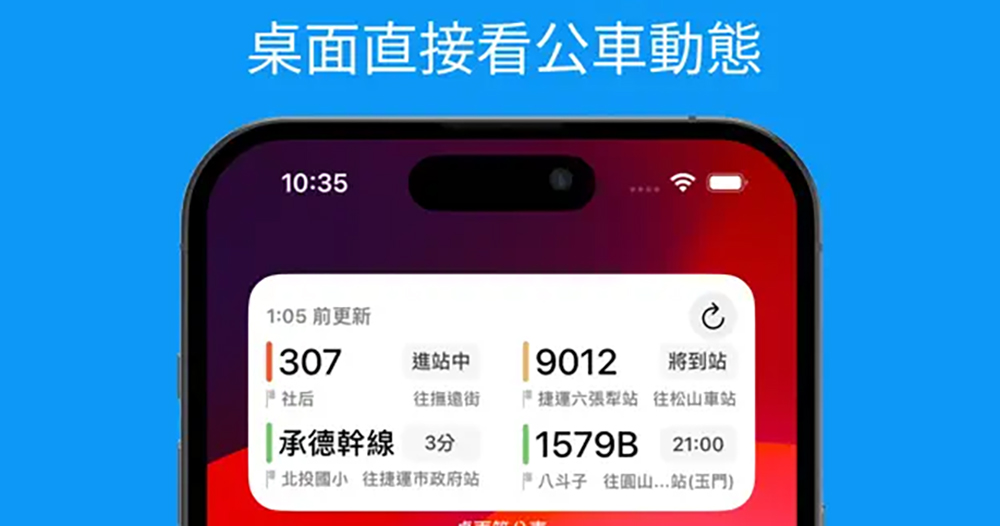
You can directly use the desktop gadget to check bus and Ubike updates without opening the app. Sharing tutorial on how to use the “Desktop Waiting for Bus App”
When all bus dynamic information can be checked in real time through mobile applications, it has actually solved to a large extent the trouble that many people had in the past who could only stare and be tied to the bus stops. However, once they have convenient tools, people will basically only pursue a more convenient use experience.

Perhaps because of this, some developers have designed the Waiting for the Bus/Ubike Query App to be more focused on the experience of using the latest gadget Widget of iOS/iPadOS. That is to say, after setting up commonly used stop signs/direction information, you basically no longer need to open the app in the future. You can quickly view and even reorganize real-time bus information by simply using the newly added widget on the iPhone/iPad desktop.
The biggest point is that this application is actually free to use – although you can only add 1 new widget without a subscription, in fact, the number of destinations that the “large” size widget can accommodate is quite a lot. In addition, there are no ads on the widget, so it can really be said that it comes from a Buddha’s heart!
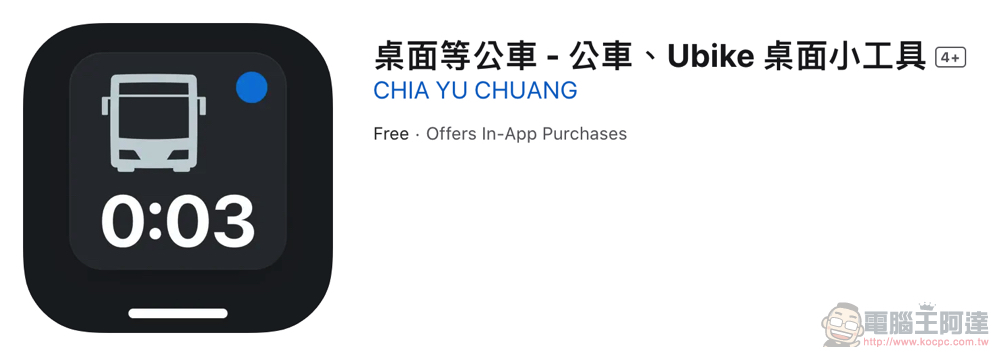
The full name of this app“Desktop Waiting for the Bus – Desktop Gadget for Bus and Ubike” – You can click me to go to the App Store’s portal。
As can be seen from the description in the name, the desktop bus app can not only check the real-time bus arrival information, but also add Ubike’s nearby station information. Moreover, in the latest update, it also provides layout colors that are more suitable for the system theme needs for the dark mode of iOS, and can support the latest real-time dynamic notification function.
https://twitter.com/johnny____11/status/1740381259371827686
But in order to cope with new functions, the basic requirements version of the system that can use these functions will naturally be improved – at this stage, in order for all functions to be used normally, bus apps such as desktops need to be upgraded to at least iOS 17.
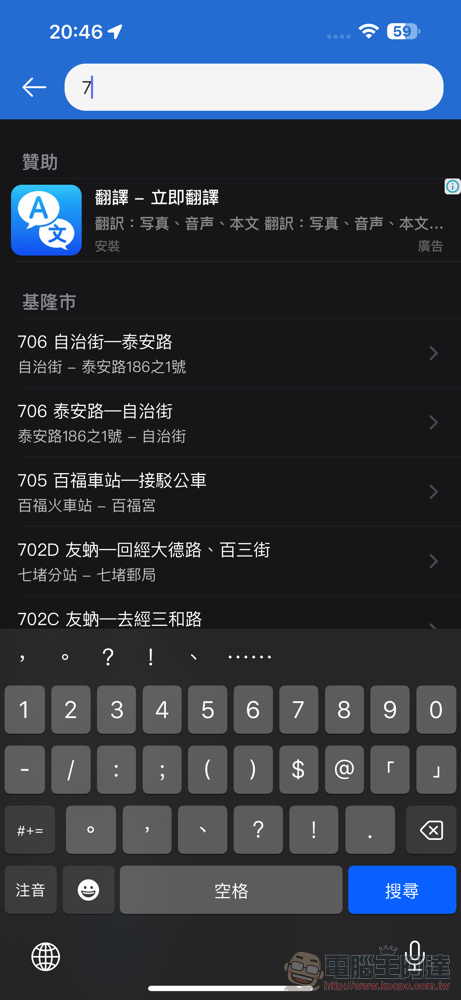
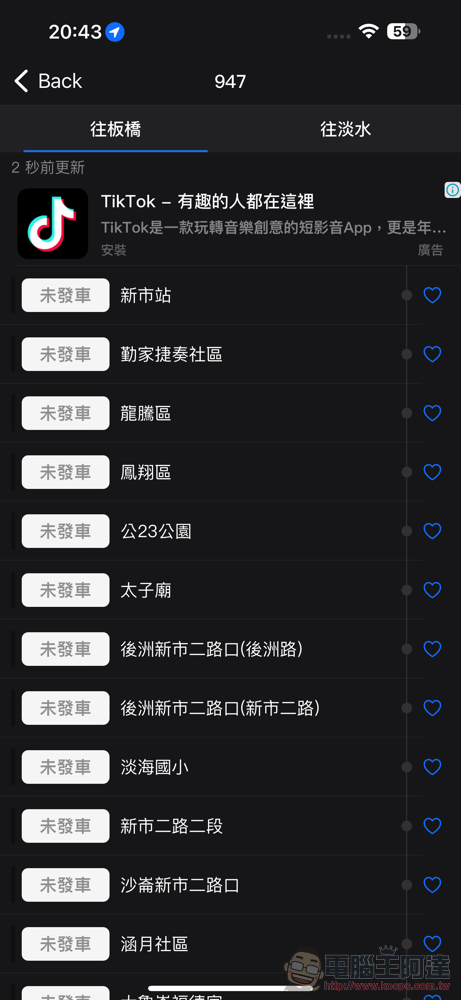
Desktop and other bus apps, which mainly focus on widget experience, have a very simple in-app experience (except for advertisements). Basically, just search for the bus name directly through the top field, then find the corresponding direction and stop sign and click “Love (❤️)” to select the stop sign in that direction to be added to the corresponding scene group.
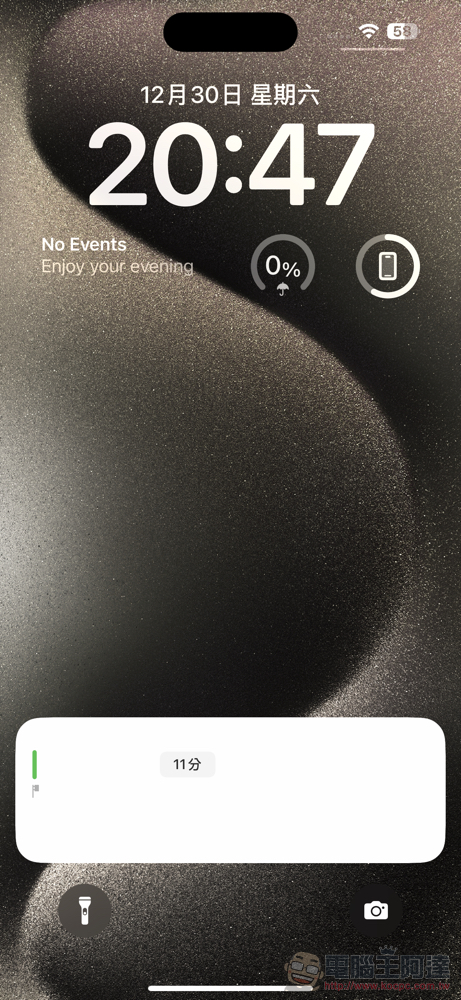
▲Picture: Currently, “real-time dynamics” still has some display problems in dark mode.
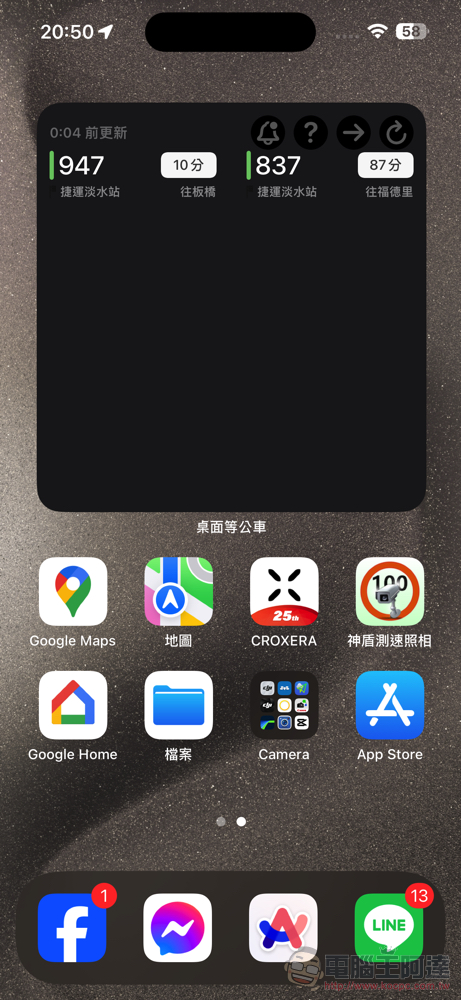
After you’re busy adding your frequently used sites to the app. You can go to the iOS desktop and long-press the screen to call out the state where all apps are “shaking” and can be arranged and adjusted. Press “+” in the upper left corner to find the widget of “Desktop Waiting for Bus App” and add it to your desktop.
Once it is on the desktop, you can add it by long-pressing the Widget and clicking “Edit Widget”. The destination site information you most want to see immediately on the desktop.
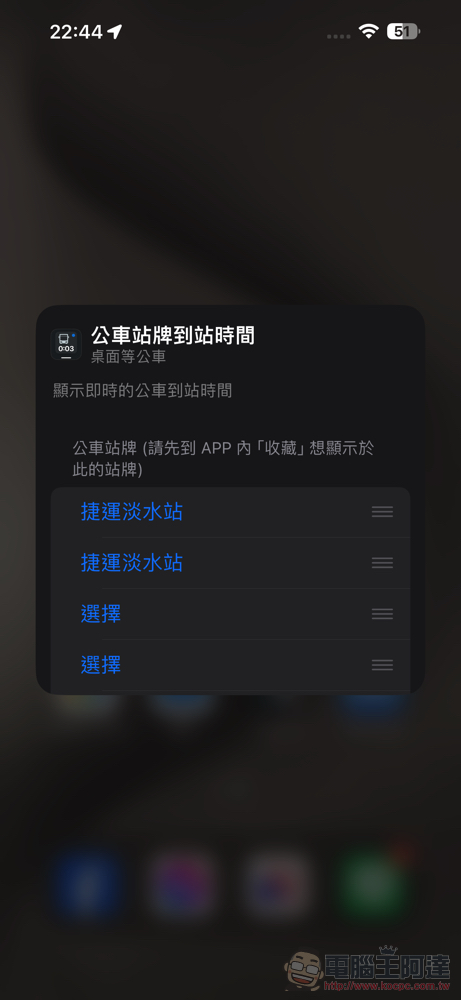
Although there is a subscription mechanism, the Computer King Ada team still believes that the desktop and other bus apps are quite easy to use in their free state. One reason for this is that in a large-sized Widget, the development team is actually willing to open more than 8 sites for immediate query. And even the real-time dynamic function can be directly supported.
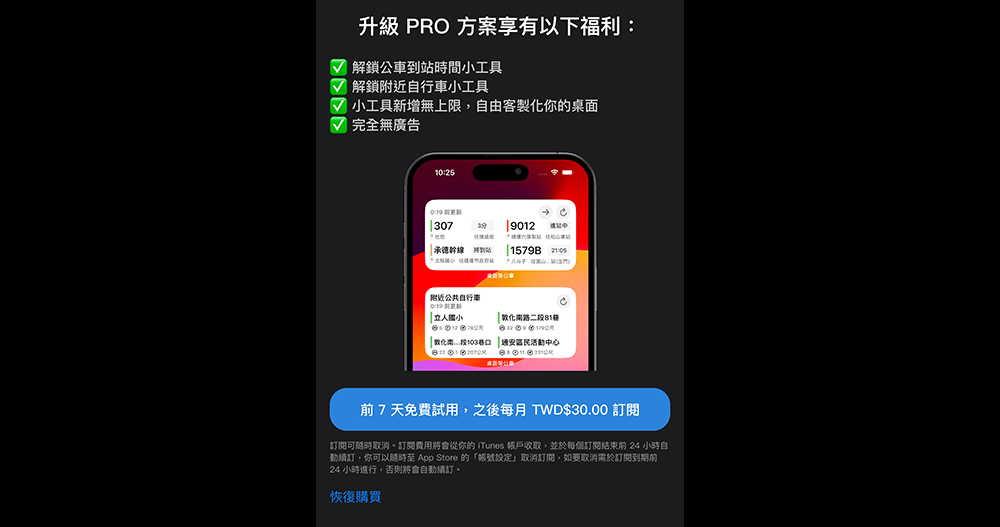
But it would be wrong to say that there is no incentive at all to unlock subscriptions. After all, if you upgrade to their Pro plan, you can not only unlock the “Arrival Time” widget category. You can also add unlimited widgets and support nearby Ubike information and advertisement removal functions.
Although the author feels that the free version is already very useful. But anyway, bus apps such as desktops also provide a free seven-day trial mechanism. Just… I suggest you try it yourself and see if you need it.

Further reading:
Do you want to go against Hollywood? Elon Musk thinks there will be an AI movie next year

Source: KOCPC Chinese