


Although Microsoft Copilot is not like OpenAI’s ChatGPT, which feels more powerful every time it is updated, it continues to add some useful new features. For example, it recently combined with the Suno AI music generation plug-in. As long as it is turned on, you can directly ask Copilot to generate AI music, and it is not just foreign music, but also Chinese songs. It is the kind of music with life (of course it can also generate pure music without voices). I will teach you how to use it below.
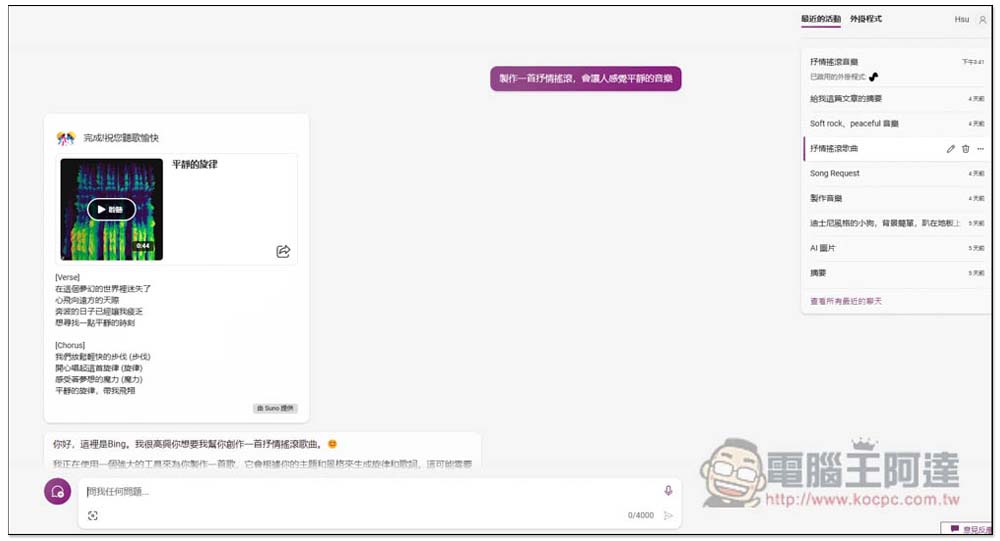
You can now use Microsoft Copilot to generate AI music, even Chinese songs (tutorial)
When using Copilot, many people use Copilot in Microsoft Edge or the built-in Copilot AI in Windows 11. Therefore, some people may not know that Copilot now also has plug-ins, which are currently only available in the Microsoft Copilot web version. Therefore, if you want to try the latest AI music generation function, you must use the web version.
Click the link above to open the Microsoft Copilot web version. You need to log in to a Microsoft account before using it. Then you will see “Recent Activities” and “Plug-ins” on the right. Recent Activities will show your recent chat history using Copilot. Plug-ins are third-party functions supported by Copilot. Please click on Plug-ins:
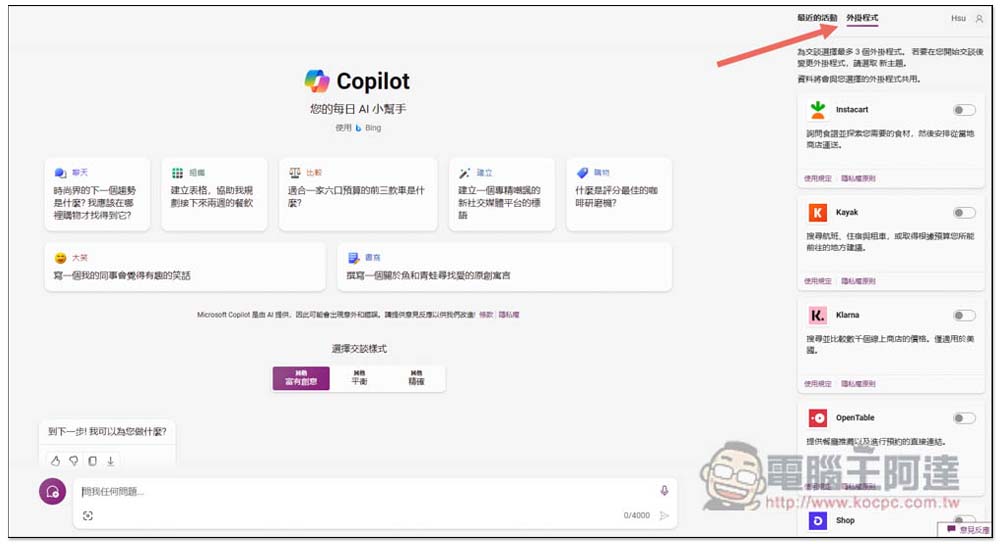
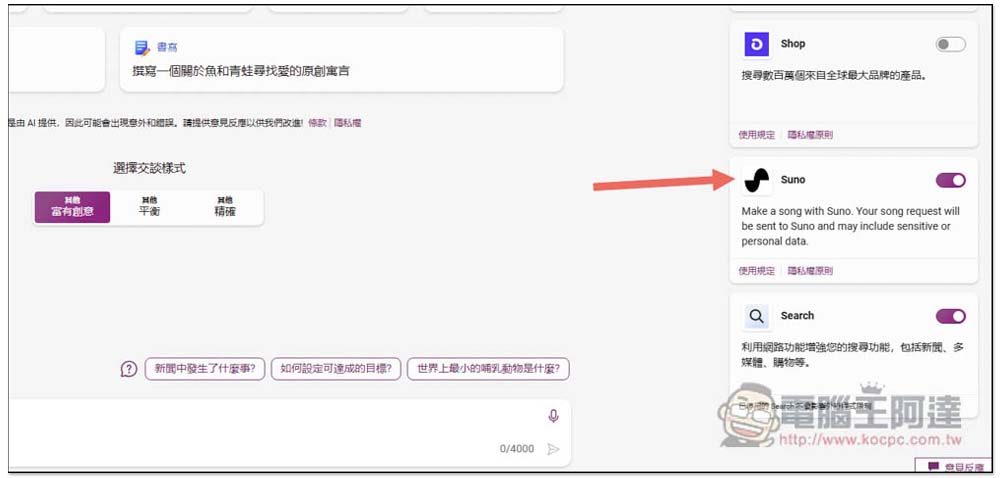
Scroll down to find the newly joined Suno, turn on the switch next to it, and then start chatting. After chatting, you cannot modify the plug-ins enabled in this chat room, so you must open them first before chatting:
Then enter what kind of song you want to make. For example, I typed “Create a lyrical rock music that will make people feel calm”, and Copilot will call the Suno plug-in to produce it. However, one thing to note here is that if you do not specify no voice, then Copilot will generate lyrics first. It takes a long time to generate the AI music part, and it may take a day. Therefore, it is recommended to create multiple AI music you want to generate at one time. If it never appears, wait until the next day to check the chat room. It will appear after completion:
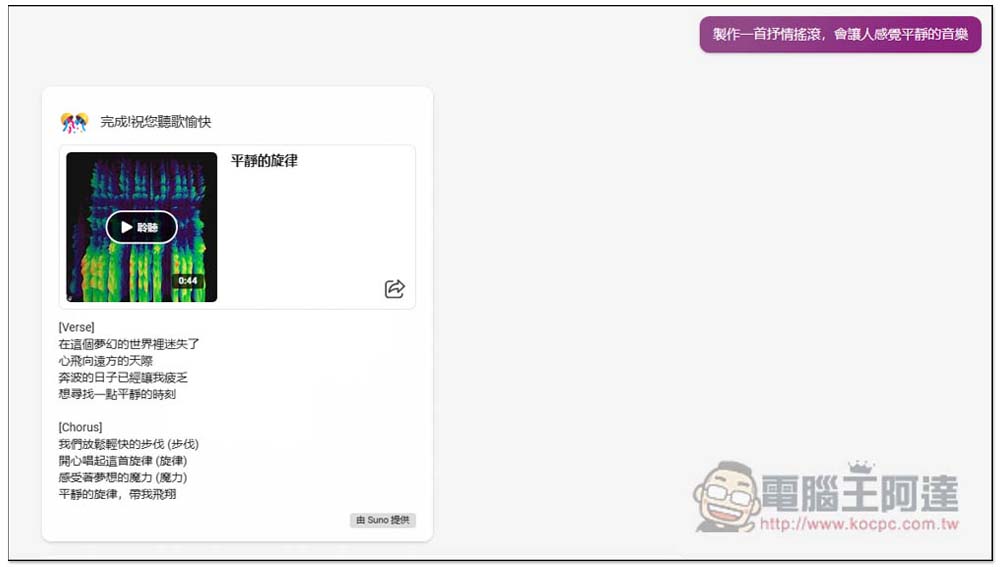
Each piece of AI music will be generated for 42 seconds. It provides online listening function and can also share the link with others. The above are all AI music generated by me using Copilot. Anyone who is interested can listen to it.
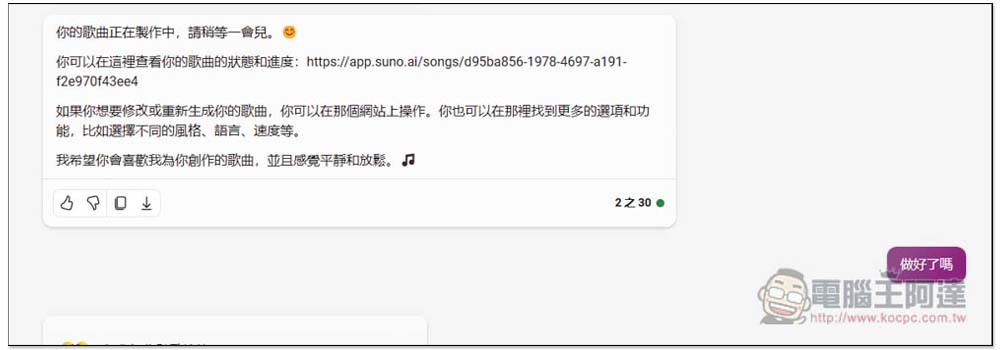
During the experiment, I asked Copilot how long it would take to complete. Copilot could not give a correct answer, and there was no webpage to track the generation progress, so I had to come back after a while to check whether AI music appeared in the chat room:
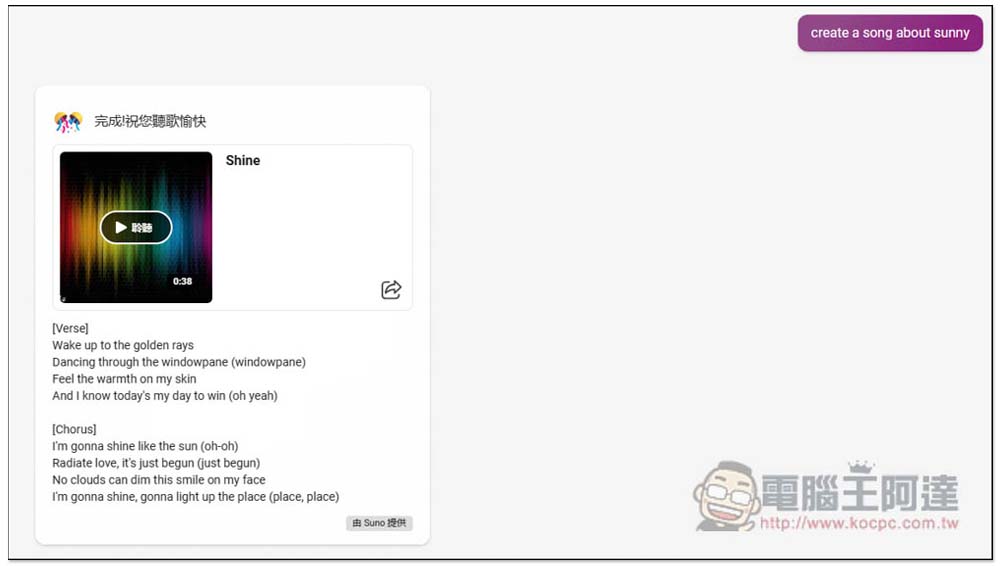
English songs are no problem, and prompts such as “Generate a song about sunshine” can also be placed.Click here to listen to this song Shine:
For the vocal part, English is obviously much better, but Chinese still sounds a bit strange. There is a daily limit on the amount of AI music generated.
Source: KOCPC Chinese