


Building a new gaming PC and want to add some RGB lights for a personal touch? Want to create a gaming area of your own and want RGB lighting effects to add color to your experience? First you should decide if you want RGB or ARGB. You may already be familiar with RGB, but what is ARGB? This time I will explain the differences and help you determine which option is right for you.
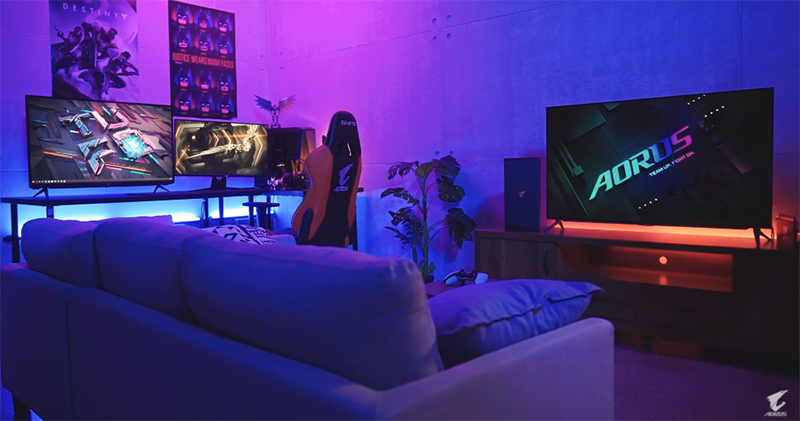
If you want to add some color to your life, let’s first understand what RGB and ARGB are?
What is RGB?
RGB refers to “Red, Green and Blue” (Red, Green and Blue). By mixing the three primary colors, the device can create all colors in the visible spectrum. In the context of PC building, RGB or more accurately “non-addressable RGB” refers to the legacy 12V RGB standard used by many older and cheaper devices. They’re especially common on cheap RGB fans and LED strips.
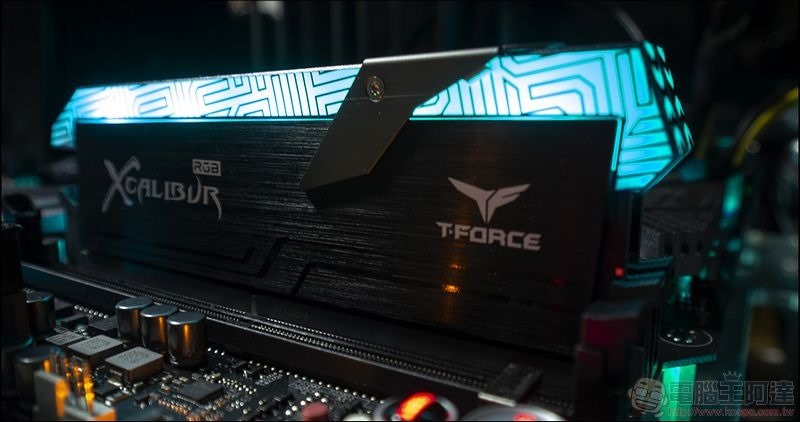
Each color in an RGB device is emitted by a single light-emitting diode (LED), and on most computer components the red, green, and blue LEDs are packaged in a unit called an SMD LED. The 12V RGB LEDs are wired together and controlled by a 4 Pin connector that goes into some kind of RGB controller or motherboard. The LEDs on the 12V RGB device can change color simultaneously, with static colors, color cycling, breathing lights, fade effects, and more.
What is ARGB?
ARGB stands for “Addressable Red, Green, Blue”. Each LED on an ARGB device is individually addressable, meaning you can control each LED independently on a single device. ARGB uses a 5V system and only uses one pin to transmit all color data. You can think of the operation of ARGB as “digital”, while 12V RGB is more “analog”.
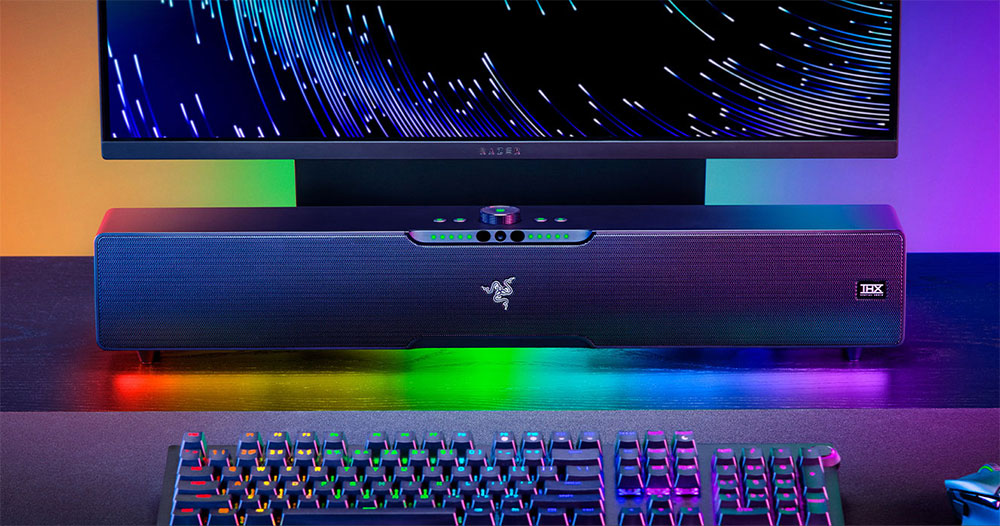
Which one is better? Of course ARGB
ARGB is like an enhanced version of 12V RGB. You get everything 12V RGB can do, such as static colors, gradient light effects, etc. Since you can control each LED, you can make all kinds of advanced effects. You can make lights dance to music, get stunning rainbow waves and spirals, and make them ripple with every keyboard stroke or mouse click. There are also higher-level effects such as meteors, sunrises and northern lights, or synchronizing them with a single game. The best part is that you can sync all your ARGB devices and peripherals to work together. Set effects settings that start at the keyboard and end at the RGB fans, so when you view your computer from a distance, all effects are synchronized and consistent.

But one thing you have to note is that since there is no standard ARGB technology, some PC hardware manufacturers have their own proprietary RGB technology, such as Gigabyte’s RGB Fusion and Corsair’s iCUE. If you like to mix and match products from various brands, it will be difficult for you to make all the lights work together happily. Microsoft is working on a solution for RGB synchronization, but it’s still in the early stages. Thankfully, there are a few different solutions for syncing ARGB, such as using programs like SignalRGB or OpenRGB to synchronize RGB lighting and still get cool effects. However, universal RGB programs are somewhat limited in scope and compatibility, and basically they work best with peripherals.

For internal parts like an RGB case, RAM, and fans, your best bet is an ARGB splitter, hub, or controller, with controllers being the best but also most expensive solution, such as the Razer Chroma ARGB Controller, which has six connectors and can be used with almost any ARGB setup. Or you could just use the same brand for all parts and use their proprietary RGB software.
RGB is cheaper and more than adequate
If you like general colors but don’t want a rainbow all over your desk, then 12V RGB will suffice. You can set static colors for all parts manually or via an RGB program. At the same time, you can connect the 12V RGB hub to the RGB header on the motherboard and use the motherboard’s proprietary software to control all RGB devices. This is a very seamless, fast and convenient solution.

RGB and ARGB use different connectors
Traditional RGB devices use 4 Pin connectors. The first pin is 12V VCC followed by green, red and blue pins. These pins use an 8-bit per channel system to transmit color data in the 0-255 intensity range, since 8 bits can represent up to 256 different values. A value of 0 for red means the red light is off, while 255 means red intensity is 100%. 12V RGB headers are still relatively common on motherboards, and these connectors are common across motherboards.
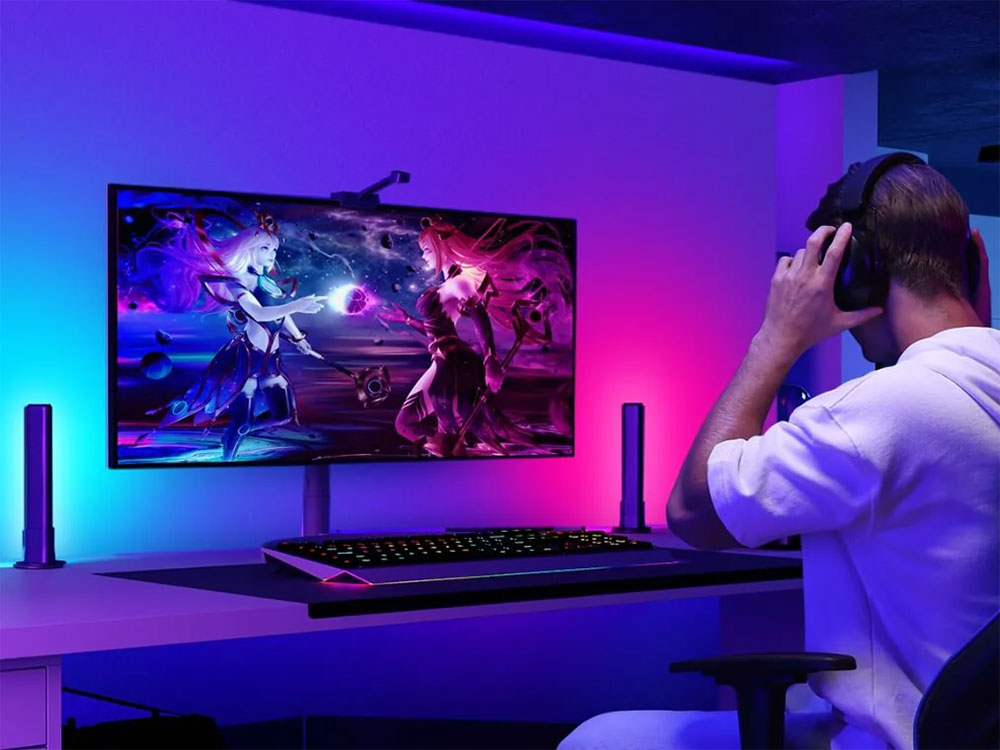
The ARGB has the same 4 Pin connector but uses only three pins. The first pin is for 5V VCC, followed by data pin, empty pin and ground pin. On some Gigabyte motherboards, you may come across a unique 3-Pin VDG header that is only used by certain RGB Fusion-compatible devices. Fortunately, you can still use an adapter to connect the standard ARGB connector to the VDG header.
【Tips】
Although they look similar, 12V RGB and 5V ARGB connectors are not compatible. If you try to plug one into the other, you’ll either permanently damage your parts or they won’t work. The easiest way to tell them apart is to check if it has 3 or 4 pins, or just check the markings on the connector/header to see if it’s 5V or 12V.
Shine brightly and don’t forget the quality of life
RGB is very cool and allows you to enter a unique scene while gaming. You might also find RGB helpful because it allows you to see the keys more clearly in the dark and allows for color coding in macros for individual games.
But RGB shouldn’t be all there is to gaming aesthetics. Too many bright lights can easily distract you and even disrupt your sleep (if your play space is in your bedroom). What’s more, you can save some budget on PC parts. Indirect lighting in the style of RGB strips can make your computer gear look cool without distracting from what’s really important, and it would be even better if there was a switch to turn off the lights when you take a break.
Source: KOCPC Chinese