


If you want to use GPT-4 model and DALL-E AI drawing generation for free, Microsoft Copilot is currently the only choice. In the past, you had to rely on Microsoft Edge or Bing App to use it on your mobile phone. For users who just want to use Copilot simply, it will definitely be troublesome and do not need other features. The good news is that Microsoft has finally launched a dedicated app for Microsoft Copilot, and it can be used without logging in, which is pretty good.
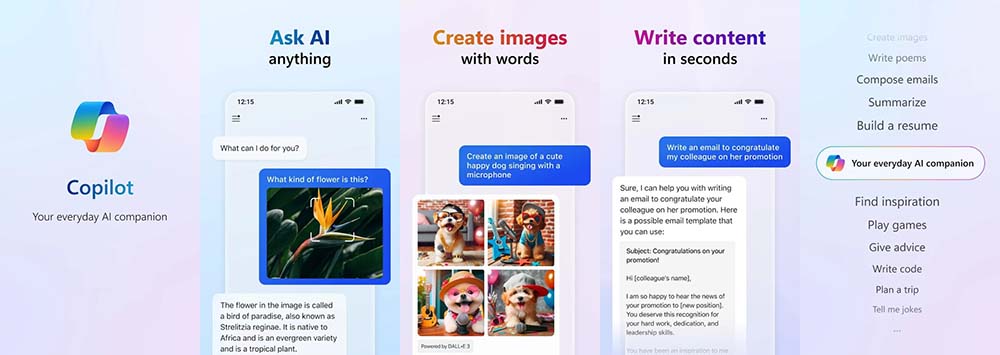
Microsoft launches Microsoft Copilot App version, which can be used without logging in
Earlier, Microsoft quietly launched the Microsoft Copilot App version on Google Play globally.Click this link to jump to the download page. It’s not yet known when the iOS version will be launched, but it shouldn’t be too long.
Compared with the previous Copilot built into Microsoft Edge and Bing App, the biggest difference is that you can start using it without logging in or registering any account. This is quite good for users who do not have a Microsoft account. You can try it first before making a decision. There are some benefits to logging in to your account, such as being able to ask more questions; DALL-E’s AI image generation also requires logging in to use your account, etc.
Another thing to note is that the content I asked in Microsoft Copilot during the test will not be saved in the account’s historical chat history, which means that it will disappear as soon as a new theme is created. I am not sure whether it is because it has a bug because it has just been released, or whether it is really not supported. For those who want to save the chat history, it is recommended to save it manually first.
When you open it for the first time, you will be asked to obtain some permissions. It is recommended to allow them all so that you can get the full experience:
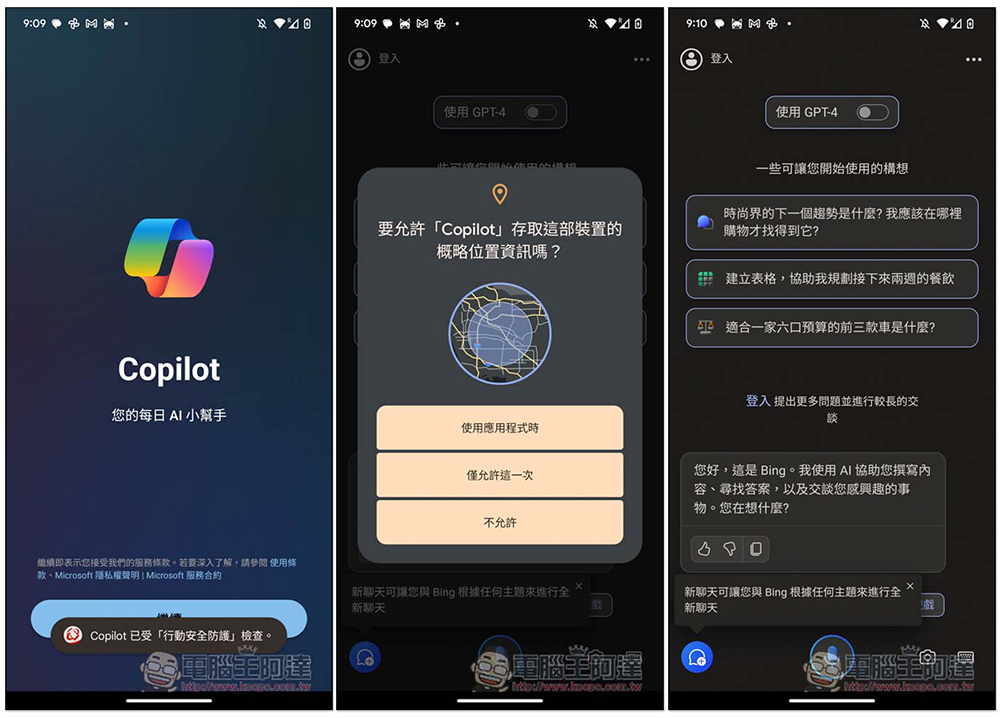
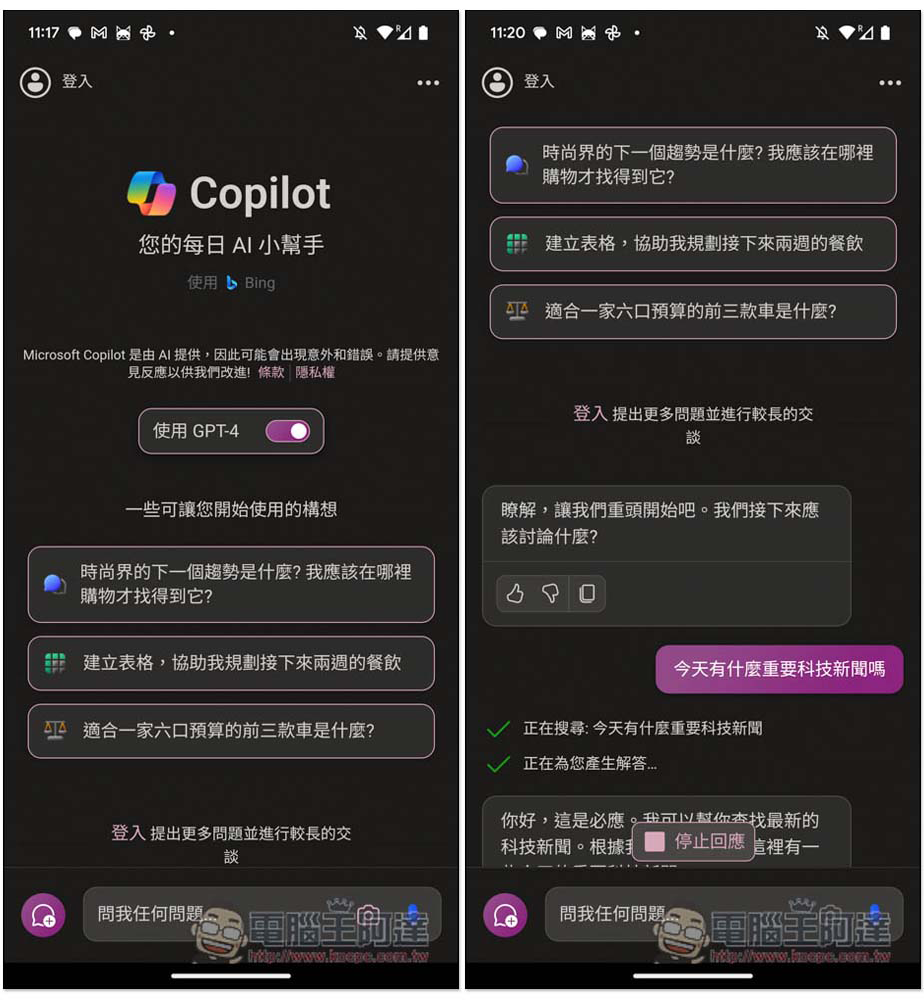
Before starting the conversation, remember to turn on “Use GPT-4”. The default is turned off. If you use it without turning it on, Copilot will use the old model. In terms of generally asking questions, chatting, and asking for help, can you start chatting without logging in? But if you want to generate AI pictures and ask for longer content, you need to log in to a Microsoft account:
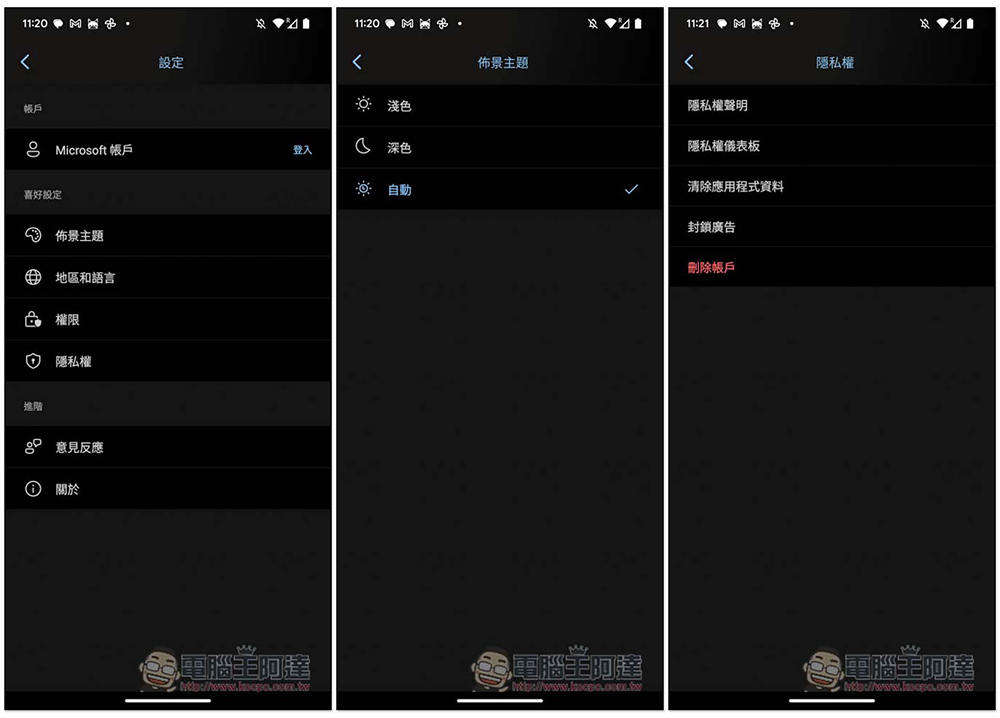
There are also some settings that can be adjusted in the settings. For example, the background theme has three options: light, dark, and automatic. It will automatically be adjusted according to the background theme set on your phone. In the privacy options, there is “Clear application data”:
The usage is the same as ChatGPT, so I won’t introduce it here. Currently, Microsoft Copilot App does not support plug-ins, so there is still onlyWeb version of Copilot It works.
Microsoft has made Copilot an independent App, which is quite good. Finally, in order to use Copilot, you don’t have to download the Microsoft Edge browser App or the Bing App which has a bunch of functions. However, at this stage, the functions of Microsoft Copilot App are still a bit bright. It only has chat. There are no writing functions, chat records, plug-ins, etc. I hope they can be introduced as soon as possible in the future.
Source: KOCPC Chinese