


For computer users, there must be a lot of important data stored in the computer. At this time, backup is very important. Some people will back up to the cloud or NAS simultaneously. Or a portable hard drive, but this is limited to data, and there is no way to back up the entire system. If there is a problem with the computer, the only option is to refill, which means that all installed software and environment settings have to be reset. This is actually not the best solution. Therefore, we all recommend that the computer must have a set of system backup software, so that you can easily return to the previous backup point at any time, without the hassle of a complete refill.
AOMEI Backupper Pro has always been our highly recommended Windows professional backup software. It has very rich functions, from system backup, data synchronization, restoration, to hard drive cloning. I like the cloning function very much. If I want to change the system hard drive, I can use the cloning function to easily copy the system hard drive to a new hard drive without having to refill the entire system, which is much more convenient. AOMEI Backupper Pro is currently launching a limited-time Christmas free offer, so those who don’t have it should take advantage of this time to get it.

AOMEI Backupper Pro is free for a limited time only! The best Windows system backup, synchronization, and hard drive cloning software
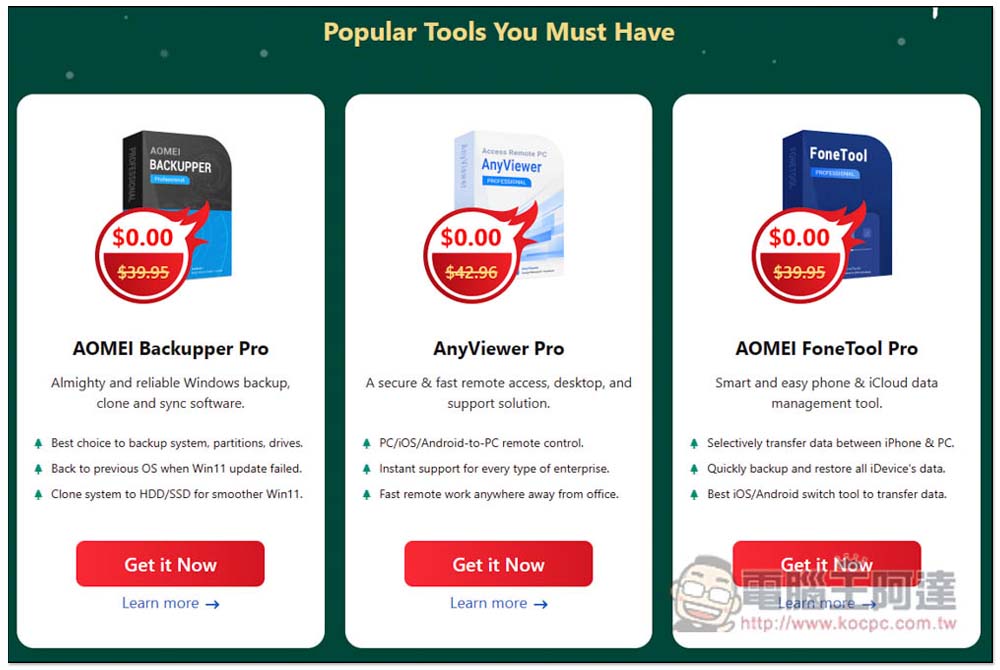
Click on the link above to enter the AOMEI Christmas limited free event. The first one is AOMEI Backupper Pro. There is no need to fill in any information. Click Get it Now and the installation file and serial number instructions will start to download:
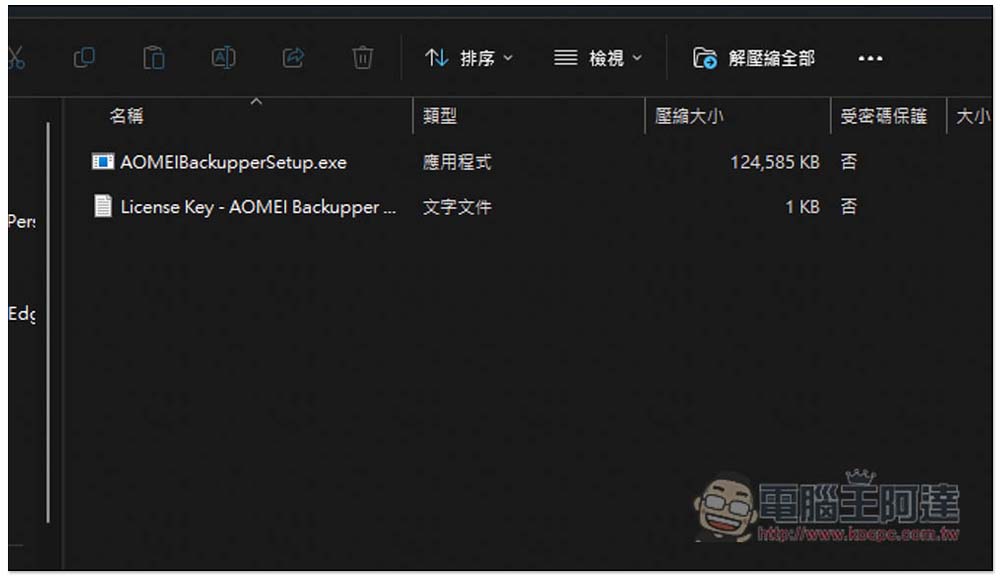
After opening the compressed file, you will see two files, one is the installation file and the other is the serial number:
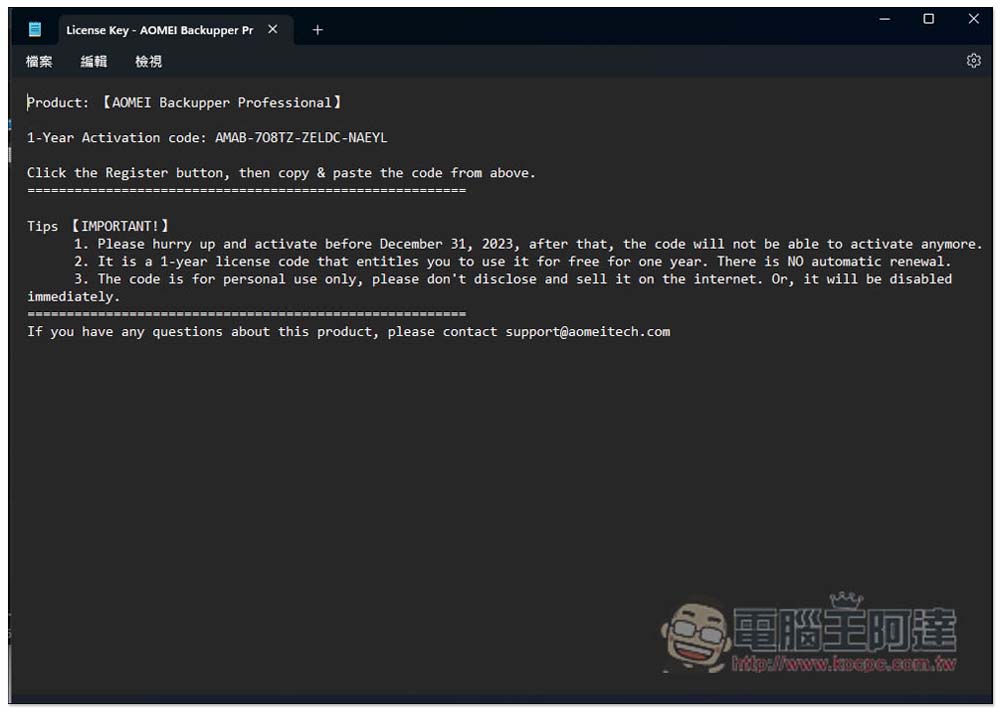
The serial number given by AOMEI Backupper Pro this time is for one year of use. Although it is only for one year, this set often launches limited-free activities, so there will definitely be one next year, and then you can exchange for a new limited-free serial number:
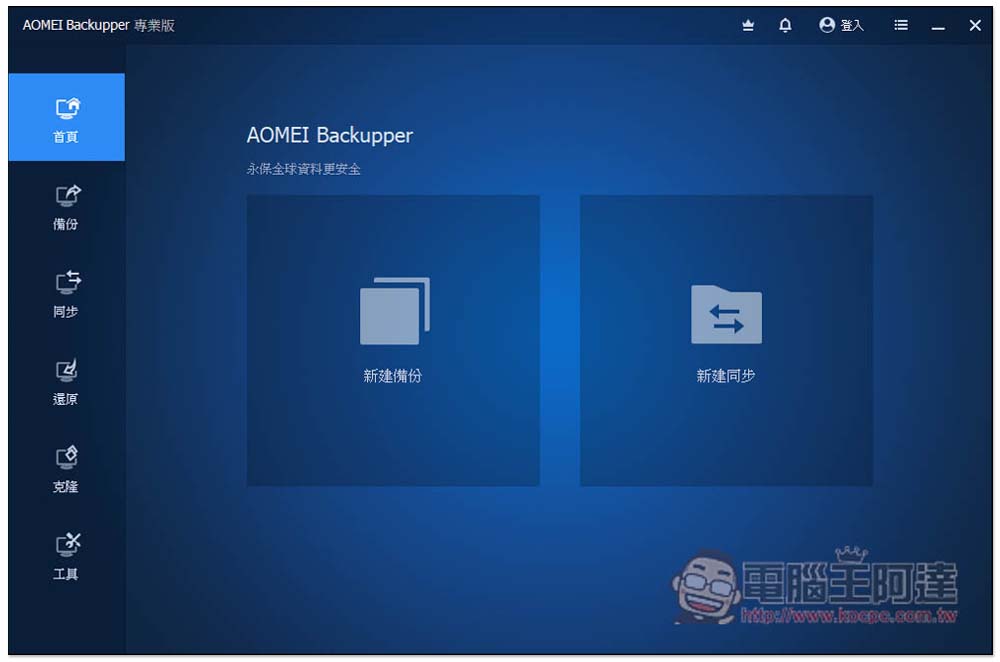
After installation, open it and enter the serial number to enable it successfully, and AOMEI Backupper Professional Edition will also be displayed in the upper left corner. There is a Chinese interface, so you don’t have to worry about not understanding it. The homepage has two functions, “New Backup” and “New Sync”:
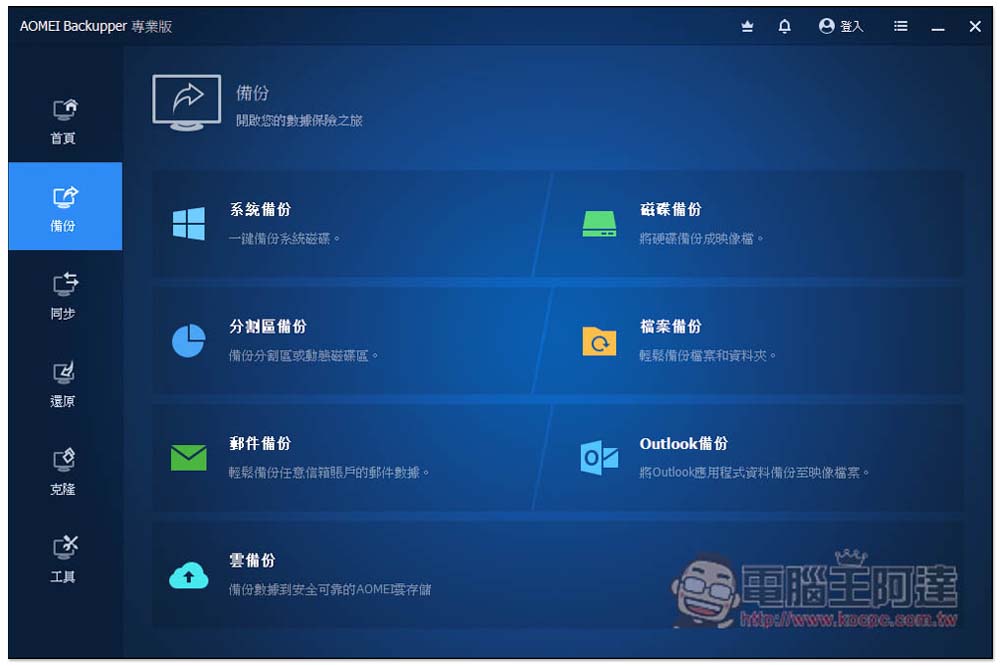
There are many backup modes provided, including system backup, partition backup, email backup, cloud backup, disk backup, file backup and Outlook backup:
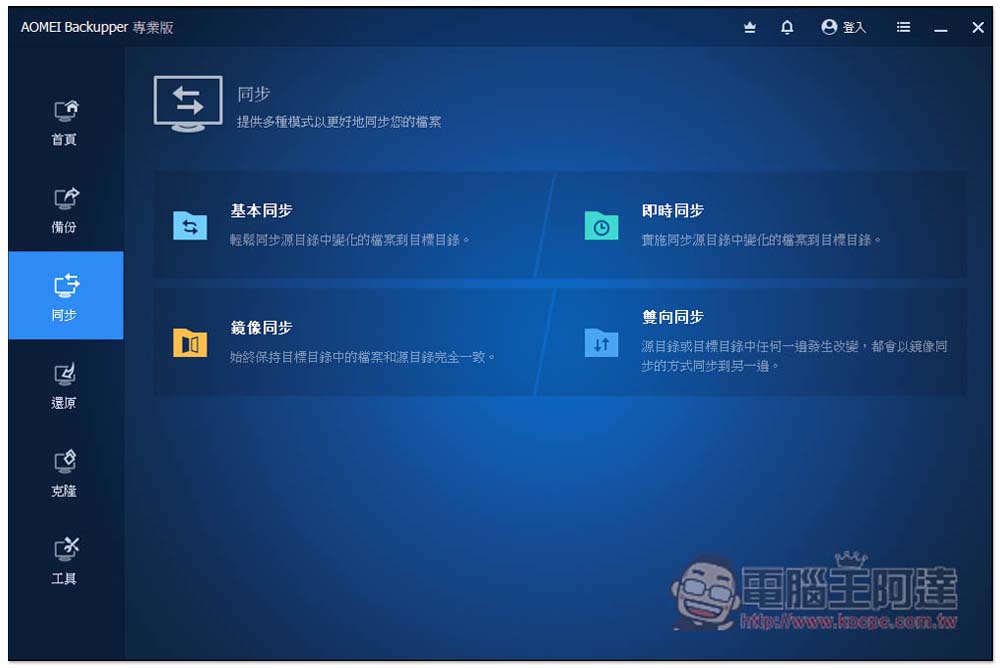
There are four modes of synchronization, basic synchronization, instant synchronization, mirror synchronization, and two-way synchronization:
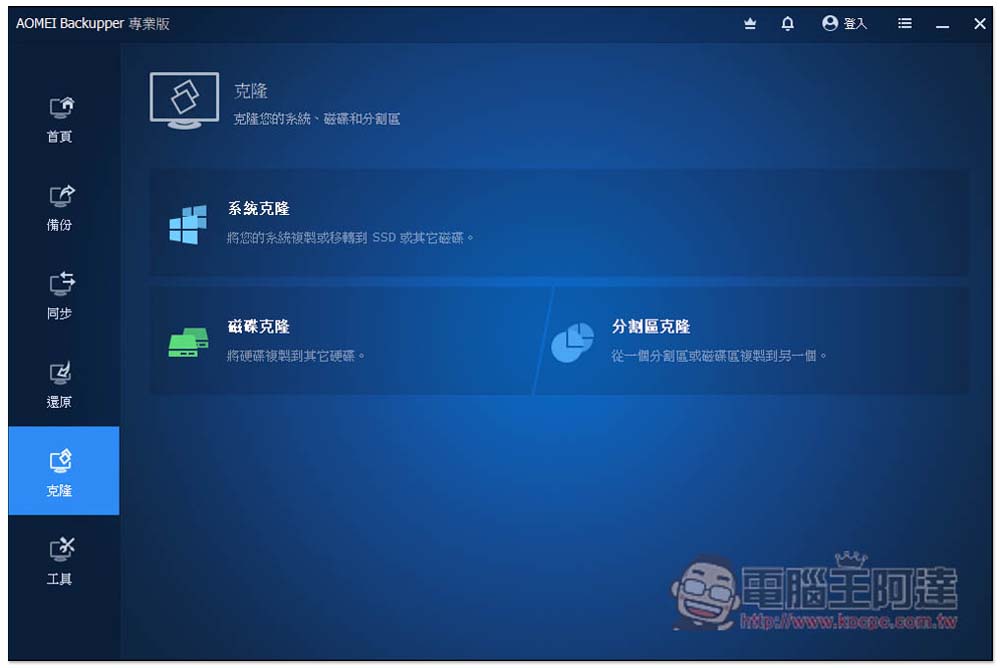
When you want to change the system hard drive or get a new hard drive, just use the cloning function. You can easily transfer it with one click. There are system cloning, disk cloning, and partition cloning:
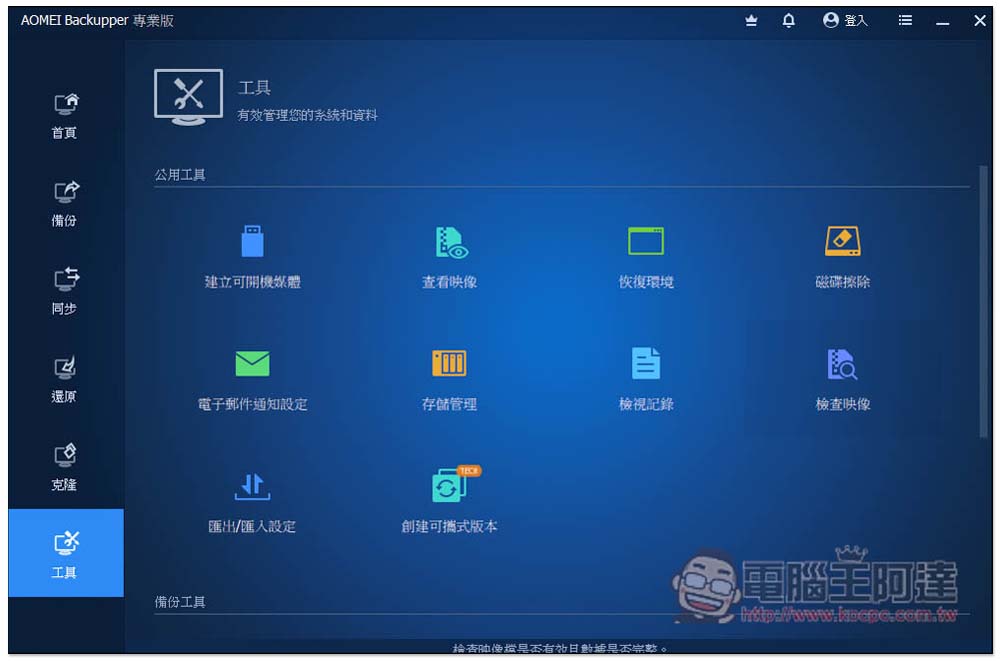
In the tool menu, there are other useful functions, such as creating bootable media, disk erasure, storage and erasure management, creating portable versions, etc.:
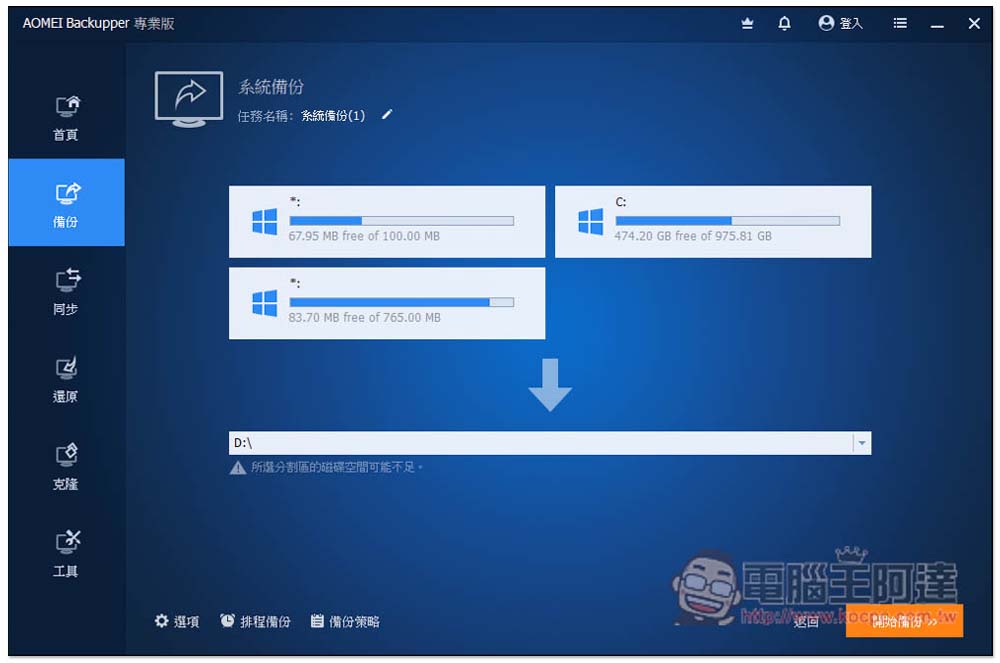
System backup is very simple. Select the hard drive location where you want to save it, then click on the lower right corner to start the backup, and it will be executed. It also supports the scheduled backup function, which is very useful. You can specify how often to back up, such as: at a certain time every night:
This AOMEI limited free promotion will end on December 31st, and there are still about two weeks left. Those in need should not miss it.
Source: KOCPC Chinese