


If you happen to be shopping for a new laptop, you should be able to notice the price difference between business laptops and ordinary consumer laptops, but what exactly makes business laptops more expensive than ordinary laptops? Are their higher prices worth spending? This time, we’ll break down the key differences between these two types of laptops to help you make the right buying decision.

What is the difference between business laptops and consumer laptops? Which one should you buy?
Security: Maintain privacy
Most business people who use business laptops will store some relatively sensitive company data on their devices, and the brand’s goal is to help ensure the security of the data as much as possible. This is why any business laptop has a fingerprint reader or facial recognition through Windows Hello, and a few laptops are even equipped with the highest-level palm vein scanner. In addition to the biometric system mentioned above as a security option. Others can be found in laptops equipped with physical smart card scanners to unlock the device.
Hard drive encryption is another security feature commonly found on business laptops, although this feature is now increasingly common on other types of laptops as well. With the built-in TPM chip, Windows BitLocker can encrypt data on the hard drive, protecting it from intruders even if your laptop is stolen. After logging in, you can still easily access encrypted data. Windows 11 requires at least a modern TPM, and these encryption features are already common specs on laptops running Windows 11 or later.
The final prominent security feature commonly found in business laptops is the Kensington Security Slot. This is a physical slot on a laptop into which you have to insert a physical key in order to unlock and use the laptop, and while it’s become obsolete, very few laptops still have a K-Slot or dedicated accessory to enable it.
Budget: How much money should be prepared
Compared with consumer laptops, business laptops are more expensive, mainly because the integration costs of higher security, quality control and additional functions are higher than consumer laptops, making them more expensive. While you can find cheap consumer laptops, or more affordable Chromebooks, if you want a business laptop with high-end technology, you’ll need to budget at least more than $10,000.
Performance and Features: Maximize Productivity
The first thing to emphasize is that business laptops are not necessarily faster than consumer laptops. Mass-produced business laptops for enterprise use can still be slightly different from regular laptops. Despite this, there are still some subcategories of extremely powerful business laptops, known as “workstation laptops,” that are comparable in performance to, and sometimes even better than, high-end gaming laptops. Thanks to more powerful CPUs, GPUs, and more RAM, workstation laptops can effortlessly handle multitasking and run demanding productivity applications like DaVinci Resolve and AutoCAD. These workstation laptops often use special workstation-grade components (such as Xeon CPUs or Quadro GPUs) that come with better stability, drivers, and after-sales support.
Business laptops also attach great importance to high-resolution web cameras and noise-canceling microphones to enable seamless business calls. Other features you can expect include a higher-quality keyboard, a smart card reader, more USB ports, and SD and SIM card slots.
Durability
In addition to having more features and longer battery life, business laptops typically last longer. After all, a large proportion of business laptops are provided internally by companies rather than purchased directly by users. These companies view laptops as investments and company assets that can be transferred from one user to another and eventually sold second-hand. The most classic example is the ThinkPad laptop series.
Additionally, business laptops tend to have better cooling, with larger fans and radiators. Lower temperatures mean longer CPU and battery life, as these components wear out more easily when exposed to high temperatures for extended periods of time. As a result, business laptops tend to be slightly thicker and bulkier, and because they are made from higher quality materials, they also have thicker casings to make them more resistant to physical damage.
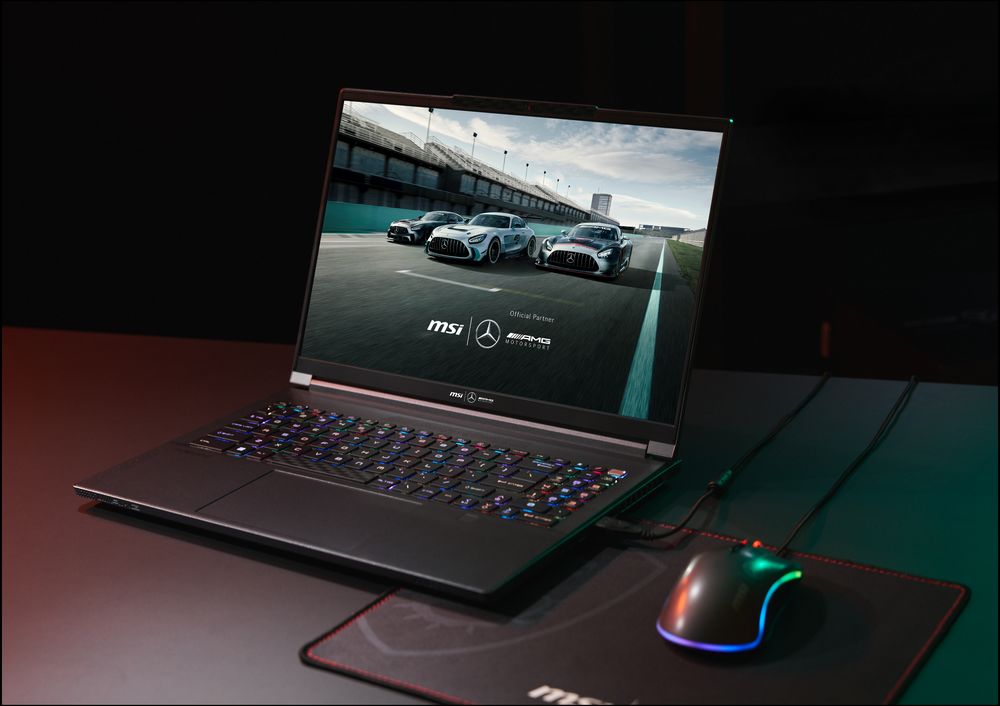
operating system
An obvious feature of business laptops is the operating system. Business laptops come bundled with Windows 11 Pro, not Home. As mentioned above, one notable difference from Windows Pro is BitLocker hard drive encryption. You also get better customer support and additional features like Windows Sandbox, which allows you to open suspicious files or applications in a virtual desktop environment without compromising the security of your device.
Another standout difference is the pre-installed software. Business laptops have long had a reputation for having minimal or no redundant software. Compare that to a consumer laptop that has bloatware that you have to uninstall manually. That’s because manufacturers sell you laptops as cheaply as possible and hope to keep more money out of your pocket through subscriptions to their proprietary programs and partnerships with software companies.
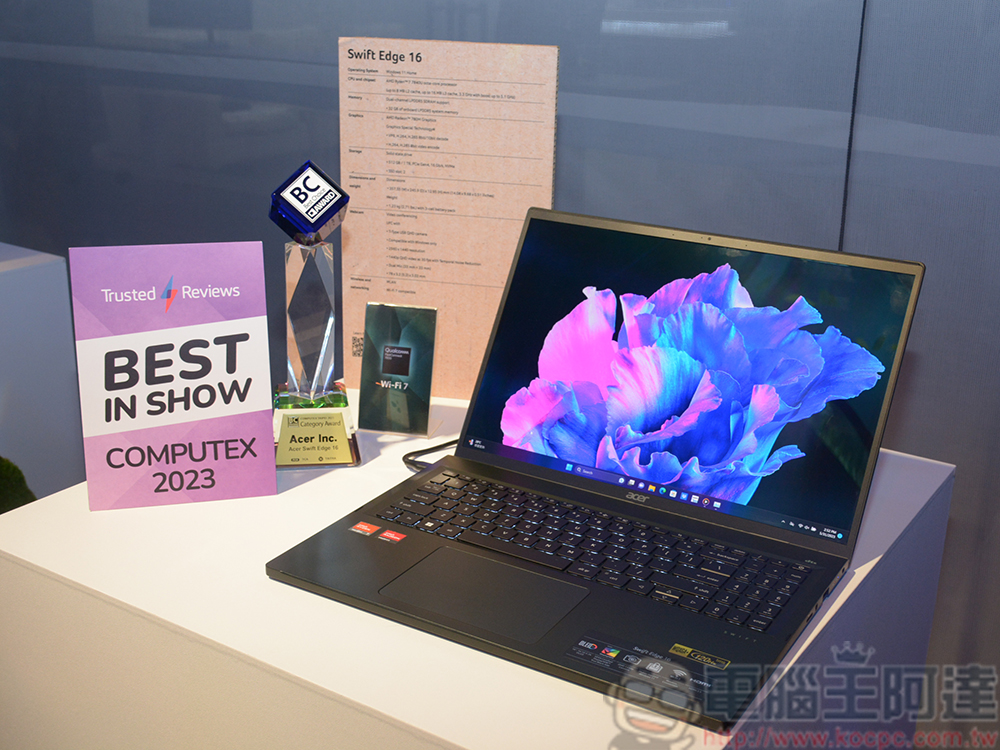
design
You don’t want to be the center of attention during a business meeting for any odd reason, including your laptop choice. If you show up with a colorful, RGB-flashing laptop with a dragon on the back, it’s easy to lose that professional first impression because it’s too “out there.” This is why business-type laptops mostly adopt plain and simple design aesthetics such as gray and black, with only a simple manufacturer’s logo on the back.
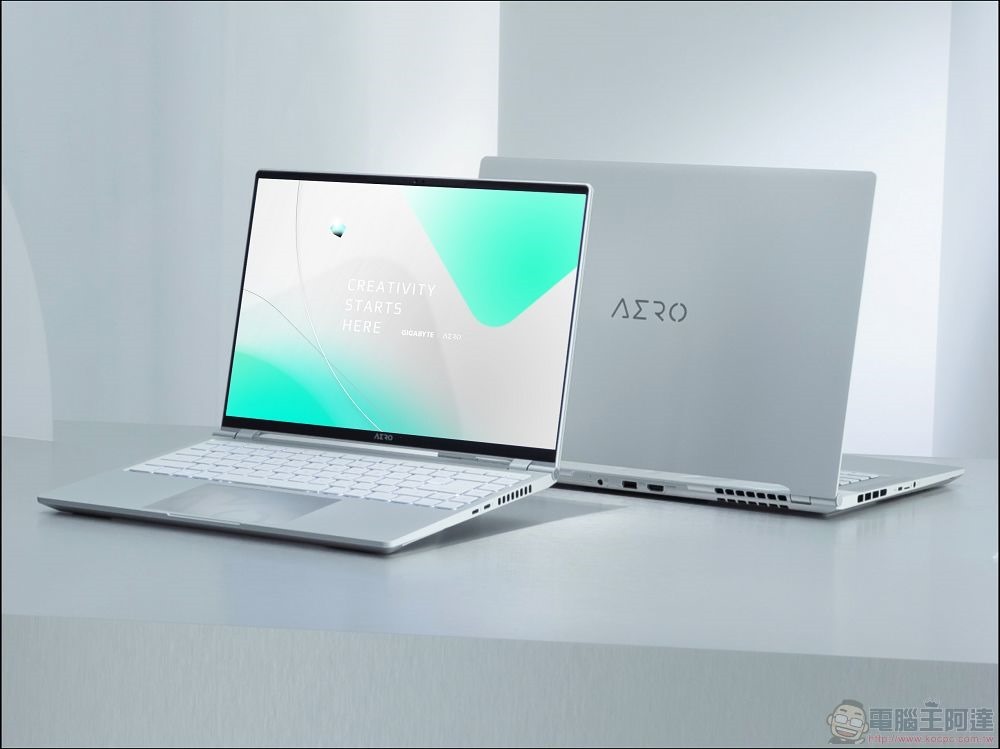
Warranty: Save money in the long run
Although the exact warranty coverage and duration largely depend on the manufacturer’s policy, the common standard for consumer laptops is one year. You can purchase an additional extended warranty, but if the laptop you choose is a very cheap model, then the economic performance is not good. But it’s different for business laptops. Since business laptops are more expensive, you can also get extended warranty coverage at a discount or for free, up to three years or more. For example, some HP Dragonfly and Dell Latitude laptops come with a standard three-year warranty. But this is by no means a rule, so double-check with a dealer or retail website before purchasing. If something goes wrong with your laptop, you can get it repaired or replaced for free within a time frame so your work won’t be interrupted.
Do you need a business laptop?
If your laptop is an important tool for your livelihood, or you attach great importance to data security, then it is worth spending a little more to buy a business-oriented laptop. Thanks to better overall quality and durability, you’ll have a device you can trust, especially when traveling for business. The last thing you want is to be temporarily unable to access important information. However, if you just need a basic laptop for browsing the web, watching videos, and doing light paperwork, then you can save money and buy a more affordable consumer computer.
Source: KOCPC Chinese