


RecentlyMicrosoftLaunching something quite interesting Copilot Audio Expressions is a free online tool that can turn your text content, topics you want to understand, or other text prompts into emotionally expressive speech. You can also set the voice’s personality and expression style. It’s completely free to use, and I highly recommend giving it a try. However, Copilot Audio Expressions is currently in the experimental stage, so it only supports generating English speech (though you can provide Chinese content or prompts). If it becomes popular, it should have a chance to offer more language options.
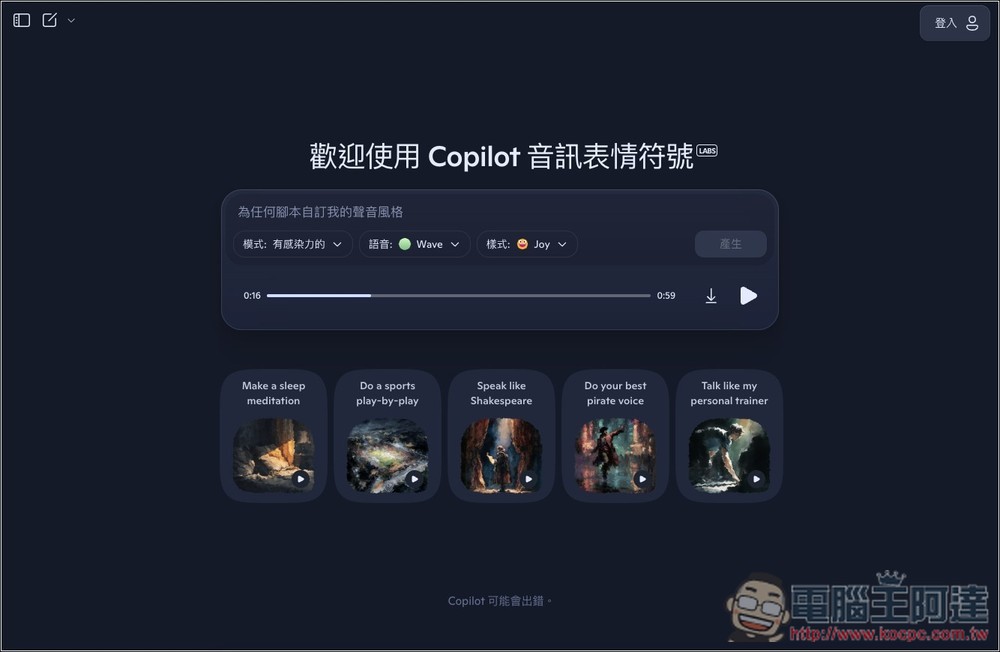
Microsoft launches Copilot Audio Expressions, converting text content and topics you want to learn about into speech with emotion, personality, and storytelling.
Copilot Audio Expressions is a new experimental tool from Microsoft, currently available in Copilot Labs, focused on “creating expressive voice content.” It has a Traditional Chinese interface, so you don’t need to worry about not being able to understand it. The AI can also understand Chinese content, but it will automatically convert it into English content and generate audio.
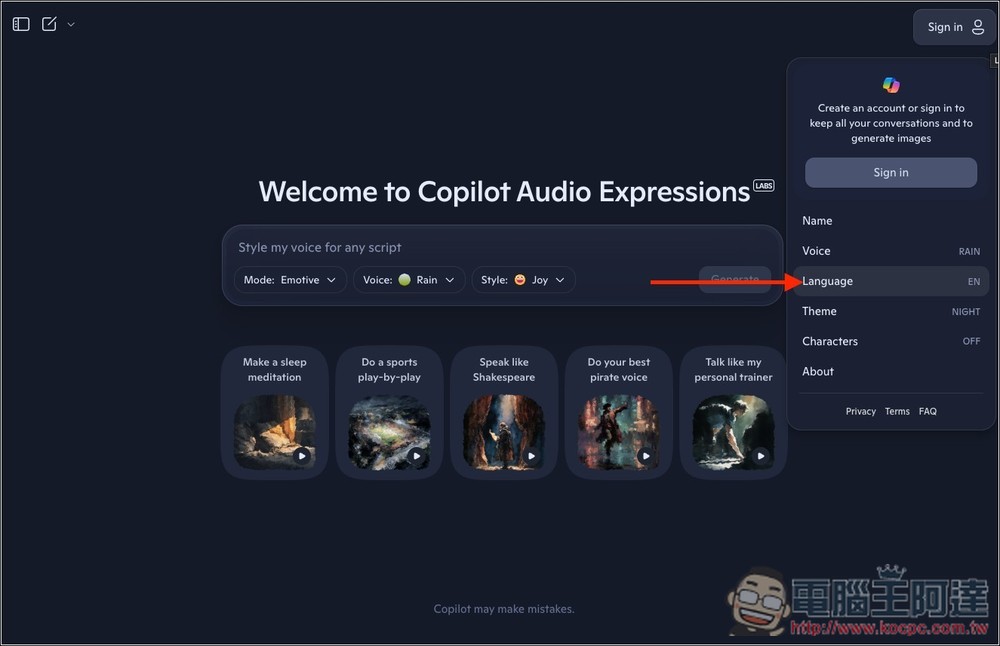
After entering Copilot Audio Expressions via the link above, if your interface is in English and you want to switch to Traditional Chinese, open the Sign in menu in the top-right corner, and then you’ll find the “Language” language setting:
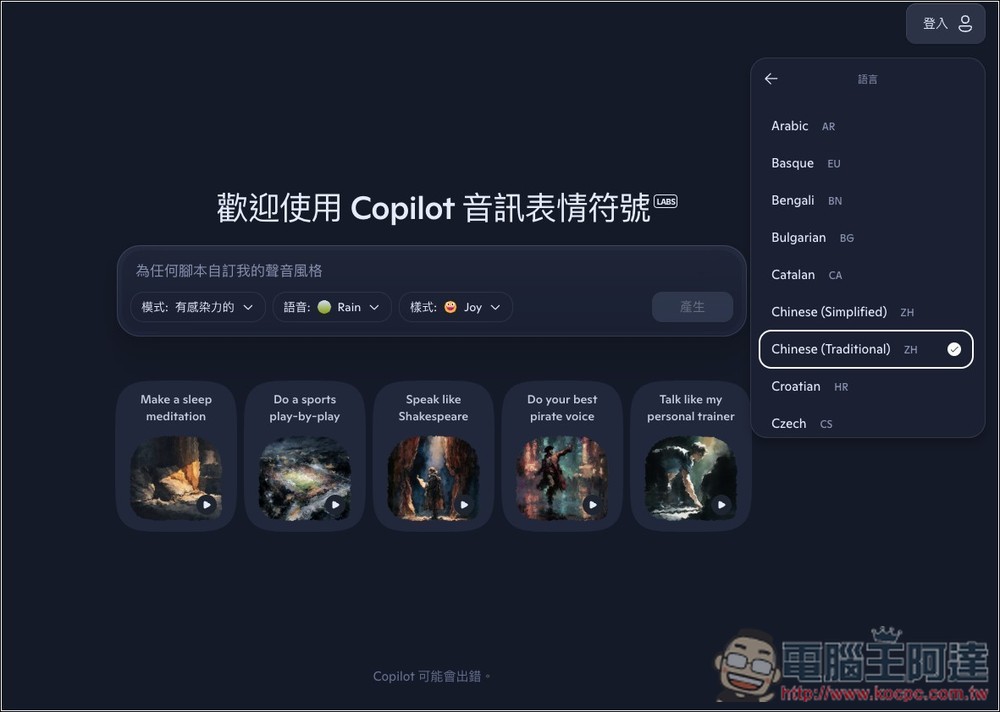
Change it to Chinese (Traditional), and the interface will become Traditional Chinese:
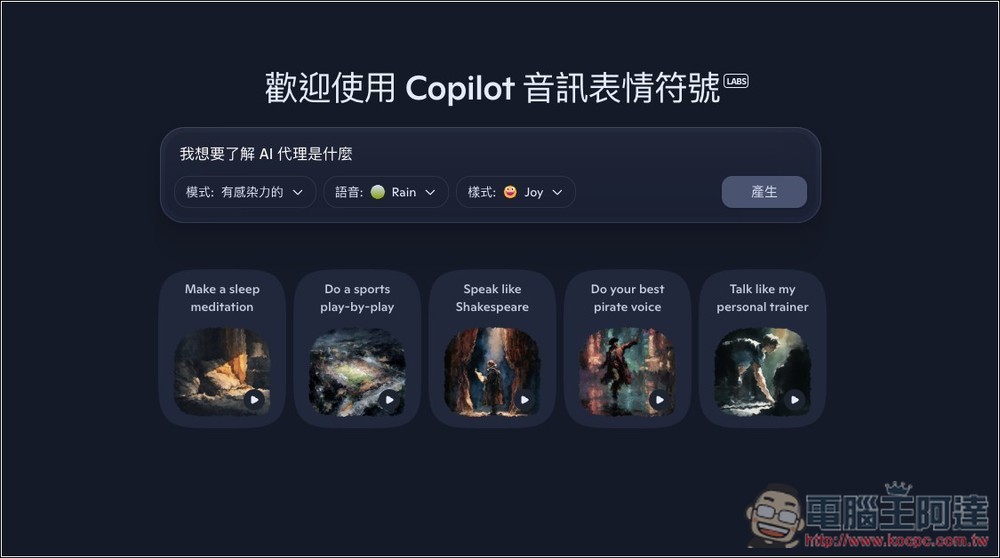
Next, you can enter the prompt you want to convert into speech, like if I want to learn about “what an AI agent is.” There are also some examples below that you can listen to first.
It offers two modes: “Emotive” and “Story.” The former allows you to configure settings like voice and style, while the latter doesn’t—it can only generate speech directly, and currently it seems to only produce English speech with a strong British accent.
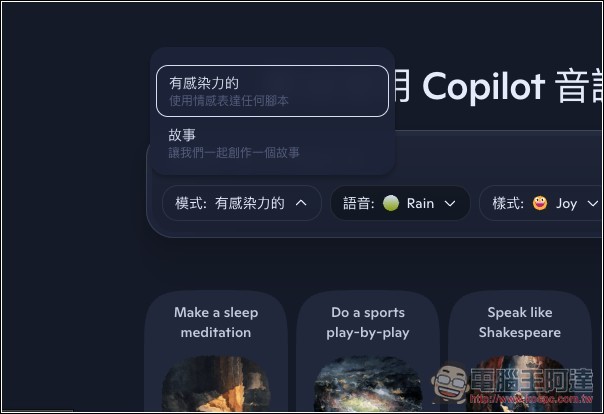
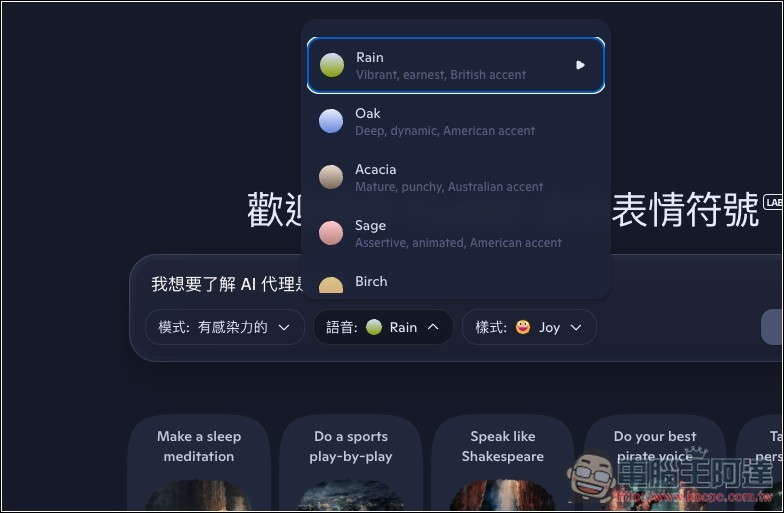
The engaging mode offers a wide variety of voices; each one can be previewed by pressing the play button on the right, and below it also provides a description of that voice’s characteristics:
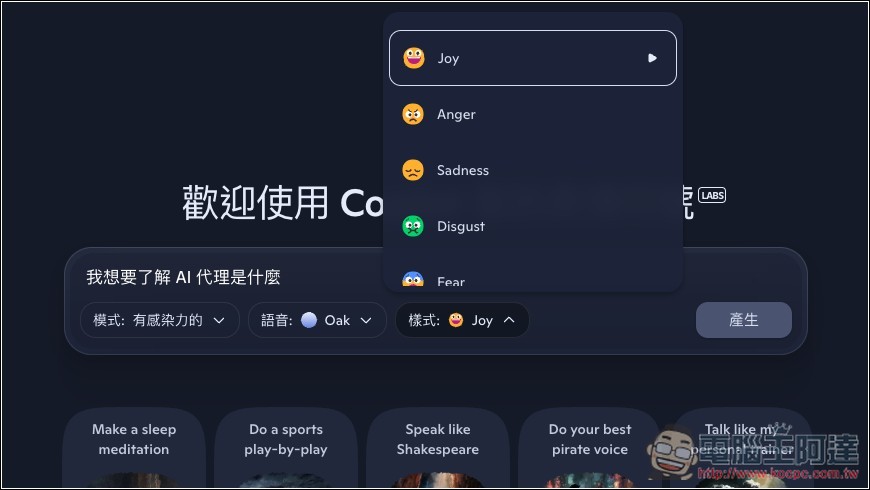
The styles (expression methods) are also very diverse, including: Joy, Anger, Sadness, Disgust, Fear, etc. But note that not every voice has the same styles—for example, Oak in the image below has Anger, Sadness, and Fear in addition to what Wave offers. You can also click the play button on the right to preview:
After everything is set up, click Generate to start generating:
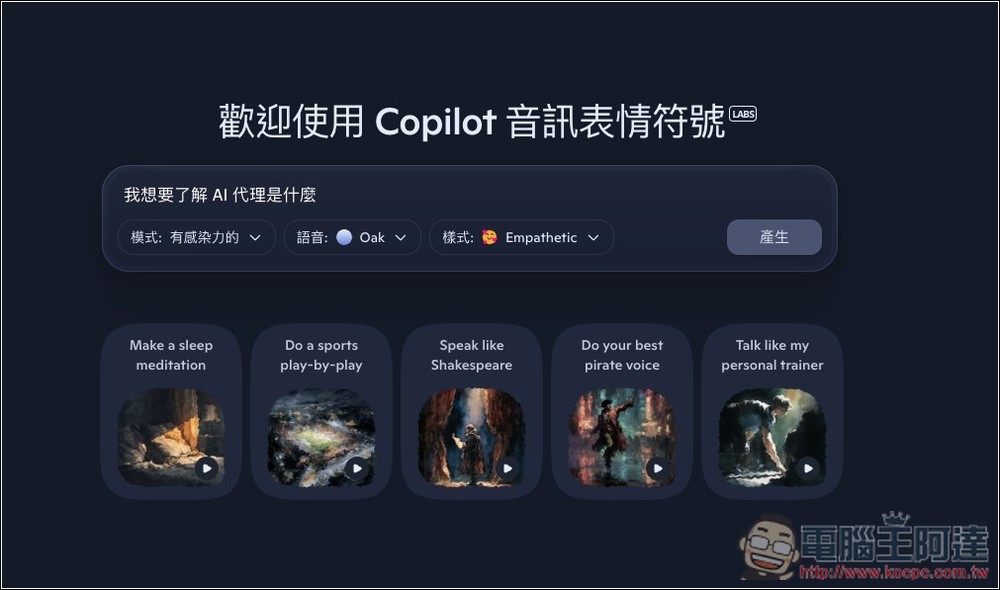
After it’s generated, it will play directly for you to preview. If you’re satisfied, click the download icon at the bottom right to download the MP3 file:
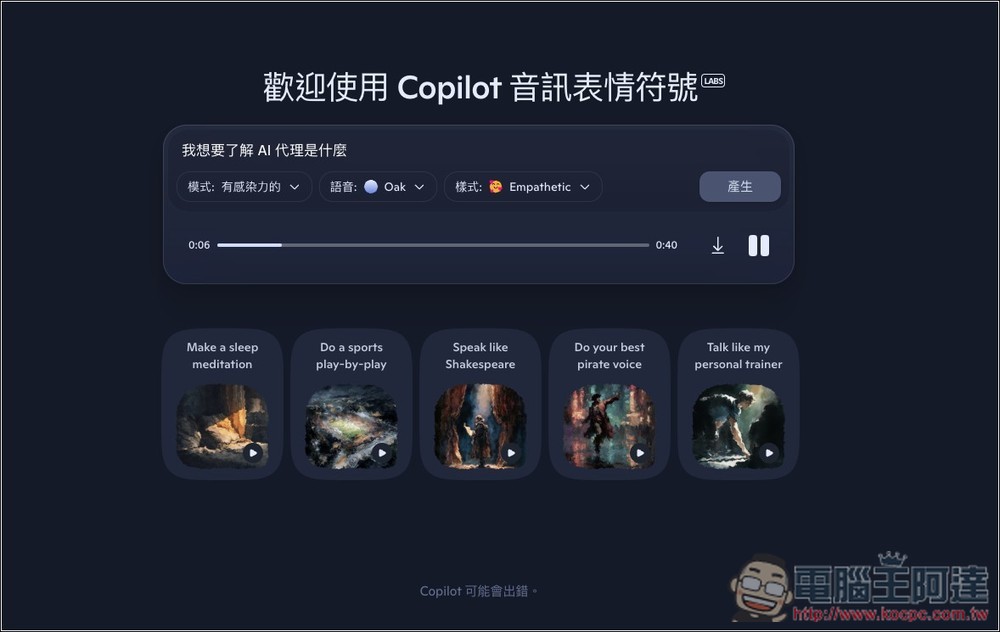
This is “I want to understand what AI agents are,” generated using the engaging mode, with the Oak voice and Empathetic style.
Next, I tested story mode with the same prompt, and in story mode, you can’t set voice, style, or those things:
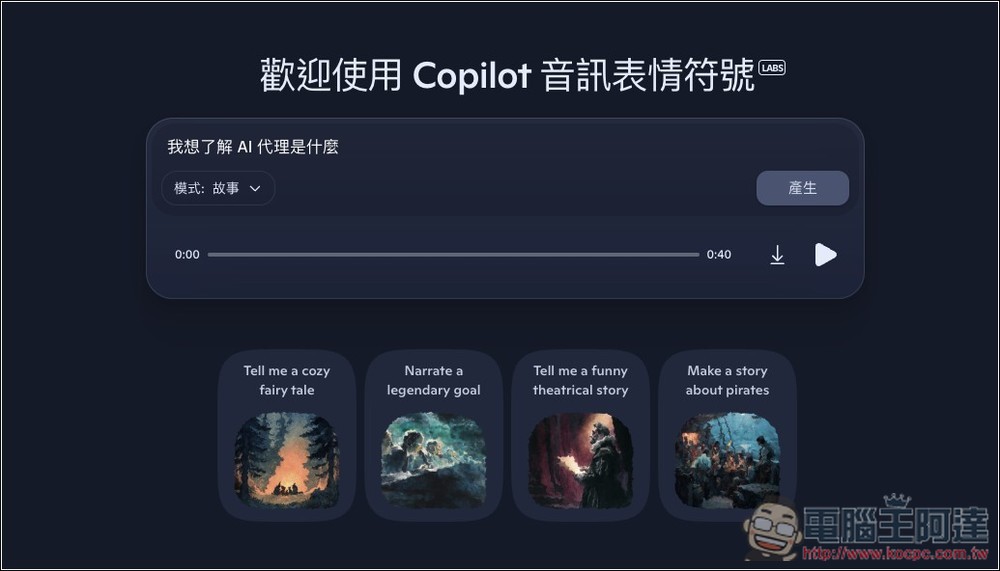
This is the “I want to understand what AI agents are” generated by story mode.
You can also paste the content you want to convert to speech, but note that the current voice generation length is between 40 seconds and 1 minute 30 seconds. If the content is too long, it will be interrupted and won’t finish reading everything. I’ll take this news article (Anthropic launches Claude for ChromeConvert the first half of the text in ) to speech:
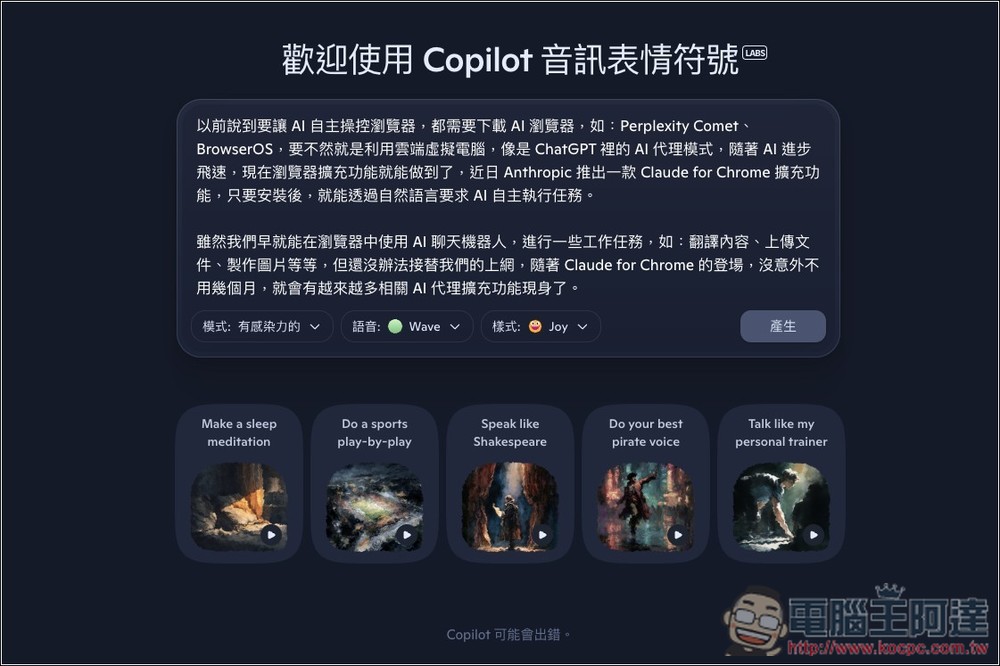
This is speech generated using the infectious mode:
Source: KOCPC Chinese