


With this wave of Google Drive previews, this feature will also be pushed to iOS and iPadOS users. This file scanning feature has also launched a more enhanced user experience for the Android version. According to the official description, although iOS can already have the convenient scanning experience described above. However, in the latest version of Android, it provides a function that can automatically capture files – and will also actively guide you to take higher-quality document scans. Continue reading Google Drive’s enhanced file scanning experience is here, and it also supports iOS! (How can I tell you with this article!) The content of the report.
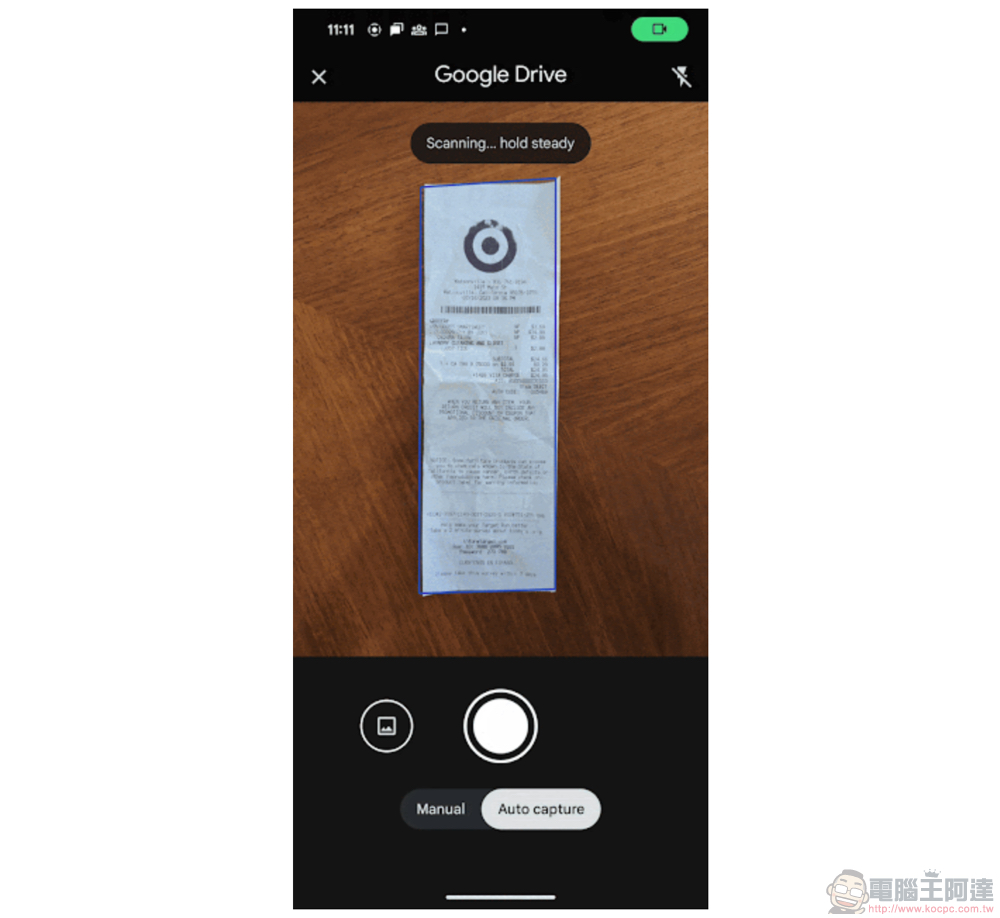
▲Photo source of this article: Google
The enhanced file scanning experience of Google Drive is here, and it also supports iOS! (How to use this article to tell you!)
In the past few days, Google can be said to have stepped up its efforts in providing Apple users with more complete related service support (see more:Google Chat extends message bubble support to iPhone), but also did not forget to bring a more enhanced early experience to Android users.
Previously available to Android users, you can quickly use the “+” in Google Drive to easily scan physical documents by taking photos, and increase readability through the automatic search for paper edges and preset filters. Then upload directly to Google Drive for backup and quick sharing via cloud drive for a great experience.
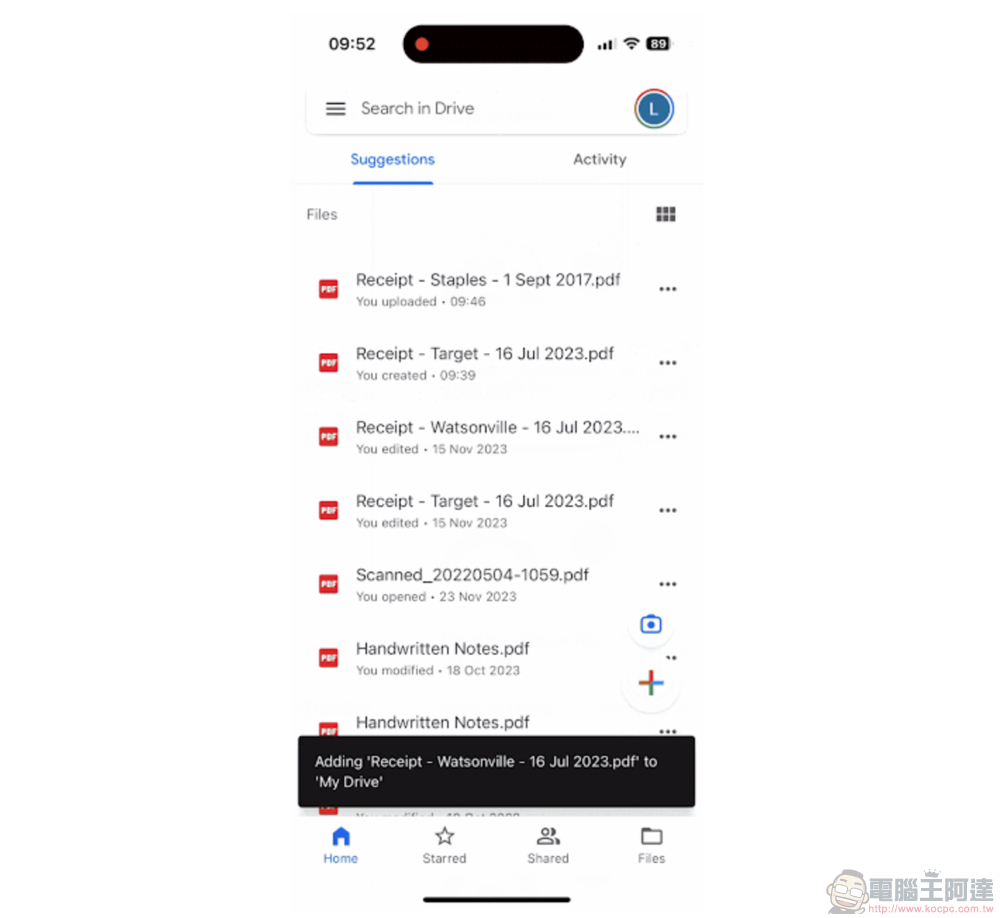
That is, just when you think this feature is already quite seamless and easy to use. With this wave of Google Drive previews, this feature will also be pushed to iOS and iPadOS users. This file scanning feature has also launched a more enhanced user experience for the Android version.
Although iOS can finally have the convenient scanning experience described earlier this time. However, in the latest version of Android, it provides a function that can automatically capture files – and will also actively guide you to take higher-quality document scans. In terms of user experience, it can also provide a smoother and faster interface for scanning the next document/book page after a single scan is completed. And a file adding method has been introduced that can directly input pictures from the photo library for file scanning and judgment.
That is to say, on the iOS side, although the interface still maintains the experience of the previous version (relatively speaking, it is not so enhanced). However, according to Google’s official blog, it is also mentioned that after scanning on iPad and iPhone, you can actually enjoy the convenience of renaming the file name through the machine learning technology provided by Google, and adding some information including the address on the file, file type and other information. I believe it is also very useful!
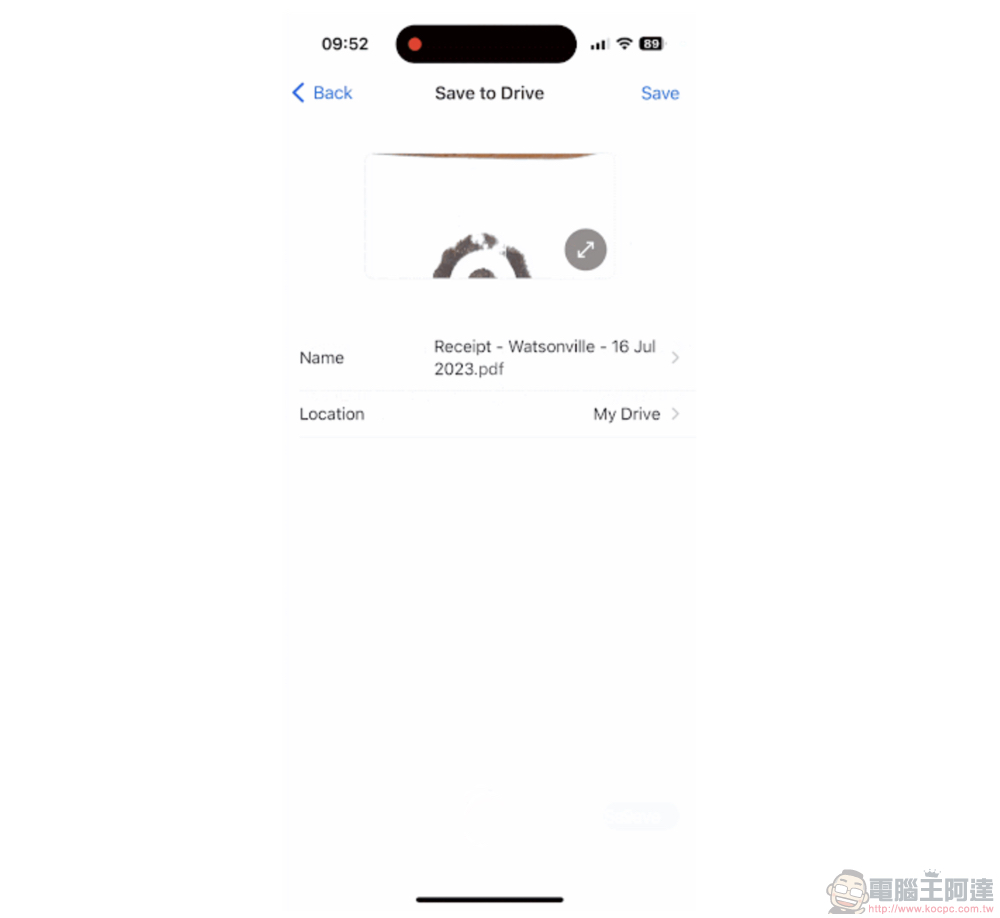
Want to use this feature, whether you are an iOS or Android user. Simply open the Google Drive App and select the camera to shoot via the floating “+” button to bring up the document scanning shooting interface. When you get to this interface, basically just point at the document you want to scan and follow the application instructions to complete the scan! It’s really very simple. You can try to see if this feature has been updated on your phone and give it a try!
Further reading:
Source: KOCPC Chinese