


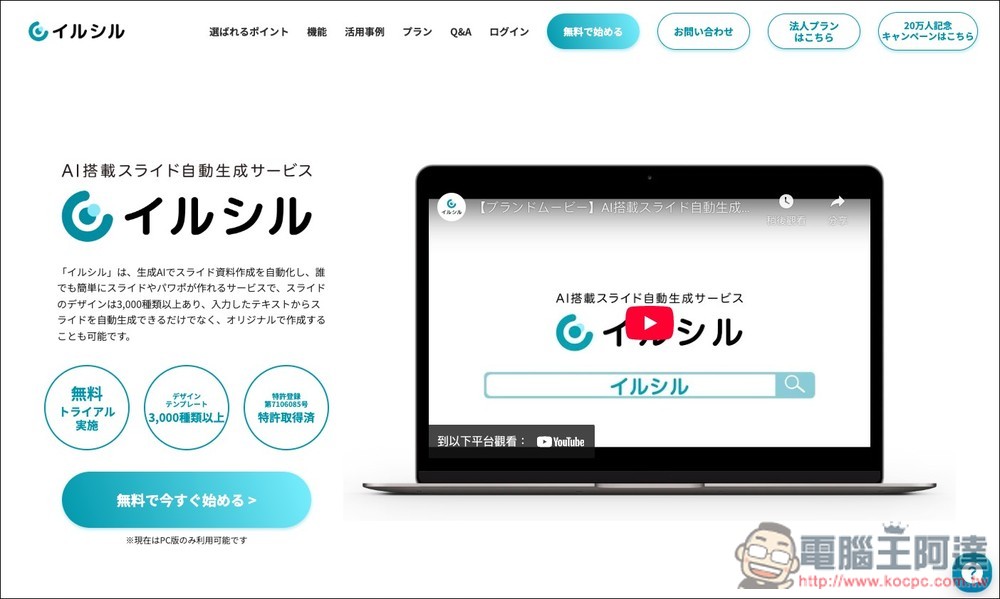
Speaking of AI Generate a presentation — I’m sure many people know about it. GammaFelo, recently I also discovered another quite useful one, Irusiru, fromJapanThis AI presentation tool is a free online service, and its main strength lies in its built-in library of over 3,000 design templates. This means the presentations it generates can be swapped out with a wide variety of templates, and the interface is also very intuitive. The only minor drawback is that the interface is currently available in Japanese only, so those who don’t understand Japanese will need to use the browser’s full-page translation feature.
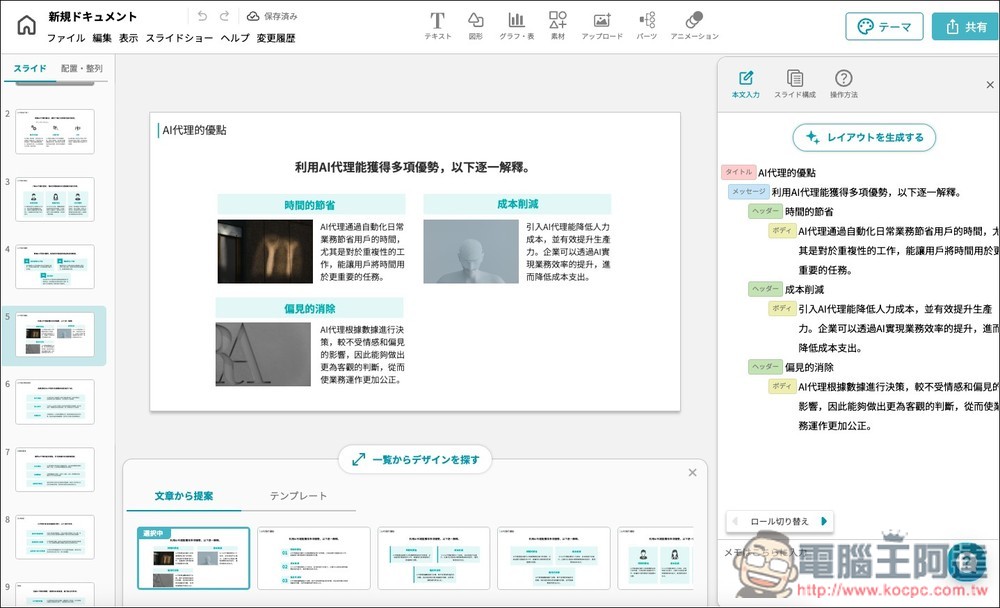
Irusiru is a free one-click AI presentation generator from Japan, with over 3,000 built-in design templates.
Although Irusiru is an AI presentation generation tool touted as being designed specifically for Japanese users (with a Japanese interface), its AI model also supports output in Traditional Chinese, so it can generate Chinese presentations. One great feature of Irusiru is that it breaks the presentation generation process into three steps: first, you give the AI your presentation topic and related description; second, the AI generates the textual content of the presentation; and third, it converts it into a presentation. The entire process is very intuitive, and even first-time users can quickly get the hang of it.
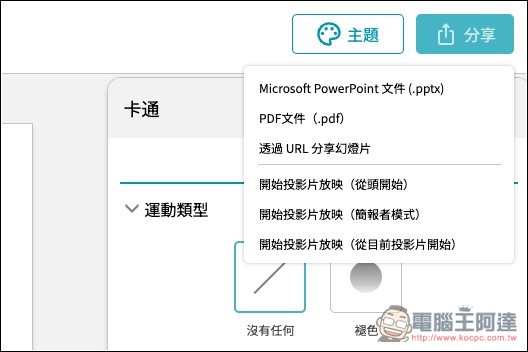
However, note that although Irusiru can generate presentations for free, you’re limited to a maximum of 3, and it only offers online playback/display functionality (for commercial use). Exporting to PDF or PPTX formats requires upgrading to the paid version.
Click the link above to go to Irusiru, then click the “無料xxx” button on the screen.
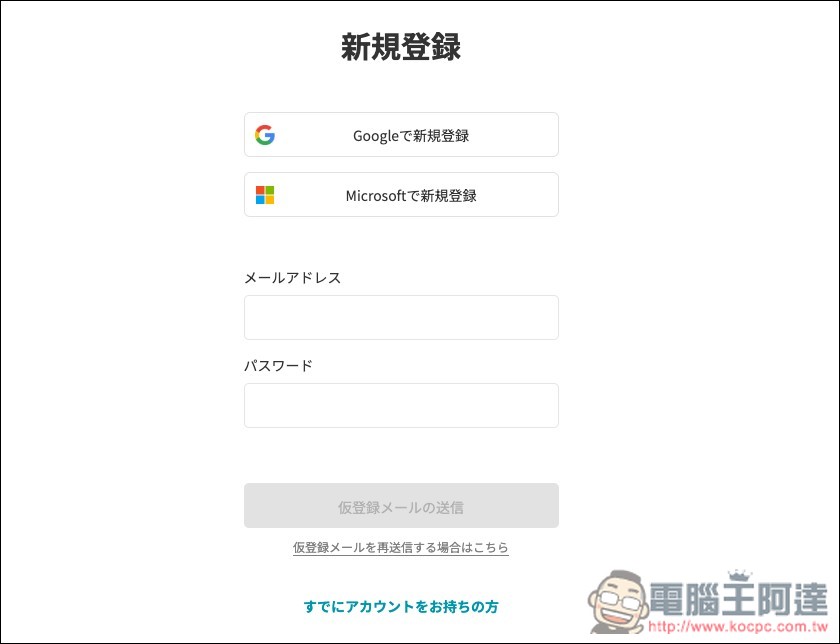
You need to register an account by entering your email and password, and you can also quickly sign up with your Google or Microsoft account:
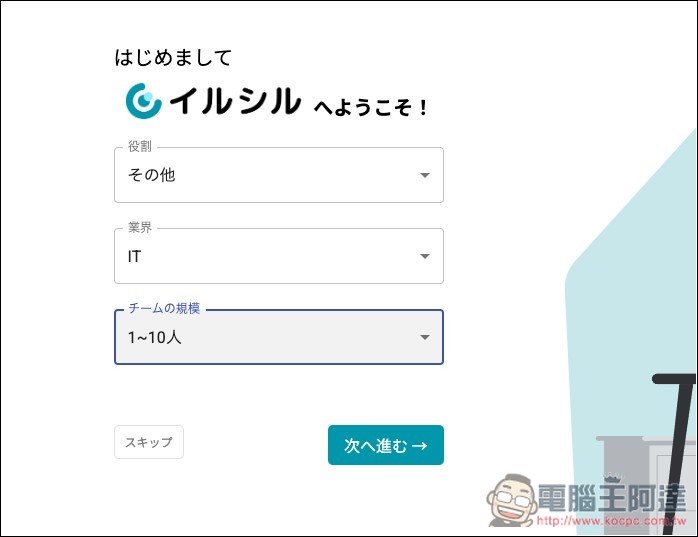
Next, it will ask for your role, industry, and team size—just pick anything for those, then click Next step below:
Then you will enter the backend. At this point, if you are worried about not understanding Japanese and pressing the wrong functions, you can use the browser’s full-page translation feature to translate it into Traditional Chinese:
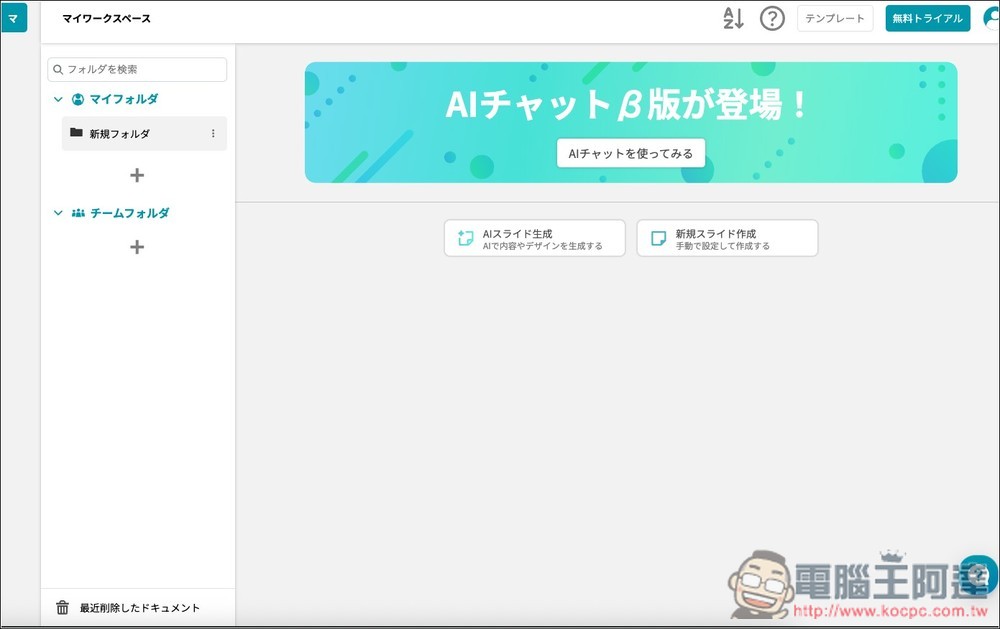
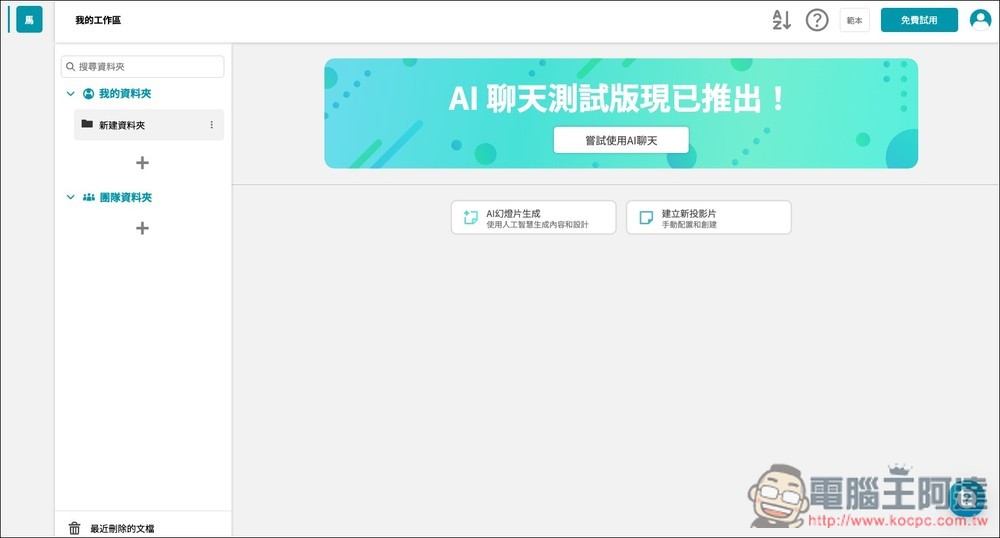
Like this, after switching to Chinese, you can see all the functions. Click “AI Slide Generation” to generate a presentation with AI:
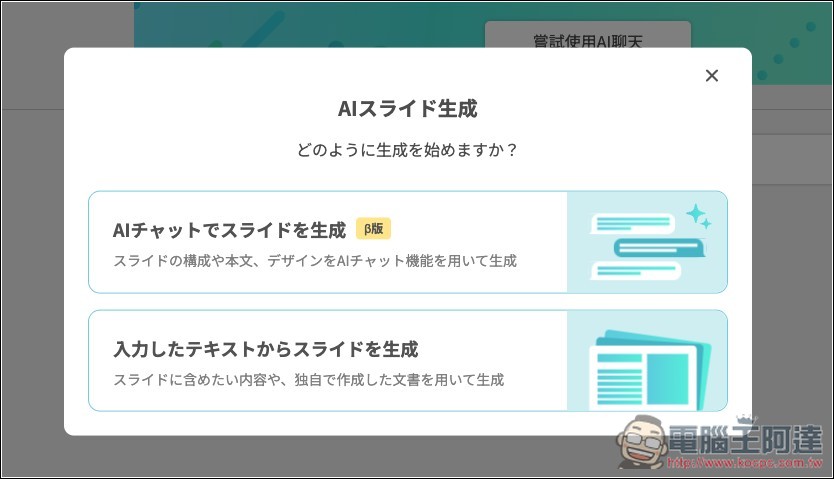
This screen will pop up; tap the top one that starts with “AI.”
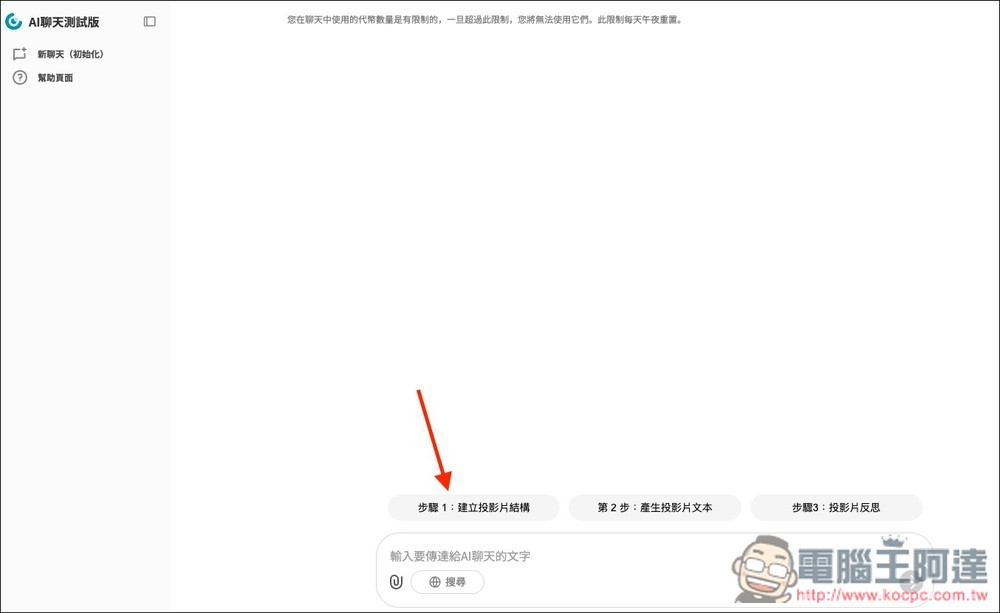
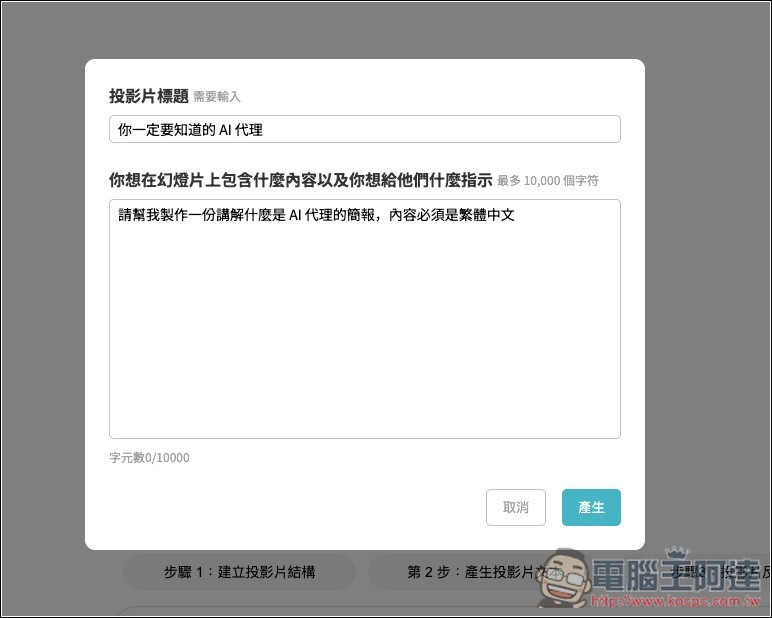
Next, you will enter the AI chat interface. Above the input box are the three steps generated by AI. First, follow Step 1: Create slide structure.
Enter the presentation title. Below is the instruction for the AI. At first, I tried specifying Traditional Chinese here, but the content the AI generated afterward was still in Japanese, so for the last step, remember to ask the AI to convert the content into Traditional Chinese. After entering it, press generate.
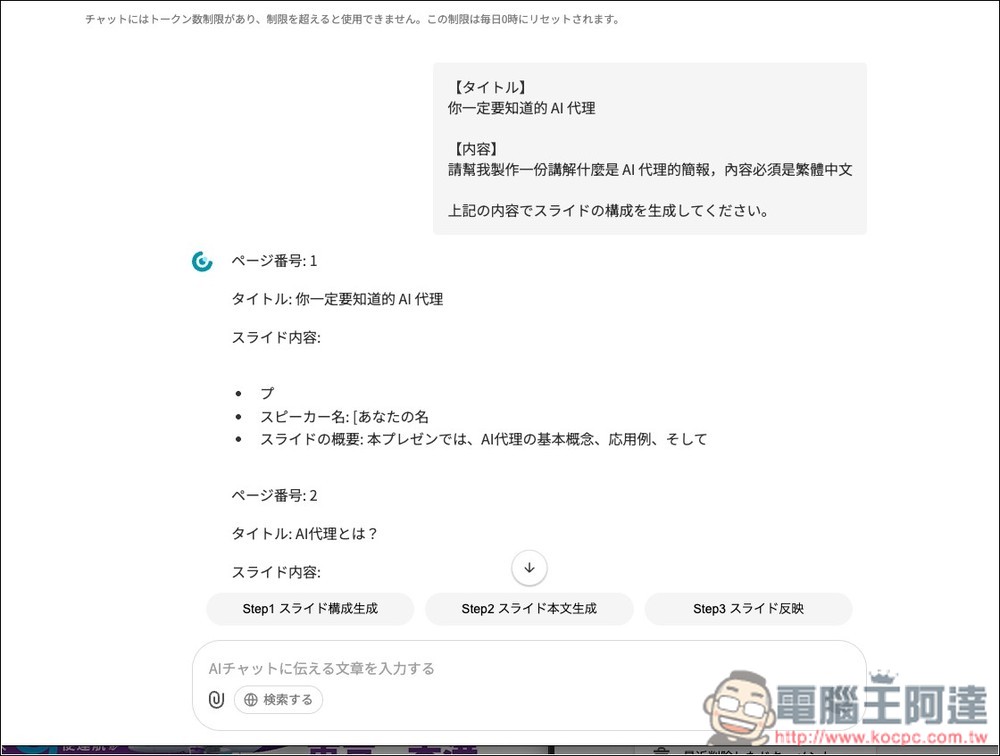
The AI will start generating a long string of content. It’s okay if you don’t understand it. Once the AI finishes, proceed to Step 2:
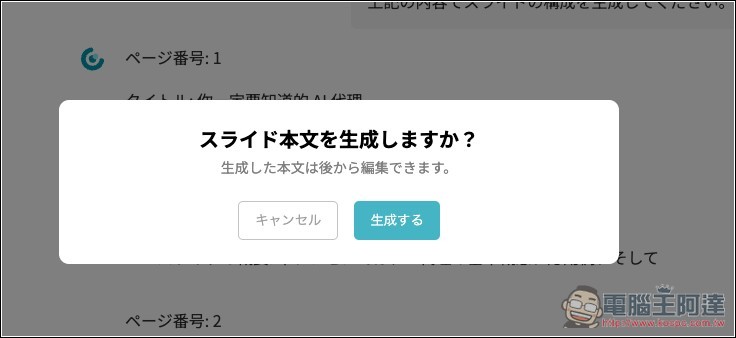
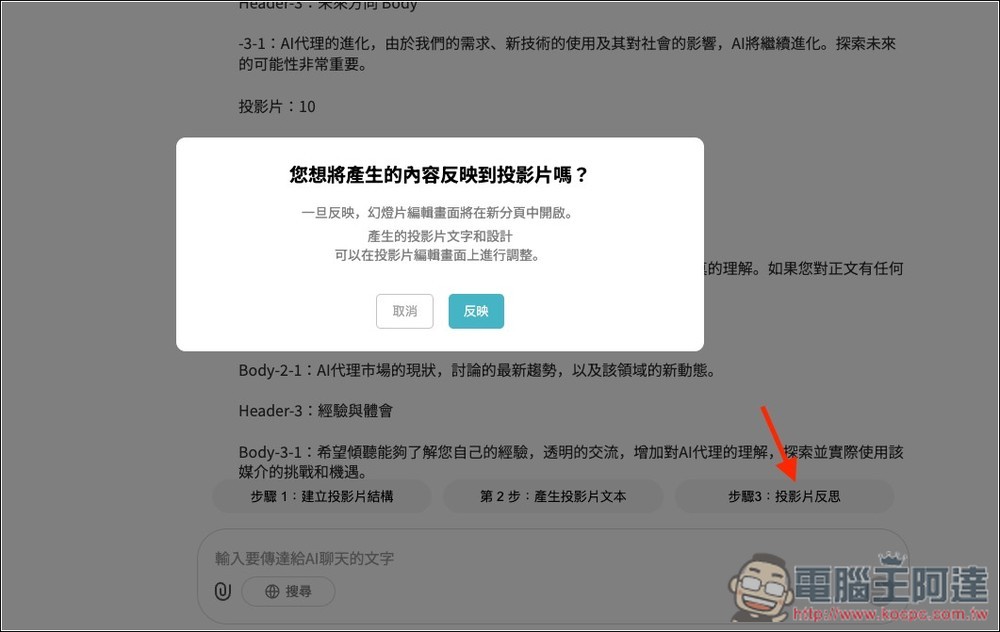
When you click Generate, this message will pop up:
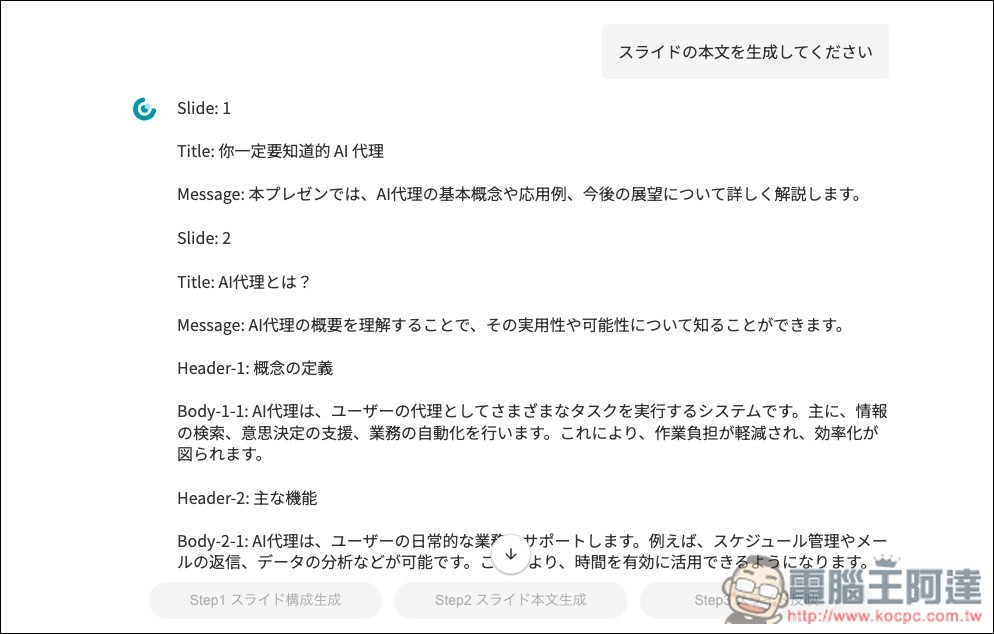
Next, it will generate the text content for each slide. It’s okay if you don’t understand it, just wait until the AI finishes generating.
After AI finishes generating, send the sentence “Please change the above content to Traditional Chinese”, and AI will convert all the text on each slide it just generated into Traditional Chinese:
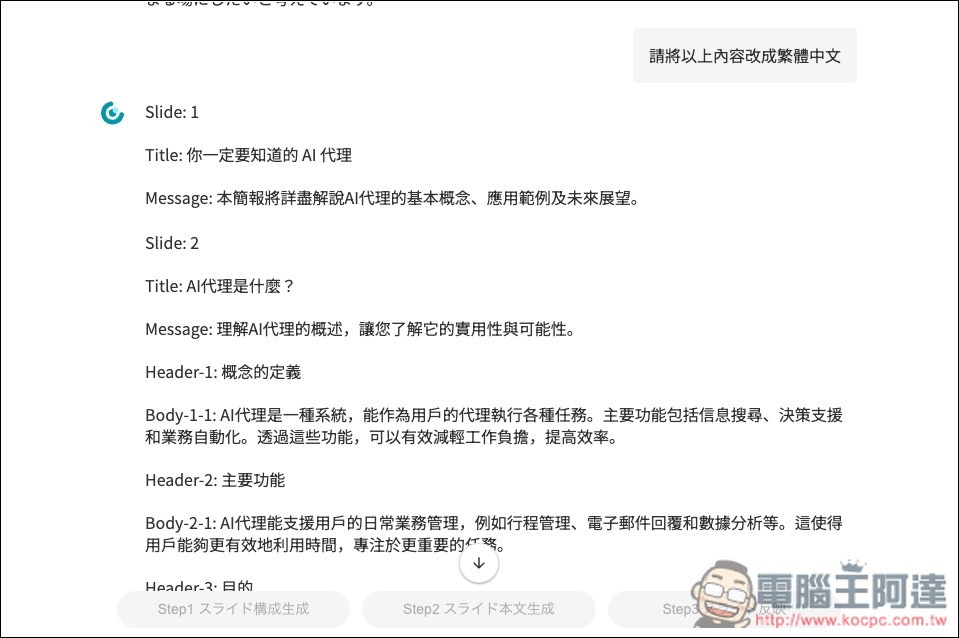
Finally, follow the third step to generate the presentation:
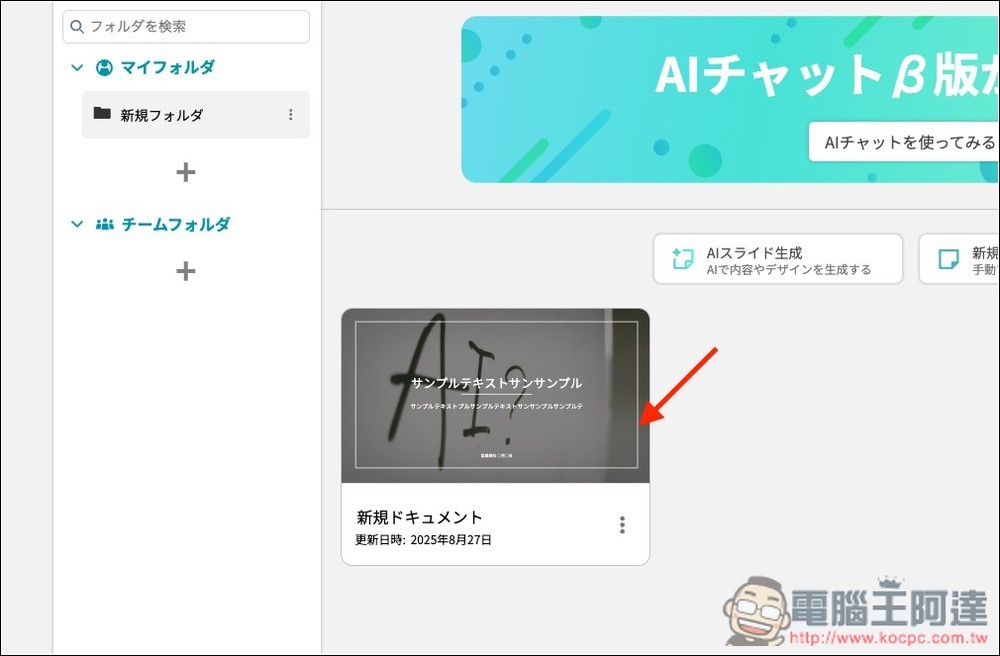
After completion, when you return to your account backend, you’ll see the AI-generated presentation. The preview image will be in Japanese, but don’t worry—the content is actually in Chinese:
After opening the presentation, you can browse through it slide by slide. Some presentations use repeated layout templates, so you have to manually change them. For example, my second and third slides use the same template:
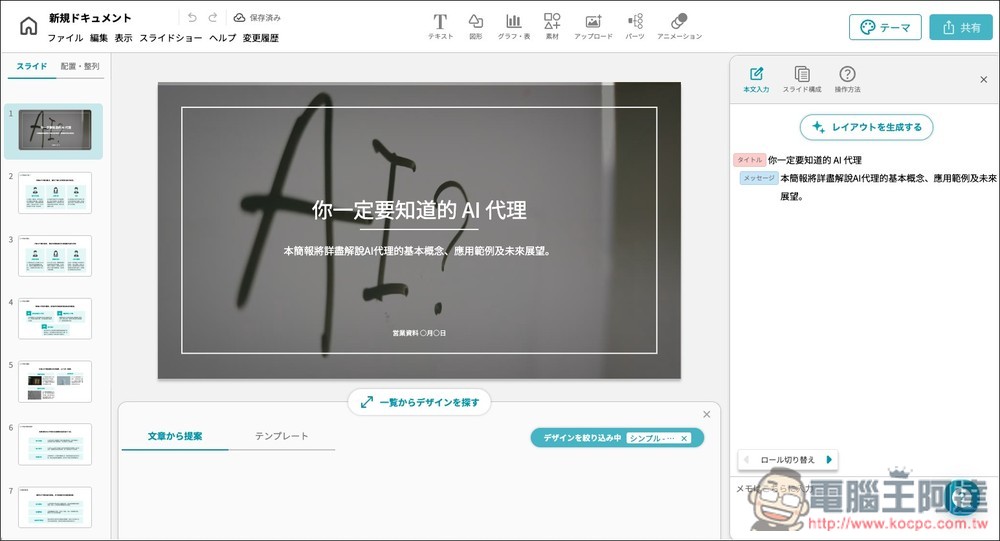
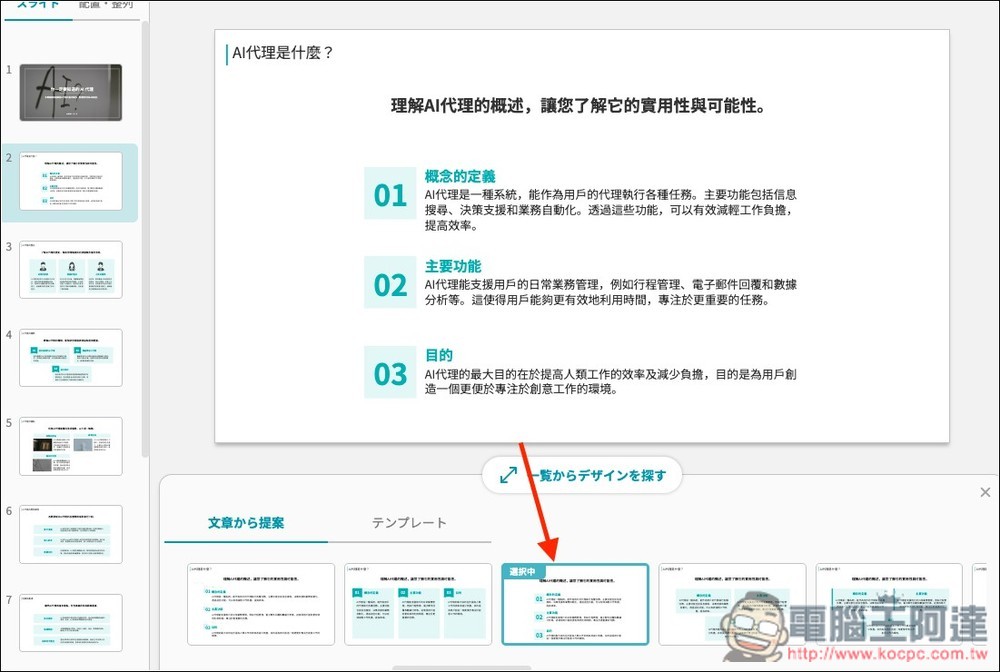
When you open that slide, a template will appear at the bottom for you to replace:
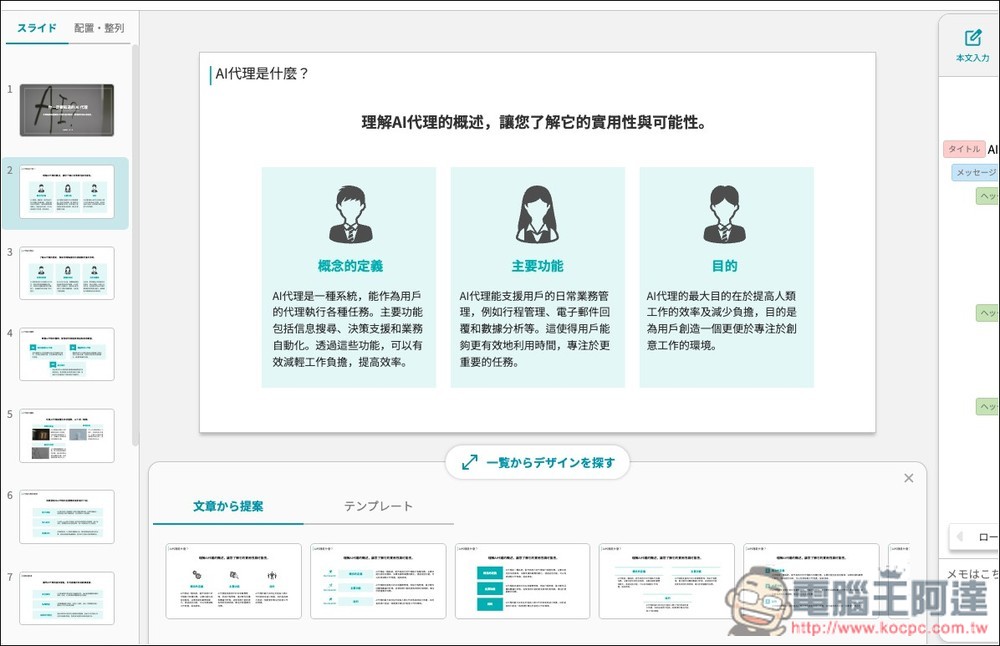
Clicking any template applies it directly, and all the text content can be edited. You can even use the AI chat on the right to ask AI to generate the content you need.
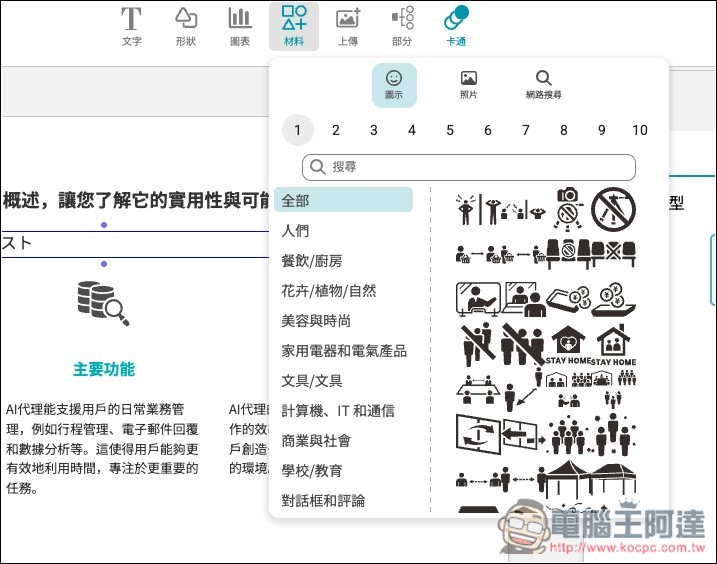
There are also some editing features at the top, such as text, shapes, charts, materials, upload, and more. There are quite a few provided graphics and assets as well:
Once the presentation is created, the free version cannot export to PPTX or PDF formats—it can only be shared via URL or played.
Irusiru’s features don’t stop there—the rest is for readers to explore and play around with on their own.
Source: KOCPC Chinese