


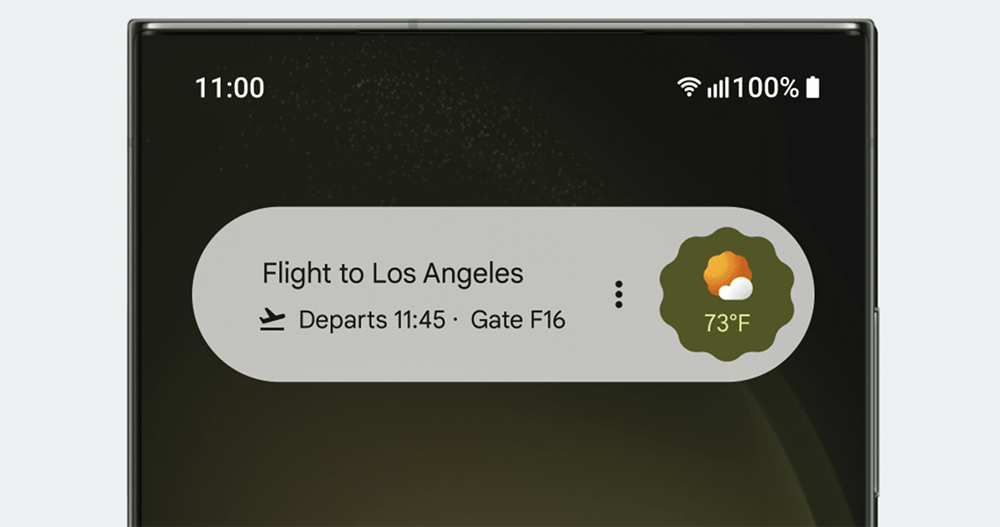
It’s definitely not a tribute (right), as time goes by it becomes like island I wonder if you have used the capsule-like Assistant At a Glance gadget? Such a useful feature has recently been reported by users from Android 12 to Android 14, including Pixel 6, OnePlus 11, OnePlus 8T, Samsung Galaxy A54 and Galaxy S22, who have encountered a red message of “Glance app Widget Error”, causing Widget gadgets to fail to operate properly. Continue reading the text of the report that the Android Assistant At a Glance gadget has an error and cannot be used (see here for a temporary solution).
▲Image source: Google
Android Assistant At a Glance gadget has an error and cannot be used (see here for a temporary solution)
It’s definitely not a tribute (right), as time goes by it becomes like island I wonder if you have used the capsule-like Assistant At a Glance gadget?
Now that the word assistant has been added, Google previouslyBringing more thoughtful functional evolution to Assistant At a Glance. Next to the quick display of weather, it now also provides a lot of information compiled by AI, including real-time travel itinerary information updates and itinerary information. It has also changed the previous relatively low-key display method to provide users with Android 12 or above in a more conspicuous and real-time way, with more practical information provided by the AI assistant.
▲Image source: Google
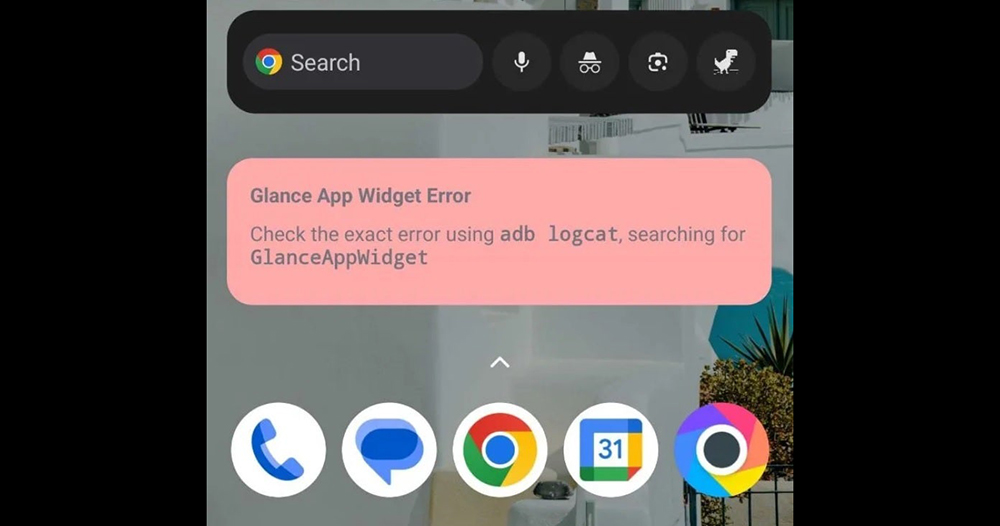
However, such a useful feature has recently been reported by users from Android 12 to Android 14, including Pixel 6, OnePlus 11, OnePlus 8T, Samsung Galaxy A54 and Galaxy S22, who have encountered a red message of “Glance app Widget Error”, causing Widget gadgets to not function properly.
Since the message below shows “Check the exact error using adb logcat, searching for GlanceAppWidget”, it is generally believed that this should be an error message more aimed at developers. It is not a prompt that ordinary users can execute accordingly.
▲Image source: Android Central
Having said that, the majority of netizens still find ways to solve it. Someone shared that after the Google app linked to Assistant At a Glance is updated, you can try to “force stop” + “clear cache” for the Google app in the settings. It seems to solve the problem of this gadget malfunctioning.
Even v14.46.33.28 of Google app seems to have started to correct this part. But there are still people who still encounter similar situations and need to at least clear the cache before they can use it. So if you have encountered a similar situation, it is recommended that before Google brings a real fix, you can also try this method to see if you can get Assistant At a Glance Widget to resume operation.
Further reading:
Source: KOCPC Chinese