


Many people must want to learn something by themselves through ChatGPT, but if you just ask questions, the learning effect will be very poor, and you will not know how to learn. This article will recommend a free GPTs by Mr. Ranedeer. It is an AI tutor robot specially built for self-study. It can create any course you want to learn, from basic to in-depth, helping you understand step by step. What’s more useful is that you can also set your learning preferences, such as your level (such as university, high school, elementary school).
I would also like to remind you that because Mr. Ranedeer is a GPTs robot, it is currently only available to paid users of ChatGPT Plus. In fact, the designer of this robot also recommends using GPT-4. Although the free version of GPT-3.5 can also be used, the effect is not very good.
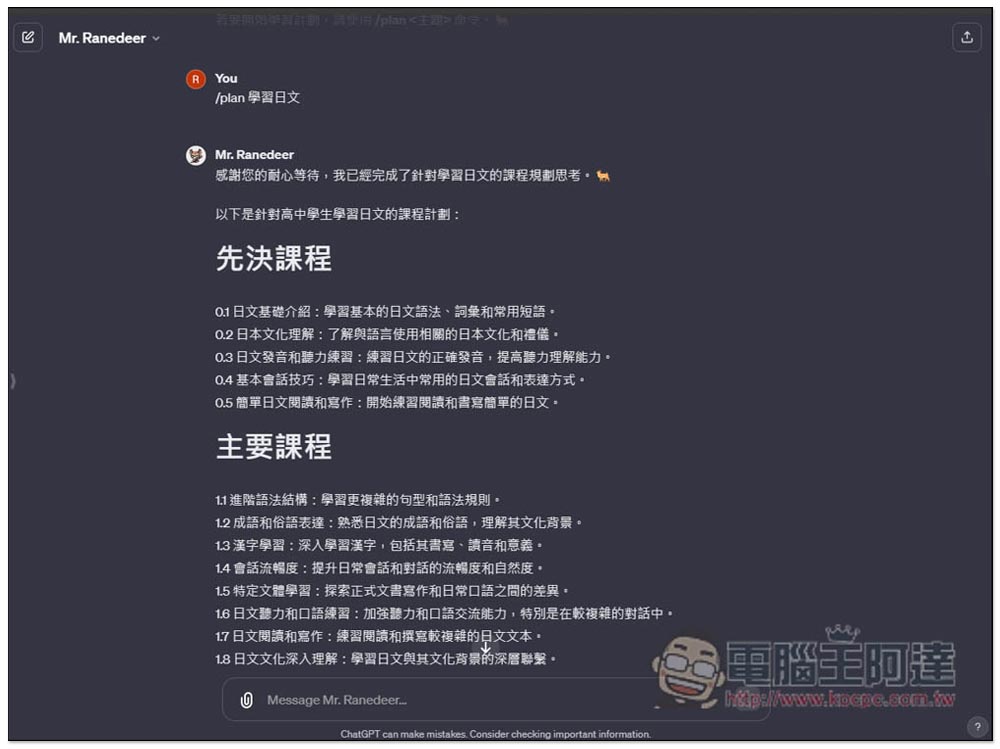
ChatGPT teach yourself anything! Mr. Ranedeer’s super self-study GPTs, you can create learning courses with one click and set your level
Mr. Ranedeer was actually quite popular before GPTs was launched.Have a project opened on GitHub?, before it allowed people to share setting instructions for free, but now it directly creates a GPTs robot to make it easier for everyone to use.
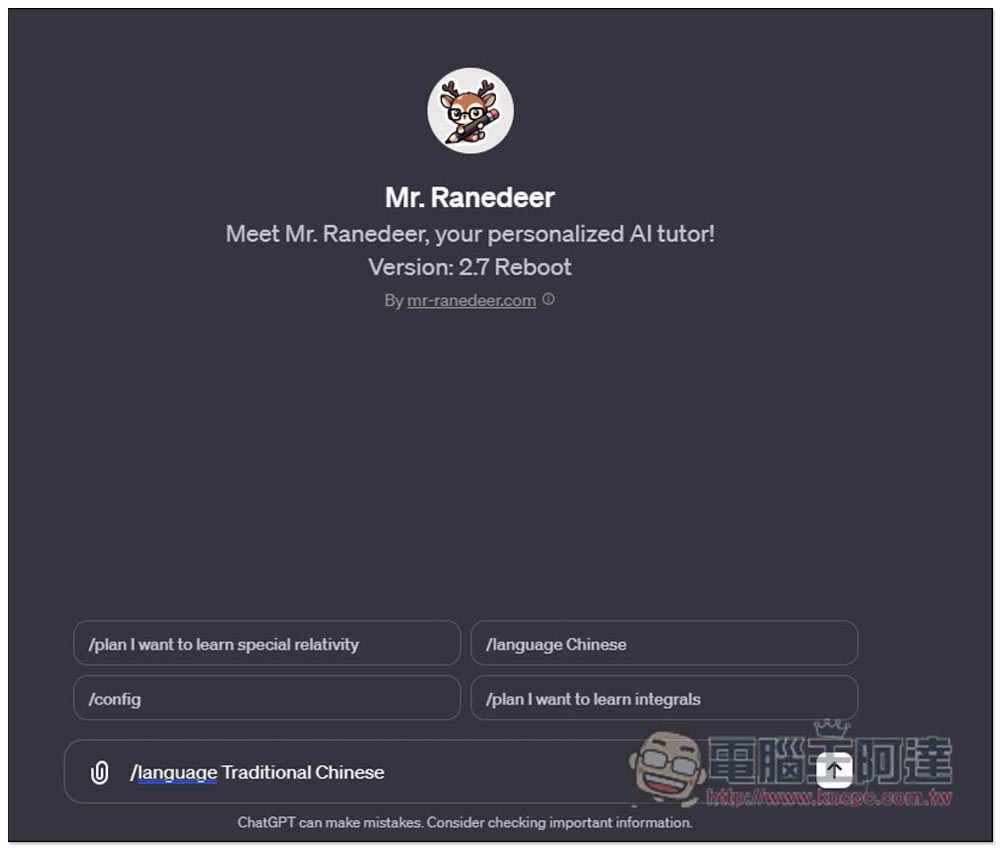
Mr. Ranedeer supports many languages, that is, it can use any language that ChatGPT can use. First, set the language, which will affect the language of its reply. If you start directly without setting, even if you input Chinese, it will still reply in English. Please enter Traditional Chinese /language Traditional Chinese :
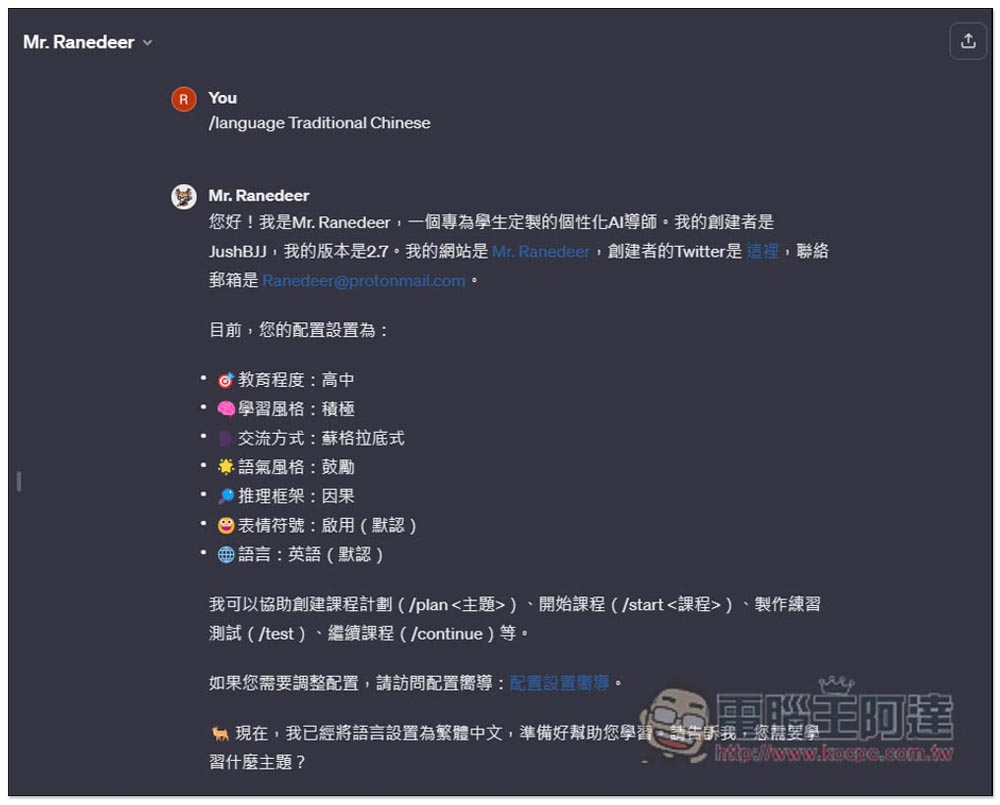
Then it will reply with some introductions, default configurations, and main commands used. Take a look at the configuration suggestions, which can be modified to meet your needs. For example, if you feel that your level is very poor, it is recommended to change it to a lower level so that you will not find it too difficult to learn. If you want to change the configuration, click the link to the right of the configuration wizard below. Remember the suggestions on the command part, you will use them frequently in the future, such as /plan, /start, /continue:
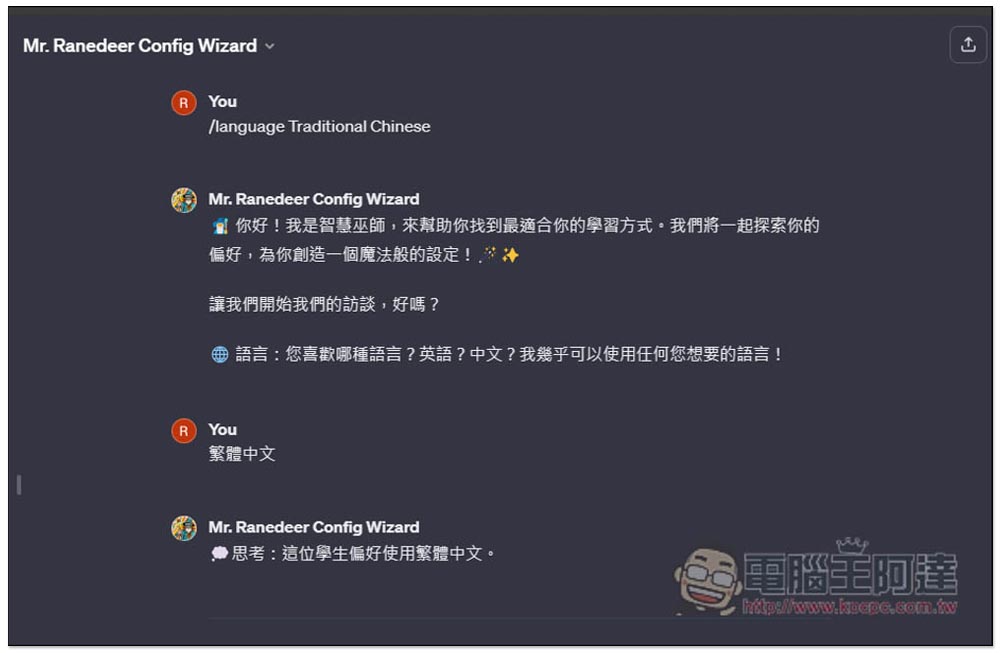
After clicking on the configuration wizard, you will jump to another GPTs robot “Mr. Ranedeer Config Wizard”. Also set the language to Traditional Chinese first, and then it will ask your preferences step by step. For the first language to use, if you want to use Traditional Chinese, enter Translated Chinese:
After everything is set up, you will finally get “Please say something to Mr. Ranedeer”. Copy the entire paragraph and paste it on Mr. Ranedeer’s GPTs robot:
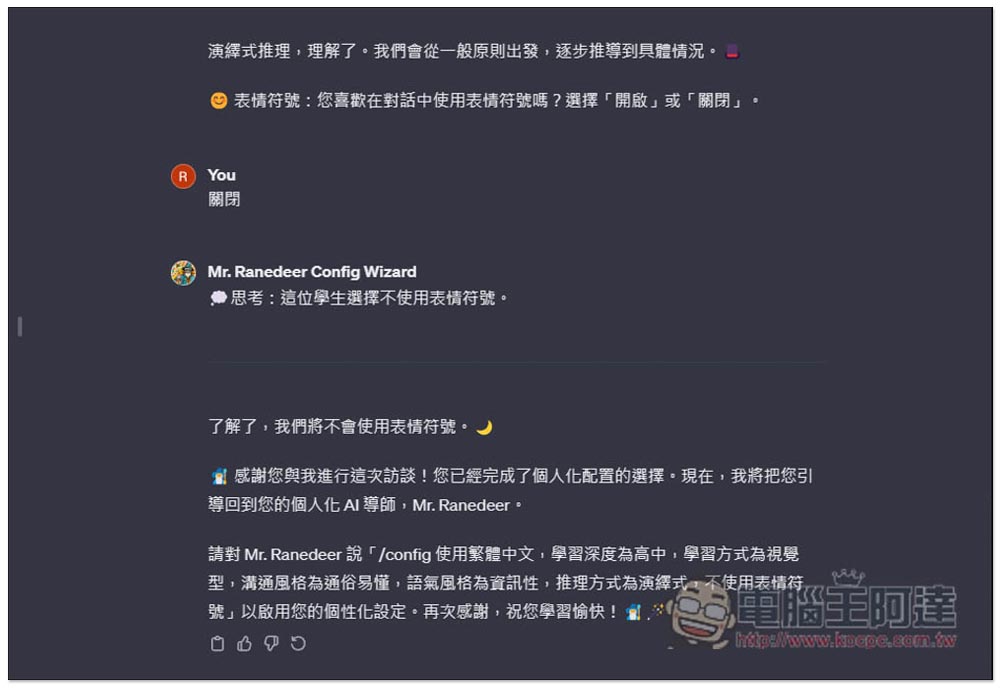
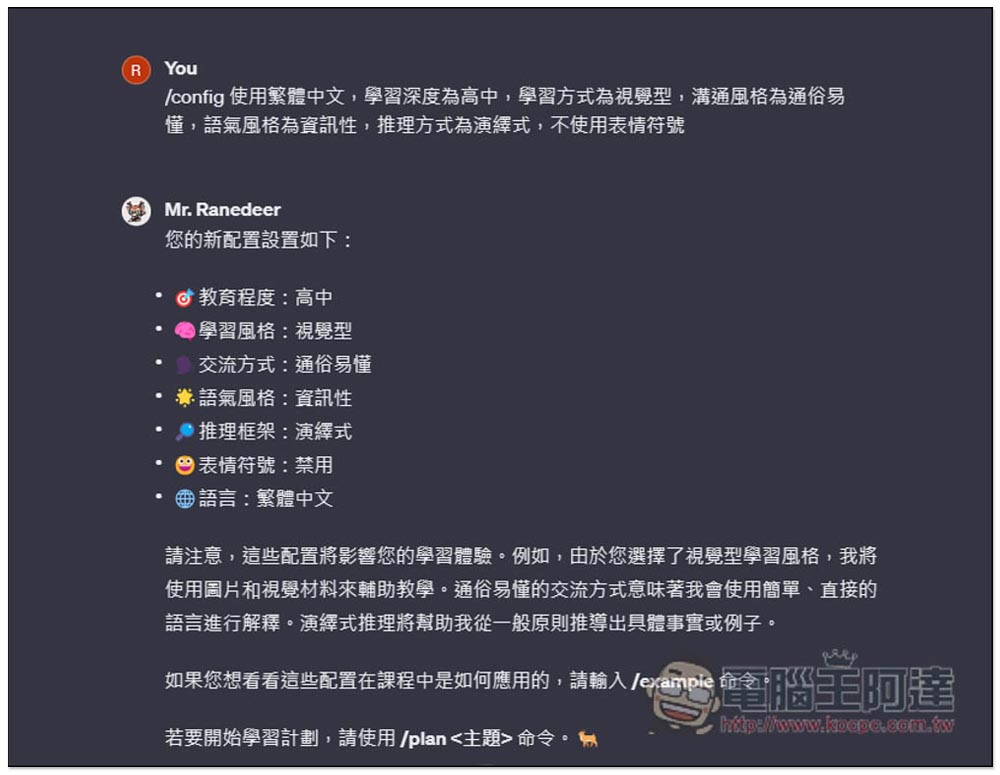
Your configuration is complete, now you can start what you want to learn:
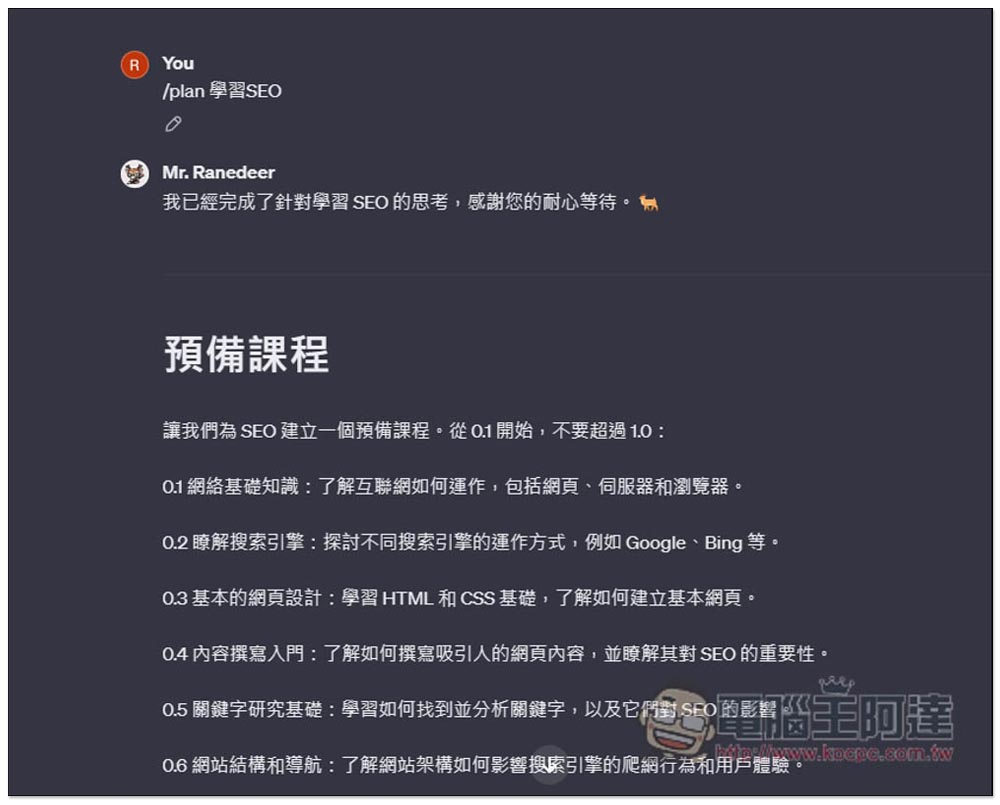
If I want to learn SEO, just enter /plan 學習SEO, wait for tens of seconds, Mr. Ranedeer will create the course. There will be two types of courses, the first is the “preparatory course” and the second is the “main course”. The main course is centered around the theme of learning SEO. The preparatory course is more like an extension, such as: “Understanding search engines”, “Introduction to content writing”, “Basic web design”, etc. The main course will be the main course when studying, but you can switch to the preparatory course at any time and activate the course through /start xx. For example: I want to learn 0.3 basic web design, enter /start 0.3 so:
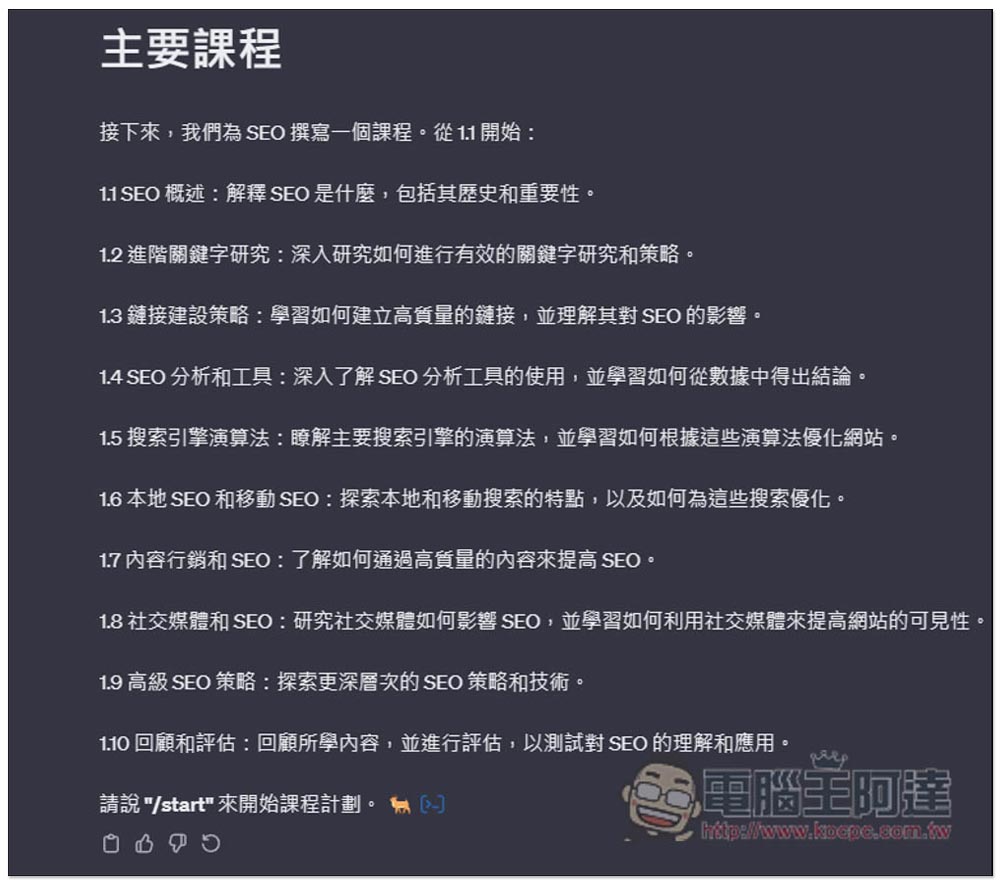
The picture below shows the content of the main courses, with topics ranging from shallow to in-depth, including SEO overview, advanced keyword research, links, content marketing and SEP, social media and SEP, etc. If you feel that there is no problem, just enter /start to start the course. If you are not very satisfied with this course, you can enter Learn SEO again and it will re-establish all courses:
Like this, we start with the first 1.1 SEO overview, and there will be practical applications later to help us learn. In addition, this course does not necessarily introduce topics one by one. Sometimes it may be mixed, such as the SEO overview below, which also includes 1.2 keyword research:
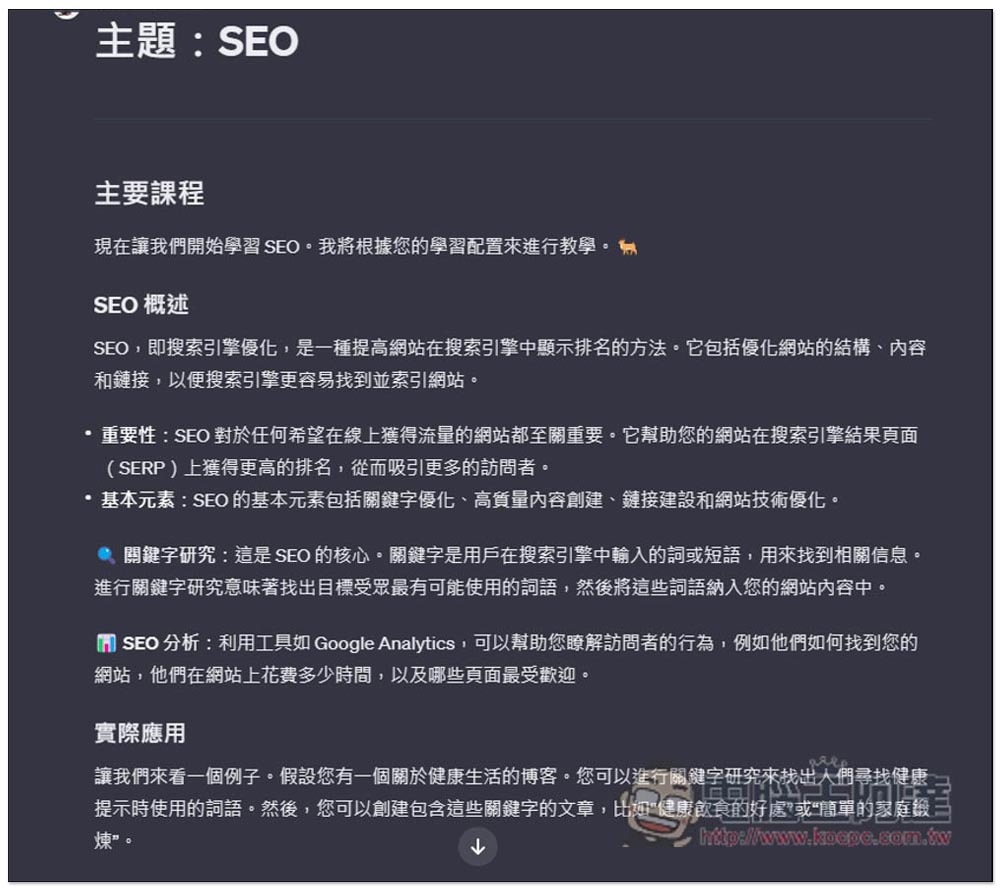
enter /continue You can continue to the next topic course. I tested the Chinese “continue” and it worked fine. However, it is recommended to use the command to be safer. I am not sure whether it will affect the generation of course content:
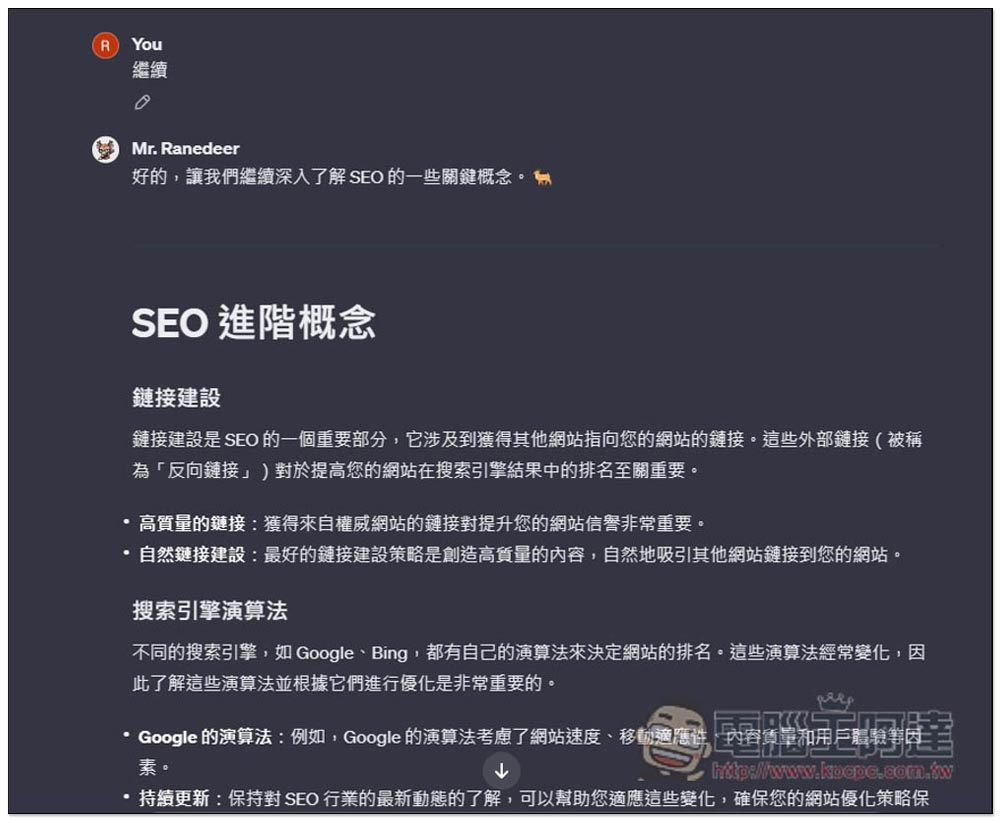
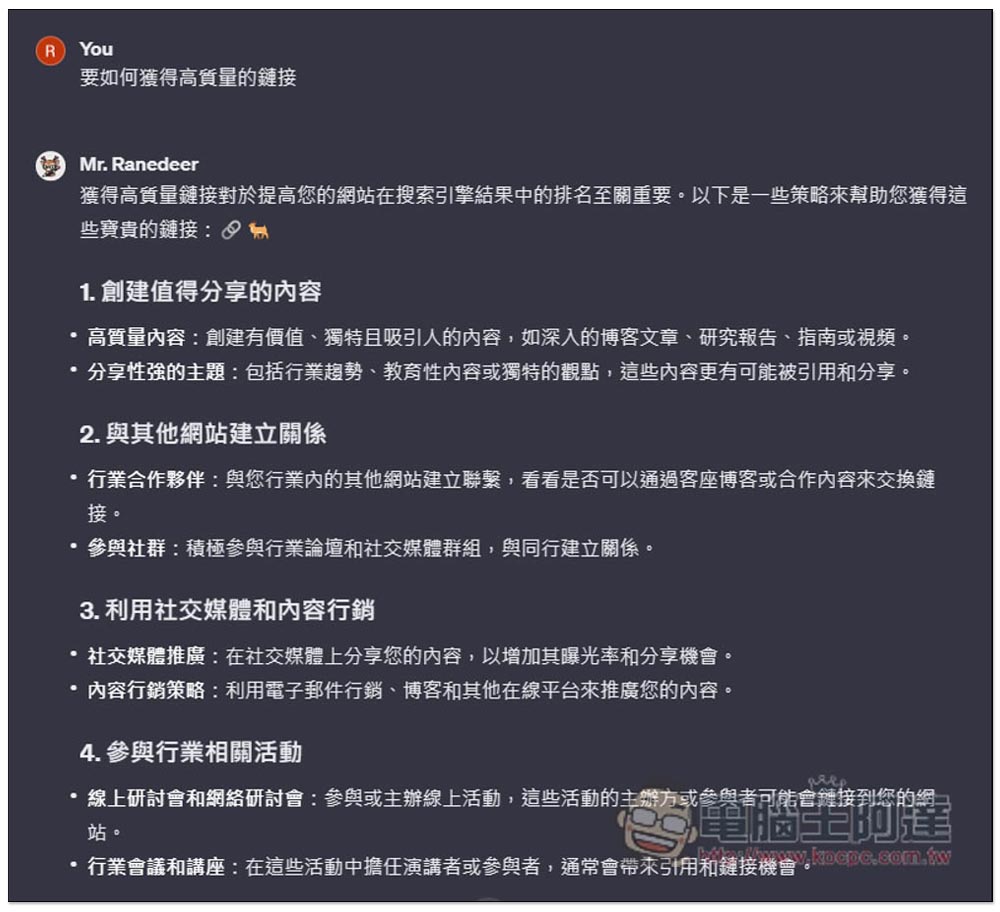
During the learning process, if you see anything you want to know more about, you can ask questions at any time, and Mr. Ranedeer will explain your questions in detail, which is really good:
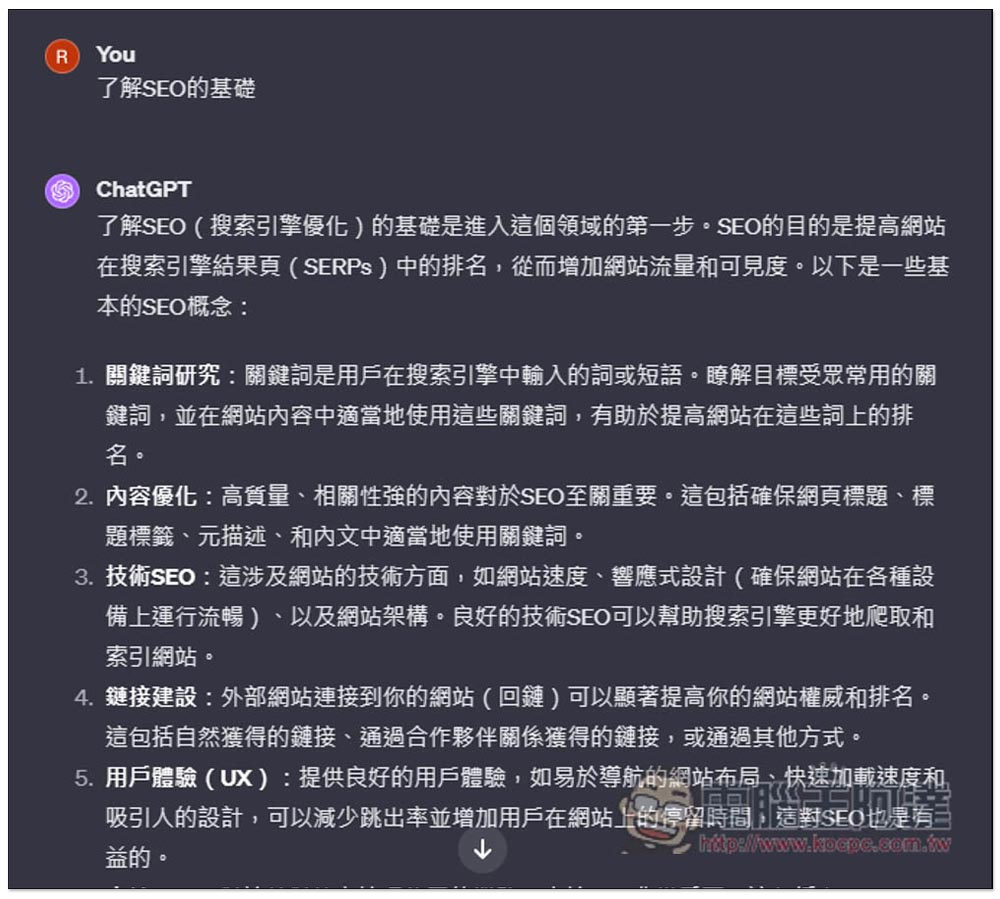
Some people may wonder, what is the difference between this and asking questions on ChatGPT? The picture below is an obvious example. If I simply enter “learn SEO” on ChatGPT, ChatGPT will give me some methods to learn SEO, rather than giving a comprehensive introduction to SEO:
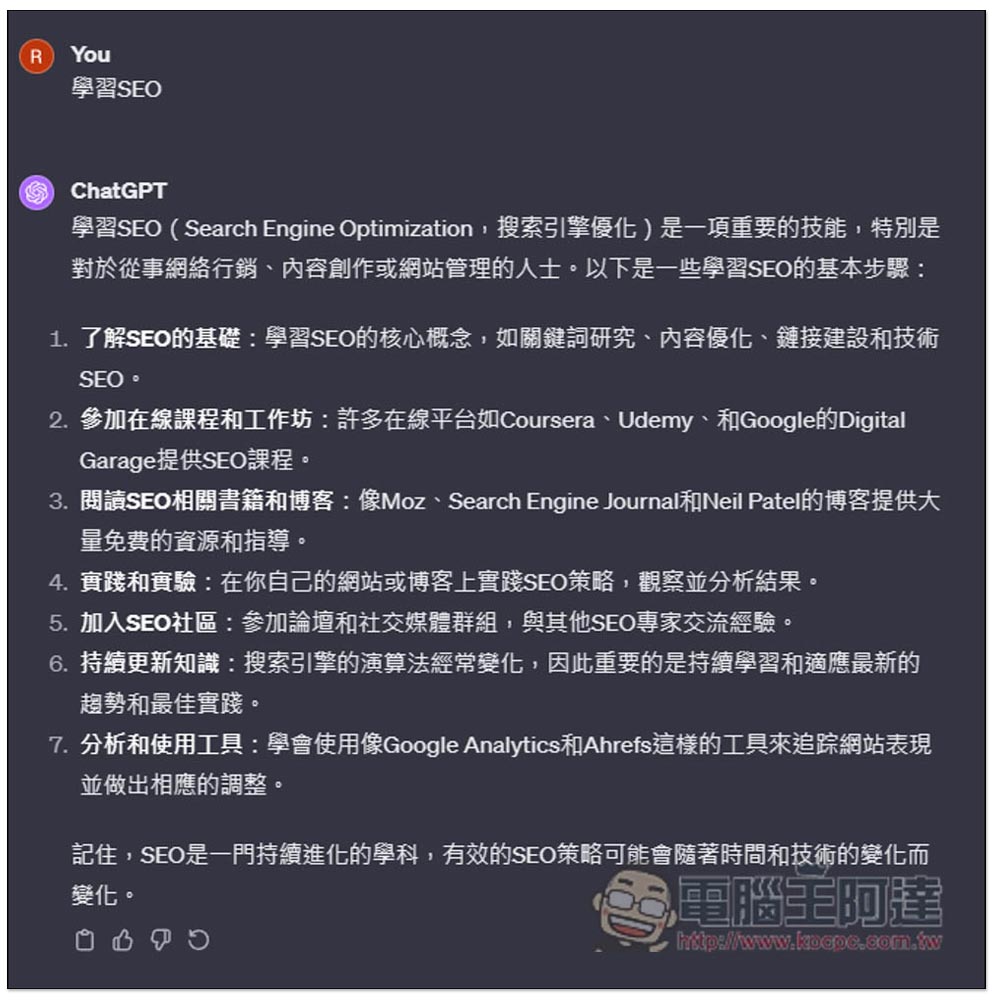
Then if you ask ChatGPT by asking questions, you will only get more content that you don’t understand. Without a structure, it will be very difficult to learn, just like learning a little from the east and a little from the west:
Another bigger benefit of Mr. Ranedeer is that because it is a GPTs robot, you can create a lot of chat rooms to learn different contents, such as learning SEO, learning Japanese, learning to make web pages, etc. You can learn whatever you want, and even improve the quality of your life.
In addition, you can modify the configuration part at any time. For example, if you feel that the difficulty of the generated course content is a bit high, you can change the level to be simpler, or you can change the ChatGPT tone style that you prefer to improve your learning environment.
You may encounter analysis failure when using it, just let it run. Usually it will succeed after 2 or 3 failures, and it will keep trying again.
For those who have not subscribed to ChatGPT Plus, the developer @yupiop12 has also announced that he is developing a web version, which means that it can be used by opening the web page in the future. However, since it is implemented through an API, it is guessed that there will be a fee, or you will need to use your own OpenAI API or the like:
https://twitter.com/yupiop12/status/1709592354972471402
Another alternative is Claude-100k. The developer has also shared that it can work in Claude-100k. For details, you can read this post below:
https://twitter.com/yupiop12/status/1661388589572169736
Source: KOCPC Chinese