


There are many video downloading tools on the Internet, but most of them can only download to 720p, and the better ones can go to 1080p. There are very few that support 4K or 8K in MP4 format. I recently discovered this free online tool called yt-downloaderz, which can be said to be the best video downloading tool at present. It has no ads and supports up to 8K quality MP4 format and MP3. Music, and the download speed is also very fast. Even 8K image quality only takes tens of seconds to complete, which is quite good.
For those who often need to download, it is highly recommended to collect this one.
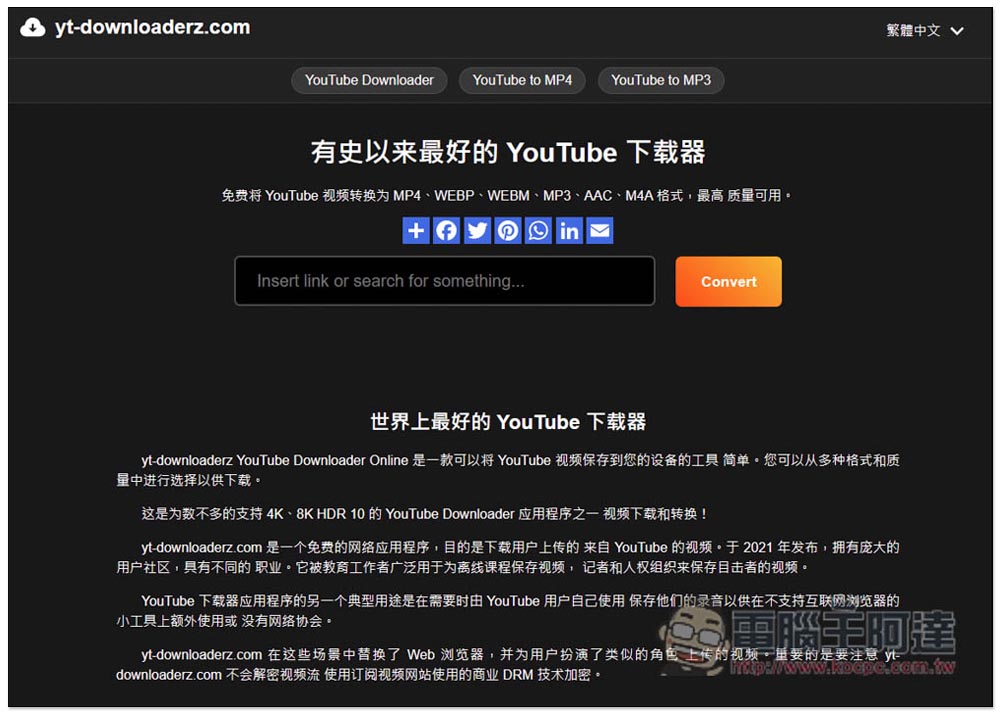
yt-downloaderz is the most powerful free video downloader, supports up to 8K MP4 videos and MP3 music, and has fast download speeds.
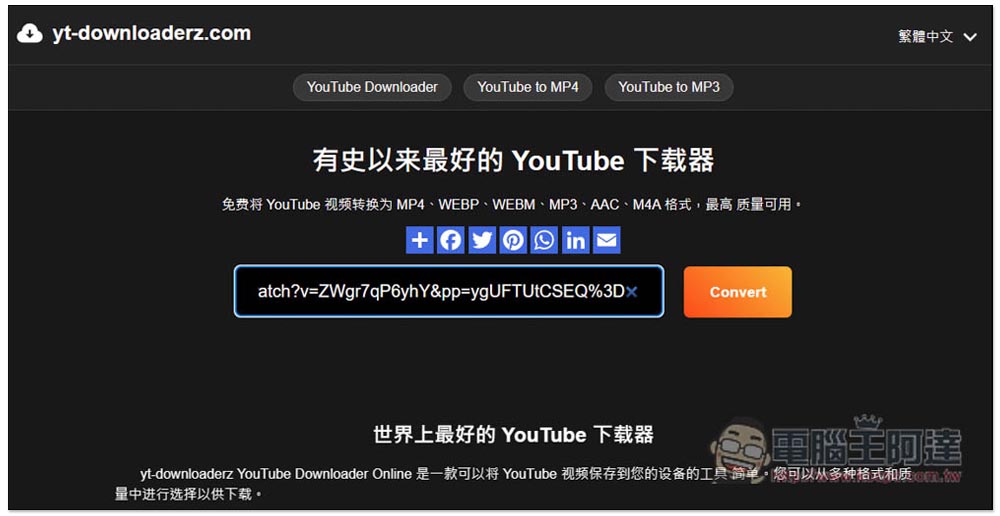
yt-downloaderz is a tool developed abroad. It provides a Chinese interface, but it is through machine translation, so some words may be translated strangely, but that is not important. After entering the website, paste the YouTube URL you want to download and press Convert to start the conversion. It only takes a few seconds to see the download point. Supported download formats include MP4, WEBP, WEBM, MP3, AAC and M4A, with various quality options:
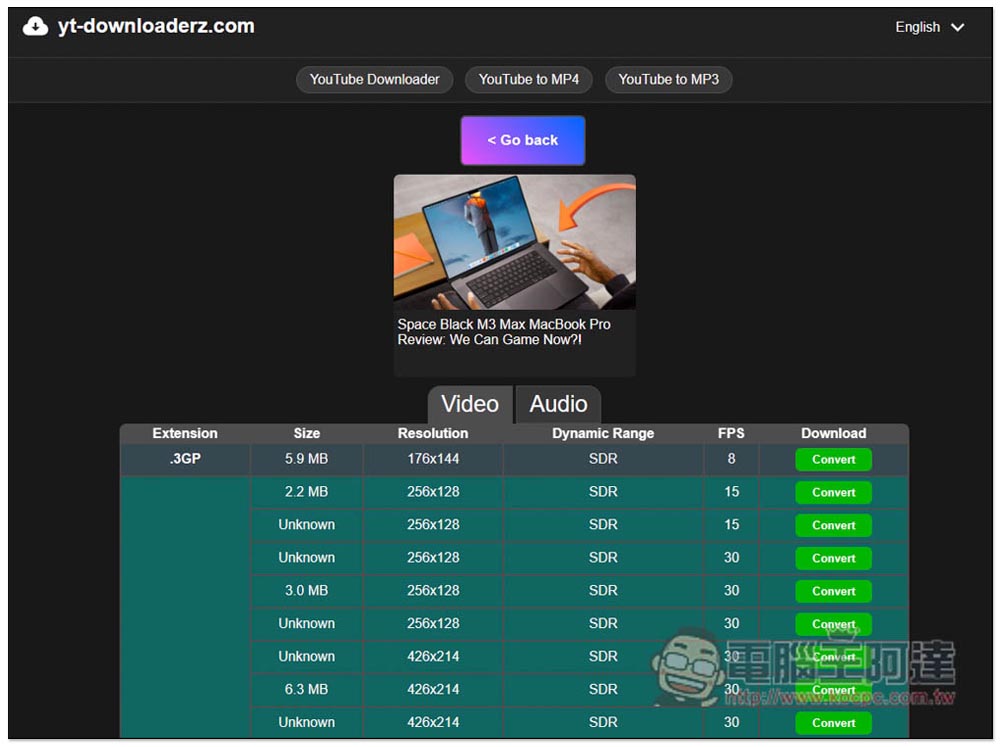
After the download point appears, it will be divided into Video and Audio. Each format of the video part will tell you the file size, resolution, dynamic range (Dynamic Range), and FPS:
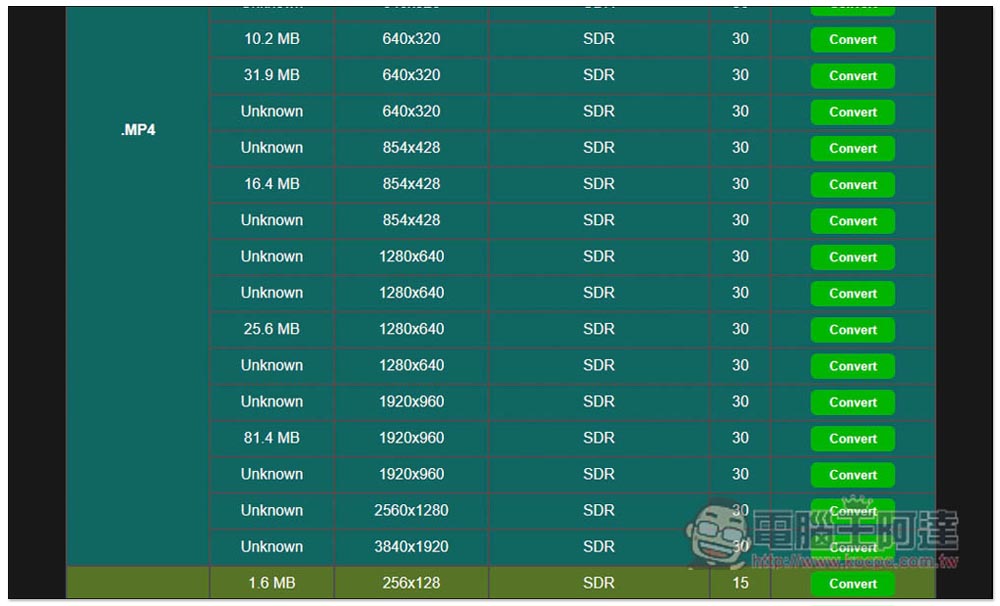
The video I tested is only up to 3840×1920 4K quality. I have also tried playing 8K quality (7680×4320) video, and the loading point is still displayed, so it can definitely support 8K MP4. It is a pity that the file size of some resolutions will be displayed as Unknown, so there is no way to know the size of the video in advance:
The music section has a display quality, the highest quality is 3. When I checked the content of the MP3 audio file, it showed 124kbps, so it seemed that there was no way to go above 192kbps, so I thoughtdownload musicPeople suggested using other online tools:
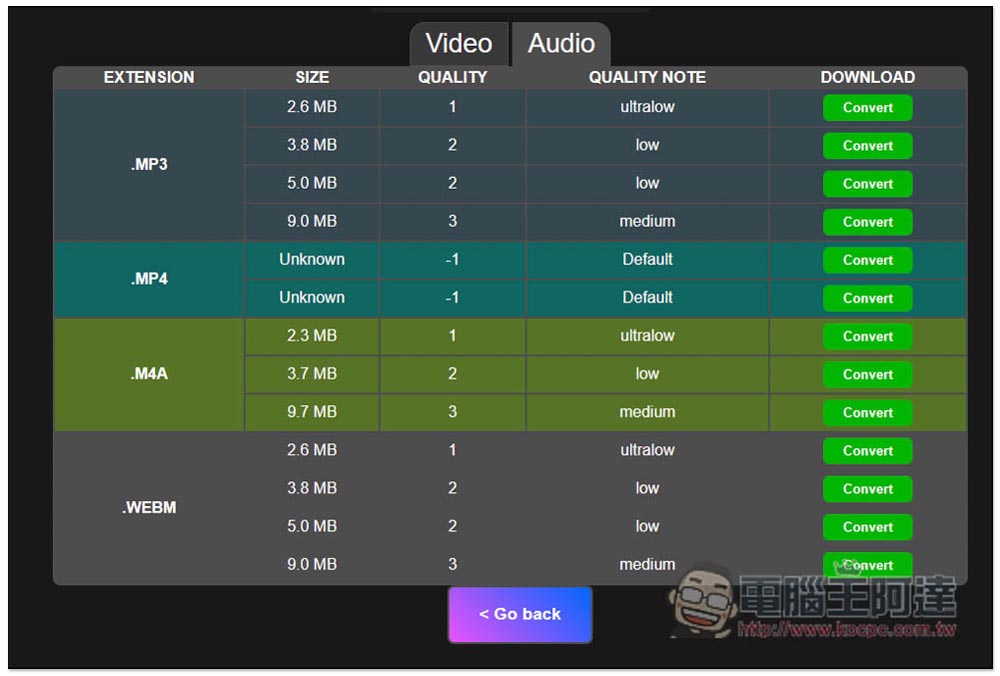
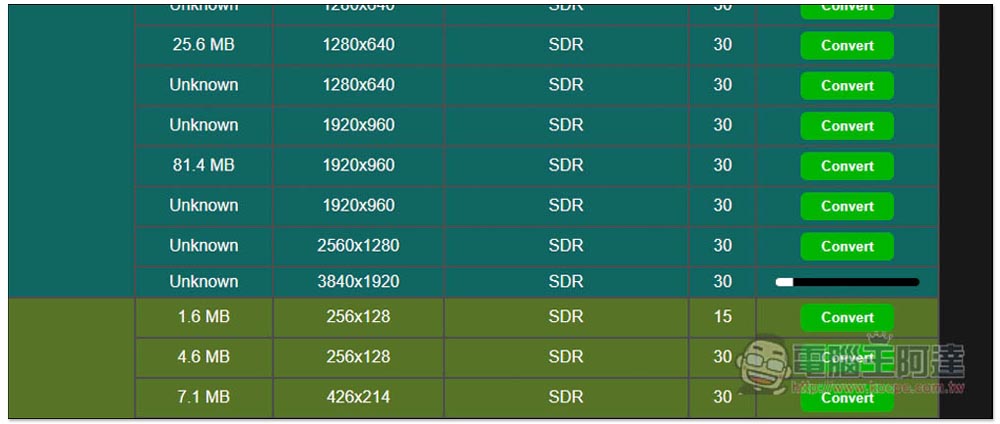
The download method is also very simple. After you find the video resolution or music quality you want, press Convert on the right and it will start converting. The speed is also fast. 4K videos can be completed in a few seconds:
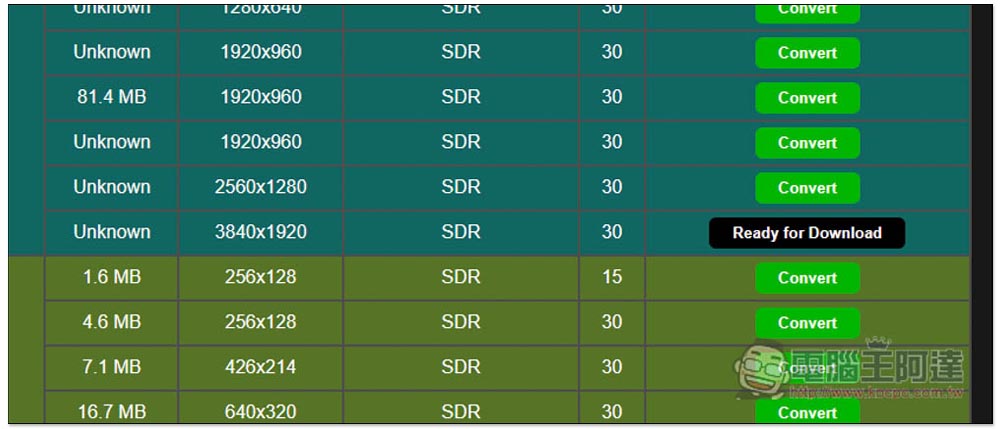
Then the Ready for Download download button will appear. After clicking it, the download will start. My video is 744MB and it takes about 10 to 15 seconds to download, which is much faster than many YouTube online tools:
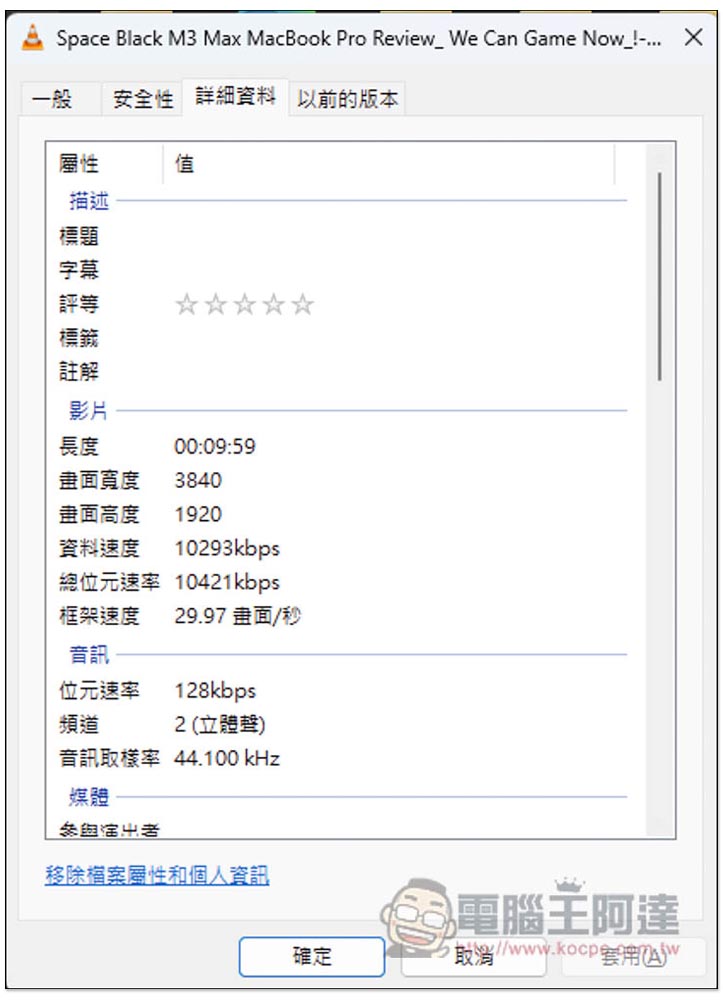
Check that it is really 4K quality and MP4 with sound:
What’s even better is that this online tool is completely ad-free and won’t be interrupted by any annoying information. It’s really easy to use.
But finally, I have to remind you that this kind of online tool may sometimes fail suddenly. If you happen to encounter it, it is recommended to try it later.
Source: KOCPC Chinese