


Recently, there is a need to translate subtitles, so I have been looking for any useful translation tools. Although in the end, because of the translation quality, I still used the one we introduced before. Subtitle Translator Electron, I came to use GPT-4 translation, but I still found this online subtitle translation tool that is quite useful. It supports multiple translation engines. Google Translate is completely free. If you do not pursue high translation quality, as long as you can understand it, it is highly recommended. In addition, this product also has a great advantage. It provides online editing functions after the translation. If you feel that there are any irregularities or typos, you can correct them first and then download the translated subtitle file.
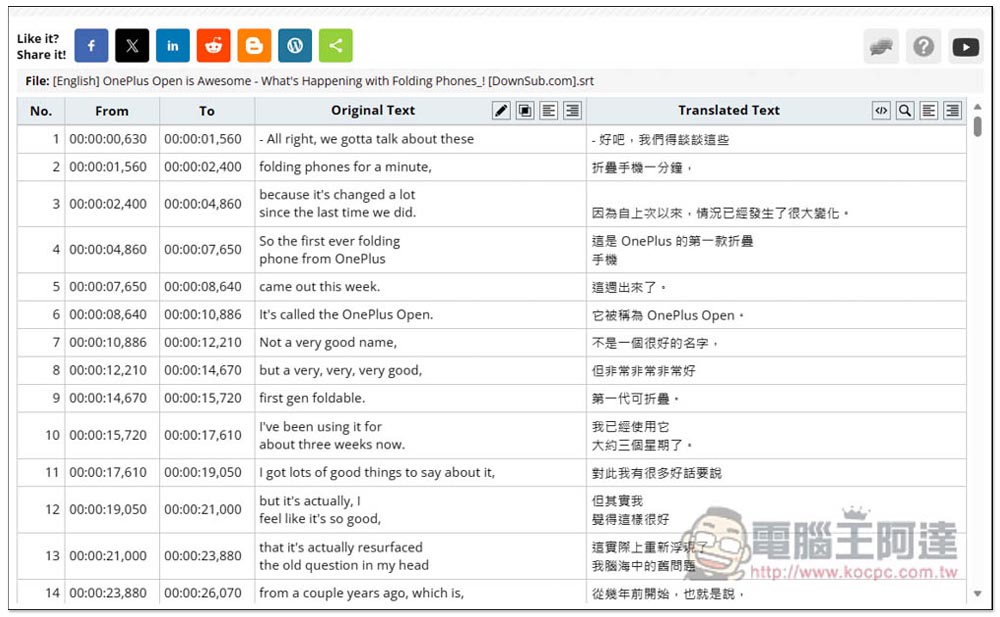
Online Subtitle Translator & Editor is an online subtitle translation tool that supports Google Translate, Yandex, OpenAI, DeepL and other services
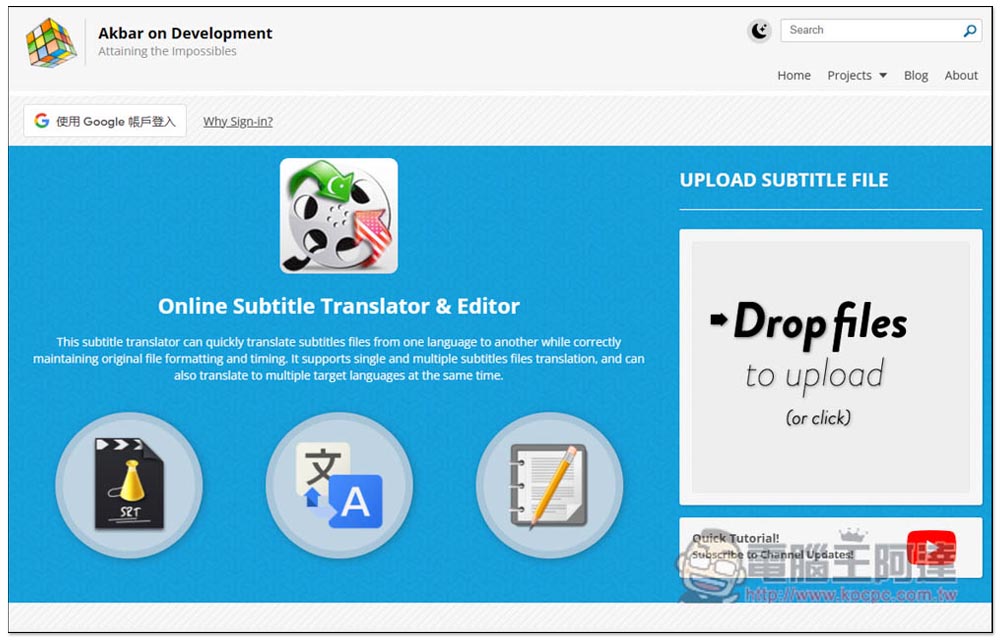
Although Online Subtitle Translator & Editor is a foreign online tool, its operation interface is very simple. After entering the website, just throw in the text file you want to translate. It supports four formats: .SRT, .SUB, .ASS, and .VTT:
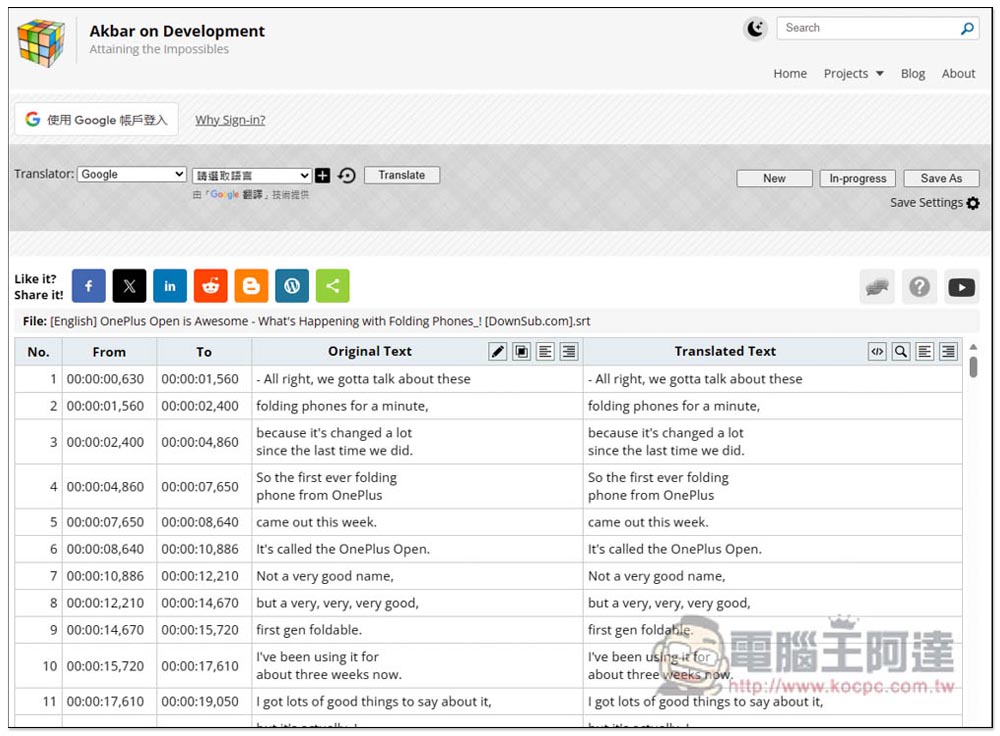
After the subtitle file is uploaded, you can preview the text before and after translation on the next page. The translation has not yet started:
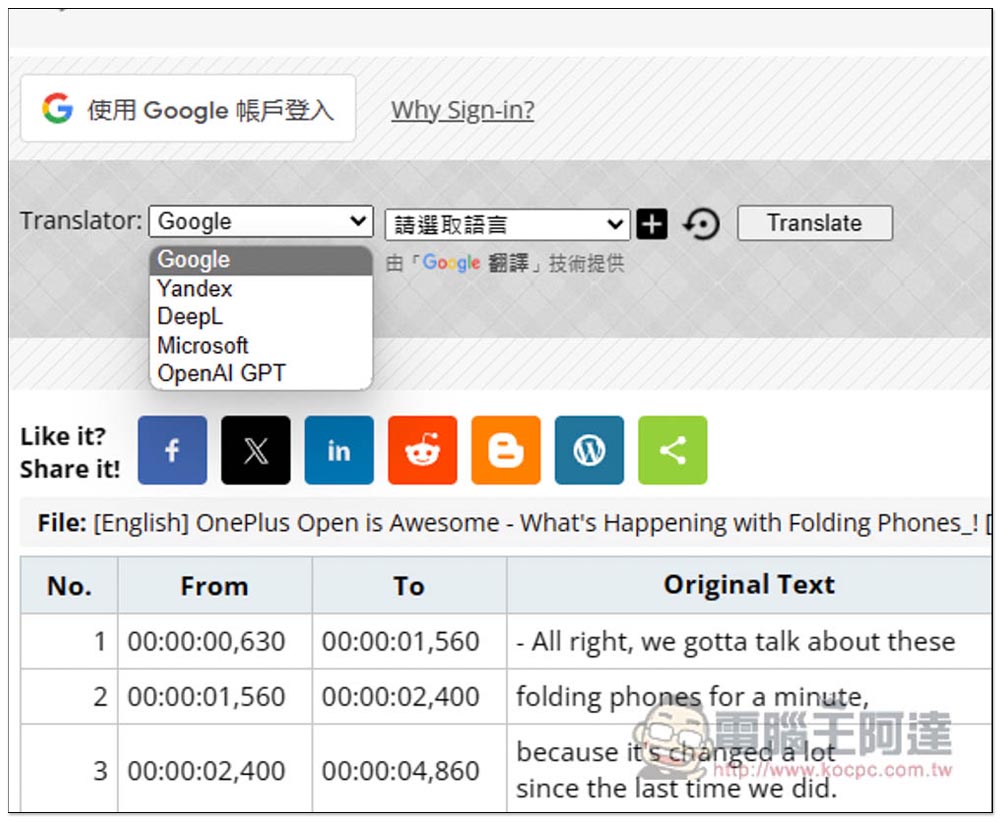
Open the menu in the upper left corner and you will find the translation engines provided, including Google, Yandex, DeepL, Microsoft and OpenAI GPT. Only the first two are free, and the rest require payment:
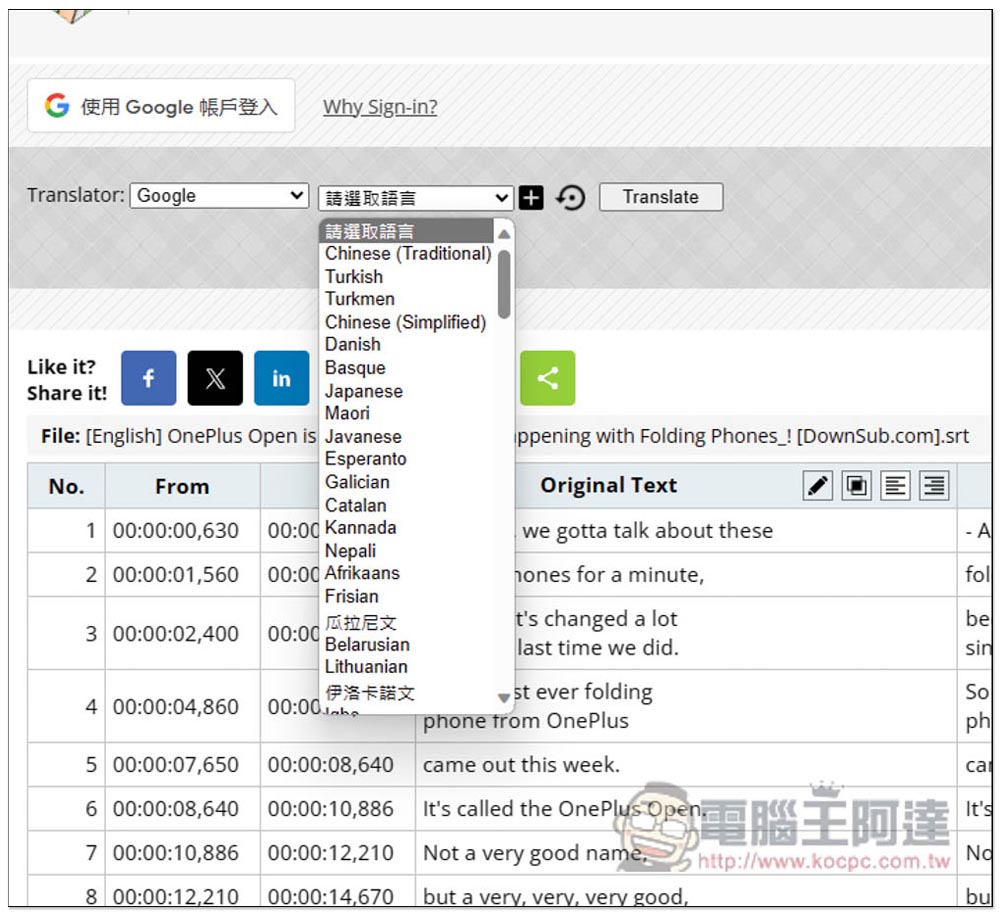
On the right is to select the language to be translated:
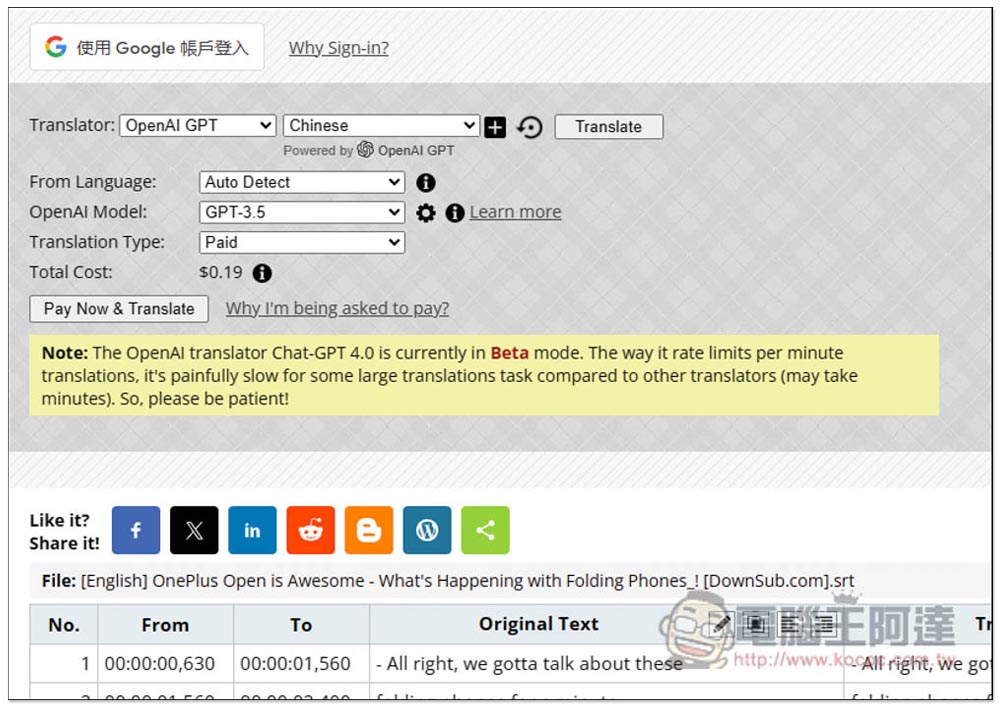
Paid translation will tell you the amount first. For example, OpenAI GPT translates my 11-minute film. It costs 0.19 US dollars to use GPT-3.5. It also supports GPT-4. However, this one is not recommended because it is too expensive. Use your own OpenAI API. Subtitle Translator Electron Software, if the subtitles of my video were translated using GPT-3.5, it should only cost about US$0.05, or even lower:
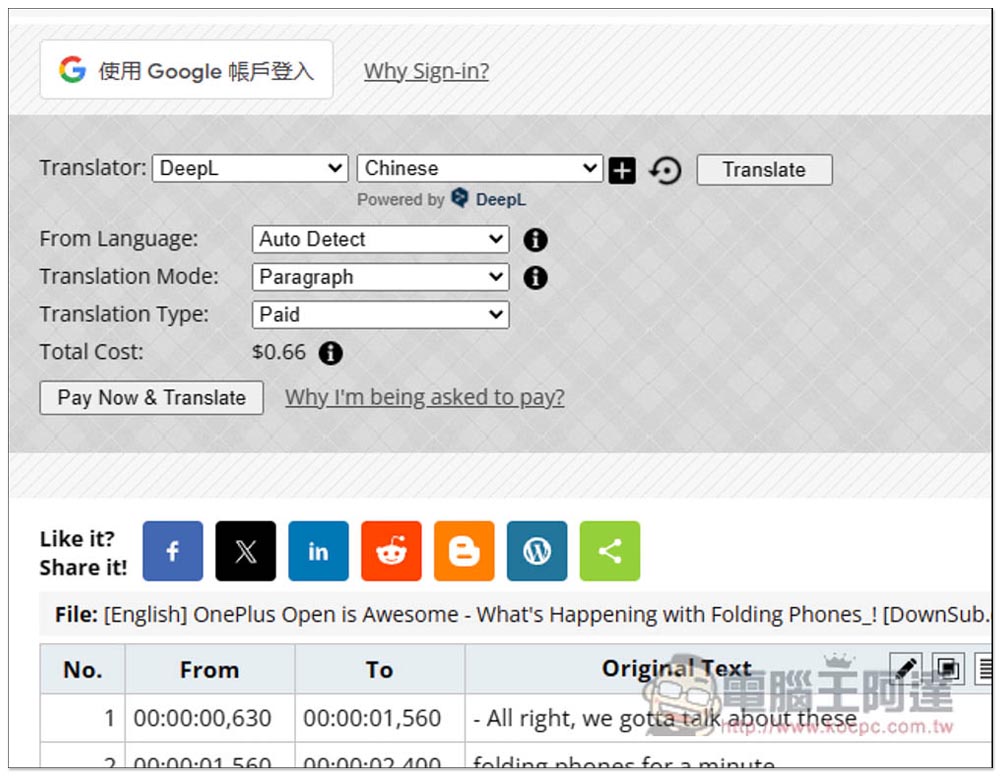
DeepL also requires payment, and the price is even more expensive:
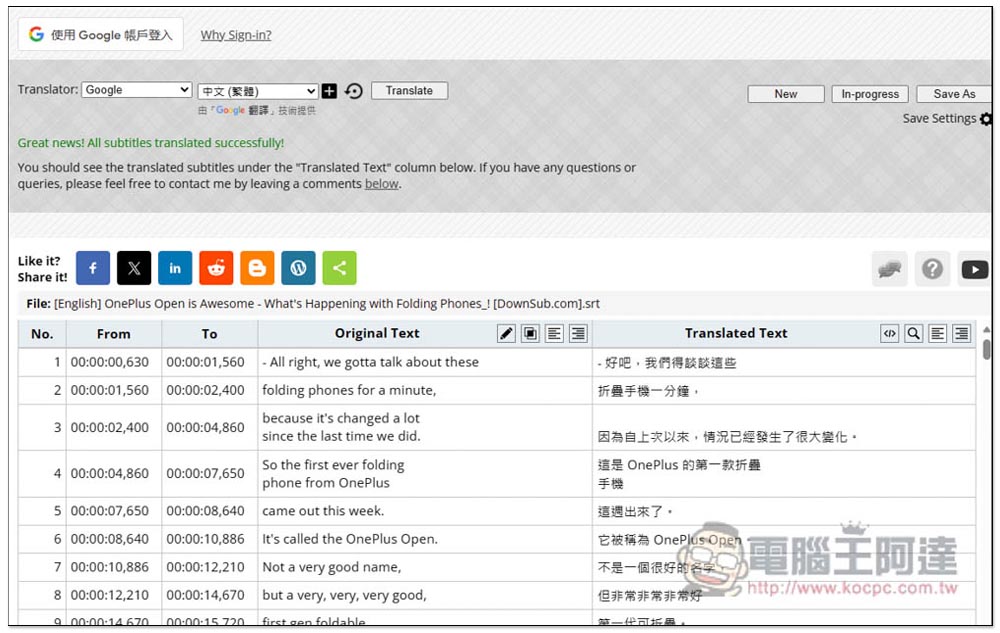
Therefore, it is recommended to use a free translation engine, such as Google. After selecting the engine and language, press Translate and the translation will be completed in a few seconds:
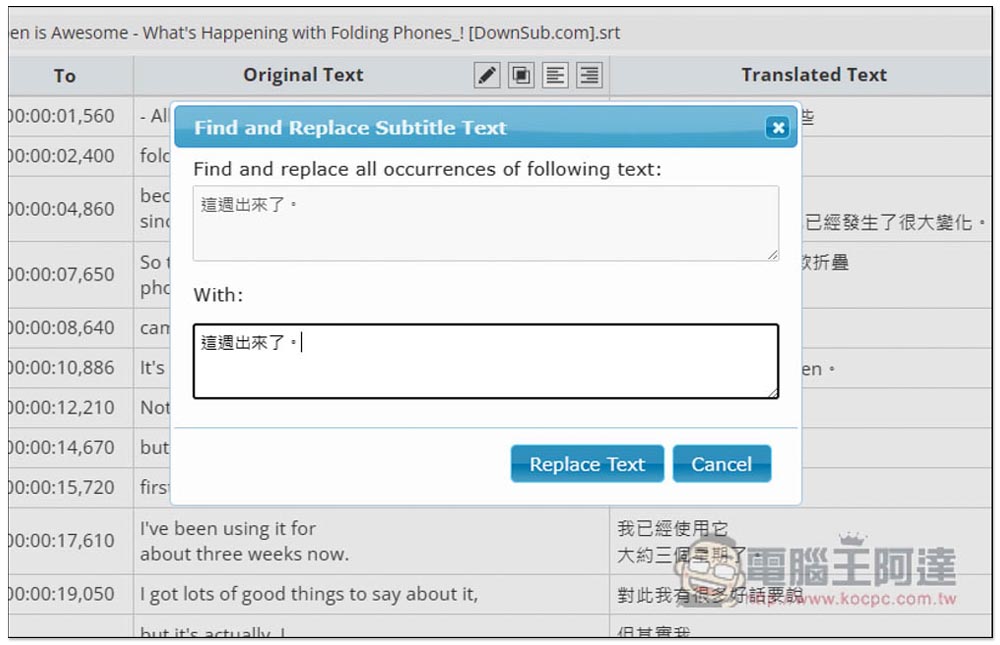
It is recommended to check it after translating it. If there are any mistakes or you feel the translation is strange, you can click on the pencil icon next to it to modify it:
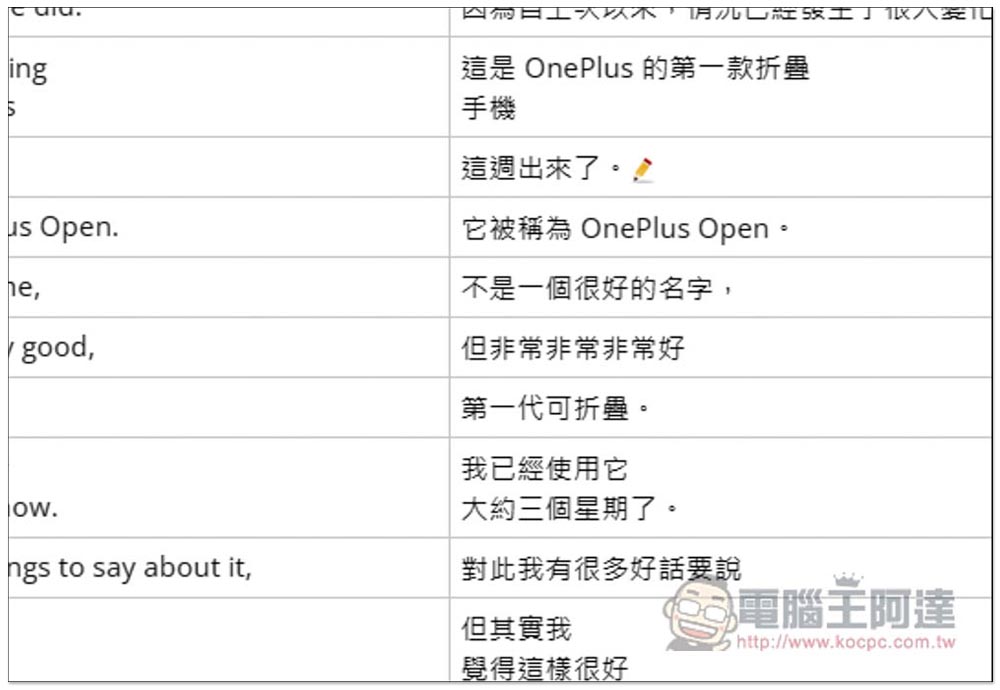
The editing tool will pop up:
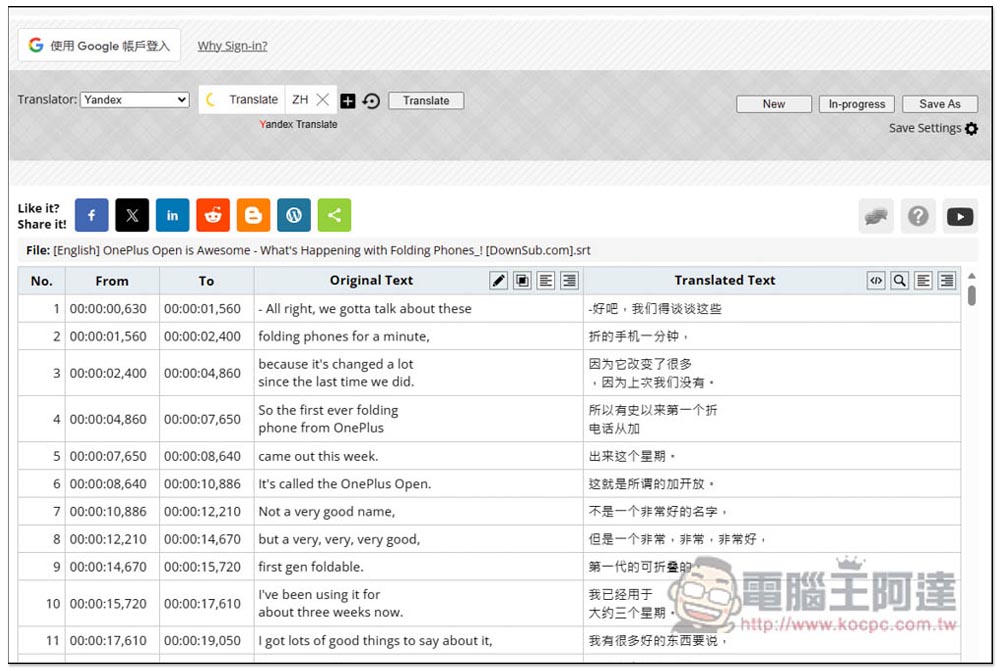
Although Yandex is also free, it only translates into simplified Chinese, so it is not practical, and I think the translation quality is worse than Google:
If there is no problem with the subtitles, just click Save As in the upper right corner to save it:
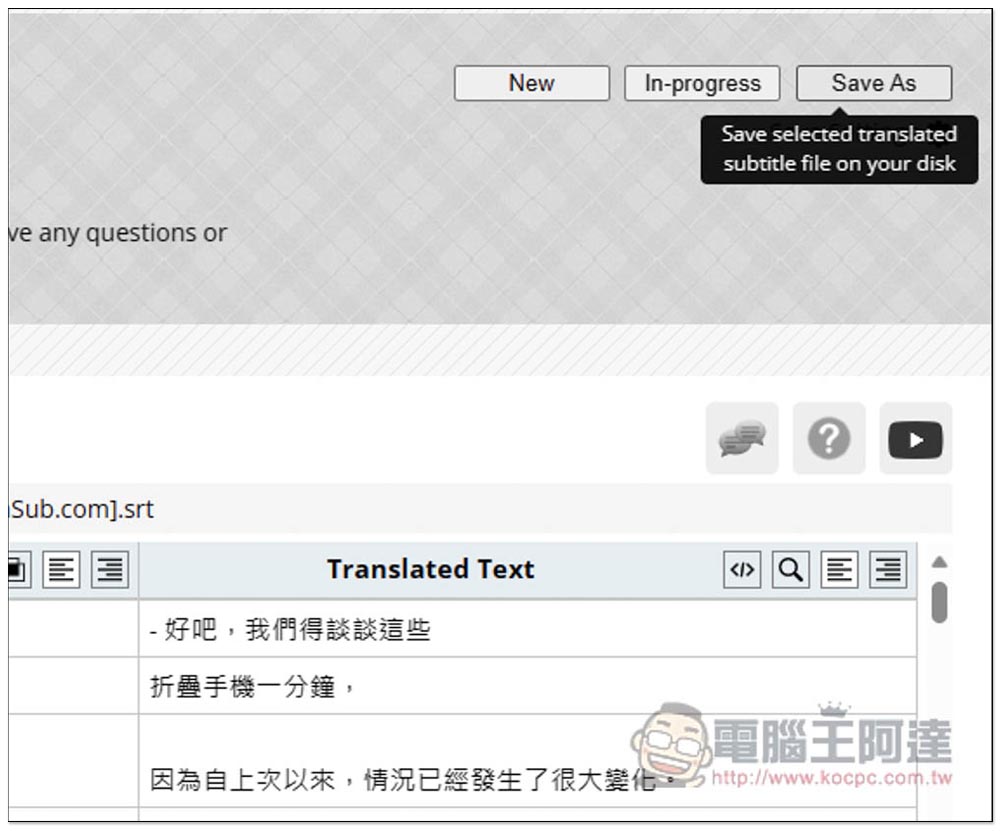
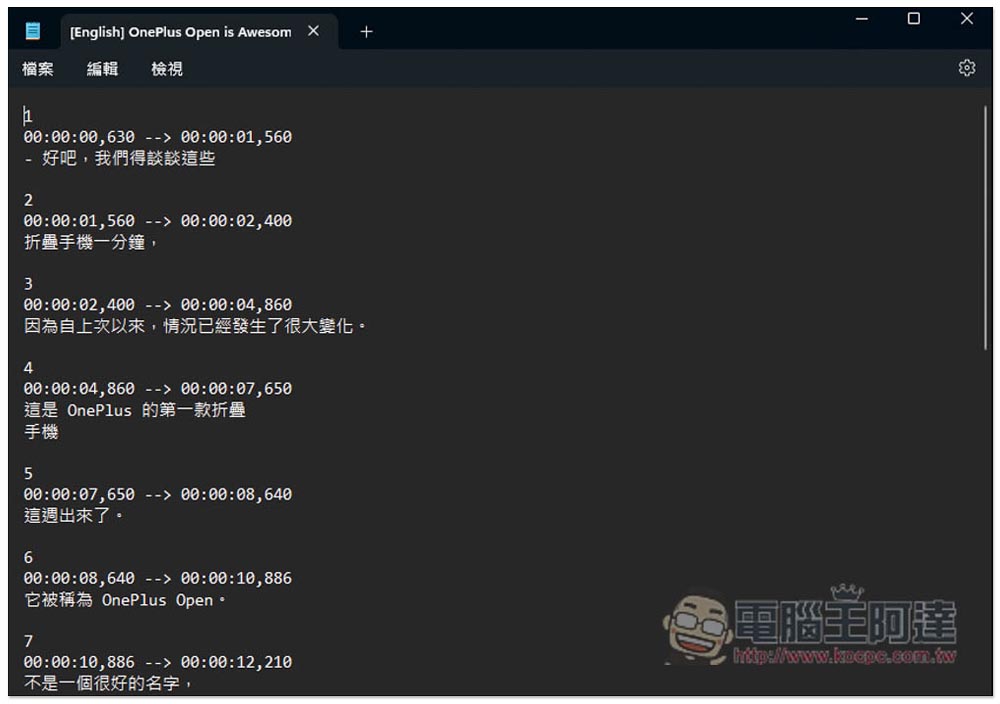
The original English subtitle file has been changed to Traditional Chinese:
For important videos, or if you want to understand the video, it is recommended to use OpenAI for translation, and it is recommended to use GPT-4. The price is now much cheaper than before, and the translation quality is much better than GPT-3.5.
Source: KOCPC Chinese