


When we see interesting videos on some social networking sites such as YT and Instagram and want to download them, we can use the BitDownloader, a powerful and versatile free video download website introduced today. It can be used on either a computer or a mobile phone. Just paste the video link on it and you can easily download video files in MP4 format. It supports many mainstream social platforms, such as Facebook, Instagram, X (formerly Twitter), TikTok and other websites, and videos can be downloaded.
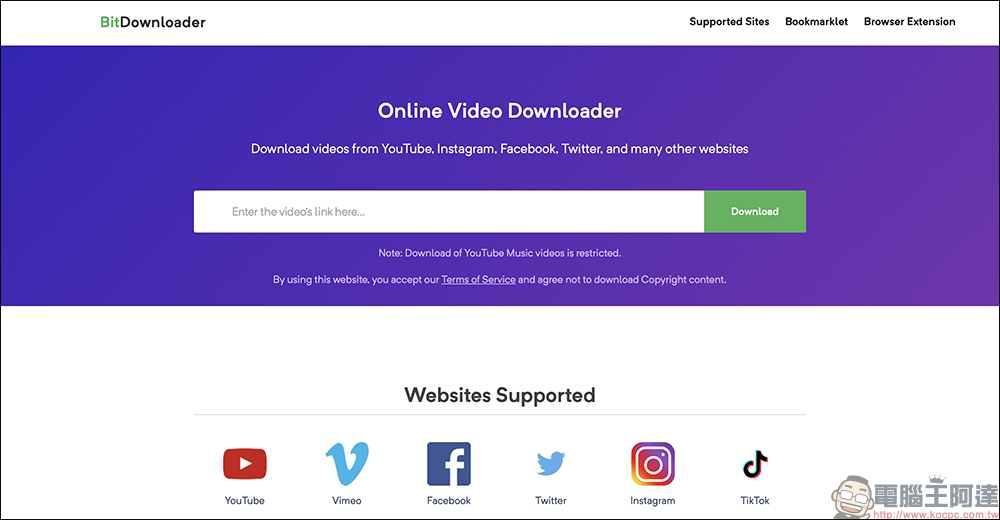
BitDownloader is a powerful all-purpose free video download website that supports 1-click downloading of social videos such as YouTube, IG, FB, and X.
Want to download videos from social platforms, but can’t find a useful download tool? This time, I would like to introduce a powerful all-purpose free video download website – BitDownloader. It does not require additional membership registration or downloading an app. It only requires a browser to allow users to easily download videos to their devices.
BitDownloader supports platforms including YT, Facebook, TikTok, Instagram,
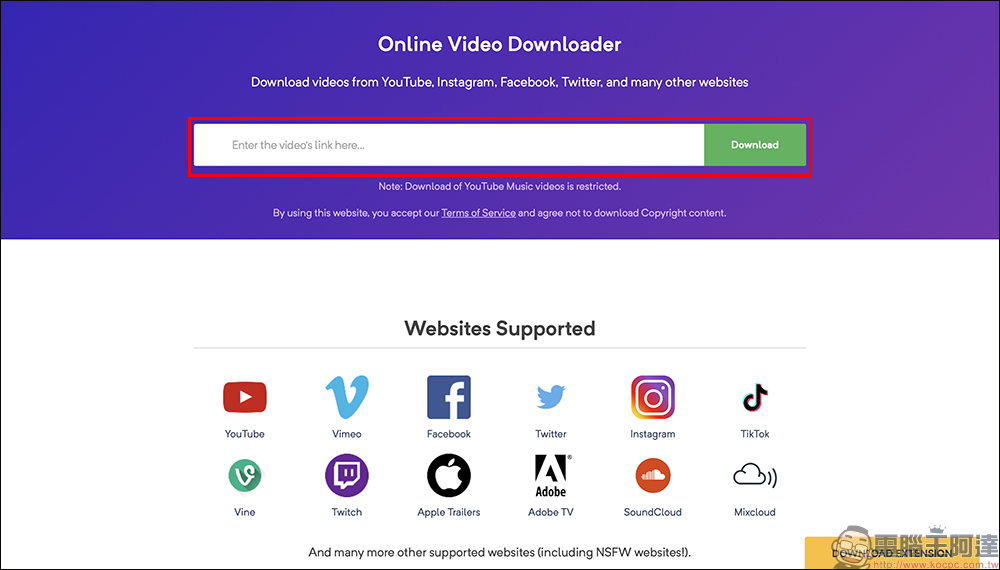
Let’s first demonstrate using BitDownloader to download social platform X (formerly Twitter) videos, paste the link and click the Download button: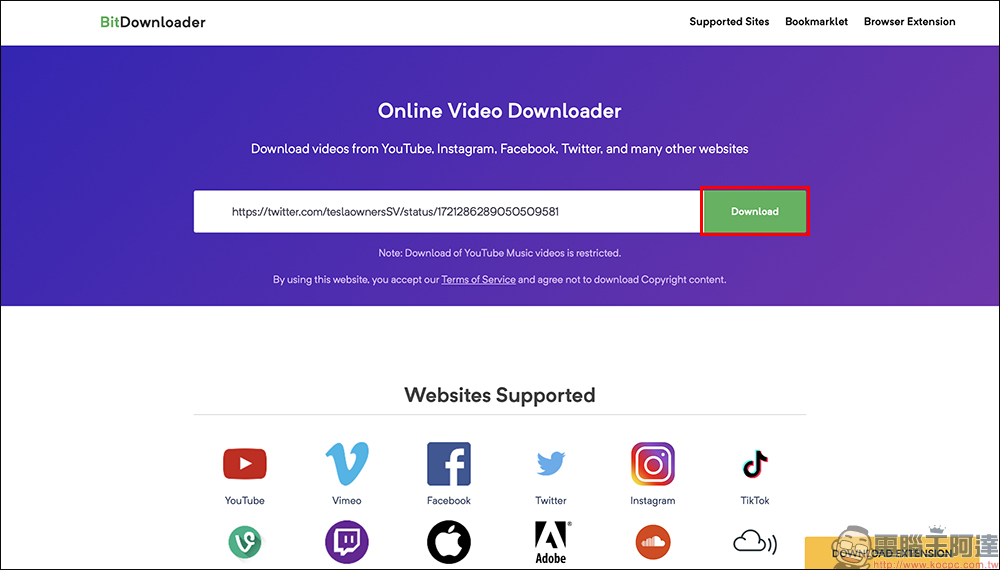
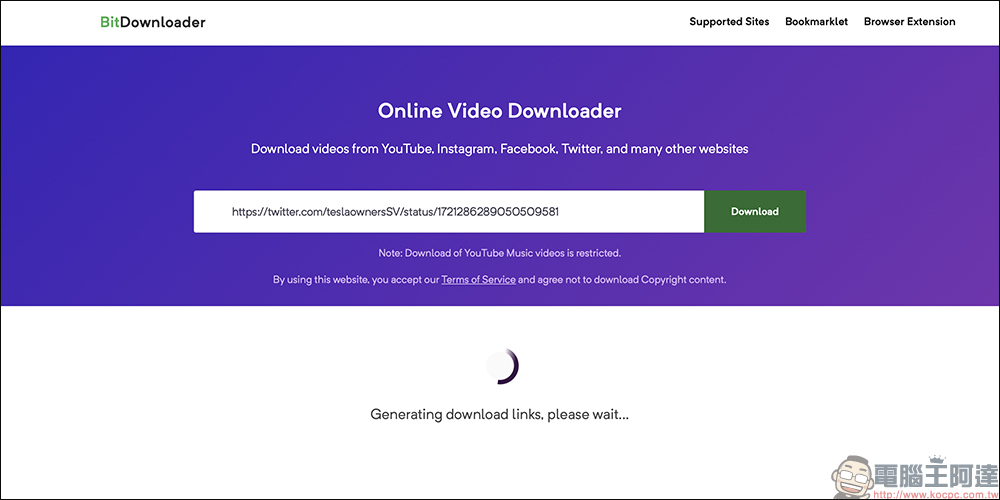
Then wait for a few seconds for processing and a video download link will be generated.
After the processing is completed, BitDownloader will display the link, source and other information of the original video. Video download links with different resolutions and formats will be displayed on the right side of the screen. Select the specifications you want to download and click “Download”:
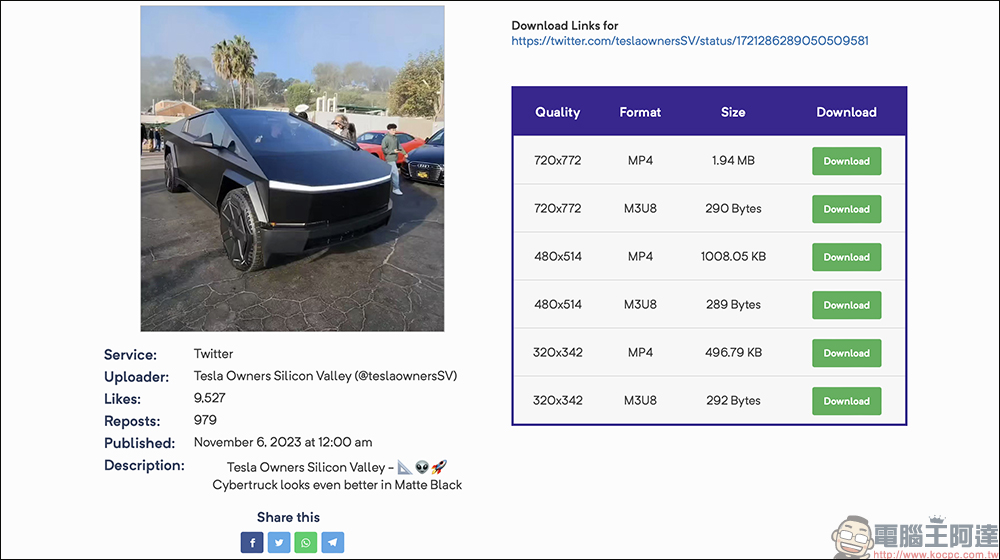
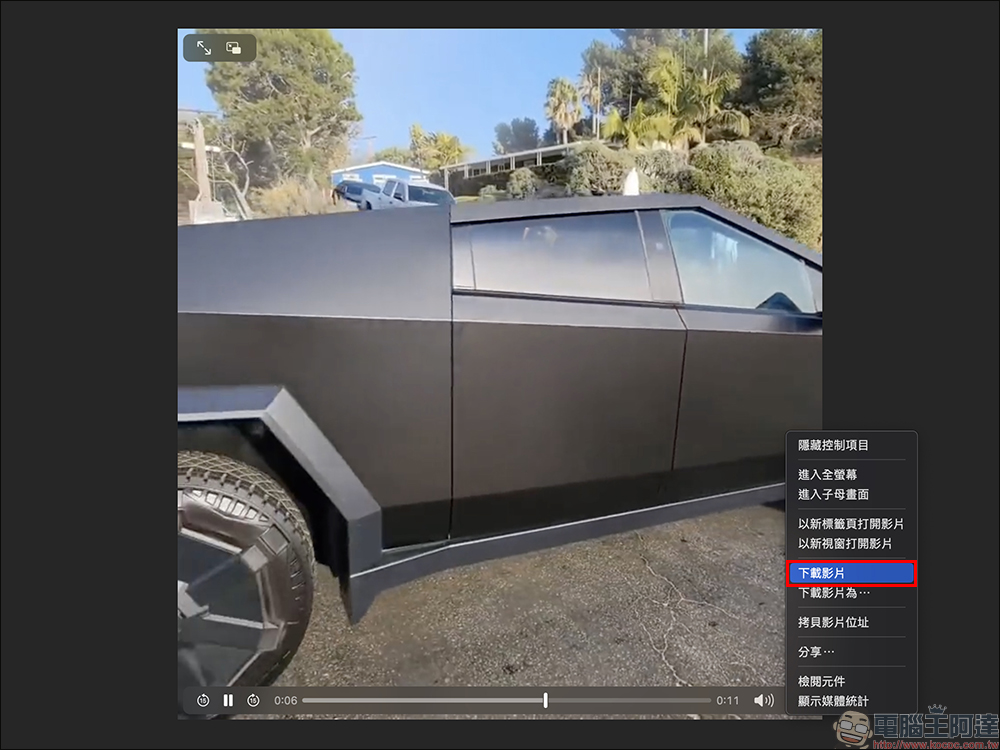
Then a new video tab will open. At this time, just right-click on the computer and “Download Video” to download. If you are using a mobile phone or tablet, you can click “Save to File” in the browser.
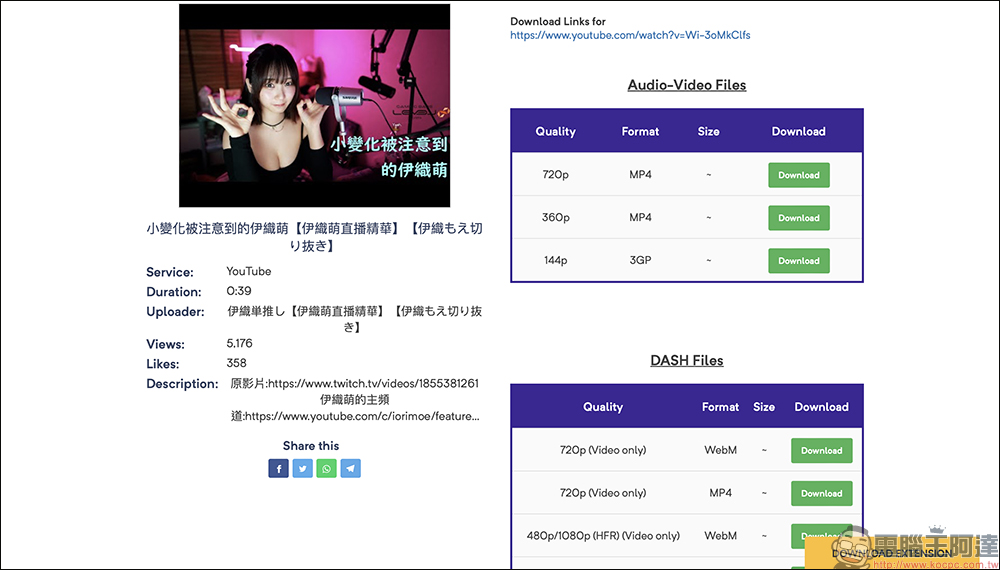
In addition to X (formerly Twitter), downloading YT videos is no problem.
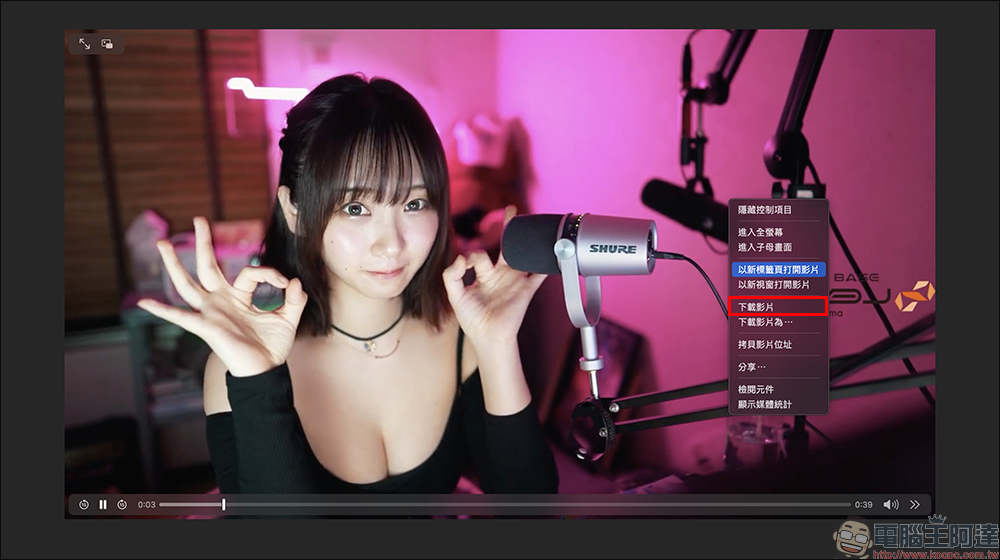
The steps for using BitDownloader to download videos from various platforms are basically the same. Just select “Download Video” in the video tab.
BitDownloader universal video download (click here to go)
Tips for use:
Sometimes when using BitDownloader to download videos, some device poisoning prompt messages will pop up. If you encounter this problem, just ignore it and choose to cancel. If you encounter some full-page fake virus message advertisements, you can only go back to the previous page and try again. Compared with iPhone and iPad, when using BitDownloader to download videos on a computer, the chance of encountering advertisements is lower than the mobile version of the browser. It is recommended that everyone use the computer version for operation.
Further reading:
LINE’s new community “message summary” function is launched, and AI can be used to summarize the key points of social chat room topics in just one click

Source: KOCPC Chinese