


Upgrading your desktop can be done at any time, as newer, more powerful components are often introduced, but having said that, knowing when it’s actually time to upgrade your computer is crucial to ensuring you’re getting the most out of your existing hardware rather than continually spending your hard-earned money on unnecessary upgrades. Likewise, delaying inevitable upgrades to save money can cause bottlenecks that impact productivity and do more harm than good. Predicting the right time to upgrade isn’t easy, especially for people who don’t know much about PCs, but there are some signs on your computer that you can tell whether it’s time to upgrade.
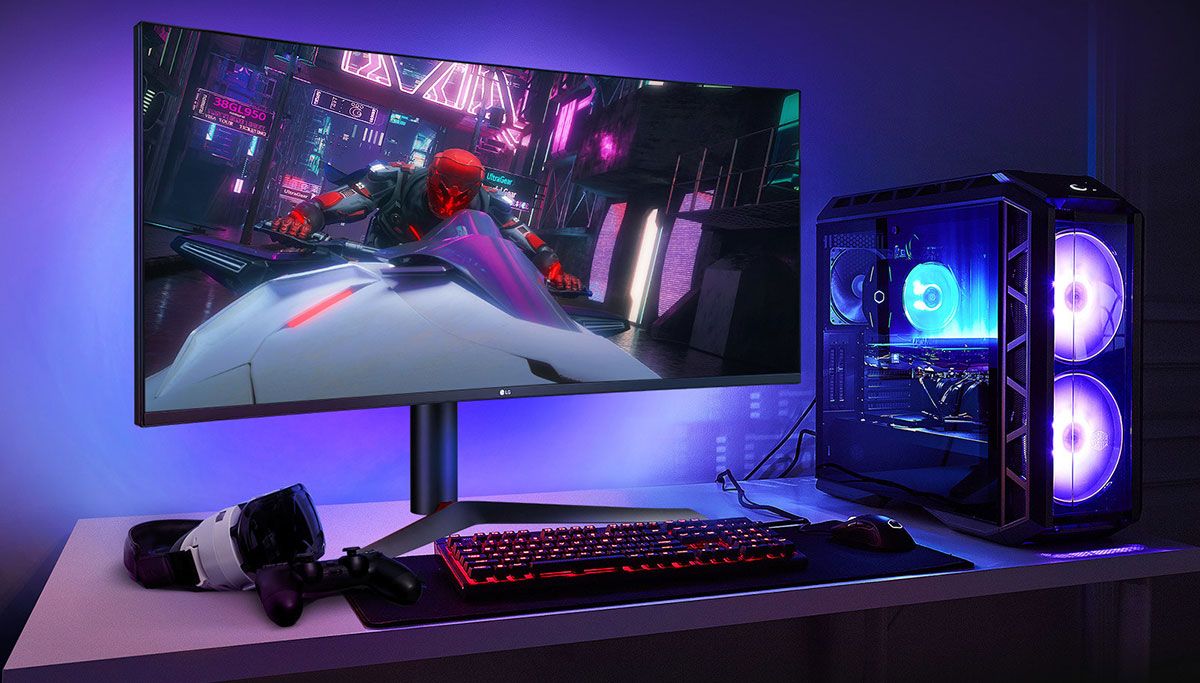
With these 4 signs, it’s time to upgrade your computer!
Your computer keeps running too hot
Minor performance issues caused by occasional spikes in CPU and GPU temperatures aren’t alarming, but if your PC is consistently running hot, that’s a sign it needs some love from you. If simple solutions like reapplying thermal paste or cleaning your case’s base fan don’t work for you, it might be time to buy some new hardware. Upgrading your cooling solution to keep your CPU, GPU, and other internal components cool is one way to ensure that your system won’t overheat or freeze frequently.
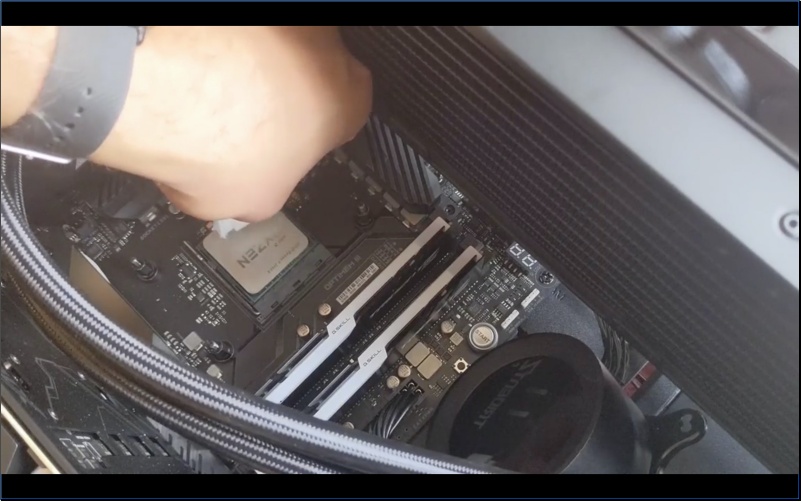
If you want monitoring software to narrow down the component causing the problem, you can use software like HWiNFO. If the monitoring does not point out a specific component (such as the CPU), it can be solved by using a new CPU cooler. Then changing to a better cooling case and adding more fans can help you reduce the overall temperature inside the computer. Old fans tend to deteriorate over time, so adding new fans to the case is a relatively inexpensive way to regulate temperature. Alternatively, you can also consider purchasing a case with better ventilation to help you keep up with the large amounts of waste heat generated by the components within your computer.
You spend a lot of time staring at loading screens
One of the telltale signs that tell you when your computer needs an upgrade is realizing that apps are taking a long time to load. This application might be a game or something as simple as Word, and you might even see your computer taking longer to boot up, disrupting the rhythm of your work. Many factors can cause slow loading times, such as an old CPU or insufficient memory, but a simple memory upgrade can often solve the problem.
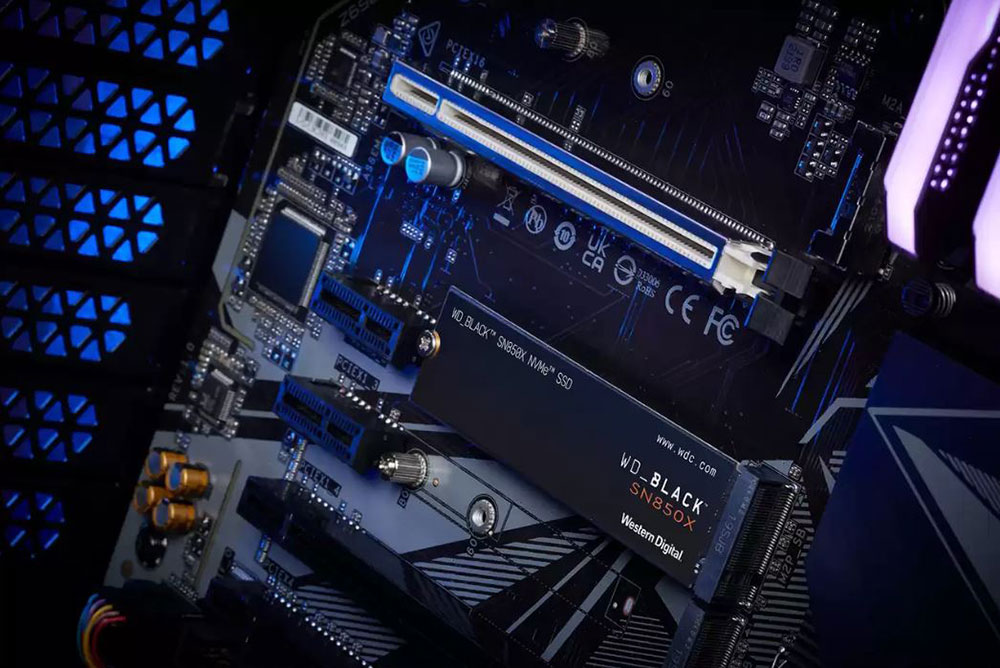
Especially if you are still using an old hard drive, or even an HDD you bought a long time ago, you should spend some money to upgrade to an SSD. Practically speaking, an SSD is one of the simplest, most cost-effective upgrades you can make to your PC and can significantly improve performance. However, don’t throw away your old hard drives if they are not broken, because they can still be used as secondary hard drives, and you can use them to transfer backup files and data.
Your computer can’t run the latest games and apps
The influx of recent, more demanding games and apps has begun to render some newer hardware obsolete. You don’t necessarily have to be on the cutting edge of technology unless you’re looking for a fantastic cutting-edge experience, but if your computer doesn’t meet even the minimum requirements, it might be worth spending a little money to upgrade. There are indeed some ways to improve CPU and even GPU performance, but sometimes even a lot of troubleshooting or performance optimization cannot help you get the desired results. The only way out is to upgrade the complete system or a single component.
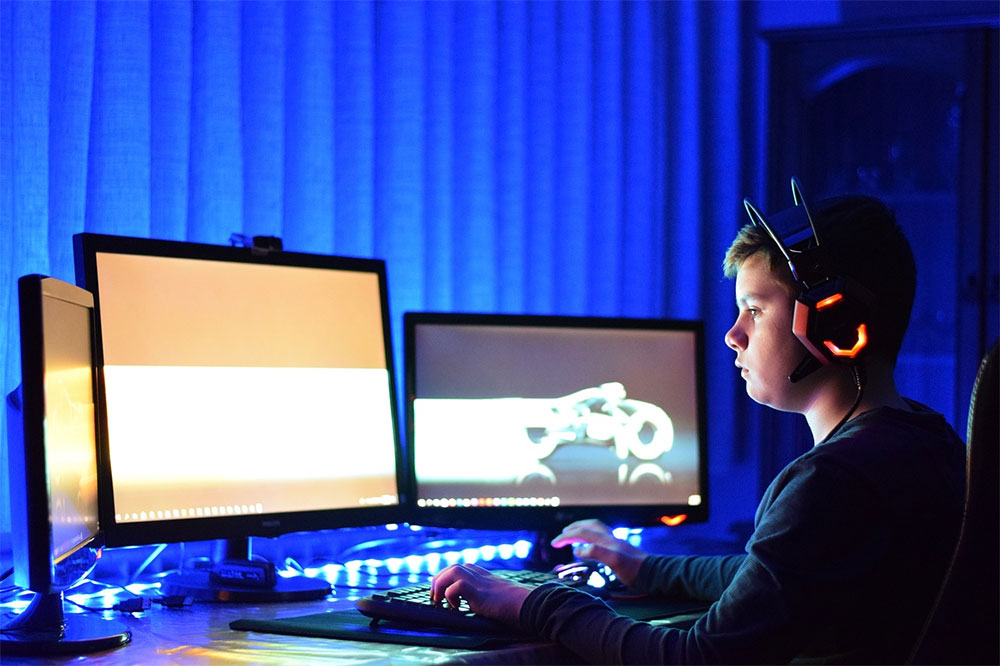
There’s nothing worse than not being able to run your favorite game or important work program, so take it as a sign to open your wallet and upgrade your computer. It’s easy to identify performance bottlenecks and just upgrade your CPU or GPU to speed up your work, but it’s also worth upgrading supporting components to ensure the best experience. For example, upgrading your CPU also upgrades your CPU cooler so that your CPU can perform optimally without being hindered by poor cooling.
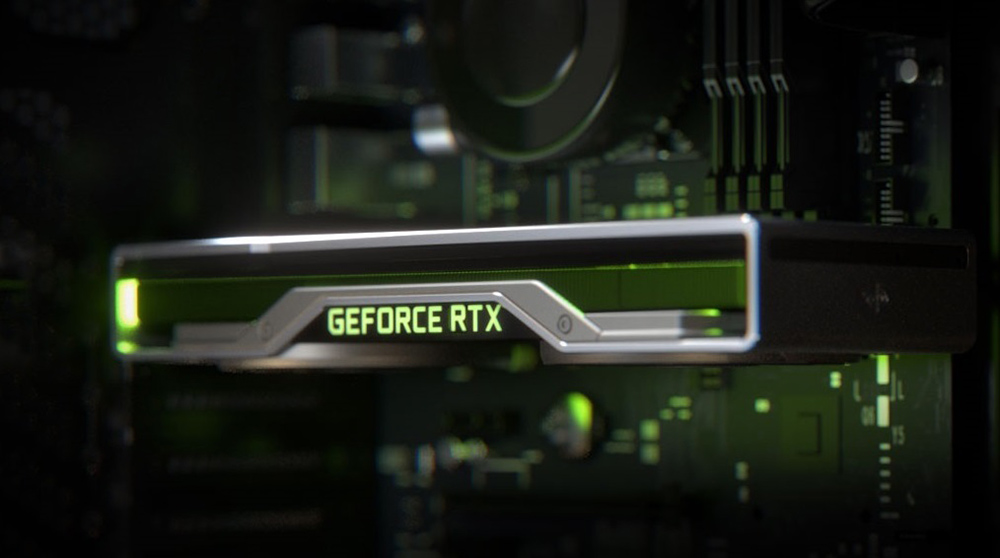
When it comes to PC upgrades, the most recommended one is the “3-year rule” because it allows you to run all the latest games and programs stress-free without any performance bottlenecks. If your computer has not been upgraded for a while, it is best to check it and update it appropriately. This also applies to operating systems. If you want to install and run them smoothly, you need to use a computer with good performance to achieve what you want.
You spend more time troubleshooting your computer than using it
Many PC-related performance issues can also be narrowed down to causes such as defective software updates or suboptimal driver updates, which can be easily corrected through simple troubleshooting or rolling back updates. However, it’s not always the fault of the software or drivers; poor performance could also mean that your computer isn’t powerful enough to handle the latest version of the software you’re trying to run. In this case, you can spend some time looking for optimal settings or suitable companion software to run them. If you find yourself doing this over and over again for almost every program installed on your computer, it might be time to consider upgrading.

We highly recommend finding the right optimal graphics settings and installing all the necessary updates to ensure smooth performance, even on a fully functional system, but this shouldn’t come at the expense of the time spent actually running the program or game. In short, if you find yourself spending more time troubleshooting and trying to fix your computer than you actually use, it’s time to upgrade it or build a new one that saves you all the trouble.
Written at the end…
We’ve covered the 4 most obvious signs it’s time to upgrade your computer, and thankfully upgrading your computer or building a new system now in 2023 doesn’t have to be a hassle. In modern times, it is easier than in the past to obtain all the components needed for assembly or upgrade, and there are many instructional articles, videos and forums on the Internet that can provide you with the necessary help. You can even get ideal component specifications and configuration suggestions with the help of netizens. As long as you have basic computer assembly skills, you can almost assemble a new computer. If you’re still on the fence, just remember that performance tweaks and troubleshooting will only make the computer usable, and ultimately you’ll have to spend money to upgrade your old computer anyway.
Source: KOCPC Chinese