


Through the built-in Max experience, Arc integrates a more fun AI-related experience into the innovative interface that is already very easy to use. This includes being able to ask AI questions directly on the web page, and also using AI intelligence to help enhance the browser experience. Next, let’s share how to use Arc Browser for the first time and how to make good use of its various convenient AI functions! Continue reading The Arc browser experience integrates generative AI-friendly interface, and you can instantly ask the content of ChatGPT (tutorial) reports without installing the extension.
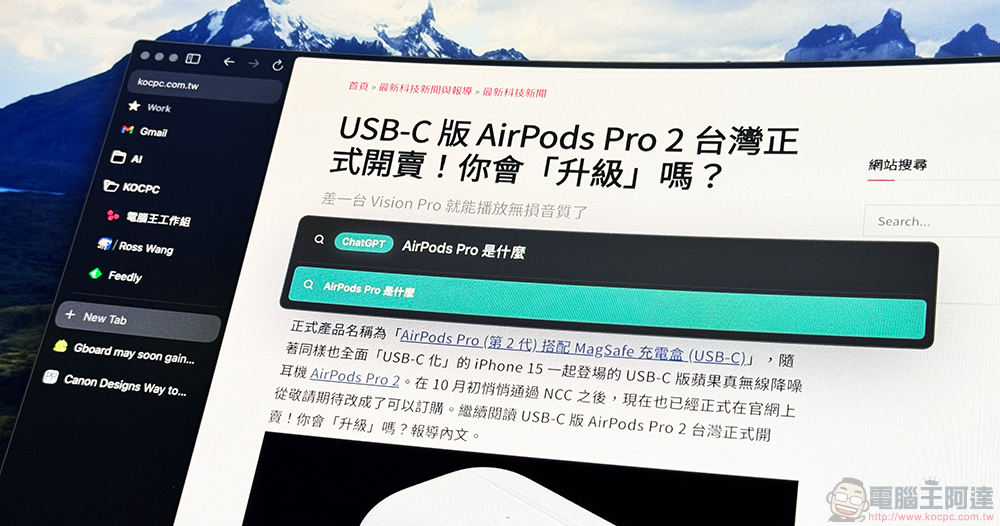
Arc browser experience that integrates generative AI and friendly interface, you can ask ChatGPT instantly without installing Extension (Usage Tutorial)
The new-generation Arc browser, which was directly rated by the foreign media The Verge as the long-awaited alternative to Chrome browser, has captured the hearts of many mainstream media and users through its full user-friendly interface design experience – many browsers have multi-tasking interfaces such as tab grouping, simplified interface and split browsing, but Arc really makes the experience great!
[Click here to download Arc Browser]
However, the reason why I will introduce this browser that has been launched for more than a year is because Arc integrates a more fun AI-related experience into the already very easy-to-use innovative interface through the built-in Max experience. This includes being able to ask AI questions directly on the web page, and also using AI intelligence to help enhance the browser experience. Next, let’s share how to use Arc Browser for the first time and how to make good use of its various convenient AI functions!
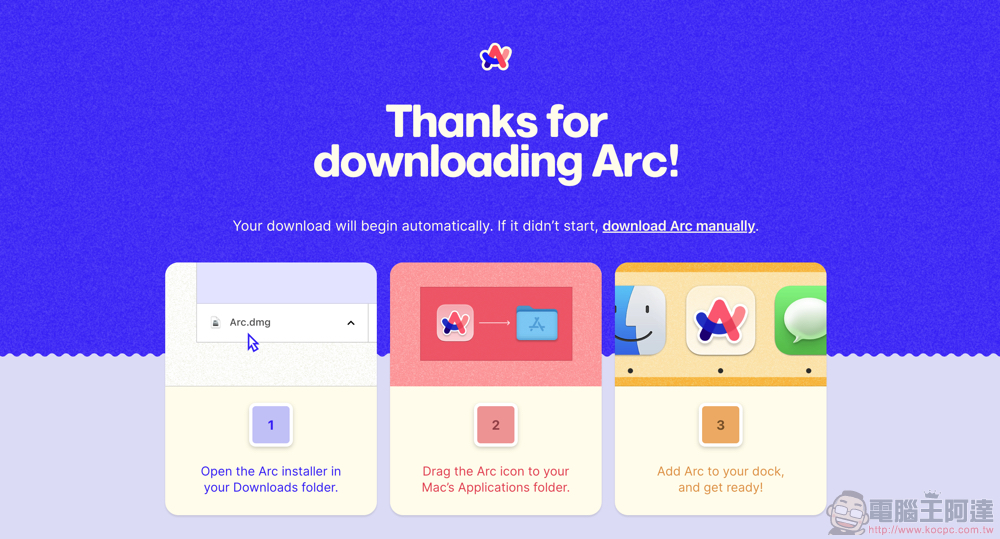
At this stage, the Arc browser only supports macOS (12.1 or above), and it has an iOS collaborative application that can synchronize bookmarks and other functions – both of which are quite in line with their design concepts. It is recommended that if you really start to use it as your main browser, you can download it and use it. It is a pity that even many other browsers developed using Chromium can basically support cross-system support such as Windows. However, Arc seems to have only revealed the development plan at present, and there is still no version available for download by general users.

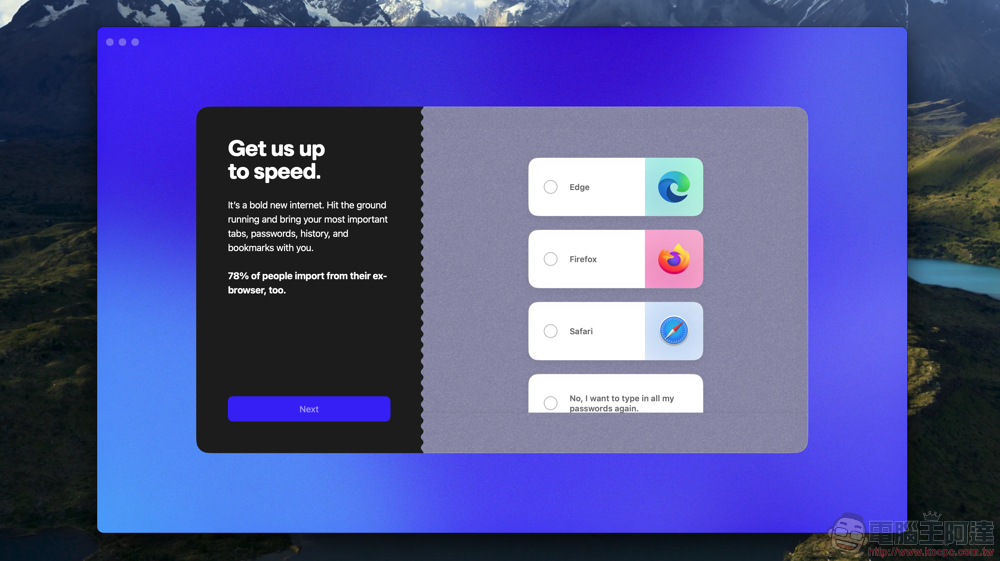
After downloading Arc and simply dragging it to the system application folder to complete the installation, you can see “Meet the internet, again.” This statement homepage is quite impressive with sound effects and overall design. Continue below to import other browsers currently installed in the system:
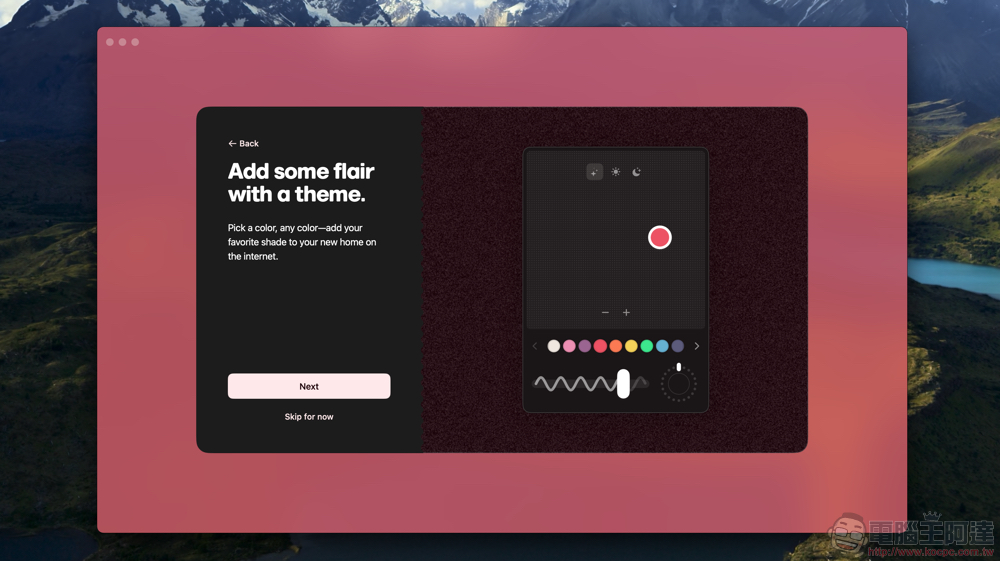
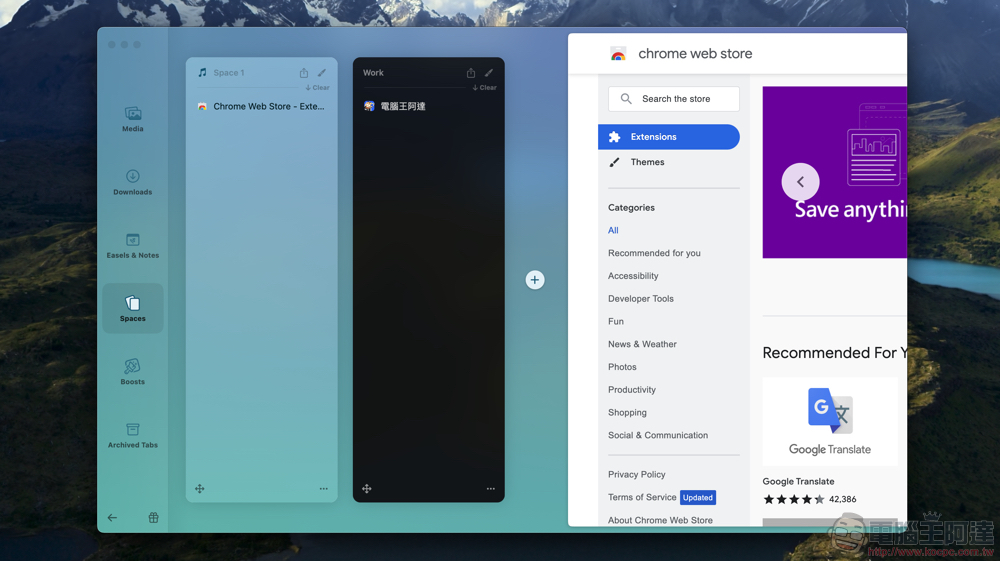
You can customize the theme color of the browser – this function can also be used to specify and name the quick-switching Space browser spaces separately:
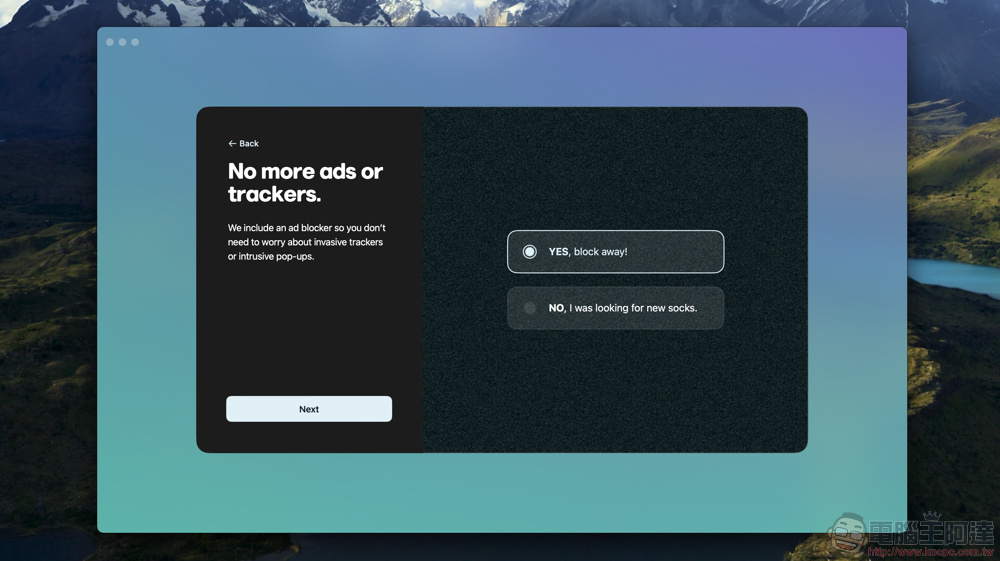
If you want deeper anti-tracking privacy and ad blocking features, the original default solution is uBlock Orgin’s Extensin extension solution – yes, they directly support the Chrome Online App Store, so it is easy for you to move from Chrome / Edge to Arc:
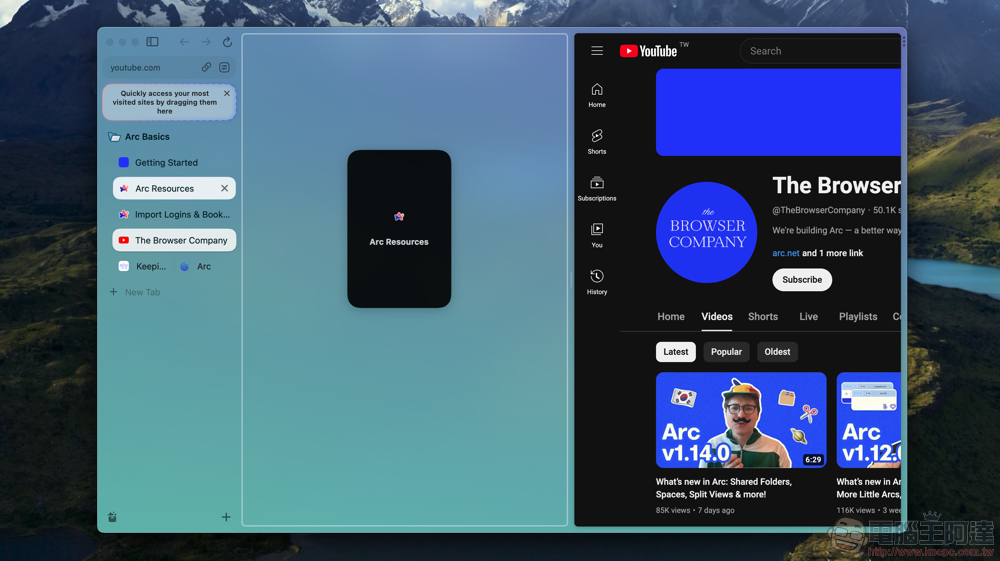
The interface of Arc is as follows. It directly adopts the side tab function that I like very much in the Edge browser. You can also hide the sidebar through the button in the upper left corner; it will expand when the cursor is close to the edge, and you can also quickly open and close the sidebar through CMD + S. As for the multi-tasking function of splitting web pages, you can directly drag the page in the tab bar to start splitting. It can support up to four splits vertically, and it can also provide a horizontally split web page window arrangement:
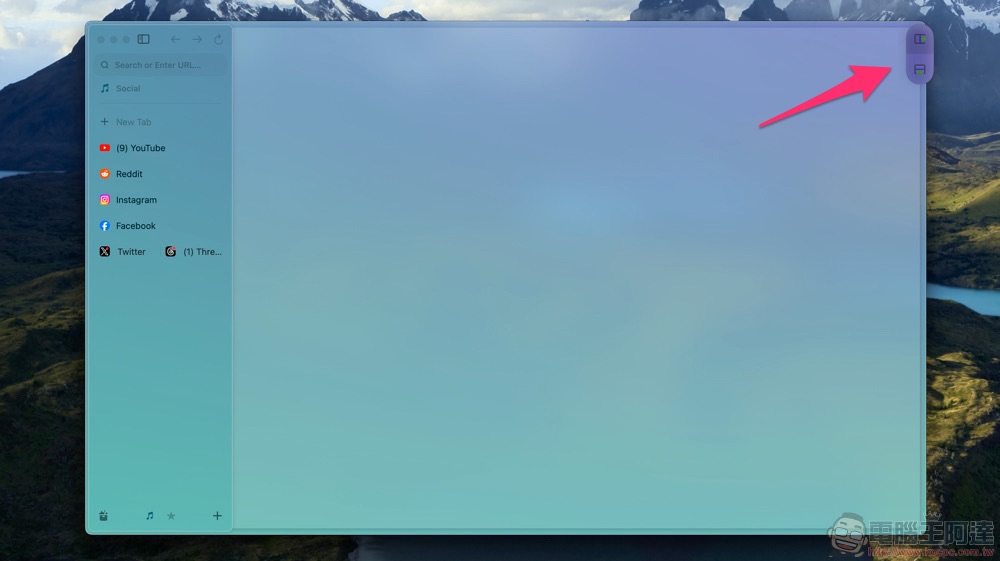
Or just move the mouse close to the “…” in the upper right corner, and additional options for page splitting and extended functions will pop up:
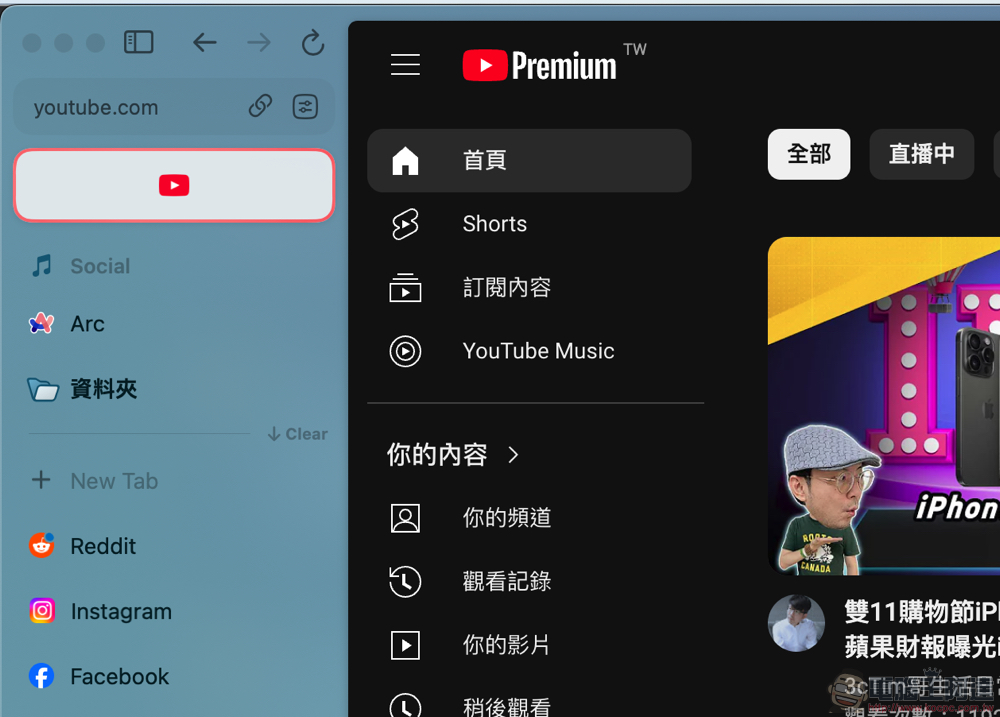
I won’t go into details about the basic interface, but I would like to mention that the sidebar part can not only add stored bookmarks and folders according to different spaces, but also pin the global area, which is a pin button that can be seen in all spaces and browsed across (the YouTube website in the picture below is what it looks like after being pinned). Then, in addition to switching between Spaces through the quick button in the lower left corner (the shortcut key is Ctrl + number button), you can also quickly switch between Spaces directly by sliding left and right with two-finger gestures on the sidebar – the leftmost is a summary and organization block for downloaded files, multimedia and other related functions:
I think it’s cool to be able to directly manage Space! It is also very friendly to heavy users. What I like most is that Arc does not force you to have a Space in a window. You can open two windows and select the same Space, or quickly switch Spaces in a single window to use it. You don’t have to worry about accidentally closing the window and all the bookmarks will disappear at once. There is also an option to close it once in the sidebar, so the flexibility of use is very high! :
Generative AI experiences with Arc Max
Select the “Max” page through Arc Browser’s Settings (Settings) to see all AI-related functions – they can be used for free, and can be partially turned on or turned off all at once: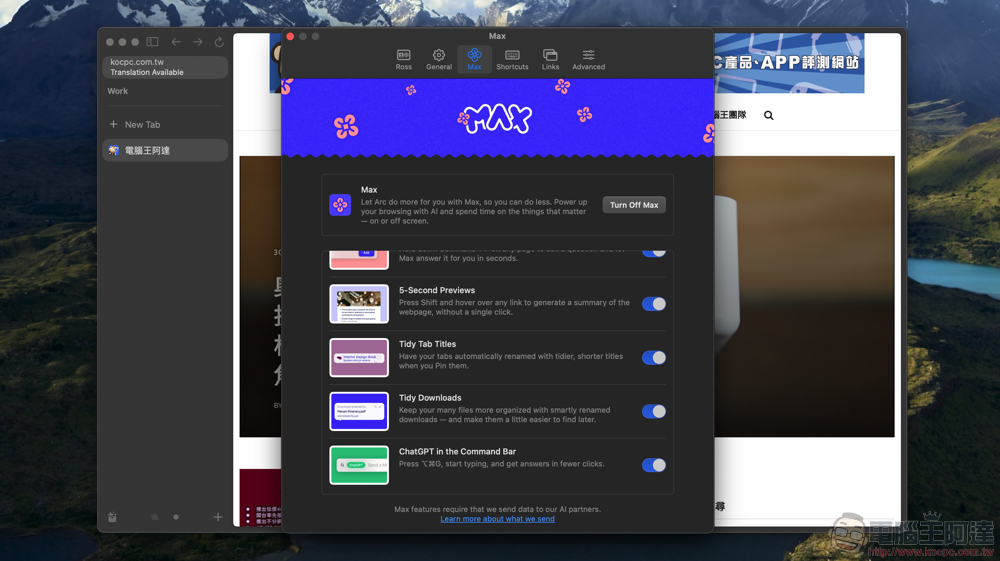
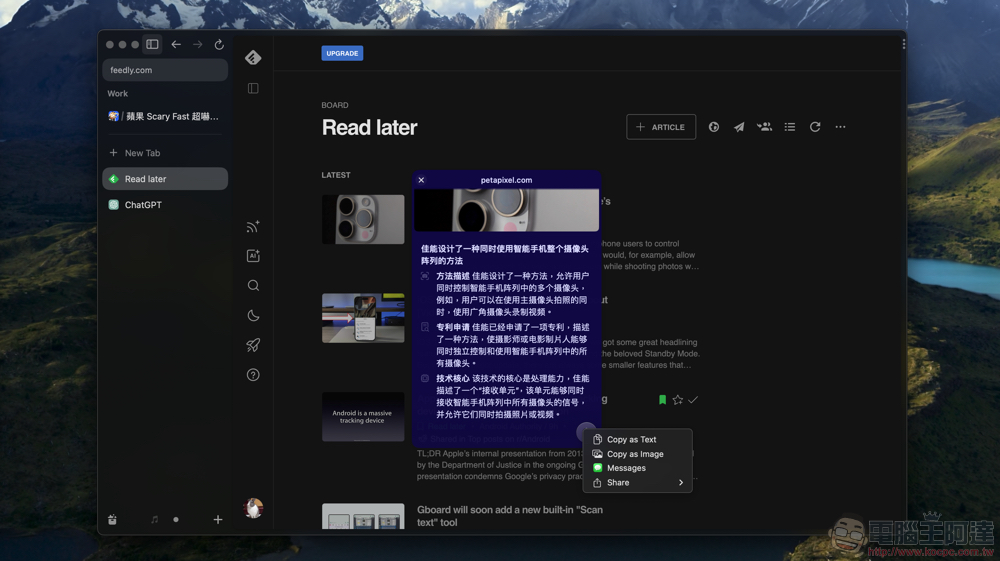
A feature that I personally find very useful is to press the SHIFT button on a link for about 5 seconds, and a summary-like preview page will pop up:
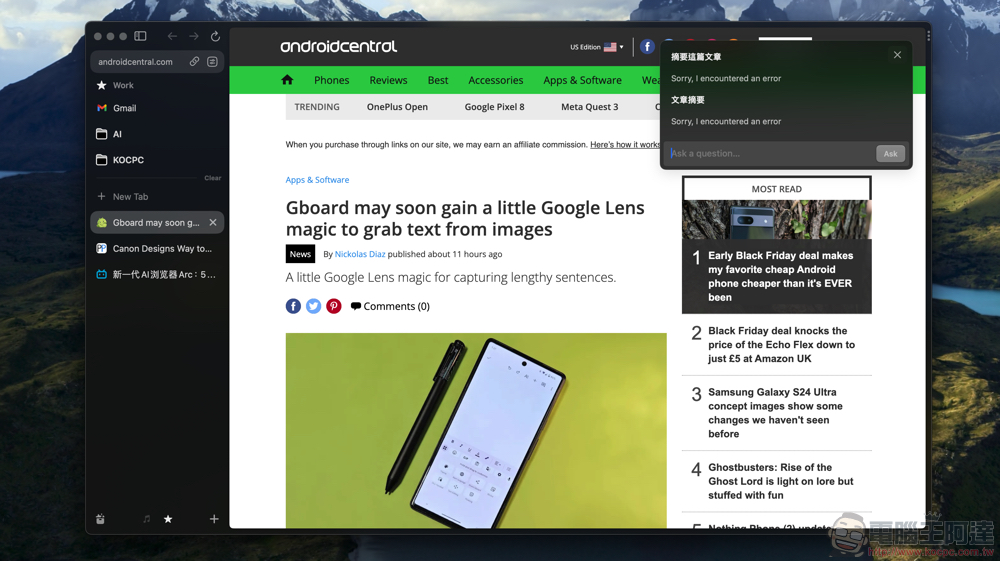
Experimental features also include the traditional shortcut of searching web text directly using CMD + F, further allowing you to ask questions on the generative AI page. It’s just that this function is not very effective yet so I can’t play it – but I usually want to focus on summaries, so the previous function can be used as well:
You can use the shortcut keys (CMD + OPTION + G) to call up ChatGPT’s quick conversation interface – after answering, you will jump to the ChatGPT web page. So this is just a quick way to get to the ChatGPT service:

Other AI features include the ability to automatically help with the renaming of complex web pages for stored bookmarks – similar processing will be done for files as well. If you don’t like this function, in addition to manually rename modification, you can also turn off this function in the Max page just now. The editor himself would like to keep it on to see how AI can perform:

Conclusion: Once you try (AI), you will be attracted by the experience and become a customer
Although some AI functions are still not very good, this new generation browser, which originally had a very good user experience, has cleverly used generative AI functions to add icing on the cake to bring a more interesting browser experience.
In fact, compared to the current particularly eye-catching integration of AI functions into the experience, I really recommend the interface and operation logic of the Arc browser itself – for example, the design that turns the traditional bookmark storage function into a more in-depth tab page is really wonderful – I originally wanted to think about why there is an option to fold and close the page, but then I realized that this is actually the concept of stored tab pages. Through the separation of Space space, the stored web bookmarks can be cleverly classified by use. This is really a smart design! It is recommended that you try it out if you have the opportunity. You should be able to find a different way of using the browser than before.
Further reading:

Source: KOCPC Chinese