


Some Pixel phones have problems accessing storage after updating to Android 14. Depending on the device, this problem may prevent the primary user from accessing the media storage, or the problem may cause the device to restart and display a message such as restoring factory settings. Now Google is providing more details on how to fix it and possible data recovery options. If you’re experiencing this issue after updating, here’s what Google has to say about it.
Google is working on fixing storage issues on Pixel after updating to Android 14
Depending on the device, issues with this update may prevent the primary user from accessing media storage, or the issue may cause the device to reboot with a “Factory Reset” system message. If you accept this message, data that has not been backed up may be lost; if you reject the backup, your device will repeatedly reboot and display the “Pixel is starting up” message. Google first said that this storage issue affects Pixel 6 and newer models that have received the Android 14 update and have multiple users set up on the phone in addition to the primary user, including users, invitees, restricted person profiles, children, etc., but not just the primary user or work profile. Multiple Google accounts are logged in.
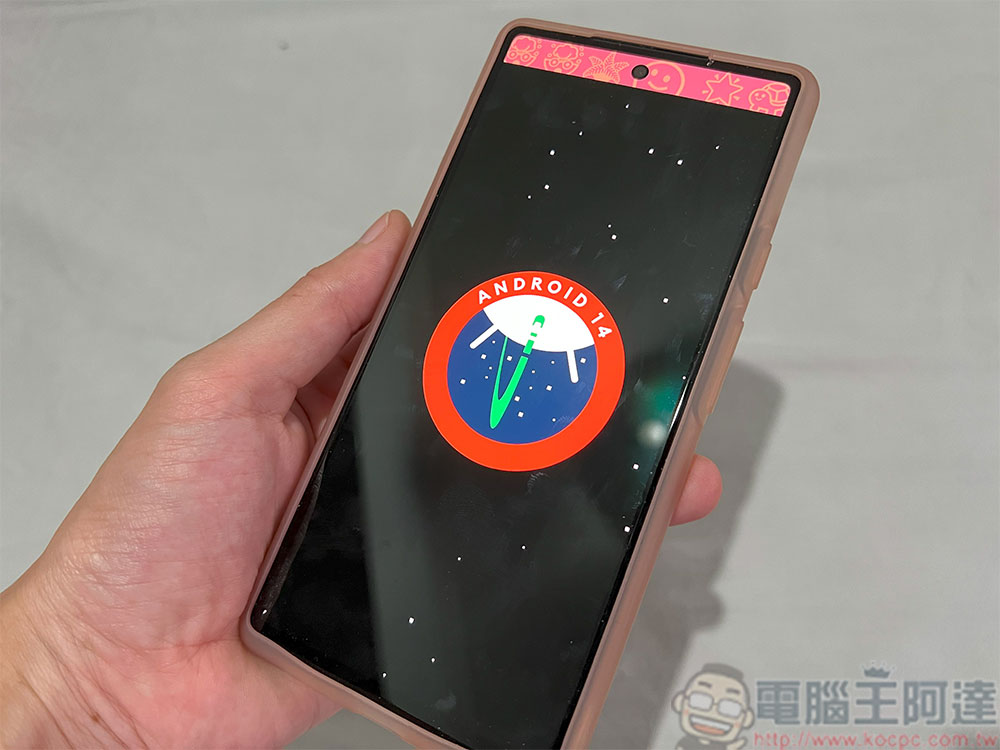
The company has rolled out a Google Play system update to help prevent this issue from triggering on other devices as well. Installing updates is different from normal system updates. The latest version currently seen is the October 1, 2023 version:
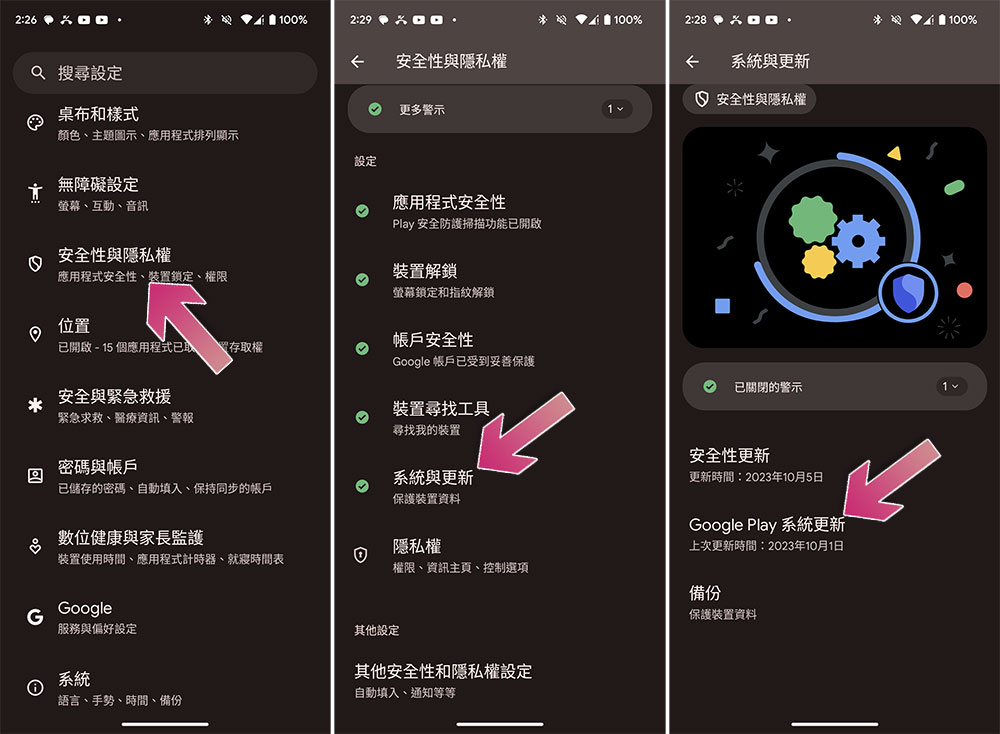
- Open the Settings app and click to enter “Security & Privacy”.
- Scroll down to enter “System and Updates”.
- Click “Google Play System Update” and restart your computer to install the update.
For those who currently “cannot access media storage,” Google is working on a system update that will fix the issue and restore access to media files without requiring a factory reset. Google is also working on ways to potentially recover some data for devices stuck in a “Pixel is booting” loop. However, this appears to be more experimental and Google will provide more information as soon as it becomes available. For all other users, including those who factory reset their devices, Google says to avoid adding or signing in secondary users on the device until an OTA update is available.
Source: KOCPC Chinese