


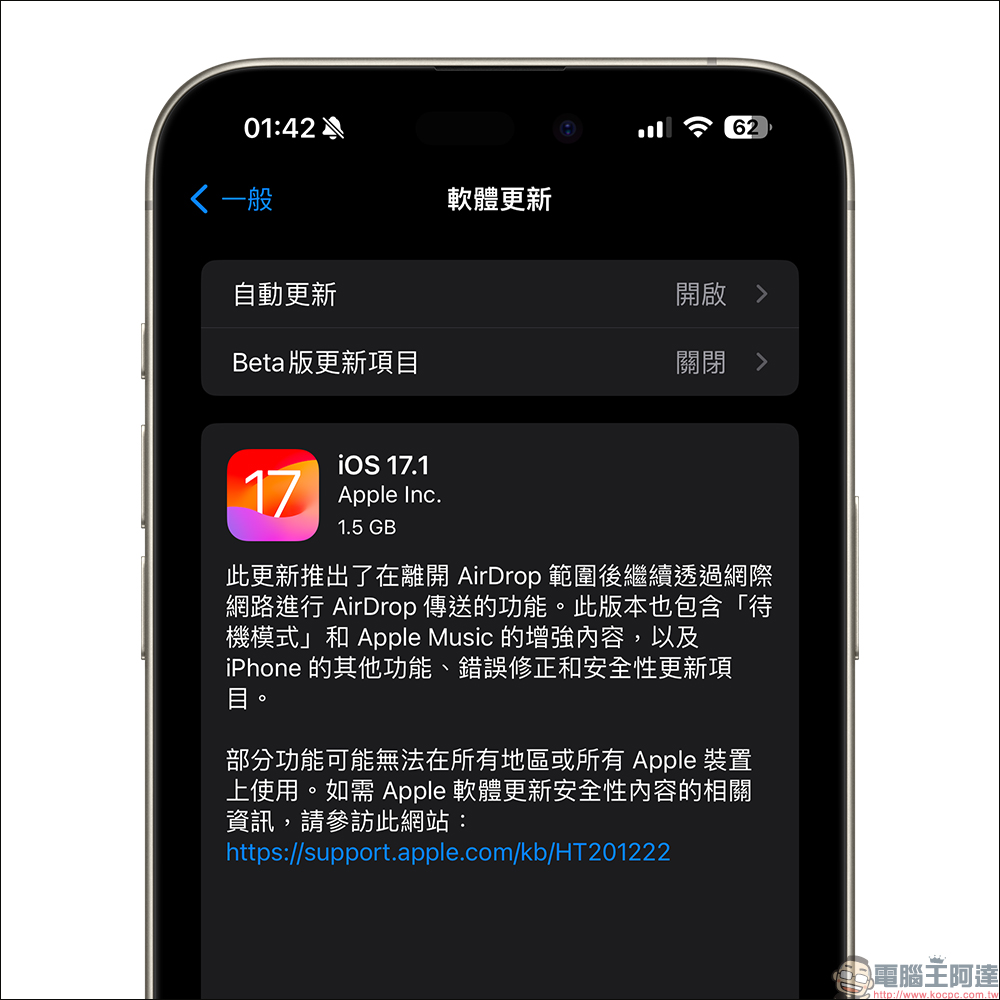
In the early morning of today (26th), Apple finally released the official iOS 17.1 update for the iPhone. It is also the first major system update since the launch of iOS 17. This iOS 17.1 update brings many new features and problem fixes to the iPhone, including the previous iPhone 15 screen burn-in problem, as well as updates such as Apple Music collections and music playlist covers, AirDrop mobile network support, etc.
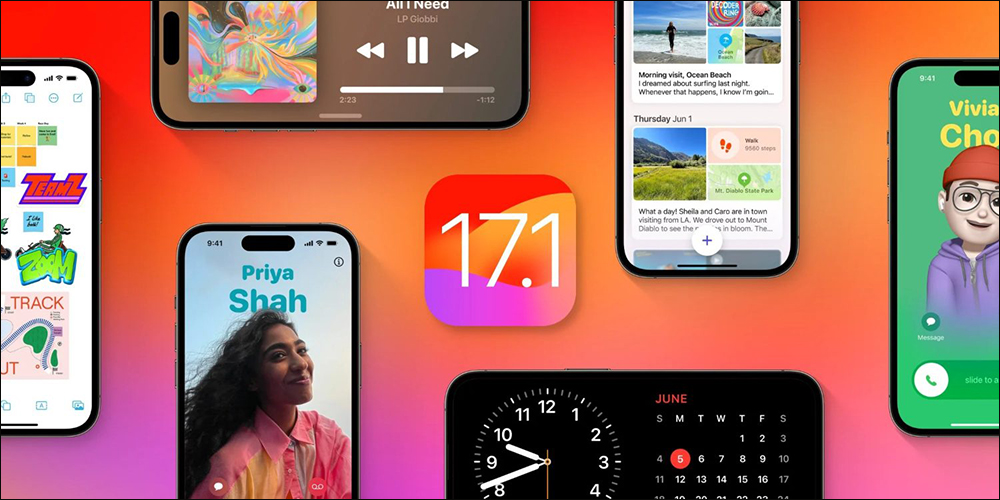
iOS 17.1 update released, fixes and updates to improve iPhone 15 screen burn-in issue
Earlier, Apple has released the official version of iOS 17.1 update. In addition to the officially described update content, let’s take a look at the key features of this update!
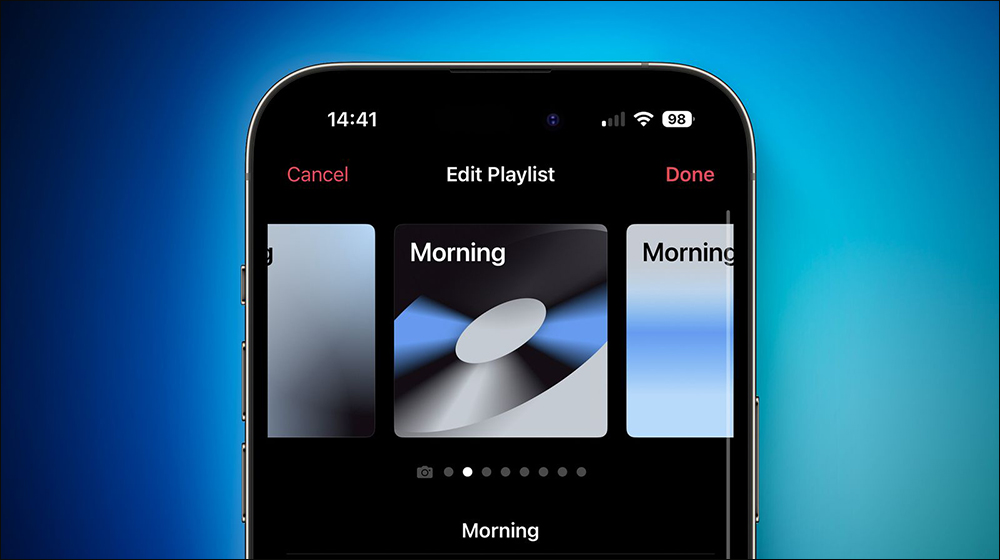
Customize Apple Music playlist as cover
iOS 17.1 adds a customizable cover effect feature for Apple Music playlists. There are 8 different artistic backgrounds with different geometric shapes and gradients to choose from.
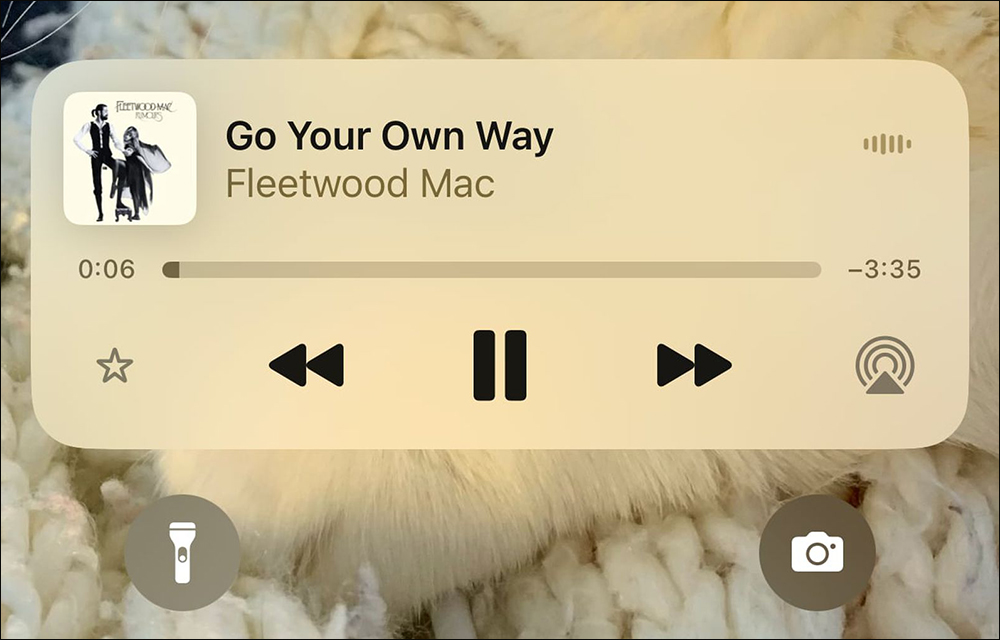
Apple Music library adds new collection feature
iOS 17.1 adds the “Favorites” function to Apple Music to add favorite songs and albums. Users can click the star icon of “Favorites” in the music album to save the music to Favorites for collection.
Apple Music home screen quick playback
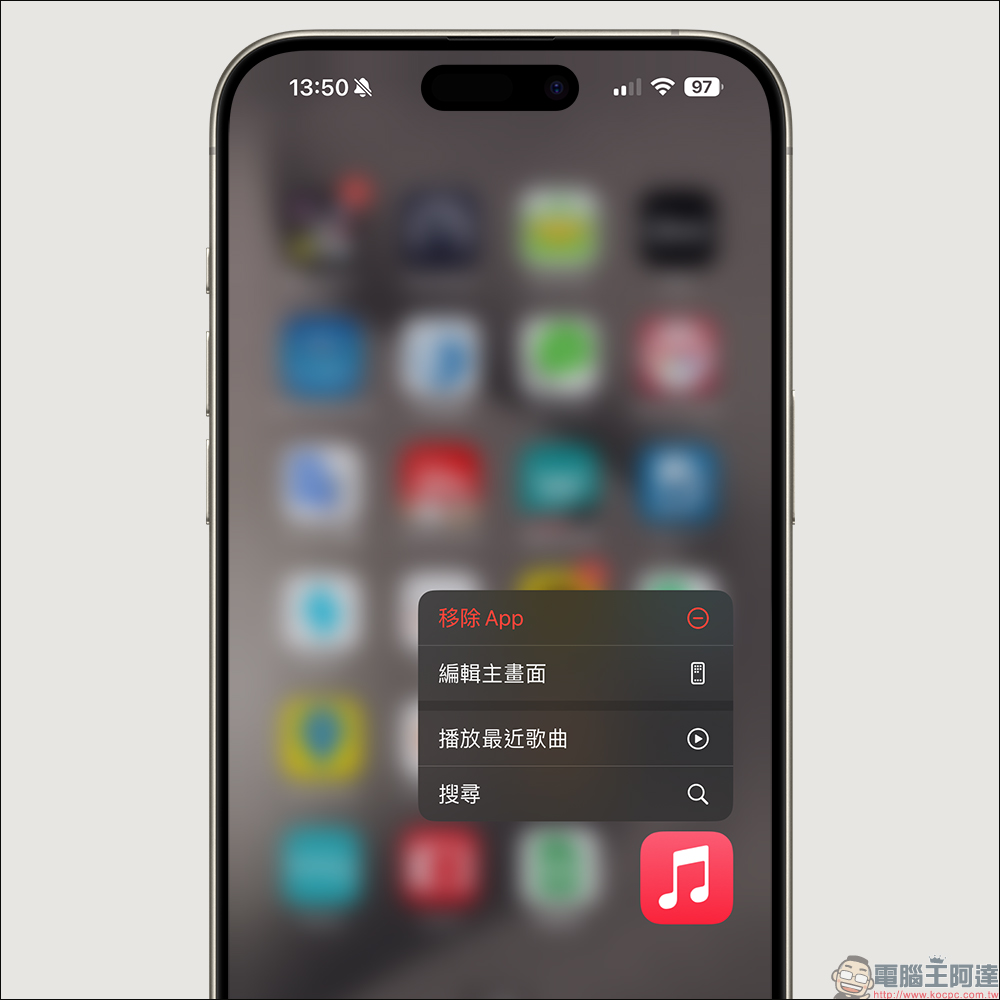
Starting from iOS 17.1, users can long-press the Apple Music app icon on the iPhone home screen, and then select the “Play Favorite Songs” or “Play Recent Songs” function.
standby display
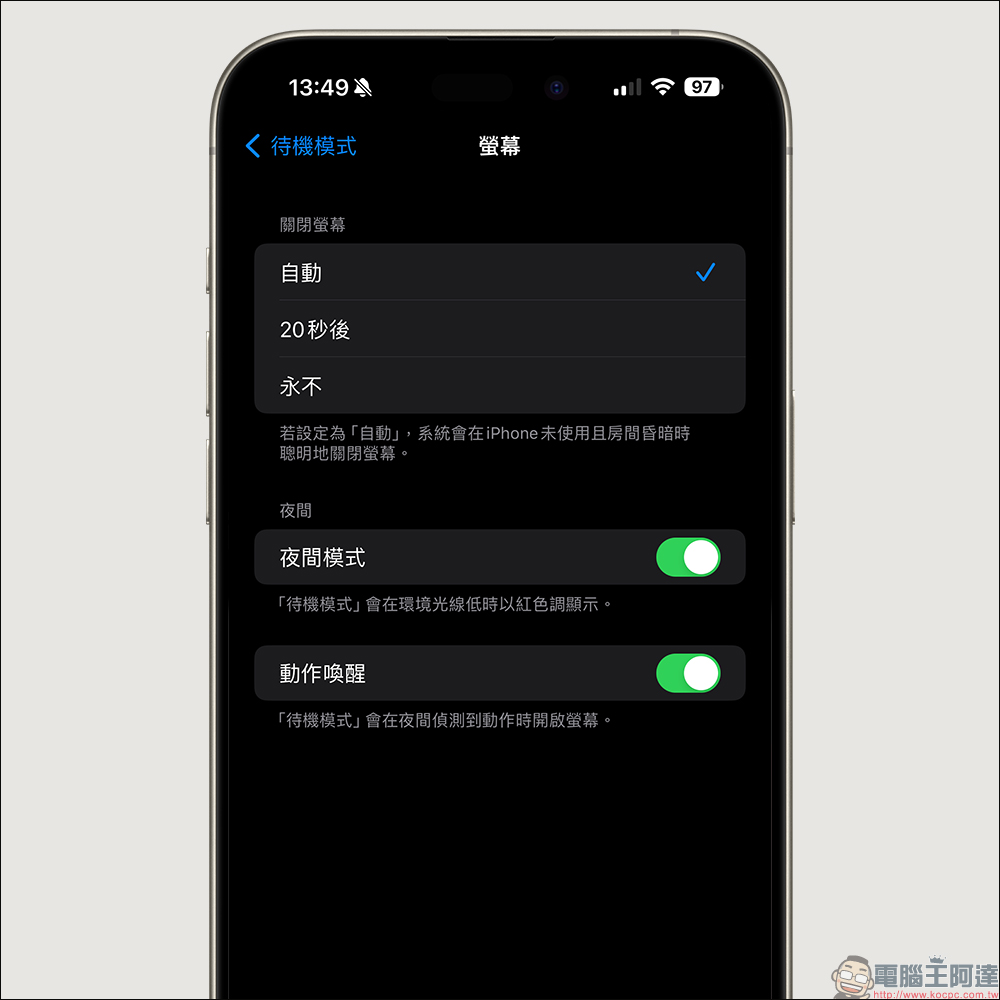
iOS 17.1’s standby mode adds a new “Turn off screen” setting option. Users can customize the iPhone’s standby mode to automatically turn off after 20 seconds, or never turn off the screen. This feature mainly adjusts the original “Night Mode” to integrate night and screen-off settings on the same page.
AirDrop adds new option to use network
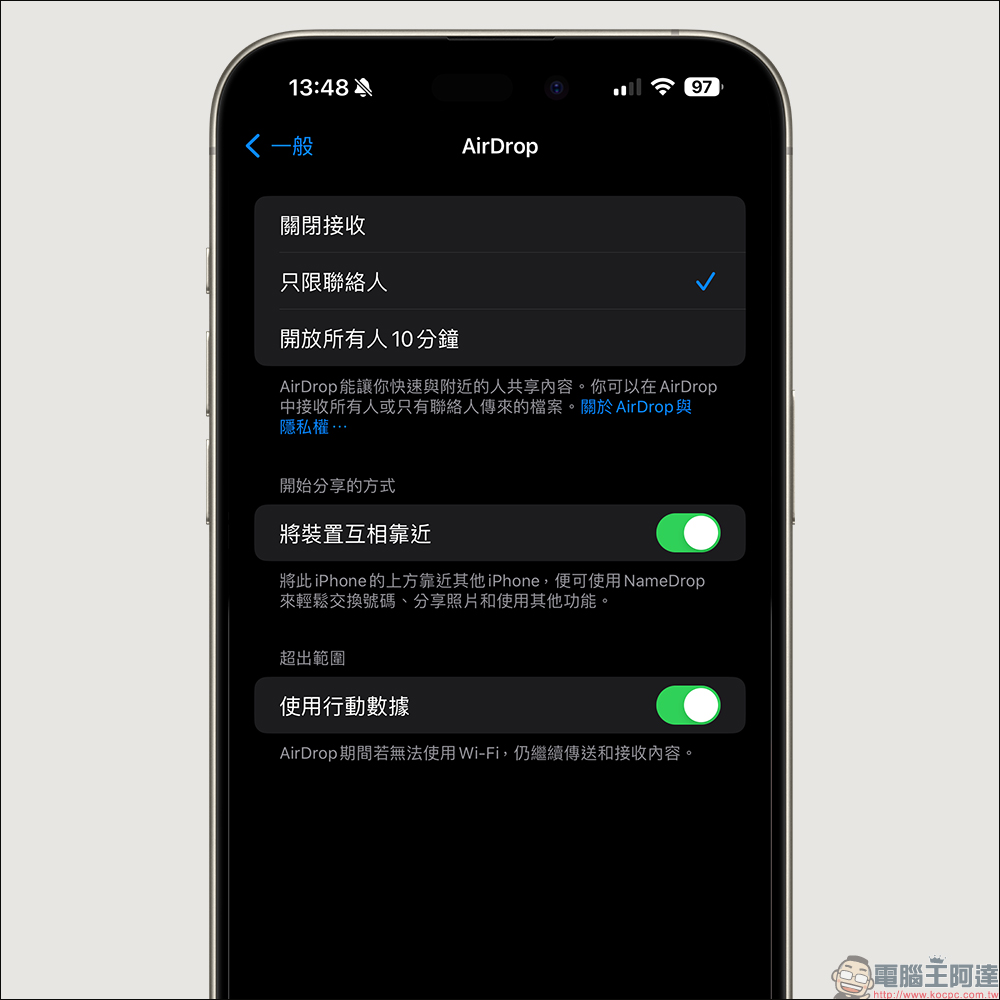
Starting from iOS 17.1, AirDrop can no longer be used on local Wi-Fi networks. It can also be used for wireless transmission along with mobile networks. If Wi-Fi is unavailable during AirDrop, content will continue to be transmitted and received, making AirDrop transmission more convenient.
One-handed mode background changed to black
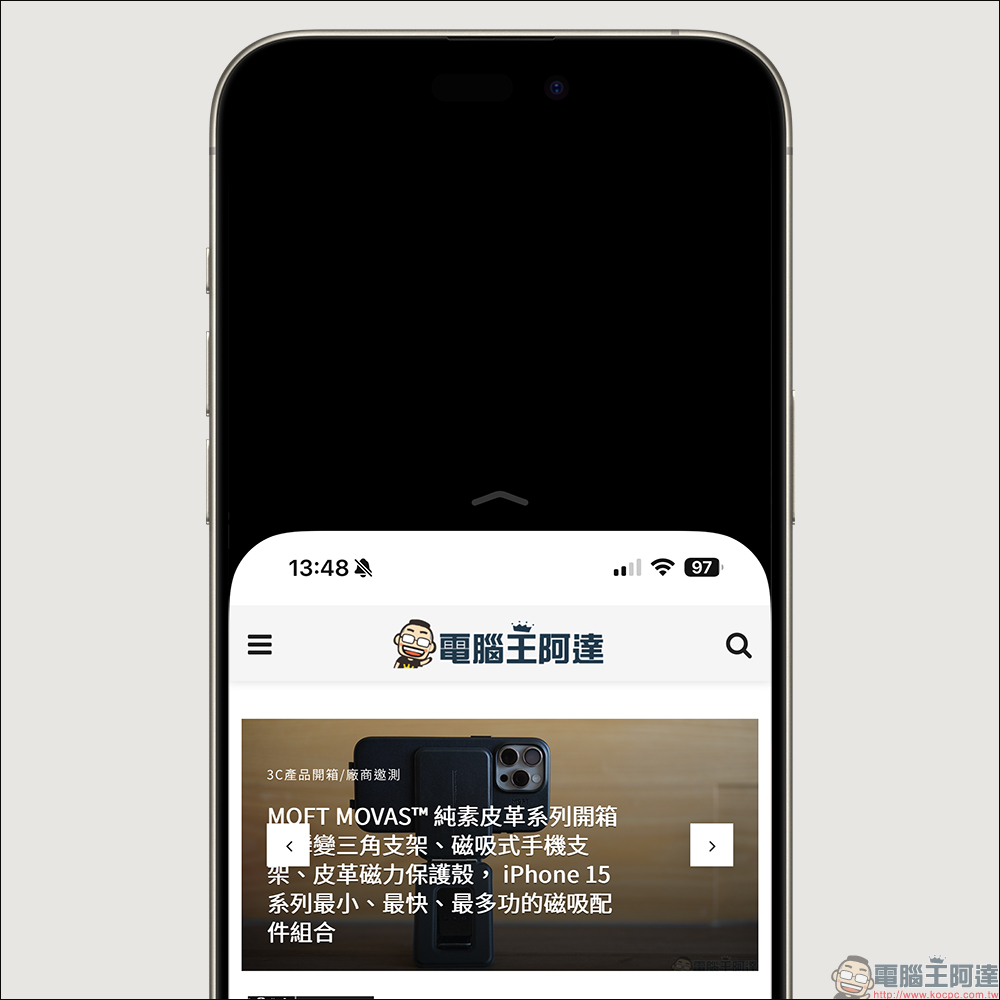
When one-handed mode is enabled in iOS 17.1, you will find that the background of the upper half of the screen has changed to “complete black”, which is no longer the previous background color effect.
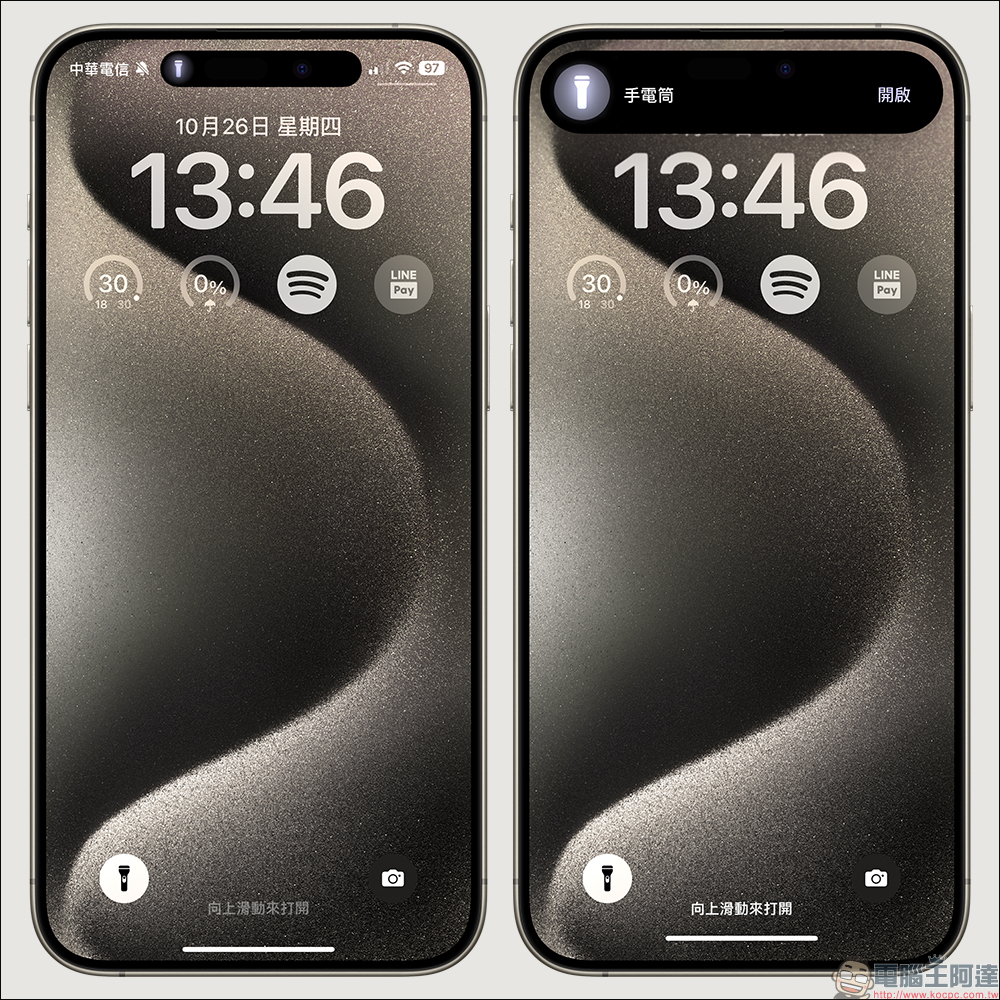
Dynamic island supports flashlight
Starting from iOS 17.1, iPhones that support the dynamic island function can also support the flashlight icon to prevent users from accidentally turning on the flashlight. This feature originally only supported the iPhone 15 Pro series, but now the dynamic island prompt of the flashlight is also fully available for the iPhone 14 Pro series, iPhone 15 and iPhone 15 Plus.
Supports Nintendo Switch N64 controller
Starting from iOS 17.1, the Nintendo N64 Infinity controller is also supported. Users can directly connect the controller to the iPhone to play games.

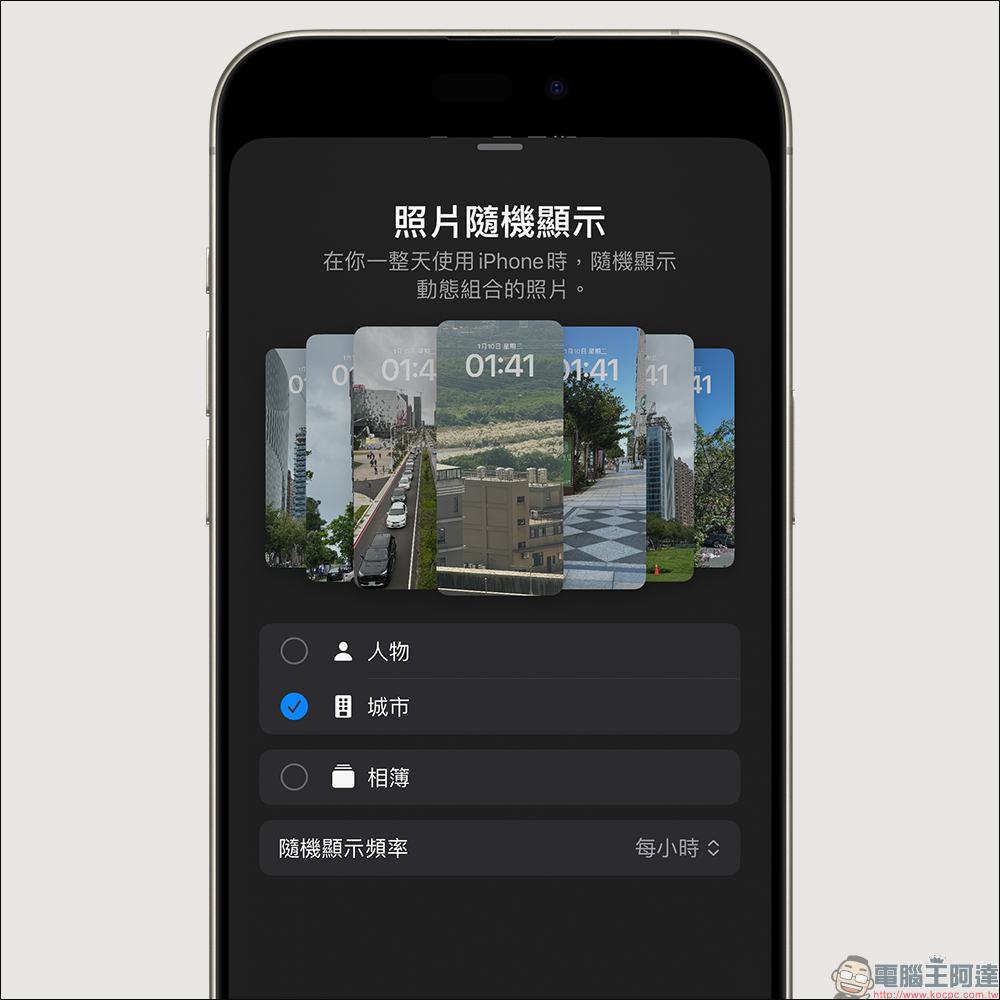
Tablecloth photos displayed randomly
Starting from iOS 17.1, the iPhone locked screen wallpaper background has a new “photo random display” function, which will automatically randomly play different types of photos from the album in rotation, with themes including people, nature, programs, etc.
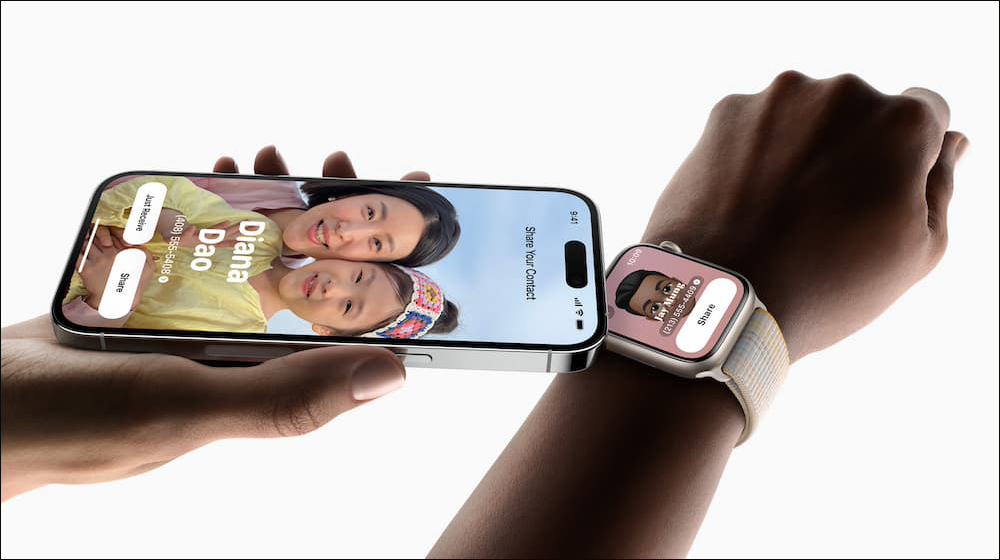
Apple Watch supports NameDrop
When iOS 17.1 is paired with watchOS 10.1, the NameDrop function of Apple Watch can be enabled, and contact information can be quickly exchanged by directly bringing the Apple Watch close to another iPhone.
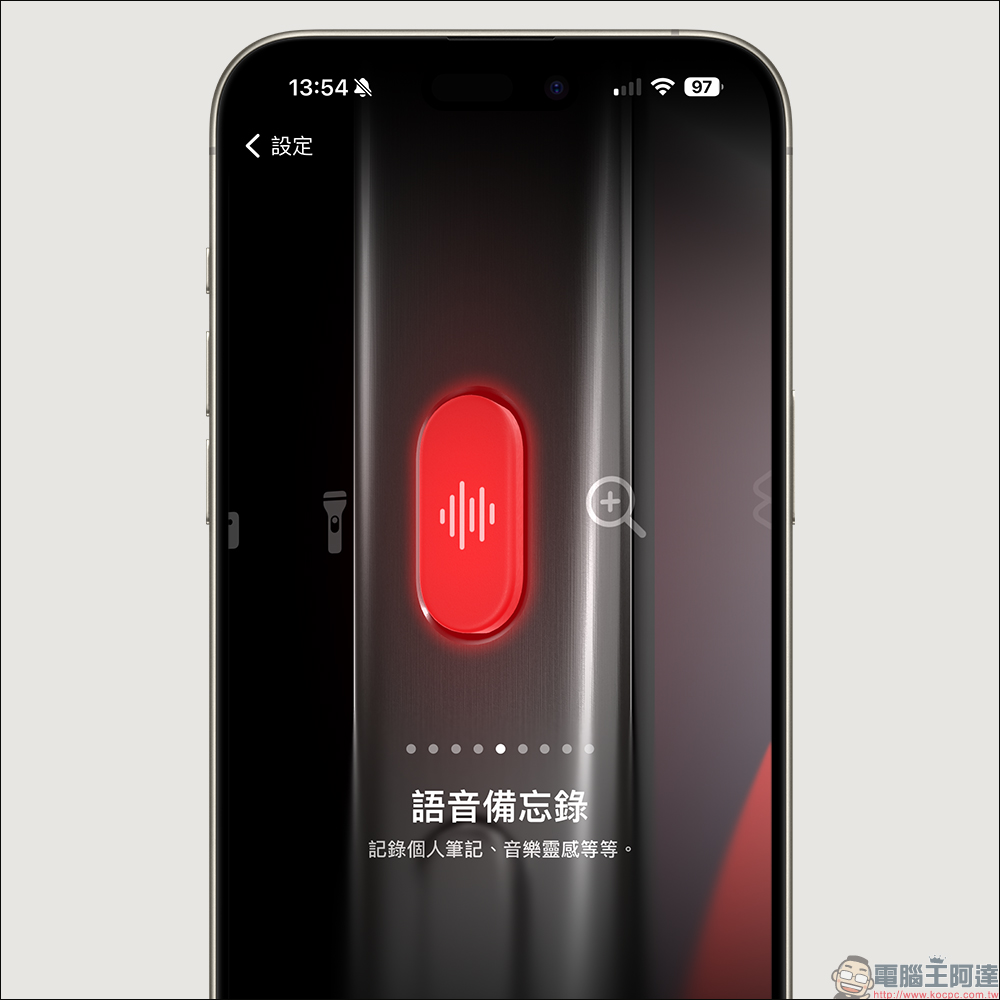
iPhone 15 Pro series action buttons prevent accidental touches from pockets
iOS 17.1 adjusts the action button function. When the iPhone 15 Pro series phone is placed in the mouth or bag, the action button triggering function will be disabled. This also prevents users from accidentally touching the action button function while putting the phone in their pocket.
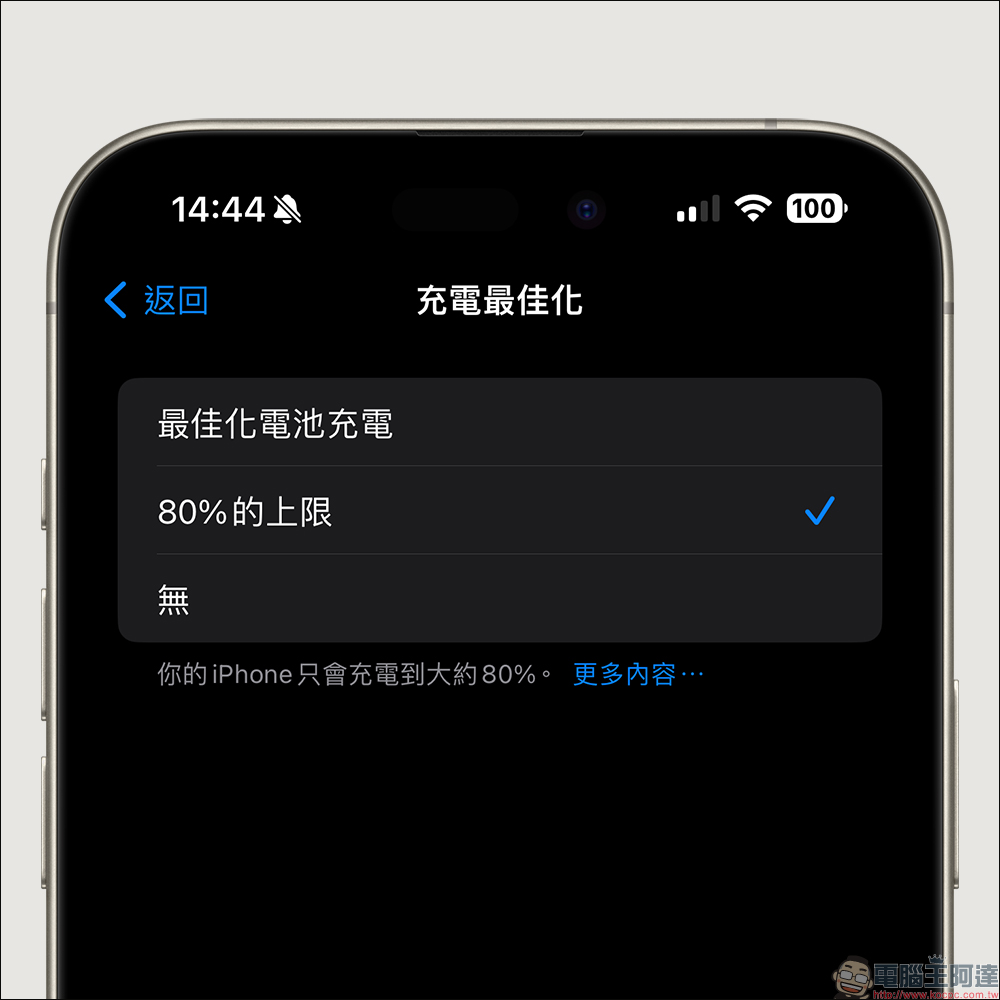
Resolved 80% charging cap feature bug
Apple has added an “80% cap” charging feature to the iPhone 15 series, which limits device charging to 80% to extend battery life. However, the old version of iOS 17 previously made this feature unavailable. Currently, this feature has been fixed in iOS 17.1.
Solve iPhone 15 Pro screen burn-in problem
Apple previously stated that it would fix the problem that may cause display image retention in iOS 17.1, but the problem was finally solved with the release of the iOS 17.1 update.
iOS 17.1 updates:
AirDrop
- Content continues to be sent over the Internet when you leave AirDrop range
standby mode
- Added options to control when screen turns off (iPhone 14 Pro, iPhone 14 Pro Max, iPhone 15 Pro, and iPhone 15 Pro Max)
music
- Favorites expand to songs, albums, and playlists, letting you filter to show your favorites from your library
- New cover illustration collection design that changes color to reflect the music in the playlist
- Song suggestions appear at the bottom of each playlist, making it easy to add music that fits the mood of the playlist.
This update also includes the following improvements and bugfixes:
- Added option to select specific albums for “Photo Shuffle” on lock screen
- Home key support for Matter door locks
- Improved reliability of Screen Time settings syncing across devices
- Fixed an issue that could cause Important Locations privacy settings to be reset when transferring or pairing an Apple Watch for the first time
- Addresses an issue where other caller names may not display when you are on another call
- Resolved an issue where customized and purchased ringtones may not appear as message tone options
- Fixed an issue that could cause poor keyboard response
- Optimized car crash detection (all iPhone 14 and iPhone 15 models)
- Fixed an issue that could cause display image retention
- Some features may not be available in all regions or on Apple devices. For information about the security content of Apple software updates, please visit this website:Click here to go
Further reading:
LINE free sticker collection: 18 free LINE stickers available for download for a limited time

Source: KOCPC Chinese