


The vast majority of what’s on the internet now AI Photo editing tools either require payment, or they give very little free quota (like 1–3 images). Recently I discovered that Qwen’s online chat platform also offers AI photo editing. I tested it and the results were quite good. Plus, you can use it without logging in. Although there is a daily quota, the amount given is pretty generous. If you want to edit more images, just register an account.
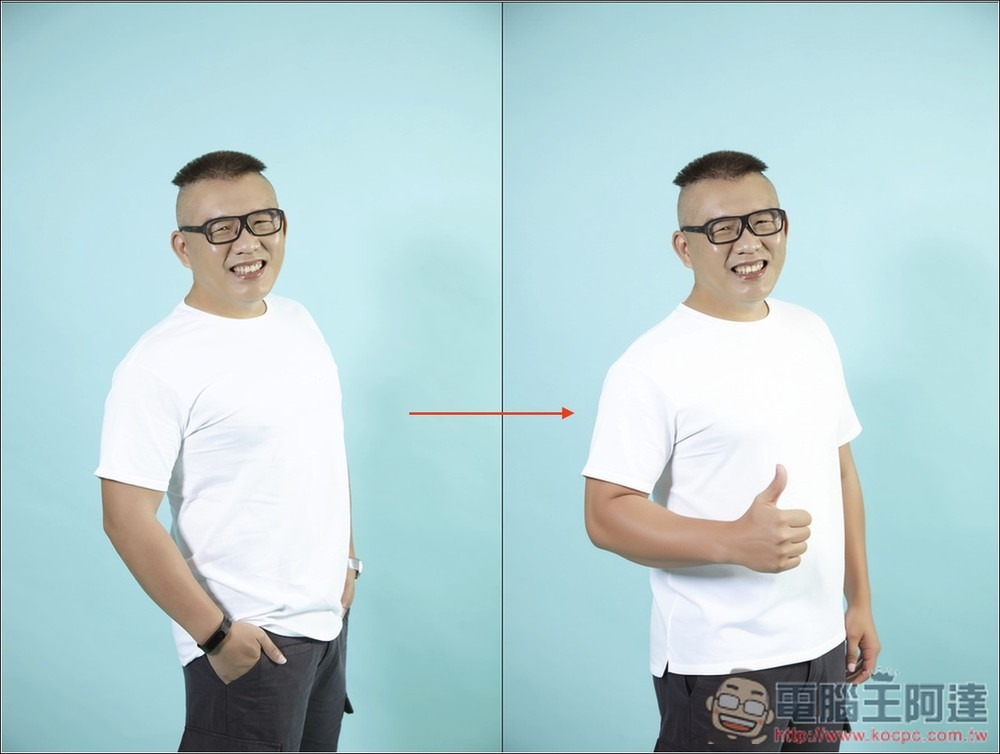
Qwen offers free AI photo editing, making it easy to edit images with natural language.
Like AI services such as ChatGPT and Gemini, Qwen also offers multiple model options, and almost all of them can be used for AI photo editing. It’s recommended to go with the largest and newest one, Qwen3-235B-A22B-2507.
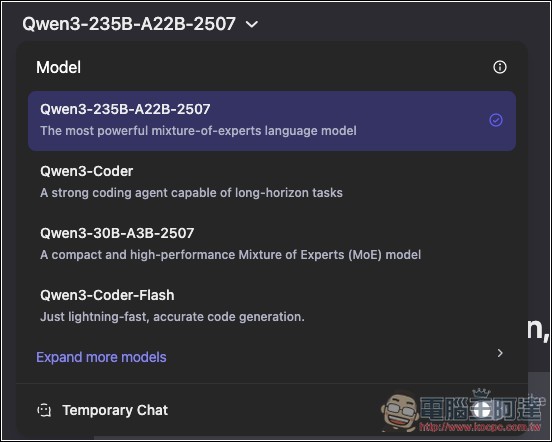
After selecting the model, click the Image Edit function below (Qwen offers a Simplified Chinese interface; if you want to switch, log in to your account and go to settings to change it to Simplified Chinese):
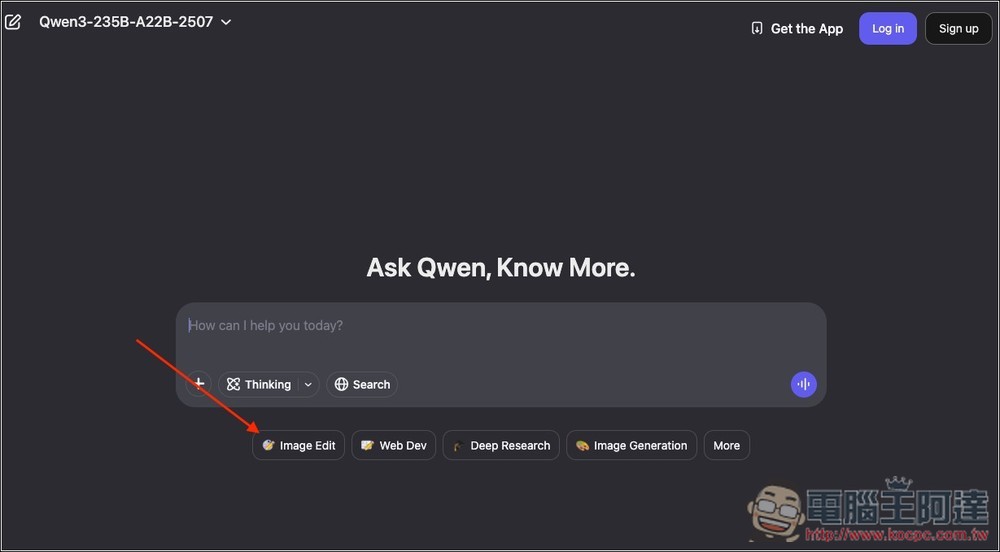
The chat box will show an Image Edit prompt, at which point you can upload the image you want to modify and provide a prompt (how you want the image to be changed):
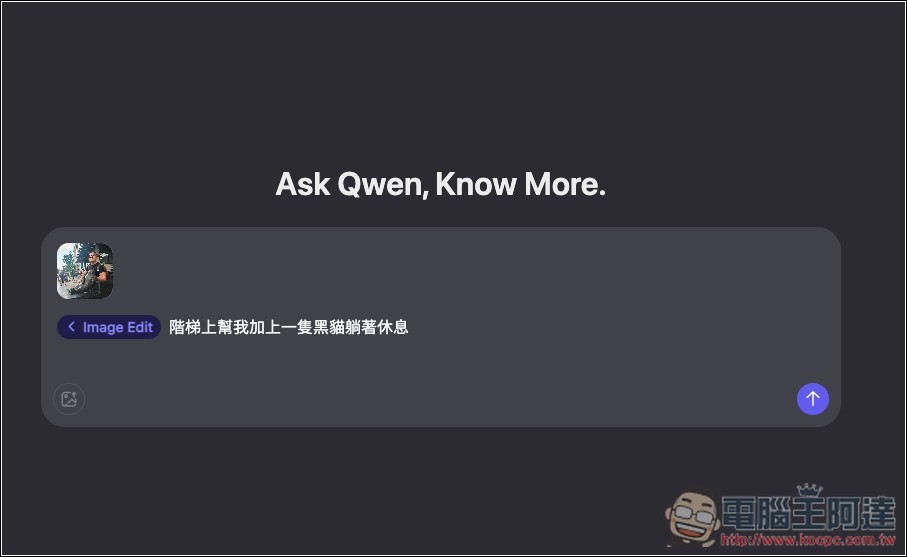
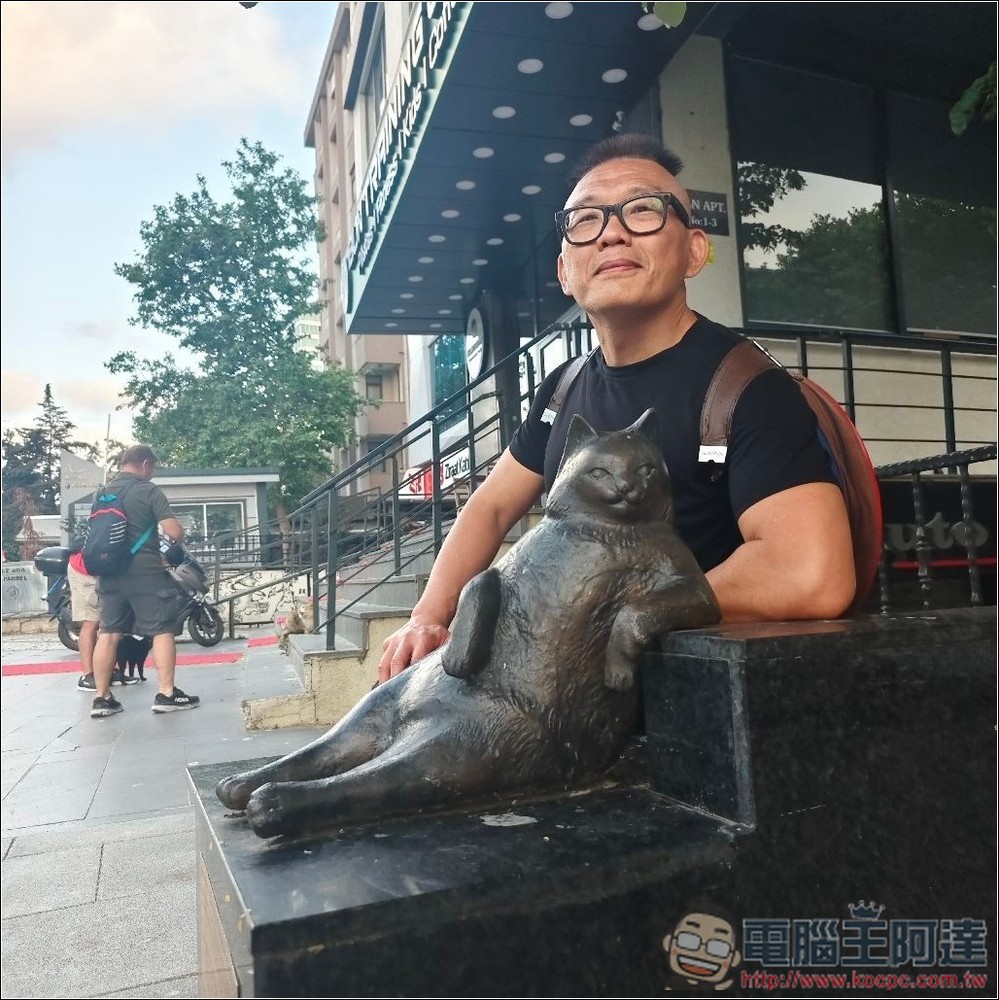
I asked AI to add a black cat lying on the stairs to this picture of Ada; below is the unmodified original image:
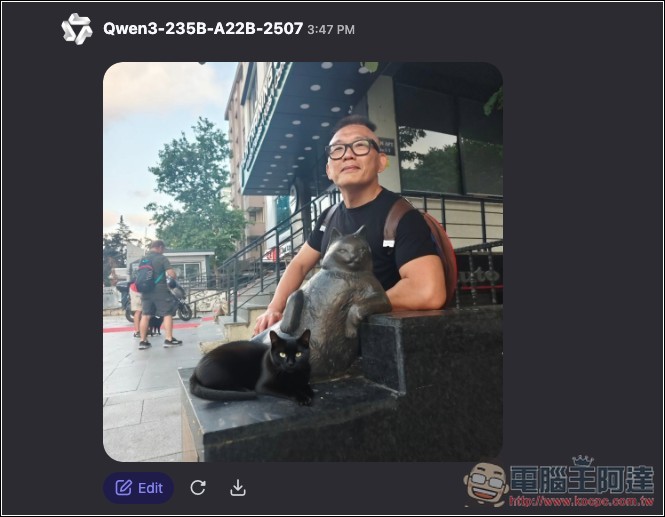
As expected, it added the black cat, and the proportions are also correct, which is nice. However, when it comes to colors, just like other AI photo editing tools, it’s a bit unnatural:
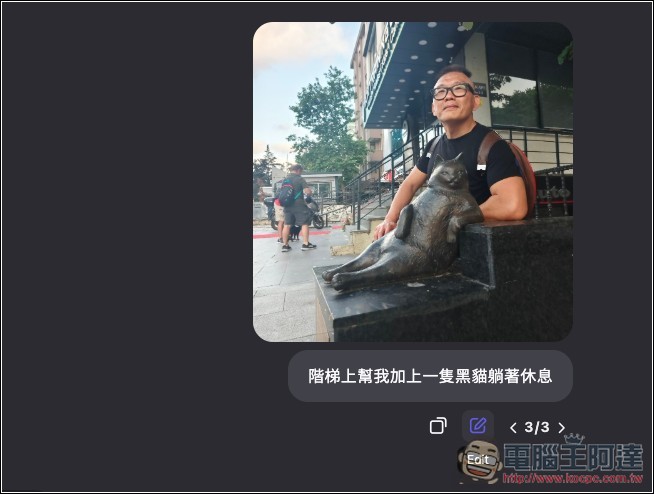
If you’re not satisfied with the effect after editing and want to optimize the prompt, swipe to the original image. Below it, you’ll see an Edit option. Tap it to edit and retouch this image.
Next, I tested converting Ada’s original front-facing smiling image to a back view.
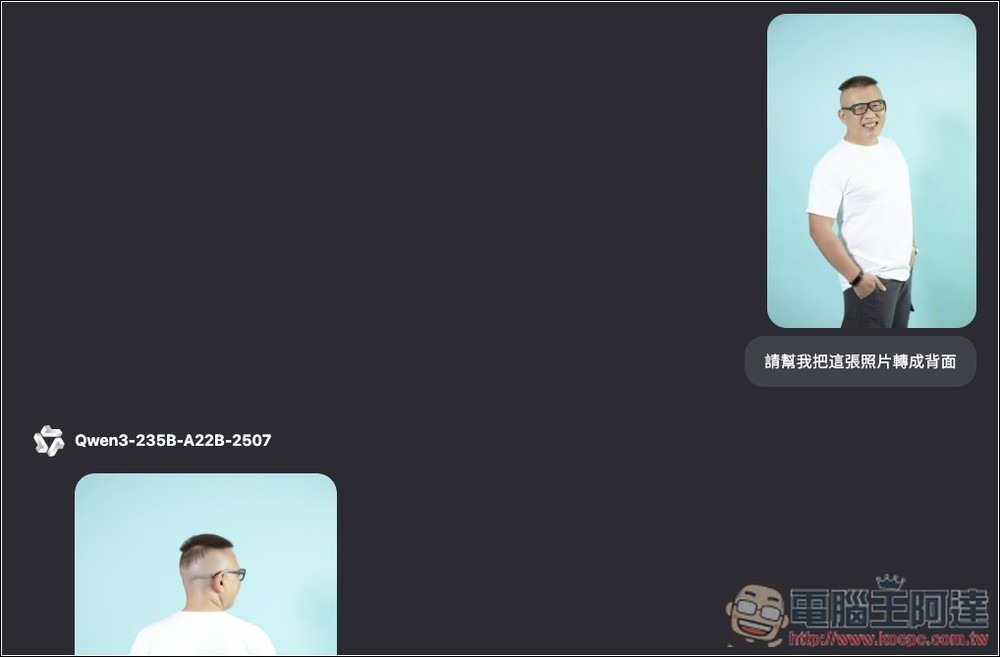
This one has a really good effect; both hands look very natural, and even the black smart bracelet on the right hand is preserved. It really looks like it was taken from the back:
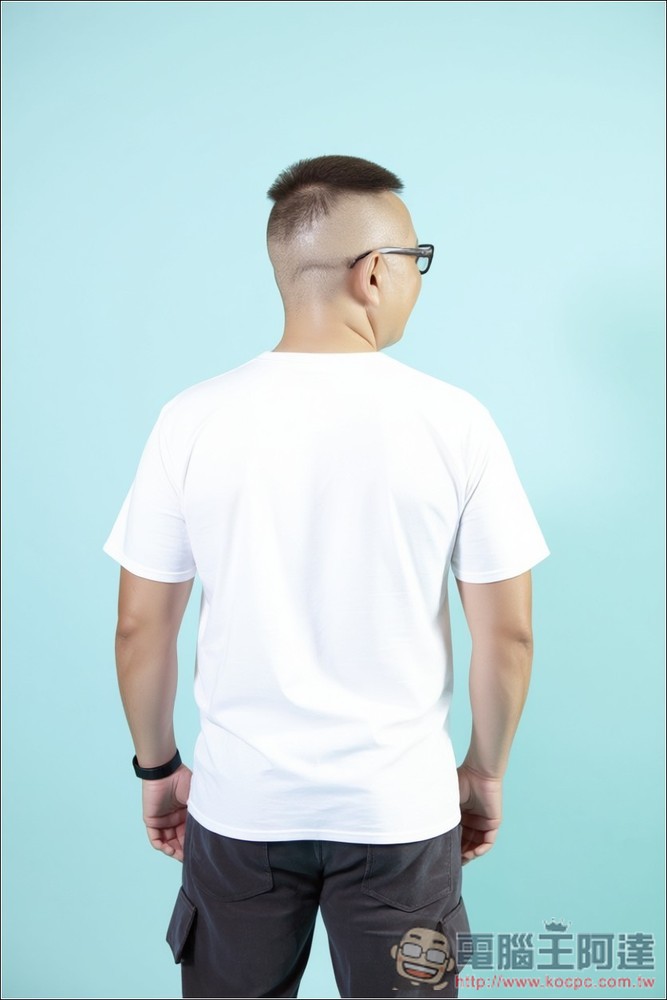
However, when it comes to changing facial expressions, the effect isn’t that good—it ends up making you look like someone else, so it’s not recommended.
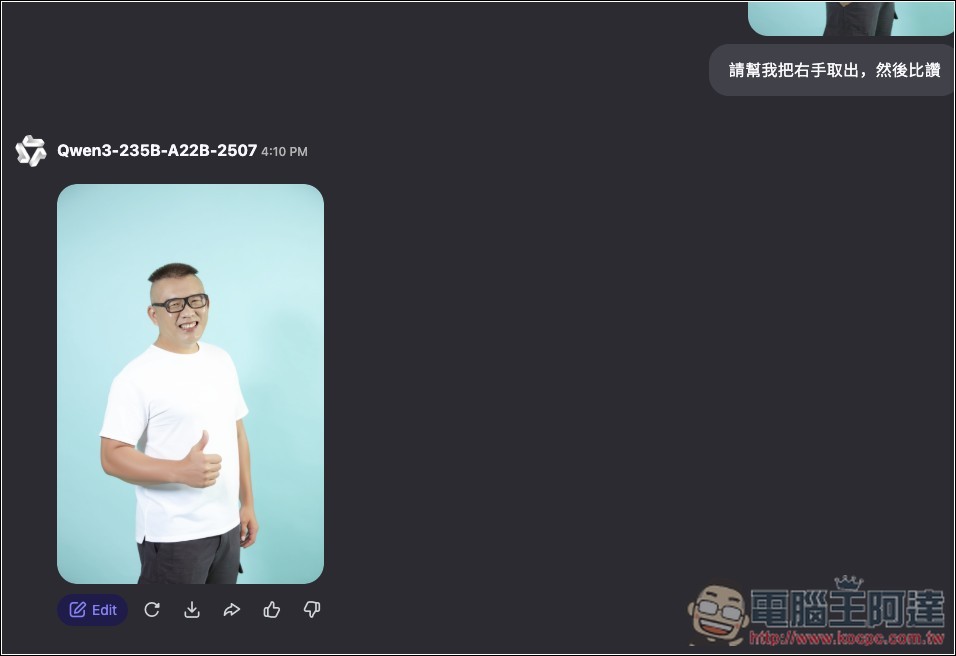
I tested changing the original image to “right hand takes out then gives a thumbs up,” and the generated result was very natural, except the black smart bracelet on the right hand disappeared.
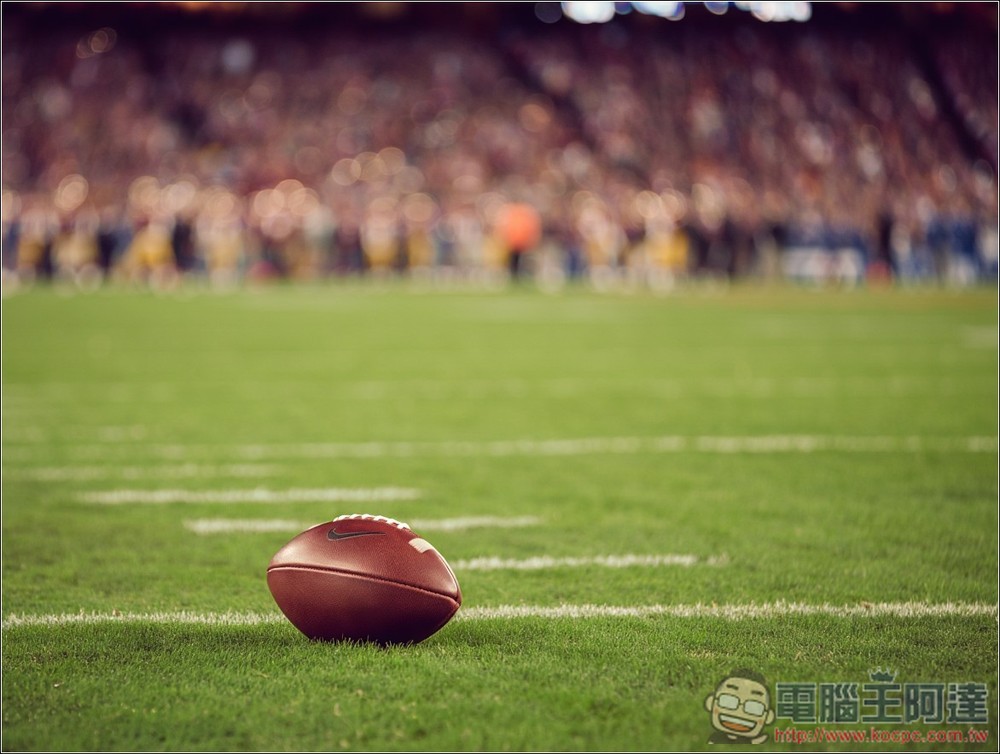
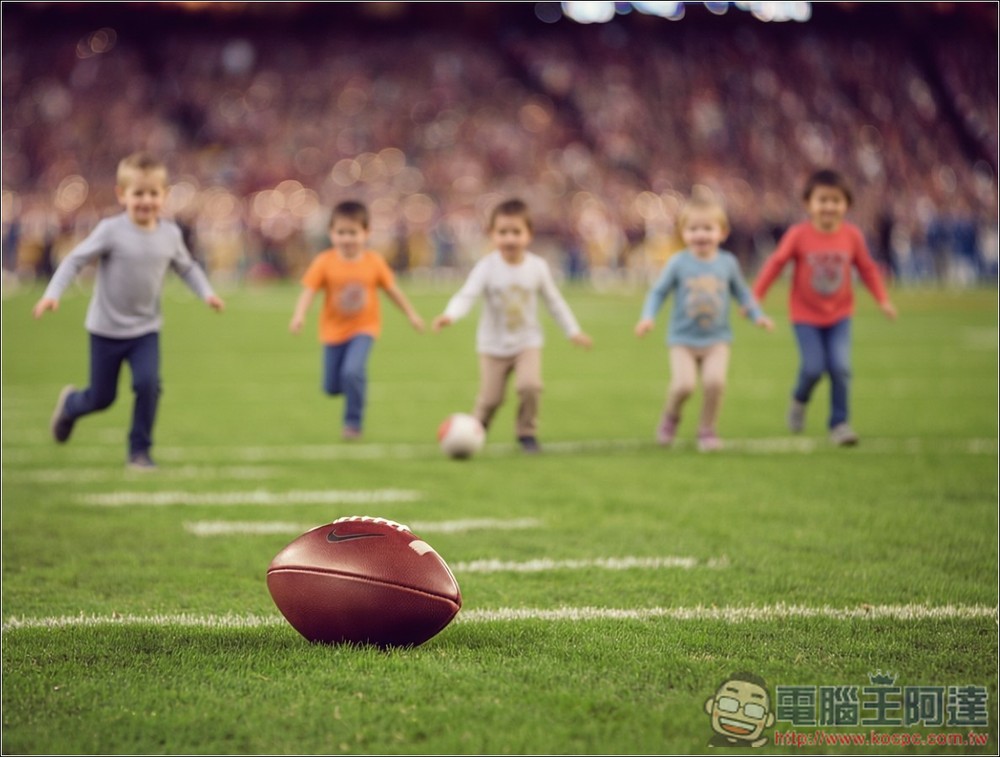
Next, I tested adding new elements to an AI image. The image below was generated by me using Reve Image. I requested, “Add 5 children playing on the grass behind the rugby ball.” One small detail in this image is the shallow depth of field effect, so if the children are added in the background, they should also be blurred.
Have to say, Qwen’s photo editing effect on this one really impressed me. It genuinely added 5 children in reasonable proportions, although their poses are all the same, but it did apply blur as well:
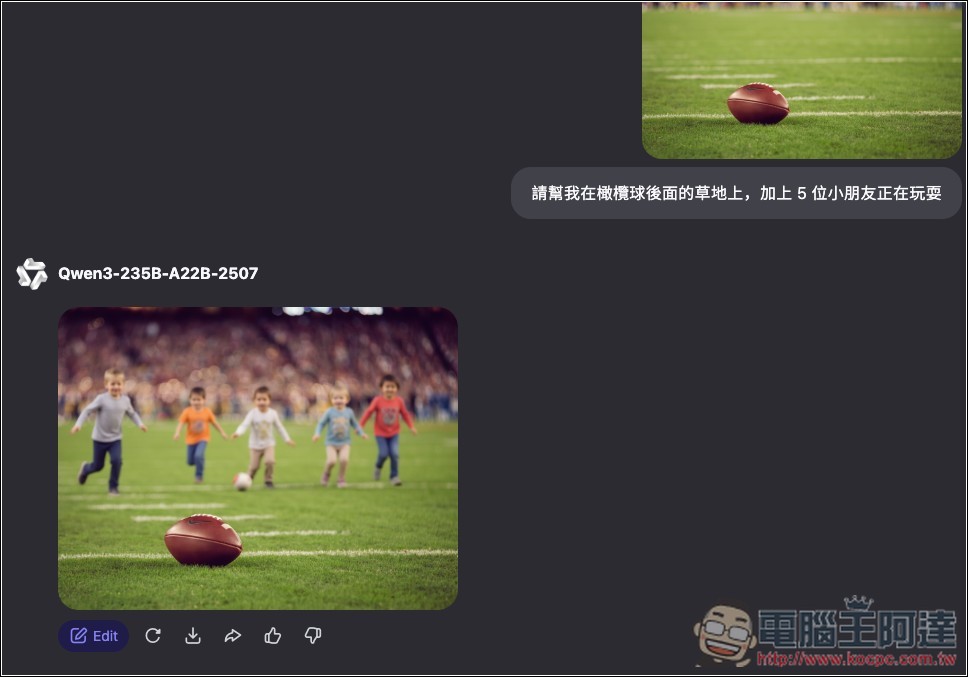
It’s clearer to just look at the image directly:
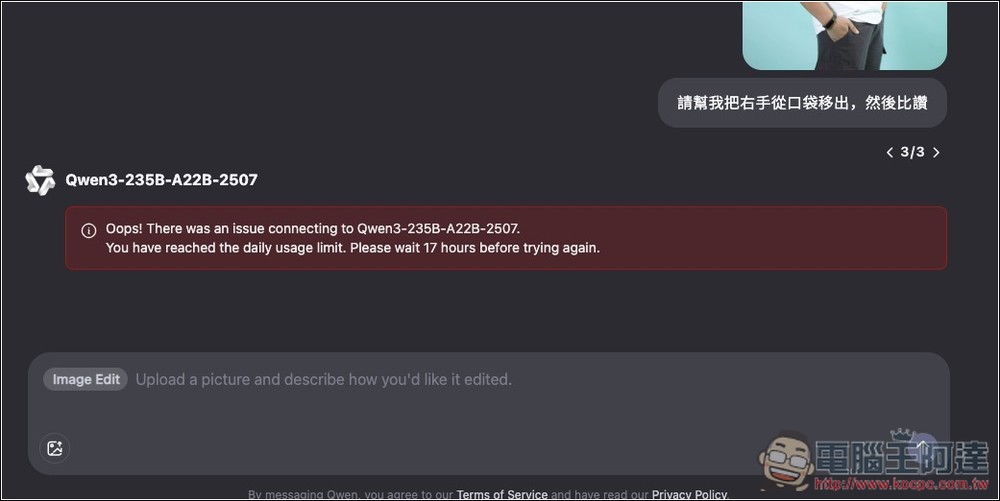
Qwen3 can be used without logging in to an account, but there is a daily limit. I’m not sure how many images it is—it seems to cap out at around 8–10, and then it shows that the limit has been reached, and you have to wait 17 hours before trying again. If you want to continue editing photos, just register and log in to your account:
In addition to image editing, Qwen also offers modes for website development, deep research, image generation, and video generation, all of which you can try out completely for free.
Source: KOCPC Chinese