


When we see high-quality and interesting materials on some web pages and want to collect them, sometimes we cannot directly right-click and save the web page image smoothly. In this case, we can actually download it easily by using some small tools! For example, the saveink gadget introduced today can store high-resolution images from multiple websites, and can even support the downloading of web videos and music, allowing you to download and collect all the materials you need.
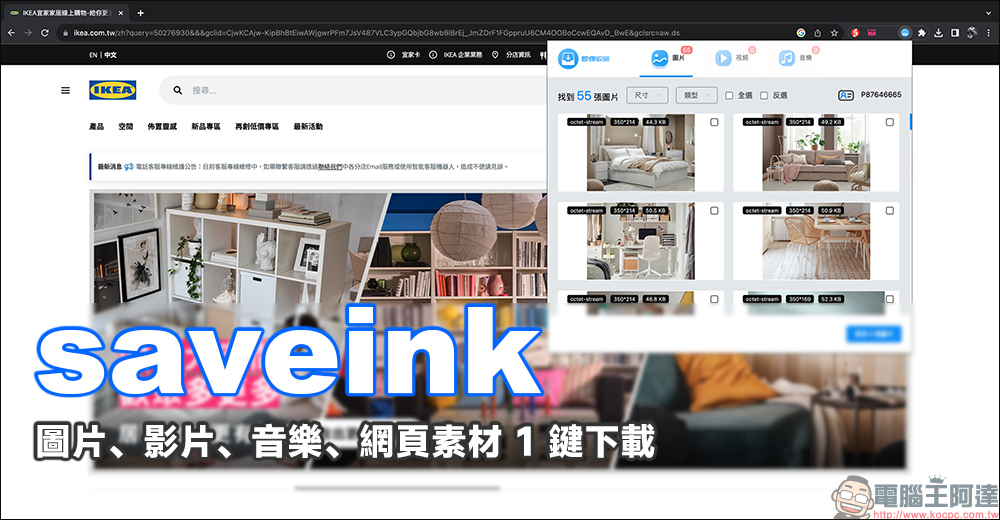
saveink webpage pictures, videos, music and other webpage materials can be downloaded for free with 1 click, and you can collect all the materials you need!
When you see great material on some websites, do you know how to save it? If you need to save them one by one, it may take a lot of time to download all the pictures to the device. At this time, you can actually consider using the “saveink” web tool introduced today, which can download web images, videos, music and other materials for free. saveink is a browser plug-in that supports Chrome, Edge and Safari.
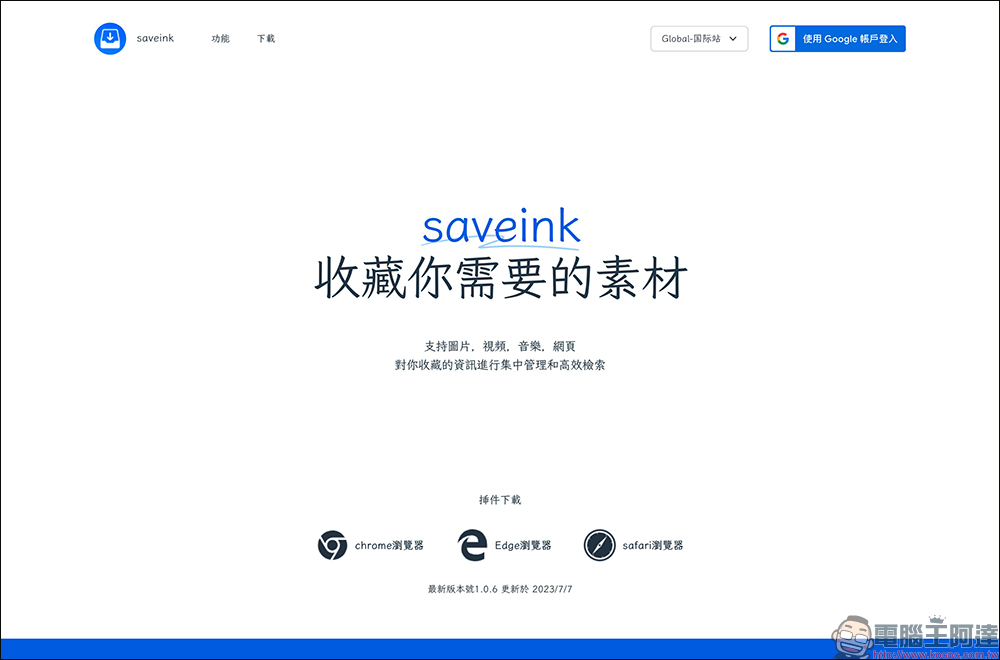
Here we will use the Chrome browser to demonstrate! Click the corresponding browser button on saveink’s web page to jump directly to the download link for the extension plug-in.

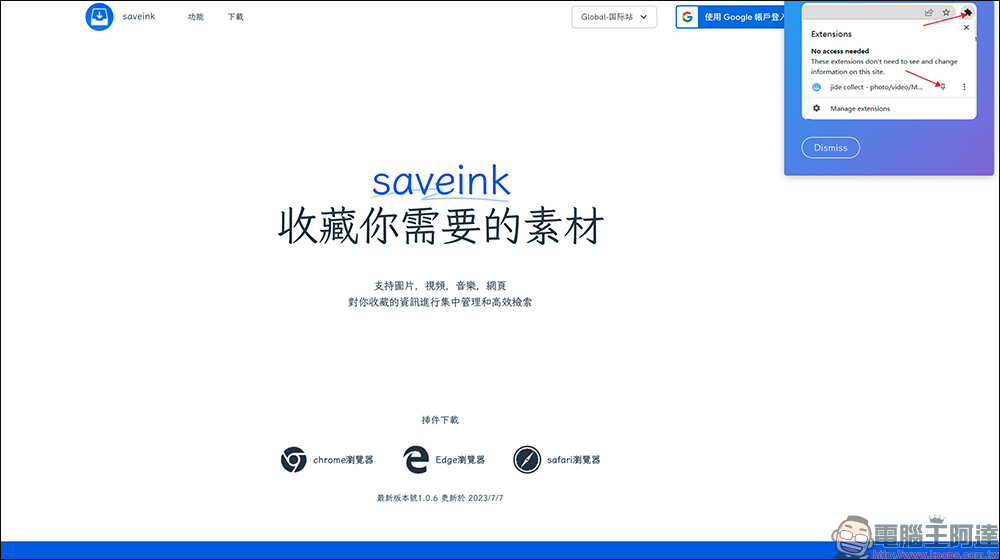
After successfully downloading, remember to select the saveink plug-in to facilitate subsequent selection of materials to download.
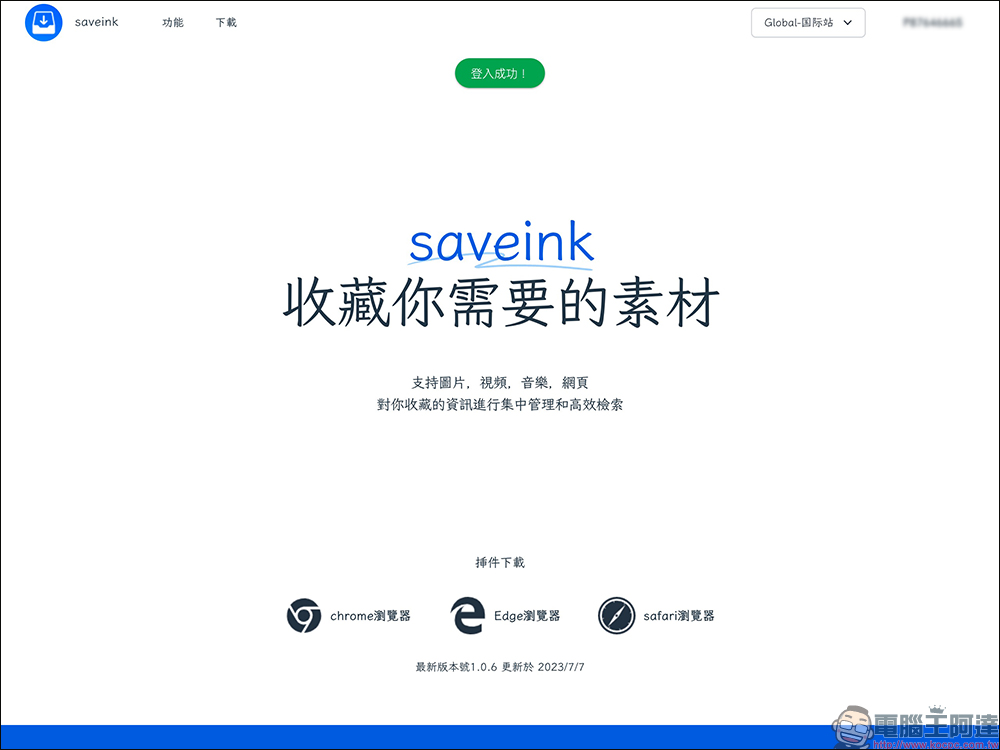
Before starting to use saveink, you need to log in with a Google account. Once logged in successfully, you can use it!
Next, let’s actually test the method of downloading images from the web page. It’s actually super simple!
First, open the webpage where you want to download the material, then browse the entire webpage and let it be displayed. Then click saveink to see all the picture materials that were just displayed. After checking, you can save one or more materials. If you find that a certain picture has not been “found”, you can continue to browse the webpage and then try to click the saveink plug-in again to view the material.
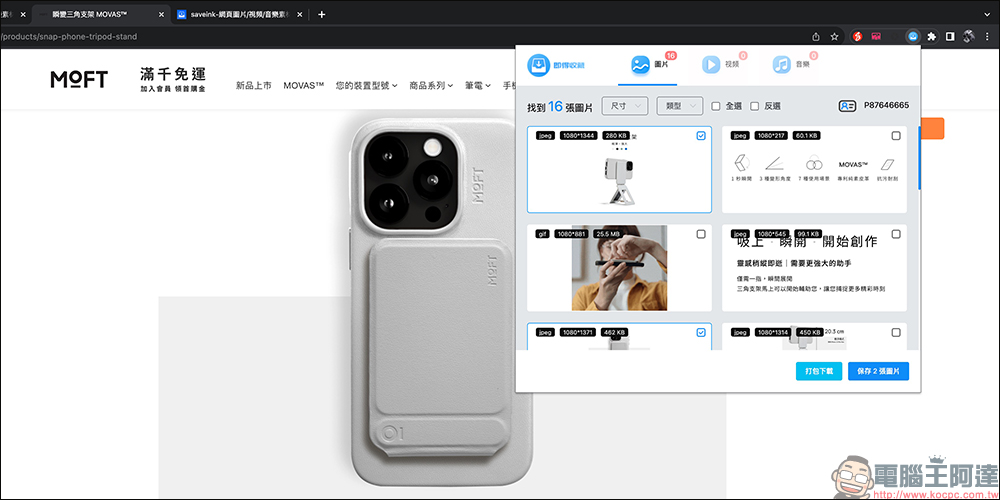
Each image material will display the format, resolution and file size. Just check the elements you want to download and then choose to save the image. If you want to download all the image materials in the list at one time, click “Package Download”.
saveink can assemble multiple website large image automatic parsing scripts to further download high-resolution images. Users can easily download the required materials to their devices through these simple steps.

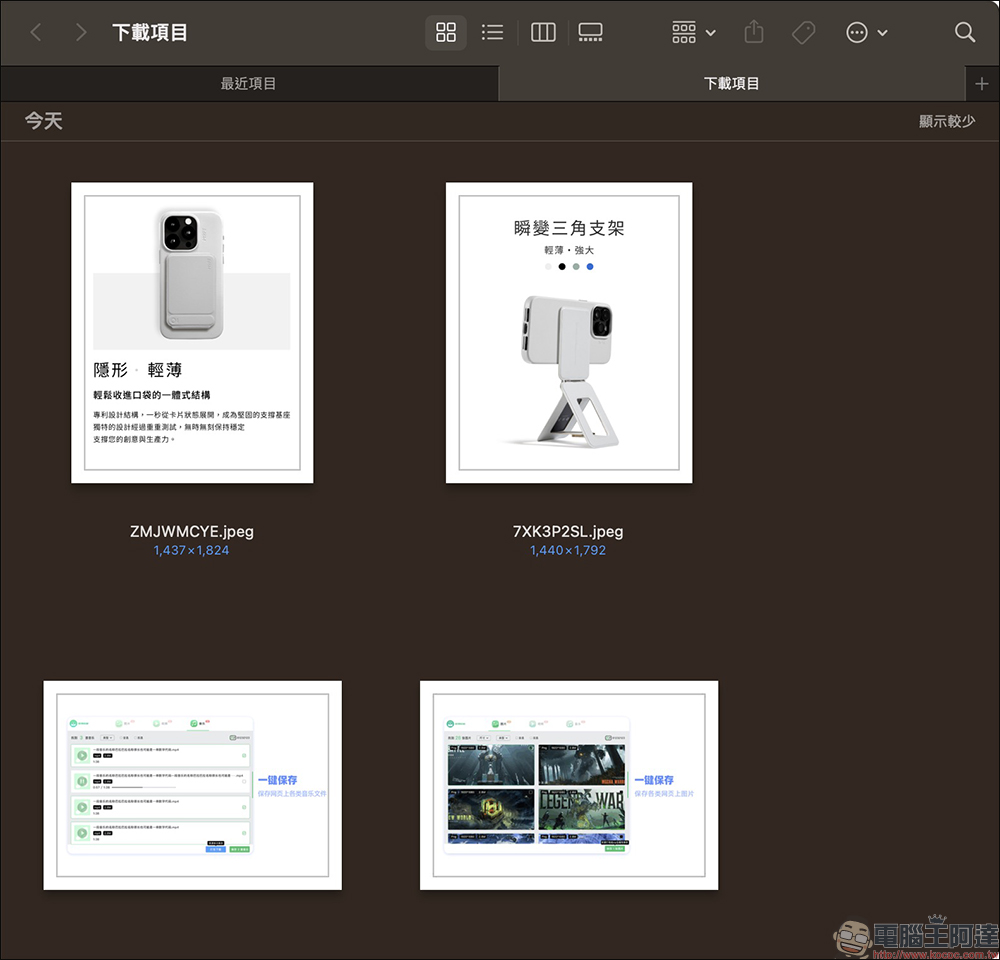
In addition to downloading images from multiple websites, saveink can also download web videos, supporting formats such as MP4, MOV, FLV, AVI, WMV, MKV, MPG, etc. You still have to try the actual downloadable web videos yourself.

In addition, saveink also supports web music downloads. Any web audio file can be downloaded from any website that can play audio.

In fact, among the web page material downloading functions of saveink, the most convenient and practical one is web page image downloading. Because there are often several webpage image materials to be downloaded, it used to take a lot of time to save them one by one, and sometimes there was a problem of missing a certain image. Now you can directly package it with one click using saveink, which is really convenient.
saveink web page pictures, videos, music materials download (click me to go)
Source: KOCPC Chinese