


Following what was previously introduced Google Vids,Google Once again Veo 3 The model has been quietly placed in another of their own services, and this time even free Google accounts can use it with no fees at all. From my testing, there doesn’t seem to be a limit on the number of generations either. However, this Google service is currently only available in the US, meaning you’ll need a VPN to make this work.
A free Google account can also use Veo 3 video generation! Here’s how to do it.
This time, the service offering Veo 3 video generation is Google Opal, an online tool that lets users use natural language to have AI quickly generate apps without writing any code. It’s still in experimental public beta, so it hasn’t been fully rolled out and is limited to the US.
So then, if you want to use Google Opal service, you have to use a VPN to hop to the United States. Any VPN works, as long as it provides US servers; I use NordVPN. If you don’t hop to the US, logging into your Google account will show a message saying “Not yet available in your country”:
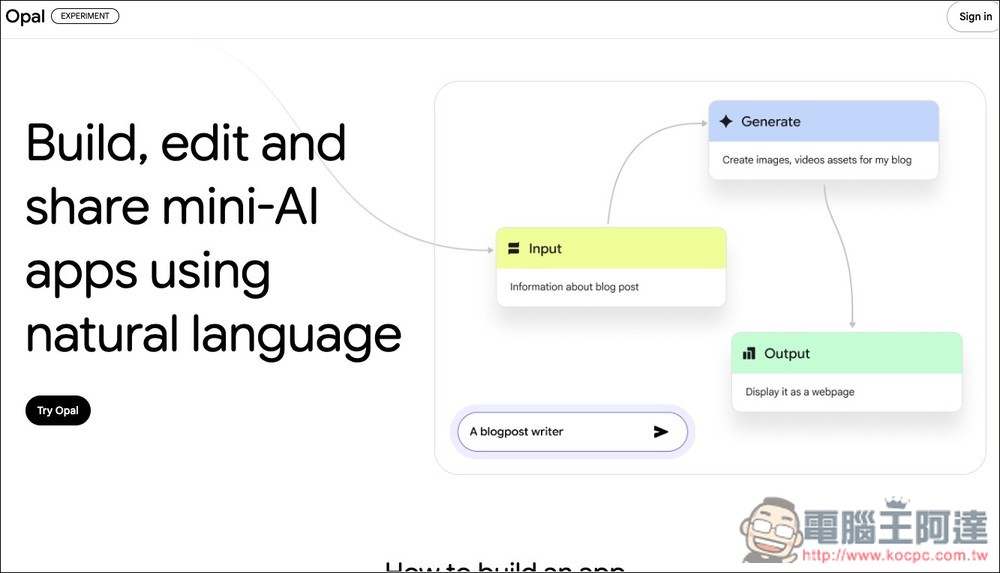
After entering Google Opal, click the “Try Opal” button on the left side:
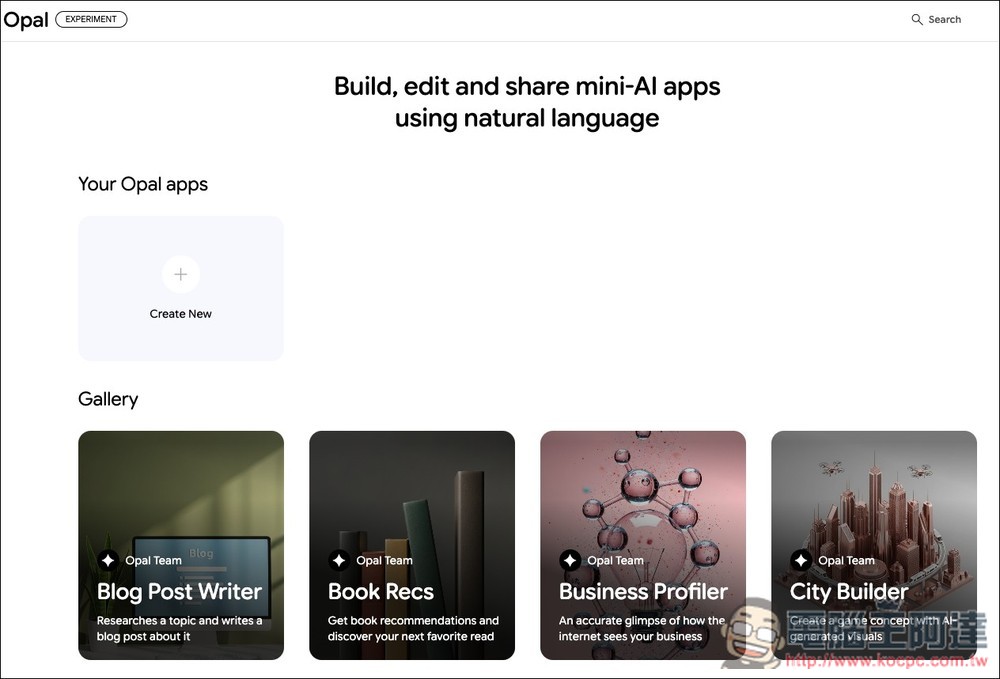
Logging into your Google account will take you to the main screen, then click “Create New”:
Next is the main interface of the AI generation application. Below, I’ll provide a prompt you can use directly to generate an application that creates videos from text and images.
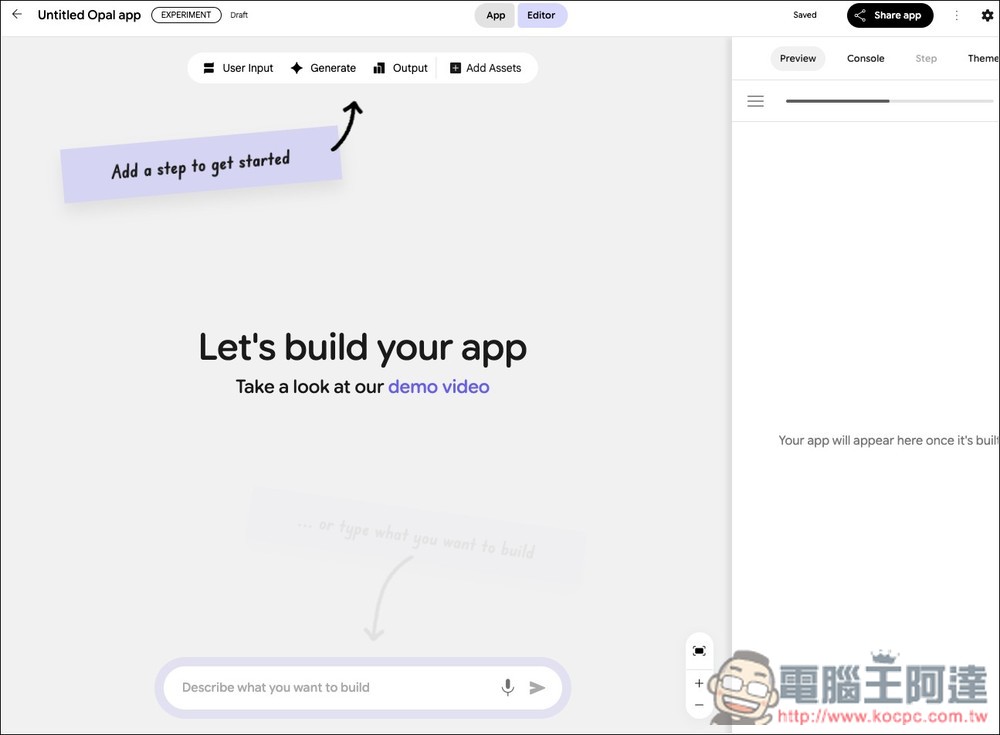
Please enter the following prompt in Describe what you want to build:
建立一個專用的影像動畫應用程式,名稱為 「影片生成工具」。
此應用程式應該採用簡單的逐步式垂直流程介面,引導使用者完成操作。
步驟 1:上傳圖片
在頁面最上方應有一個大型檔案上傳區域,需清楚標示為:「上傳起始圖片(JPG 或 PNG)」。
步驟 2:描述動畫
在圖片上傳區下方,加入一個大型文字輸入框,標示為:「動畫說明」。
文字框內的預設提示應引導使用者,例如:
「描述您希望如何讓圖片動起來。例如:『讓瀑布流動並加入淡淡的霧氣效果』,或『慢慢放大人物的臉並讓他眨眼』。」
產生動畫按鈕
在文字框下方加入一個明顯的按鈕,標示為:「生成動畫」。
當使用者點擊「生成動畫」按鈕時,應用程式必須執行以下動作:
取用已上傳的圖片與文字框中的動畫說明,並將其傳送至 Veo-3 模型 產生影片。
輸出結果:
影片生成後,需在「生成動畫」按鈕下方顯示一個影片播放器播放結果。
並在播放器正下方加入一個 「下載影片」 的按鈕。
Google Opal currently only supports an English interface, so the generated function buttons and descriptions are still in English. However, the underlying model can understand Chinese, so it’s fine to enter prompts in Chinese.
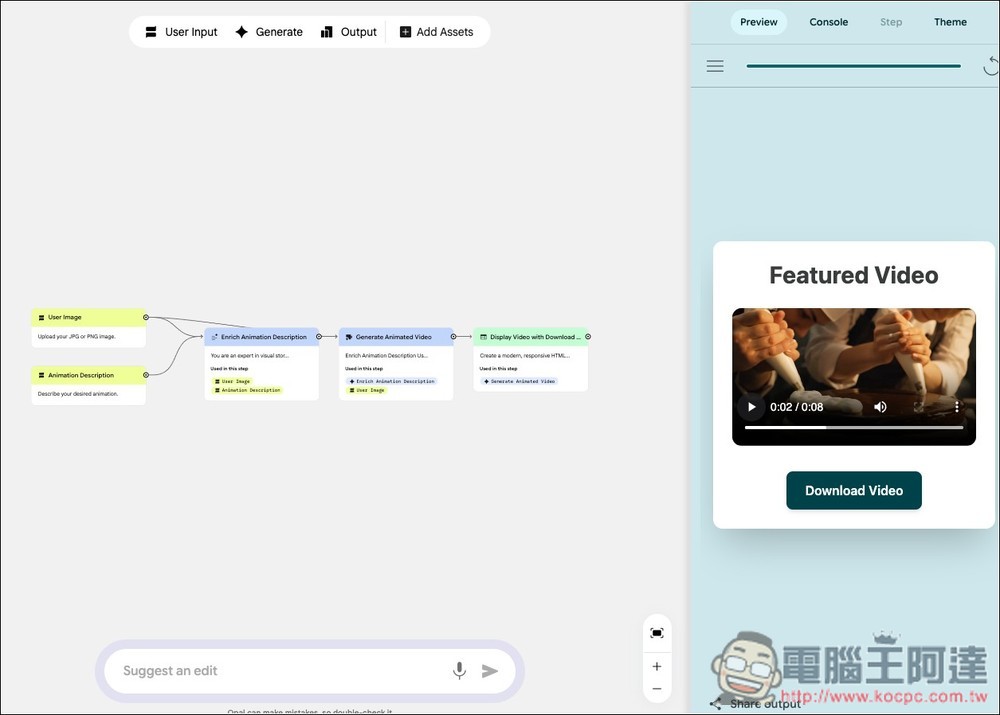
After the app generation is complete, you’ll see the “Start” button on the right. Please click it.
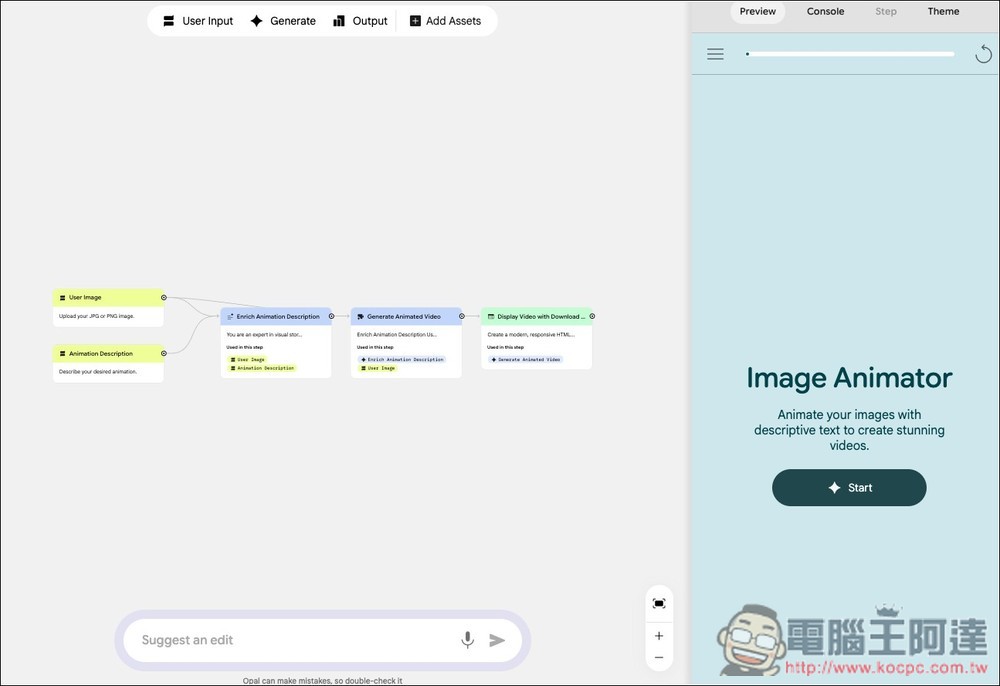
The first step is to upload a JPG or PNG image. If you don’t want to upload an image and just want to enter text to generate a video, simply click the “right arrow” button on the right side of the input box, and it will skip to the next step:
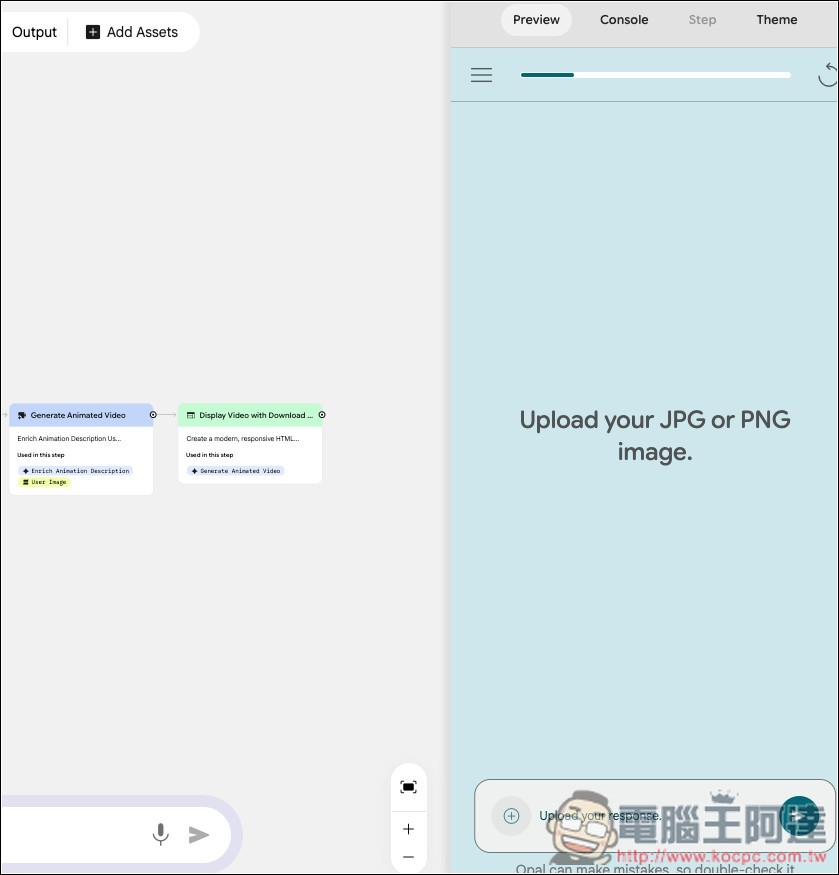
The second step is “Describe your desired animation”. Here you can enter your text prompt, and it supports Chinese as well. Of course, AI’s understanding of English is definitely better than Chinese. If you want the best video quality, English is still the preferred choice:
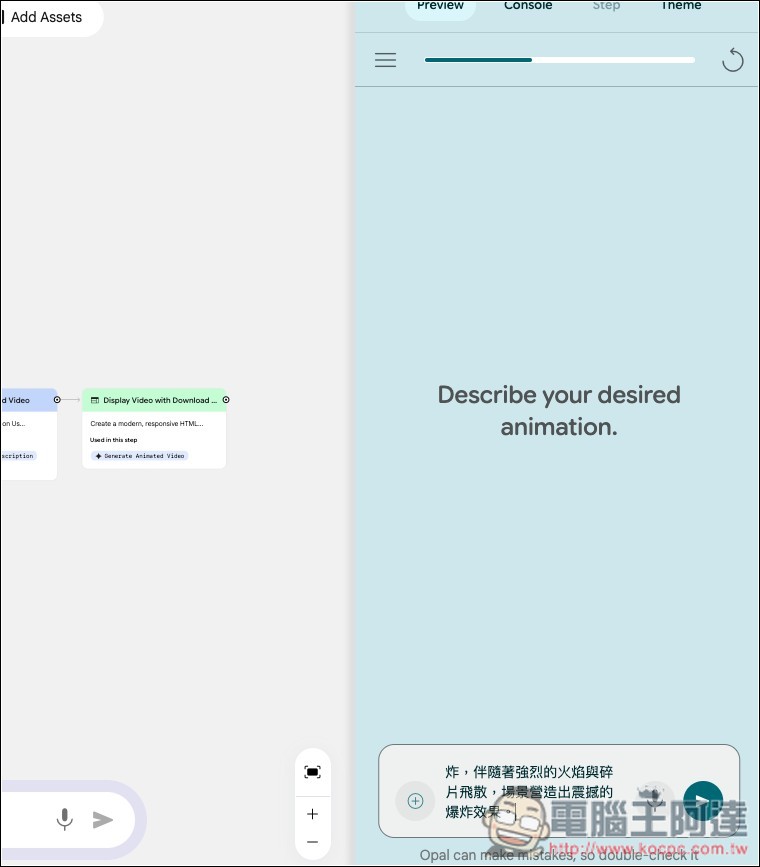
Then the video generation will begin, just wait a few dozen seconds:
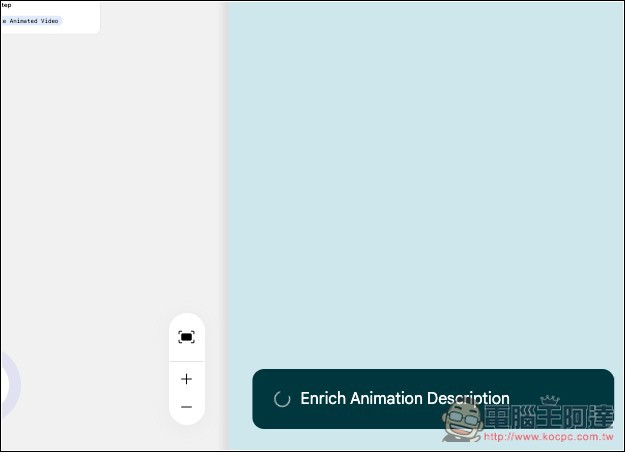
When completed, the video will be displayed. You can press the play button directly to preview, but this screen is a bit small:
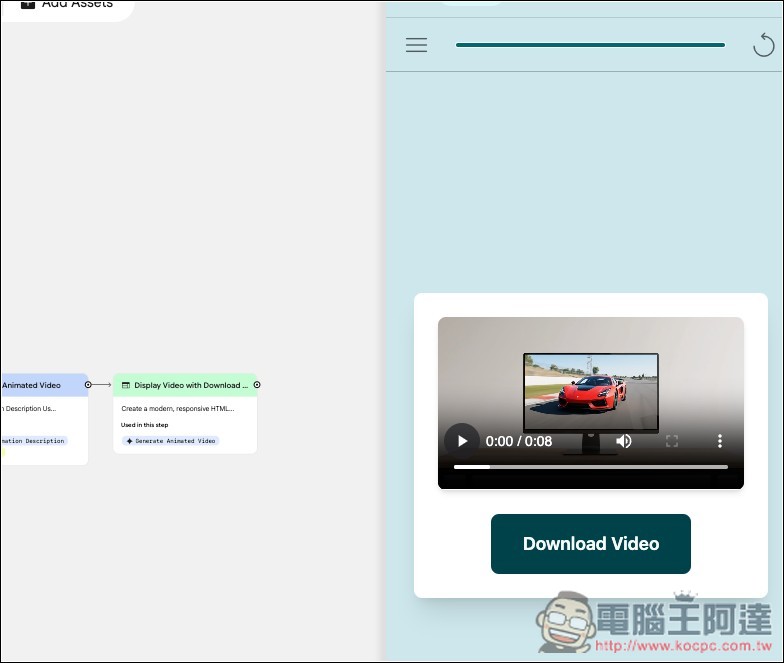
Tap the App button above to switch to the larger view; you can preview playback there as well. Videos generated by Veo 3 automatically come with audio:
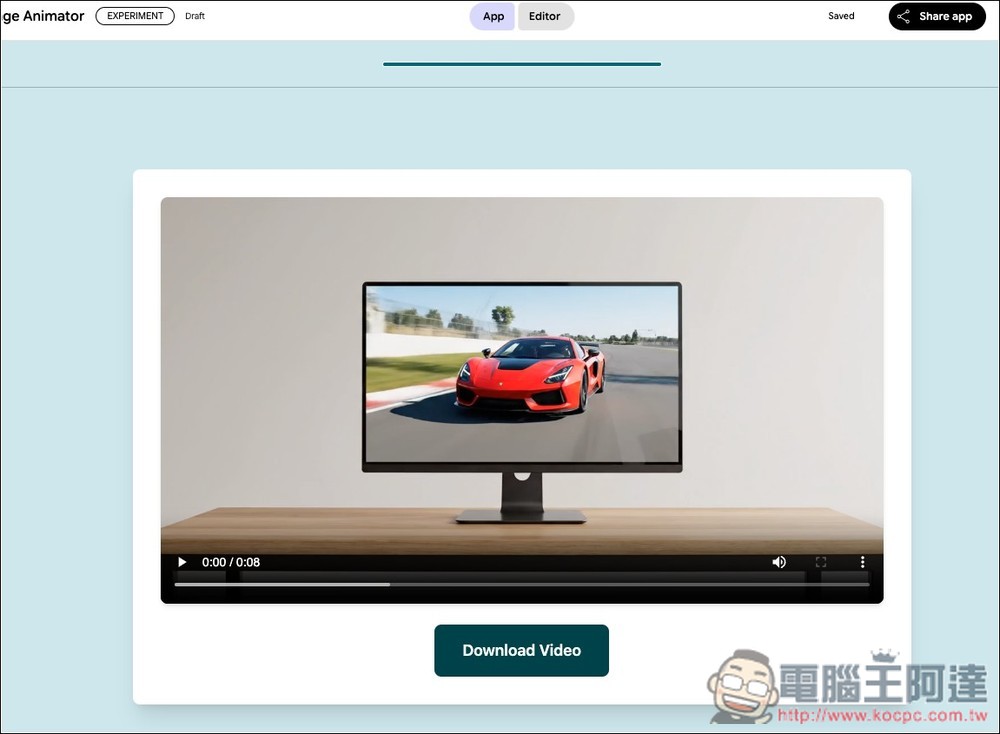
If you’re satisfied, you can download the video:
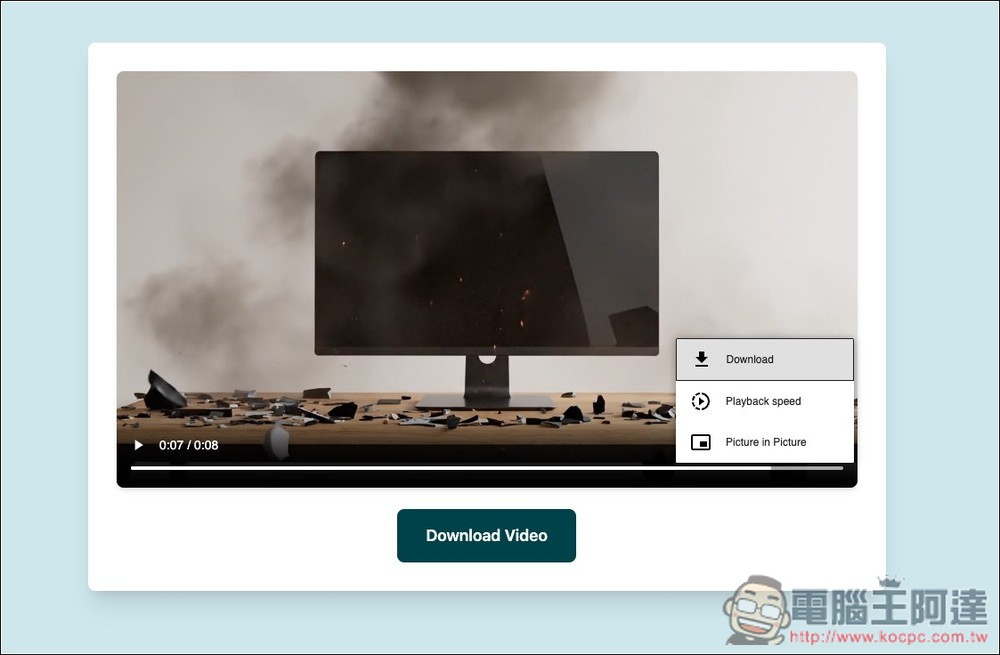
The prompt for the video I tested above this time is as follows:
In the scene, there is a desktop computer operating normally. The computer screen is clearly playing a video of a high-speed sports car, lasting about 1 second. Suddenly, the entire computer violently explodes, accompanied by intense flames and flying debris, creating a stunning explosion effect.
When you want to generate the next part, click the refresh icon at the top right to restart. If there’s no response, you can also press the browser’s refresh button:
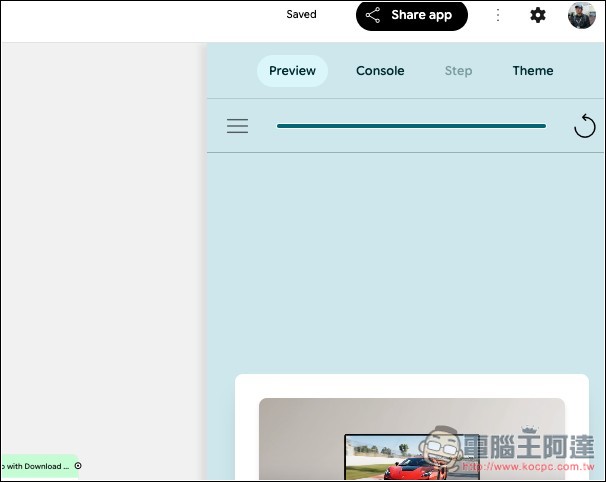
Then we can start generating the next one:
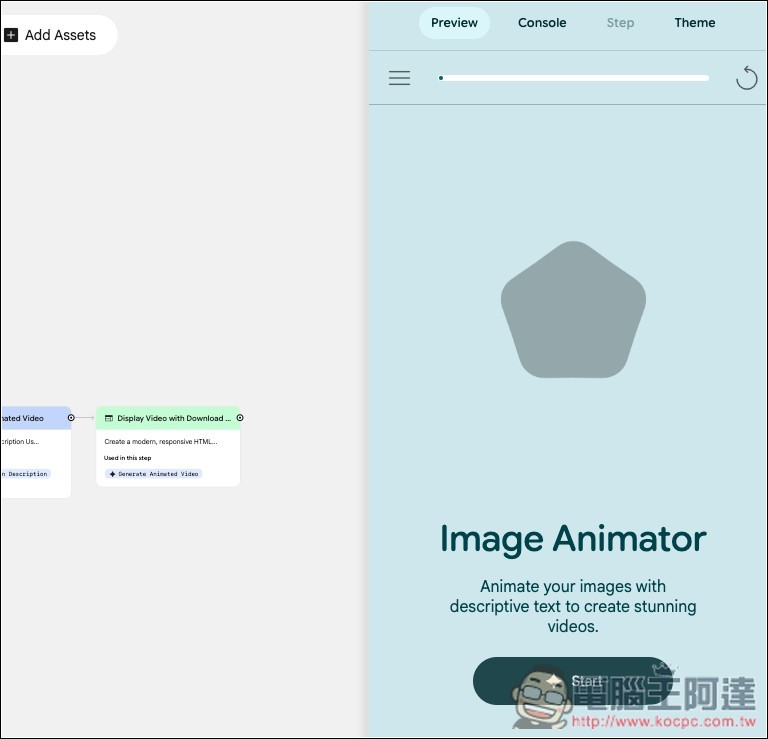
This is the second one I tested, the prompt is as follows:
At the beginning of the shot, a bottle of soy sauce sits on a wooden dining table, with the camera aimed at it at eye level. Suddenly, the soy sauce bottle violently sprays out soy sauce, with the liquid splashing through the air and glistening. As the sprayed soy sauce falls, the scene gradually transforms, and a steaming pot of braised pork knuckles appears on the table, the meat glistening with glossy sauce, white steam rising, and the braising liquid gently bubbling, giving off a rich, savory aroma. At this point, the camera slowly shifts from the original eye-level angle to a top-down view, looking straight down at the entire pot of braised pork knuckles from above, emphasizing the color of the ingredients and the rising steam.
And converting images to videos is also very simple. On the “Upload your JPG o PNG image” section, upload your image, then click the Next button:
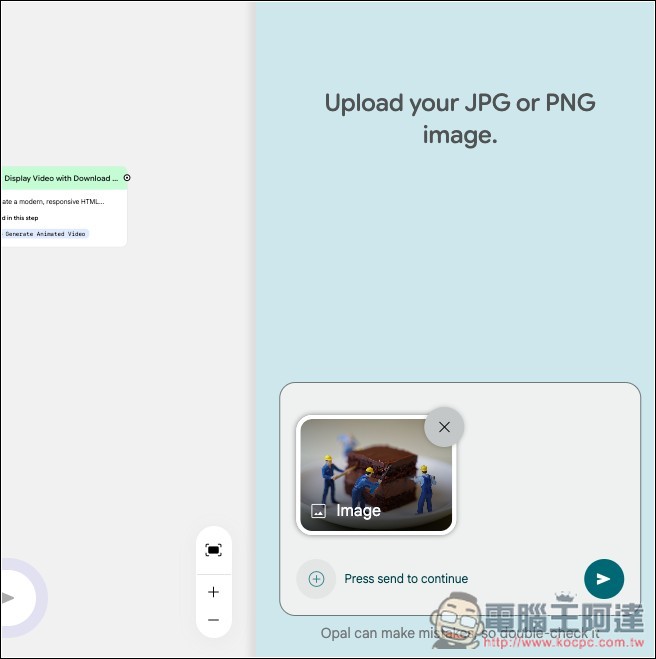
Enter a text description of how you want this image to animate:
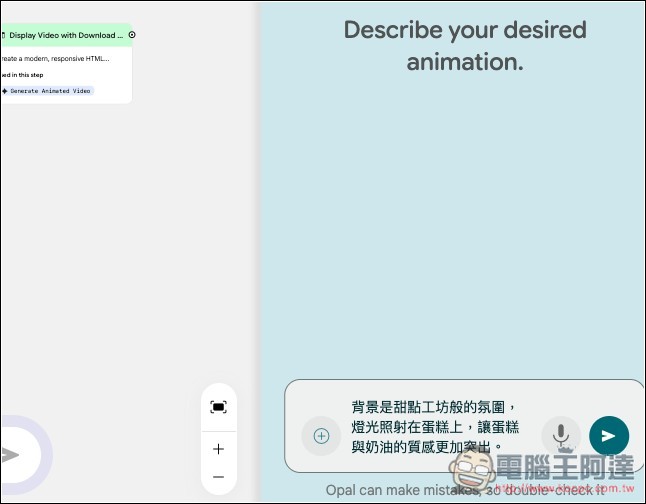
This is the original static image:
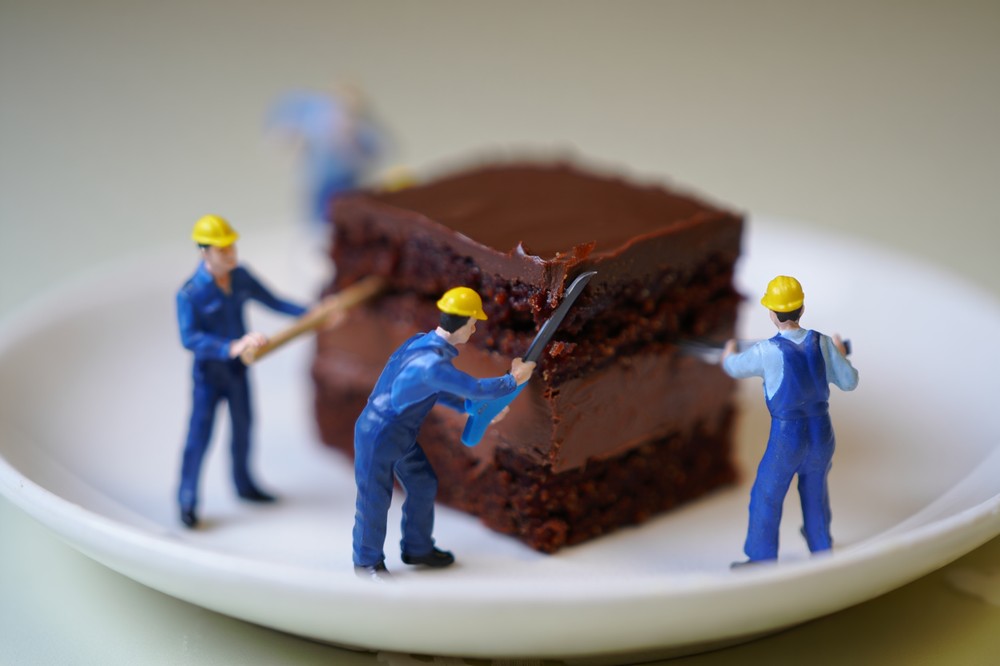
After the image animates:
Source: KOCPC Chinese