


Although YouTube now has a built-in automatic subtitle translation function that allows foreign videos to have Chinese subtitles, the current translation quality is not only not very good, but also has to look at the subtitles all the time. It is actually quite tiring to watch videos in this way. This article will recommend an amazing extension plug-in: “Youtube Chinese Dubbing”, which can instantly convert foreign videos into Chinese voices, and supports many languages, including English, Japanese, Korean videos, etc., and the translation speed is also very fast, which is quite useful.
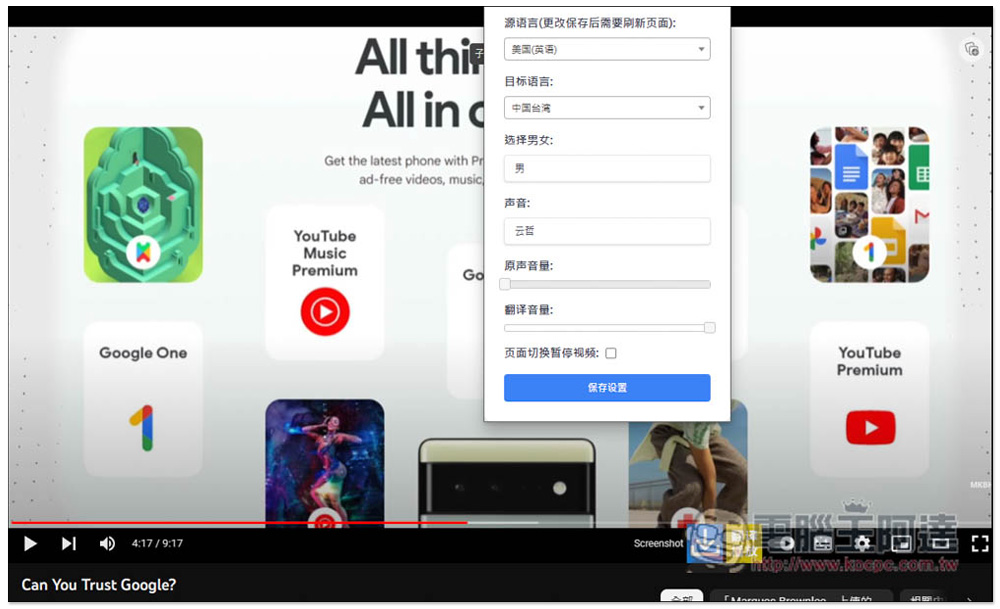
“Youtube Chinese Dubbing” is a super tool that can instantly convert foreign videos into Chinese voices, English voices and other languages.
Before starting to introduce the installation and use, you can watch the following official instruction video:
https://youtu.be/ZwUqkYUJi1U?si=Z9mHm_-k6wwo9PzZ
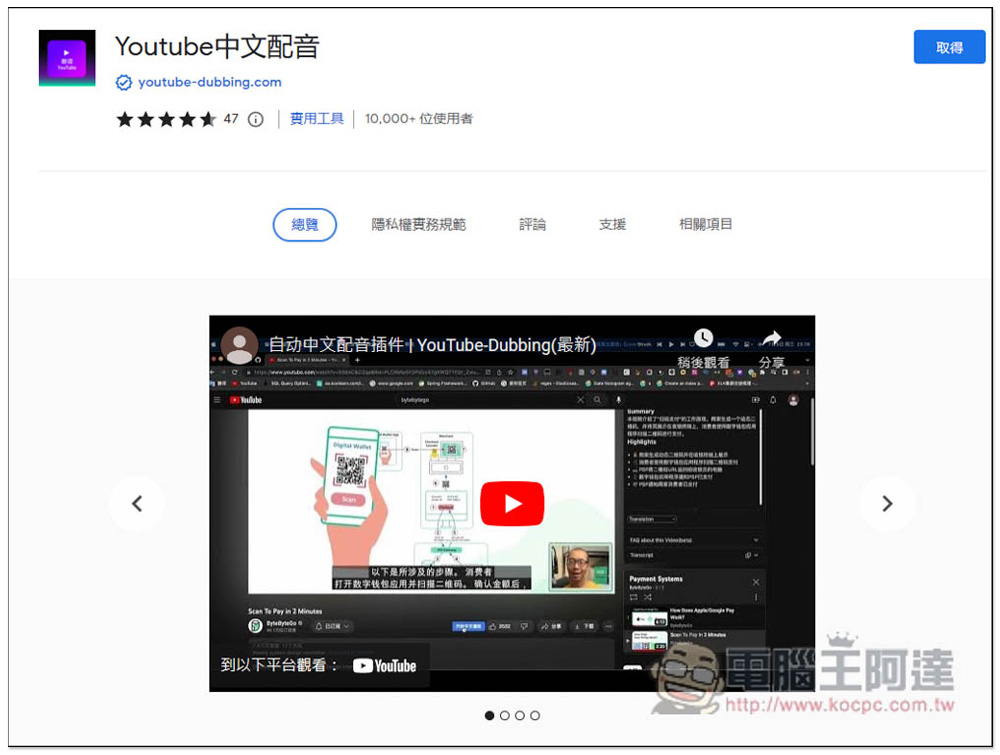
“Youtube Chinese Dubbing” is a Chrome extension that can also be installed on Microsoft Edge. After entering the store page, click “Get” in the upper right corner:
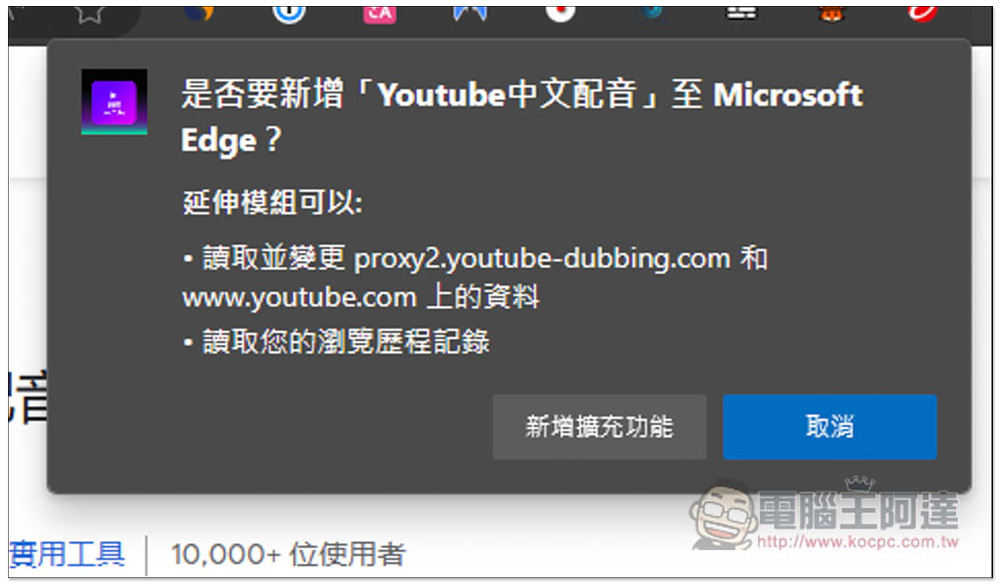
This message will pop up above, click “Add extension”:
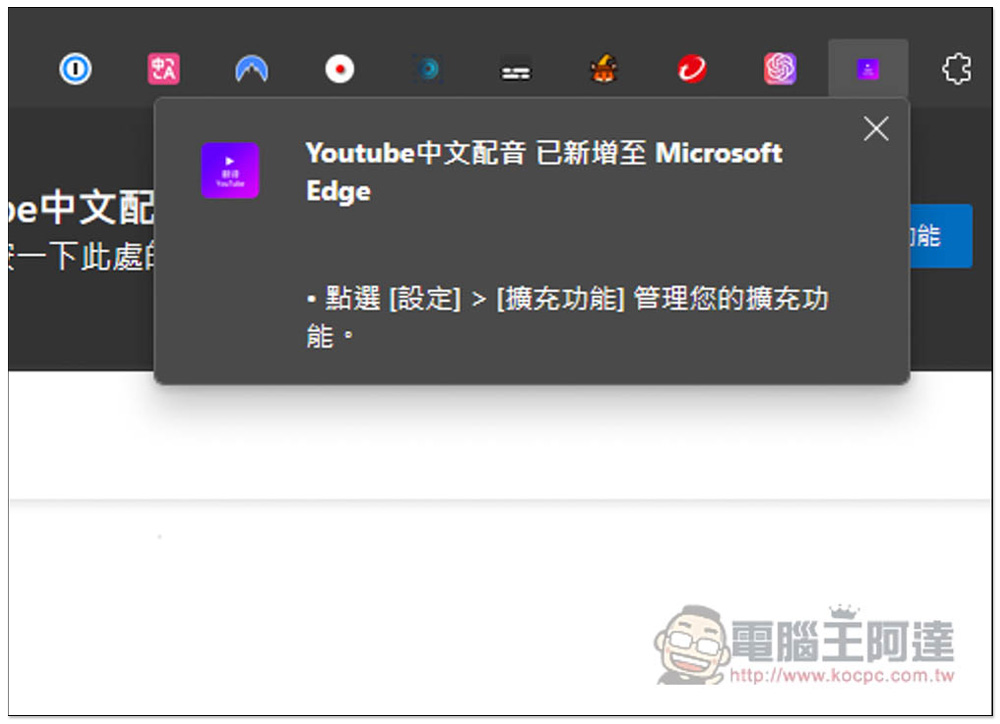
When this message appears, the installation is complete and you can start using it:
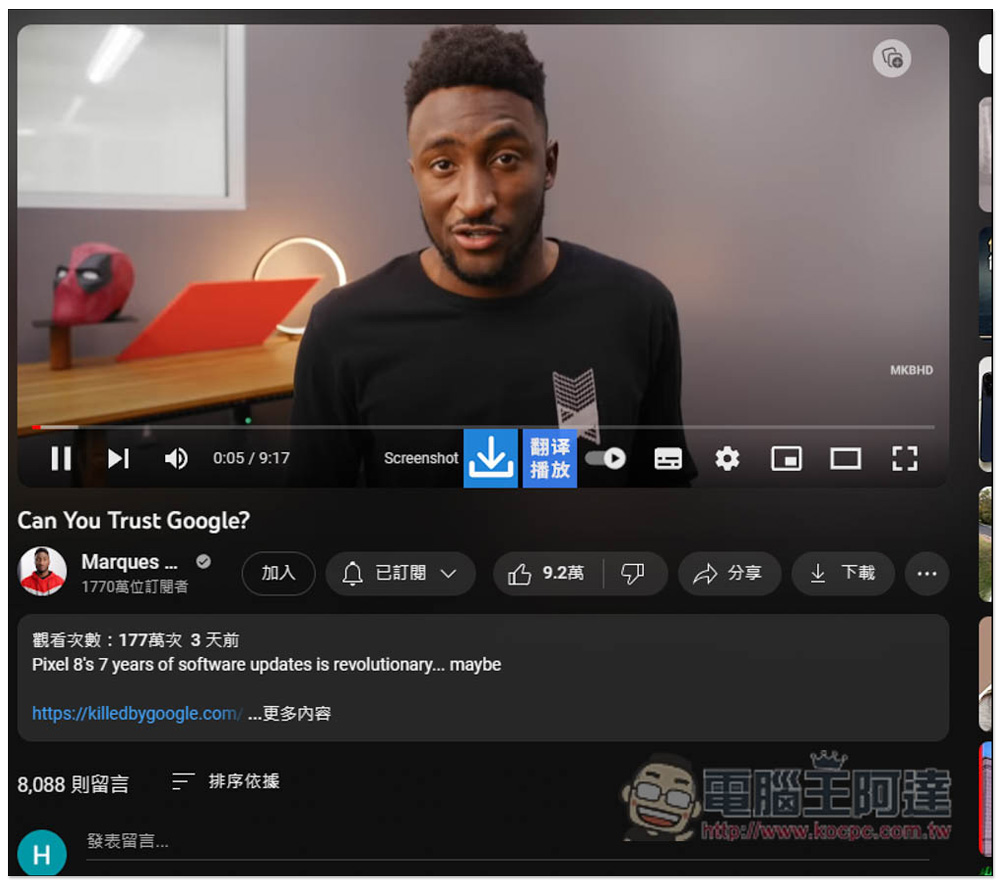
When you open the YouTube video, you will see a large “download icon” and “translate playback” appearing in the playback toolbar. This is the function icon of this extended function, but you need to register an account before using it (free):
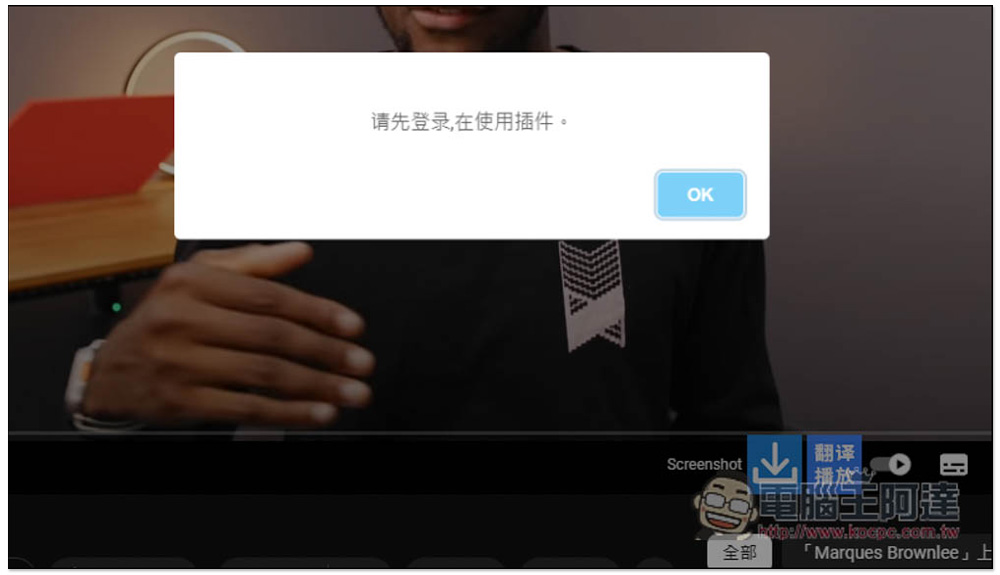
Clicking Translate will display the message “Please log in first before using the plug-in”:
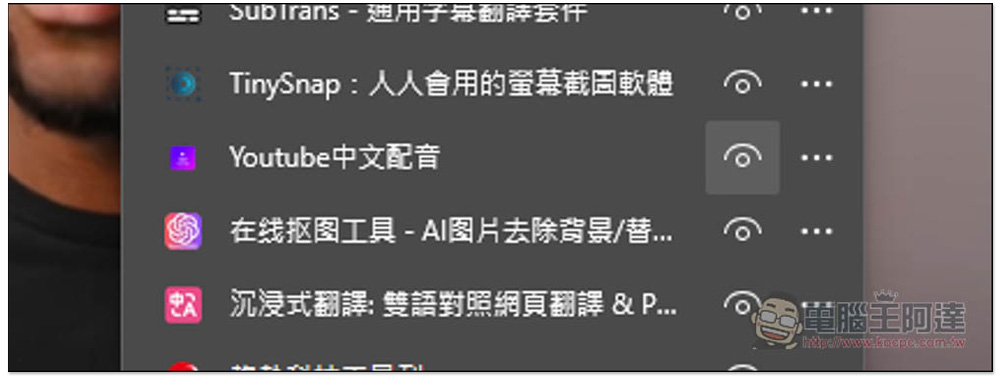
By default, Chrome and Microsoft Edge browsers automatically hide icons after installing new extensions, so they need to be opened manually. Click on the puzzle icon on the far right to find the Youtube Chinese dubbing and open the right eye:
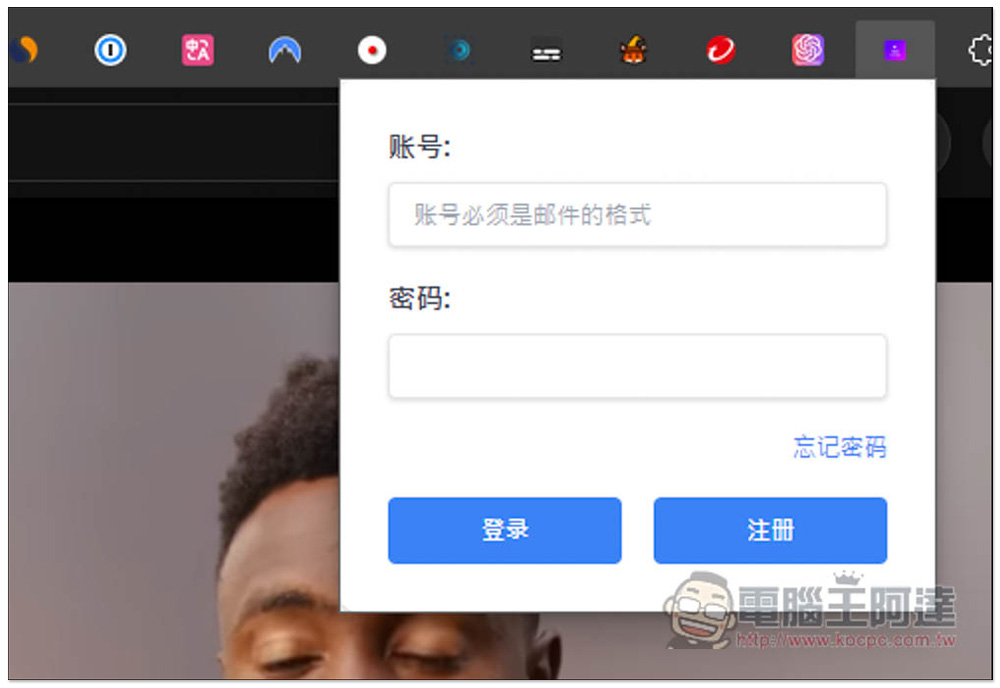
After clicking on the function icon, you will see the login interface. Those who do not have an account can click on the lower right corner to register for the function:
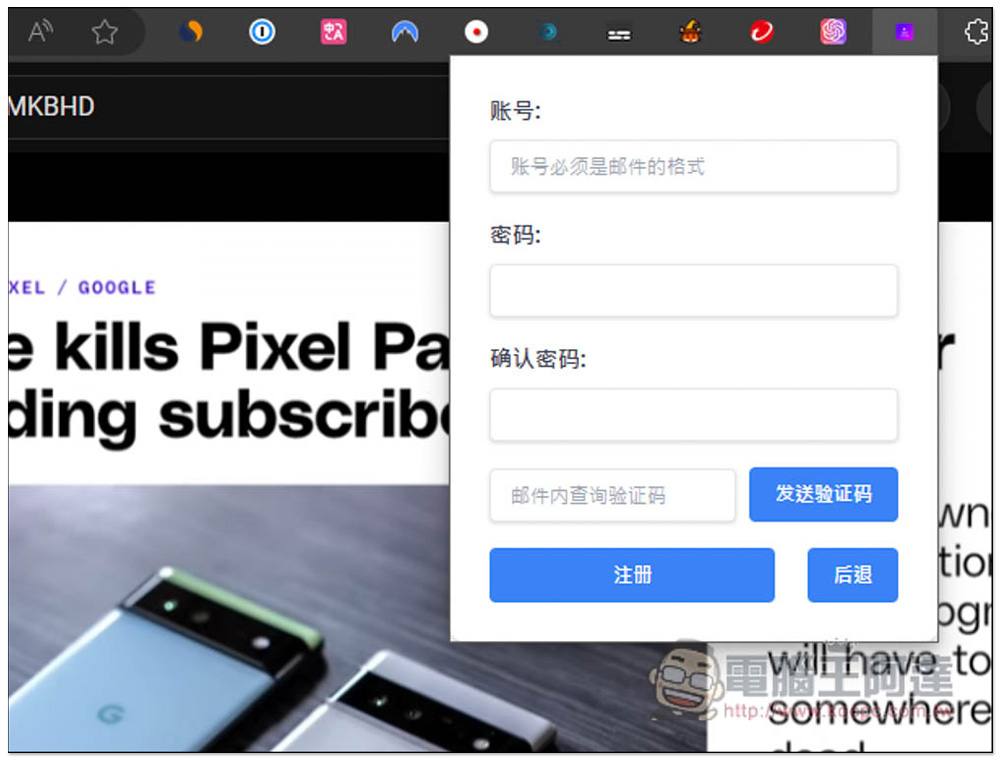
Fill in the email address of the account, then enter the password and the verification code received in the mailbox, and finally press register:
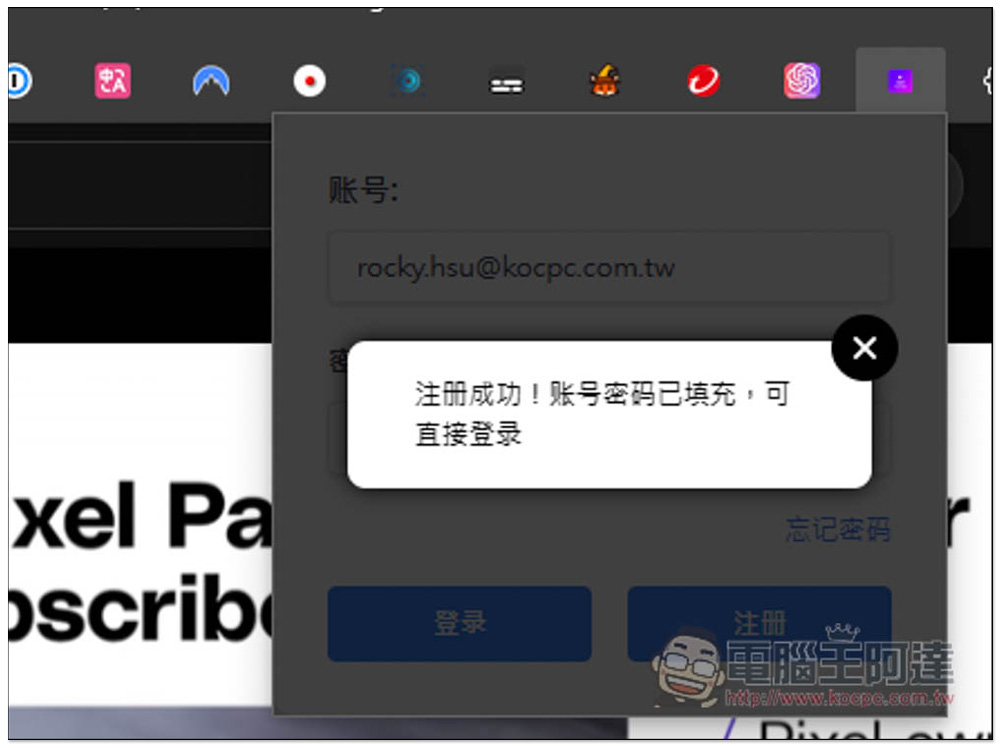
After registration, you will automatically log in, which means you can start using it:
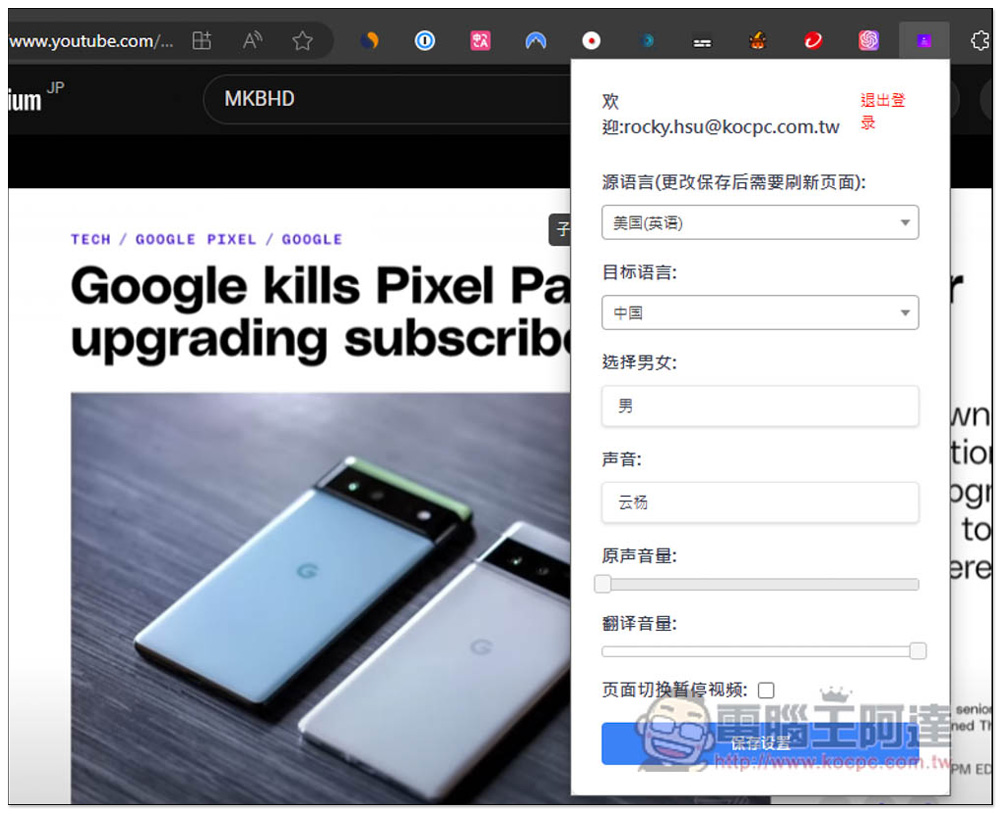
The setting interface is as follows. Set the language of the video as the source language. For example, if the video is in English, set English. The target language is the language to be translated. The Chinese part includes China, Hong Kong and Taiwan:
However, this seems to be an extended function made by Chinese developers, with China added in front of the Taiwan part:
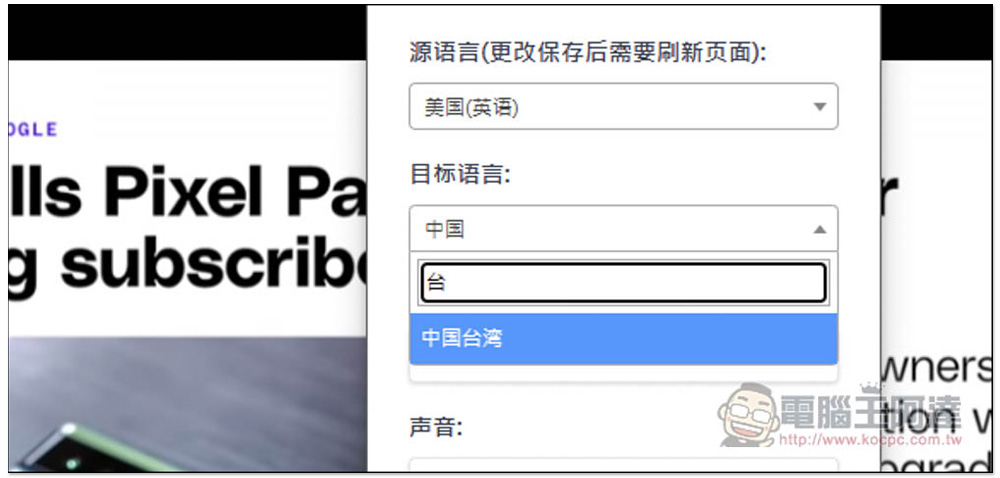
It supports a lot of languages, almost all countries have them, so it’s very easy to use. No matter what language you watch, you can translate the audio into Chinese:
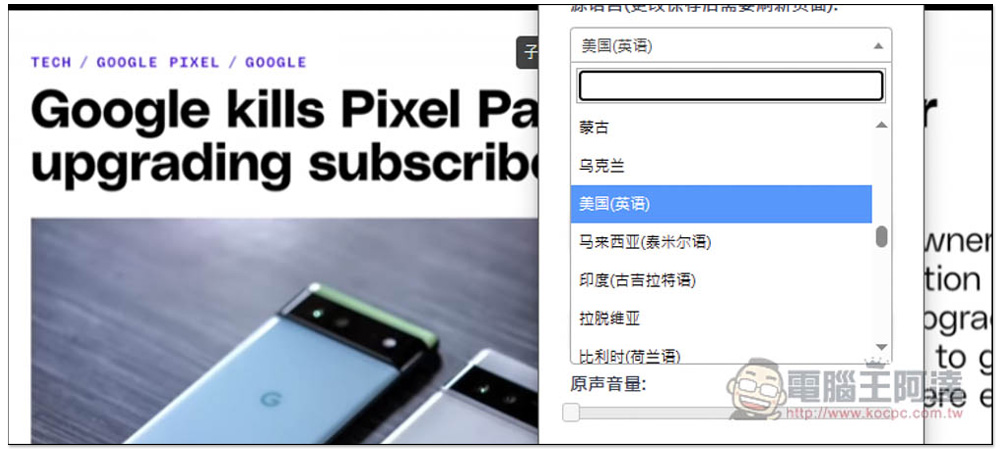
Men and women can also choose. In the voice part, there are relatively few Chinese in Taiwan, only one. The native volume is defaulted to 0. If you still want to hear the sound of the original video, you can increase it slightly. If there is no problem, press Save Settings:
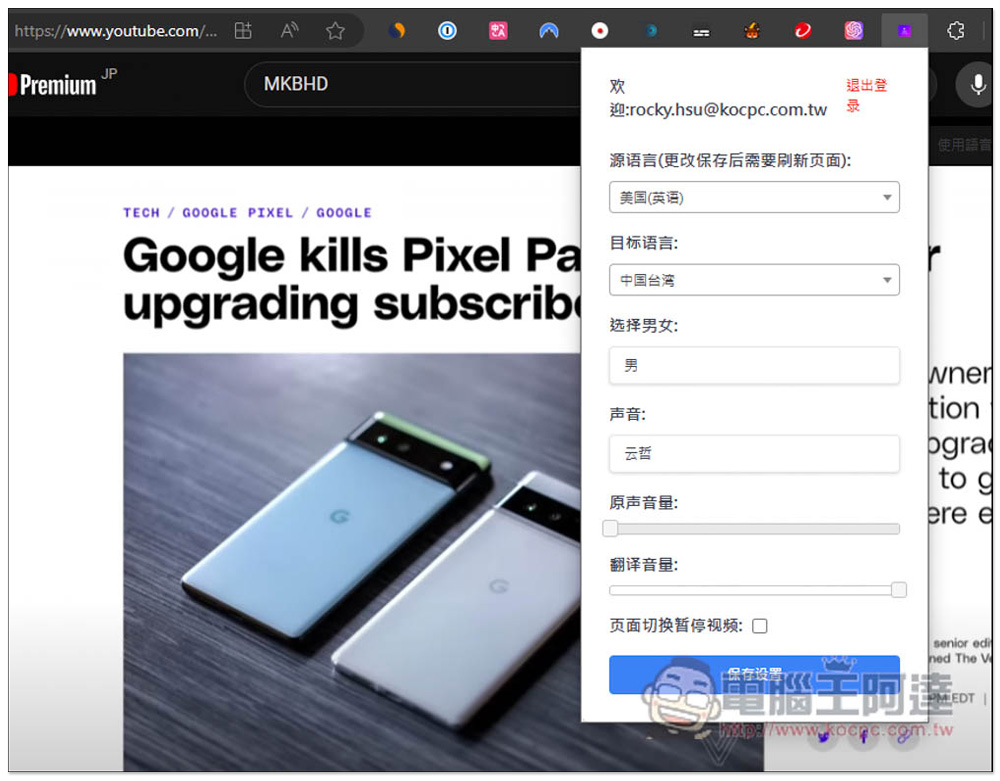
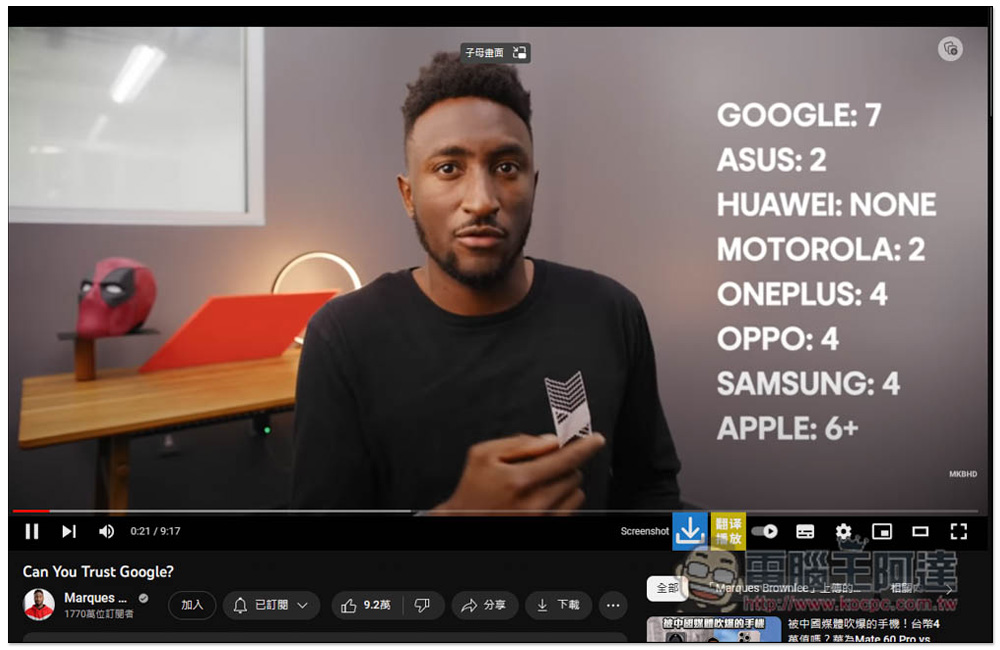
Now open the YouTube video and click the translation playback function icon. When you see the color of the icon changes, it means the activation is successful. Then wait for a second or two and you will hear the sound change to Chinese:
I also specially turned on the English subtitles to check whether the speed of converting it to Chinese speech is the same as the current subtitles. The result is that it is quite powerful and will not make people feel that the speech is out of sync with the picture:
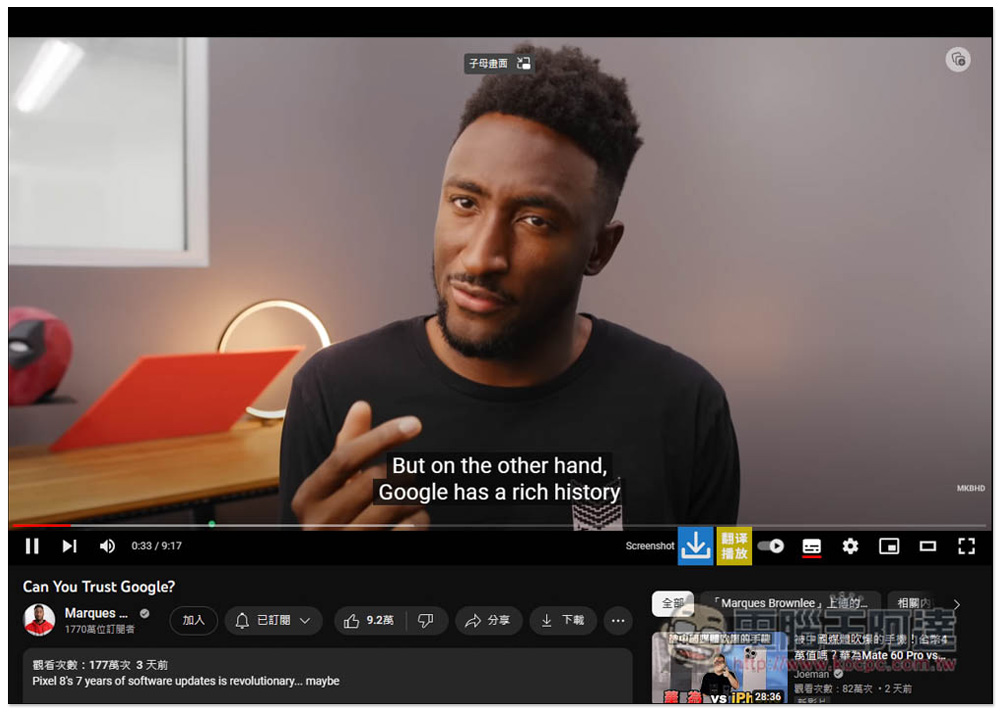
In addition, I also checked whether it directly reads out the Google translation results. It is not the case at all. Its Chinese voice translation is different from YouTube’s built-in translation. It is really a different translation:
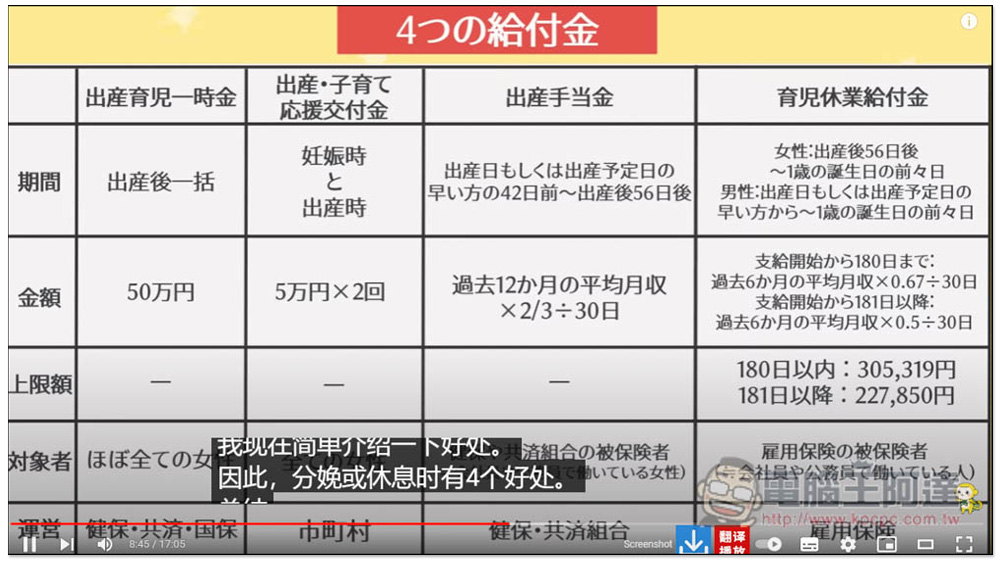
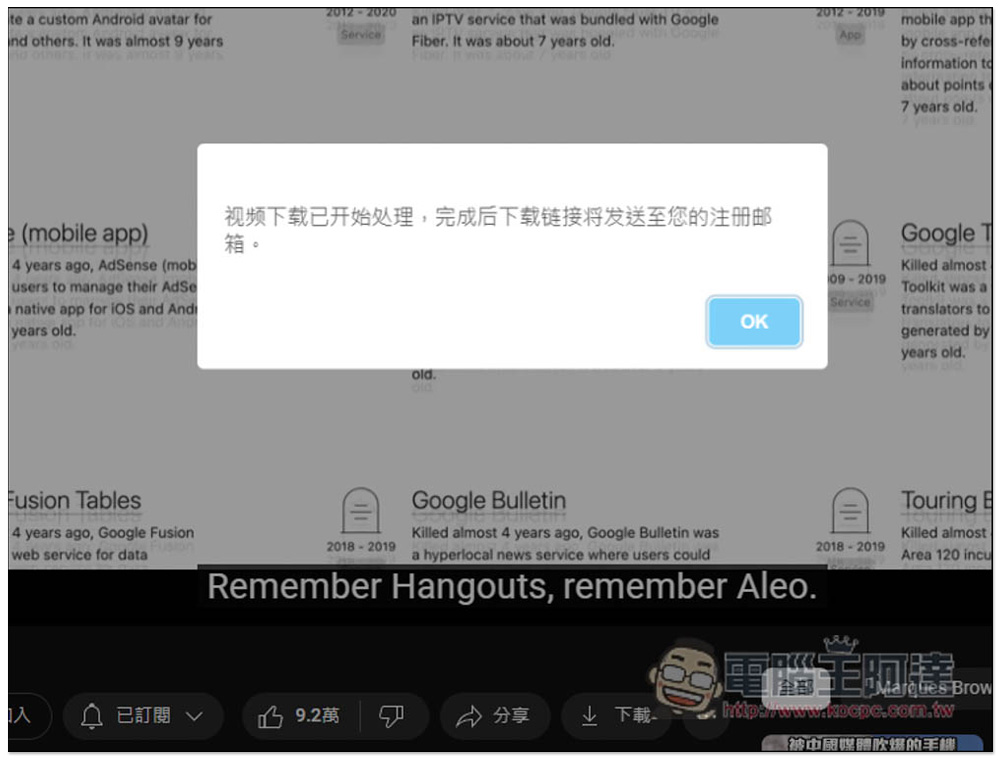
The download function does not seem to be working properly. After clicking, it will show that the download will be sent to the mailbox, but I tested and waited for several hours and did not receive it:
Source: KOCPC Chinese