


Nowadays, there are many third-party accessories manufacturers launching various styluses and styluses. When you want to buy one, you are not sure whether it is compatible with your device, so you have not made up your mind yet. It may be confusing to figure out the compatibility of third-party stylus pens. Don’t worry, in this article, I will explain the compatibility of stylus pens so that you can quickly start using a stylus pen to draw and take notes!
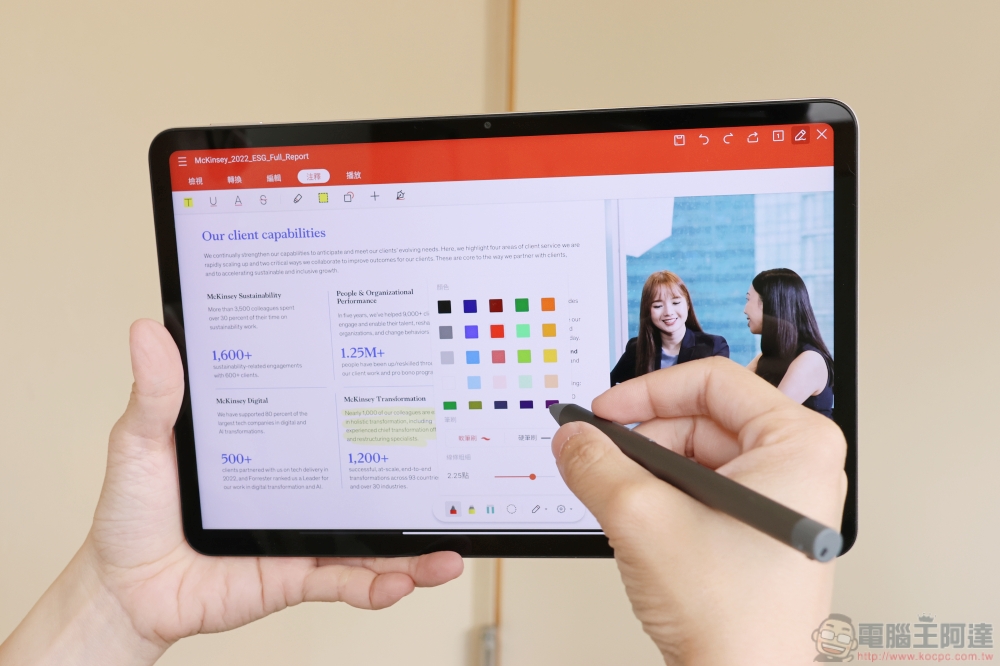
Are all stylus pens and styluses on the market universal?
Is any stylus compatible with any device?
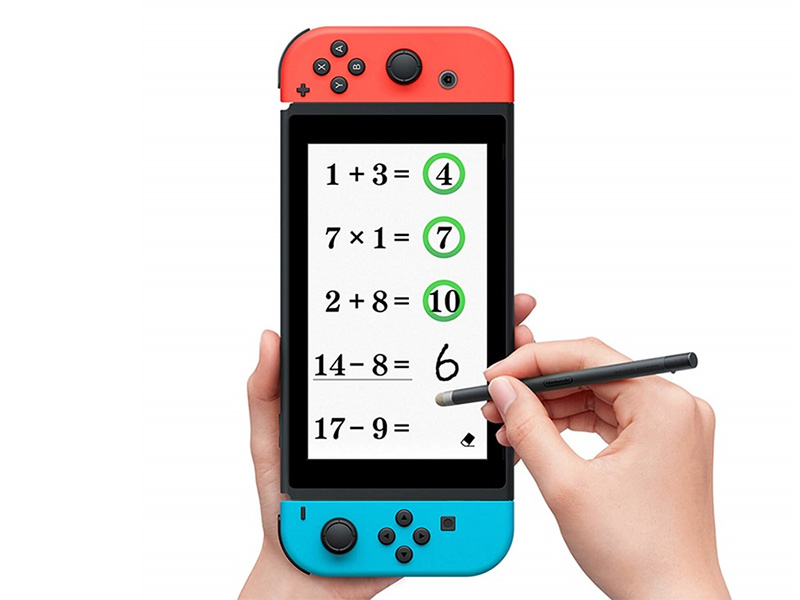
Capacitive stylus, you will see it in some stores also called passive pen (meaning no voltage output), is compatible with all devices with capacitive touch screens. Capacitive touch screens have a thin layer of conductive material that recognizes finger or stylus input as electrical field interference. In other words, capacitive styluses are a substitute for fingers, which also means that they are not particularly versatile or intelligent. Capacitive styluses do not have pressure sensors or buttons, and cannot recognize tilt and pressure, so they are mainly used for writing notes and signing. Nowadays, with the advanced technology, some passive pens still have pressure-sensitive technology, but they are mostly used on drawing tablets.
If we’re talking about an active stylus with a voltage output, that’s a different story. They come with advanced features like customizable buttons, hover cursors, and pressure-sensitive nibs, but these styluses are not universally compatible anymore because they usually rely on one of the following proprietary technology standards:
- Bluetooth Low Energy (BLE, Bluetooth low energy number)
- Electromagnetic resonance (EMR, electromagnetic resonance)
- Active electrostatic (AES, active electrostatic)
- Universal Stylus Initiative (USI, Universal Stylus Initiative)
- Microsoft Pen Protocol (MPP, Microsoft Pen Protocol)
Some tablets and smartphones support the use of multiple styluses using one of these protocols. EMR styluses are among the most compatible because the sensor is built into the display rather than the stylus. The USI protocol is also compatible with many brands, but is mainly limited to Chromebooks, similar to the situation with MPP. However, just because a tablet supports a certain protocol does not mean it can be used with the corresponding stylus. Some manufacturers use proprietary technology or have additional features specific to their brand, and the two must be paired together to be useful or fully functional.
Brand original exclusive stylus: high-quality experience and high price
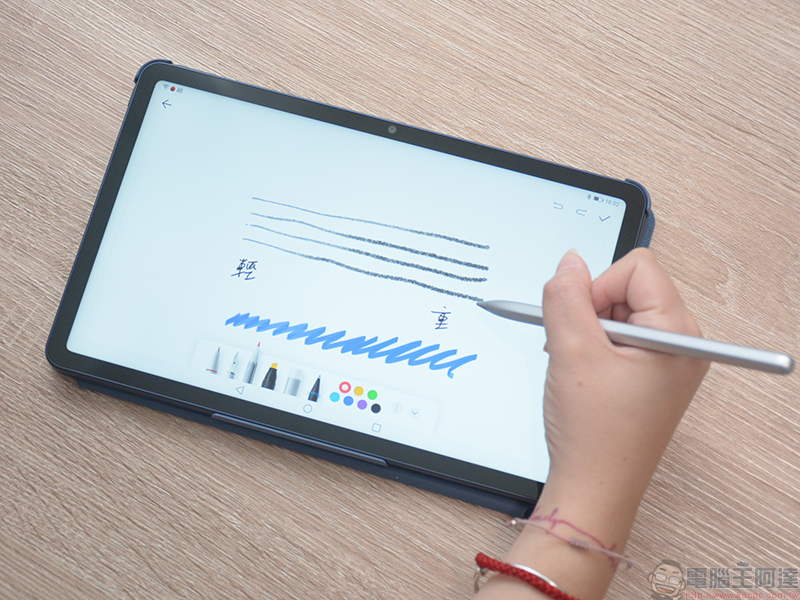
OEM stylus pens are designed and optimized to work with their own devices, and although they generally cost more, there are good reasons why they are the default choice for most creators. Customized to work seamlessly, these pens generally provide the best user experience, with features like hover, tilt, pressure sensitivity, palm rejection, and built-in buttons that work flawlessly. You won’t face any accuracy and build quality issues as these styluses are thoroughly tested with compatible devices before hitting the market.
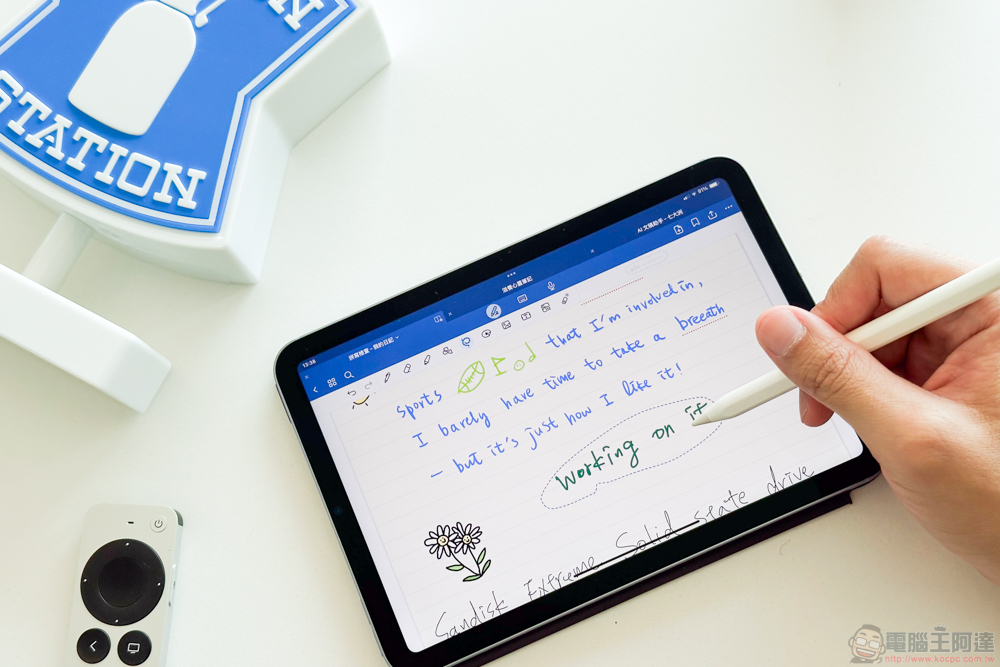
You should note that just because the stylus and device are from the same brand doesn’t always mean they are 100% compatible. For example, the 10th generation iPad only works with the 1st generation Apple Pencil. If you try the 2nd generation model it won’t be recognized by the device, and there’s no way to charge the Pencil wirelessly. Therefore, be sure to check the list of compatible stylus pens for your phone or tablet before purchasing.
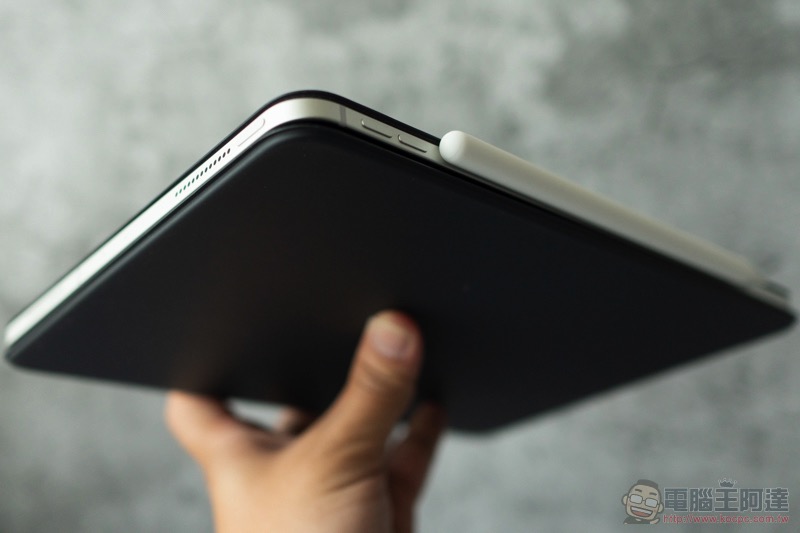
Another thing to note is that you can’t always replace it, especially if you have an older device. Some manufacturers don’t just sell replacement stylus pens, and if you break or lose them, it can be difficult to find a new replacement.
Third-party stylus: more affordable, but difficult to control the status
Competition for universal active styluses from third-party accessory manufacturers is fierce. Third-party styluses give you the opportunity to explore different pen shapes, sizes, features, and nib styles. Some have soft rubber tips that grip firmly onto glass surfaces; others are made of hard plastic that glides freely, making them ideal for line work and note-taking. The best part is, you can usually find them for about half the price of original styli.
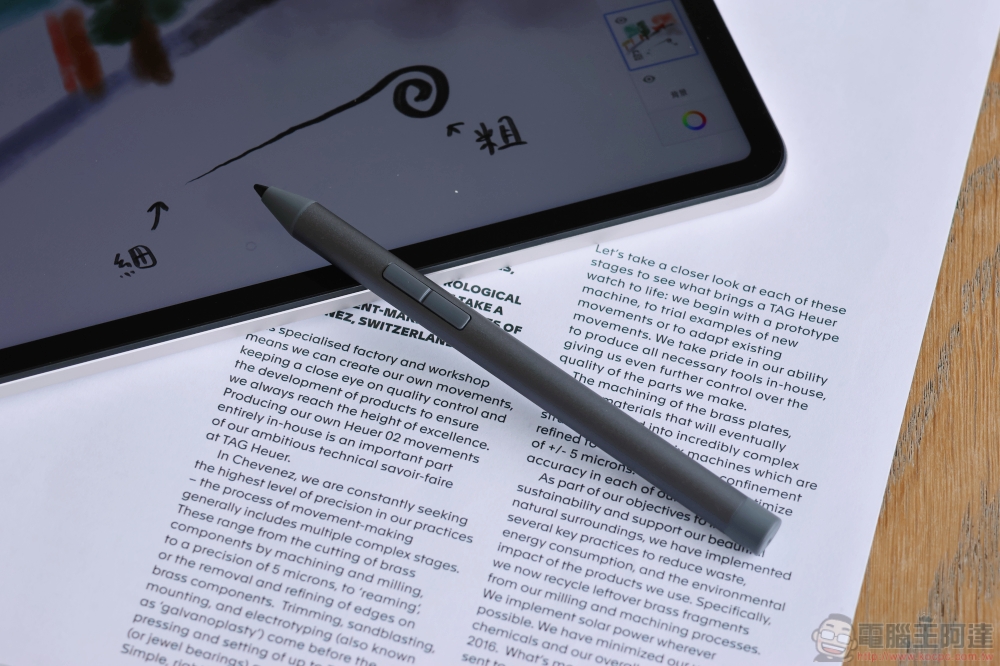
Some styluses work exactly as expected, especially if they are EMR or USI styluses, technologies that were created with compatibility first in mind, and you can sometimes continue to use the same stylus you love best if you choose to upgrade your device at some point. But even if your device is listed, some styluses don’t always work as expected, some features don’t work at all, and some work, but not as well. Accuracy issues are the worst because they sometimes lead to a poor user experience that can lead you to assume that all third-party styluses are terrible. The most notorious examples are third-party iPad styluses, which often have unreliable pressure sensitivity and poor palm rejection.
write at the end
如果你还没有手写笔,请先做点功课以确认你的装置支援哪些手写笔。 如果它是带有 USI 的 Chromebook,那么你很幸运,因为大多数相容的手写笔都可以完美运作。 If you have an iPad or Android tablet, you can find feature-rich third-party styluses with adjustable sensitivity, calibration capabilities, support for a wide range of devices, and more.
You may also want to consider using a different app. App compatibility is almost as important as device compatibility, with some working perfectly with almost any stylus, while others barely work with third-party stylus, and some don’t even support stylus at all. Although third-party styluses tend to be cheaper, if you want the best experience and functionality, it’s usually best to choose the original stylus.
Source: KOCPC Chinese