


Nowadays, many people use ChatGPT in their lives and work, but every time they use it, they have to open a browser tab and switch back and forth, which is not that convenient to use. This article recommends a useful BrowserGPT extension. After installation, you can use ChatGPT directly in the upper right corner without switching screens, making it easier to use.
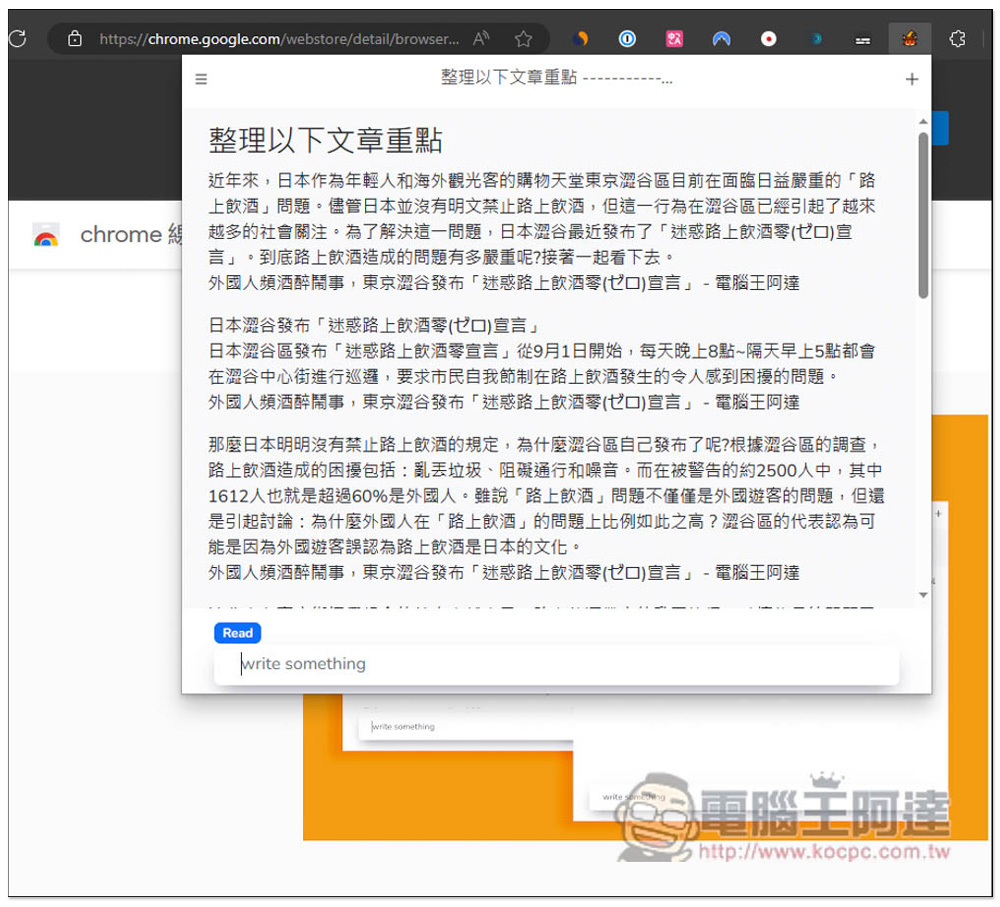
BrowserGPT You can use the extended functions of ChatGPT in the upper right corner of the browser to easily ask questions, organize articles, and translate foreign languages.
BrowserGPT is a Chrome extension that can also be installed on Microsoft Edge, and the operations are the same. In addition, this product will not use your ChatGPT account, that is, you can start using it without logging in, so for those who have concerns about third-party connection, this can be completely assured.
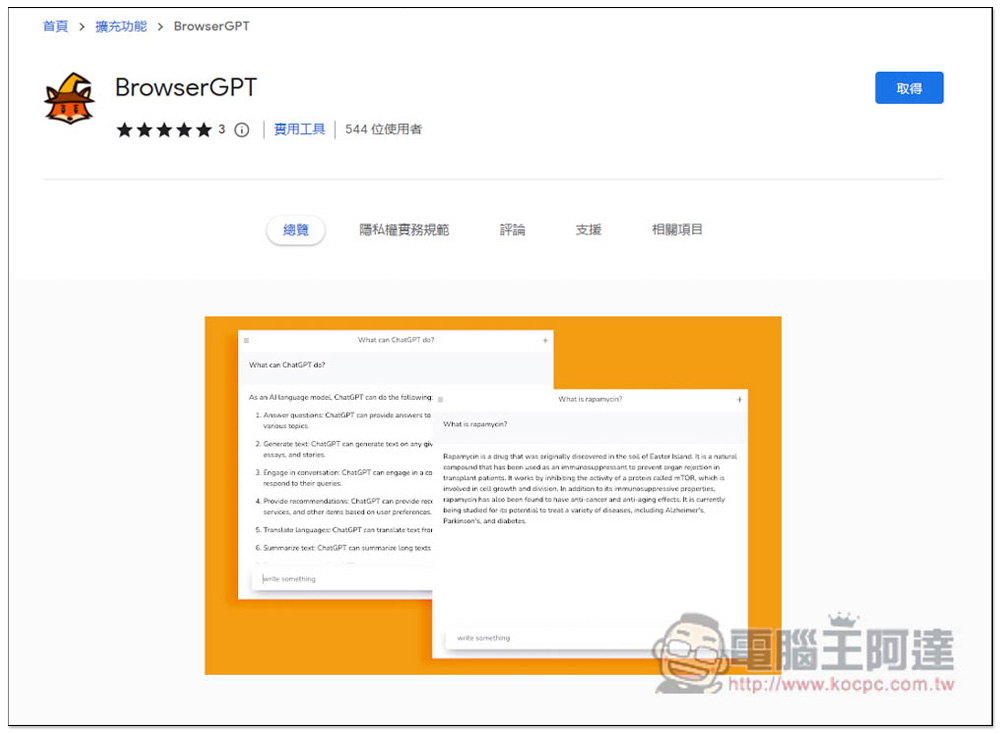
After entering the Chrome Store, click Get in the upper right corner:
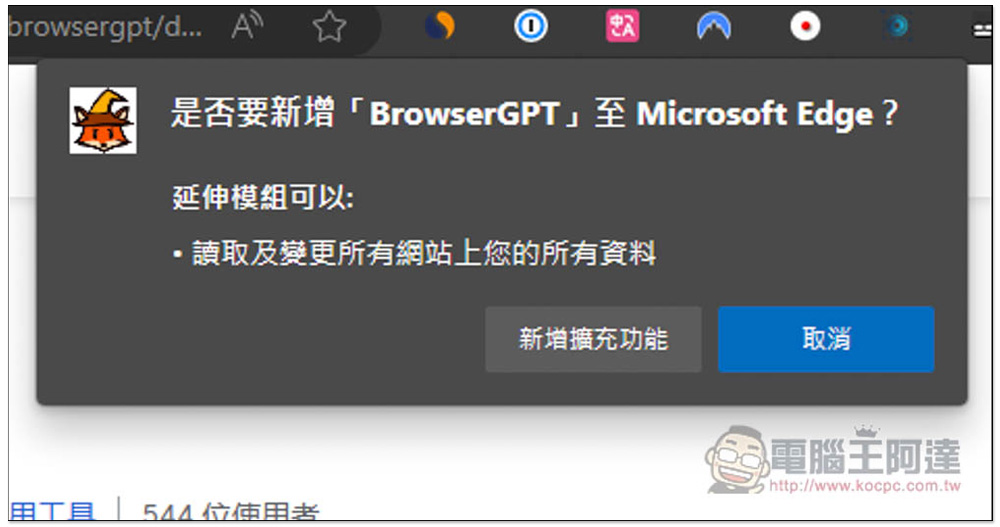
This window will pop up above, click “Add extension”:
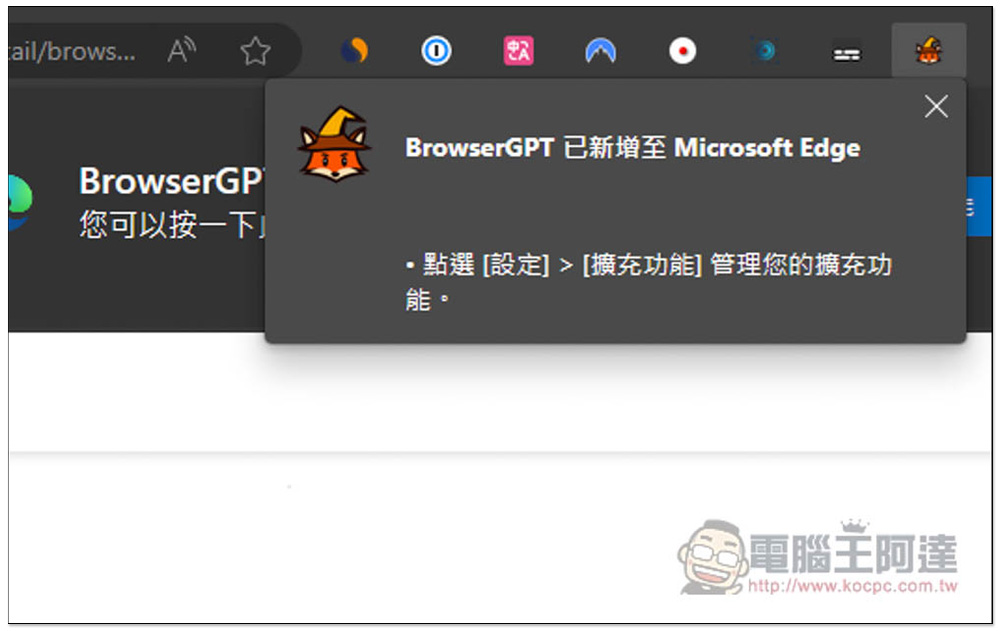
When this message appears, it means the installation is successful. The default icon will be hidden and needs to be opened manually:
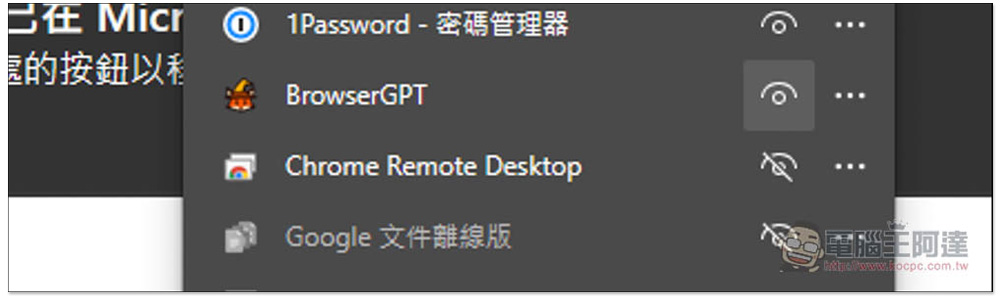
Open the puzzle icon on the right, find BroserGPT, and open your eyes so that the icon will appear in the upper right corner:
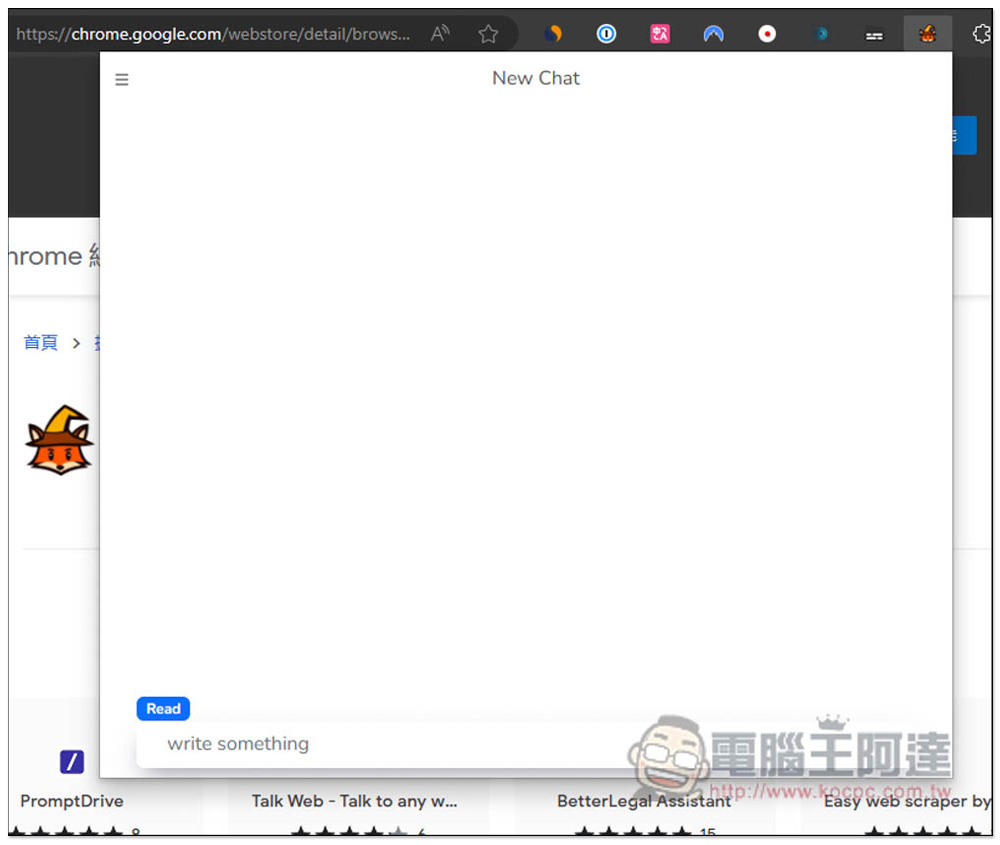
The interface is very clean. After opening it, you can start chatting with ChatGPT. It is no problem to enter Chinese. The AI will answer in Chinese:
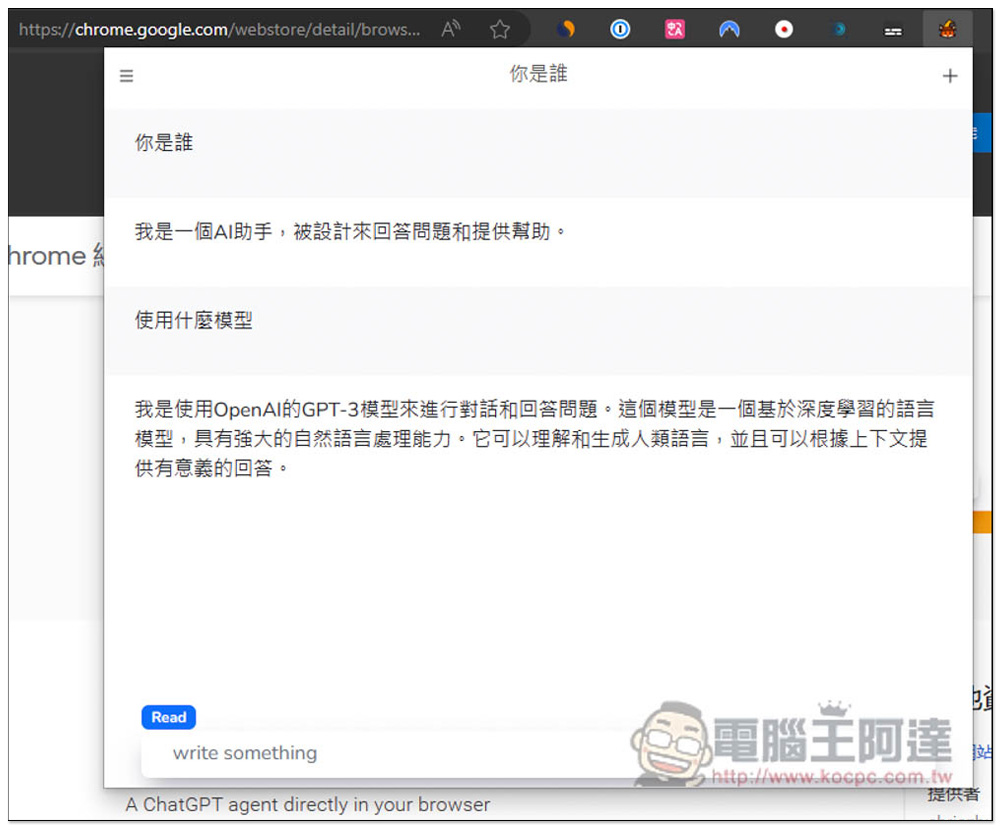
Since there is no need to log in to a ChatGPT account, it means that this AI is an independent function. I first asked what AI model it uses, and it answered that it is OpenAI’s GPT-3 model. Therefore, there must be some gap between the answering ability and the GPT-3.5 and GPT-4 on the ChatGPT website. But if it is to answer some basic content, I think it is enough:
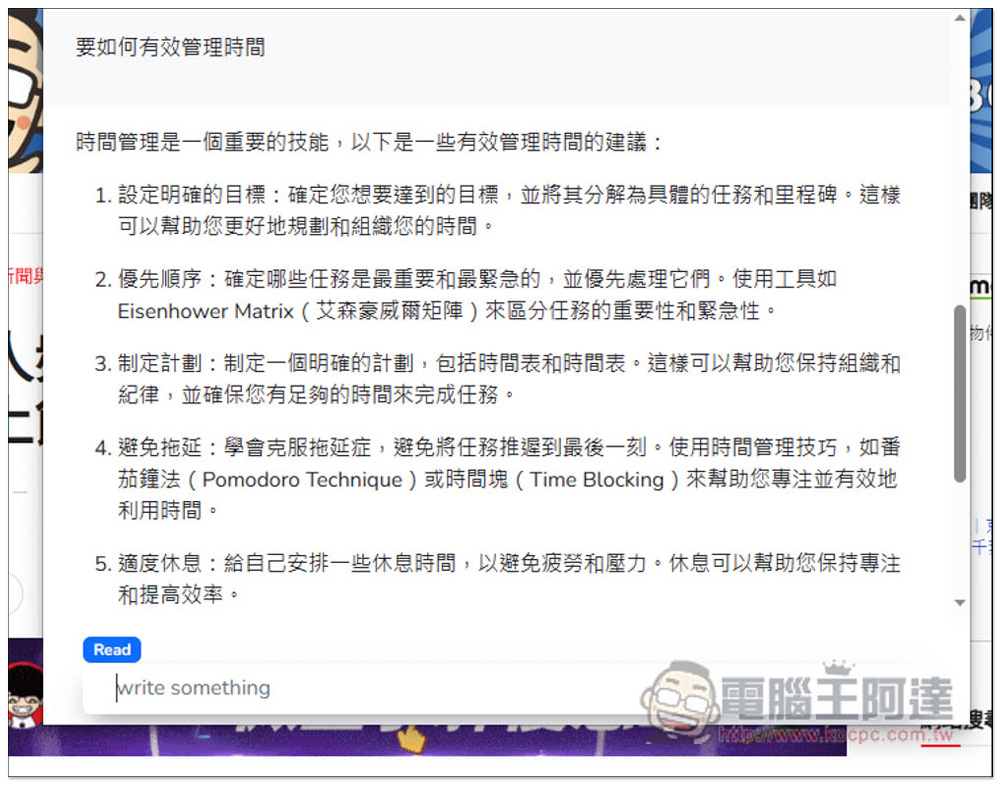
For example, I asked it some questions about life, and the answers it gave were pretty good. I asked it how to manage time effectively, and it gave me a lot of suggestions. Each suggestion was followed by a brief explanation:
It can also be translated. Although it is a GPT-3 model, the translation quality is still pretty good. And it is worth mentioning that GPT-3 responds very quickly. Almost every time a question is asked, it can answer it instantly. It is obviously faster than GPT-3.5 and GPT-4, and it will not encounter situations where the load is too high and the response is slow:

There is no problem in organizing the key points of the article, but it is an extended function after all. If the article is too long and there are some contents that you want to delete, it will be difficult to adjust. The range of displayed content is limited, and if you accidentally close the BrowserGPT window, the originally entered content will disappear immediately. Please note this:
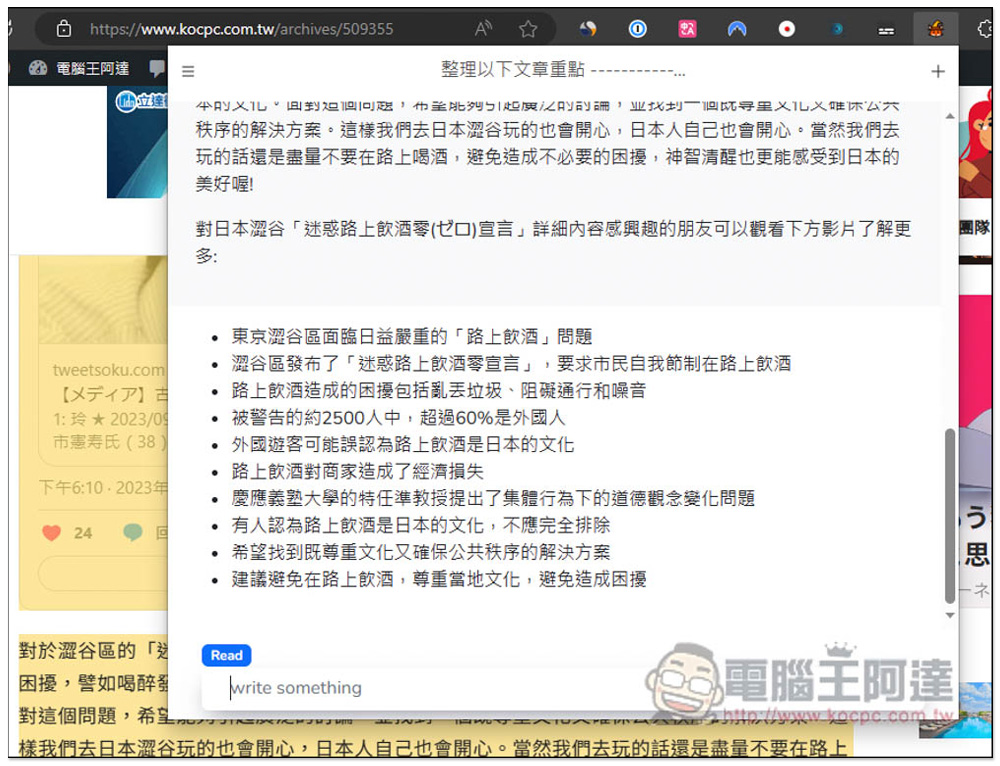
Not surprisingly, it cannot read the web page:

According to the developer, this extension is open code and completely free, which means there are no restrictions and you can ask as many questions as you want.
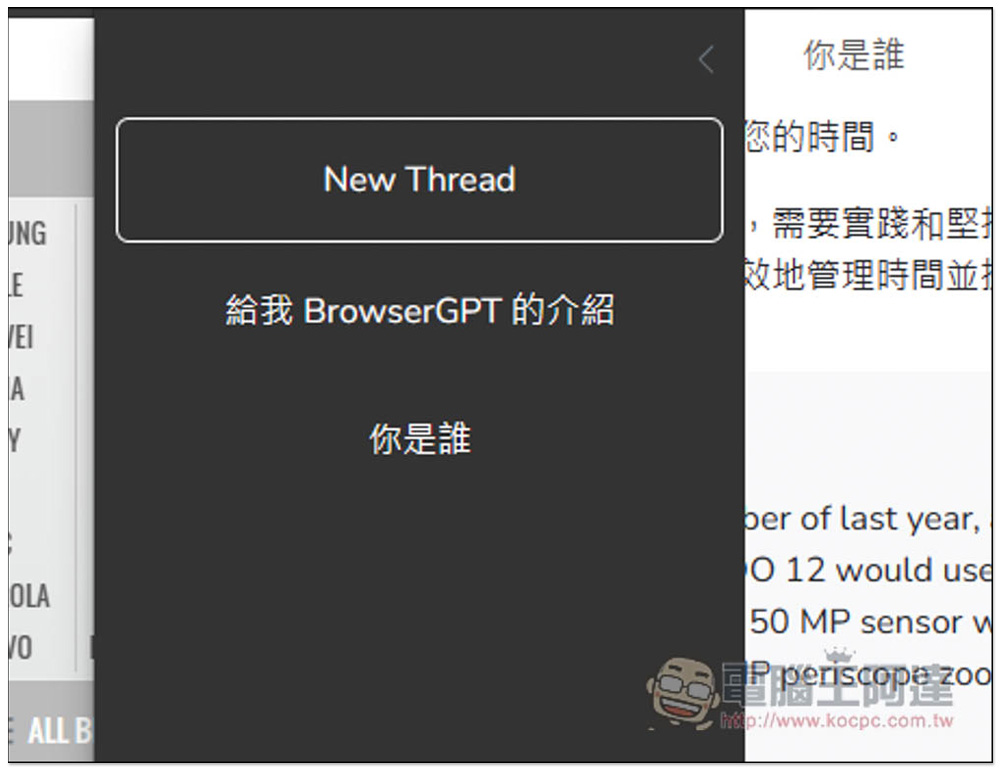
It will also store content you have asked about in the past, but it seems that the record cannot be deleted manually. For those who want to delete it, you can try reinstalling this extension to see if it will disappear (I have not tried this part):
Source: KOCPC Chinese