


Nowadays, online security is more important than ever, and to keep yourself safe online, you must use the latest protocols. You’d be surprised at the amount of software that uses the older TLS protocol, but Microsoft is looking to reduce that because the company wants to remind you that the old TLS specification is being deprecated, which will make some of your older software that hasn’t updated the protocol unusable.

Microsoft reminds users that Windows will soon disable insecure older versions of TLS
Microsoft has issued a reminder that the insecure Transport Layer Security (TLS) 1.0 and 1.1 protocols will soon be disabled in future versions of Windows. These protocols are essential for securing online communications, protecting you from eavesdropping and tampering when you exchange information. The move is consistent with a joint statement from Microsoft, Google, Apple and Mozilla in October 2018 announcing their intention to phase out the insecure TLS protocol. Microsoft, in particular, has enabled the newer TLS 1.3 by default in Windows 10 Insider builds starting in August 2020.

TLS 1.0 was introduced in 1999, and its successor, TLS 1.1, was introduced in 2006. TLS 1.2 has been around since 2008, and its belated successor, TLS 1.3, was launched in March 2018, making earlier versions obsolete. Since TLS 1.1 is so old, you might think that nothing on your computer might still be using it, and you might be wrong. Older applications that still use these protocols include SQL Server from 2016 or earlier, Microsoft Office 2008, Xbox One SmartGlass, Safari 5.1.7, and TurboTax from 2018 or earlier.
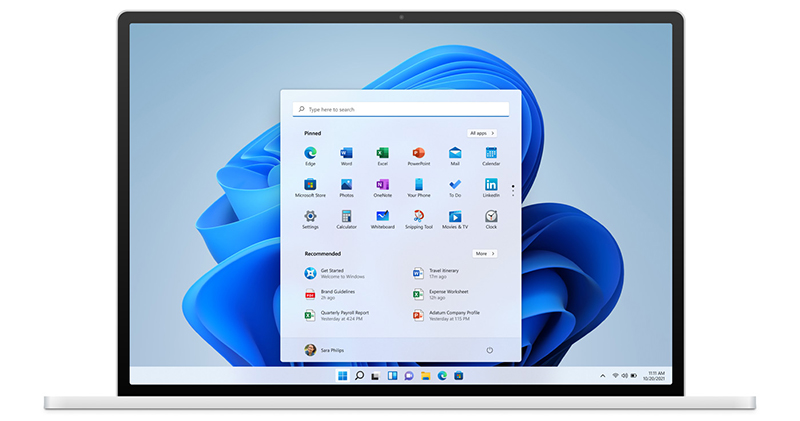
This change only affects future Windows operating systems (both client and server versions) and will not affect existing Windows systems. Starting in September 2023, Windows 11 Insider Previews will have TLS 1.0 and 1.1 disabled by default, and apparently a stable version will be rolled out soon, though users who need compatibility (although most likely won’t) can re-enable them.
For most Windows Home users, the impact of this change is expected to be minimal, especially if you update your software regularly. However, you may encounter issues in enterprise environments, where older software is often retained for longer, so it is recommended that the IT team within the enterprise conduct testing to identify and update any affected applications, replacing them without disrupting work.
Source: KOCPC Chinese