


Nowadays, there are more and more free things online.Text-to-speechTools, like the ones we’ve introduced before. Google AI Studio、Speech Synthesis、PopPop Free AI Text to Speech、Azure TTS Web Similarly, the TTS Omni introduced in this article is also such a tool, but it has several features: the voices it provides are based on LLM technology, with 17 unique AI voices in total. When I tested it with certain languages, it did sound quite natural, with pauses in speech. Not only that, it also has built-in AI-based optimization and automatic translation features. The former optimizes the text you input based on the selected tone, while the latter translates it into the language you specify. Everything is free to use.
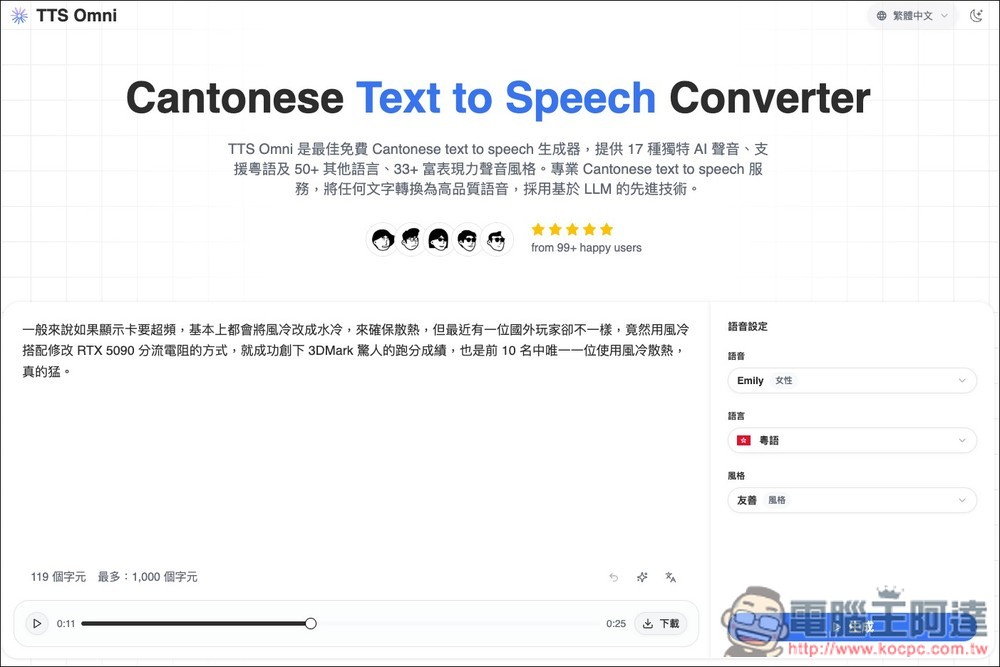
TTS Omni is a free online text-to-speech tool based on LLM technology, with 17 unique AI voices built in.
TTS Omni has 6 main features: “17 unique AI voices,” “support for Chinese and 50+ other languages,” “33+ built-in voice styles,” “AI-powered text enhancement,” “real-time high-quality audio generation,” and “secure privacy protection.” On top of that, it’s free to use without registration, which is a nice bonus, and there are no ads either. Of course, that might not last forever.
The operation is very simple. After clicking the link above to go to the TTS Omni website, paste the content you want to convert to speech in the left box. Each time it supports up to 1,000 characters; if it exceeds that, just generate it in batches and then string them together using editing software. On the right are the voice settings, with three options: voice, language, and style:
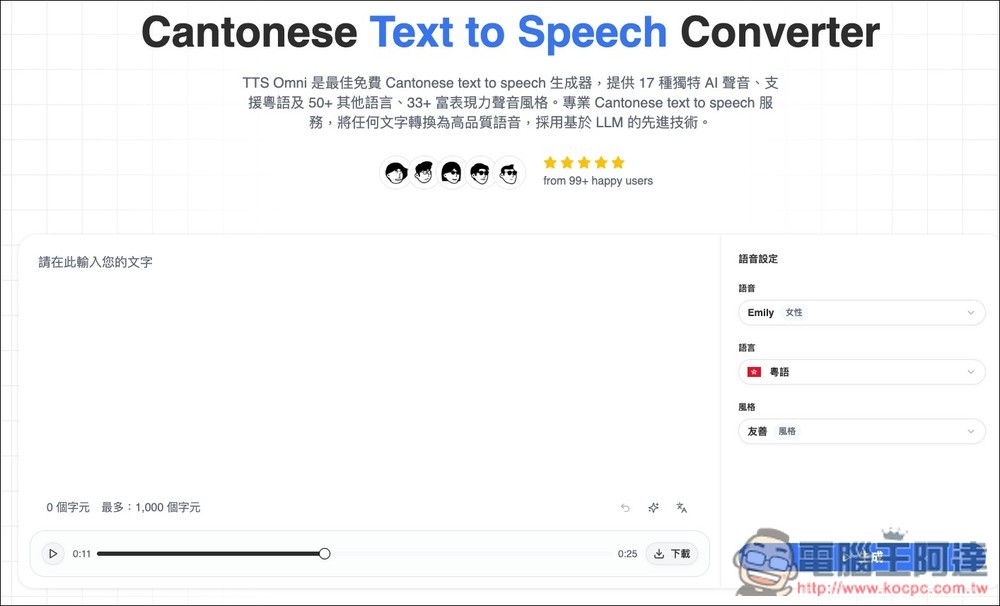
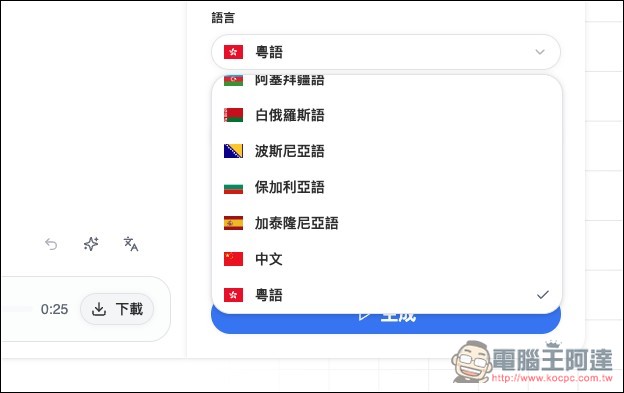
TTS Omni only offers Chinese (Mainland China) as a Chinese option, but I’ve tested it and found that Cantonese can also generate Chinese speech, with an intonation more similar to Taiwan’s, so I’d recommend using that one. Additionally, languages like Japanese, English, French, German, and Spanish are also available.
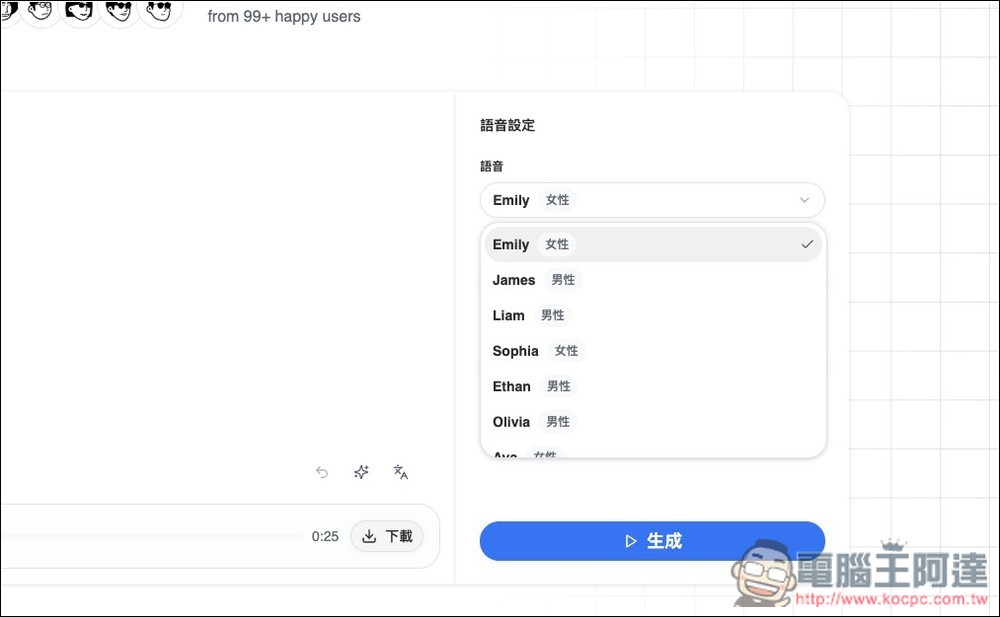
The Cantonese section provides 10 voices in total, roughly half male and half female, but unfortunately, there is no audio preview feature, so you can only know how the voice sounds after generating it.
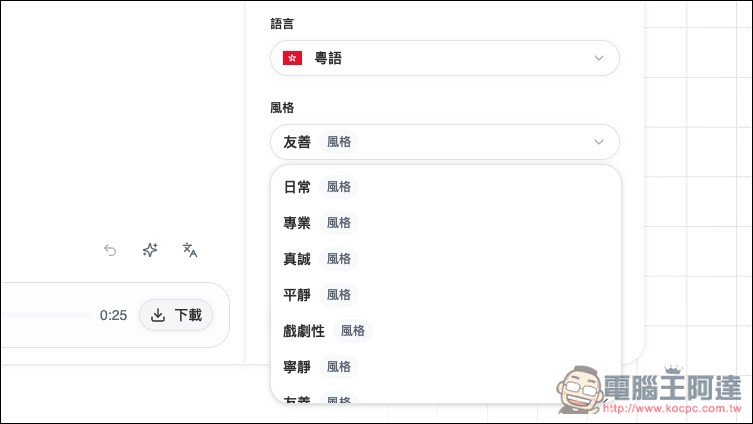
It offers a wide variety of styles, including friendly, casual, professional, sincere, calm, dramatic, serene, and more. And it’s completely free. I suggest you generate each style and listen to them first, so you’ll get a rough idea of what the speaking tone is like:
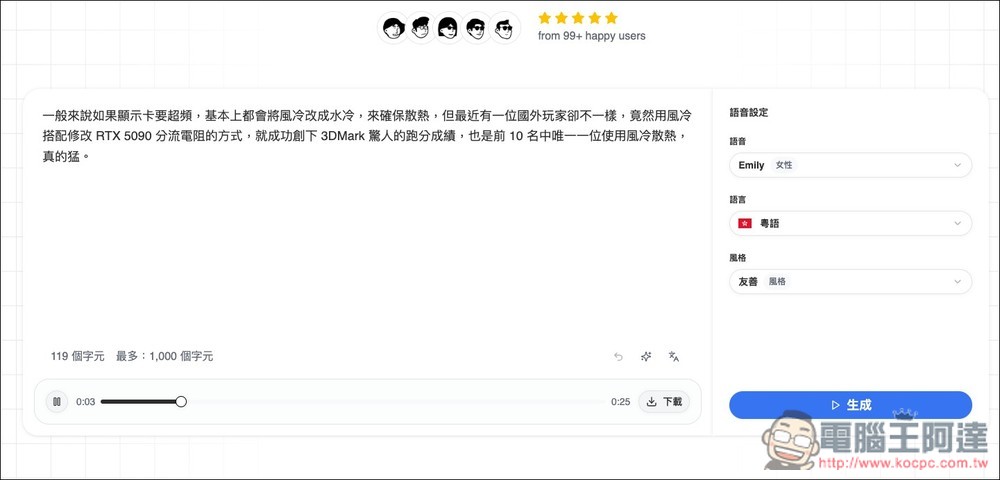
Enter the content on the left, set the language on the right, then press the generate button below, and it will start converting to speech. The speed is quite fast; for my 119 characters, it takes about 1 to 3 seconds. If you’re satisfied after listening, you can download it by pressing the button below:
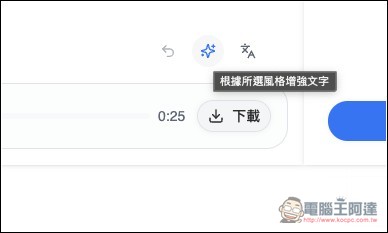
If you feel that the text you entered doesn’t quite match your speaking style, you can press the star icon below. This is the AI optimization feature, which will enhance your text based on the style you select.
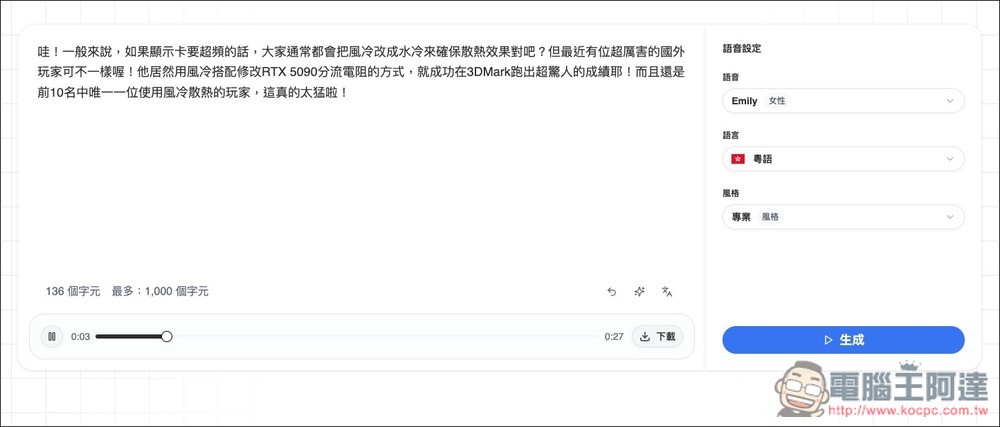
After I chose the friendly style and enhanced it, the content became very lively:
Regarding voice styles, the official recommendation is that “Professional” suits business, “Friendly” suits casual videos, “Dramatic” suits storytelling, and character styles like “Pirate” or “Robot” suit entertainment.
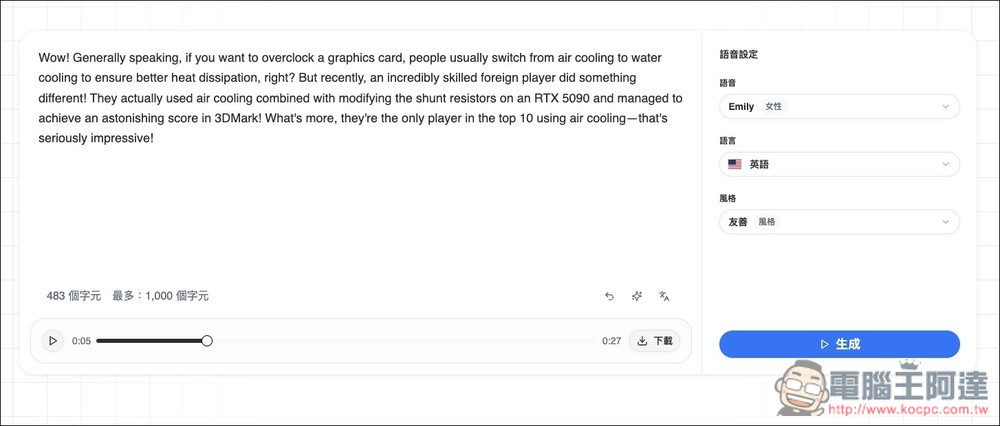
The “文A” icon next to the star is the auto-translate feature, which translates the content into the selected language. After I chose English and pressed the auto-translate button, the content became English:
Source: KOCPC Chinese