


Foreign media recently discovered that in the latest TestFlight test version of the Google Chrome browser for iOS, Google seems to be preparing to follow Apple’s original Safari browser, making it easier for users to access the browser’s address bar and other function bars from the bottom of the device. To put it simply, the Omnibox multi-function bar, which was originally placed at the upper edge of the screen, can be moved to the bottom of the iPhone screen. Continue reading Google Chrome on iOS has finally followed up on the interface change of Safari’s URL bar moving down.
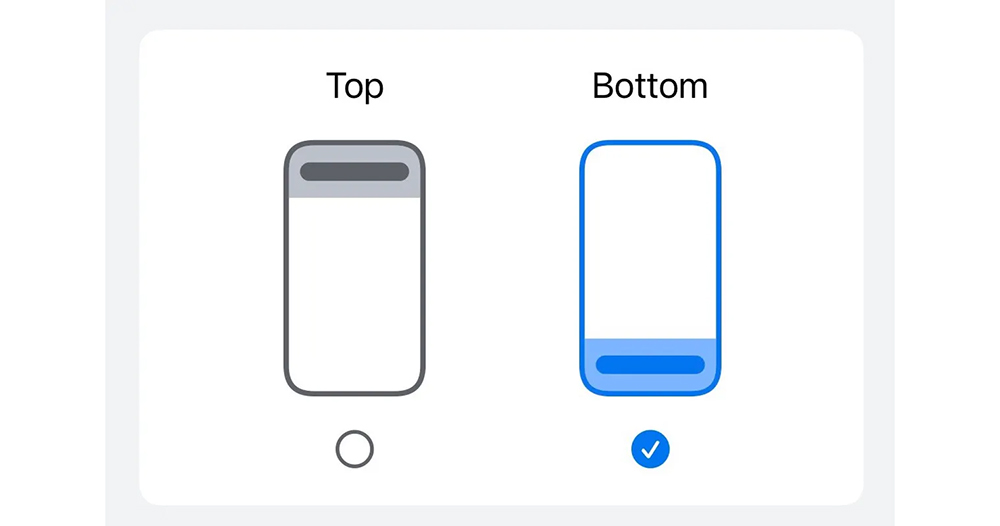
▲Image source: The Verge
Google Chrome on iOS finally follows up on the interface changes that move Safari’s address bar down
Speaking of Android and iOS, there are actually many cases of mutual tribute – for example, the lock screen shortcut function of the latest Android 14 is considered by foreign media to be a bit on par with the iPhone (see more:Is it inconvenient? The Android 14 lock screen shortcut function is actually on par with the iPhone…); there are a lot of examples from Apple, such as the AOD display function, etc… But it seems a bit interesting if Google’s own applications on the iOS platform also start to pay tribute to each other’s functions.
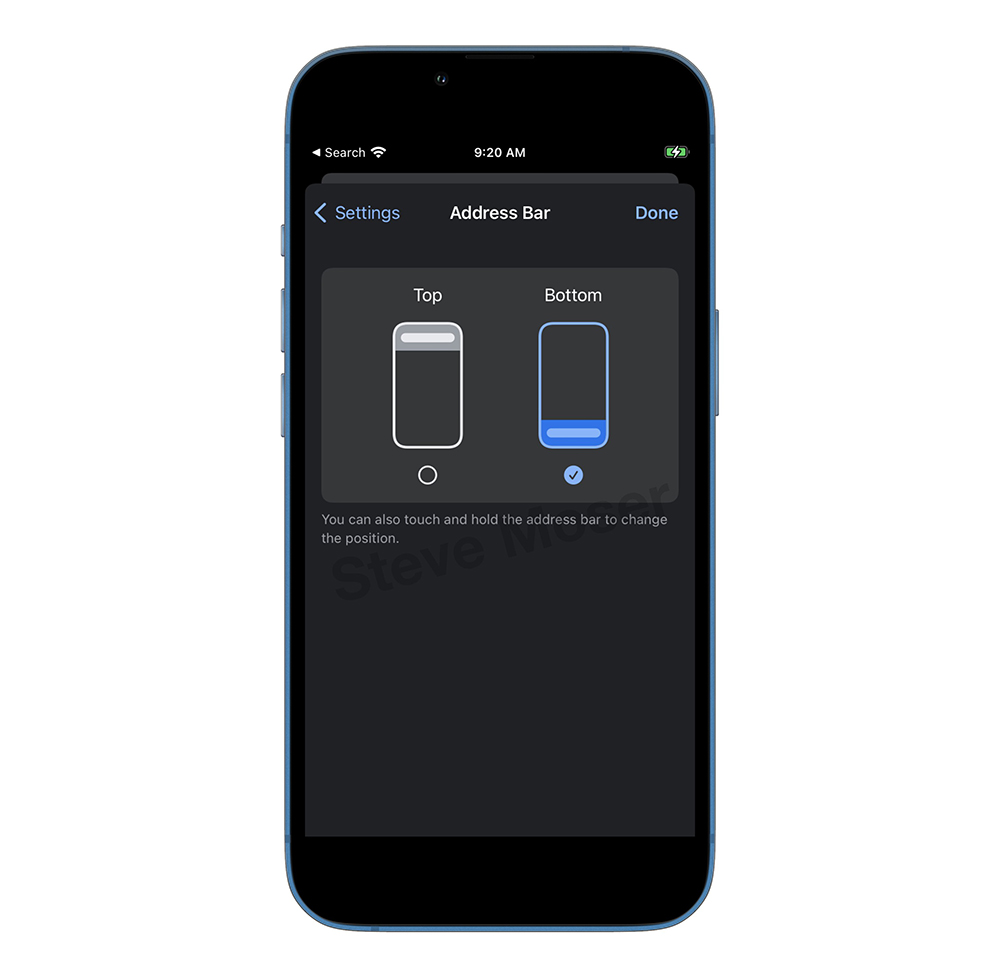
▲Image source: Steve Moser
Foreign media recently discovered that in the latest TestFlight test version of the Google Chrome browser for iOS, Google seems to be preparing to follow Apple’s original Safari browser, making it easier for users to access the browser’s address bar and other function bars from the bottom of the device. To put it simply, the Omnibox multi-function bar, which was originally placed at the upper edge of the screen, can be moved to the bottom of the iPhone screen.
In this way, you can use it with one hand whether you need to enter a URL, perform a search, or click various buttons. Basically, there is no need to use the one-handed mode function, and you can easily click on most web page functions with your fingers – of course, you still have to rely on the one-handed mode to “please come down” for the web components at the top XD.
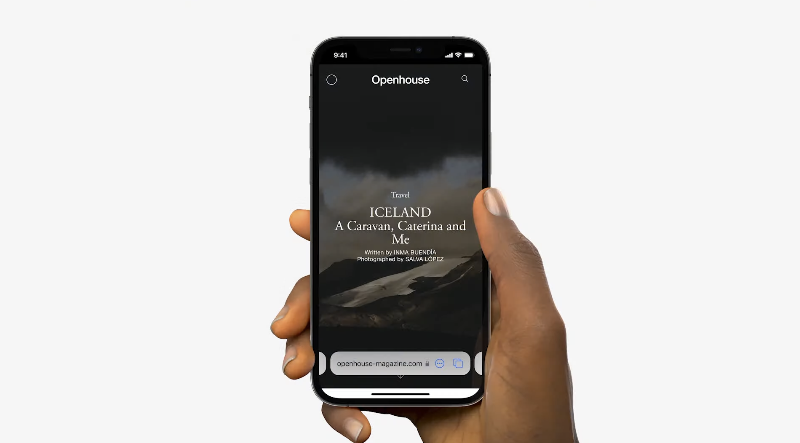
▲Image source: Apple
Although the comments from foreign media are that Google seems to have waited until now to catch up with the features starting with iOS 15. But in fact, based on my personal impression, the earliest Chrome browser seemedin 2019, the Flag test of placing the function tab at the bottom begins. So in this aspect of design, I feel that there may still be a discussion about who pays tribute to whom.
But at least for iOS users, if you happen to be someone who doesn’t use Google Chrome because of various good features of Chrome (such as desktop favorite URLs, tab synchronization, etc.). But I think the interface of the original Safari browser is still easier to use. Now it seems that Google will bring this feature to you soon.

▲Image source: Android Police
As shared by foreign media The Verge, if you want to enable the top/bottom setting of the address bar, you can directly long-press the address bar and the option will appear, or you can also search for it in the settings. However, it was also mentioned that even if you download and install the TestFlight test version, you may not necessarily be able to get such a function. You still need to try your luck, or wait and see if Chrome’s recent official version update will directly provide such improvements.
Further reading:

Source: KOCPC Chinese