


In the Android world, apps being put on and off the shelves are commonplace, and most of the time they are even silent. You may turn on your phone one day and find that a tool you used every day has stopped updating, or even disappeared completely. Google now looks set to add a new feature to the Play Store that will make these changes less “unannounced.”
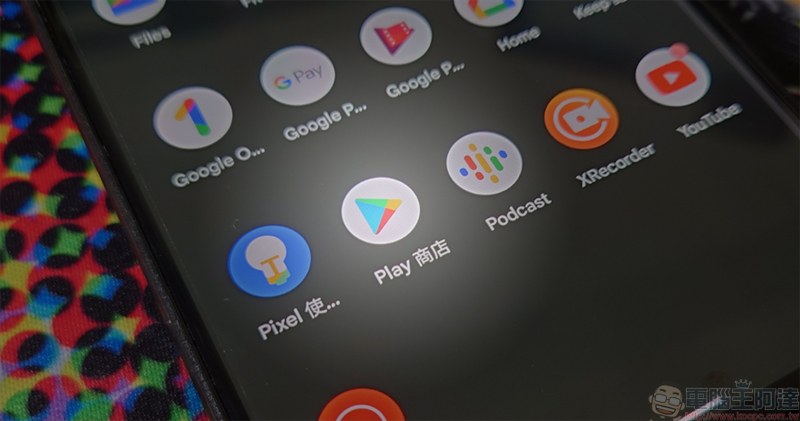
Google Play will send a reminder before an app disappears
according to Android Authority A teardown of the Google Play Store v51.4.19 APK revealed new strings in the code, suggesting that Google is planning to send notifications to users in two situations: first, if the app is removed from the Play Store, and second, if the app no longer receives updates. In other words, the Play Store might proactively alert you when an app you rely on reaches its end of life, rather than letting you find out it’s no longer working when you need to use it.
This change may seem subtle, but it’s actually quite practical. Many users have had similar experiences: a tool app, accounting software or game suddenly stopped maintenance without any clear notice. It wasn’t until one day that the function failed and the data could not be synchronized that I was shocked to realize that it had been abandoned by the developers. If Google can proactively remind users at the final stage of the application’s “life cycle”, it will not only prevent users from being caught off guard, but also help clean up those installation files that are no longer meaningful and free up valuable storage space.
However, it is still unclear whether this feature will be officially launched, nor is there any timetable. Google has tested many features in APKs in the past but never made them live, so this change remains to be seen.
Currently, the only app-related reminders that the Play Store actively pushes are mostly related to security, and this part is taken care of by Google Play Protect. Play Protect will regularly scan applications on the device to look for apps that may contain malicious code or suspicious behavior. Once a risk is detected, it will immediately pop up a notification and provide a one-click uninstall option to help users quickly handle it.
Play Protect is enabled by default, but if you want to confirm whether it is working properly, you can open the Google Play Store App, click the profile icon in the upper right corner, enter the “Play Protect” page, and then click “Settings.” Here, you can check to see if Scan apps with Play Protect remains on. This feature is especially important if you frequently install APKs from third-party sources or are used to trying out new apps.

If Google finally launches the “App removal/stop update notification” function, the Play Store will no longer be just a place to download apps, but will become more like a tool to help manage the application life cycle. For users, this means more transparent information, fewer unexpected service interruptions, and it is easier to keep the system clean; for developers, this may also prompt them to handle the maintenance and delisting process of apps more carefully. Google has continued to strengthen the security and information transparency of the Play Store in recent years, and if this new feature is implemented, it will be another step towards making the Android ecosystem more mature. As for when we can see it officially debut, we can only wait for Google’s next move.
Source: KOCPC Chinese