


There are many language learning tools on the market now, but some people may find that they just can’t seem to learn much with them? And this article is about Ries.AI free.Extensions, is developed specifically for this pain point, based on DeepSeekAI models such as Qwen, Doubao, and GPT claim to create a natural foreign language learning environment, enabling you to reinforce the vocabulary you are less familiar with at the right time when watching videos or reading foreign articles, rather than simply having you memorize words or sentences by rote.
It supports multiple languages. You can learn English, Japanese, Korean, German, and even French without any problem. The only downside is that Chinese currently only supports Simplified Chinese, which means the explanations will be in Simplified Chinese. Hopefully Traditional Chinese will be supported in the future.

Ries.AI uses AI to create a natural environment for foreign language learning, inadvertently reinforcing vocabulary you don’t know at just the right moment.
Ries.AI is a browser extension supported by Chrome, Microsoft Edge, and Firefox. The free version gives you 200 credits daily, and each call to the AI model costs 1 credit, so as long as you don’t use it too heavily, I think it’s more than enough. If it’s not enough, you can consider upgrading to the paid version.
Unlike typical translation and learning extensions, Ries first uses AI to assess your language level. After that, translations for articles and video subtitles are only provided partially. This means that for foreign-language content, it may not translate everything. If the material is within your current level, the original text is kept, pushing you to read the original. Only content beyond your level gets translated, and key vocabulary comes with Chinese explanations.
Also, when watching Chinese videos, if any key vocabulary beyond your level comes up, it will also mark what the foreign term is when appropriate.
Official introduction video:
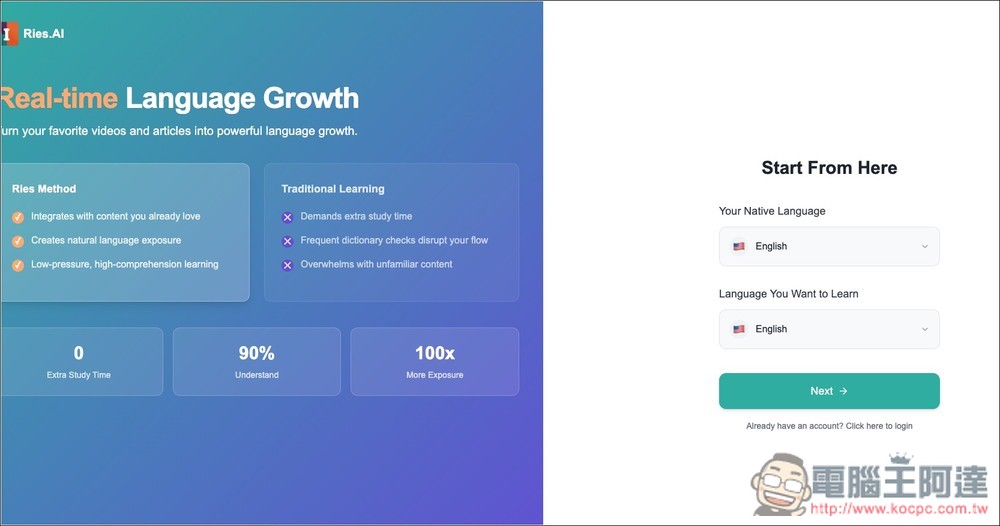
Once you’ve installed the Ries.AI extension, the first time you use it, it will run through some setup and proficiency questions. It starts with your native language and the language you want to learn — using Chinese and English as an example:
Then it will ask about my English level. English has six levels: A1, A2, B1, B2, C1, and C2. If you’re unsure, you can just pick a level that’s close. Later, if it’s too hard or too easy, you can adjust it in the settings: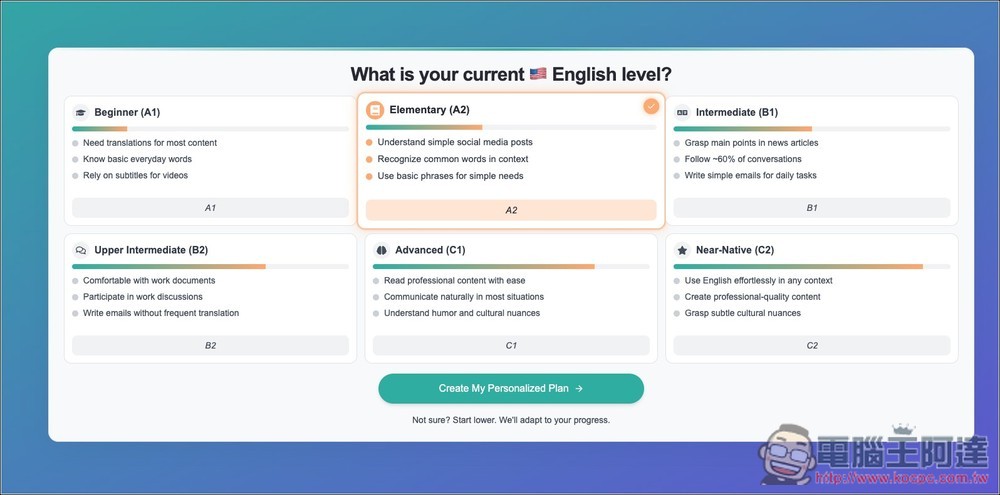
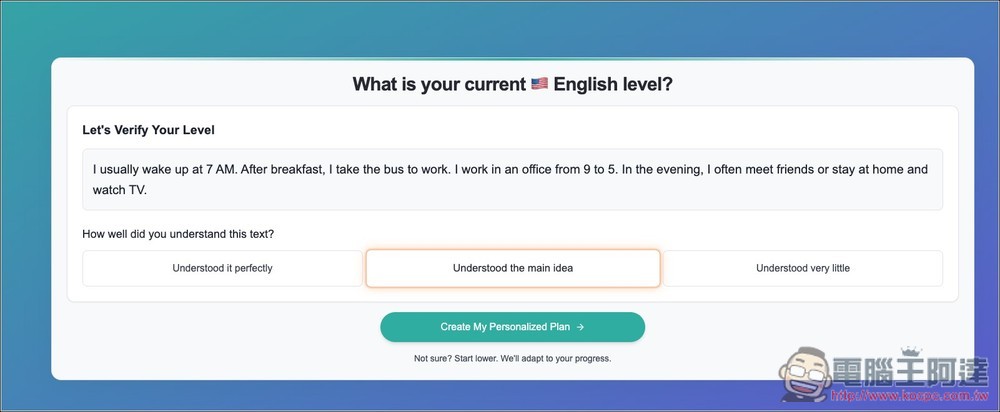
After indicating your preference level, you will also be given a short passage and asked whether you can fully understand it, understand the main idea, or only understand a little.
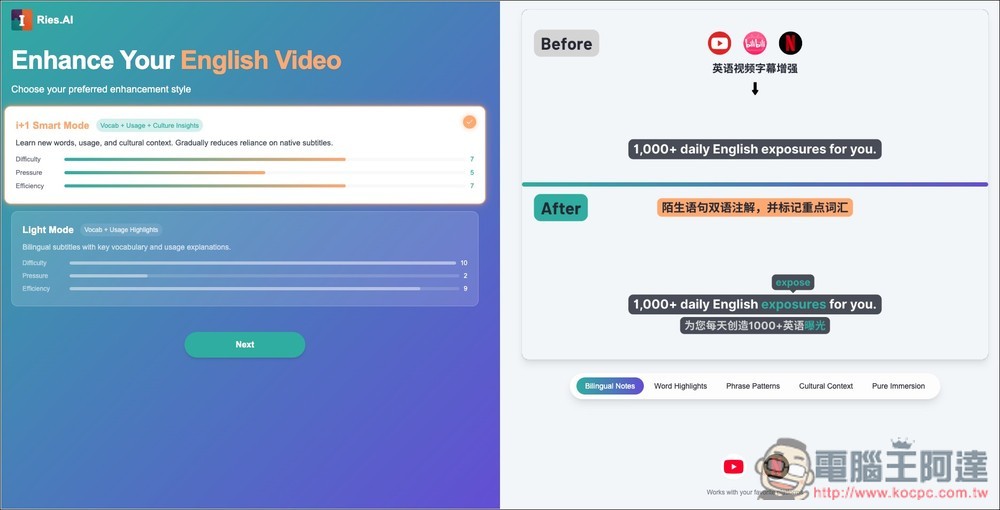
Next are some display settings, which generally come in two modes: Smart Mode and Light Mode. You can refer to the preview on the right to see the difference.
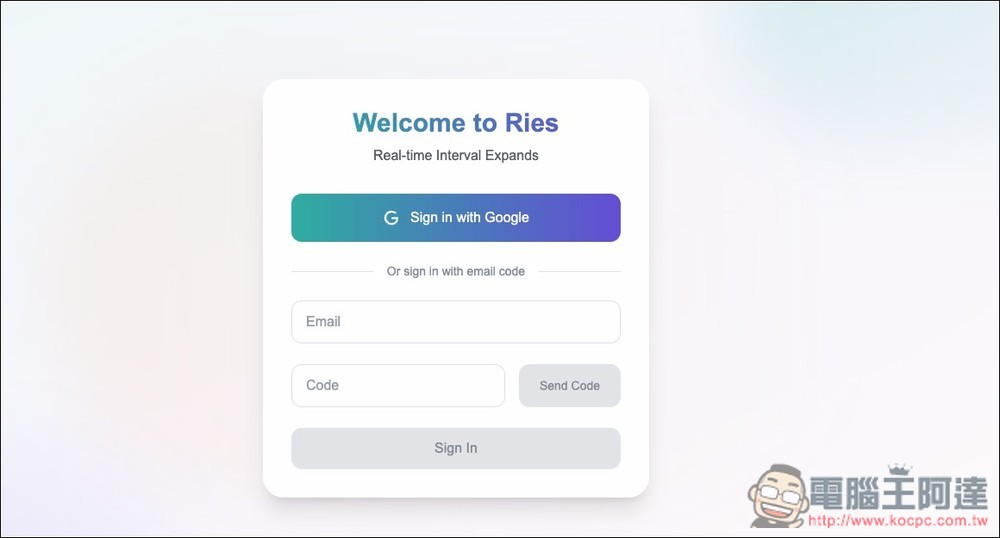
An account must be registered before use, with support for quick login via Google account:
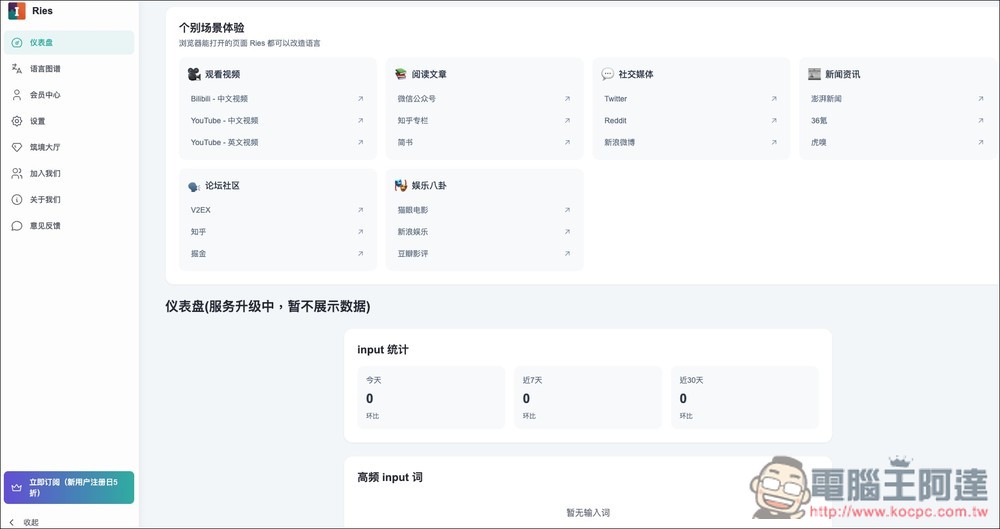
Then you’ll go to the backend, where the dashboard shows some popular websites that are 100% supported. For video, for example, YouTube works in both Chinese and English, and there’s also BiliBili for Chinese videos. Ries.AI says it supports any webpage a browser can open, but in my testing that’s not always the case—some have pretty poor support:
Then I randomly opened an English article, and Ries.AI automatically translated it into Simplified Chinese, but not entirely. For example, the English word “announcement” in the image below wasn’t translated; instead, a Chinese explanation was placed in parentheses next to it, indicating that I need to strengthen my grasp of that word. Additionally, there is “remain”:

For sentences I can understand, Ries.AI doesn’t specifically translate them into Chinese but keeps the original English:

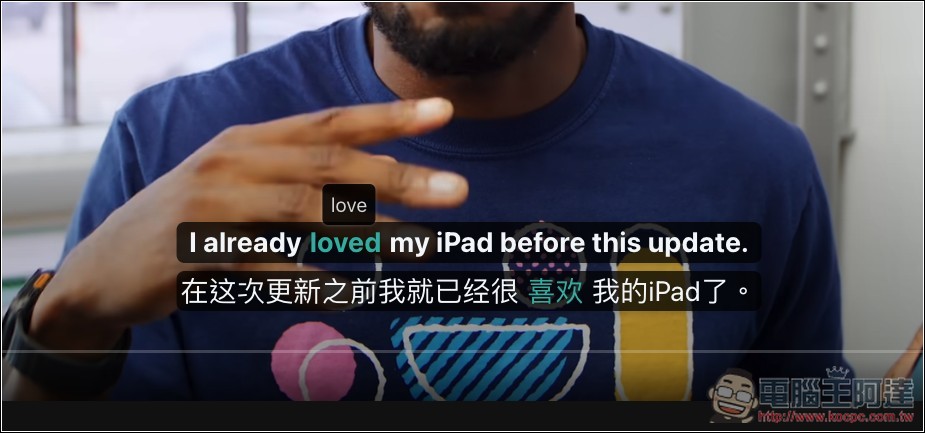
Next is the YouTube video. Remember to enable the feature at the bottom right first, then the subtitles will be translated, and the words I want to reinforce will be highlighted in green:

Watching videos you enjoy while building your English vocabulary at the same time—that’s actually a pretty good way to learn.
Chinese videos are the same, with English words appearing at just the right moments:

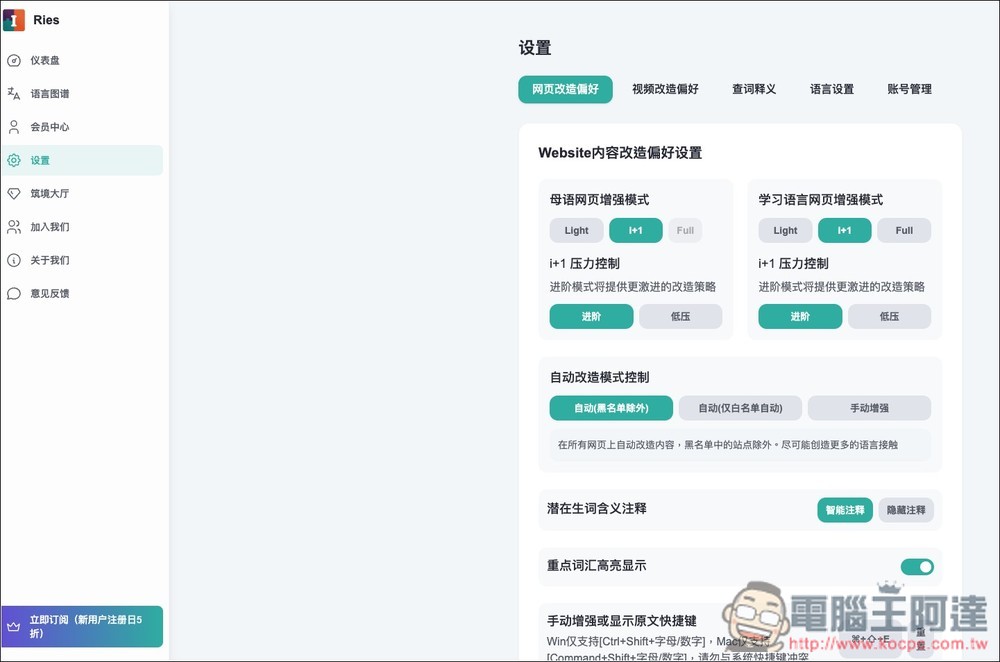
If there are any settings you set incorrectly or don’t like initially, you can go to ‘Settings’ in the backend to change them:
Source: KOCPC Chinese