


OpenAI Whisper It can be said to be one of the strongest speech-to-text models currently available, but not everyone knows how to install and use it on a computer. This article recommends a simple and easy-to-use open-source tool called Vibe, which offers installers for Windows and Mac. After installation, it automatically downloads the model, and then you can start converting. Even people who know nothing about computers can get started easily, and it’s not just for common microphones and audio/video files—it also supports YouTube The video transcription feature — that’s quite special.
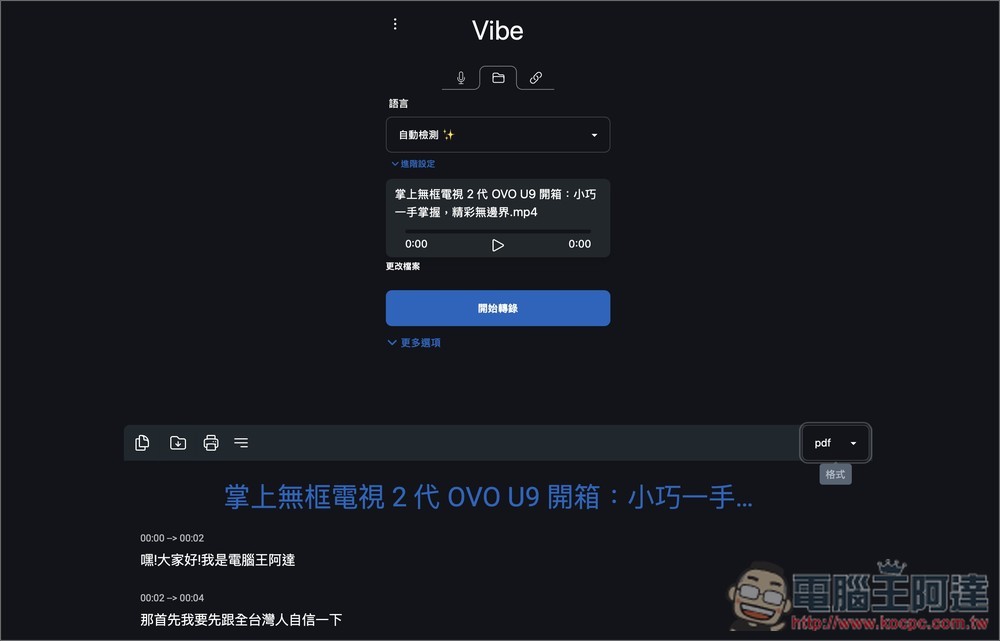
Introduction to Vibe: A Free OpenAI Whisper Speech-to-Text Tool
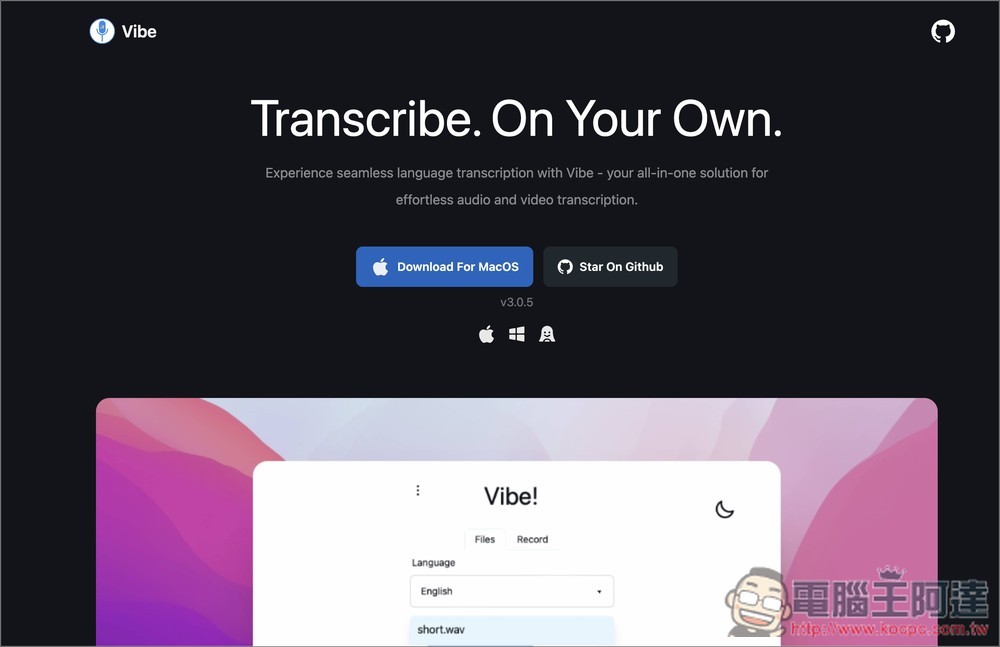
Vibe is an open-source tool. Those interested in obtaining the source code can visit GitHub projectThe link above goes to the official website to download the installation files for Windows and Mac. For Mac, both Apple Silicon and Intel processors are supported.
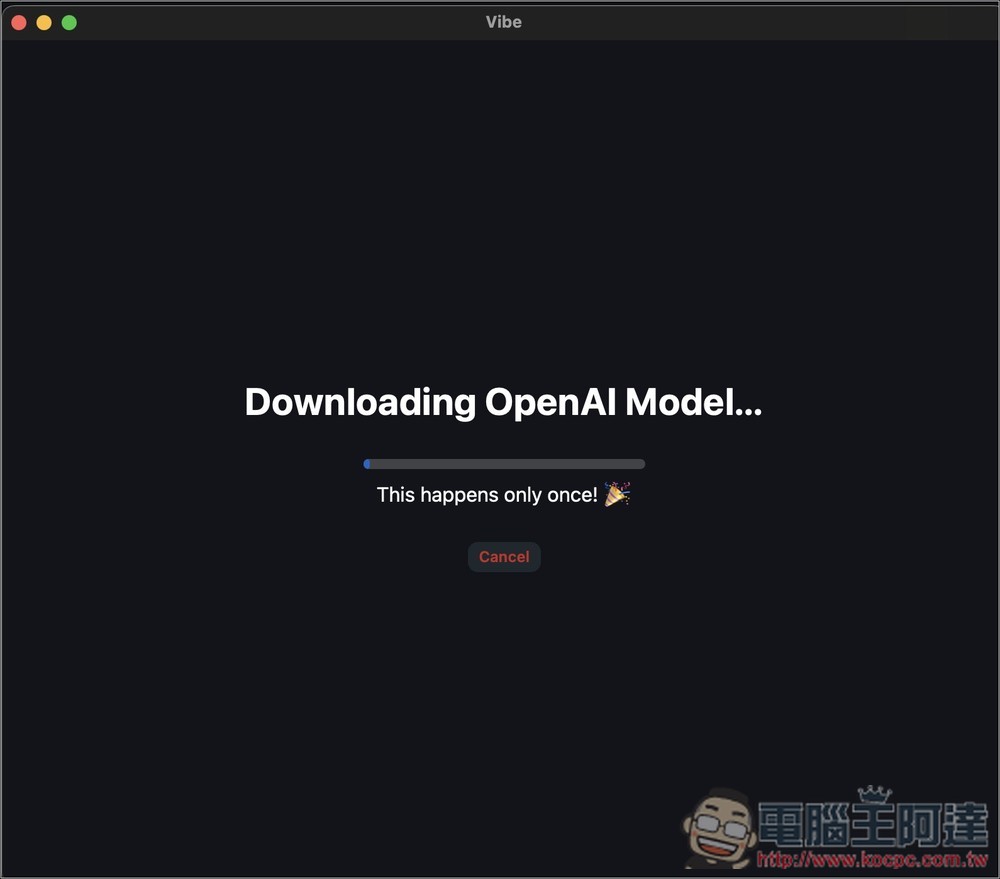
On first opening, it will automatically download the OpenAI Whisper model:
After the download is complete, you will enter the main screen, which offers three modes: microphone, import file, and YouTube transcription. For importing files, first select the language you want to transcribe:
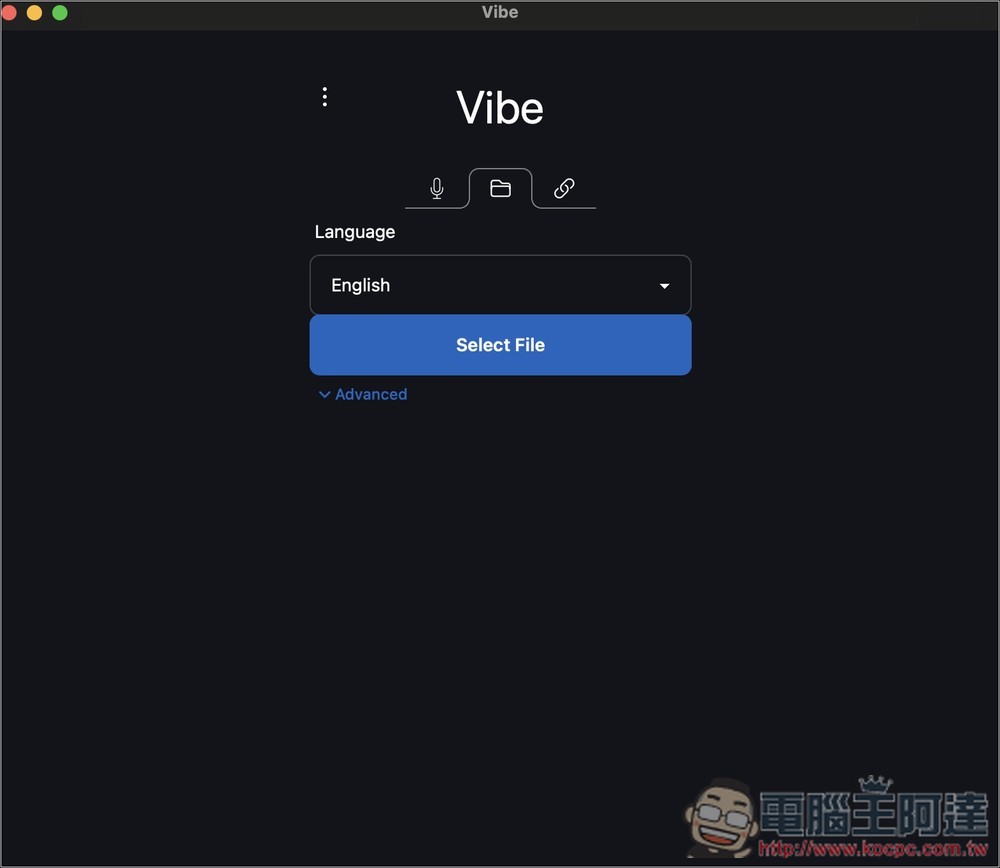
Supports multiple languages. Whether it’s Traditional Chinese or Simplified Chinese, choose Chinese, and Whisper will automatically determine it—my tests show it’s quite accurate. The Advanced menu lets you set some options. If you don’t understand English, you can open the settings in the top-left … menu, where you can adjust the language:
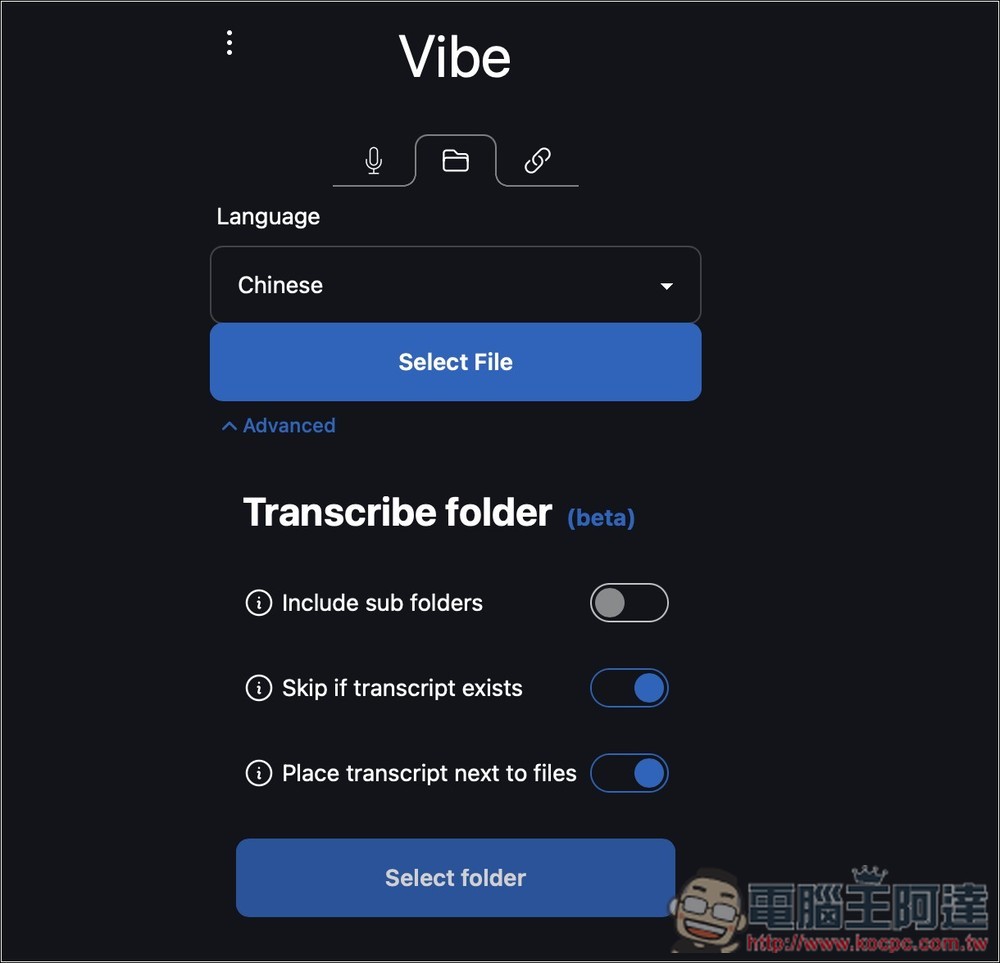
As shown in the figure below, click Settings:
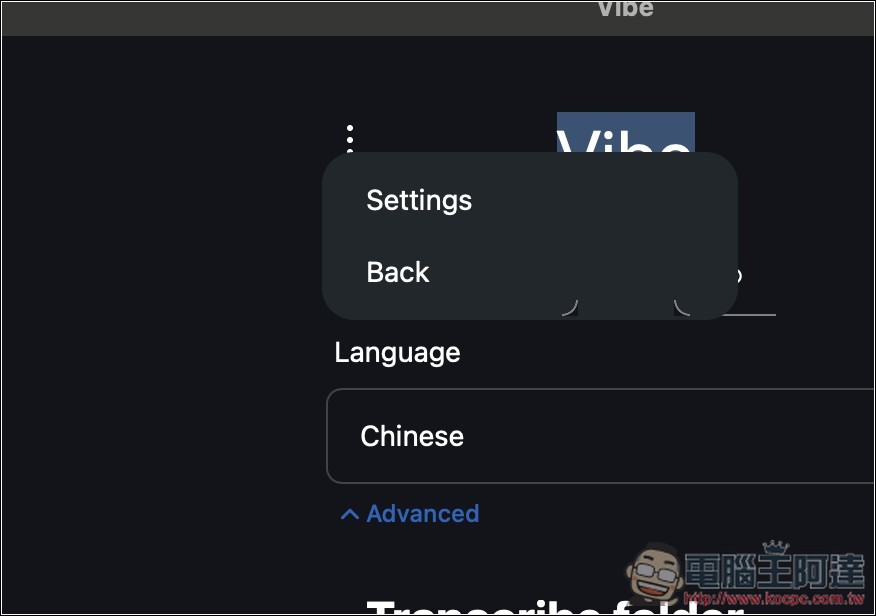
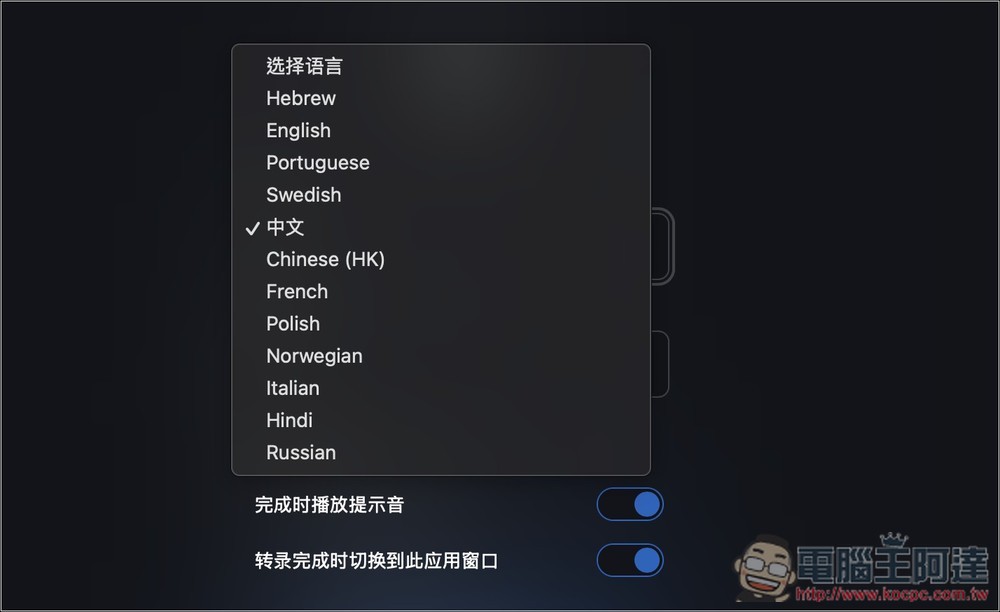
Inside, you can find the interface language. Chinese is Simplified Chinese, while Chinese (HK) is Traditional Chinese.
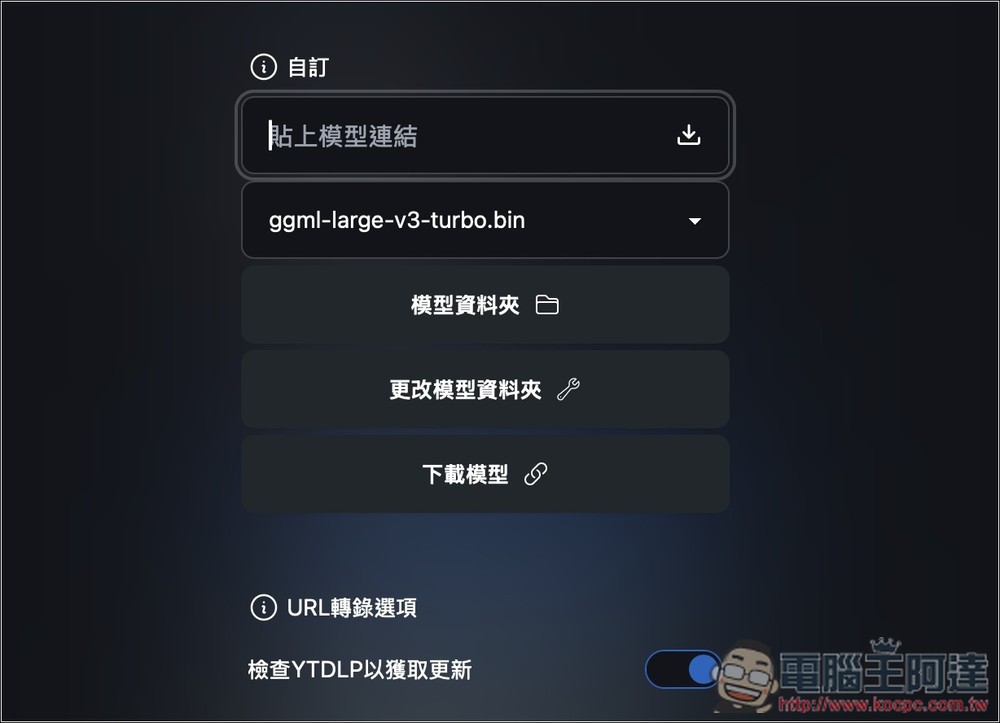
After it becomes Chinese, you won’t have to worry about not understanding. Below you can also set the Whisper model to use, the default is large-v3-turbo. This model is very fast and accurate, so there’s basically no need to change it:
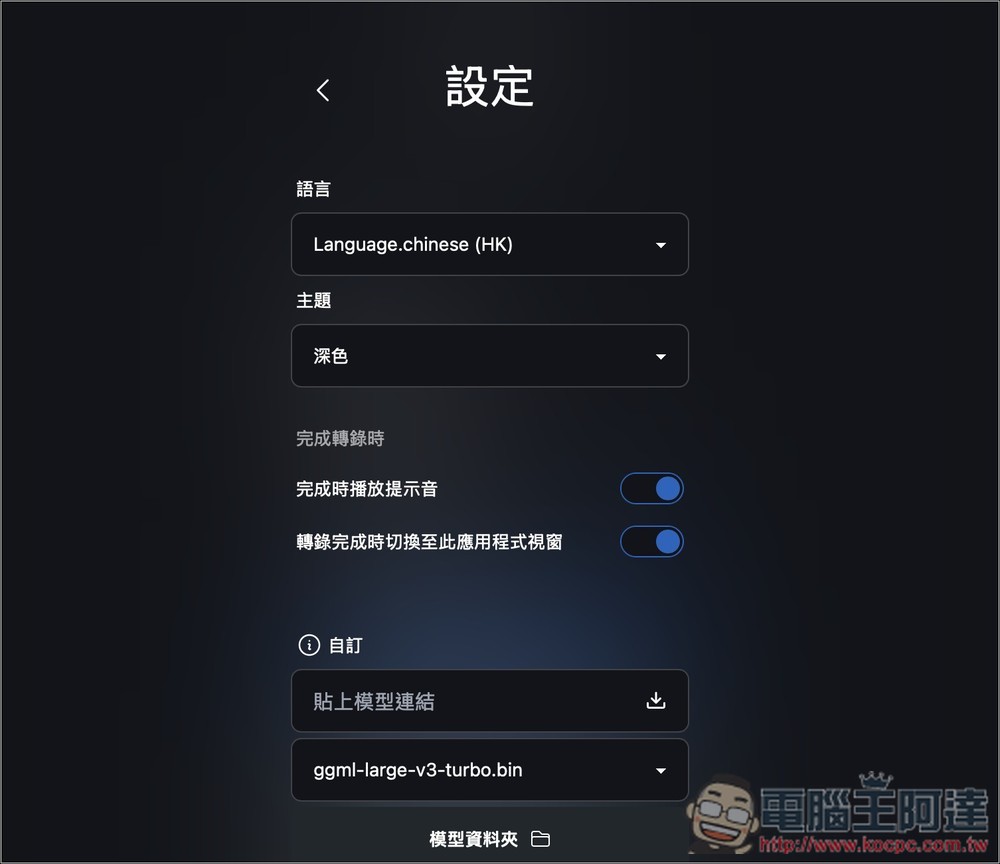
If you want to try other models, click “Download Models” below, and it will take you to a webpage where you can find links to each model:
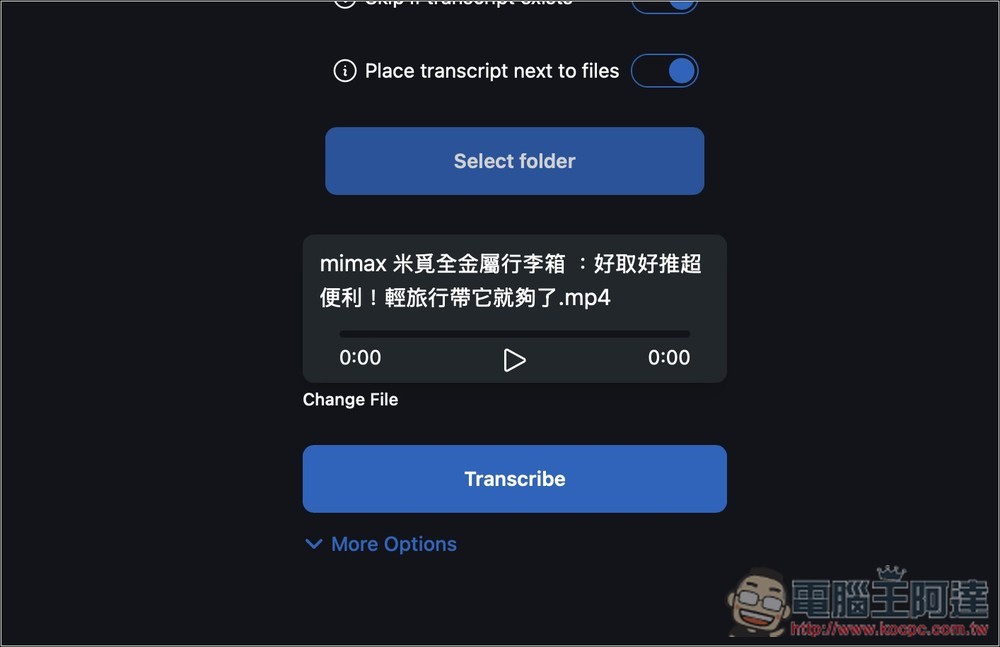
Next, returning to the import file transcription section, after selecting a file, press the Transcribe button below to start transcription:
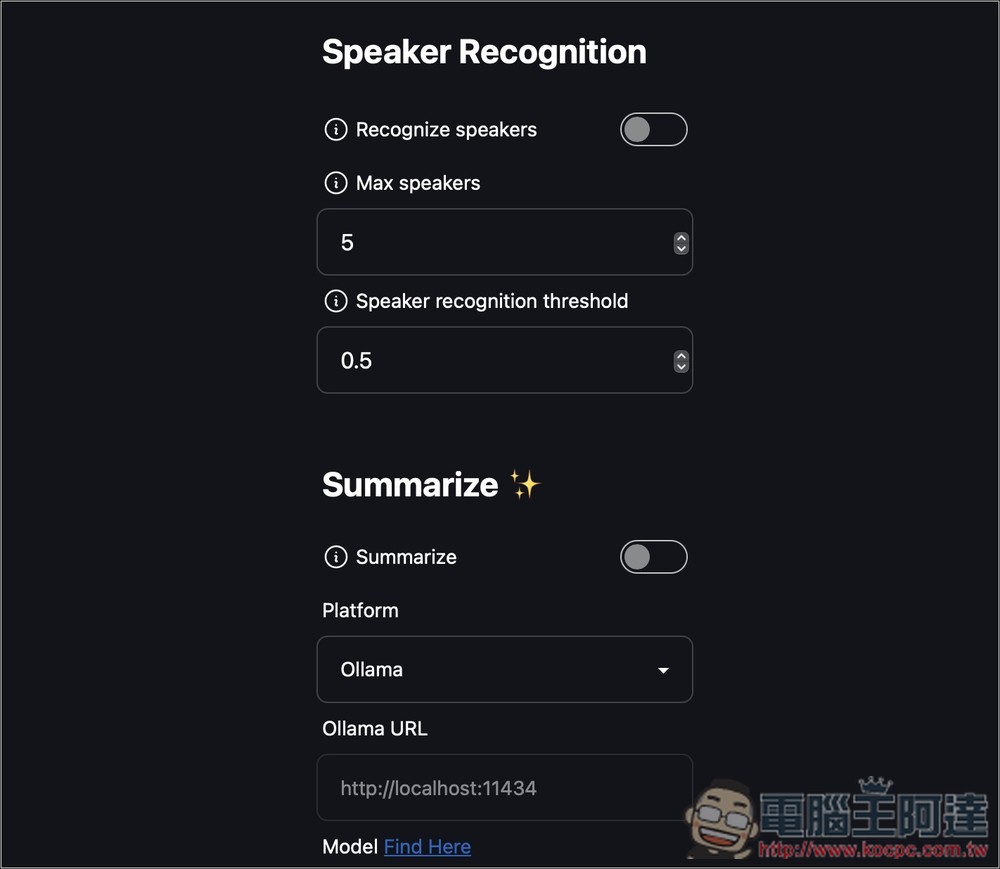
Inside More Options, there are even more settings, such as speaker recognition and AI summaries (supporting Ollama and Claude):
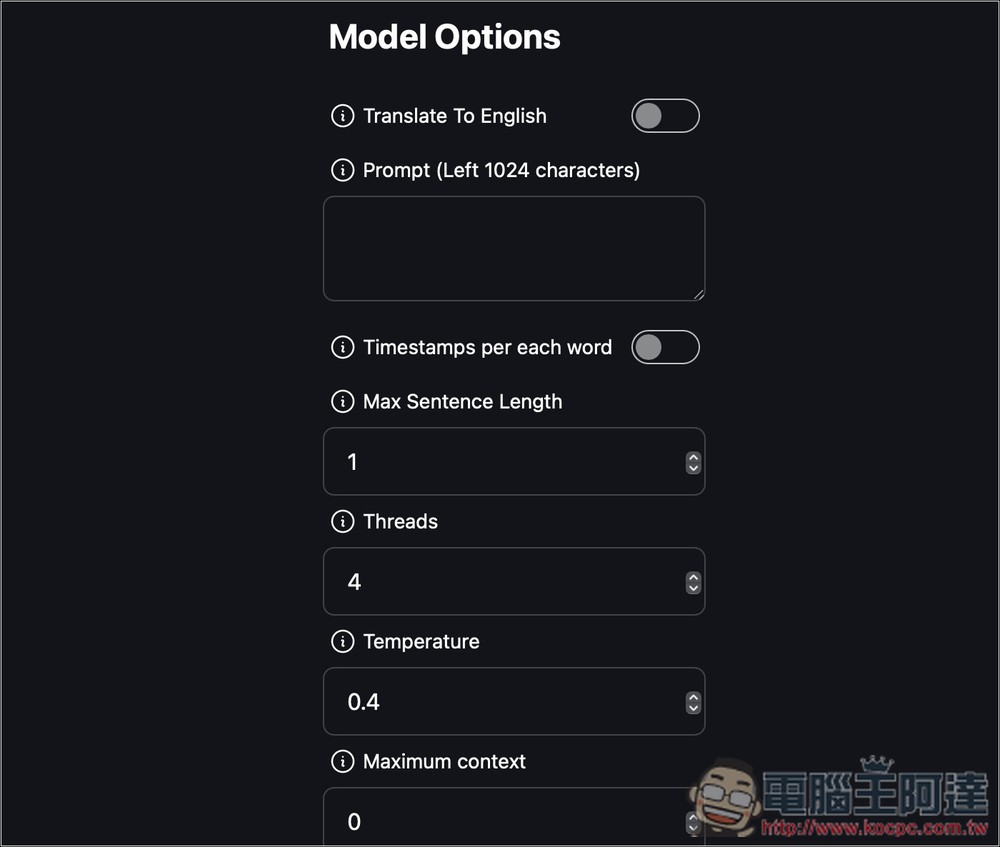
There’s also a translation option, but Whisper only supports translating other languages into English—it can’t translate into Chinese.
Then it will start transcribing. Vibe is specifically optimized for Nvidia / AMD / Intel GPUs (Vulkan/CoreML), and if you have one, the transcription speed is very fast:
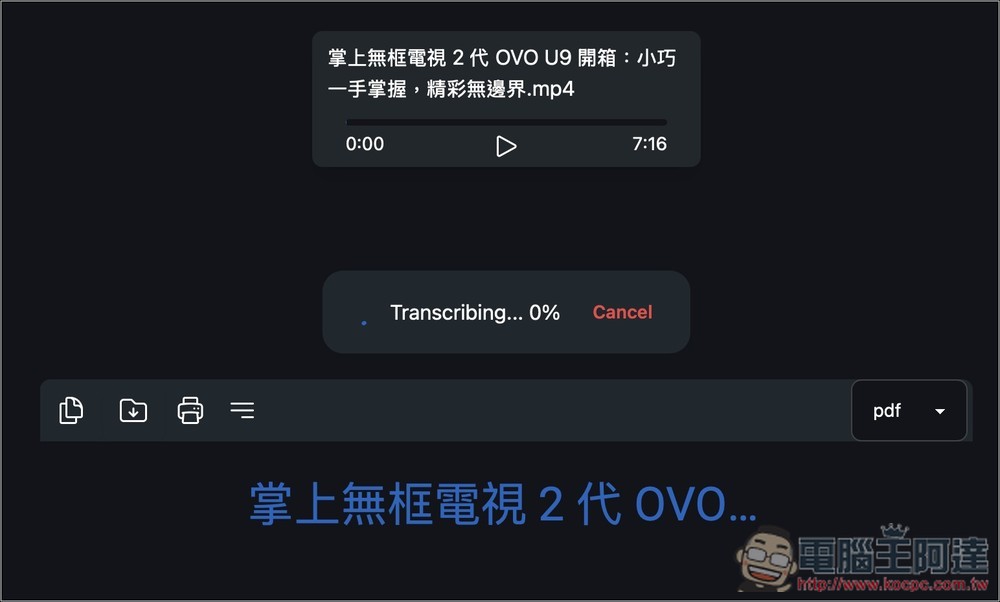
After conversion, all transcribed text will be displayed below, with copy, download, and print functions on the left side:
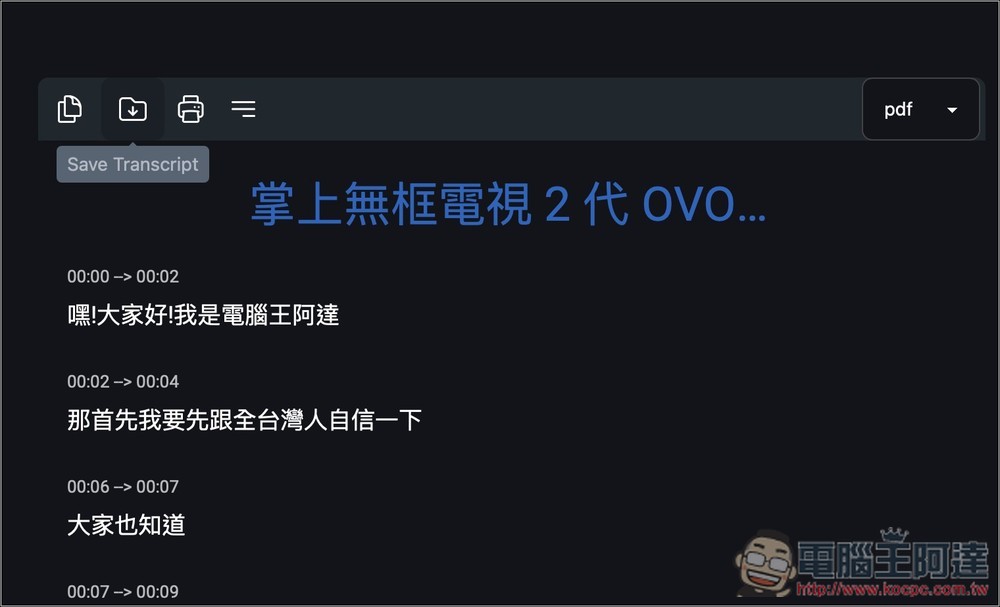
Can save multiple file formats, including Text, html, pdf, docx, srt, vtt, and json:
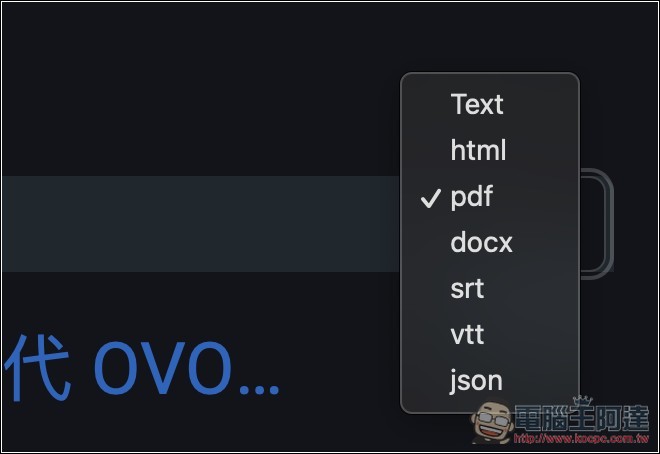
Switching the file format automatically changes the format of the transcribed content, which is quite nice. For example, after I switch to srt, the timestamps above become a subtitle-compatible format:
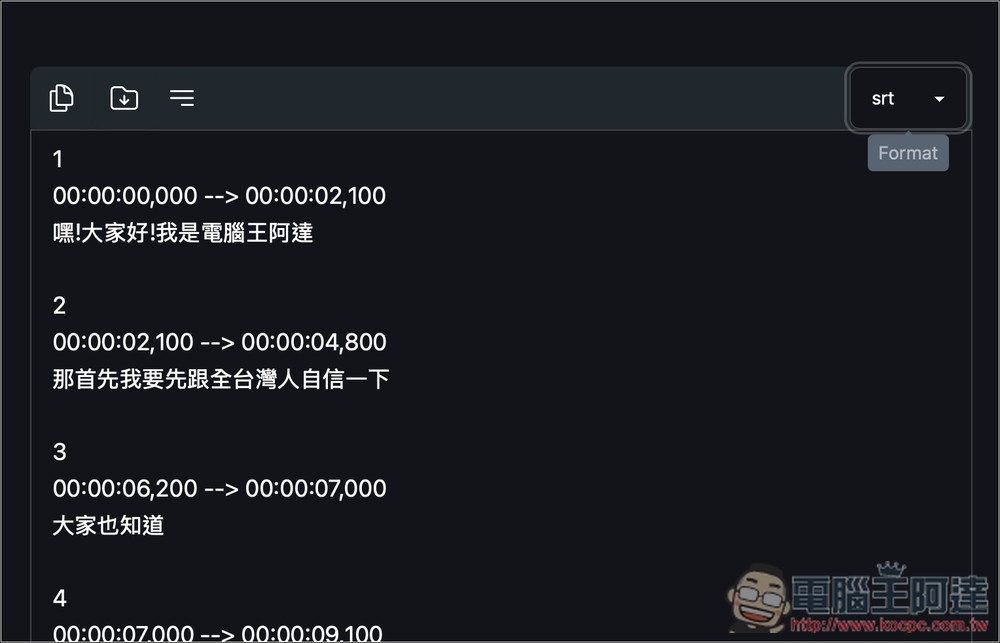
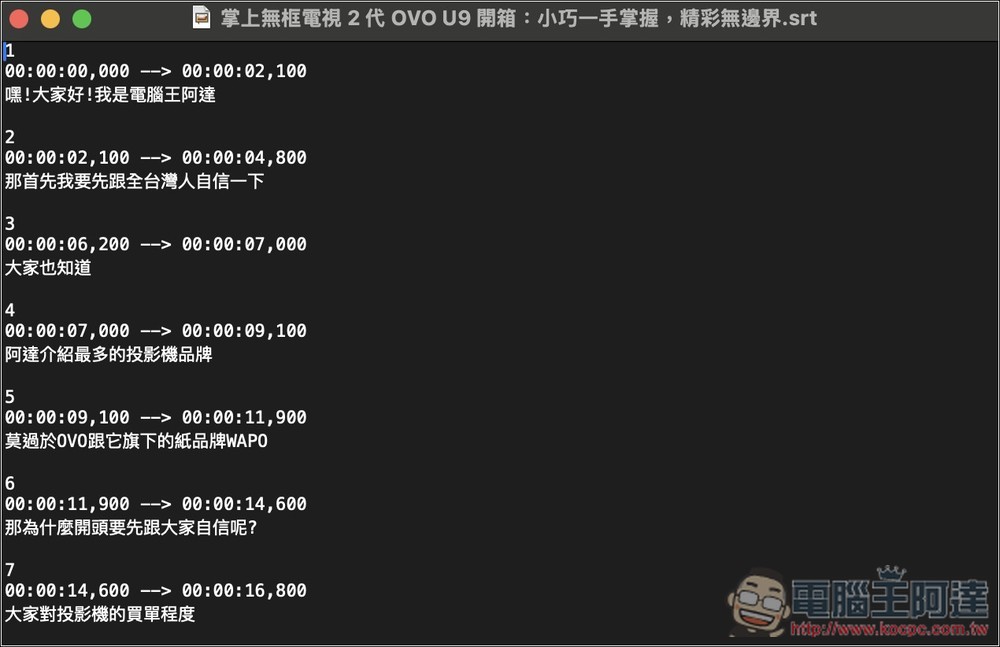
After downloading, I checked, and the subtitles can indeed be used directly:
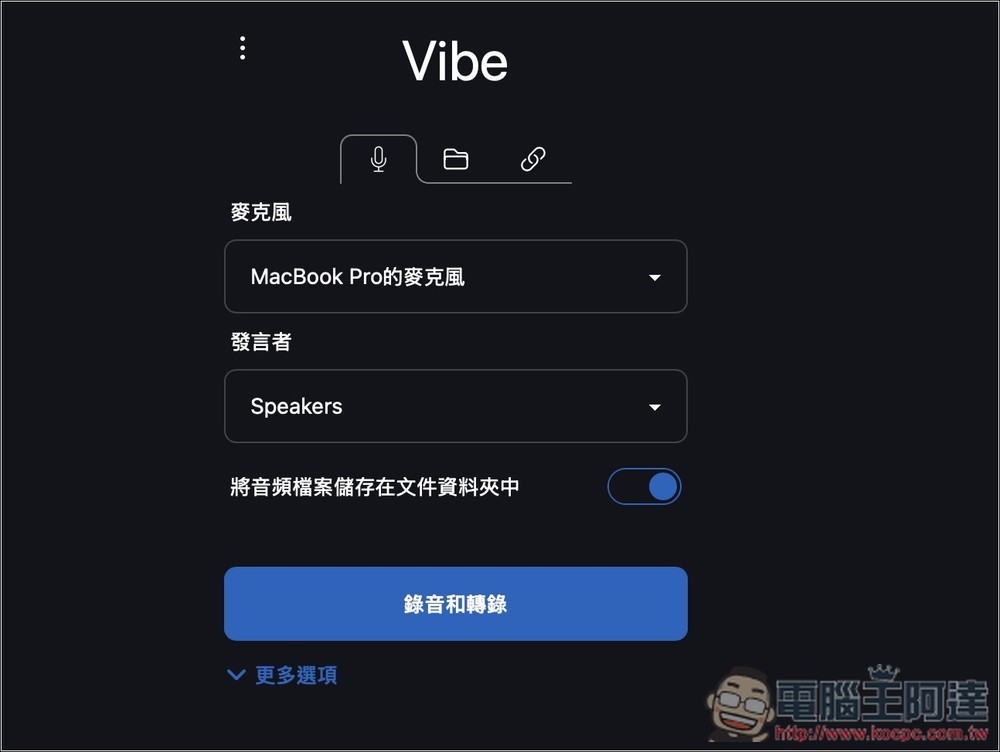
Also supports microphone recording transcription:
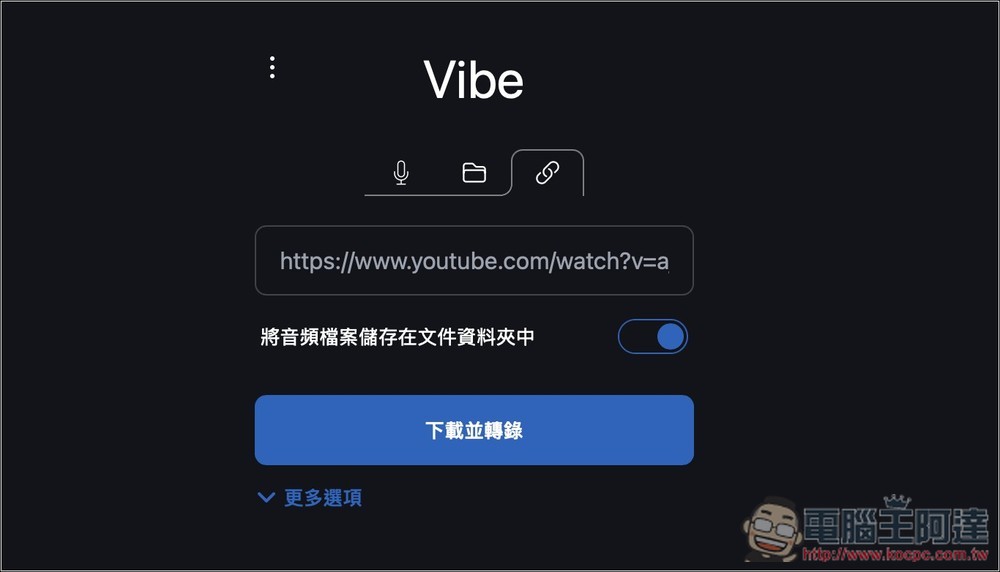
Also, YouTube transcription:
Source: KOCPC Chinese