


There are many free TikTok download tools on the Internet, but you have to copy and paste the URL. The operation is a bit troublesome. You need to open two web pages at the same time. This article recommends a simpler method “TikTok Video Keeper”, a Chrome extension. After installation, you can directly add a download button next to the TIkTok video. When you see a video you like in the future, click it to start downloading, which is super convenient.
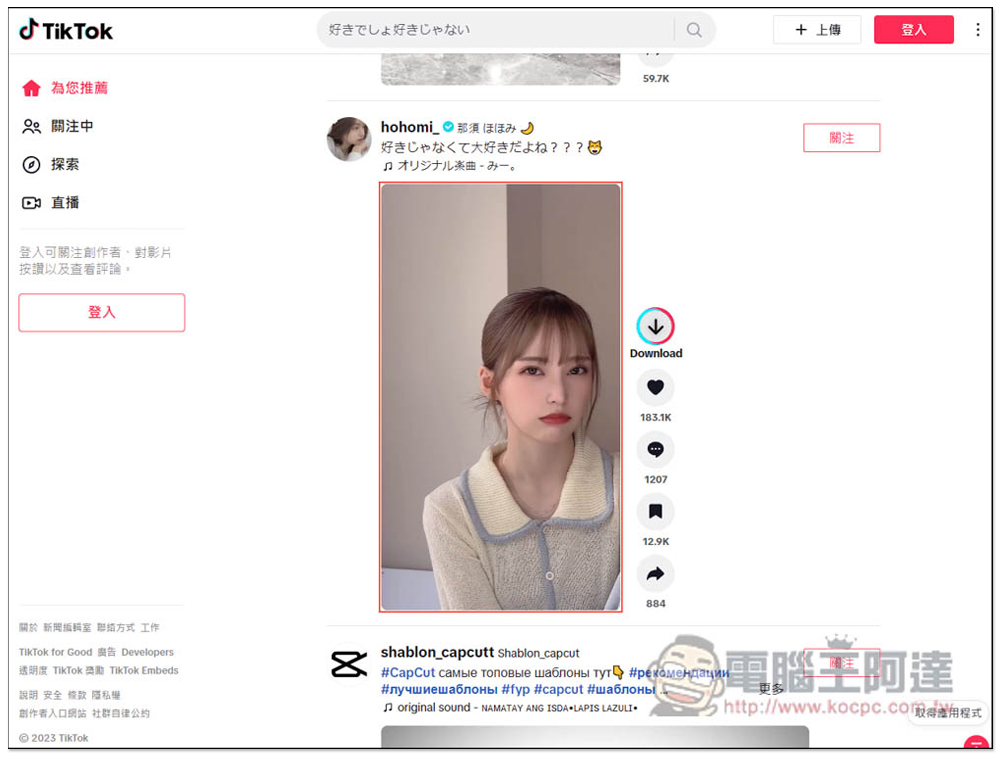
TikTok Video Keeper directly gives TikTok videos a download button, allowing you to easily download them with one click
TikTok Video Keeper is a Chrome extension that can also be installed on Microsoft Edge. The installation method is the same. After clicking the link above to enter the Chrome store, click “Get” on the right:

This message will pop up above, click “Add extension”:
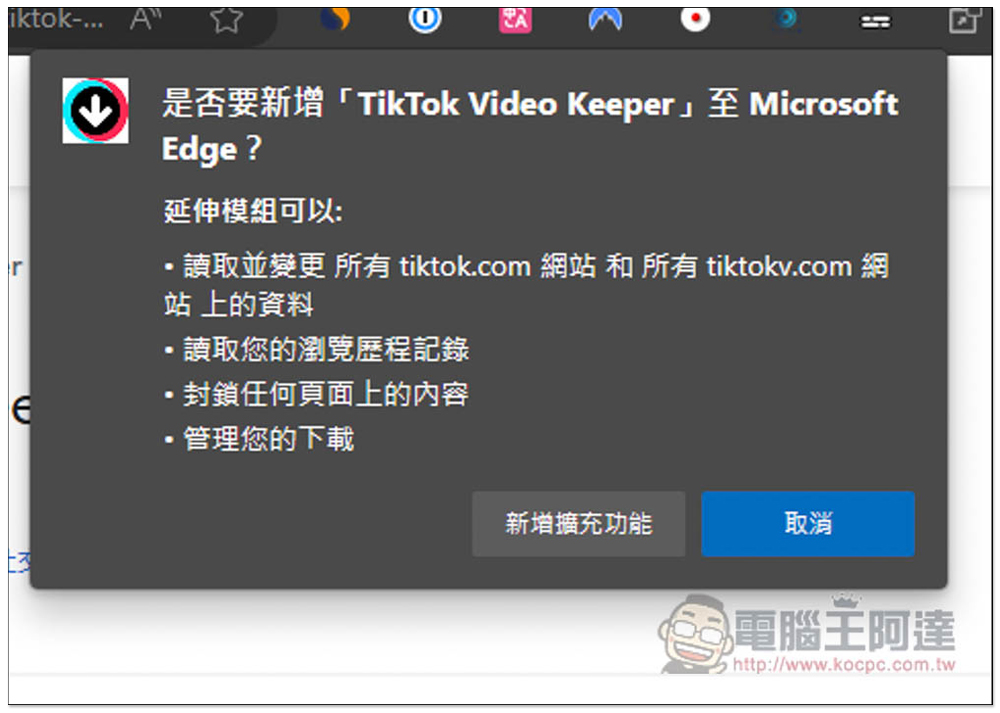
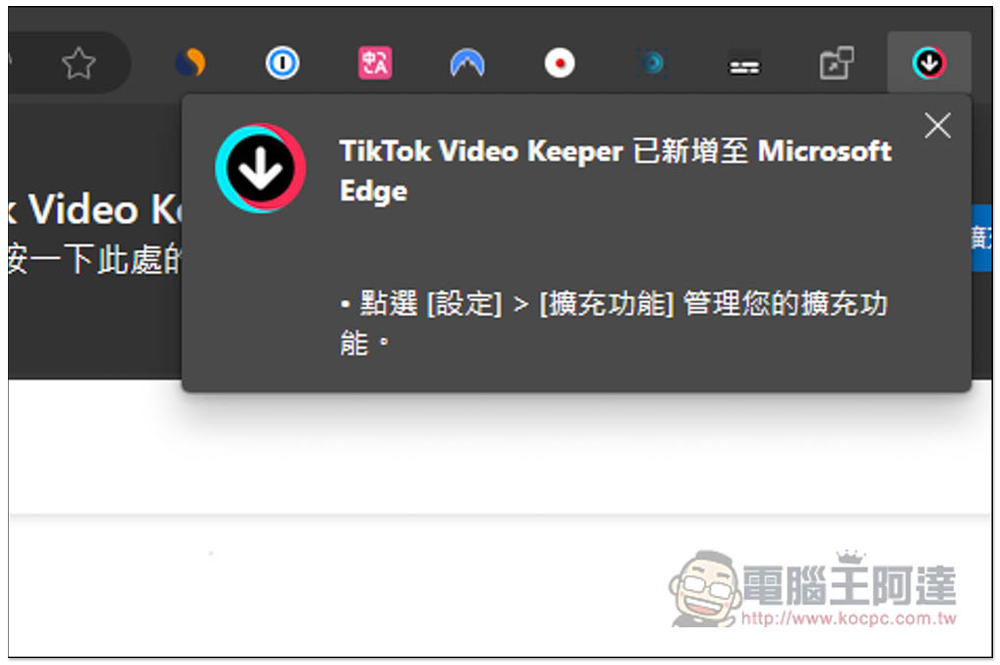
The installation is now complete, and the extended function icon will be hidden. It doesn’t matter. It will be enabled directly after installation and you can start using it:
Then open the TikTok webpage and you will see an additional Download button on the right side of the video. Click it and the download will start:
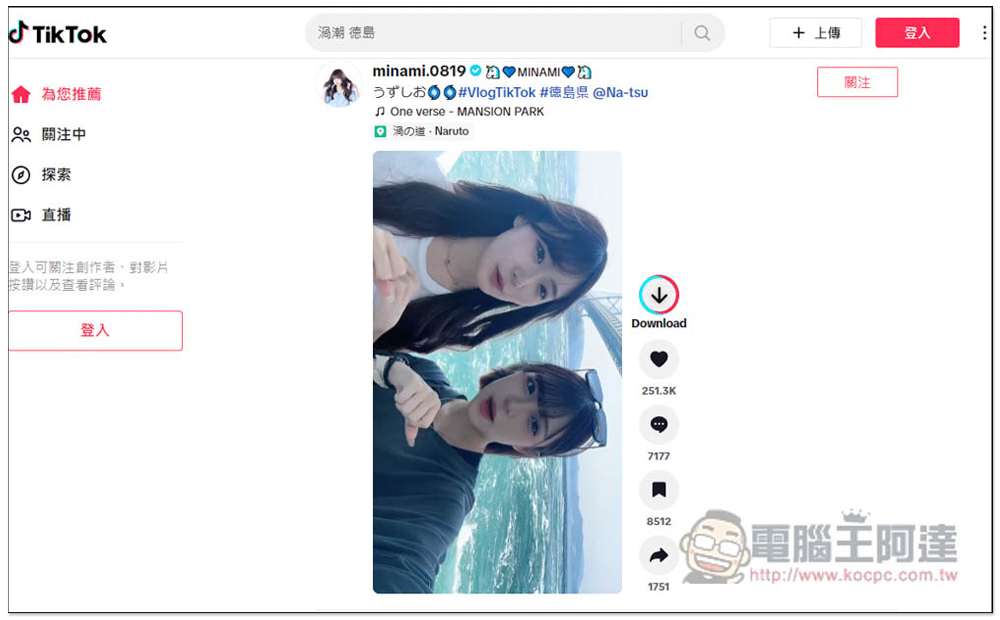
No webpage will be opened, the download will start directly, and the speed is very fast. I checked that the downloaded video is also at the highest resolution and has no watermark, which is pretty good:
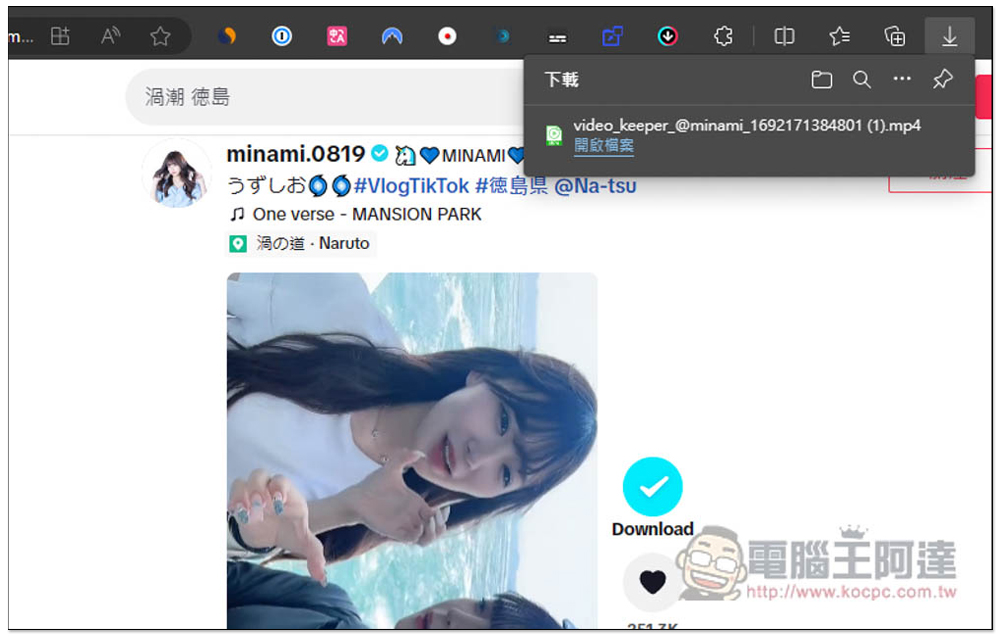
But I don’t know why, the Download button does not appear on the right side of some videos, otherwise it will take a while to appear. If you also encounter this situation and it still does not appear after waiting for a while, there is another download method:
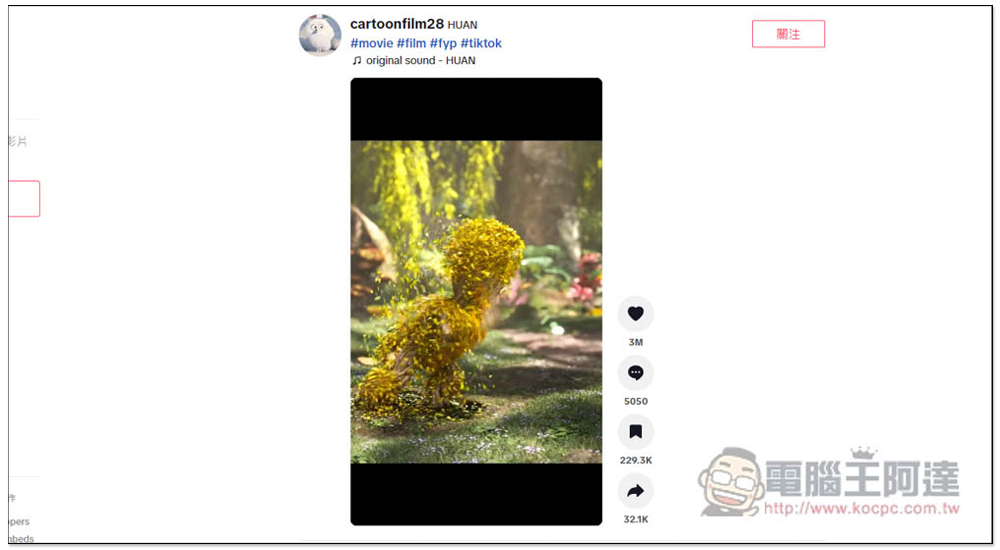
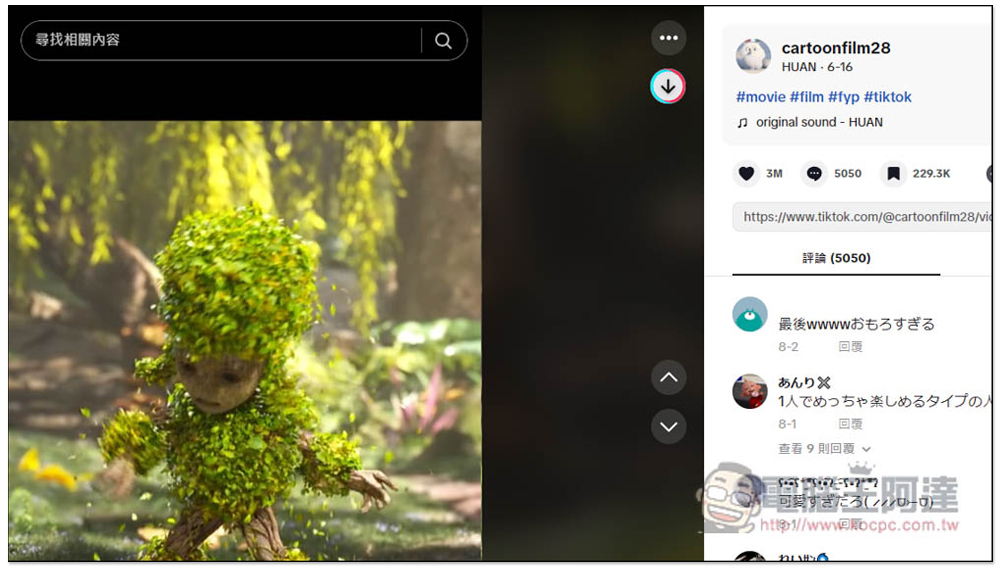
Just open the video, and you will see a download icon on the right. This will be displayed for every video. So if you don’t see the download button on the right side of the homepage, you can directly open the video and click this one instead:
Another thing to note is that this extension function failed in February to March, that is, it could not be downloaded. The developer will launch a new version update later, so if this happens when you use it, you can report it to the developer to see if they will fix it as soon as possible.
In addition to this extended function, if you want to know more ways to download TikTok, here are a few more that we have introduced, such as:
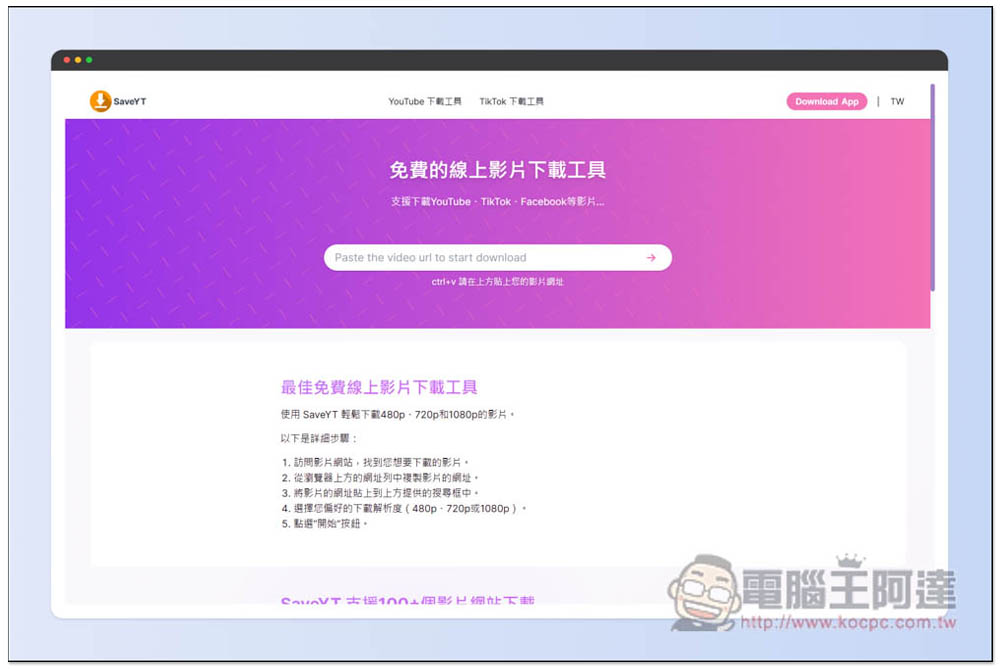
SaveYT One supports downloading from more than 100 websites, including TikTok. The webpage has no ads and is very comfortable to use:
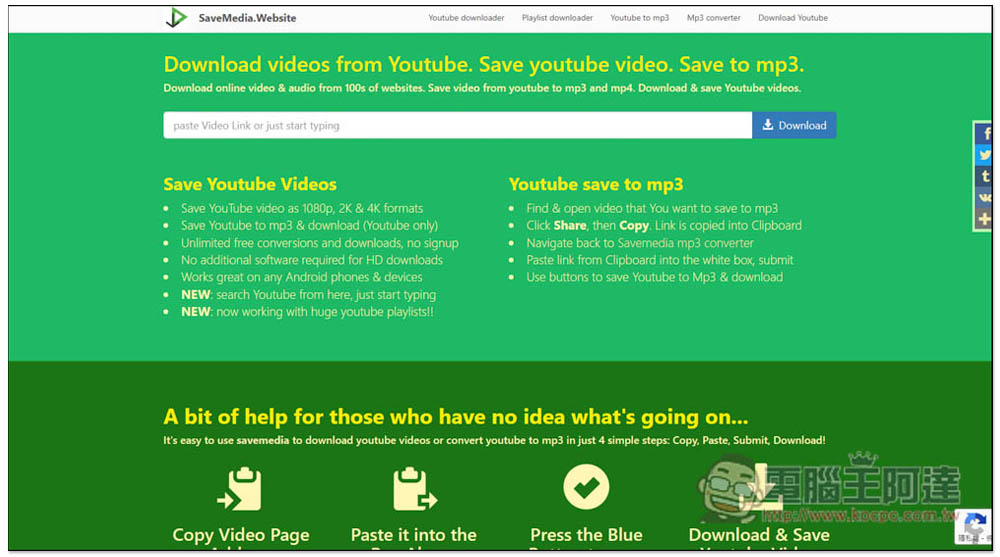
Savemedia.Website It is also a free download tool that supports several websites. MP4 videos and MP3 music can be downloaded:
DownLoadPanda It is a free tool specifically designed to download TikTok. You can choose to download videos or music:

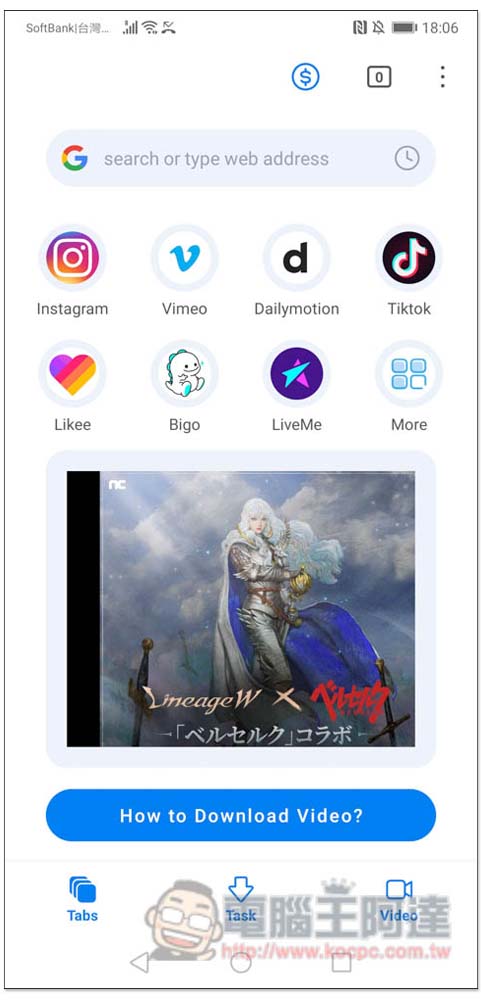
Android users can refer to “Video Downloader: M3U8 MPD“This app can download TikTok videos:
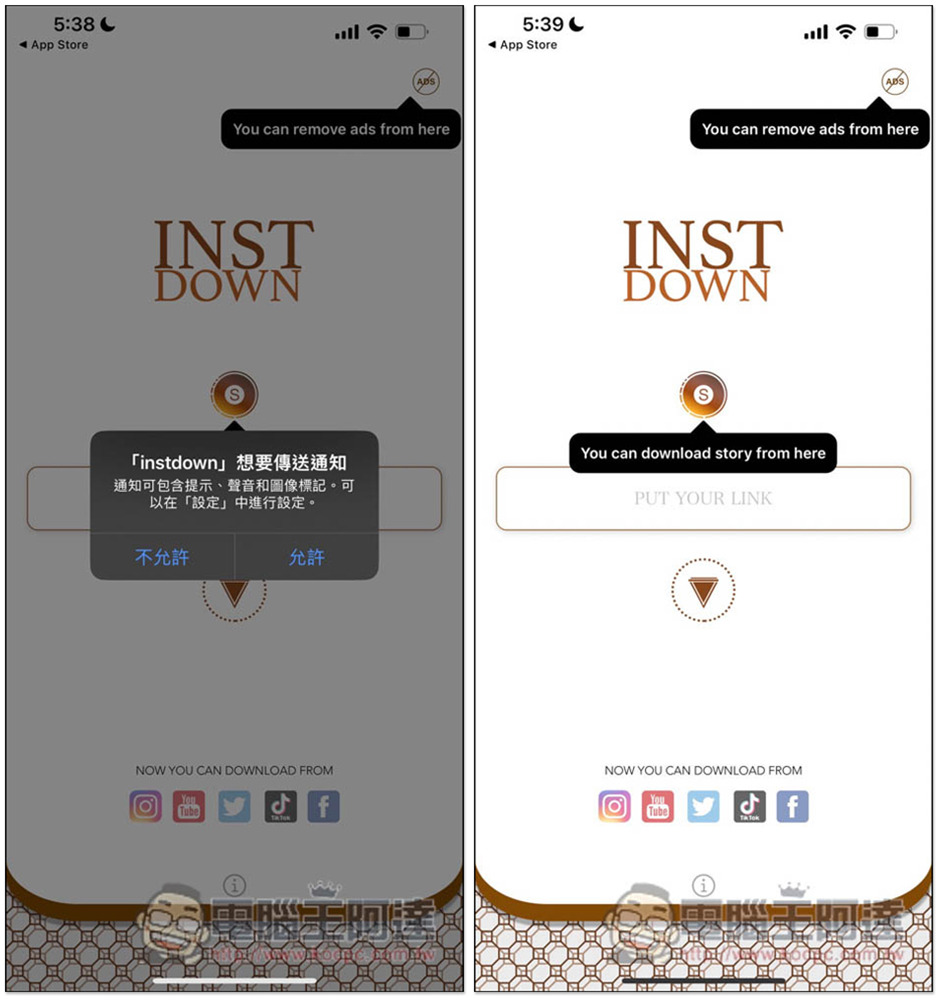
iPhone users can try “INSTDOWN“Free App, IG, Douyin (no watermark), YouTube, FB and other websites support:
Source: KOCPC Chinese