


There are many websites on the Internet that can download videos from YouTube, Facebook, IG, Douyin, etc. Computer King Ada also introduced many useful download websites and tools. You can use the search tool on our website to find them. We have tested them all before publishing. Since there are so many useful websites and tools, let’s try something different this time.
What I want to report to you this time is that which download websites are actually problematic. You may be forced to implant viruses by embedded advertisements on the page without knowing it, causing your personal information to be leaked. I will write a series of articles next, hoping that everyone can avoid these information security risks after reading them:
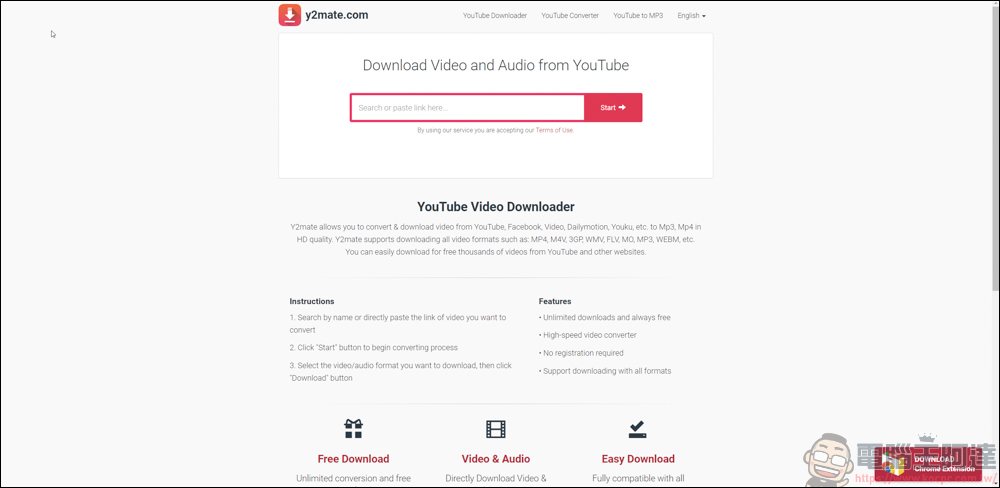
Y2mate
Editor’s note: This website is a copycat of another useful website “Y2META” that we recommended before. The letters are two different and the website is the same. Don’t make a mistake:
I won’t put any links here. If you are not afraid of death, you can go and experience it. The interface is very simple and the usage is also very simple. Just paste the URL you want to download into the search bar. For YouTube, you can download MP4 up to 1080P, and for audio, you can download MP3.
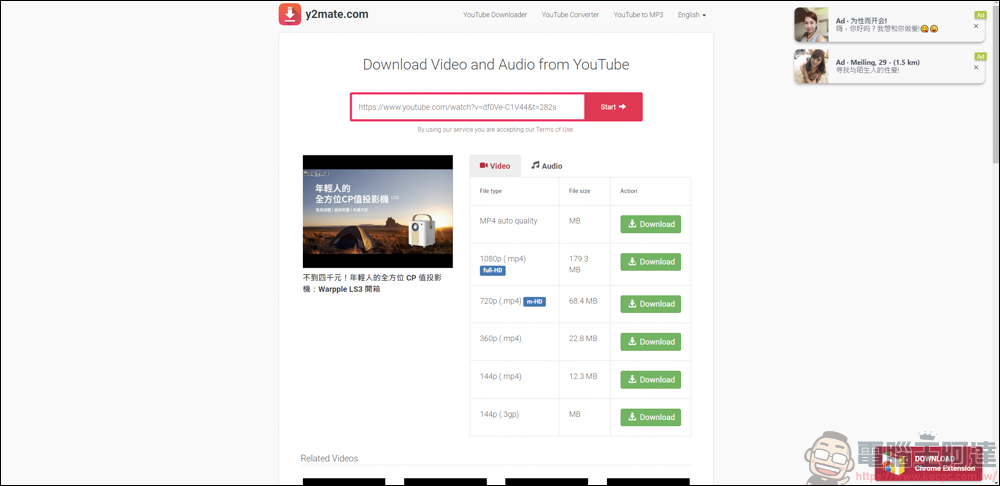
As you can see in the screen, some strange advertisements have appeared in the upper right corner:
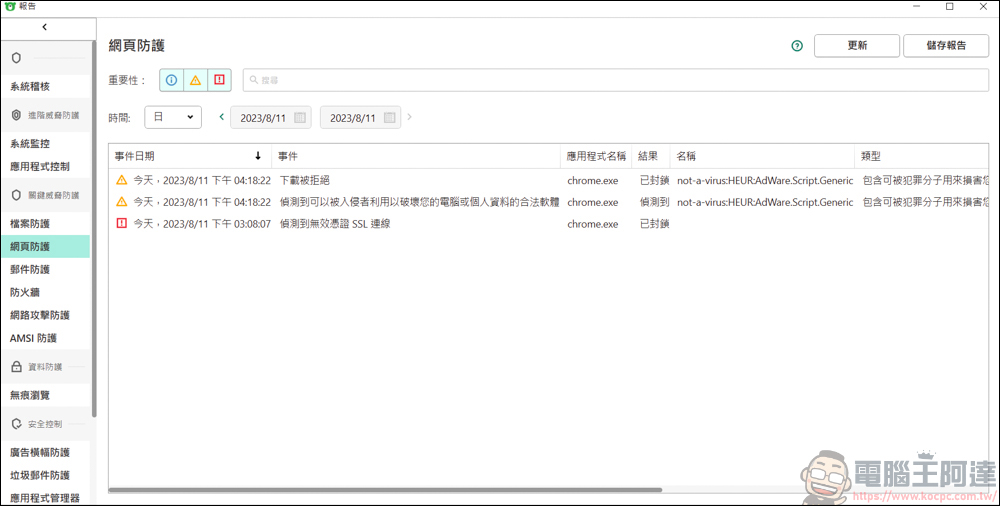
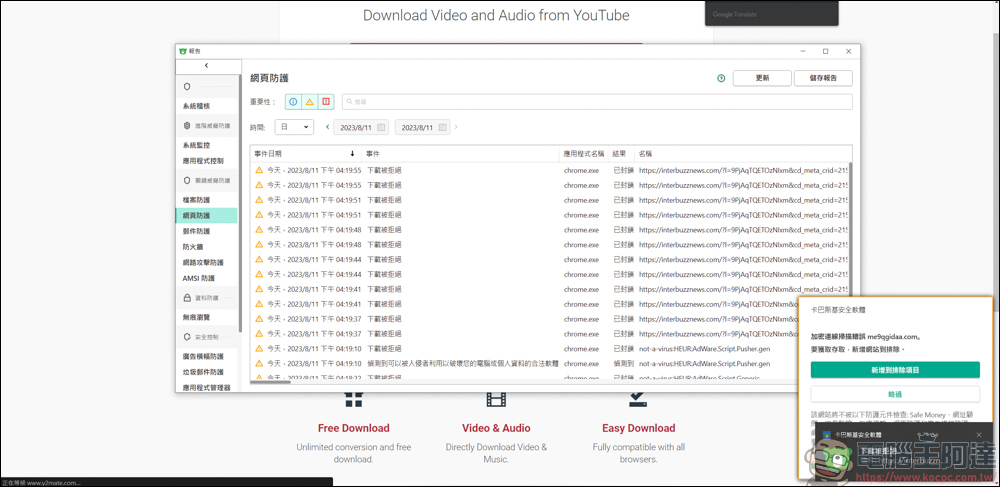
While opening this webpage, my Kaspersky anti-virus software has detected that there is adware to download on this webpage, and it has been blocked by Kaspersky:
When I pressed the option to download 1080P, there were many young women and girls desperately trying to chat with me.
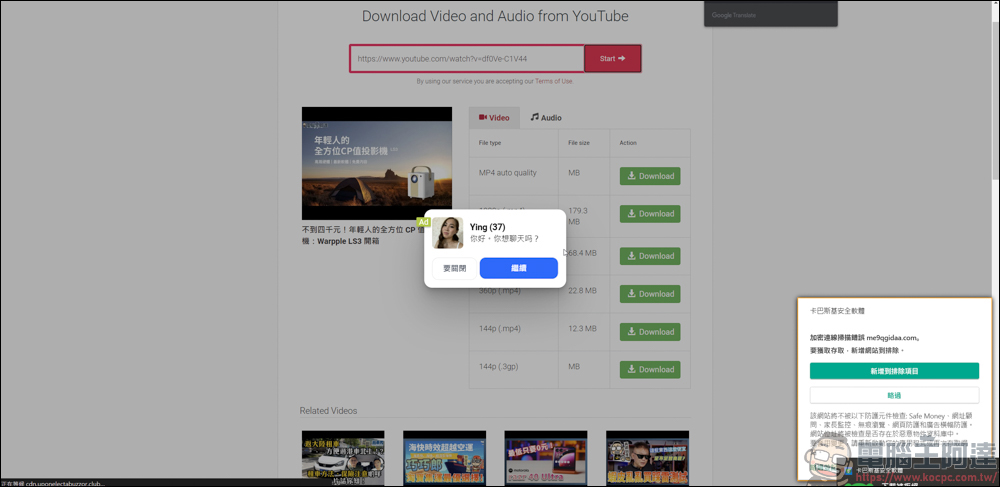
Then no matter how I press download, it keeps resetting the download page, and Kaspersky keeps popping up notifications:
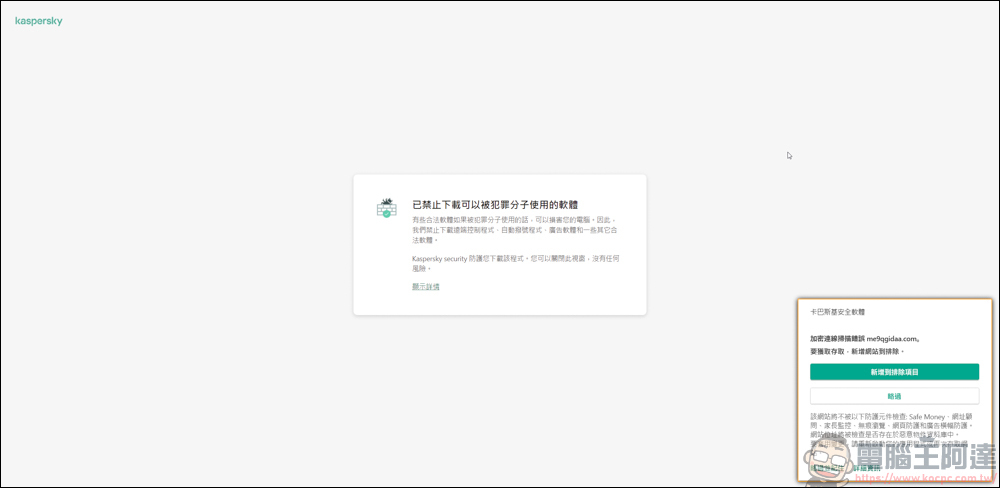
After clicking on it, the page was even banned by Kaspersky and could not be downloaded at all:
At first, I used Chrome to download Y2mate, but no matter how I tried, it kept resetting and blocking. Later, I switched to the Edge browser and tried it. Although it kept jumping ads and reorganizing, it was able to download the video, which was a bit speechless.
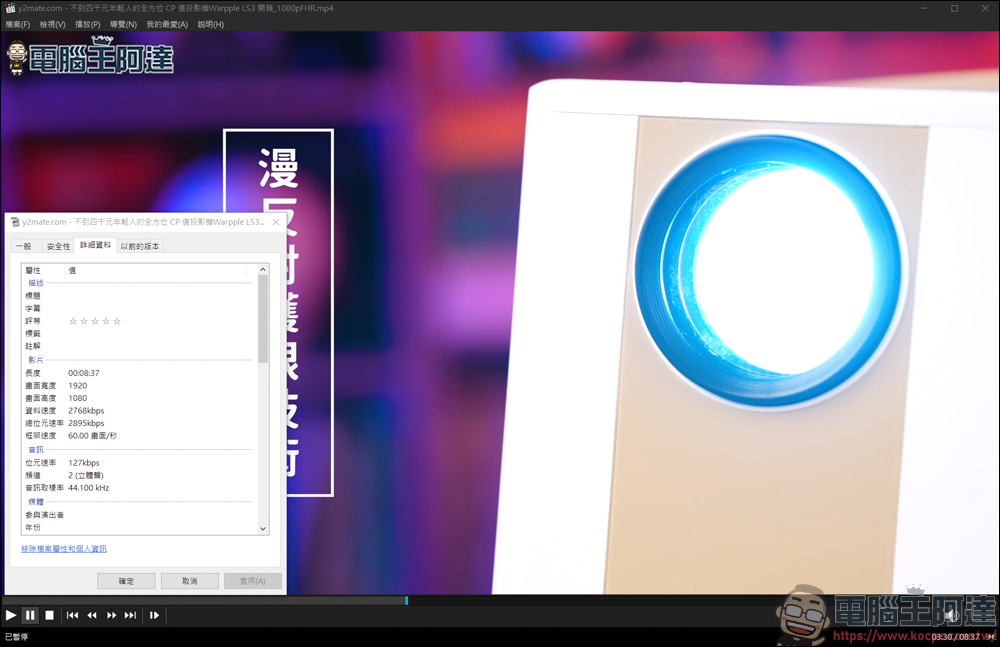
After actual testing, the downloaded video does have 1080P image quality, and it also has audio playback, so it can be used!
In addition to being able to download it from Y2mate’s own website, you only need to change the youtube → youtube of the video URLpp, it will automatically jump to the Y2mate download page and download the video directly.
Experience
In summary, as far as the download was successful, Y2mate is still useful and the interface is clean! But when it comes to information security issues, I really don’t recommend you to use Y2mate. There are too many problems. Many free download websites also have advertisements. Pages with advertising pop-up windows are acceptable. After all, we are using the resources of this website for free.
But after the download starts, the anti-virus software successively detects that high-threat things may be downloaded. If the anti-virus software or firewall of the user’s computer is not powerful enough today, then your computer data is likely to be stolen. Therefore, Y2mate is highly not recommended for everyone to use. Next time we find other problematic websites, we will continue to provide information to let everyone know, so that everyone can avoid information security problems as much as possible.
Source: KOCPC Chinese