


You know, a professional colorimeter is not cheap equipment, with prices ranging from a few thousand to tens of thousands. Unless you have needs such as painting, measuring screens, designing, etc., most people will rarely use this equipment. Today I saw this free software “ColorMeter camera color picker” on the Play Store. It is a software that can measure the RGB and HTML color codes in photos with your mobile phone.
Anyway, I can’t afford a professional colorimeter equipment XD. Take advantage of this limited time offer to try it and get addicted. Maybe the effect will be comparable to a professional colorimeter (mistake)
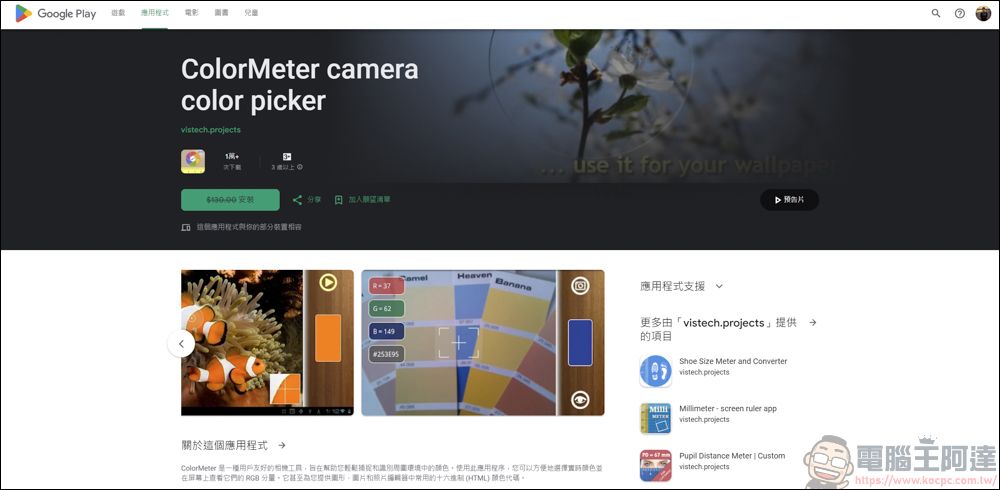
ColorMeter camera color picker introduction
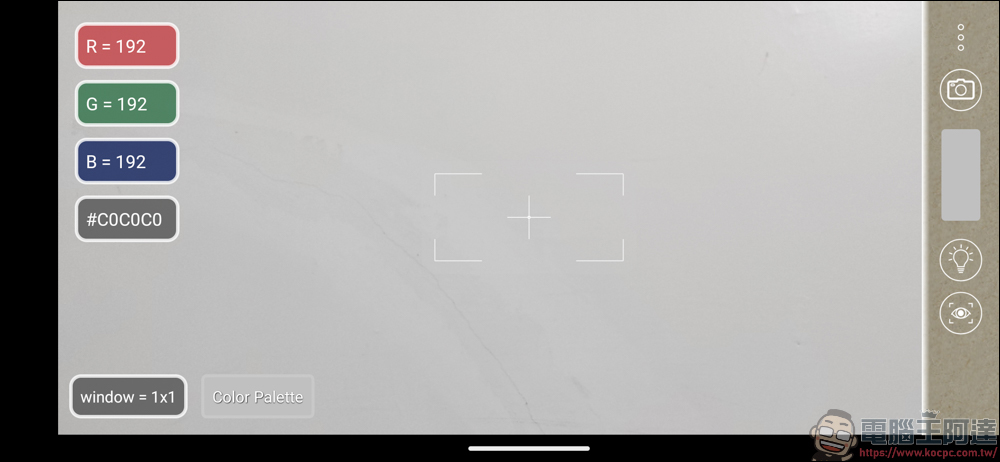
The mobile phone tested is a Google Pixel 4a 5G. After opening the APP, the camera lens will be automatically opened. The control function is on the far right. The camera icon is for taking pictures, the light bulb pattern is for flash, and the eye pattern is for focus. Press on the place you want to shoot to focus. The RGB and HTML color codes will be displayed where the cross box in the middle meets. This box cannot be moved:
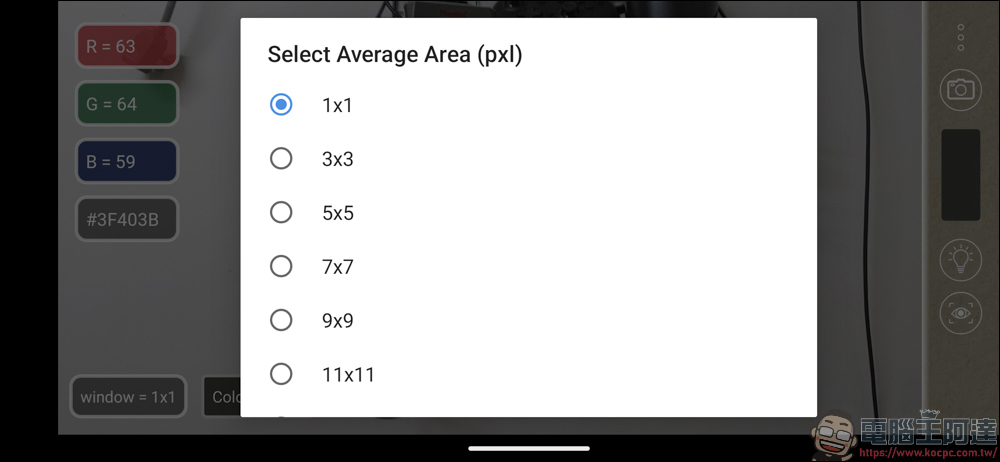
The option in the lower left corner allows you to select the average area of pixels, depending on how large your sampling area is:
Find an item you want to test and take a photo:
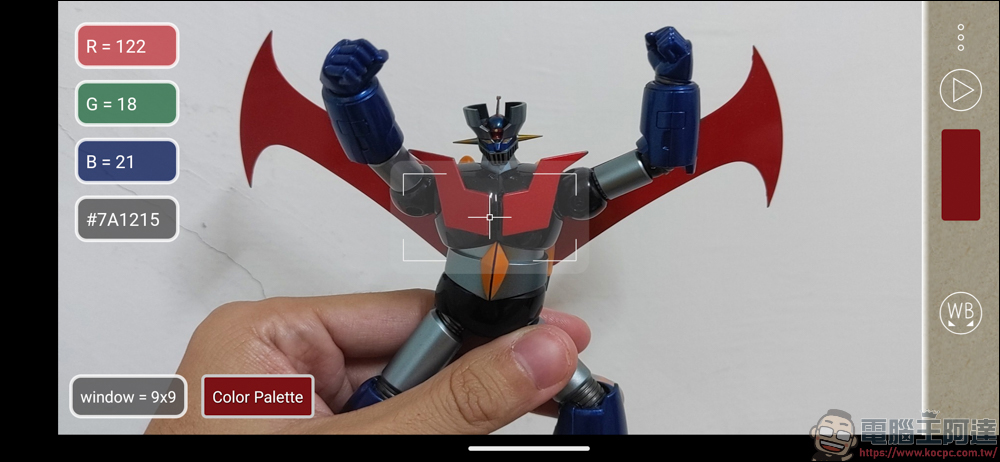
If you feel that the white balance is wrong after taking the photo, first move the indicator box to the white or gray area in the picture, and then press the WB icon on the far right of the picture to complete the white balance correction:
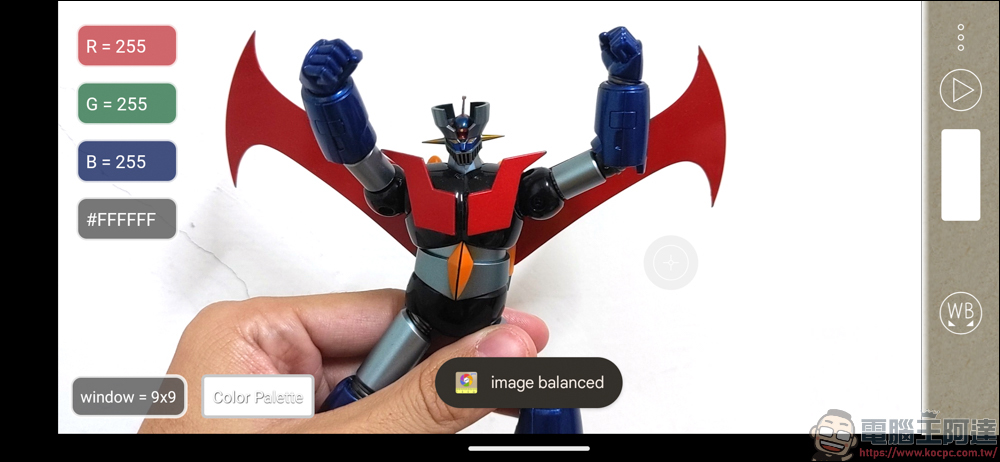
Open the Color Palette below, and the gray space that appears above can store the color of the area you selected. To extract this color, first align the indicator box here, and then press and hold the Color Palette for 1 second to save the HTML color code:
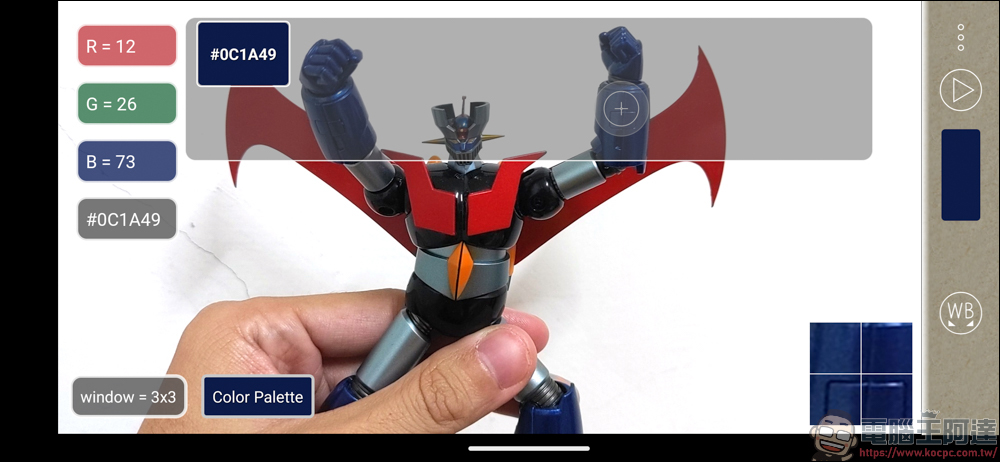
You can save multiple Color Palettes at one time:
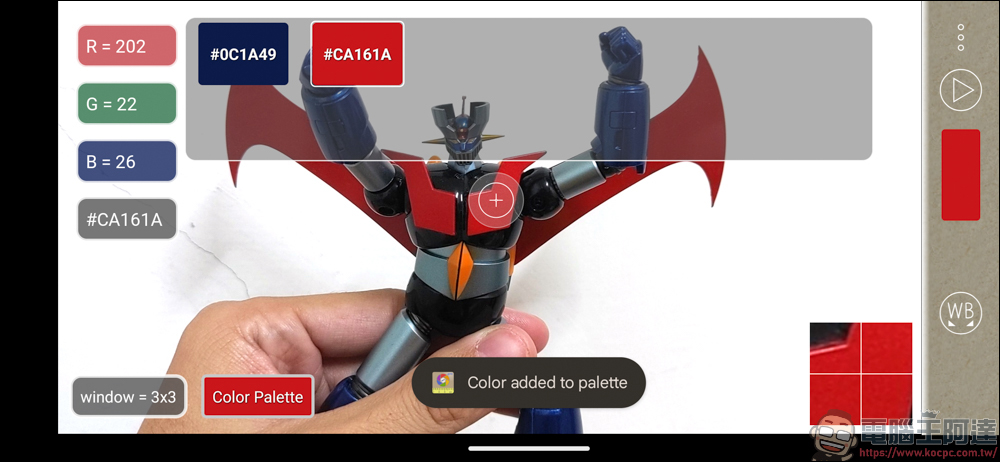
If you click and hold the color block on the far right, you can browse and create a desktop:
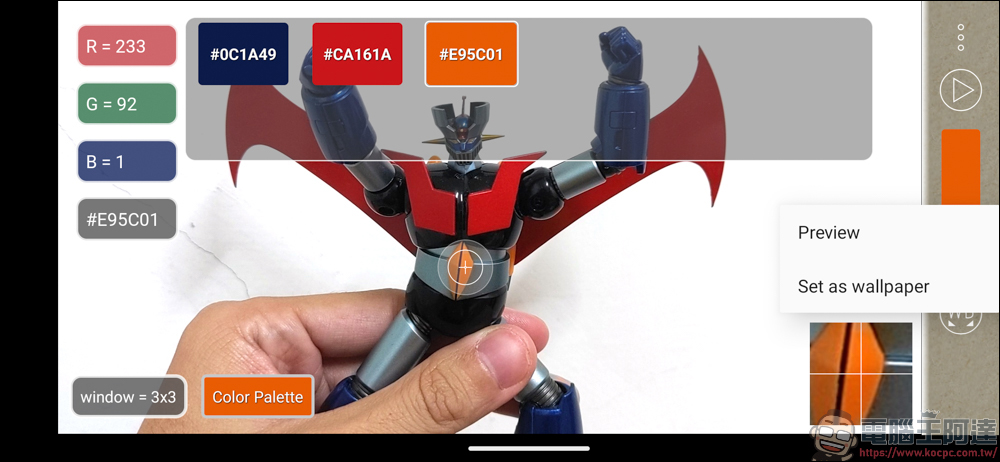
Browse to view the color of your choice in full screen:
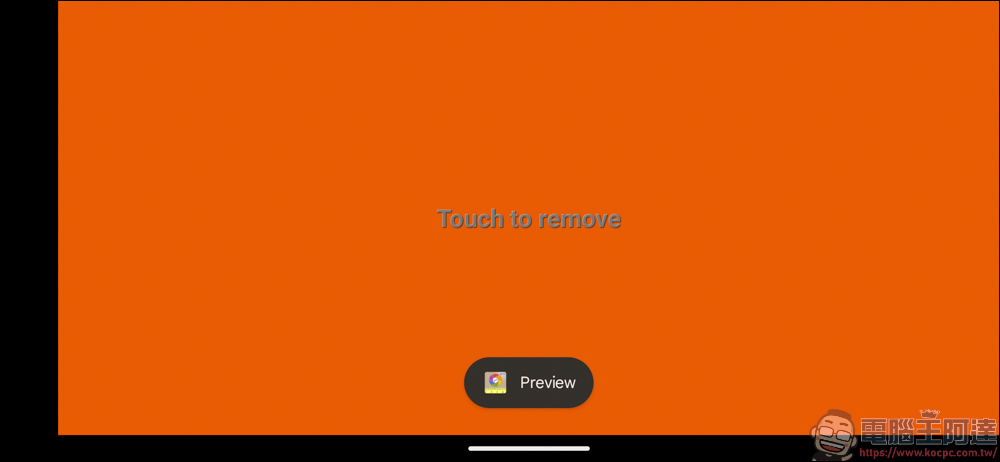
This function can also be called up by clicking on the color in the Color Palette block, and you can also share the HTML color code directly with others here:
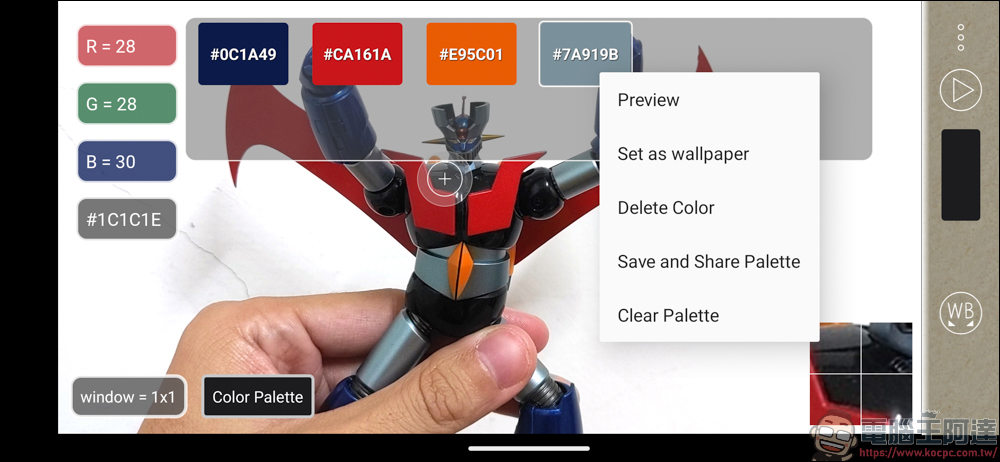
If you think the color is very pleasing, you can also use it as a tablecloth immediately:
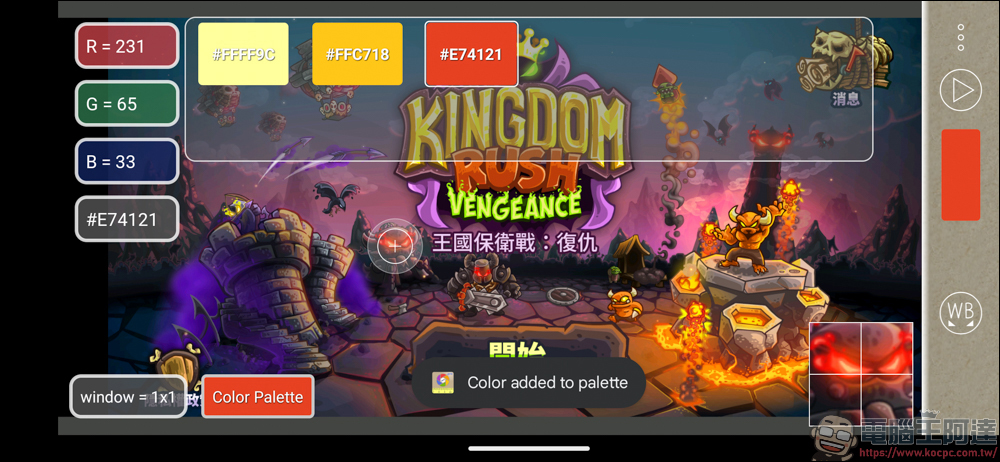
Photos in the original album can also be read, and then the RGB and HTML color codes are captured.
ColorMeter camera color picker experience
As far as this APP is concerned, it is still far behind a professional colorimeter. After all, it uses a camera lens to shoot, and the color and white balance may not be that accurate. But if you read a professionally taken photo or design file directly in the APP, I think the value it reads can be used as a reference. certainly! If you are going to use it for commercial needs, design, etc., you still have to use professional equipment to calibrate it. This APP is just for you to have fun.
Source: KOCPC Chinese