


Reading comics online has become a modern trend, and many publishing houses of paper comics have also developed online e-book stores to provide readers with online reading services. For some unpublished comics, cartoonists may choose to publish their works on platforms such as Twitter, pixiv, etc., and most of them can be viewed for free.
However, the language of this type of comics is usually still Japanese, and few people translate it into Chinese. We call this type of work “raw meat”. For people like me who can’t read Japanese, sometimes I can only look at pictures to figure out what’s going on in these conversations. In fact, most of what I’m looking at is Wu Sha Sha!
If you want to translate these raw meats into Chinese versions, there is actually a way, and the translated text will be inserted directly into the dialogue bubble window. This useful function is what we are going to introduce this “Cotrans Manga/Image Translator (Regular Edition)”:
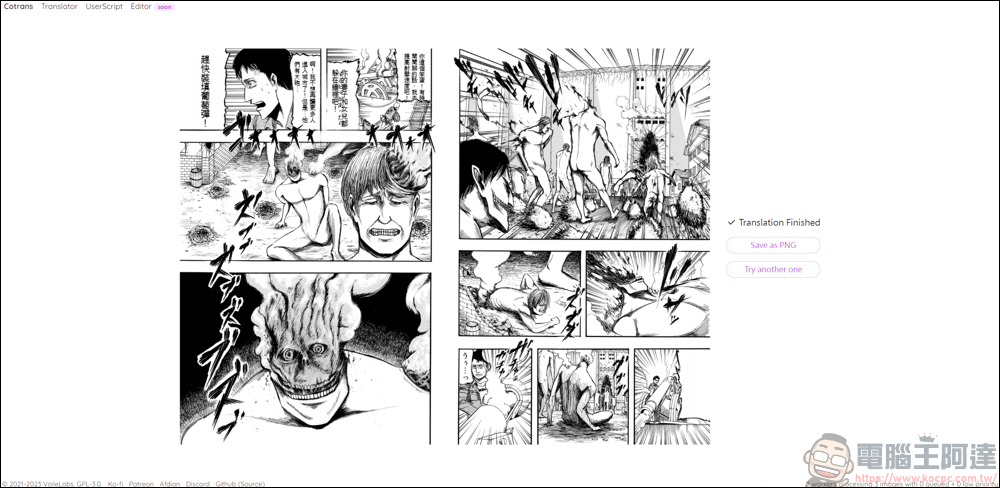
Introduction of Cotrans Manga/Image Translator by VoileLabs
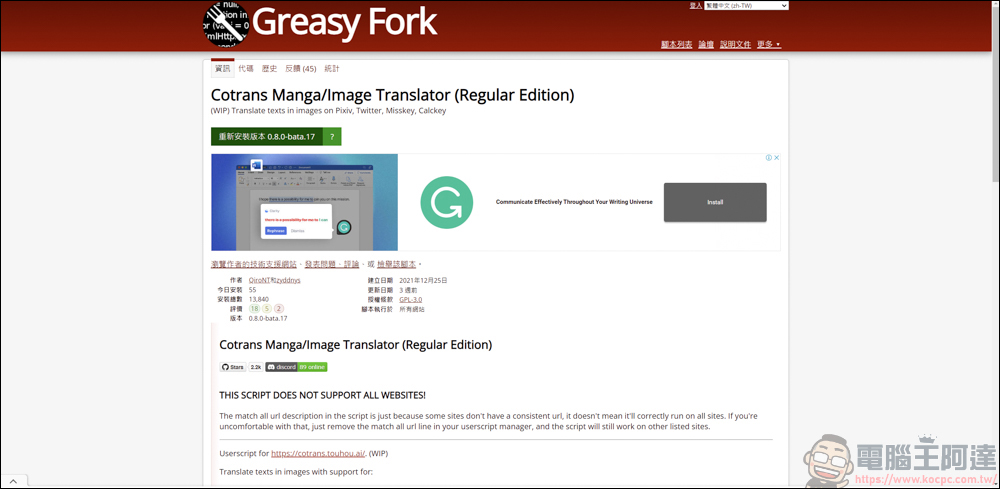
First you need to download“Tampering Monkey” plug-in (please click me), and then install the translation script, which is currently available for download on the Greasy Fork platform ( please click me ), only supports use on platforms such as Pixiv, Twitter, Misskey, and Calckey. If you simply want to translate the text on the picture, it also has a web version. This part will be discussed later:
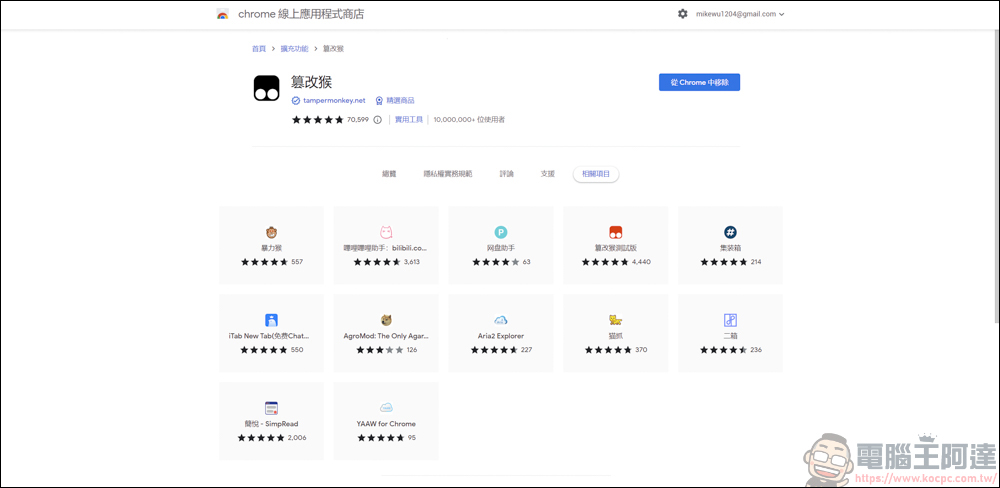
Before installation, you must first download a script installer such as “Tamper Monkey” in the plug-in:
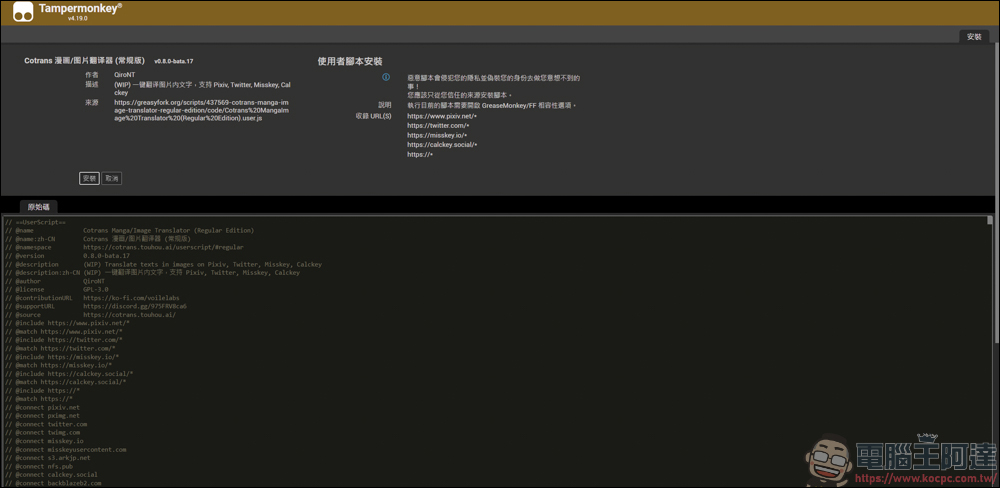
After installing according to the script on the Cotrans Manga/Image Translator page, it will be directed to the installation on the Tamper Monkey:
Take Twitter for example
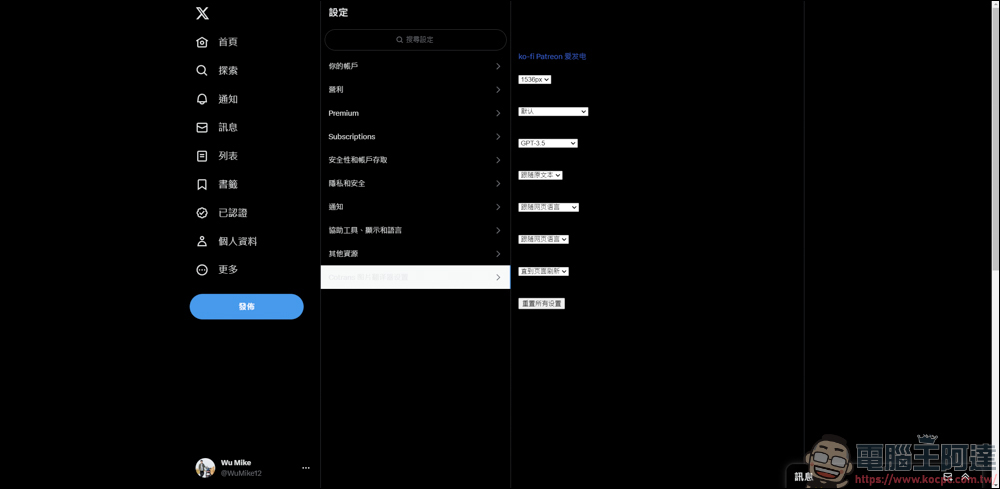
After installation, you can use the script on supported platforms. In Twitter settings, you can set the language to be translated, the translation tools, the screen, etc.:
Then find a Japanese comic to test. In the right option of the post, the newly installed Cotrans Manga/Image Translator will appear. Here you can also make some settings you want. After setting, click the icon below/A to translate:
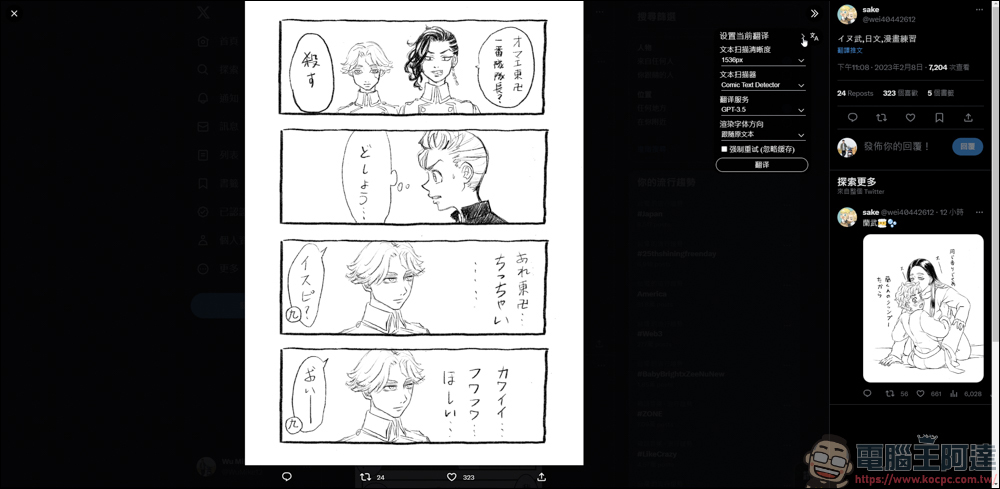
(Original source:@wei40442612)
Look~~ He helps you integrate the translated text into the original text. Although I can’t read Japanese, I have read the Tokyo Swastika Avengers. Literally speaking, I can see that the translation of the east swastika into “oriental” is wrong. I’m not so clear about other things, but this kind of translation will indeed help people who can’t read Japanese understand the content of the text:
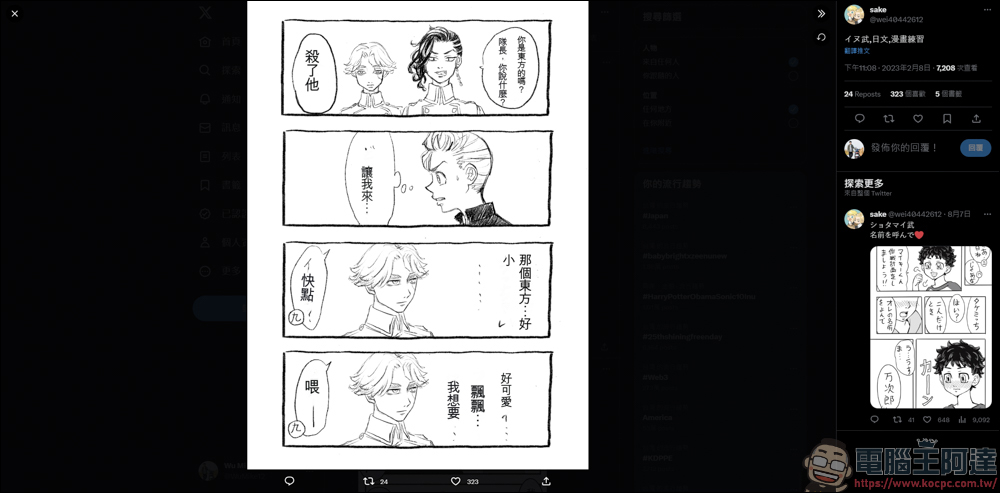
Let’s try the next work. After translation, although it seems a bit unclear, I can at least understand a little bit about what this picture is about. I think it’s useful:
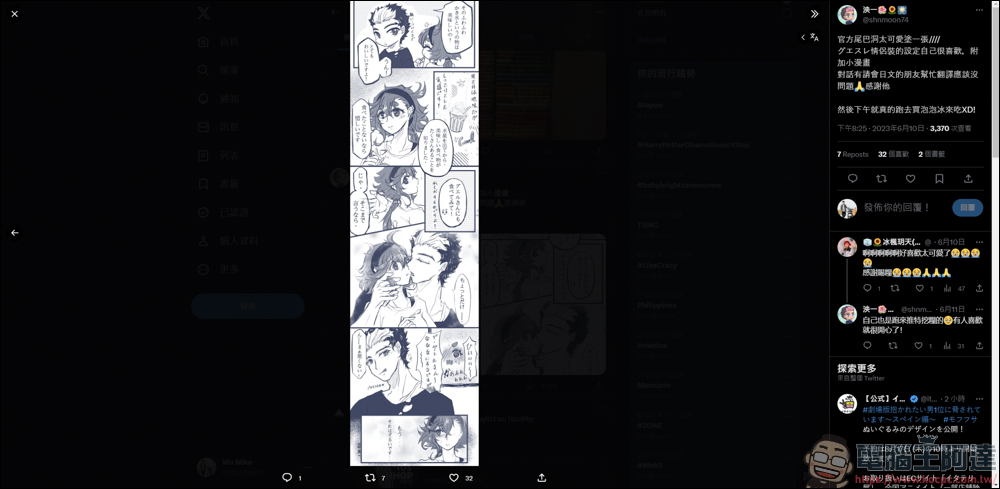
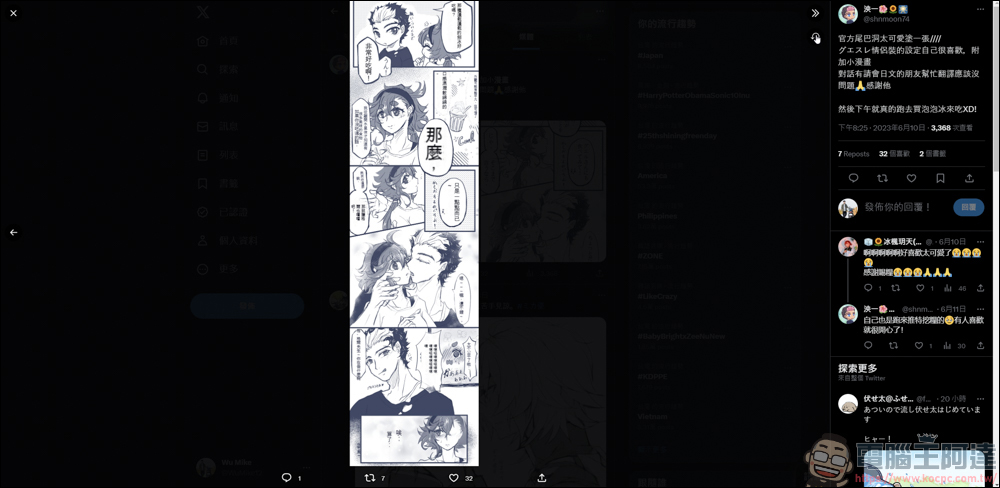
(Original source:@shnmoon74)
Take pixiv as an example
pixiv There are quite a lot of works on this platform that you can watch for free. You can see the Japanese version of the more famous “Old Couple Returns to Youth” here. After installing the script, you can see the translation settings in the background:
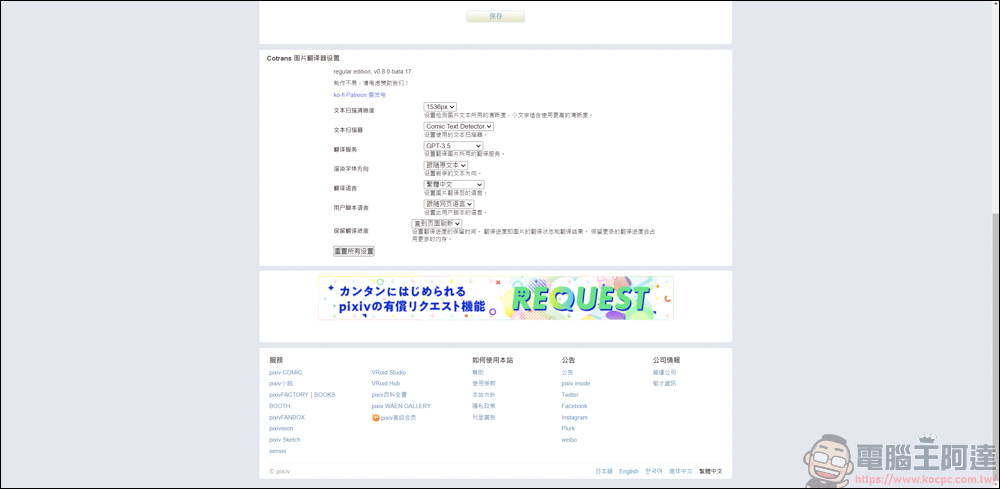
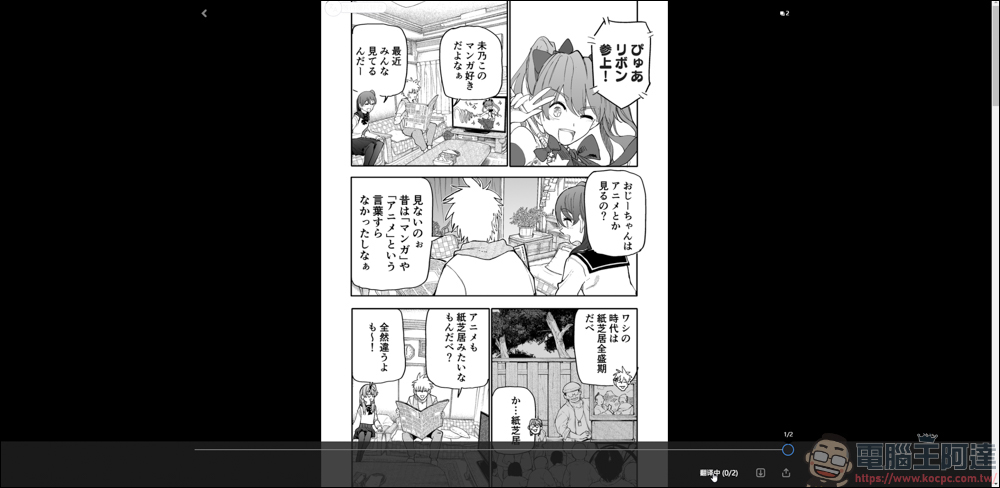
Just take the work about an old couple returning to youth as an example. Click on the full screen of the comic, and then move the mouse down to see the translation function. Click on it and the entire comic on that page will be translated:
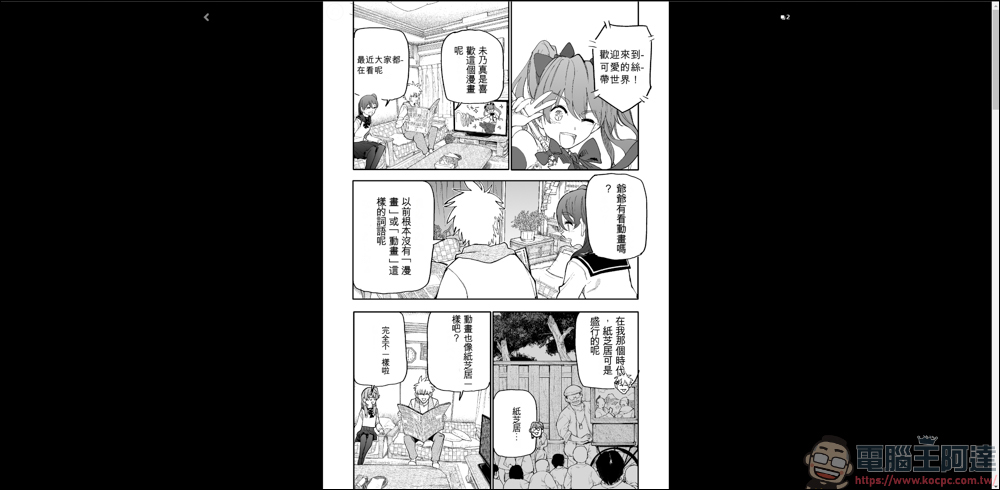
I can’t understand Japanese, so I’m not sure whether the translation is correct or not, but looking at it literally, I personally feel that the translation is completely understandable:
Cotrans Manga/Image Translator web version directly translates images
Cotrans Manga/Image Translator also has the function of translating images on web pages, but it seems to be still under development. Those who are interested can play it themselves.The URL is here :
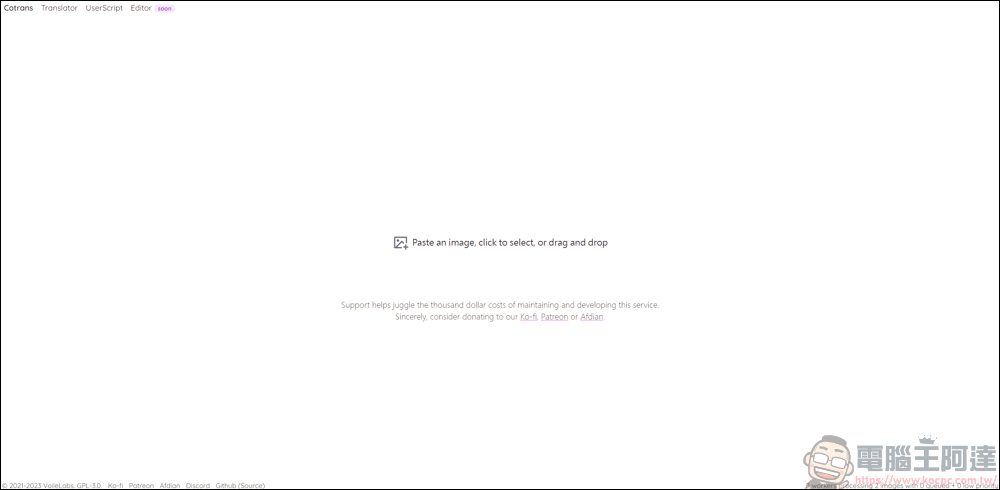
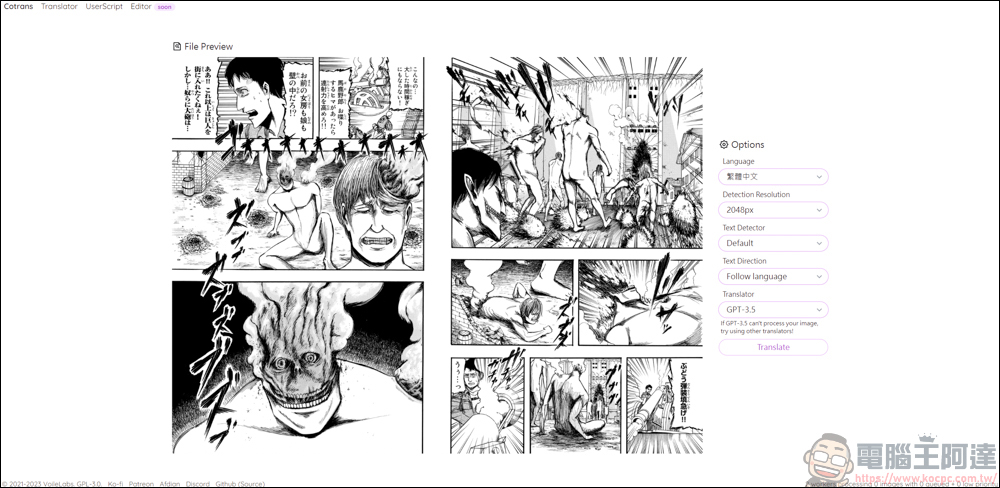
The method of use is very simple. Just drop in the picture you want to translate. Here, you can directly use Google Translate to change the web page to Chinese to make it easier for everyone to read. However, there are a few things to note: 1. The file name cannot have Chinese characters. 2. Currently, you can only translate one picture at a time. If you want to translate the entire comic, there is still no way to do it:
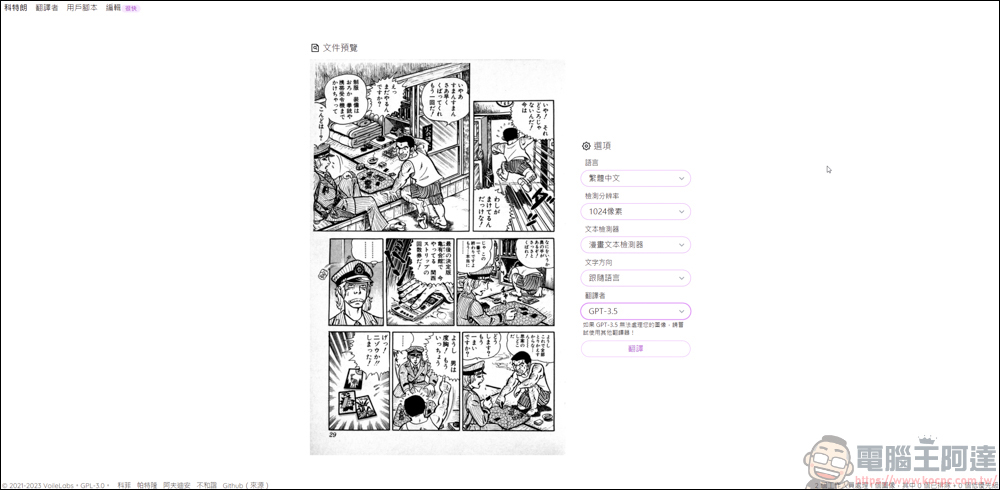
After selecting the option, press Translate and it will start automatically:
However, I feel that the translated text is not as easy to understand as it is on Twitter and pixiv. Instead, it looks more confusing:
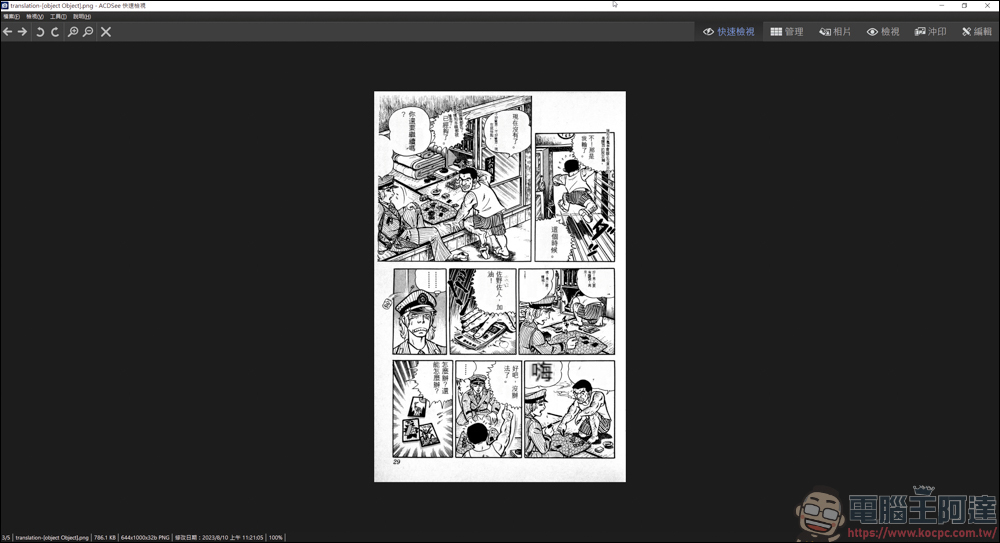
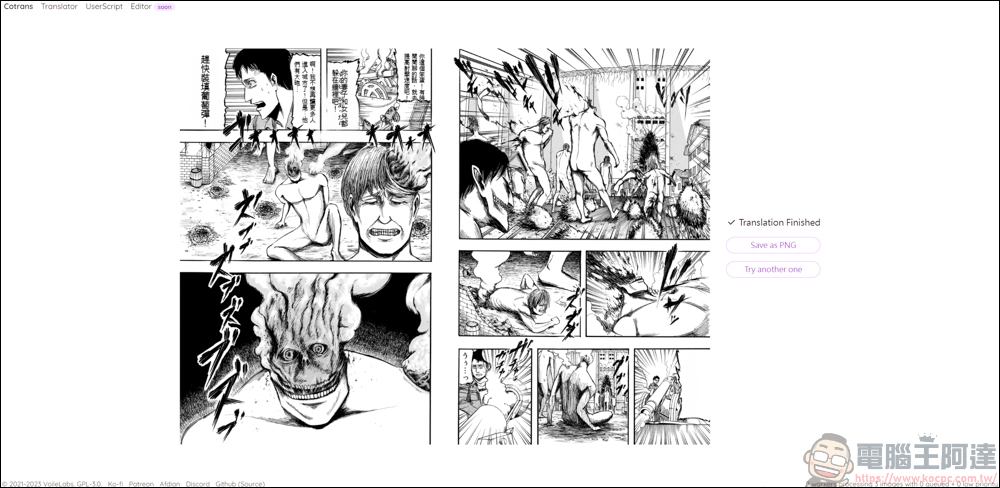
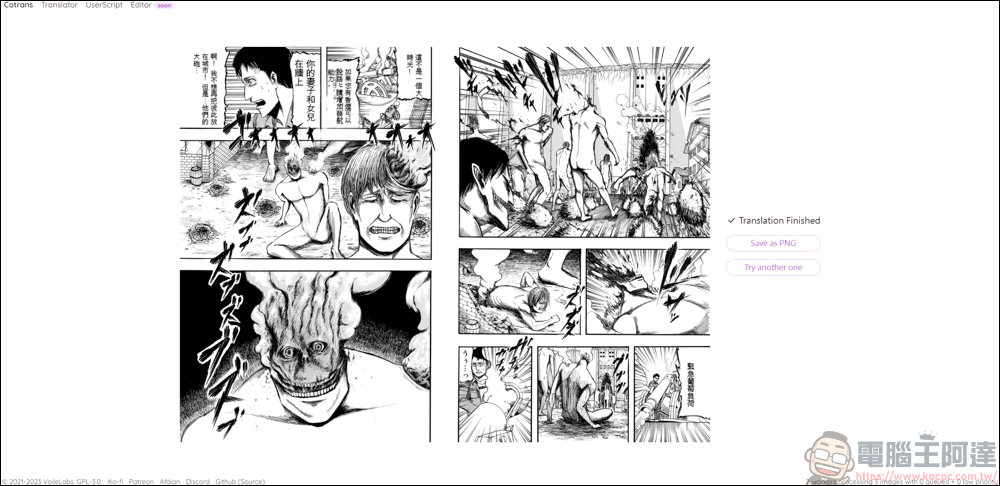
Here is a little comparison of the differences between GPT-3.5 and Google Translate:
This is the text translated by GPT-3.5. Some blanks are not filled in, which means that GPT-3.5 cannot translate it correctly, so you have to change it to Google and Bing to translate it:
This is the content of Google Translate. To be honest, it is uneven. After using it, I still feel that it works best on platforms such as Twitter and pixiv. I think it may take time to improve the image upload translation function!
Source: KOCPC Chinese