


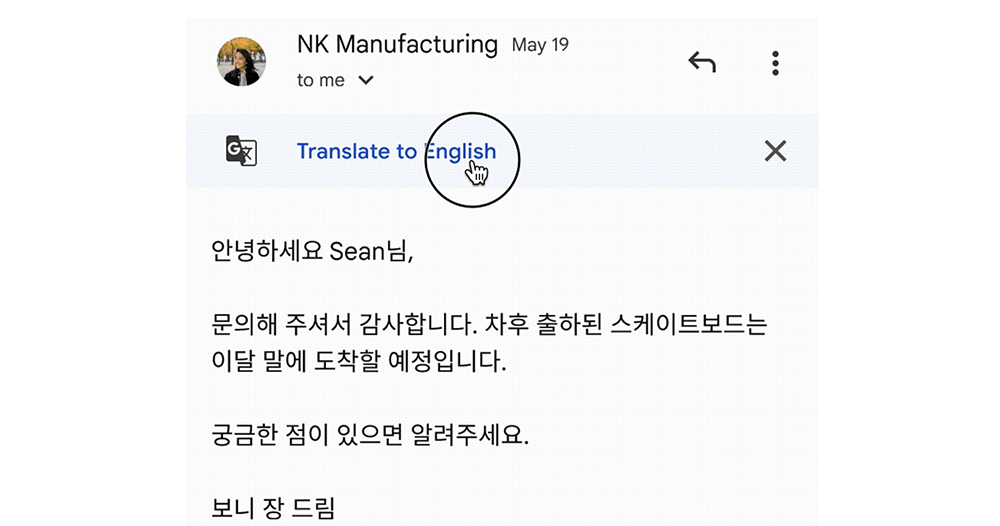
Recently, Google has further introduced the built-in translation function of Gmail into the iOS and Android versions of the application. Mobile system users no longer need to copy and paste email content to other services, minimizing the worry of leaking important email information. Continue reading The Gmail app will directly help translate foreign letters. How to use it? See the report here.
▲Image source: Google
The Gmail app will directly help translate foreign letters. How to use it? Click here.
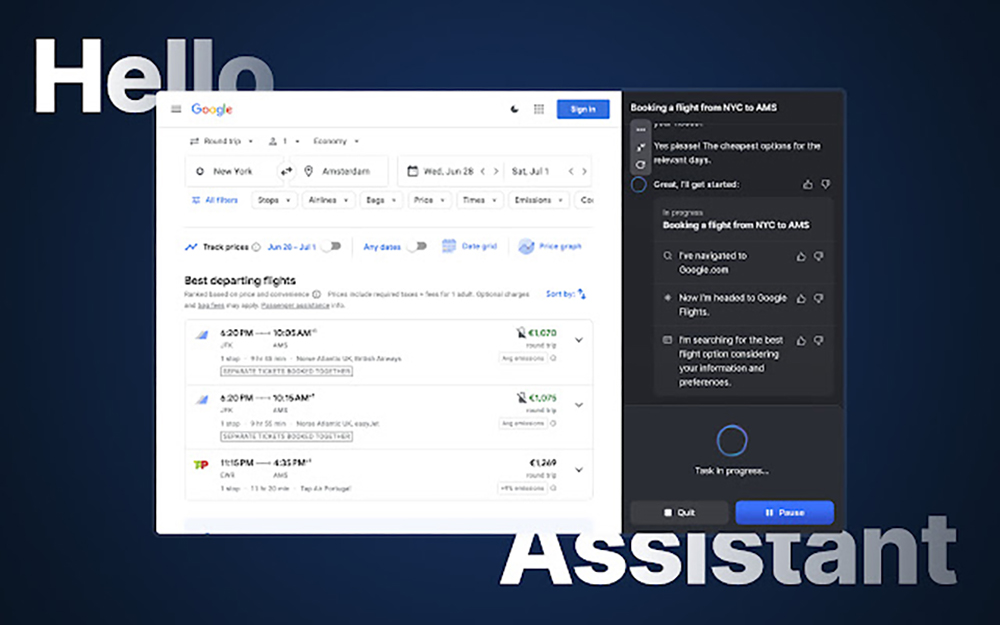
Although earlier, we introduced a generative AI service that can proactively help you organize your emails and even help you draft a reply (see more:HyperWrite, a powerful AI assistant that can help you book tickets, order food, and handle complex tasks, is now available for free trial). However, I believe that many people will be concerned about whether there will be problems related to data leakage if third-party services can read the content of the letter.
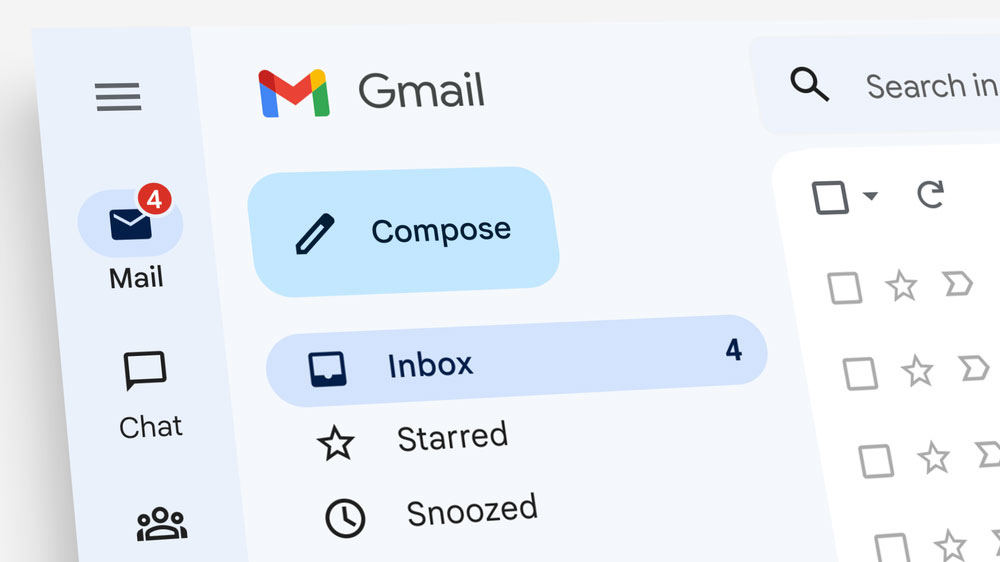
So if you have to use the function of reading letters, you may prefer to use a big brand where you can find the company responsible for it, or you may feel more at ease if you directly use the “home” service – take Gmail as an example, that is to use Google Translate directly – which is… It is a compromise. After all, the Gmail service is also theirs. If it wants to be leaked, all the secrets may have been leaked long ago?
Recently, Google has further introduced the built-in translation function of Gmail into the iOS and Android versions of the application. Mobile system users no longer need to copy and paste email content to other services, minimizing the worry of leaking important email information.

If you are like the editor, you may have completely forgotten about the existence of this feature because you have turned off the translation function of the web version of Gmail before. Starting today, Google will remind you again in the Gmail app that there is such a convenient built-in function.
If your Gmail app for iOS or Android has received this translation feature update, you will be able to directly see the “Translate to” prompt below the recipient and other related information fields when you receive a message written in a language other than the app’s display language – click this prompt directly, and the entire message will be translated into the target language.
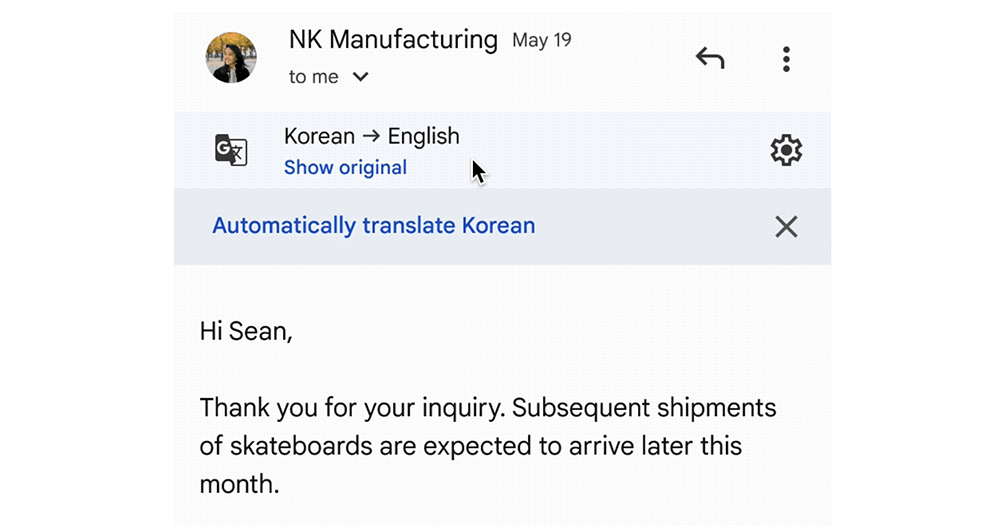
In this new feature with a light blue background, the system will automatically identify your display language as the target language for translation. If you want to change to another language, you can also set it through the gear button; if you don’t like this function, you can directly cancel and turn off this function from the “X” on the right side – the system will ask you whether you want to automatically translate this language in the future after you cancel or use this translation function, or if you choose this language, you will not be prompted for the translation function again.
Then, if you accidentally select Don’t prompt but want to use this function (this is the case with the editor’s desktop version), you don’t have to worry about never being able to use this function again. Just click on the “…” extension of Gmail, and you can select the function of translating letters to use this convenient function again.
Further reading:
Source: KOCPC Chinese