


Around the end of March this year, the Google Translate iOS App released a new interface abroad and introduced Android’s new design. However, in the Taiwan market, it was only gradually opened to Taiwanese users this month. In addition to the new interface design, the Google Translate App has also optimized functions such as two-way translation and voice translation, and supports a variety of iOS lock screen gadgets. After all, what changes and new features does the new Google Translate App bring? Continue reading this article to read on!
Google Translate iOS app introduces Android’s new design, adding more convenient features and gadgets
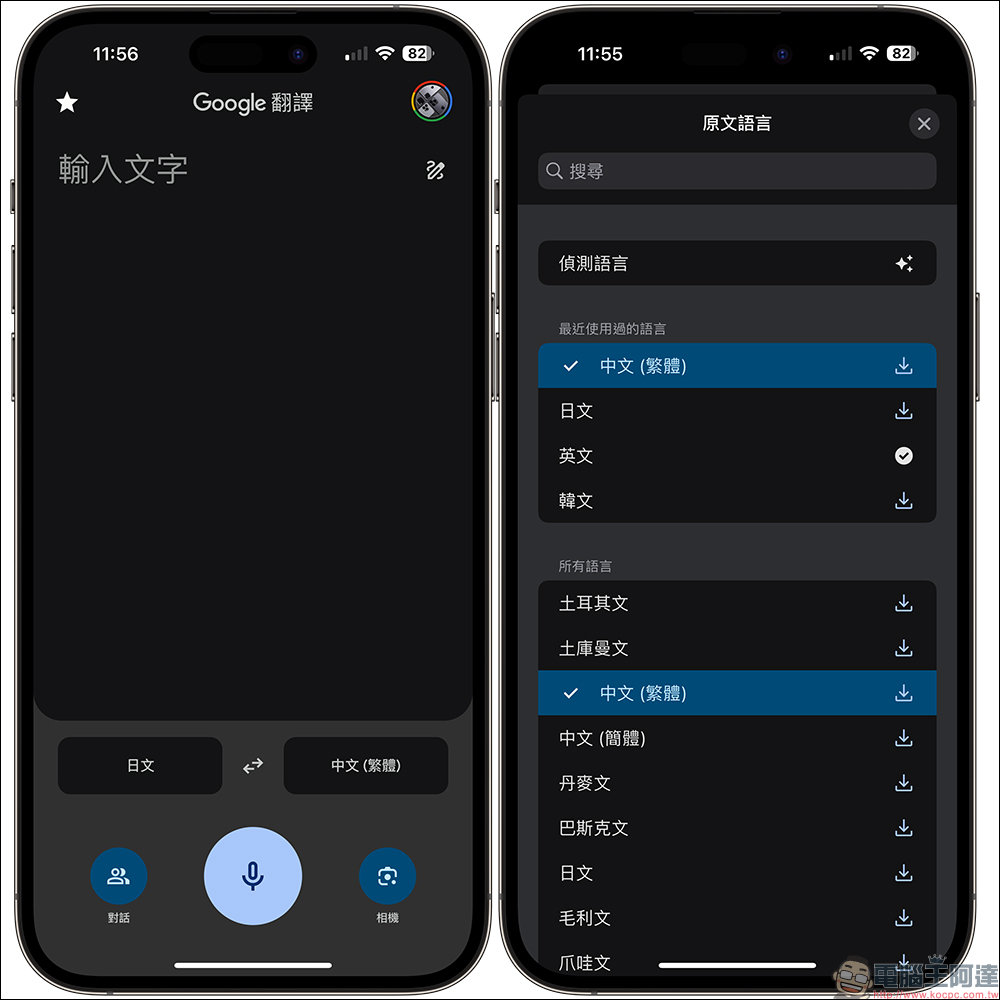
A while ago, when I opened the Google Translate App one day, I found that the iOS version of Google Translate had a brand new design! This new interface was first provided on Android, and was later opened to iOS users abroad at the end of March this year. Until this month, the Google Translate App with a new interface is finally available to Taiwanese users! As long as all iOS users update the Google Translate App to the latest version 7.10.0, they should be able to see the new version of the Google Translate App interface.
The new Google Translate App integrates Google Smart Lens, conversation (two-way translation), dictation, text translation, transcription and other functions, allowing users with language translation needs to complete the translation purpose in a single App.
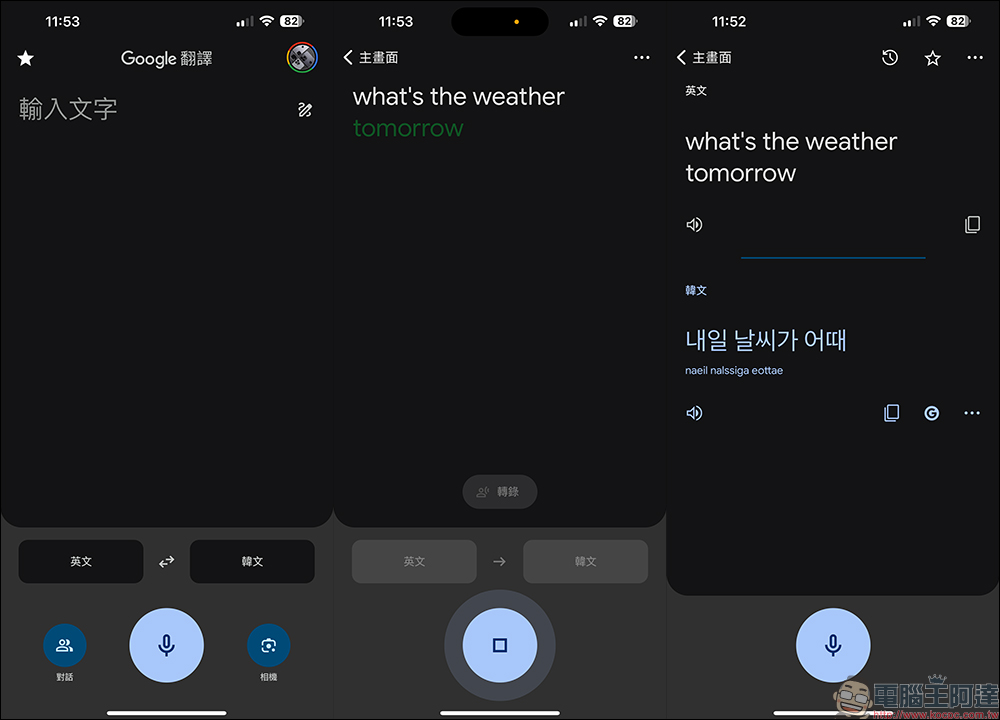
Users can speak a long sentence through the microphone and have the content translated into the specified foreign language through Google Translate.
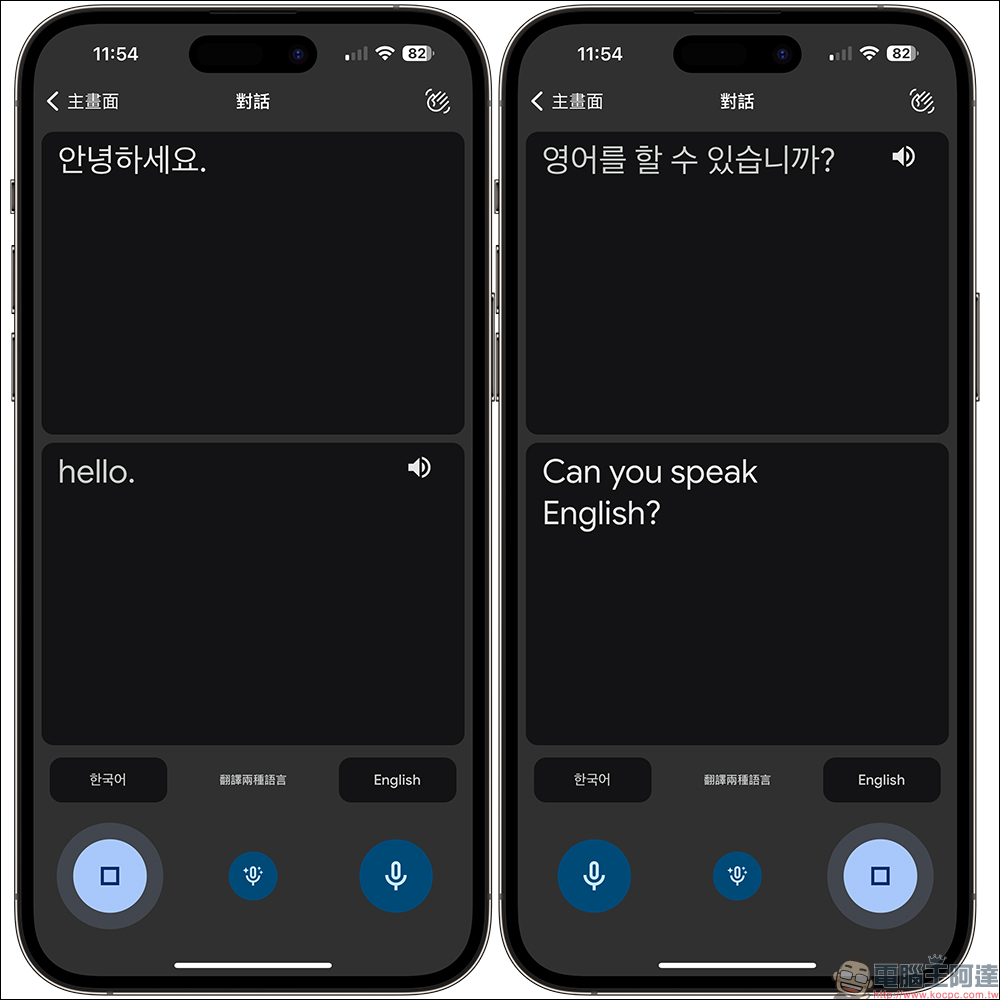
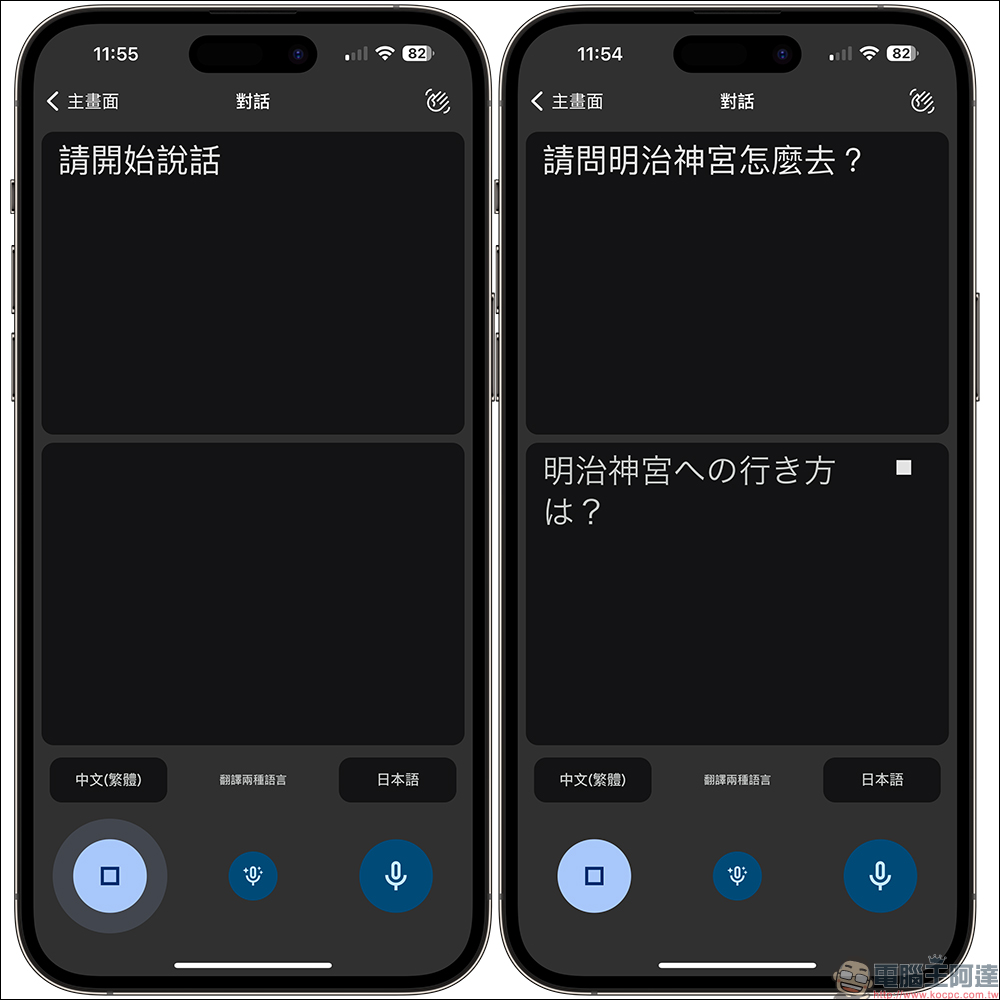
When you are traveling abroad and want to have a real-time conversation with a foreigner, you can use the “Conversation” function for bilingual translation. Just click the microphone button in each language and say what you want to translate. At this time, the screen will display the original text you are speaking at the same time, and display the translated content in another dialog box.
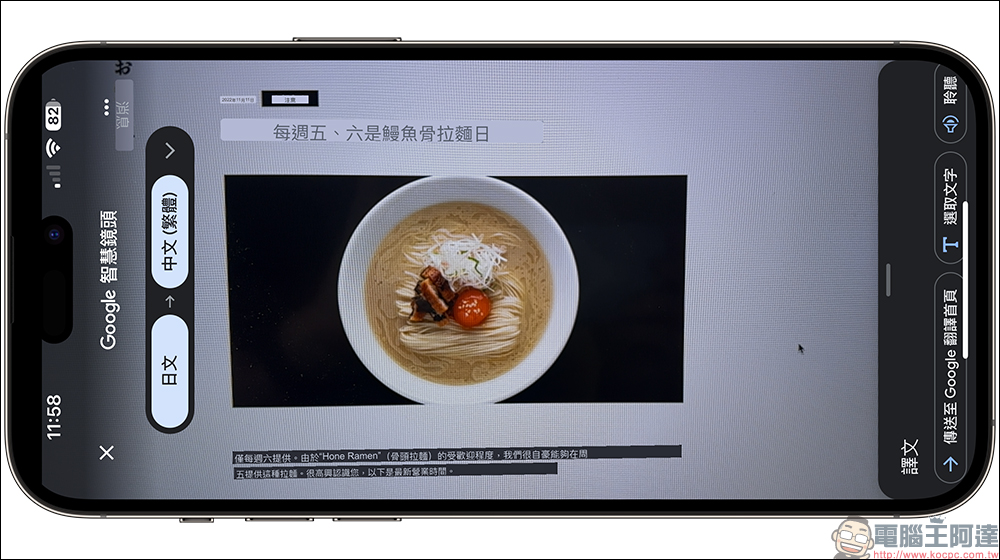
In addition, the Google Translate App has also designed the “Google Smart Lens” function button in a prominent position on the main screen. When you are in a foreign country and want to translate menus or advertising materials, you can turn on Google Smart Lens for real-time translation.
In addition to the interface optimization and function upgrade of the Google Translate App itself, Google Translate now also supports iOS lock screen gadgets!
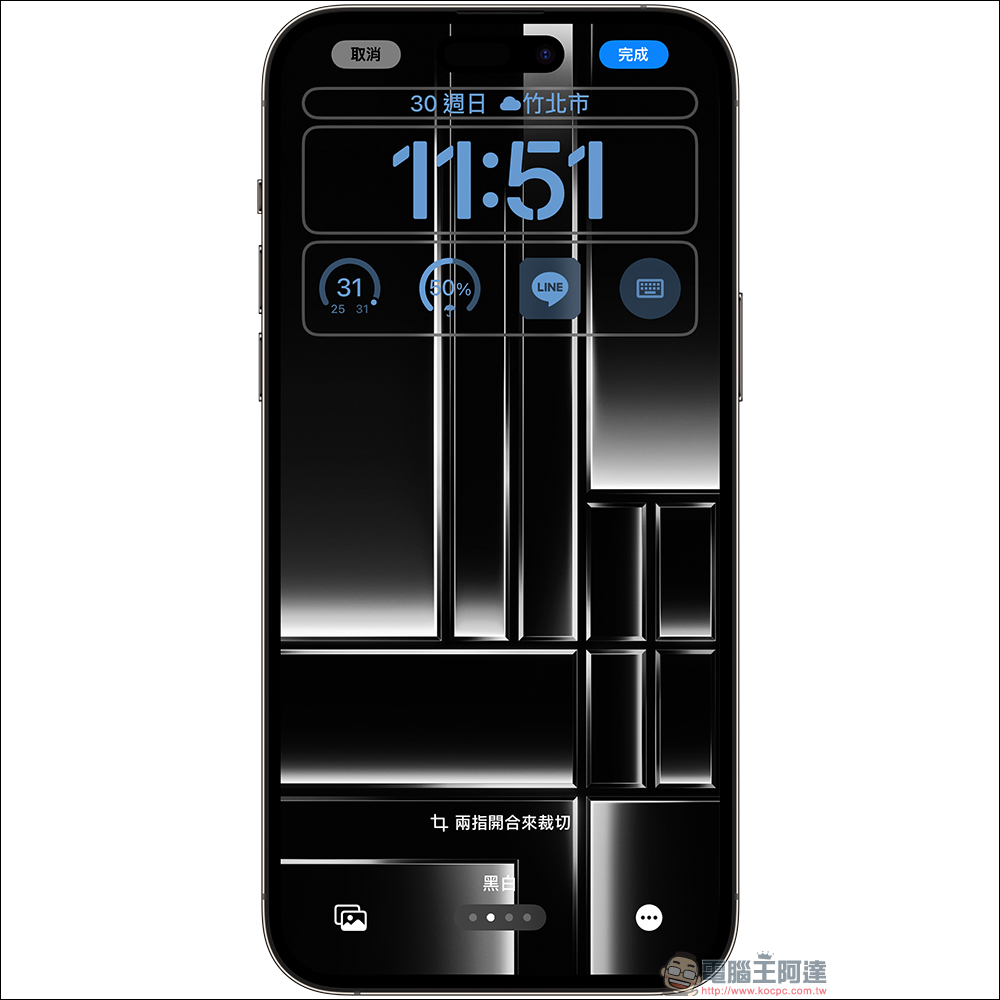
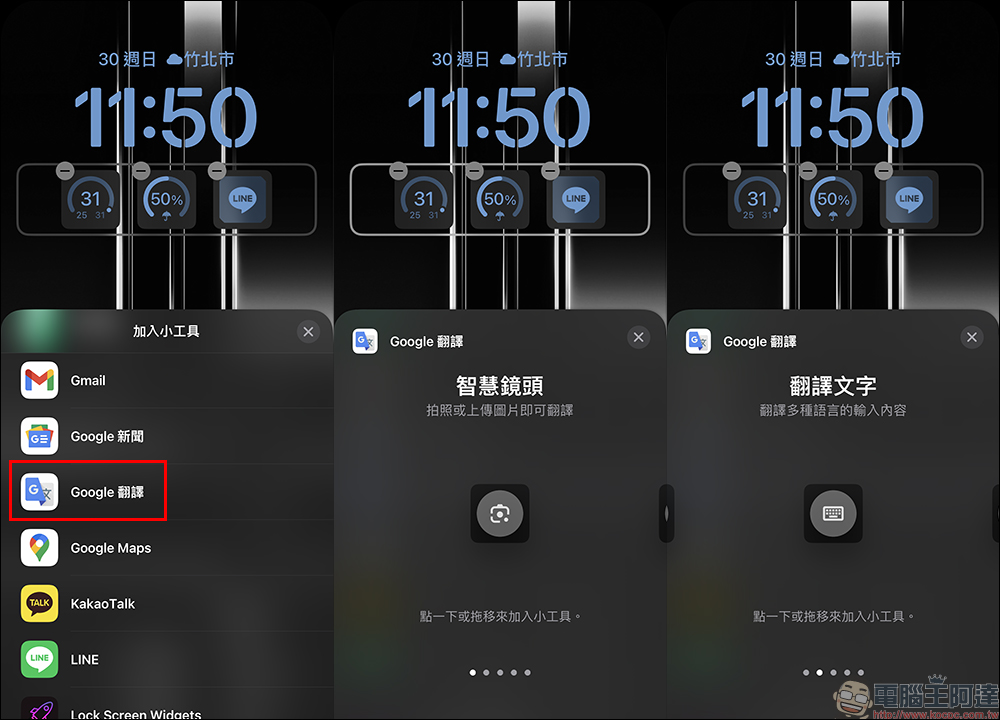
You just need to follow the usual steps to add a lock screen gadget, add the gadget “Google Translate”, and then select the gadget you want to add! Currently, the Google Translate App supports quite a few lock screen gadgets and are useful, including Google Lens, translated text, voice input, conversations, and transcription.
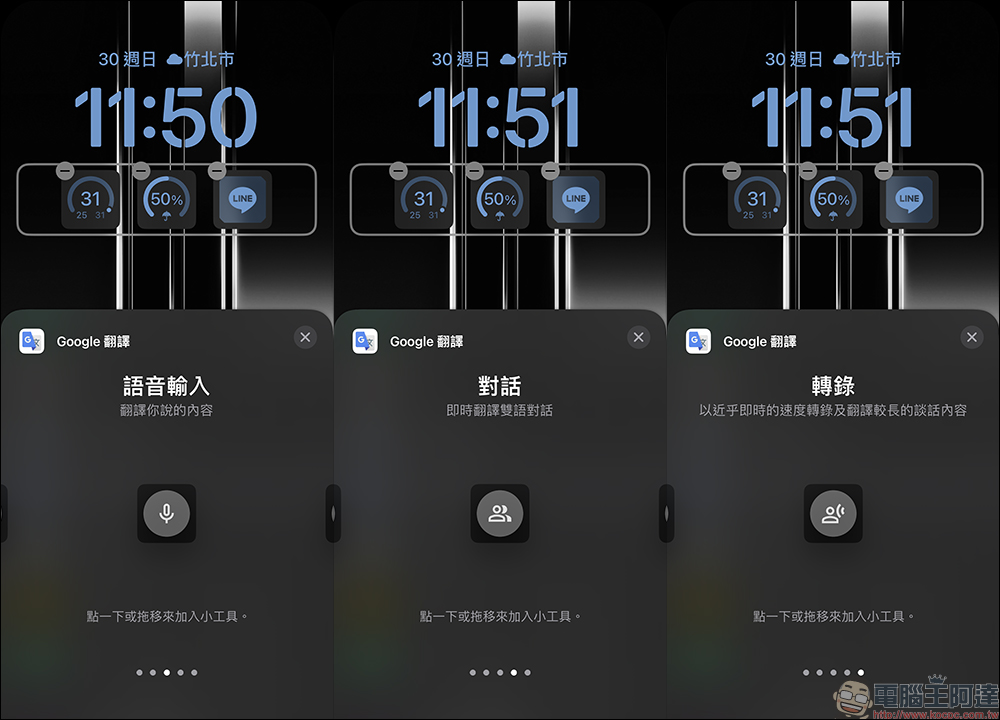
As the epidemic slows down and travel restrictions in various countries are gradually lifted, many people will choose to travel abroad this year. At this time, how to make good use of the apps at hand will be of great help to people in remote places and language barriers. For example, the iOS version of the Google Translate App has finally followed up on Android with a new interface, optimizing the user experience and making it more convenient for everyone who needs language translation in the future.
Google Translate App Download:
iOS version (App Store)|Android version (Google Play Store)
Further reading:
The Twitter iOS app has been officially replaced with the “X” icon and name. Here’s how to bring back the classic Bluebird (tutorial)
Source: KOCPC Chinese