


ChatGPT has many functions that are only open to Plus users, and uploading files is one of them. Users of the free version cannot experience it. This article will recommend an expansion plug-in that can realize the free version of ChatGPT and also has the function of uploading files. It supports many file formats, including pictures. The text in the file can be extracted and output to ChatGPT. The representative said that with this expansion function, you can use the translation capabilities of ChatGPT without calling the API. It is very convenient and can also be used to summarize the content of the file. What to download Prompt prompt commands can be set by yourself.
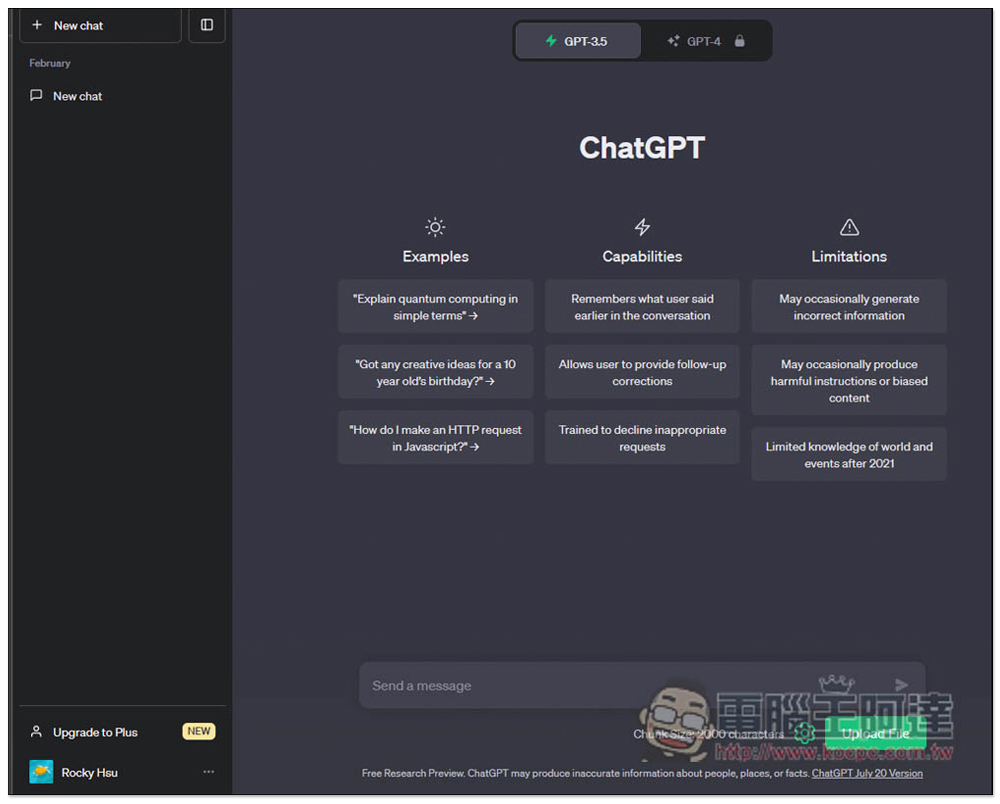
The free version of ChatGPT File Uploader Extended also has the function of uploading files, making it easy to use ChatGPT to translate files and novels
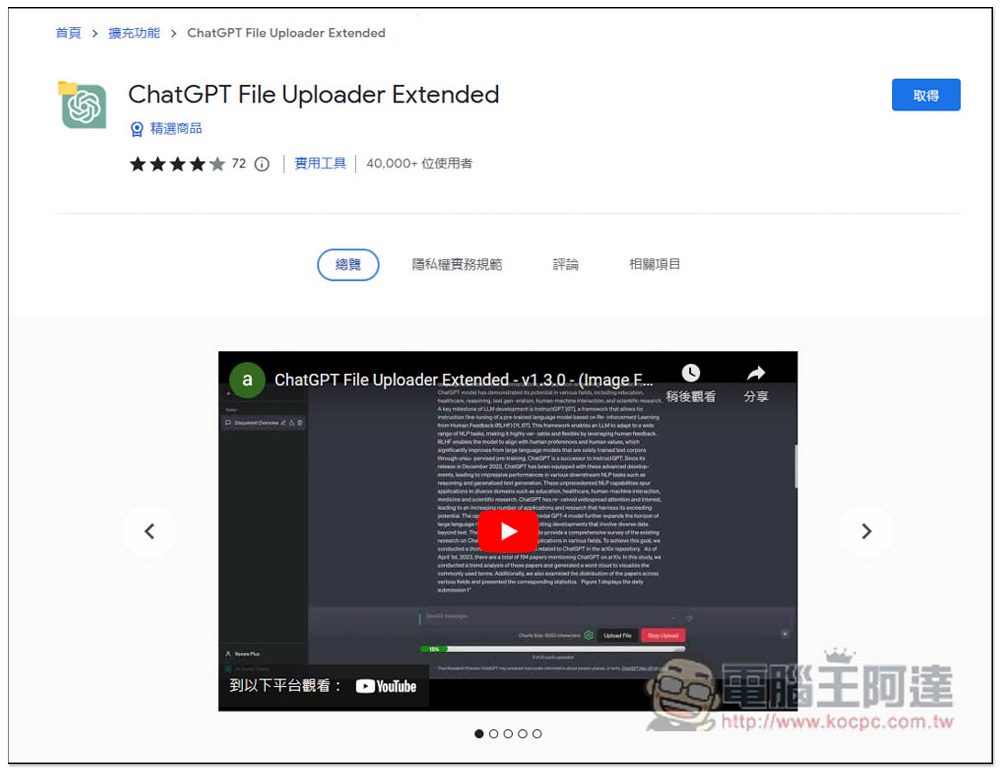
ChatGPT File Uploader Extended is a Chrome extension that is open source on GitHub and can also be installed on Microsoft Edge. After clicking the link above, click on the upper right to get it:
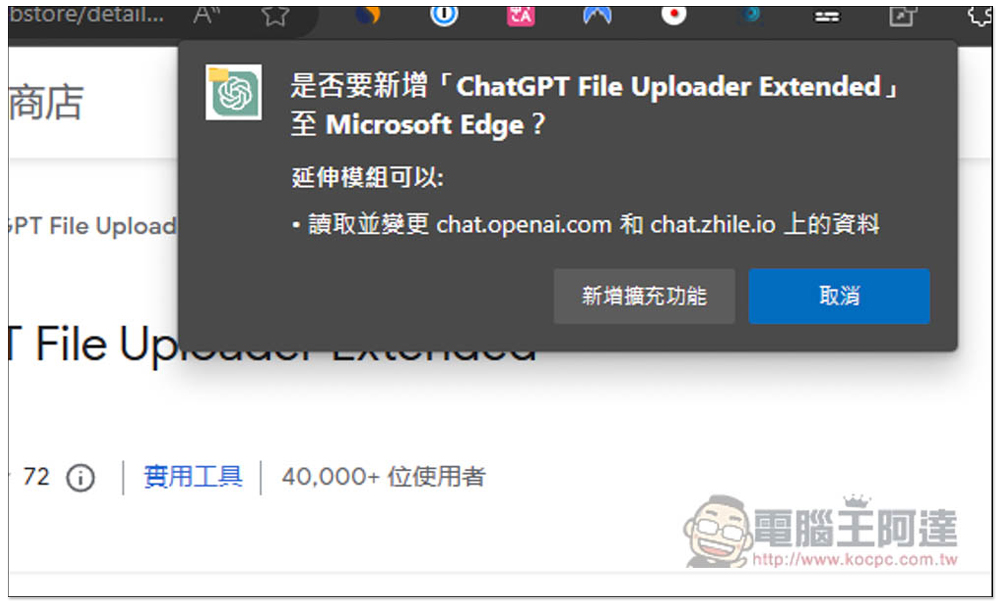
This message will pop up above, click “Add extension”:
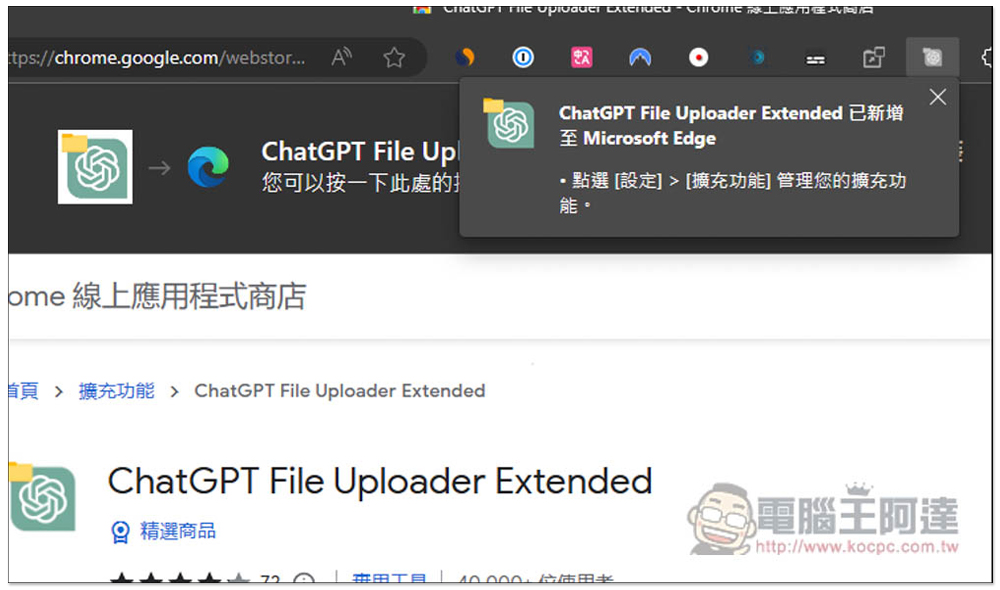
This message will appear in the upper right corner, and you are done. There is no need to specifically enable the extension icon:
Then open the ChatGPT website, and you will see an Upload File function in the lower right corner, which supports many file formats, including TXT, JS, PY, HTML, CSS, JSON, CSV, MD, TS, TSX, JSX, PDF, DOC, DOCX, XLS, XLSX, ZIP, etc. Also note that ChatGPT has a character limit, so if the file you want to upload has too many characters, ChatGPT It cannot be processed, so it is recommended to process it multiple times. In addition, you need to set the Prompt prompt command before using it, click the setting icon next to it:
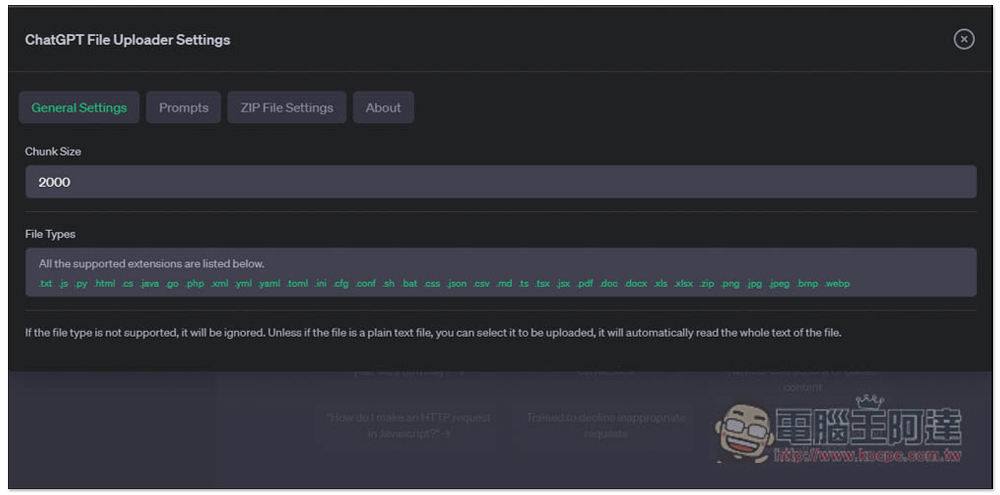
This screen will open. There is no need to adjust the General Settings, mainly Prompts:
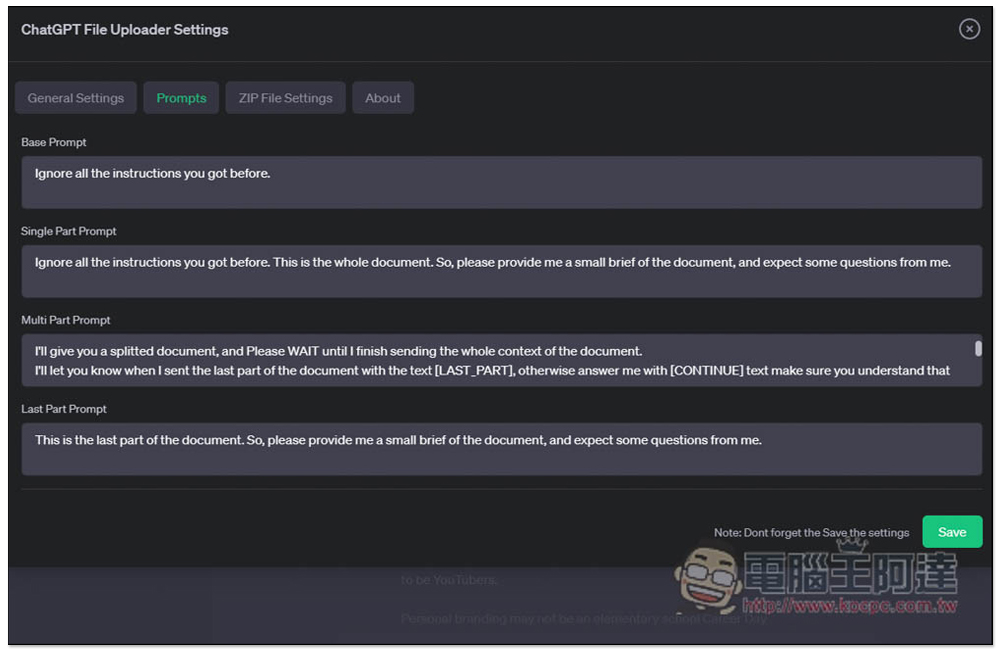
There are four prompts, each of which can be changed. The default is to summarize the content of this document. If you want to get the results in Chinese, remember to change it to Chinese, or add a prompt command such as answering in Traditional Chinese at the end. Let me take the translation file as an example. I always upload a single file, so I modify the Single Part Prompt:
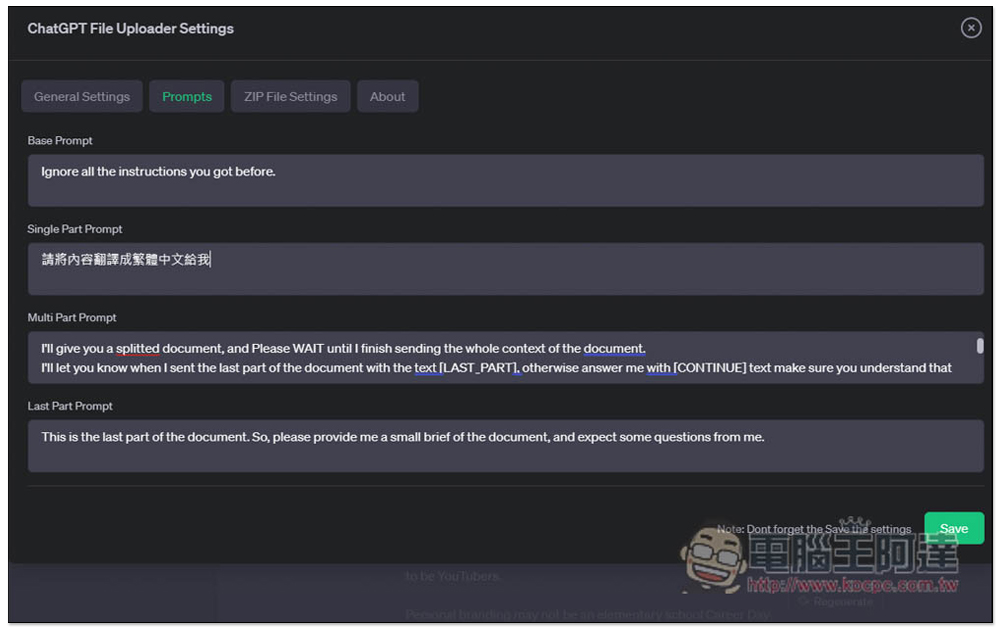
I set “Please translate the content into Traditional Chinese for me”:
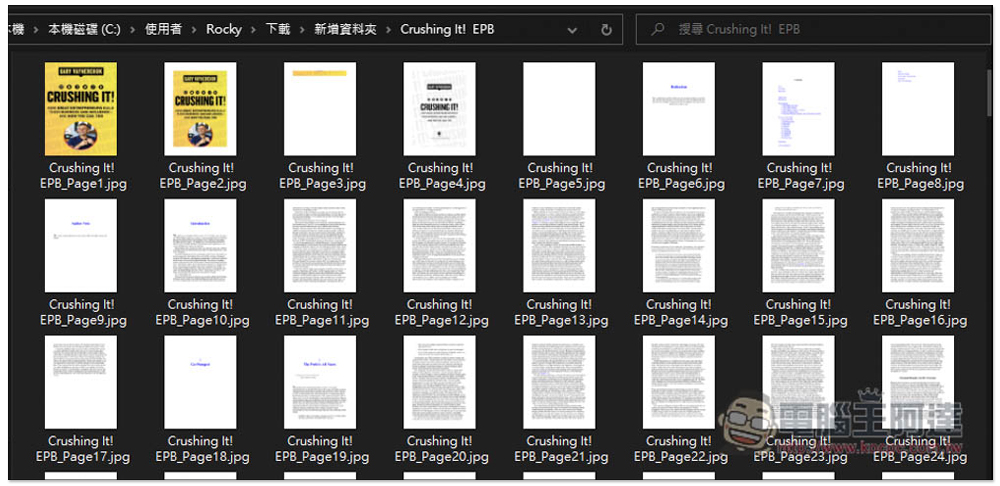
Because ChatGPT has a character limit, it will not be able to process the entire file if you upload it directly. Therefore, I converted the foreign books into pictures to facilitate my uploading the translations one by one:
After uploading, you will see that it is processing and extracting the text in the image:
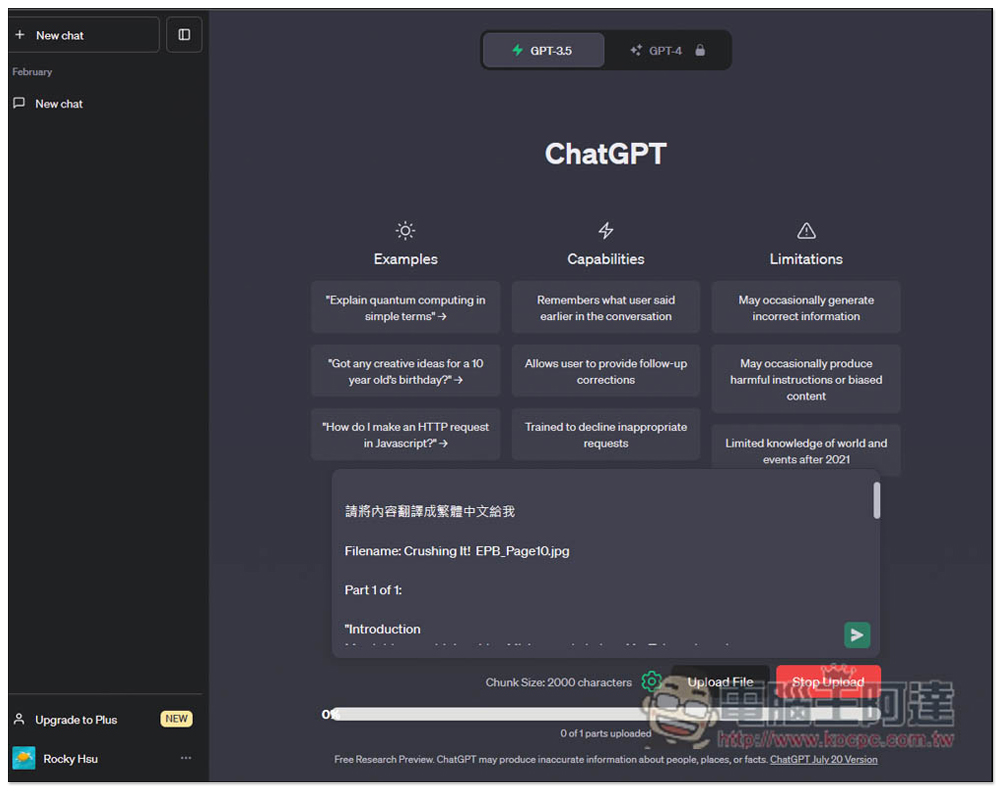
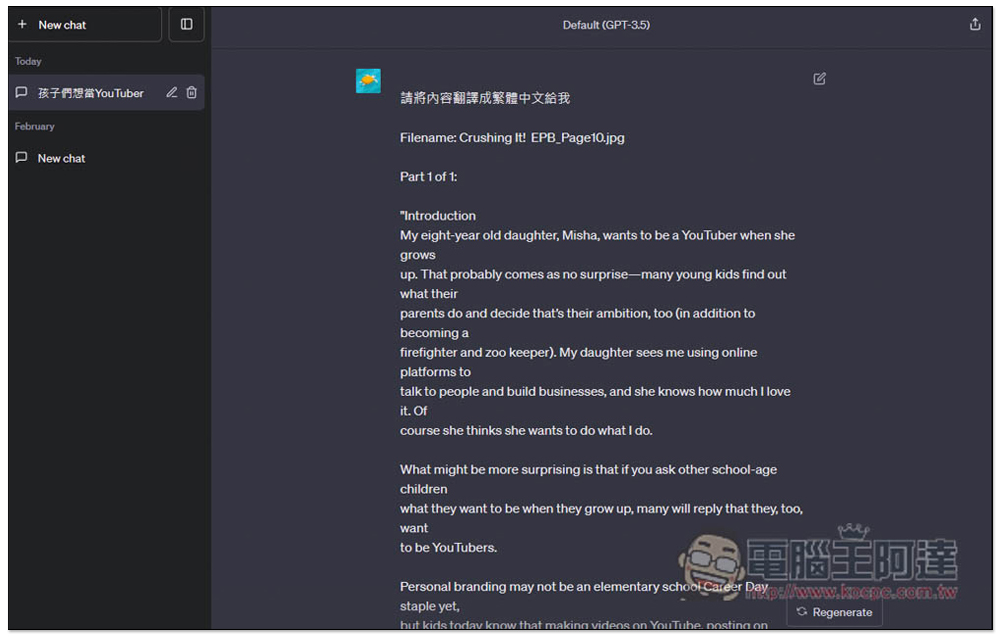
After completion, the chat room will be opened, and the command I just gave, as well as all the text in the picture:
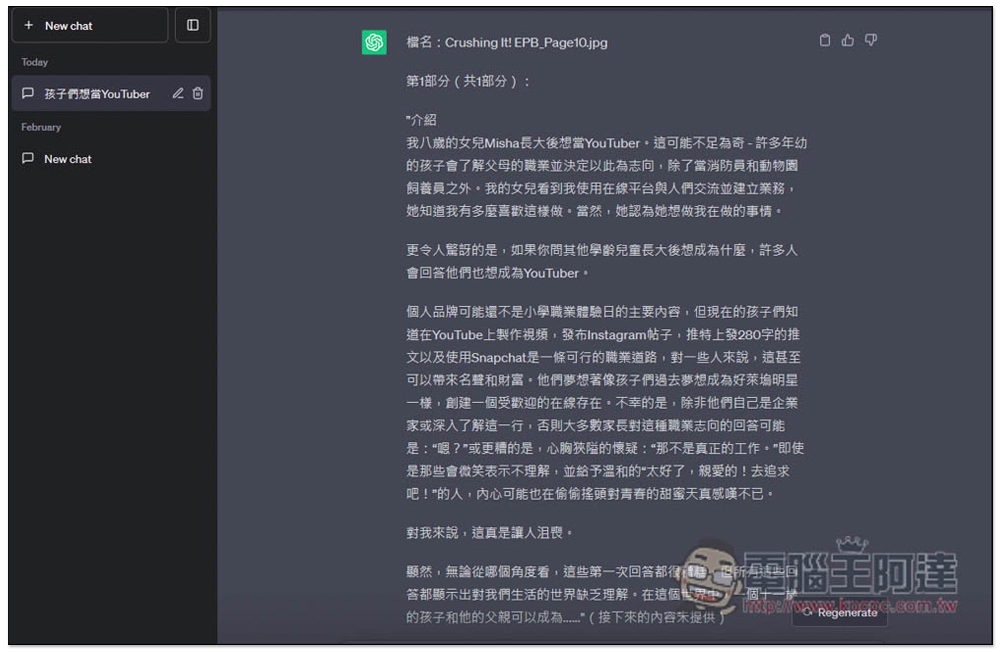
ChatGPT translates everything for me, which is really convenient:
This will be possible in the future. After reading the content of one picture, you can upload another one. You can translate foreign books without using the ChatGPT API and directly buy it for free. It can even be used with other extended functions to output ChatGPT chat content into PDF to obtain Chinese translated novels and documents.
Source: KOCPC Chinese