


AOMEI Backupper Professional Edition has always been our most recommended Windows hard drive data backup, synchronization and restoration software. Every computer user must have a set. If you don’t have it yet, or the previous limited-free version has expired, foreign websites are now launching the “AOMEI Backupper Professional Edition” limited-free event. No need to fill in any information, download and install it and fill in the specified serial number to start using it directly.
Although it is a one-year limited free version serial number, this product has a limited free event every year, which means that after the expiration next year, it can be updated after the limited free event.
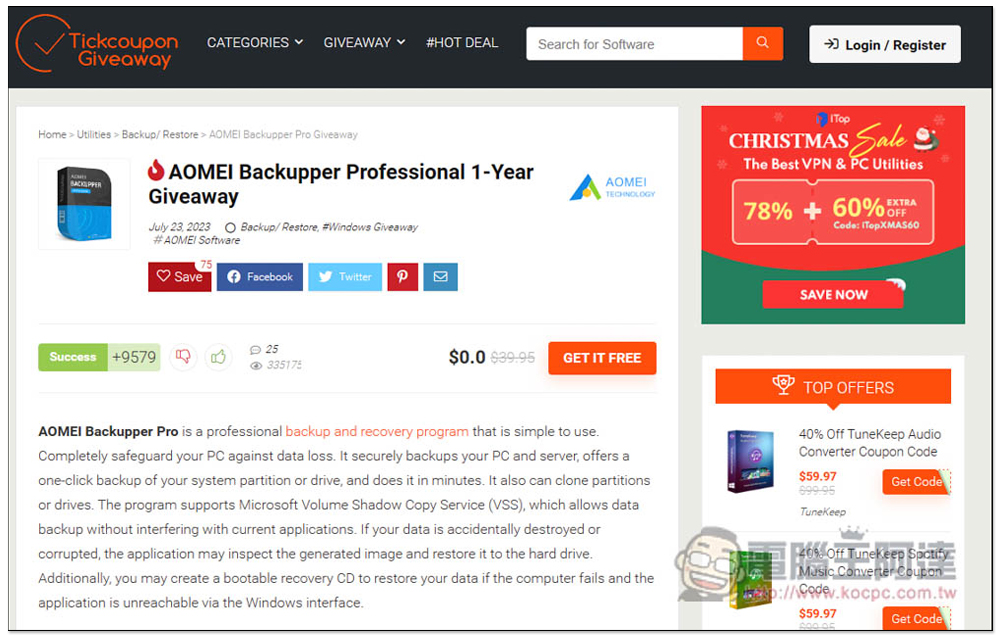
AOMEI Backupper Professional Edition is free for a limited time! The most powerful, simple and easy-to-use hard drive data backup, synchronization and restoration software for Windows
After entering the Tickcoupon Giveaway limited free event page, scroll down to find the installation file link. You can alsoClick here directlydownload. If there are no special requirements during the installation process, just keep pressing Next. There is a Chinese interface:
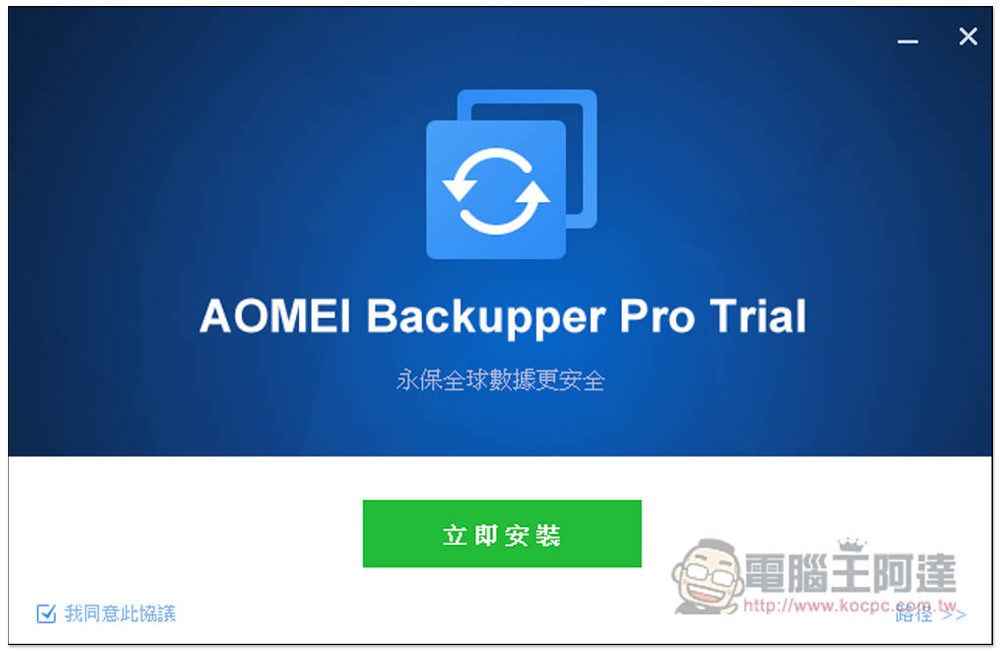
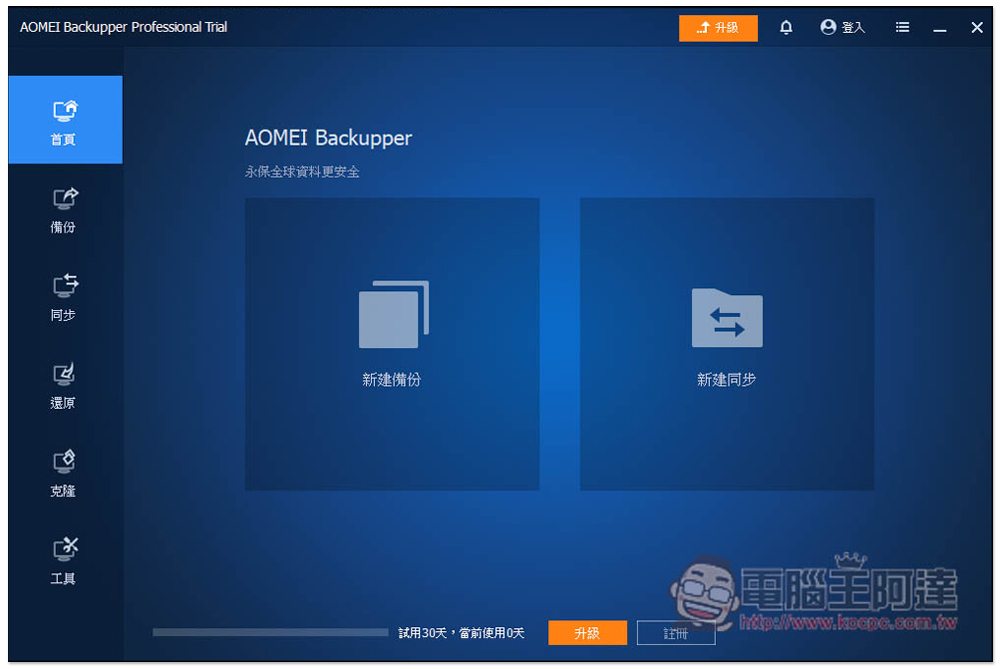
After opening, it will be a 30-day trial version. It is recommended to activate it directly. You are not sure when this free serial number will expire. Click “Register” below:
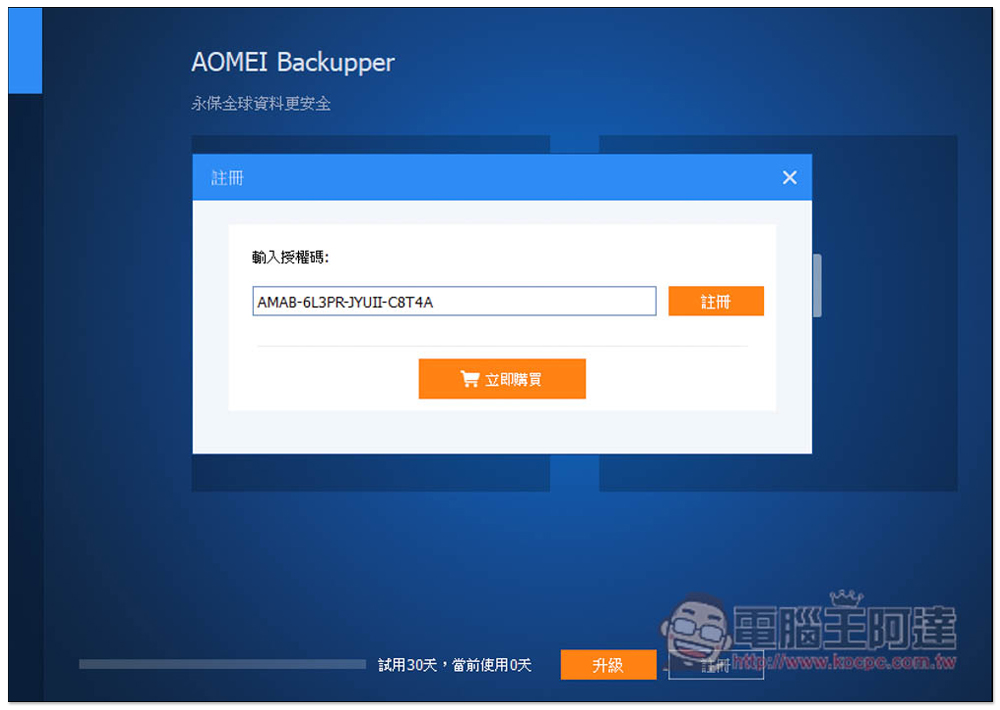
Fill in the limited coupon code provided by Tickcoupon Giveaway into “AMAB-6L3PR-JYUII-C8T4A” and click register:
Actual test registration successful:
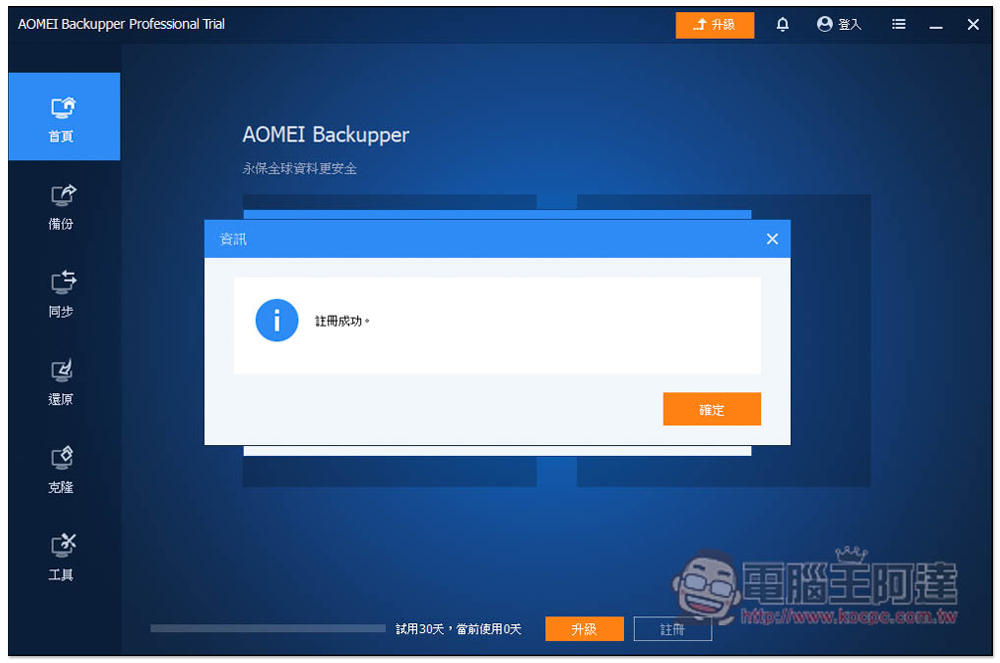
The original trial version words will also disappear and become AOMEI Backupper Professional Edition. The upper right corner will also indicate that it is a limited-time free version, but it is not written when. It is basically free for one year:
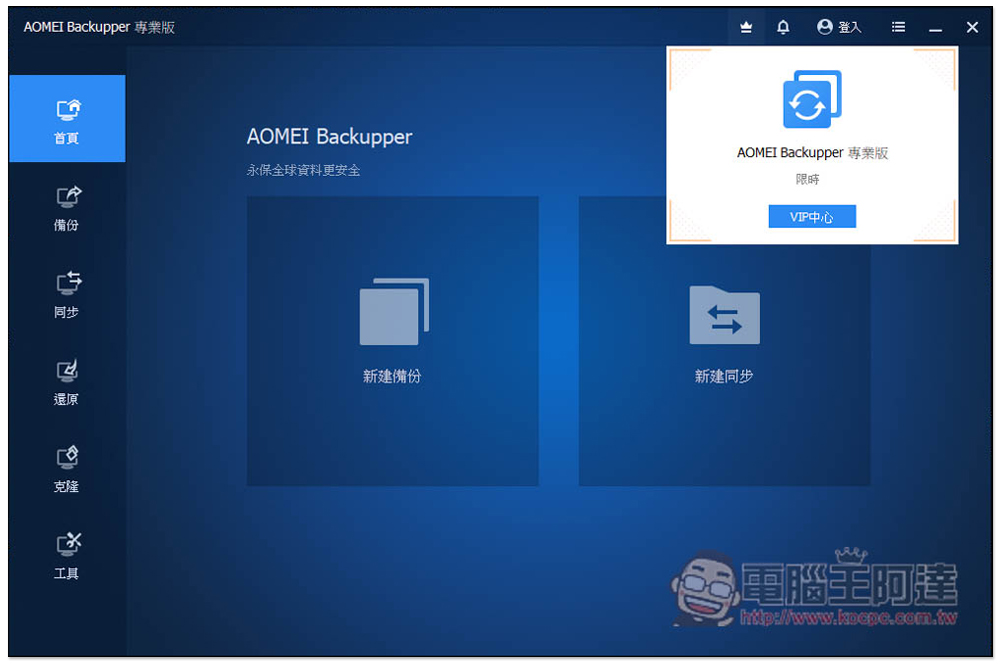
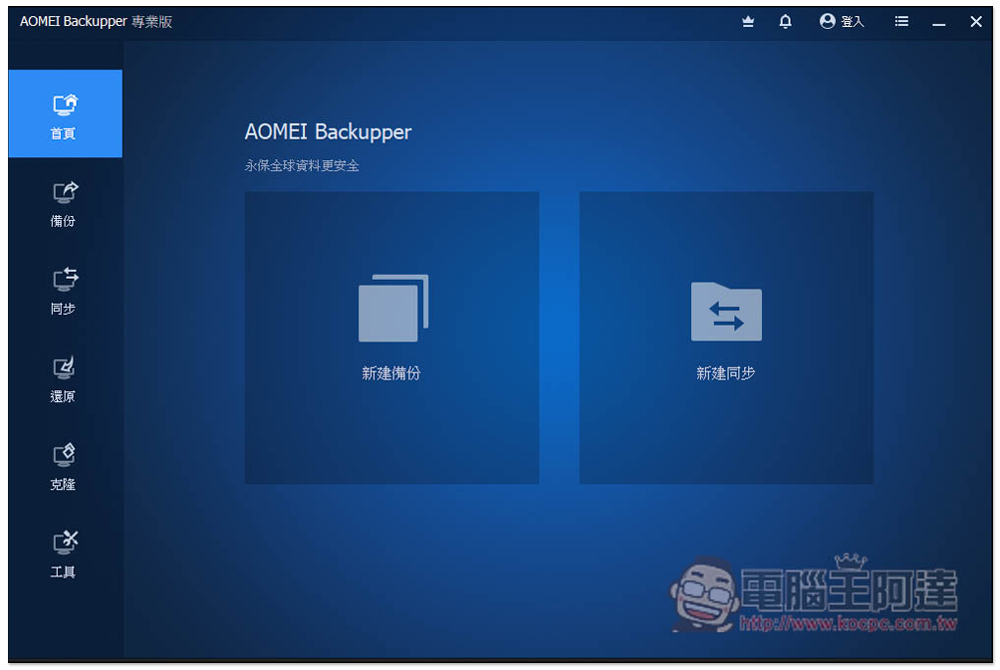
The use of AOMEI Backupper Professional Edition is very simple. You can first create a data backup on your computer, and you can also set up a synchronization folder so that your important data will be synchronized and backed up in two folders at the same time:
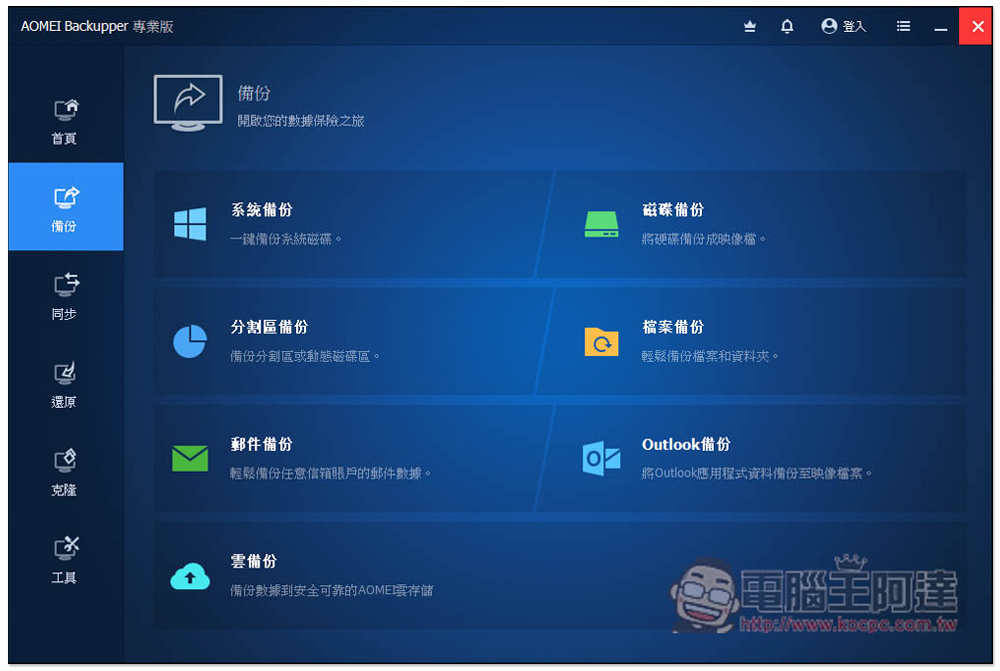
There are more options available in the backup menu, including system backup, disk backup, file backup, email backup, cloud backup, etc.:
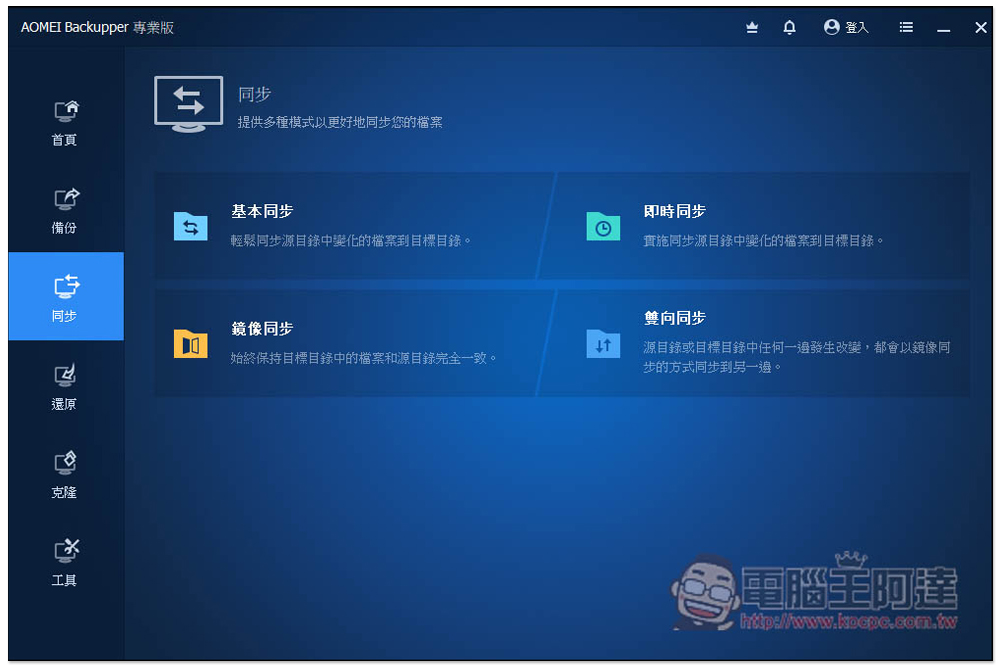
The synchronization function supports basic synchronization, real-time synchronization, mirror synchronization, and two-way synchronization. For data backup in two places, it is recommended to use real-time synchronization. If the source folder is accidentally deleted, the backup folder will still be there. Mirror synchronization means that the files in both places will remain the same, so there are risks:
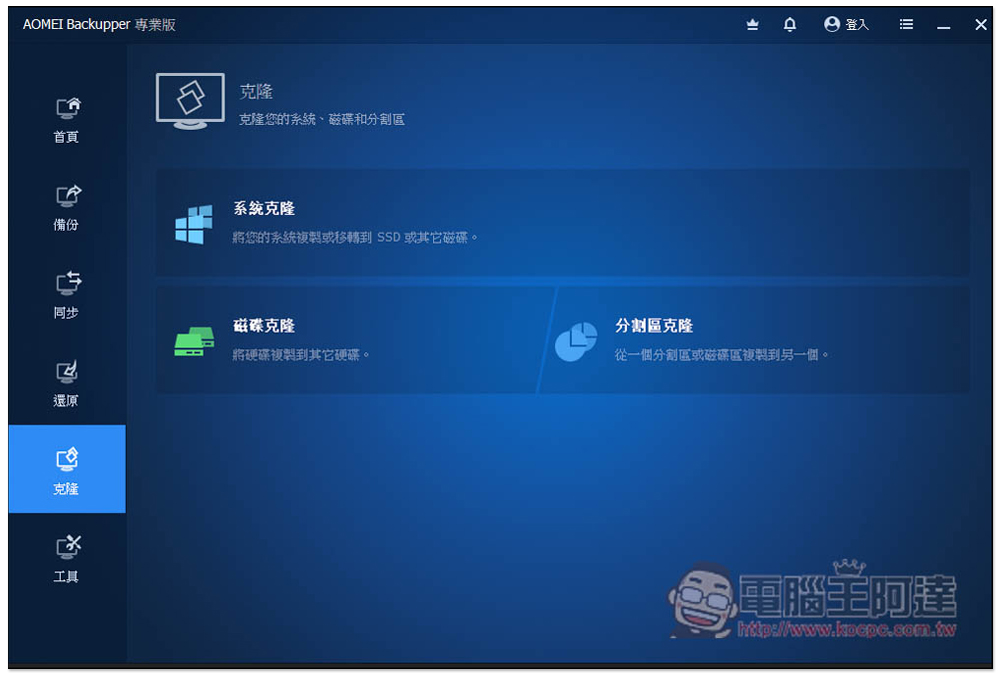
Cloning is also very easy to use. When you need to replace the hard drive with a new one, you can use this function to clone all the data (including drivers and systems) from the old hard drive to the new hard drive, so you don’t have to refill it:
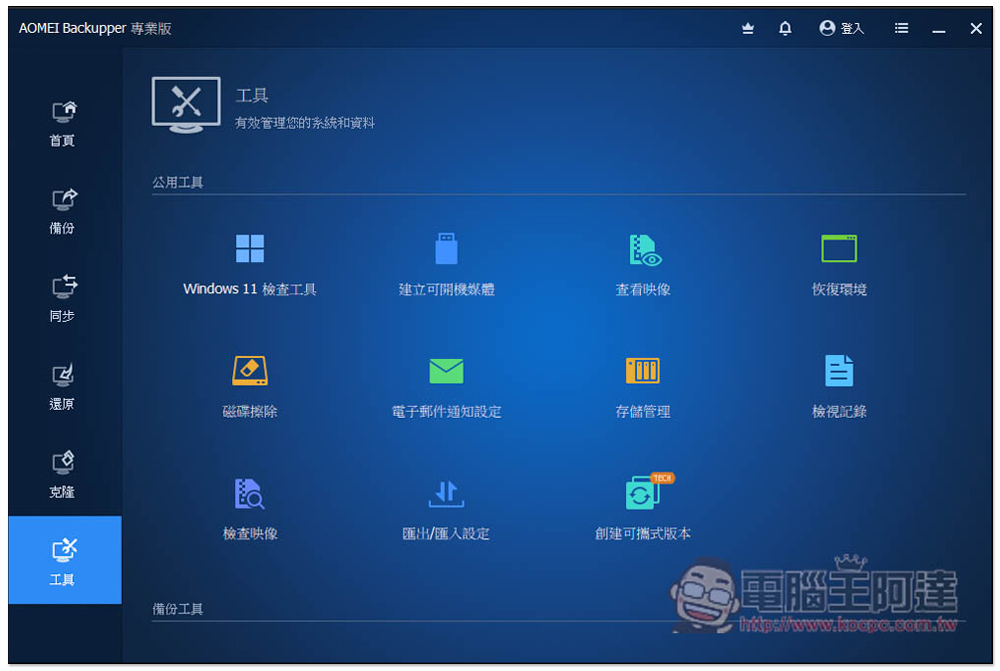
There are more good and practical functions in the tool menu, such as Windows 11 check tool, creating bootable media, storage and erasure management, creating portable version, etc.:
Finally, I would like to remind you that the Tickcoupon Giveaway did not specifically mention when the limited exemption will last. Therefore, if the serial number has expired when you use it, you can only wait for the next limited exemption. Therefore, it is recommended to download, install and activate it if you need it when you see it.
Source: KOCPC Chinese